
Gold Farm Schematic (1.21.x) – Automatic Nether Roof Gold Farm

 0


Gold Farm Schematic gives you a ready-to-build layout for an automatic gold farm. This build sits on top of the Nether roof and collects items for you. It saves you time by showing exactly where every block needs to go.
3D Preview & Editor:
Materials
9 types · 9,081 blocks
| Magma Block | 6,552 | Bedrock | 1,550 | Glass | 590 | |||
| Spruce Trapdoor | 224 | Scaffolding | 87 | Hopper | 33 | |||
| Chest | 30 | Turtle Egg | 14 | Stone Bricks | 1 |
How to place this schematic
.litematic This is a Litematica schematic. You place it with the Litematica mod, which shows the build as a ghost overlay you fill in.
| 1 | Install Litematica (plus MaLiLib) for your Minecraft version. |
| 2 | Put the .litematic file in .minecraft/schematics. |
| 3 | In game press M → Load Schematics, pick the file, then Load. |
| 4 | Position the ghost preview, then build it by hand — or turn on Easy Place to place blocks straight from your hotbar. |
About this build
| 1 | Travel to the Nether and break through the bedrock ceiling to reach the roof. |
| 2 | Load the file using your preferred schematic mod. |
| 3 | Place the blueprint outline high up on the Nether roof. |
| 4 | Follow the ghost blocks to build the farm step by step. |
Features:
- Fully Automatic: The farm works on its own to gather gold while you stand nearby.
- Nether Roof Build: You must place this structure on top of the Nether bedrock.
- Contains over 9,000 blocks to create a large and working redstone machine.
- Measures 31 blocks wide, 92 blocks tall, and 50 blocks long.
- Uses normal game blocks, so the finished farm works perfectly in a standard world.
Schematic Specs:
 Minecraft1.21.x
 Dimensions31×92×50
 Total Blocks9,081
 Top Blocks Used
Magma Block 6,552Bedrock 1,550Glass 590Spruce Trapdoor 224Scaffolding 87
Gold Farm Schematic Download Links
For Minecraft 1.21.x
Click to rate this post!
[Total: 8 Average: 3.3]
QUICK MINECRAFT SURVEY · ONE TAP
Build Tools & Schematics
Have you ever accidentally crashed your game or corrupted a world by pasting too many blocks at once?
3 responses · See the full results →
You May Also Like
Picked for this page
 Mega Mob XP Farm Schematic (1.21.x) – Massive Monster Farm Build With Zero Redstone
 Iron Farm Expandable Version Schematic (1.21.x) – Automatic Three Story Iron Farm Build
 18 Module Mcdonalds Farm Schematic (1.21.x) – Fully Automatic Sea Pickle Farm Build
 Cozy Spruce Log House Schematic (1.21.x) – Medium Survival Starter Build For Java
 Netherless Kelp Farm Schematic (1.21.x) – Compact Vanilla Kelp Farm Build
 Crystal S Requested Railway Station Schematic (1.21.x) – Medium Vanilla Train Station Building
 Bee Green House Garden Apiary Schematic (1.21.x) – Ready To Build Vanilla Bee Farm
 Netherless Cane Farm Schematic (1.21.x) – Small Auto Sugar Cane Machine
 OREo Schematic (1.21.x) – Giant 3D Cookie Build For Your World
 Santos FC Schematic (1.21.x) – Santos Futebol Clube Pixel Art Build
 Small Heavy Core Shrine Litematica Schematic (1.21.x) – Compact Temple Build For Vanilla Worlds
 Cursed Register Schematic (1.21.x) – Weird Subtick Redstone Machine Build
Most viewed in Schematics over the last 7 days
 Fastest Bonemeal Farm Donut Smp Schematic (1.21.x) – Fast Redstone Bonemeal Farm Build
 64 Module Cobblestone Farm Schematic (1.21.x) – Massive Automated Stone Gathering Build
 KelpFarmV9.9 Schematic (1.21.x) – Compact And Simple Seaweed Farm Build
 Villager Trading Hall Schematic (1.21.x) – Modern Shop Build For 48 Villagers
 Bamboss V2 800k Bamboo per Hour Schematic (1.21.x) – High Speed Automated Bamboo Farm Schematic
 Bamboo Farm Schematic (1.21.x) – Small Automated Redstone Bamboo Farm
 Best Railgun Tp Trap on Donutsmp Schematic (1.21.x) – Unescapable Multiplayer Redstone Trap Build
 Minutes End Base Before Spoke Null End Video Schematic (1.21.x) – Giant Unstable SMP End Base Schema
 Cobble Farm 50m per Hour Donut SMP Schematic – High Yield Cobblestone Generator Build
 Donut Smp Stash and Regear Schematic (1.21.x) – Large Storage And Regear Room Build
 36 Module Cobble Farm 18m per Hour Donut SMP Schematic (1.21.x) – Massive Automated Stone Generator
 Unstable SMP S Bomer Schematic (1.21.x) – Large Bomber Machine Build For Worlds
More from Schematics
 Dark Greek Temple Schematic (1.21.x) – Small Deepslate Temple For Greek Districts
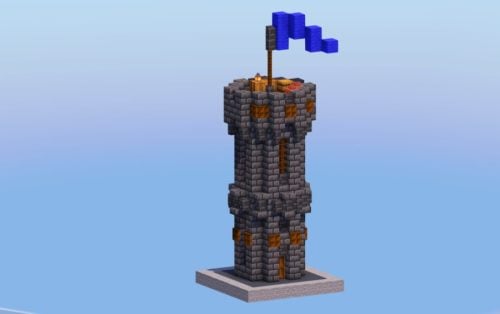 Small Dark Medieval Tower Schematic (1.21.x) – Simple Gothic Tower For Medieval Towns
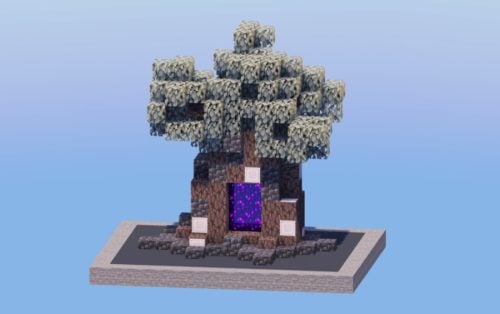 Pale Oak Tree Nether Portal Schematic (1.21.x) – Spooky Nether Portal Inside a Pale Oak Tree
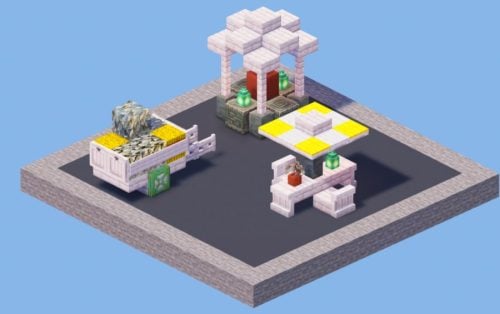 Outdoor Decorations Pack Schematic (1.21.x) – Medieval and Spooky Outdoor Decor Builds
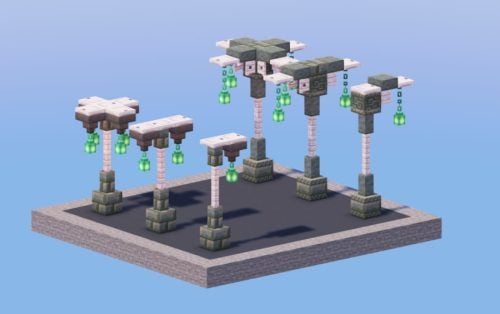 Street Lamps Pack Schematic (1.21.x) – Six Unique Designs for Medieval Districts
 Pirate House 5 Schematic (1.21.x) – Cozy Tropical Beach House Schematic Build
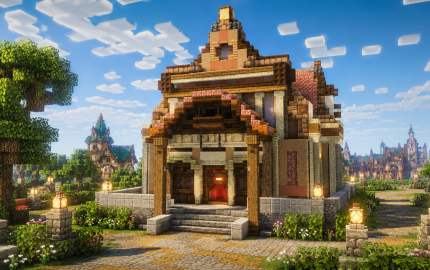 Medieval Bank Schematic (1.21.x) – Grand Medieval Bank for Roleplay Worlds
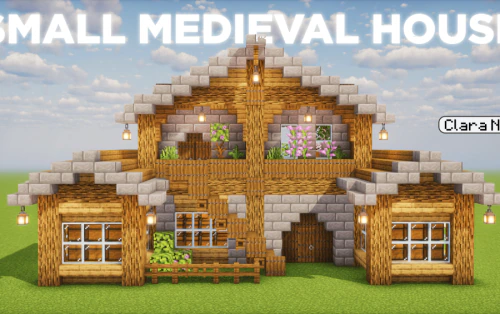 Cozy Small Medieval House Schematic (1.21.x) – Beautiful Medieval Starter Home For Your World
 Dragon Red 3d Schematic (1.21.x) – Large Red Dragon Build For RPG Worlds
 Kirby 3d Schematic (1.21.x) – Giant Pink Character Statue for Minecraft Worlds
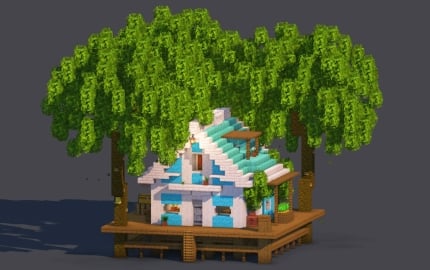 Tropical Stilt House Fully Decorated Interior Schematic (1.21.x) – Beautiful Beach Home
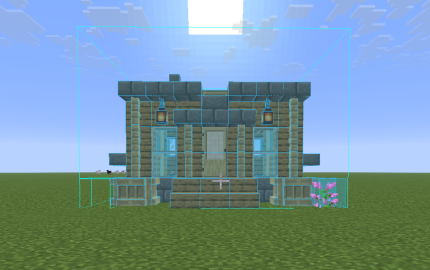 Starter House Schematic (1.21.x) – Cozy Modern Starter Home for Early Survival

This post has no comments yet. Be the first — your comment will appear here.