


Soar 9minecraft Client Mod (26.2) – Win Fights and Look Good Doing It

 0
0 

🌐 Good news — we've translated this article into other languages!
Or pick the one you like:
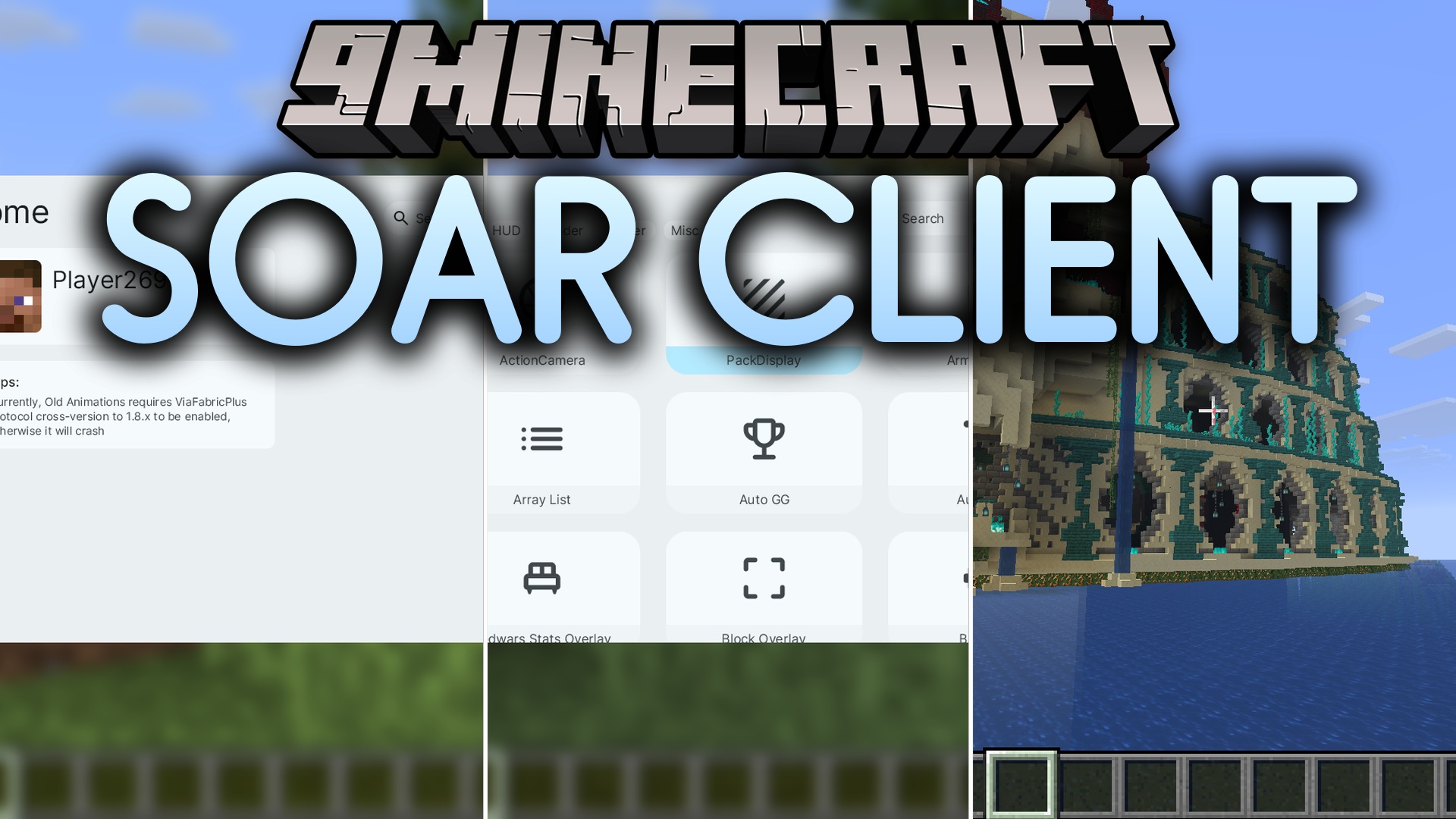
Soar 9minecraft Client Mod gives you a brand new menu packed with tools for combat and multiplayer servers. It changes the way your screen looks by adding helpful stats, custom capes, and an easy-to-use music player. The mod also lets you join servers running older or newer versions of the game without changing your launcher. Everything is built with a smooth, modern design that makes finding and changing settings fast.
Features:
- Smooth Interface: The menu uses rounded panels, blur effects, and animations for a clean look.
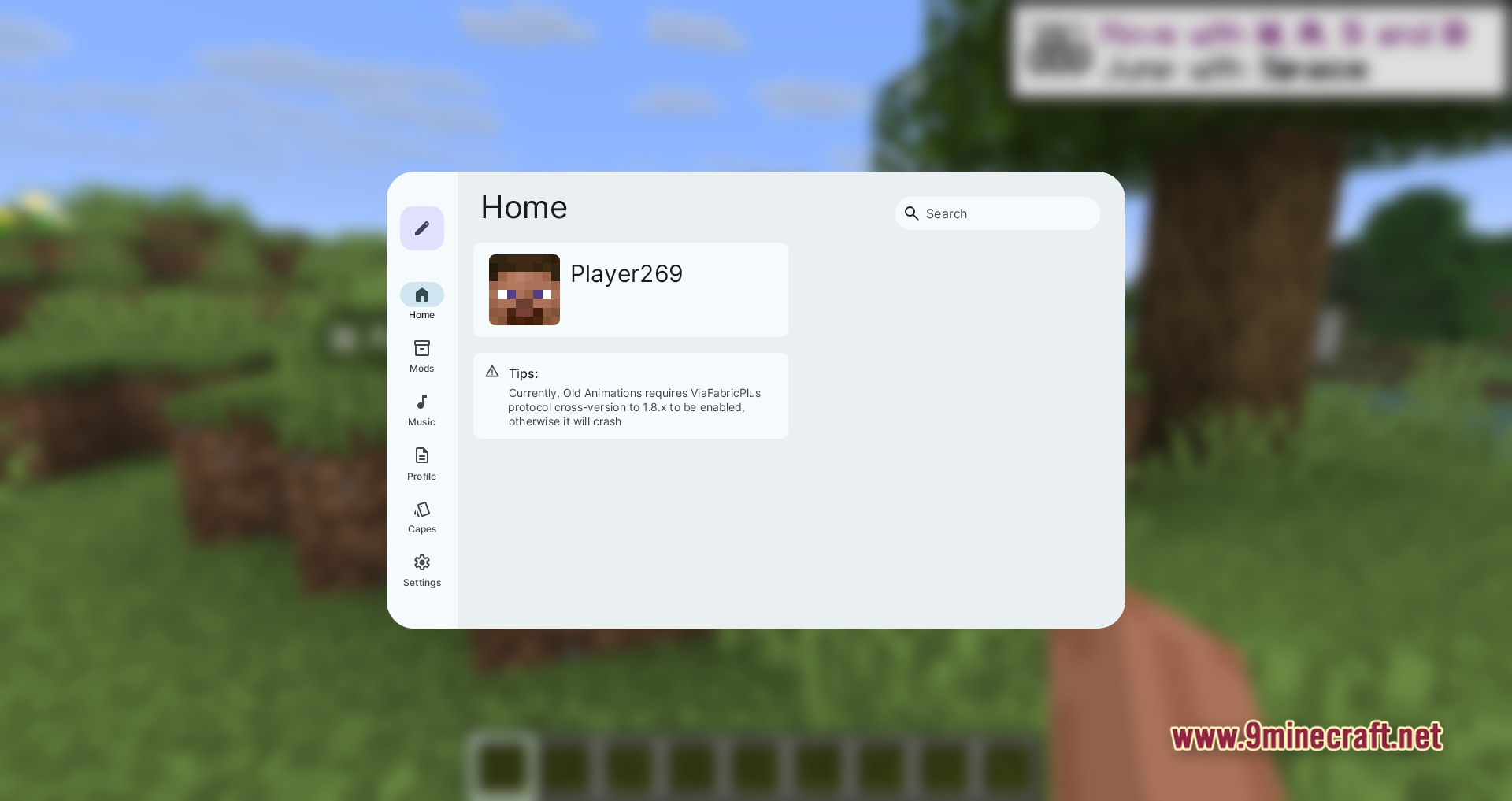
- Version Support: You can join servers running older or newer versions using the built-in system.
- HUD Upgrades: Adds an armor status display, a list of active tools, and a special Bedwars stats overlay to your screen.
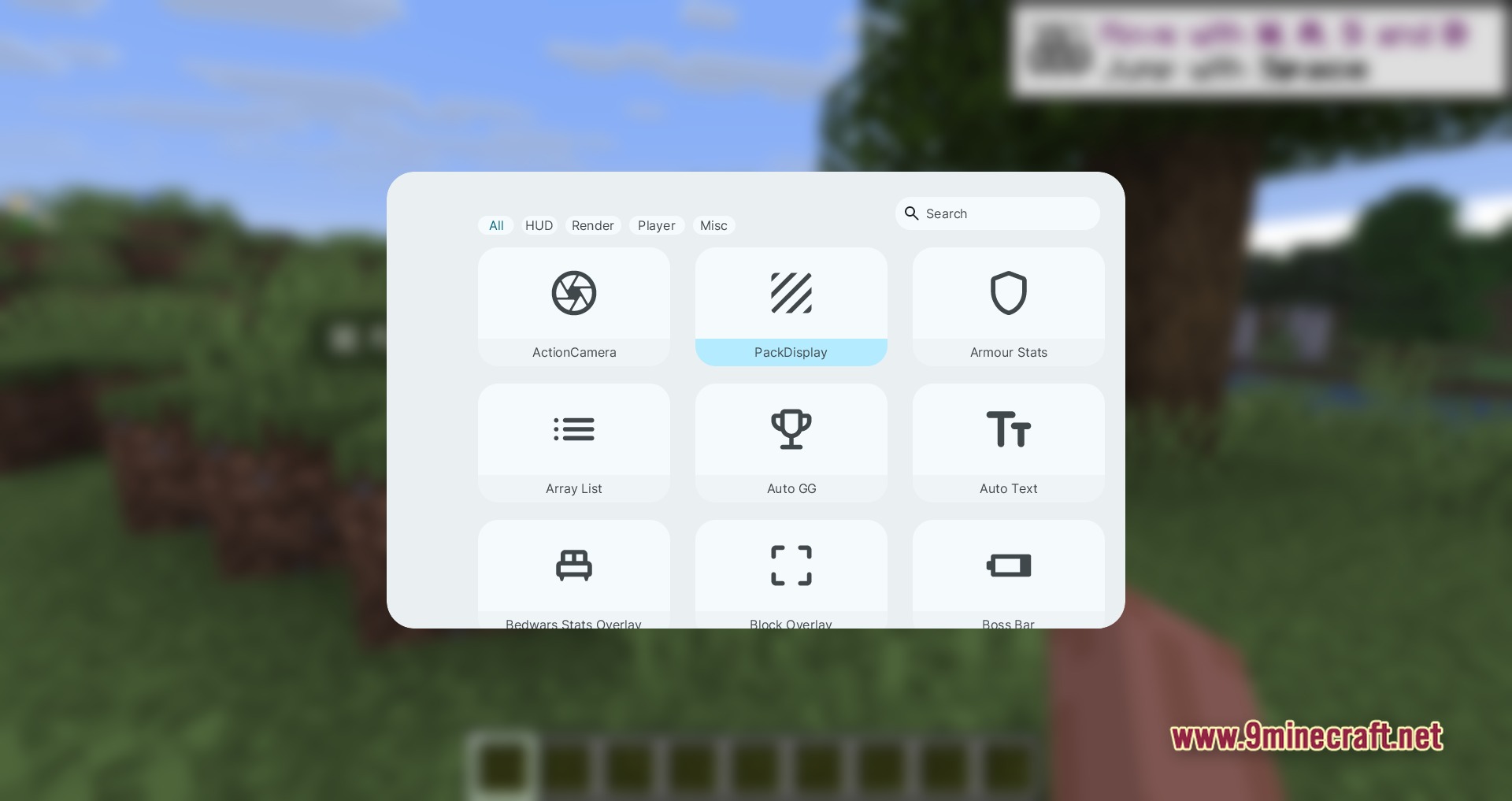
- Press Right Shift to open a menu sorted into tabs like Render, Player, and HUD.
- Find exactly what you want using the live search box inside the menu.
- Turns on a smooth third-person camera for better views during fights.
- Lights up dark caves instantly with the fullbright tool.
- Sends quick chat messages automatically, like saying “GG” after a match.
- Plays your favorite songs directly from the built-in music player.
- Lets you wear custom capes to show off your style in multiplayer.
- Changes the menu theme to dark mode or light mode and adjusts the blur.
How to Use:
- Launch the game and join a world or server.
- Press the Right Shift key on your keyboard to open the main menu.
- Click through the tabs at the top or use the search bar to find a specific tool.
- Click on a tool to turn it on, or open its dropdown menu to change its colors and position.
Screenshots:


How to Install:
New to Minecraft? Follow our step-by-step guide to install Mods on your PC.View Guide
Requirements:


Soar 9minecraft Client Mod Download Links
For Minecraft 26.2
Click to rate this post!
[Total: 0 Average: 0]
You May Also Like










This post has no comments yet. Be the first — your comment will appear here.