


Air Ship Schematic (1.21.x) – Compact Flying Machine for Create Mod

 0
0 

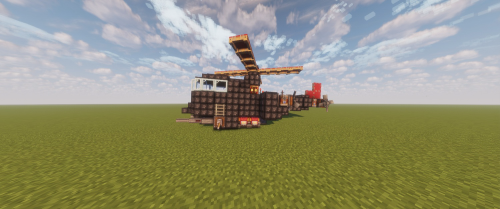
Air Ship Schematic gives you a compact flying machine for your Create mod world. This small build uses a wooden gondola and a light gray balloon to fly through the sky. It is a quick and easy way to travel over mountains and oceans. The design is small, so it fits nicely into tiny bases or hangars.
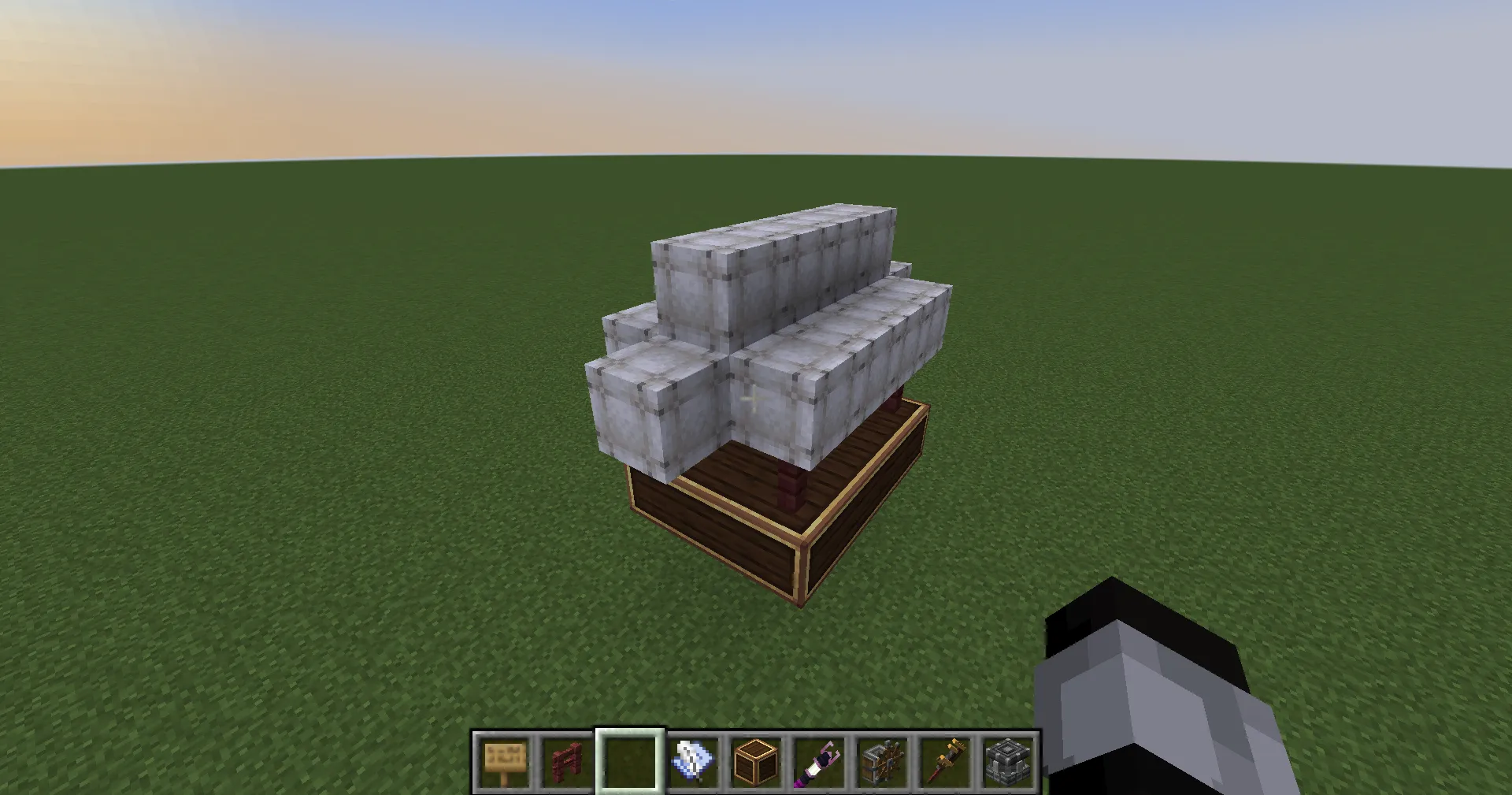
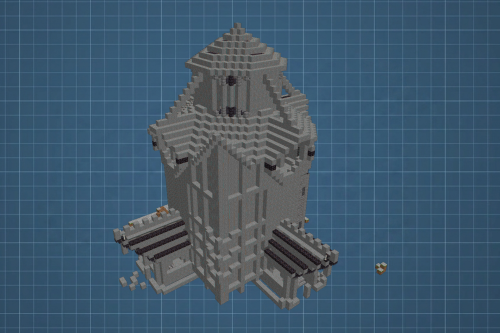
3D Preview:
Features:
- Compact Size: Measures exactly 5 blocks wide, 8 blocks tall, and 12 blocks long.
- Low Cost: Uses only 133 blocks total, making it cheap to build in survival mode.
- Includes a classic wooden gondola for players to stand in while flying.
- Features a light gray envelope on top to lift the ship into the air.
- Works perfectly as a personal transport vehicle for short trips across your map.
- Fits easily into small spaces because of its tight design.
Schematic Specs:
 Minecraft1.21.x
 Create Mod6.0.10
 Dimensions5×8×12
 Total Blocks133
 Top Blocks Used
White Envelope 83Mangrove Fence 16Brass Casing 13Copycat Panel 12Andesite Casing 9
How to Use:
- Put the schematic file into the schematics folder inside your Minecraft directory.
- Get an Empty Schematic and place it in a Schematic Table in your game.
- Select the airship file from the menu and check the placement in the world.
- Place a Schematicannon nearby, load it with gunpowder and blocks, and let it build the ship for you.
Requirements:

Air Ship Schematic Download Links
For Minecraft 1.21.x
Click to rate this post!
[Total: 0 Average: 0]
You May Also Like



This post has no comments yet. Be the first — your comment will appear here.