


Military Fight Heli Schematic (1.21.x) – Compact War Helicopter Build for Create

 0
0 

Military Fight Heli Schematic brings a small flying combat vehicle to your Create mod world. This build packs two fast-firing cannons and a bomb dropper for battle. It flies well through the air using special mechanics. You get extra storage space inside the vehicle to keep your items safe during flights.
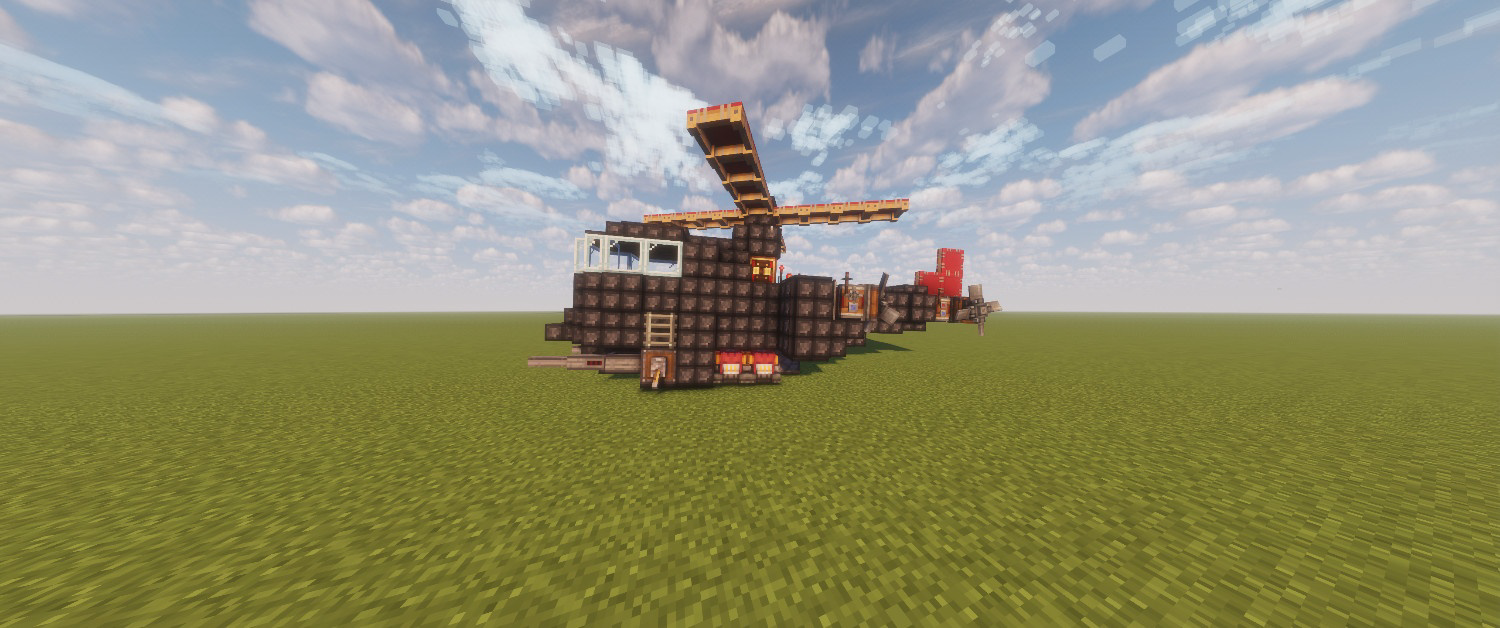
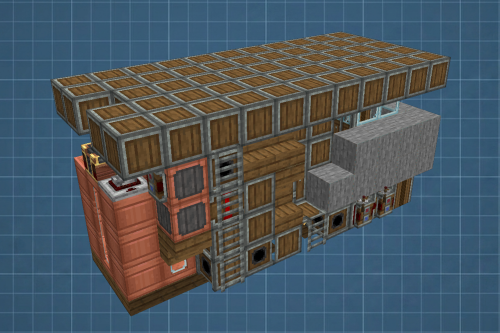
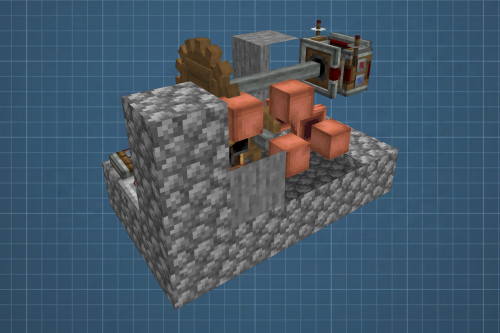
3D Preview:
Features:
- Adds a combat-ready helicopter build that measures 9 by 6 by 16 blocks.
- Includes two working autocannons to attack targets from the sky.
- Drops TNT bombs directly below the aircraft to clear out enemies.
- Provides built-in storage boxes to carry extra blocks and supplies.
- Uses a low block count of 193 parts to keep your game running fast.
Schematic Specs:
 Minecraft1.21.x
 Create Mod6.0.10
 Dimensions9×6×16
 Total Blocks193
 Top Blocks Used
Copycat Layer 58Copycat Block 18Red Sail 16Andesite Casing 14Redstone Link 13
How to Use:
- Press T to start the helicopter engines.
- Use W and S to fly forward or backward.
- Press A and D to turn left or right.
- Hold Space to fly up and Shift to fly down.
- Press E or X to fire the two autocannons.
- Press Y to drop a TNT bomb on the ground below.
Requirements:
 Create Mod Required
aeronautics Required
createbigcannons Required
copycats Required
simulated Required
Military Fight Heli Schematic Download Links
For Minecraft 1.21.x
Click to rate this post!
[Total: 0 Average: 0]
You May Also Like



This post has no comments yet. Be the first — your comment will appear here.