


Kawa Mood’s Waystones Data Pack (26.2, 1.21.1) – Fast Travel Between Your Bases

 0
0 

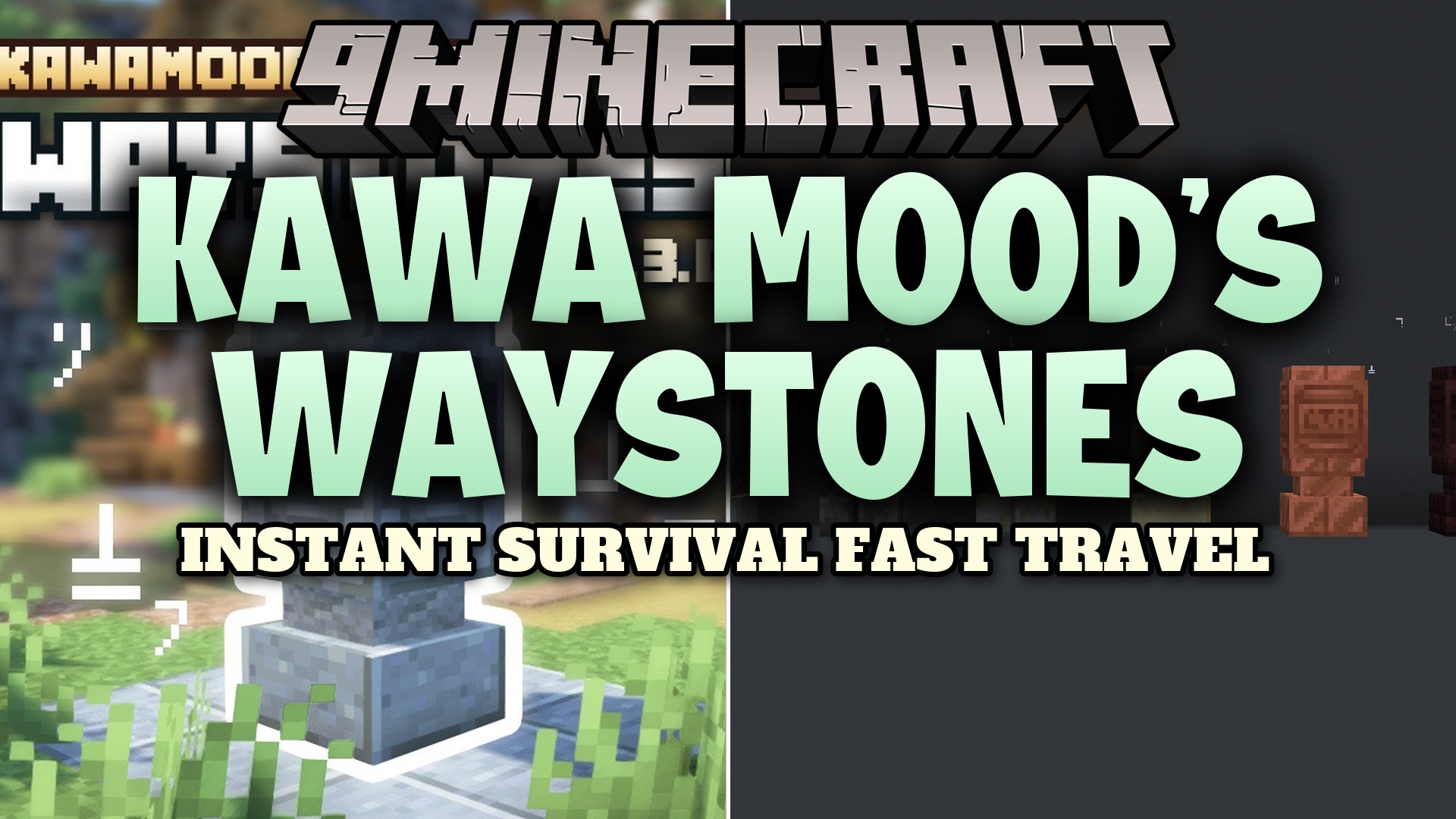
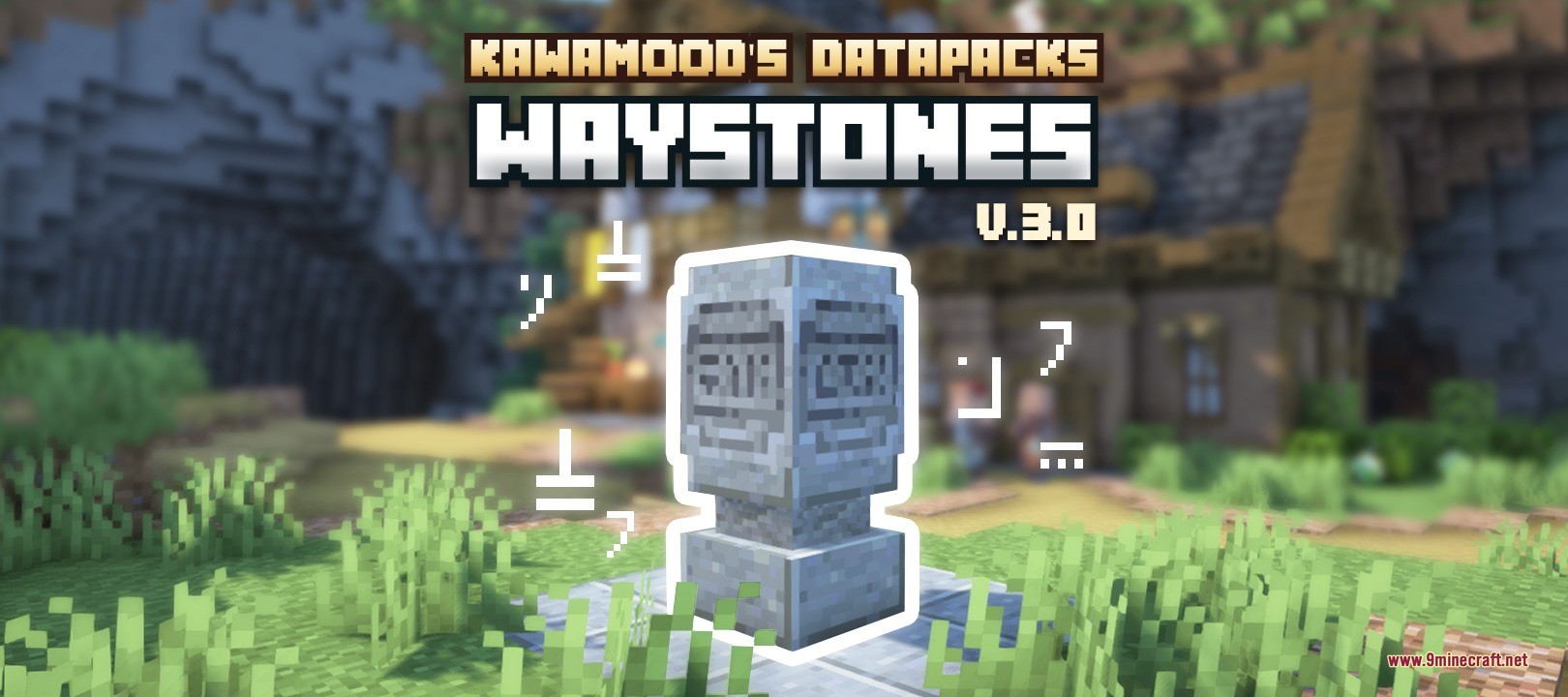
Kawa Mood’s Waystones Data Pack lets you build fast travel points to travel across your world in seconds. This pack adds craftable statues that connect to each other, so you never have to walk thousands of blocks home again. It works in all dimensions and brings a simple teleportation system to your survival or multiplayer game.
Features:
- Craftable Travel Points: Build teleportation statues using a Lodestone, Amethyst Shards, an Eye of Ender, and base blocks.
- Take Pets Along: Teleporting moves your vehicles, like horses or boats, and any mobs you hold on a leash.
- Custom Icons: Place the statue on top of any block or custom player head to change how it looks in the travel menu.
- Rename the item in an anvil before placing it to give your location a custom name in the menu.
- Right-click the top of the statue to open a menu showing all your connected locations.
- Set locations to public so anyone can use them, or keep them private for just your friends.
- Make points hidden so other players must find and click them once before they show up in their menu.
- Turn on protection to stop creepers and TNT from blowing up your travel points.
- Share private locations by placing a written book with your friends’ names into the menu slot.
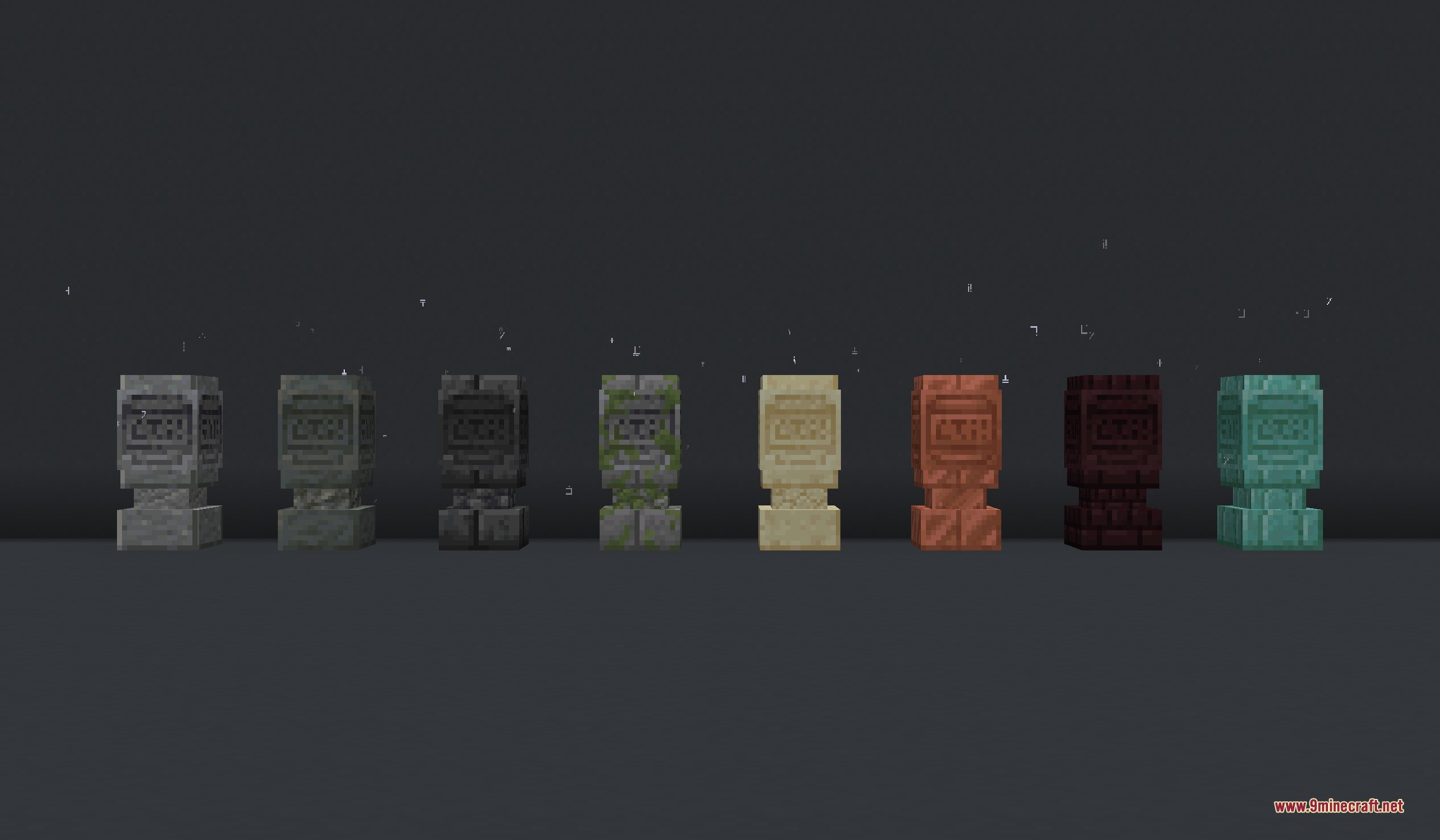
Base Block Materials:
- Use Nether Bricks to match your nether hub builds.
- Choose Copper Blocks for an industrial or steampunk look.
- Pick Mossy Stone Bricks for overgrown forest ruins.
- Build with Prismarine Bricks for underwater ocean bases.
- Select Quartz Blocks for clean and modern structures.
Commands:
/tag <nickname> add pk.waystones.manager: gives a player the manager role to edit any location./tag <nickname> remove pk.waystones.manager: takes away the manager role from a player./function pk_waystones:settings/xp_consumption/set {value:<amount>, mode:<mode>}: changes how much XP it costs to teleport./function pk_waystones:settings/xp_consumption/get: shows the current XP cost rules.
How to Use:
- Craft the item and rename it in an Anvil.
- Place it on the ground to create a travel point.
- Right-click the top half of the statue to open the travel menu.
- Left-click any location in the list to instantly teleport there.
- Use the bottom toolbar in the menu to change visibility, protection, or add a book of friends.
Screenshots:
How to Install:
New to Minecraft? Follow our step-by-step guide to install Data Packs on your PC.View Guide
Requirements:
Waystones RP Required
Kawa Mood's Waystones Data Pack Download Links
For Minecraft 26.2
For Minecraft 26.1.2, 26.1.1, 26.1
For Minecraft 1.21.11
For Minecraft
1.21.8,
1.21.7,
1.21.6
All Versions Covered
1.21.8
1.21.7
1.21.6
1.21.5
All Versions Covered
1.21.8
1.21.7
1.21.6
1.21.5
For Minecraft 1.21.4
For Minecraft 1.21.1, 1.21
Click to rate this post!
[Total: 0 Average: 0]
You May Also Like









This post has no comments yet. Be the first — your comment will appear here.