


Advanced Peripherals Mod (1.21.1, 1.20.1) – Let Computers Run Your Base

 0
0 

Advanced Peripherals Mod adds many useful extensions for the CC:Tweaked mod. It allows you to connect your computer systems to other mods like Refined Storage and Applied Energistics 2, or even the whole Minecraft world. With this addon, you can control your base using chat messages or build an AI to manage your farms. It gives you many new ways to automate and control things in your world.
Features:
- Chat Box: Read and send messages in the game’s chat. You can message everyone or send private messages to a single player.
- Energy Detector: Check the flow of energy and can also act as a resistor to limit the flow rate.
- Environment Detector: Gathers information about the world around it, like the time of day, moon phase, and light level.
- Player Detector: Senses players in a specific area. It can give you a list of all online players and knows when a player clicks on it.
- Inventory Manager: Connects to a player’s inventory. You must first link a Memory Card to yourself and place it inside the manager.
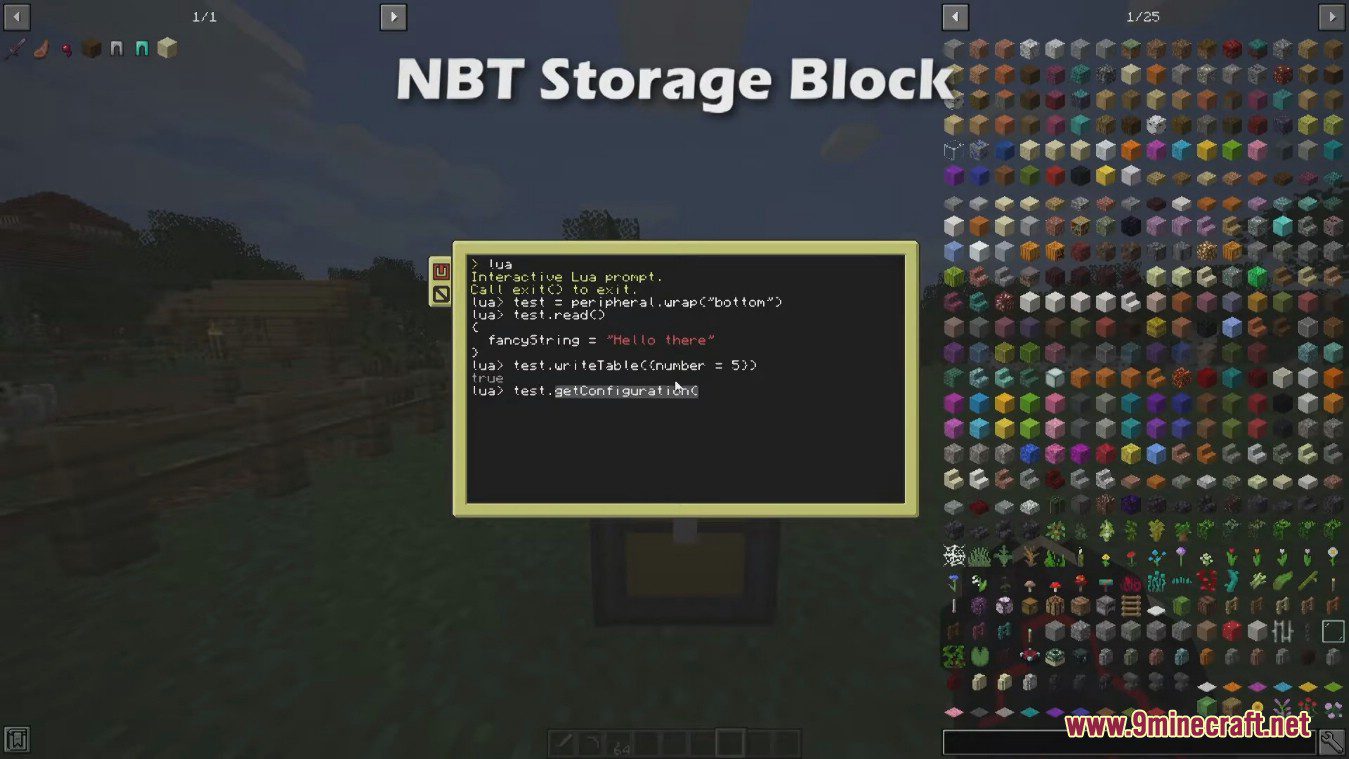
- NBT Storage: A special block that can store NBT data for you to use later.
- Block Reader: Reads data from any block or tile entity placed in front of it.
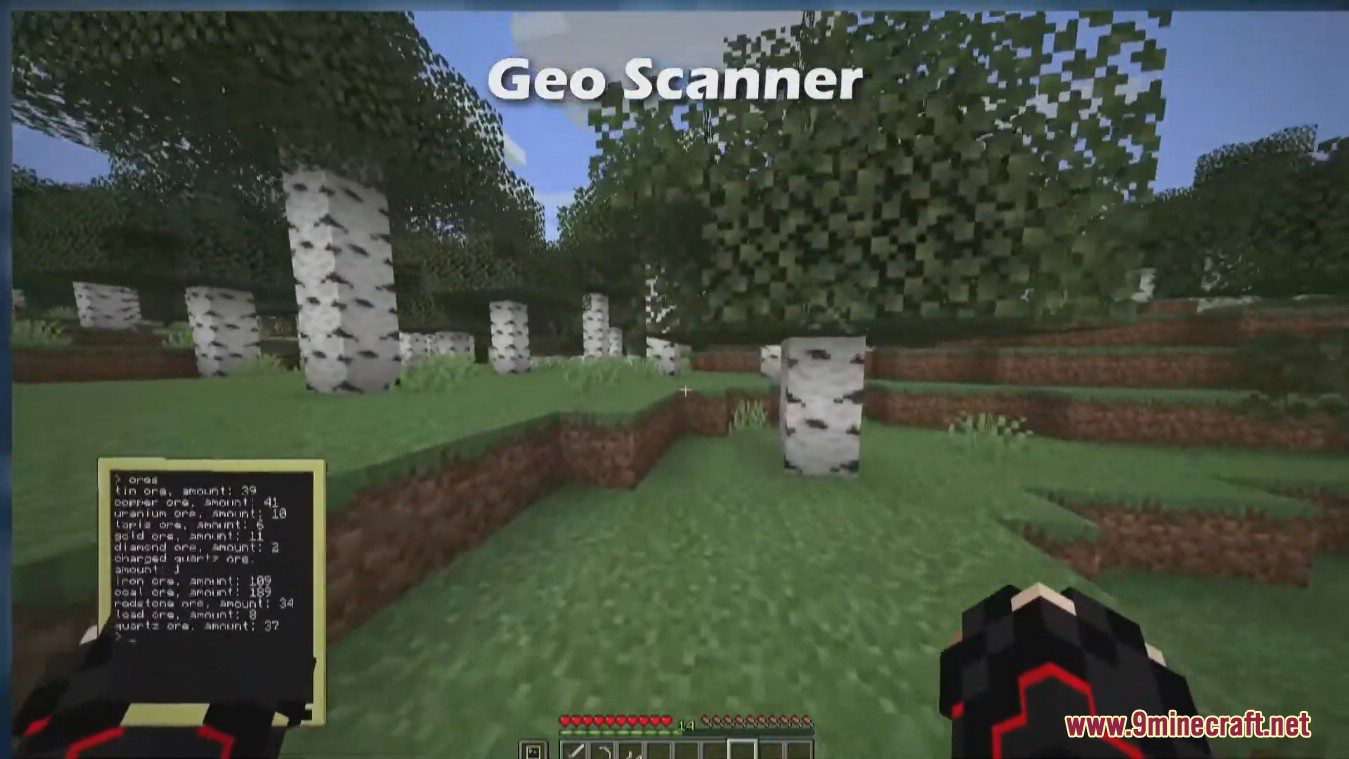
- Geo Scanner: Provides information about nearby blocks and the chunk it is in. There is a short delay between each scan.
- Redstone Integrator: Interact with redstone signals. This is useful when you need to output redstone on more sides than a normal computer has.
- AR Controller: Wirelessly controls your AR Goggles, letting you draw custom overlays that only you can see while wearing them.
- ME Bridge: Connects to an Applied Energistics 2 system to get items, craft, and see everything in storage.
- RS Bridge: Connects to a Refined Storage system with similar features for retrieving, crafting, and listing items.
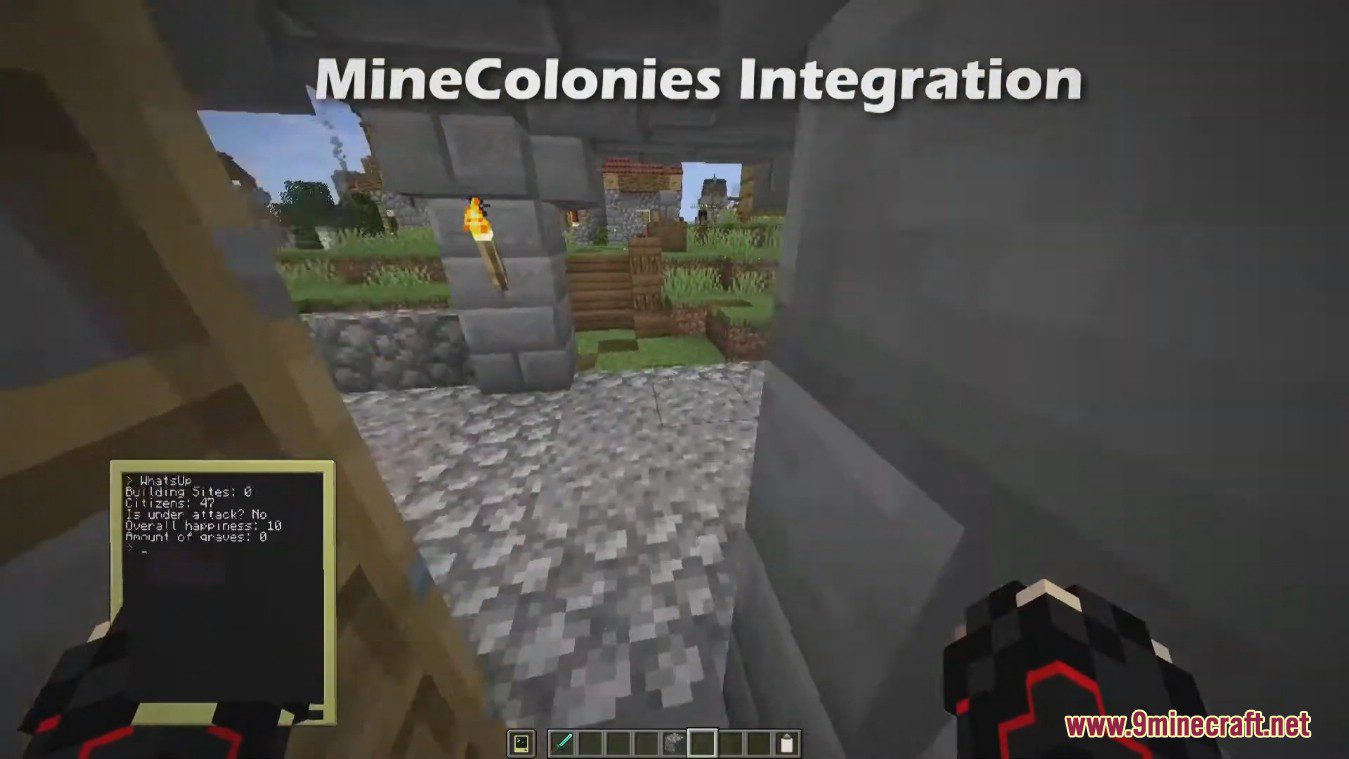
- Colony Integrator: Allows your computer to interact with a colony from the MineColonies mod.
How to Use:
- To use the Inventory Manager, first get a Memory Card.
- Assign yourself to the Memory Card.
- Place the card into the Inventory Manager block to allow it to access your inventory.
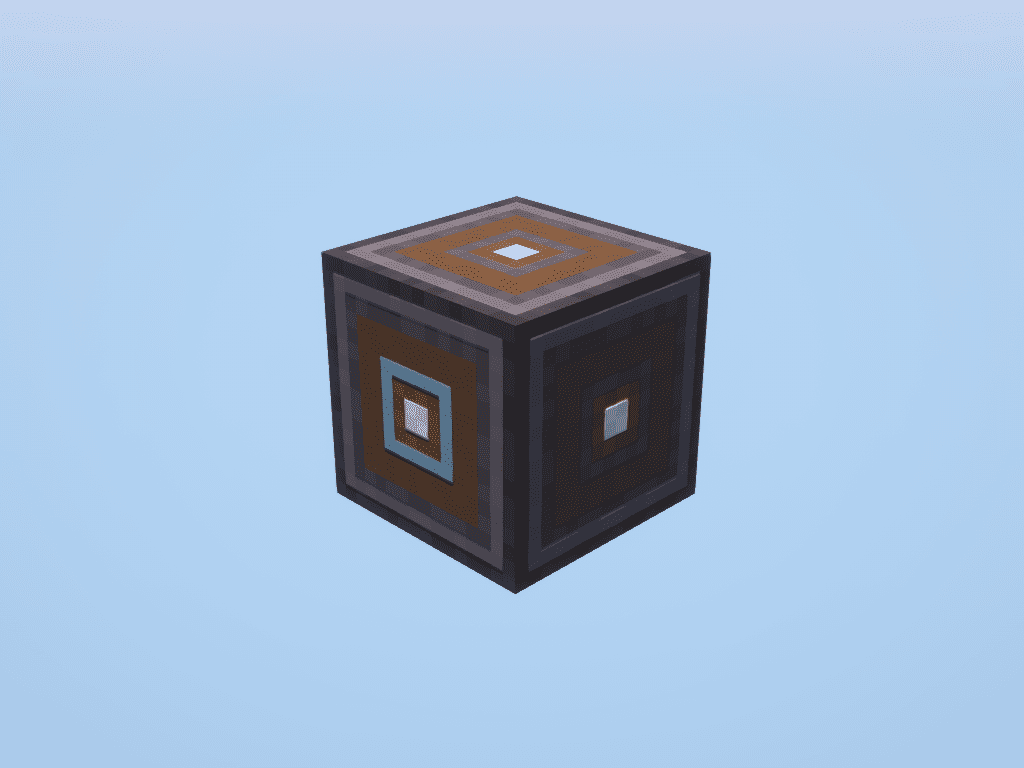
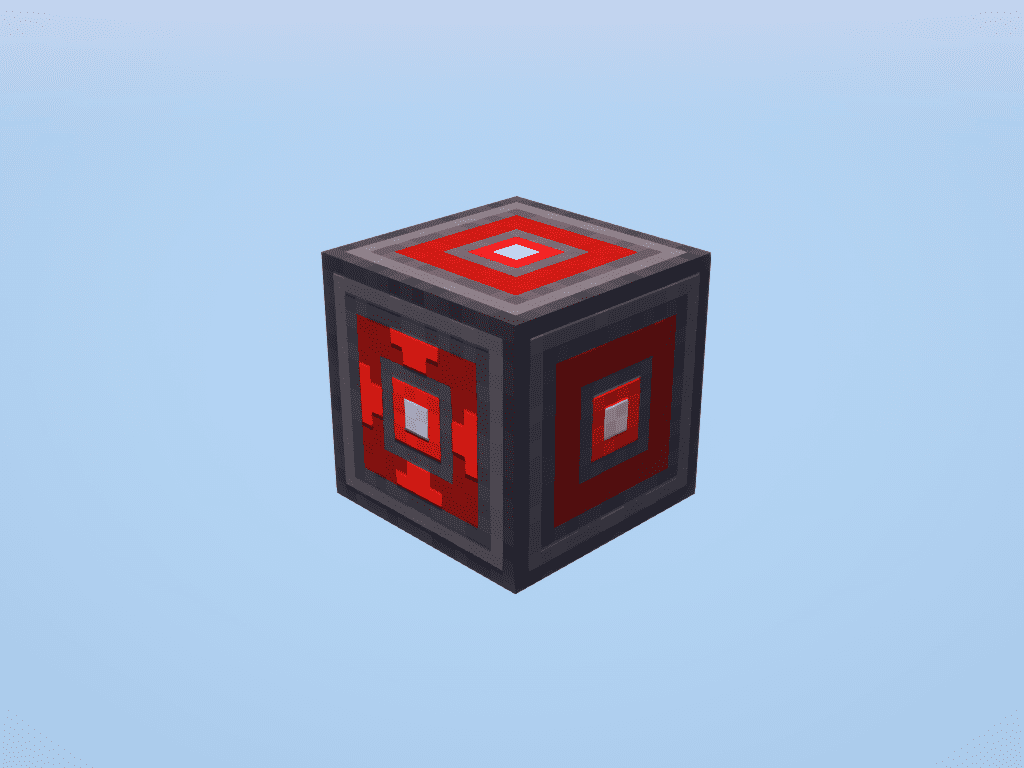
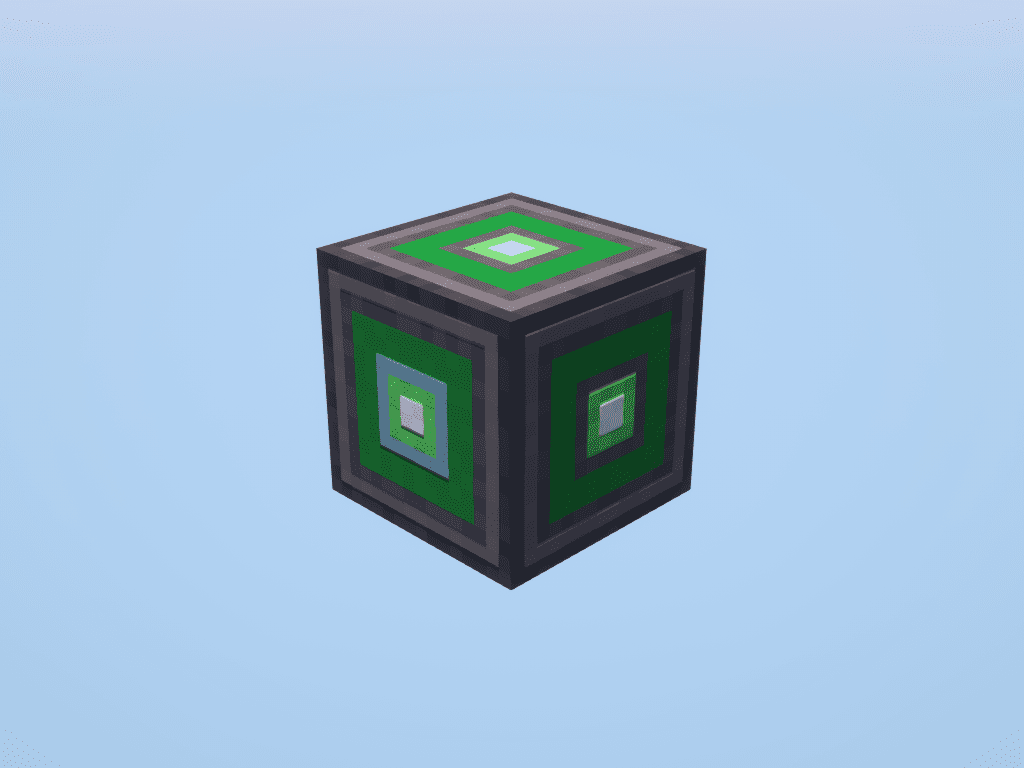
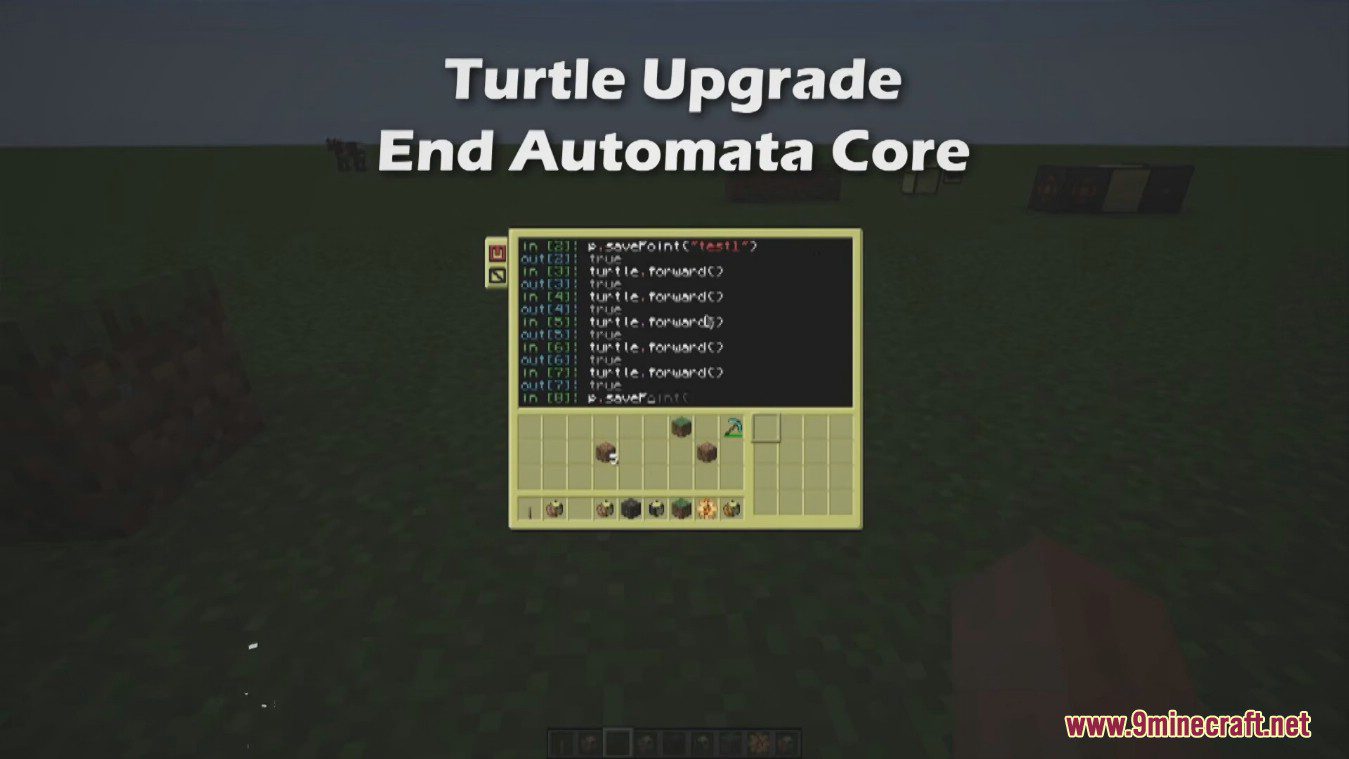
Screenshots:
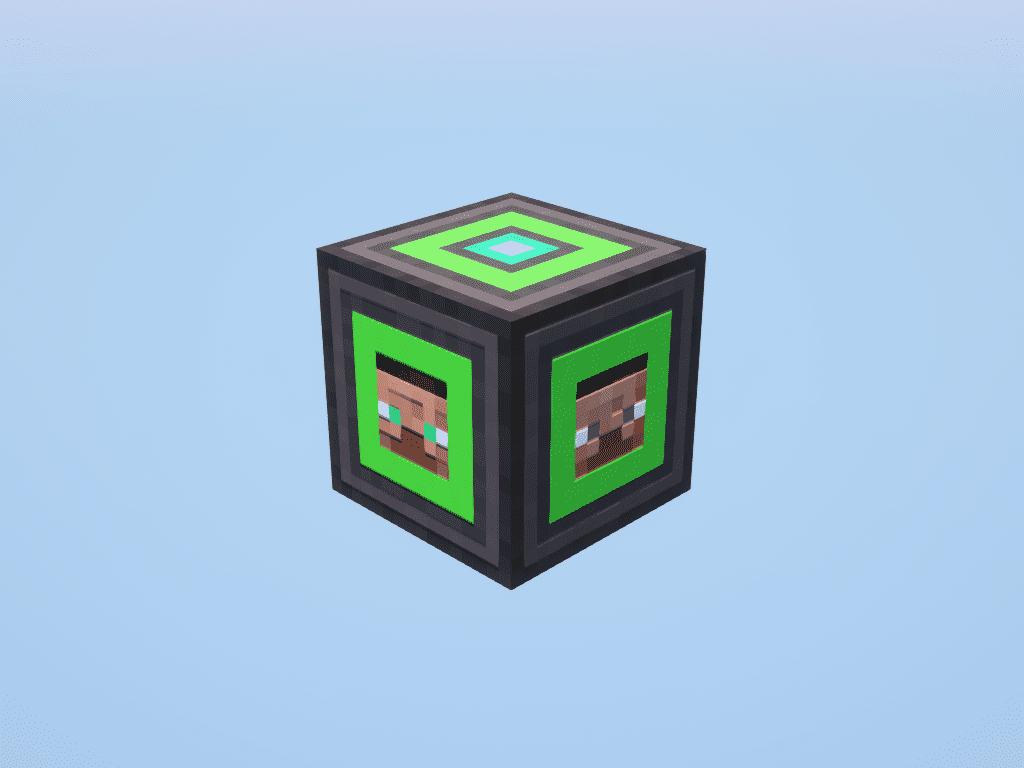
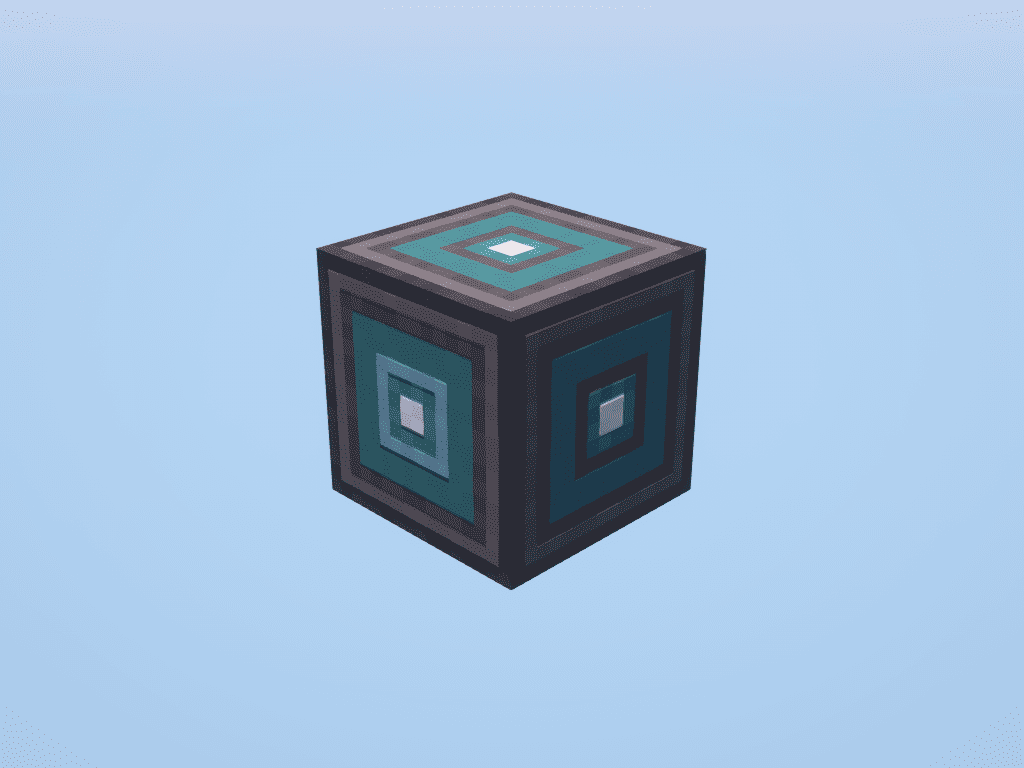
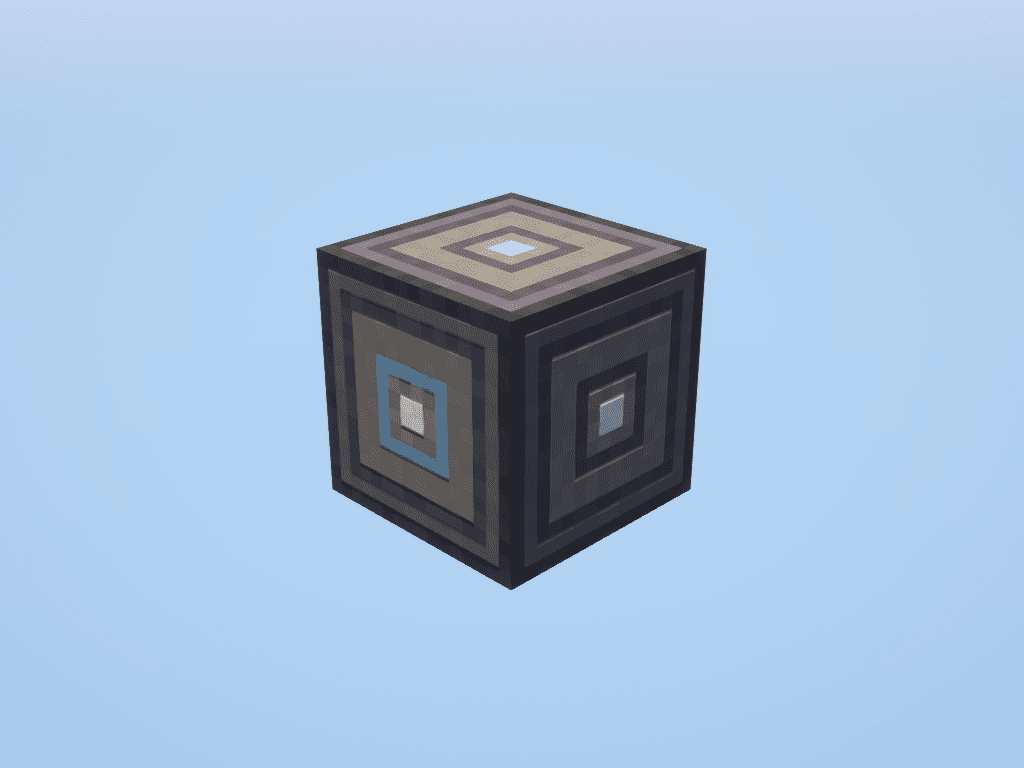
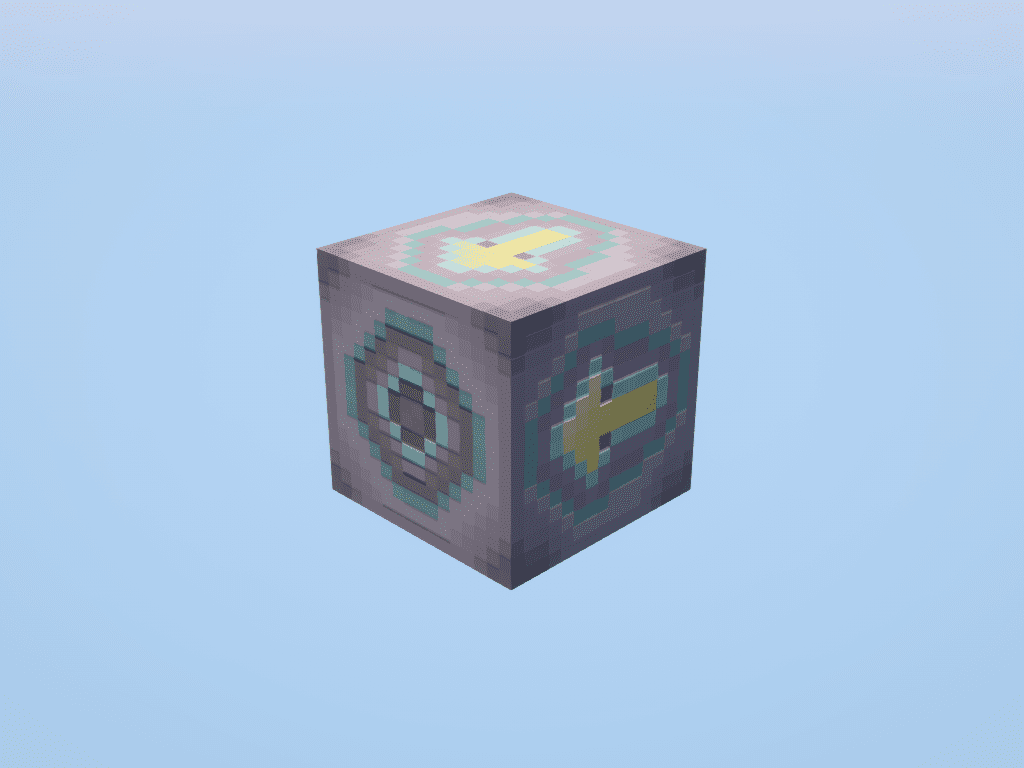
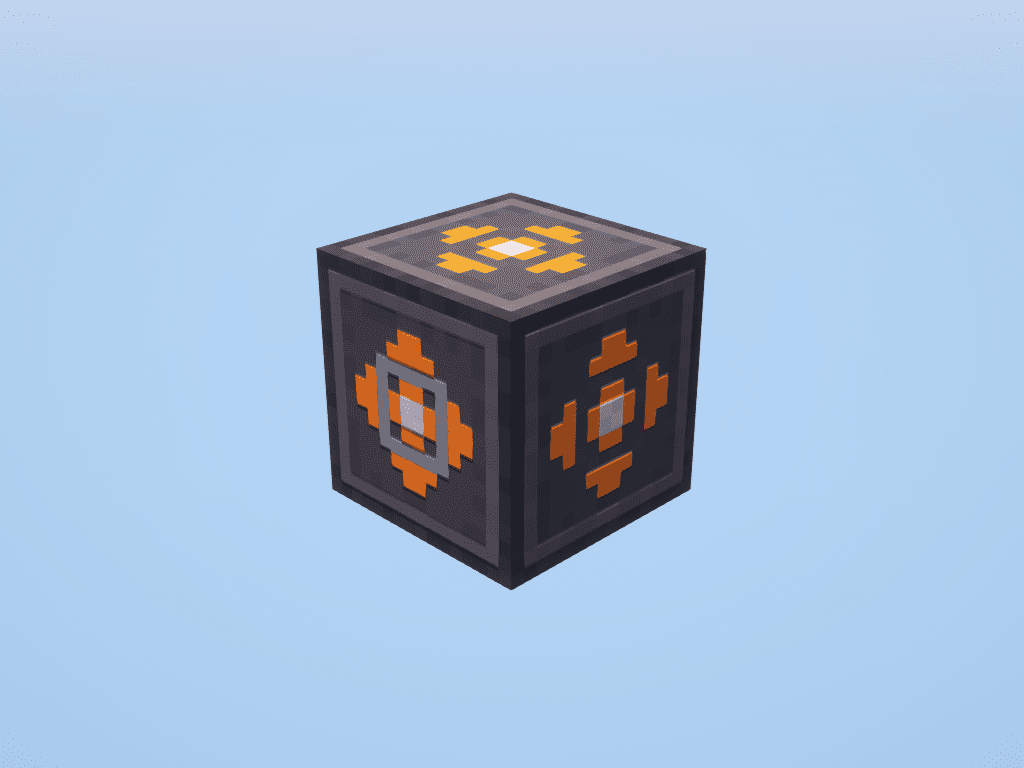
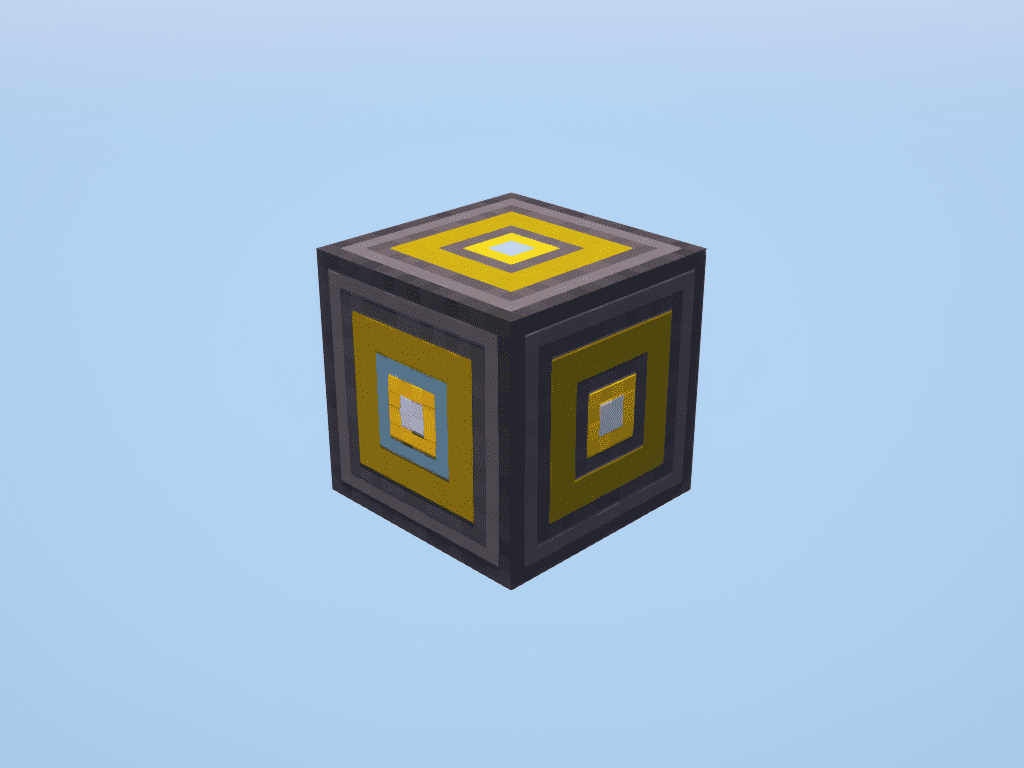
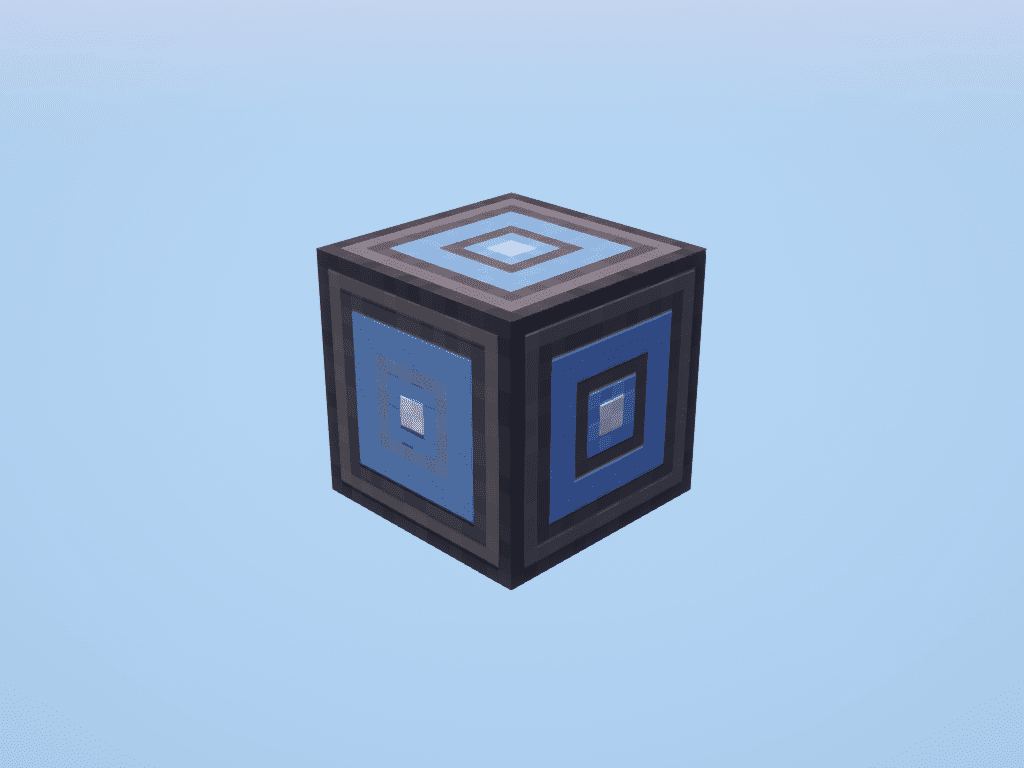
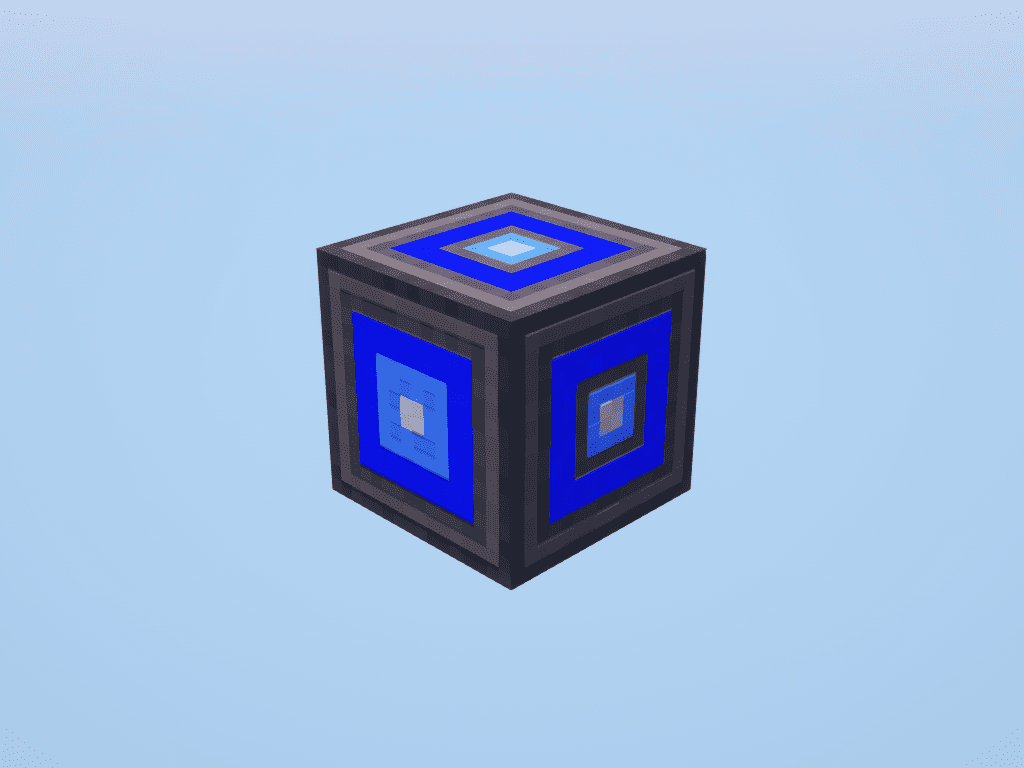
How to Install:
New to Minecraft? Follow our step-by-step guide to install Mods on your PC.View Guide
Requirements:
Advanced Peripherals Mod Download Links
For Minecraft 1.16.5
Forge version: Download from Server 1 – Download from Server 2
For Minecraft 1.17.1
Forge version: Download from Server 1
For Minecraft 1.18.1
Forge version: Download from Server 1
For Minecraft 1.18.2
Forge version: Download from Server 1 – Download from Server 2
For Minecraft 1.19.2
Forge version: Download from Server 1 – Download from Server 2
For Minecraft 1.19.3
Forge version: Download from Server 1
For Minecraft 1.20.1, 1.20
Forge/NeoForge version: Download from Server 1 – Download from Server 2
For Minecraft 1.21.1, 1.21
NeoForge version: Download from Server 1 – Download from Server 2
You May Also Like



This post has no comments yet. Be the first — your comment will appear here.