


Bordercraft Resource Pack 1.12.2, 1.11.2
 485
485
 0
0

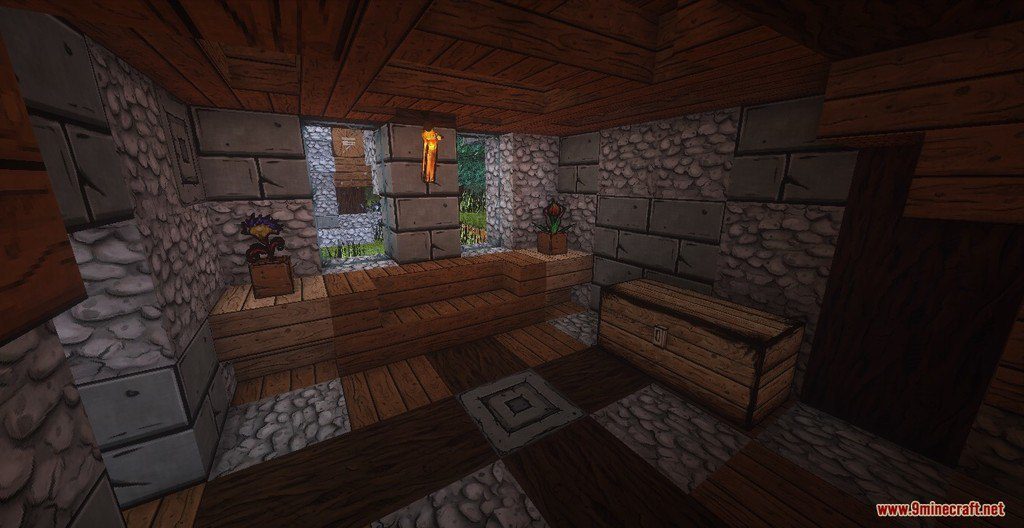
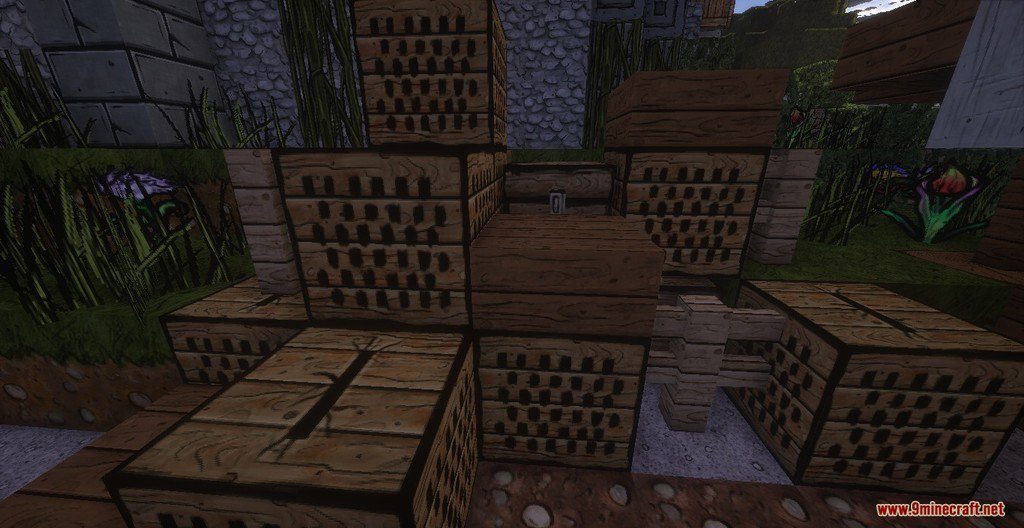
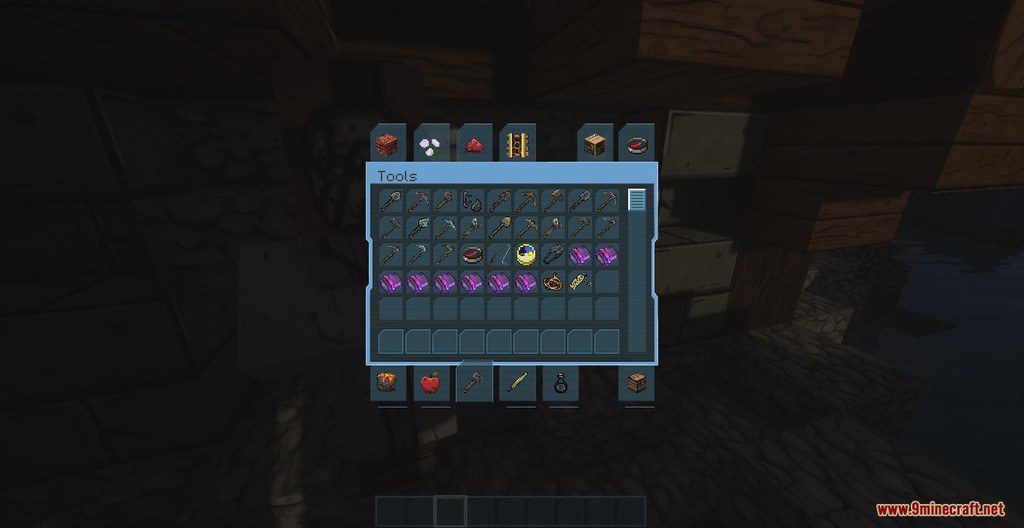
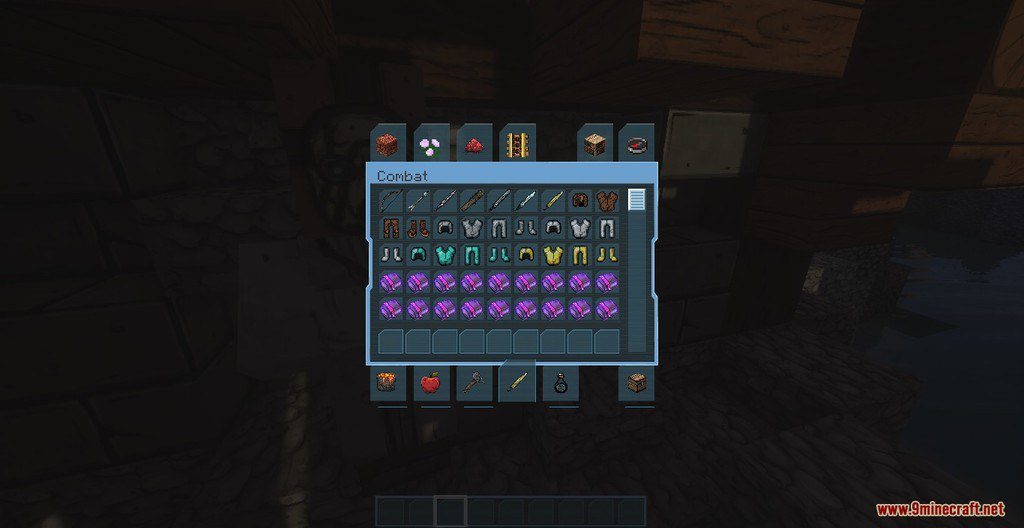
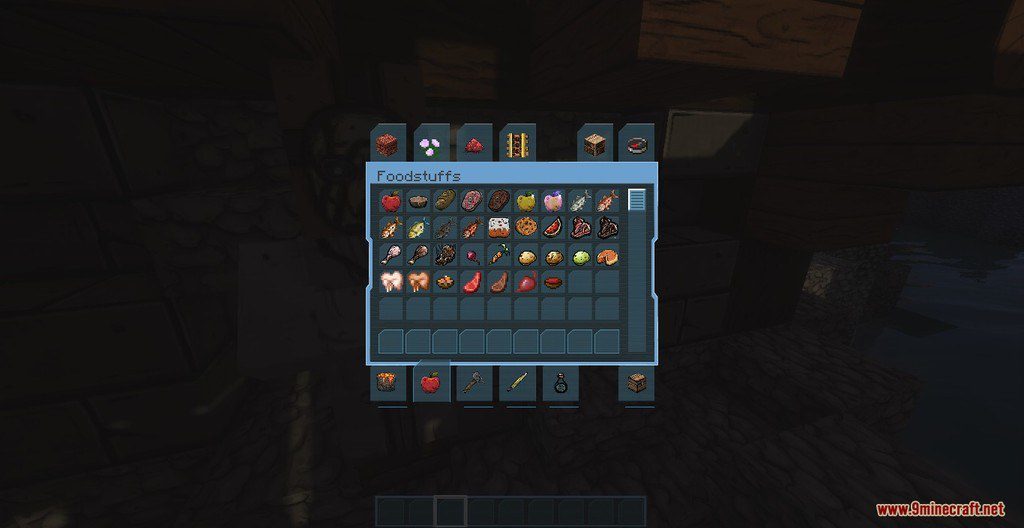
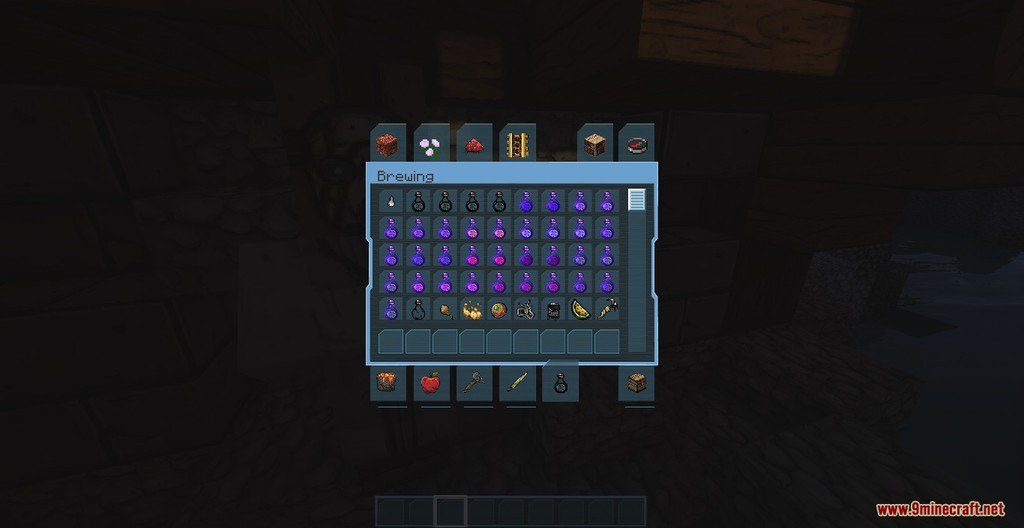
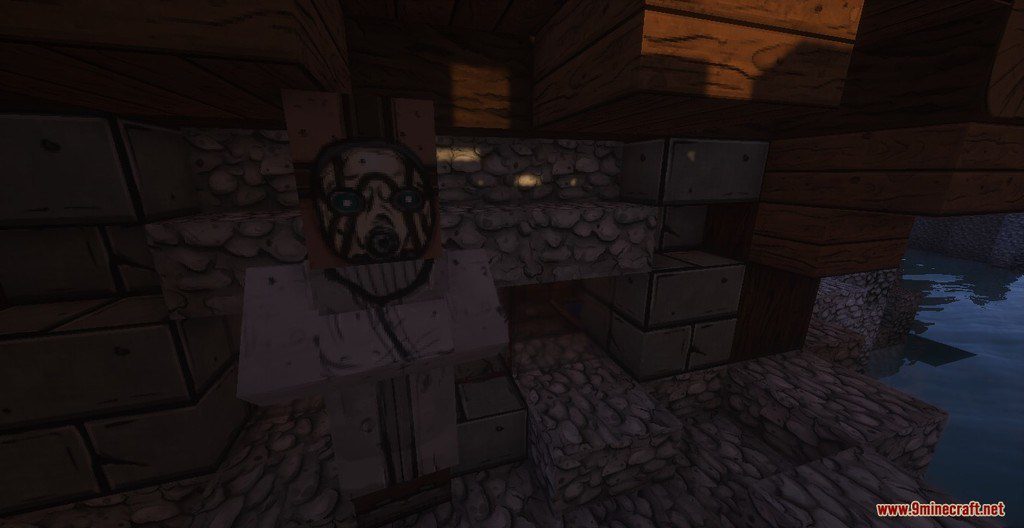
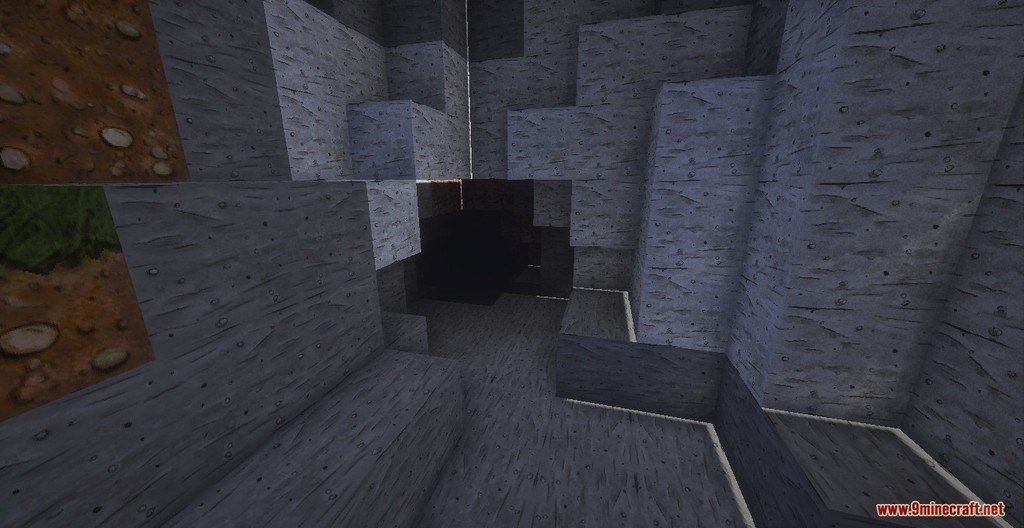
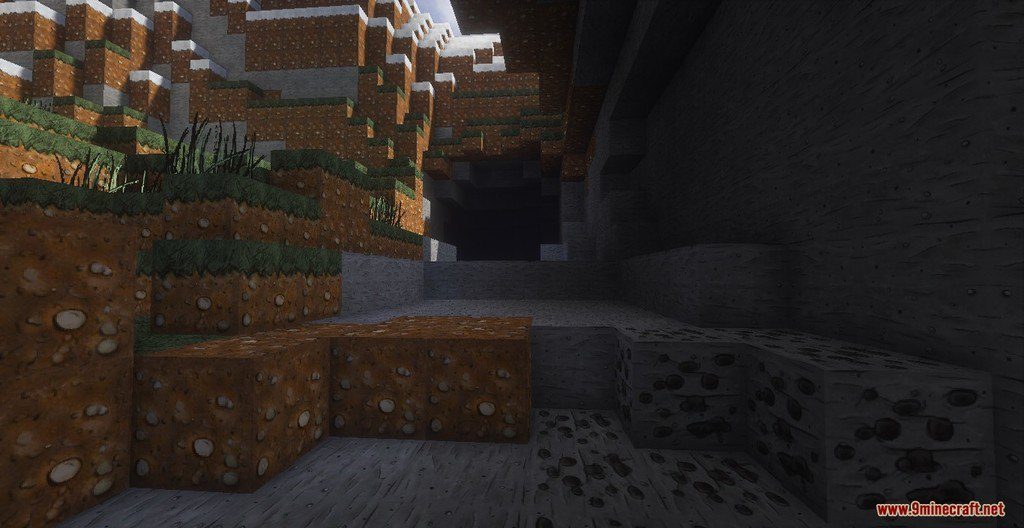
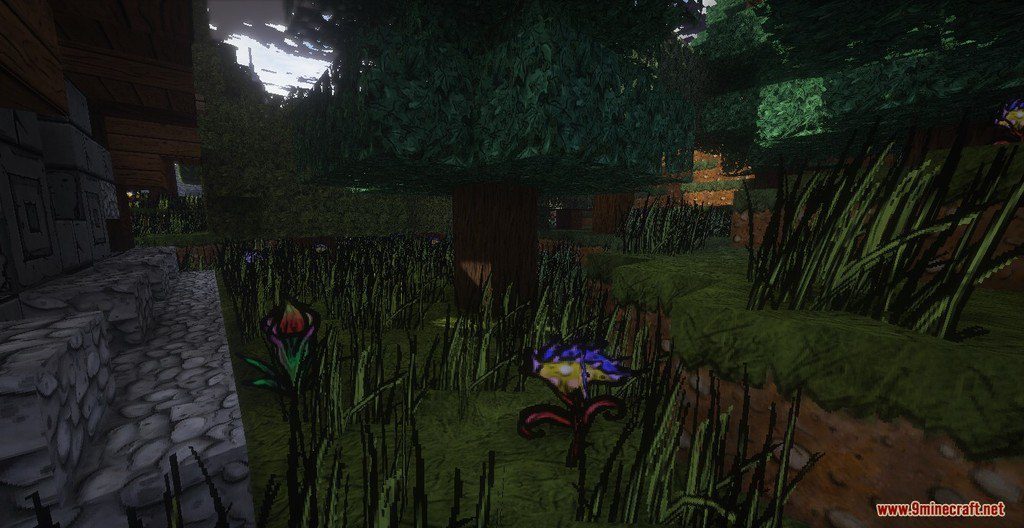
Bordercraft Resource Pack 1.12.2, 1.11.2 for Minecraft is a cell-shaded styled texture pack, based on the art style of the Gearbox’s game Borderlands. It comes with a 128x HD resolution, and it’s entirely compatible with all the Minecraft newest versions: 1.12.2, 1.11.2, 1.10.2 and more. It’s always updated to the recent version of the game and fixed very frequently, so check this section as more as you can.
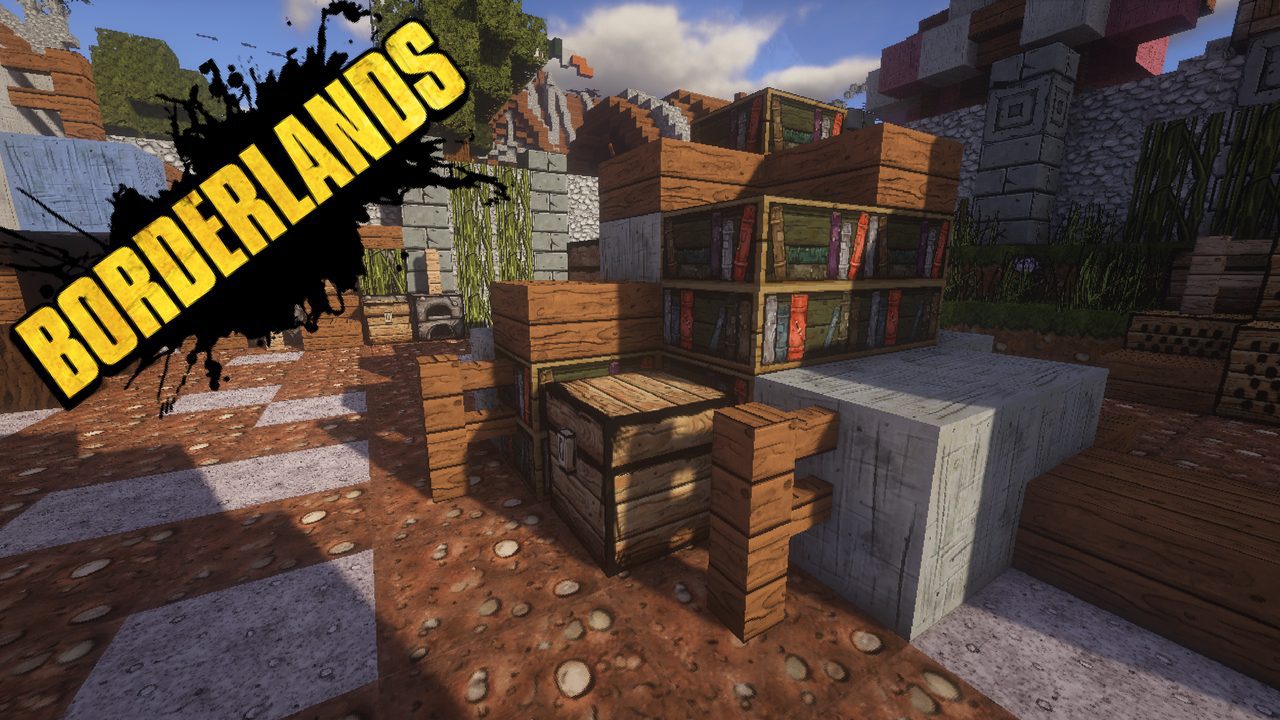
Screenshots:
How to Install:
New to Minecraft? Follow our step-by-step guide to install Resource Packs on your PC.View Guide
Bordercraft Resource Pack 1.12.2, 1.11.2 Download Links
for Minecraft 1.12.2, 1.11.2
Click to rate this post!
[Total: 0 Average: 0]
You May Also Like

This post has no comments yet. Be the first — your comment will appear here.