


Fresh Animations Resource Pack (26.2, 1.20.1) – Texture Pack

 0
0 

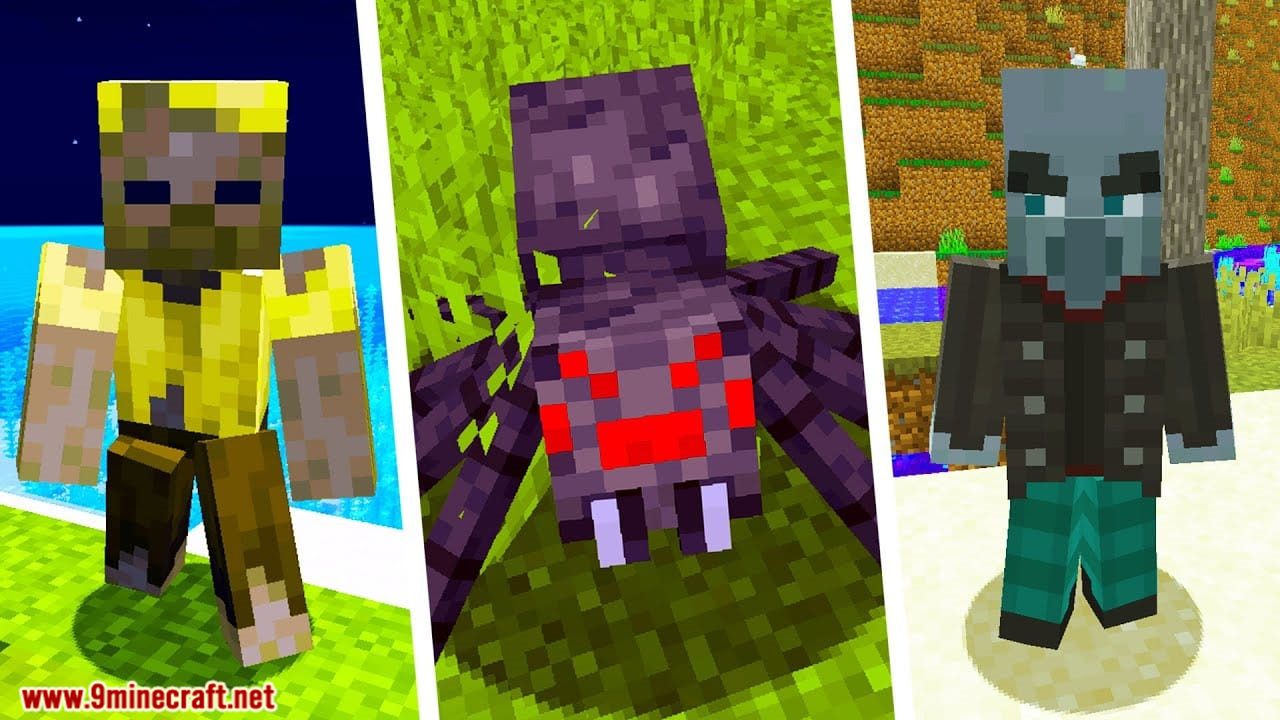
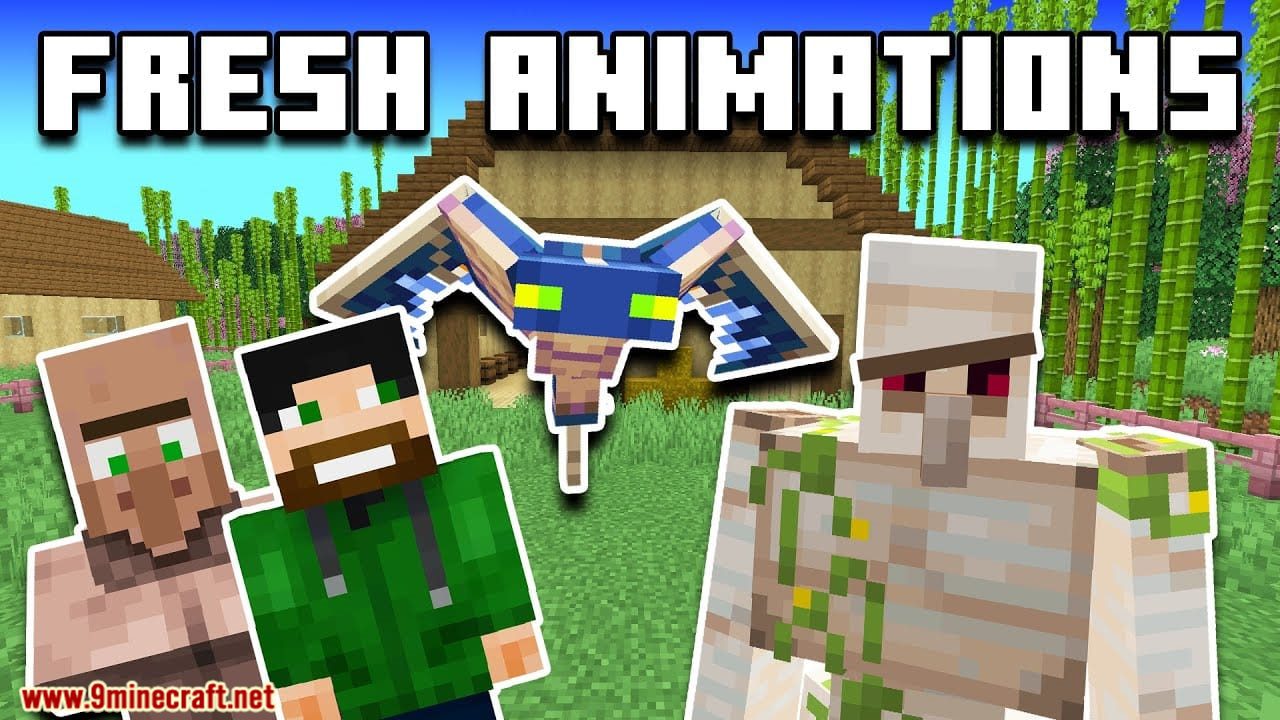
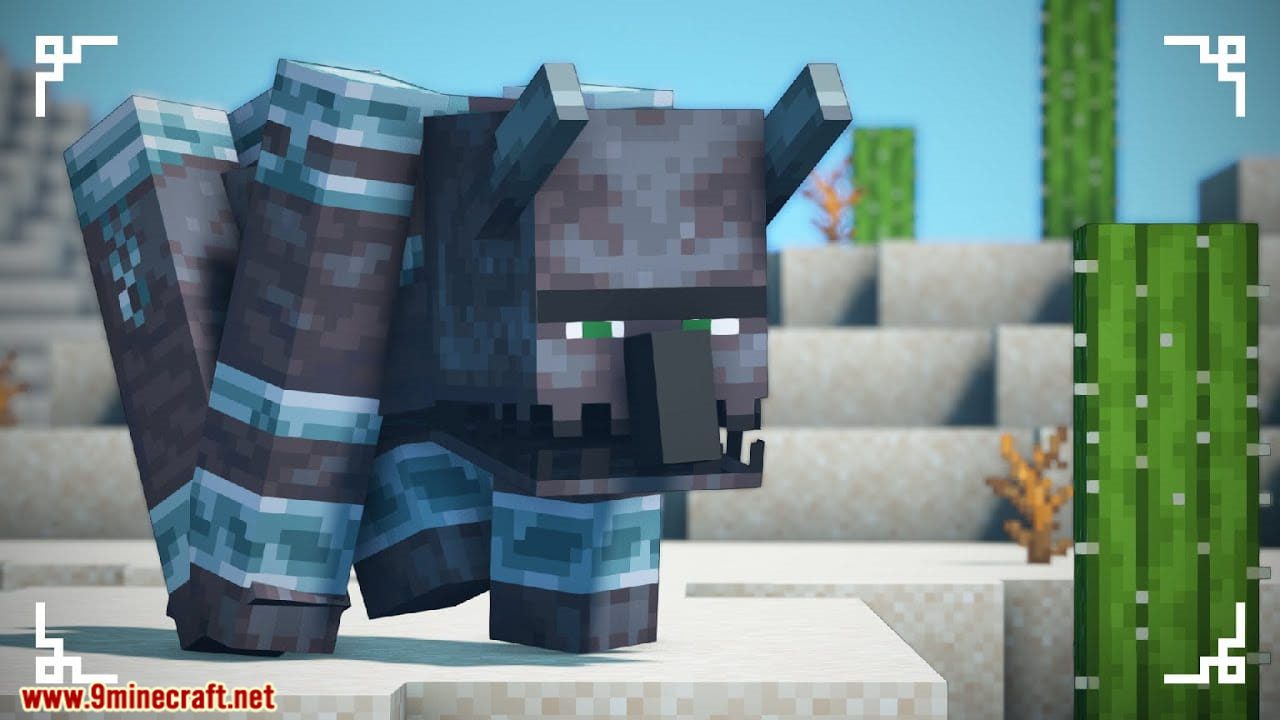
Fresh Animations Resource Pack gives the vanilla mobs a whole new set of animations, so they move the way they do in the game’s own trailers. The pack keeps the default textures and only swaps the models and the motion behind them. Villagers, illagers, farm animals, ocean mobs and nether mobs all move with more weight and read more like living creatures. Because it leans on custom entity models, it needs OptiFine or the entity model mods to show up in game.
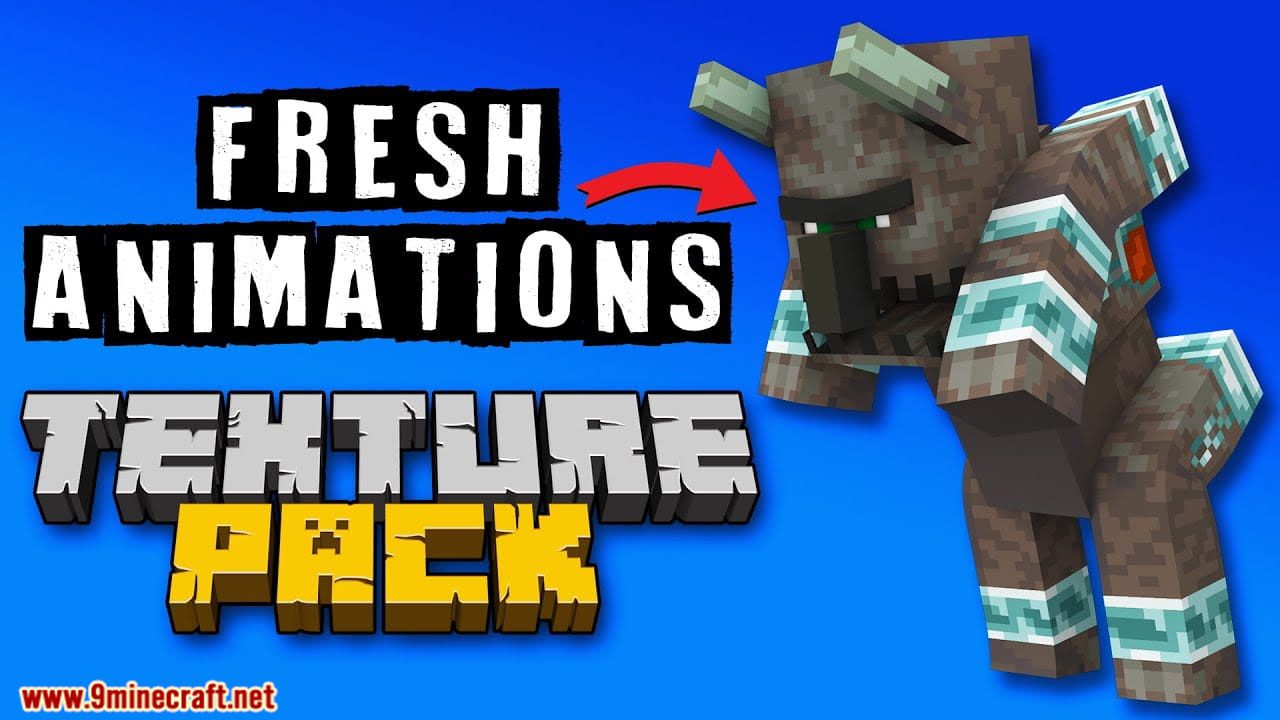
Features:
- Swaps the stiff default mob motion for custom entity models with hand-built animations.
- Covers most of the vanilla mob roster, from villagers and illagers to farm animals, fish, nether mobs and the end mobs.
- Keeps the default look of the game, so mob textures stay the same and only the movement changes.
- Runs on the custom entity model feature, so it needs either OptiFine or the Entity Model Features and Entity Texture Features mods.
- Has its own extension packs that add extra touches on top, as long as they load above this pack.
- Clashes with other packs that ship their own entity models, since only one set of models can win.
How to Use:
- Load the pack from the in-game resource pack menu like any other pack.
- On OptiFine, turn on Video Settings > Quality > Custom Entity Models, or the mobs keep their old animations.
- Without OptiFine, install Entity Model Features and Entity Texture Features instead and leave their settings at default.
- Put any extension packs above this one in the pack list so they take effect.
- If mobs turn up with blank eyes and no new motion, one of the required mods is missing or another pack is overriding the models.
- If mob textures come out purple and black, close the game and start it again. That one is an OptiFine display bug.
Screenshots:
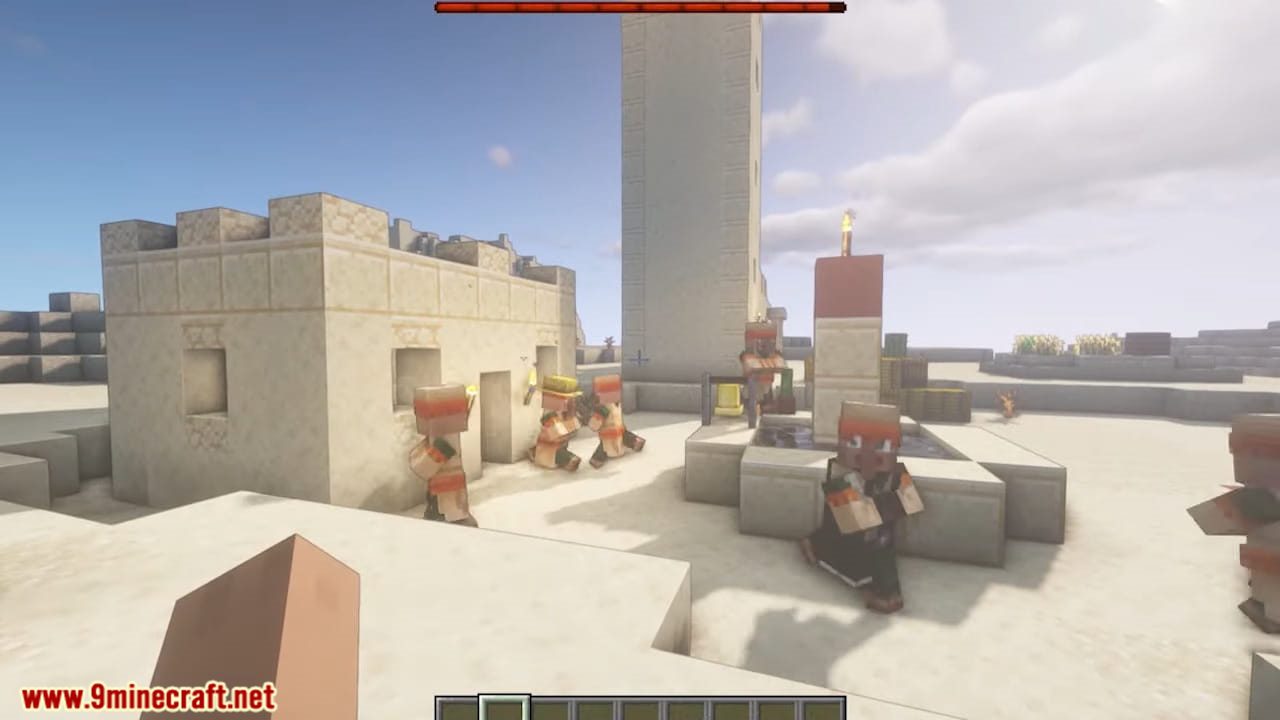
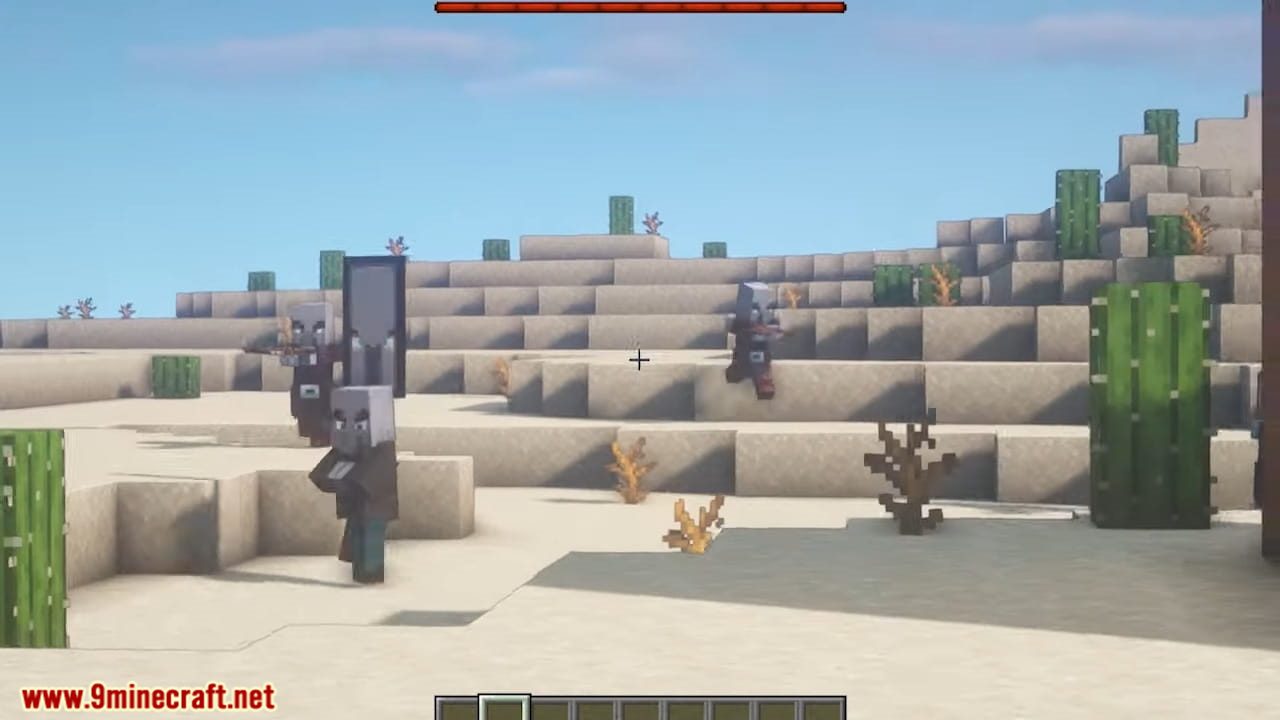
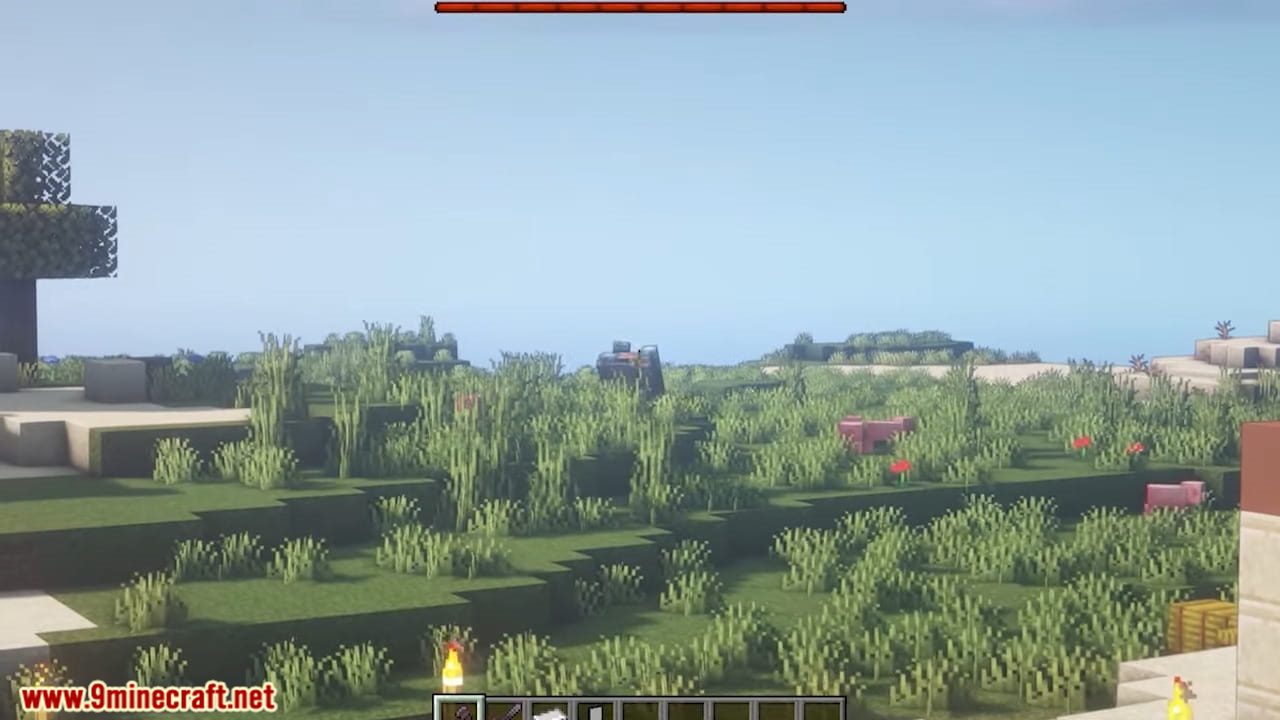
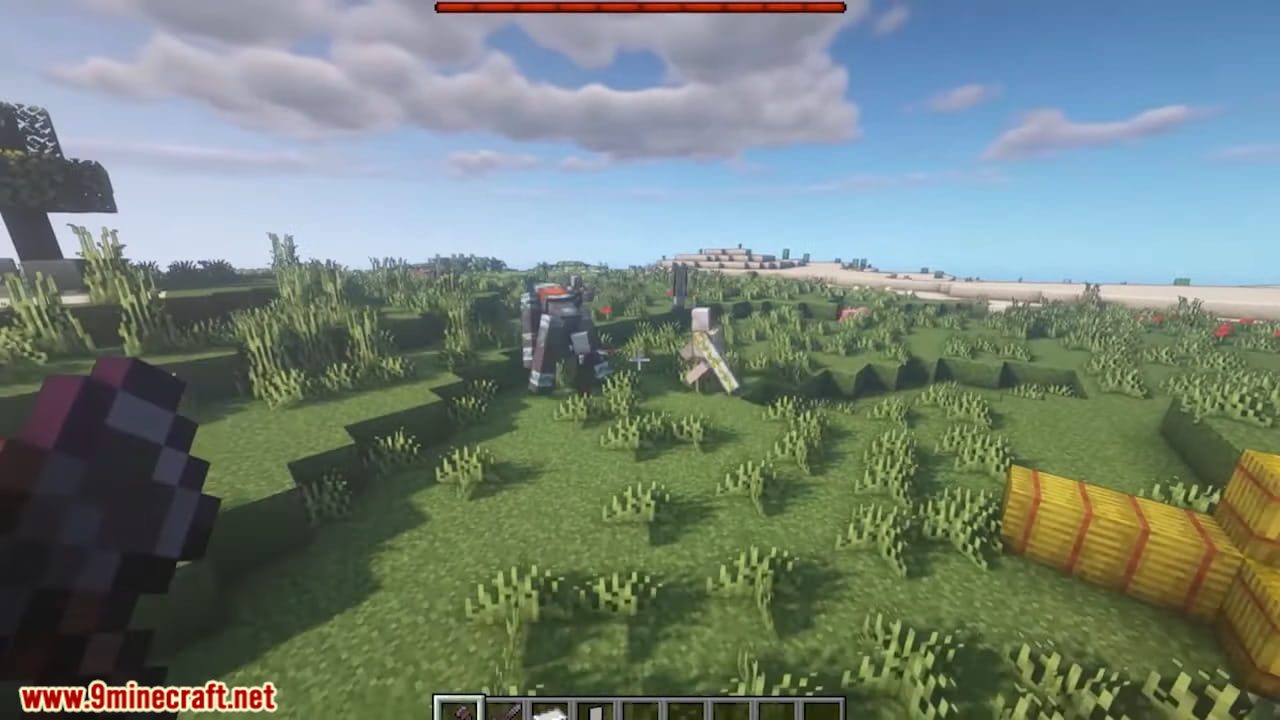
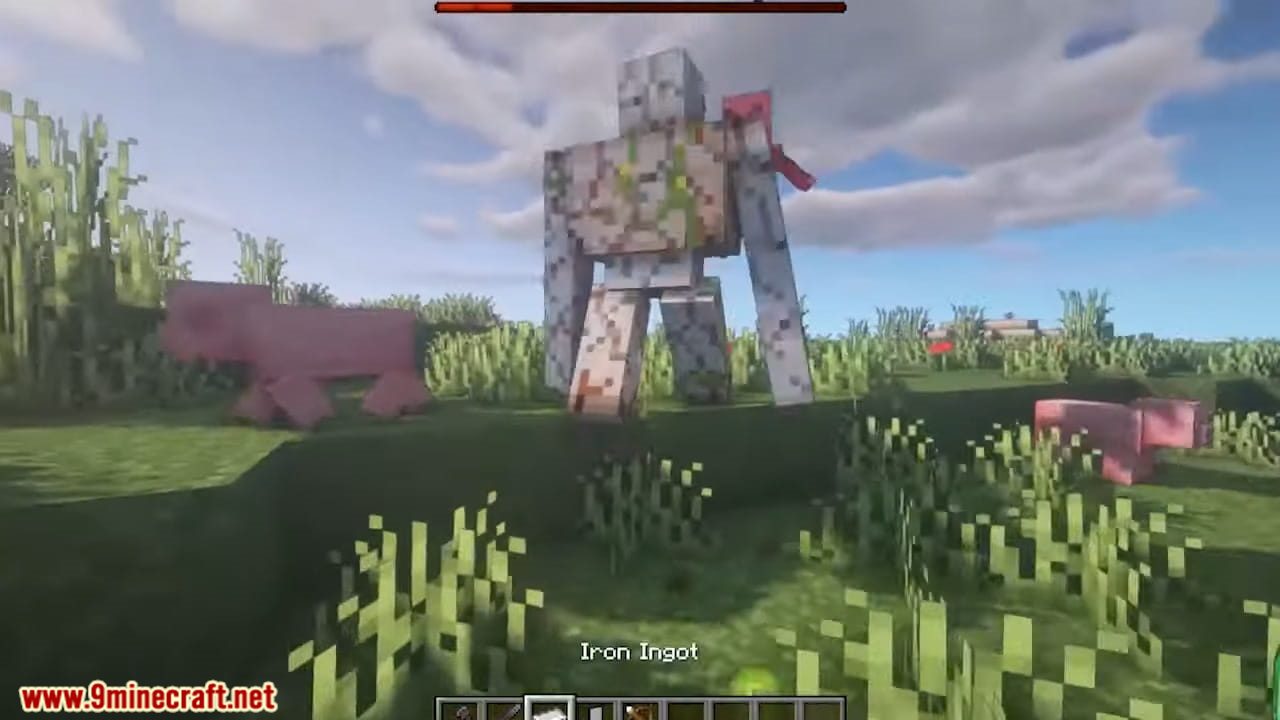
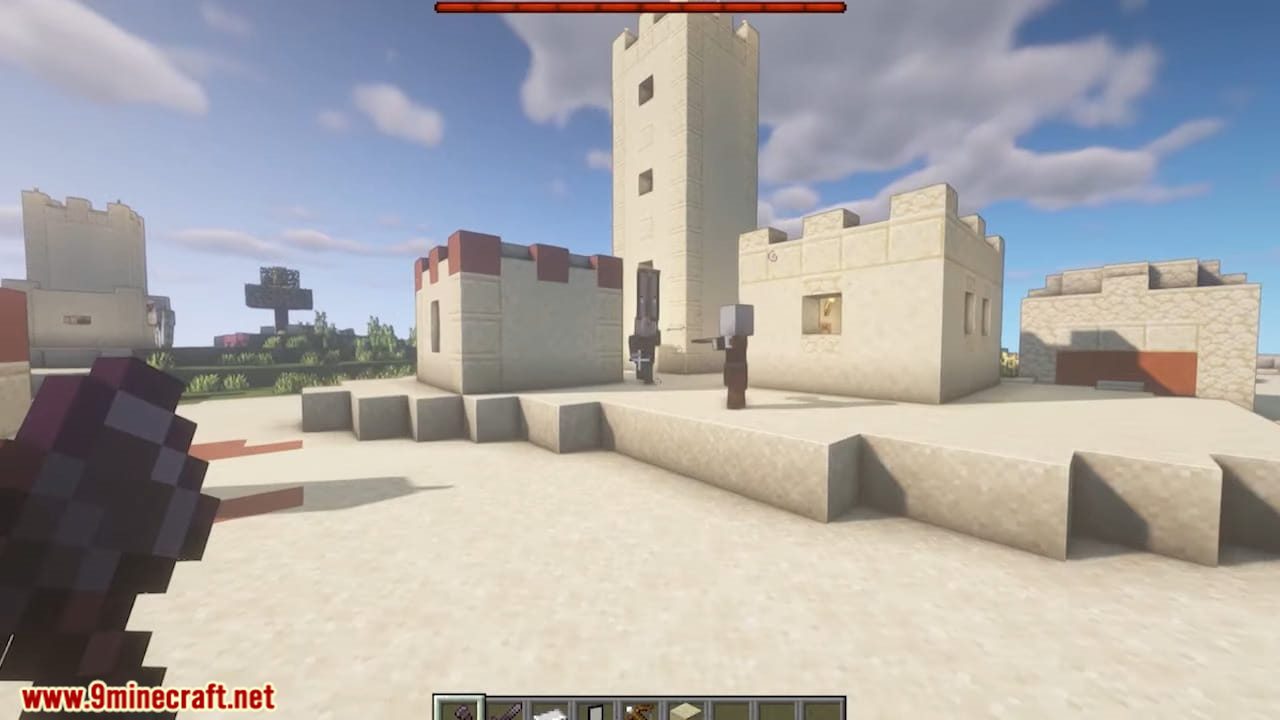
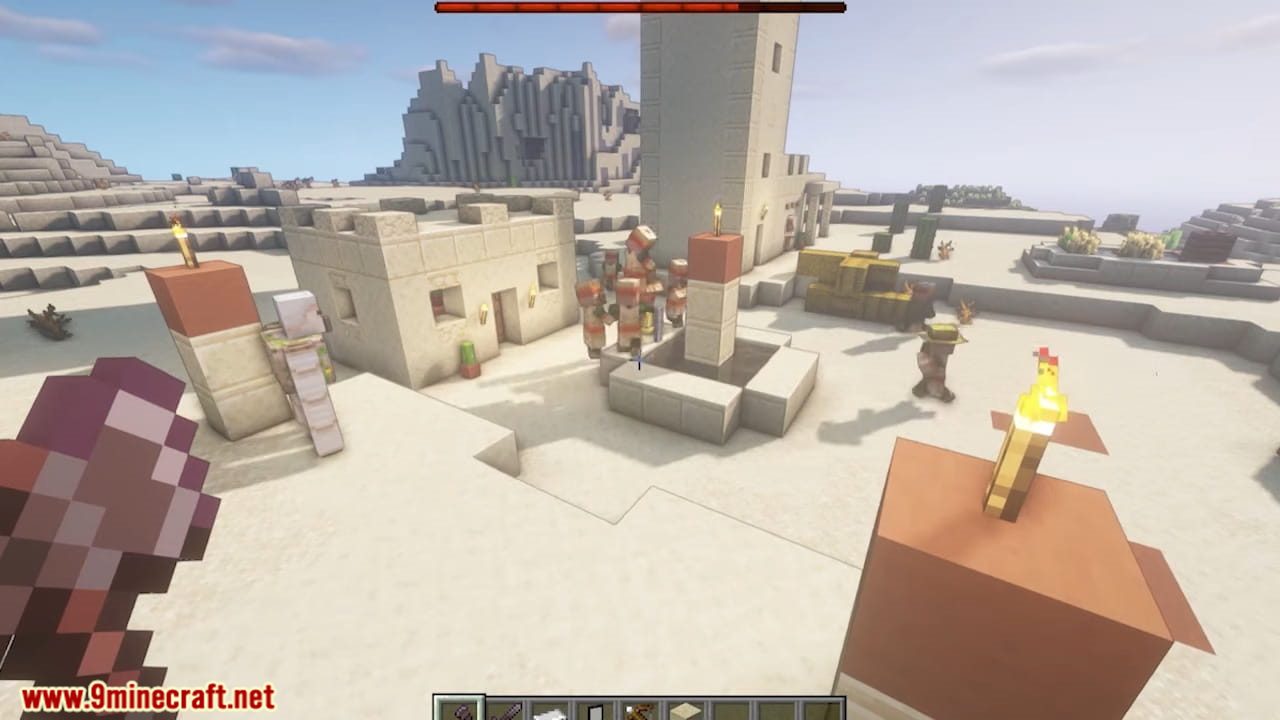
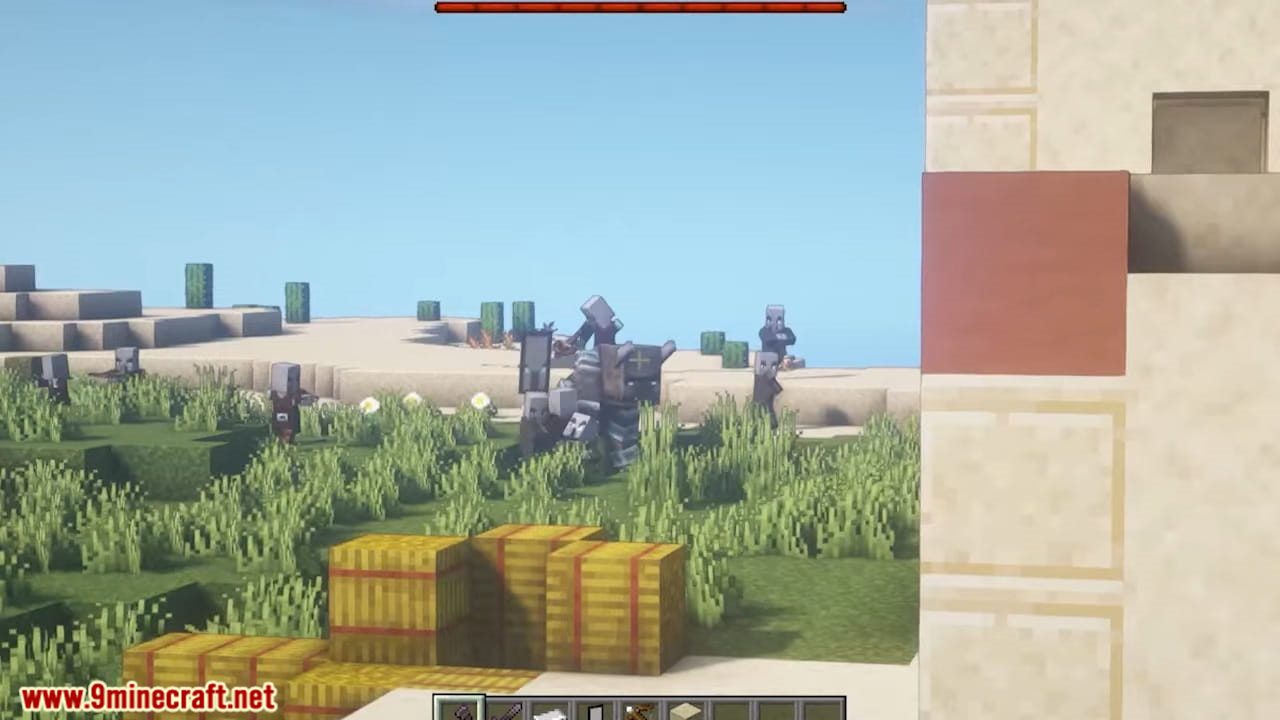
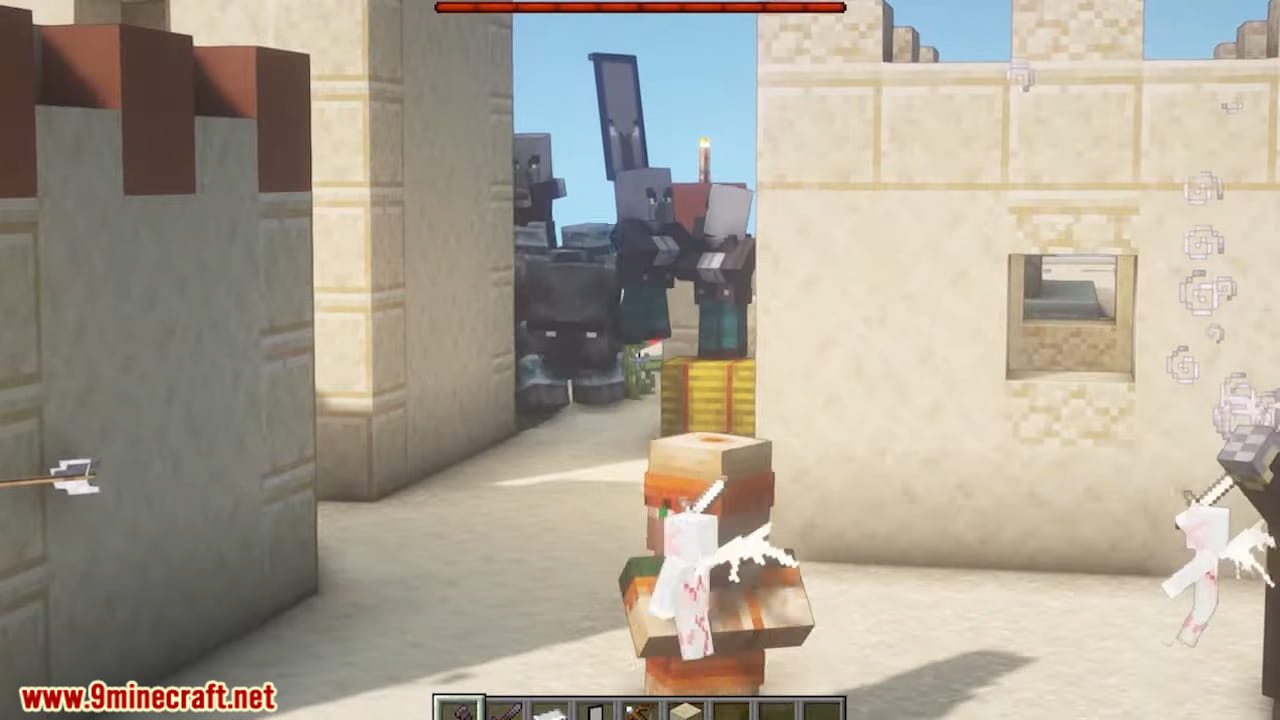
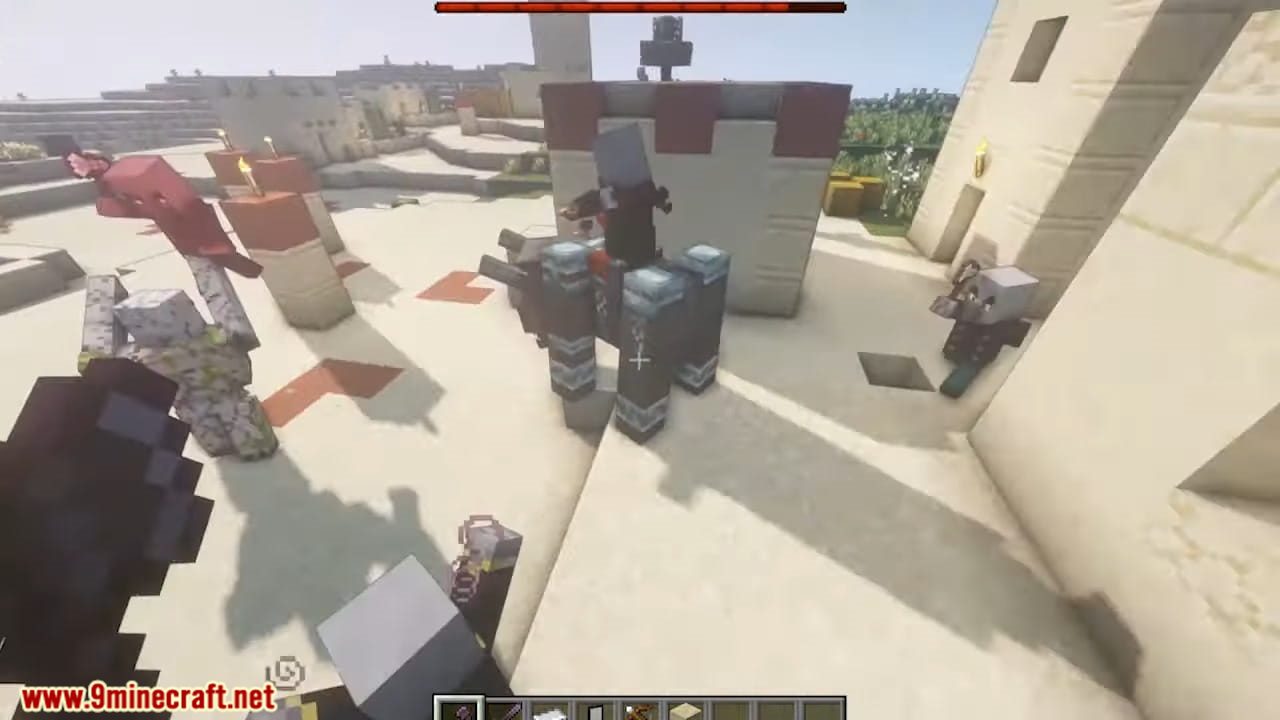
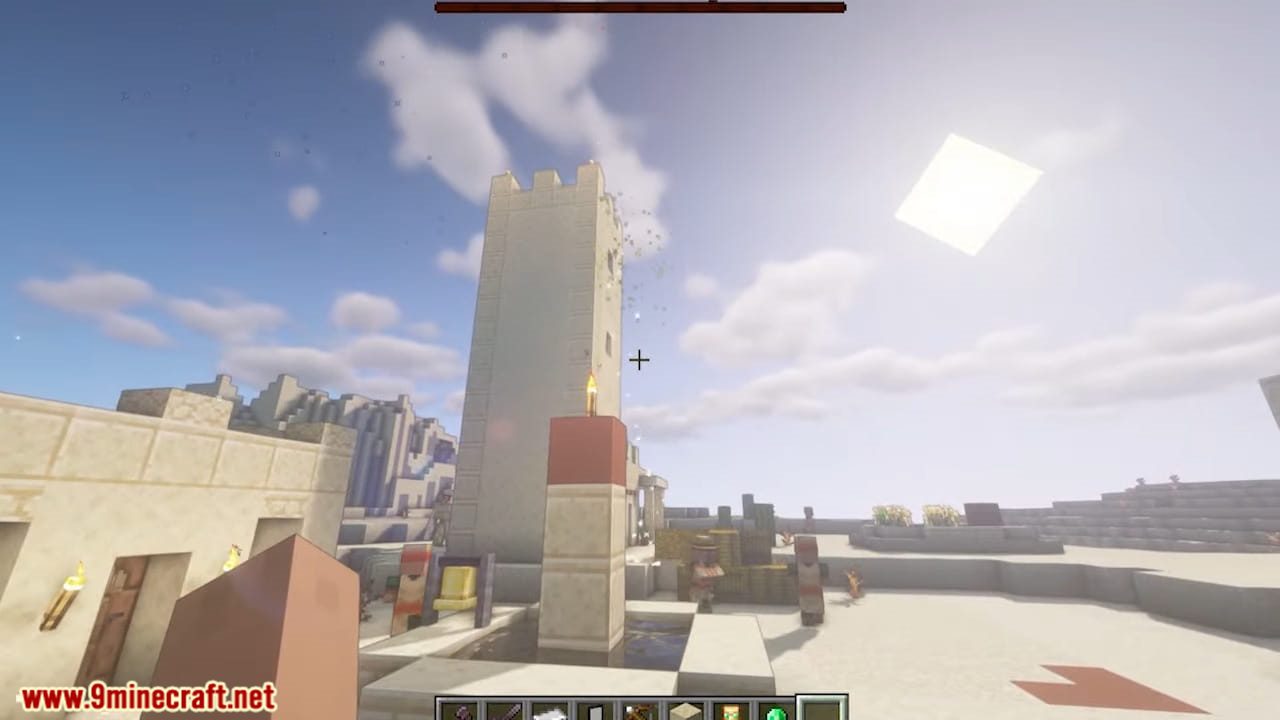
How to Install:
New to Minecraft? Follow our step-by-step guide to install Resource Packs on your PC.View Guide
Requirements:

Fresh Animations Resource Pack Download Links
For Minecraft
26.2.x
All Versions Covered
26.2
26.1.2
26.1.1
26.1
All Versions Covered
26.2
26.1.2
26.1.1
26.1
For Minecraft
26.1.x
All Versions Covered
26.1.2
26.1.1
26.1
All Versions Covered
26.1.2
26.1.1
26.1
For Minecraft 1.21.
For Minecraft
1.21.x
All Versions Covered
1.21.4
1.21.3
1.21.2
All Versions Covered
1.21.4
1.21.3
1.21.2
For Minecraft 1.20.
For Minecraft
1.20.x
All Versions Covered
1.20.4
1.20.3
1.20.2
1.20.1
1.20
1.19.4
All Versions Covered
1.20.4
1.20.3
1.20.2
1.20.1
1.20
1.19.4
For Minecraft
1.19.x
All Versions Covered
1.19.4
1.19.3
1.19.2
1.19.1
1.19
1.18.2
All Versions Covered
1.19.4
1.19.3
1.19.2
1.19.1
1.19
1.18.2
For Minecraft
1.18.x
All Versions Covered
1.18.2
1.18.1
1.16.5
1.16
1.15.2
1.15
1.14.4
1.14
1.13.2
1.13
1.12.2
1.12
All Versions Covered
1.18.2
1.18.1
1.16.5
1.16
1.15.2
1.15
1.14.4
1.14
1.13.2
1.13
1.12.2
1.12
For Minecraft
1.17.x
All Versions Covered
1.17
All Versions Covered
1.17
For Minecraft
1.16.x
All Versions Covered
1.16.5
1.16
1.15.2
1.14.4
1.13.2
All Versions Covered
1.16.5
1.16
1.15.2
1.14.4
1.13.2
Click to rate this post!
[Total: 146 Average: 4]
You May Also Like

This post has no comments yet. Be the first — your comment will appear here.