


Cobblemon Interface Modded Resource Pack (1.21.11, 1.20.1) – Cobblemon UI For Mods
 26
26
 0
0


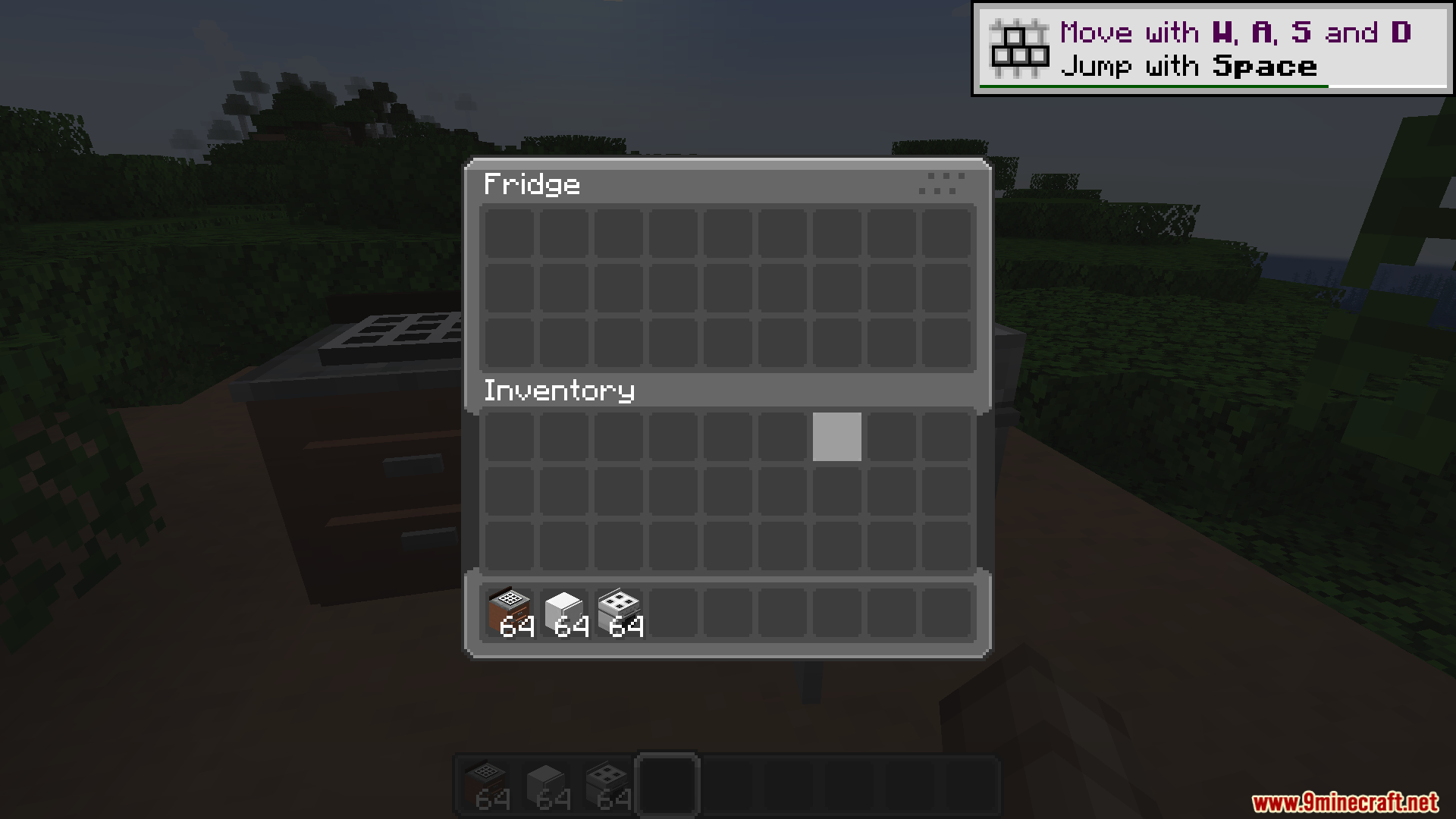
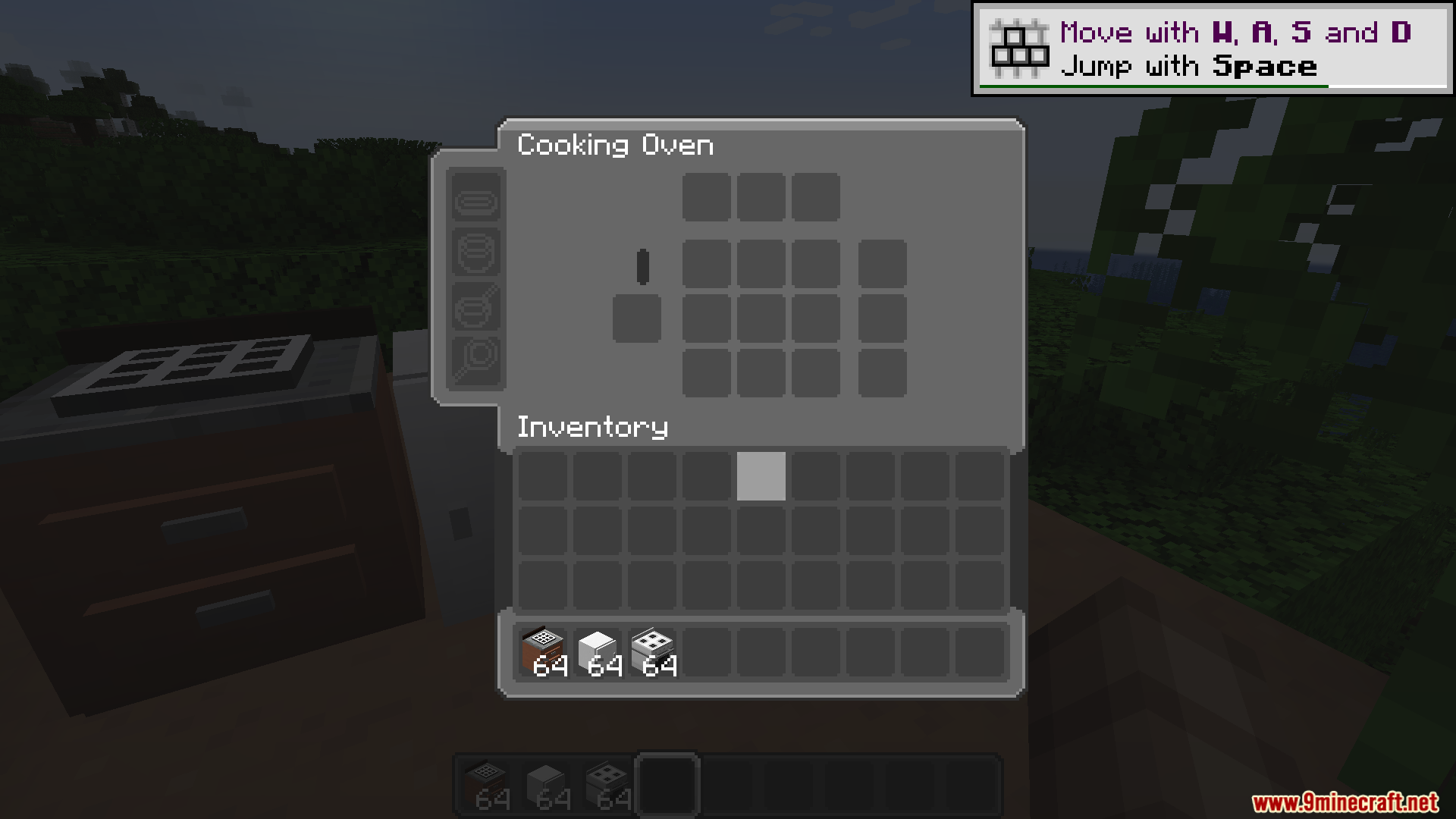
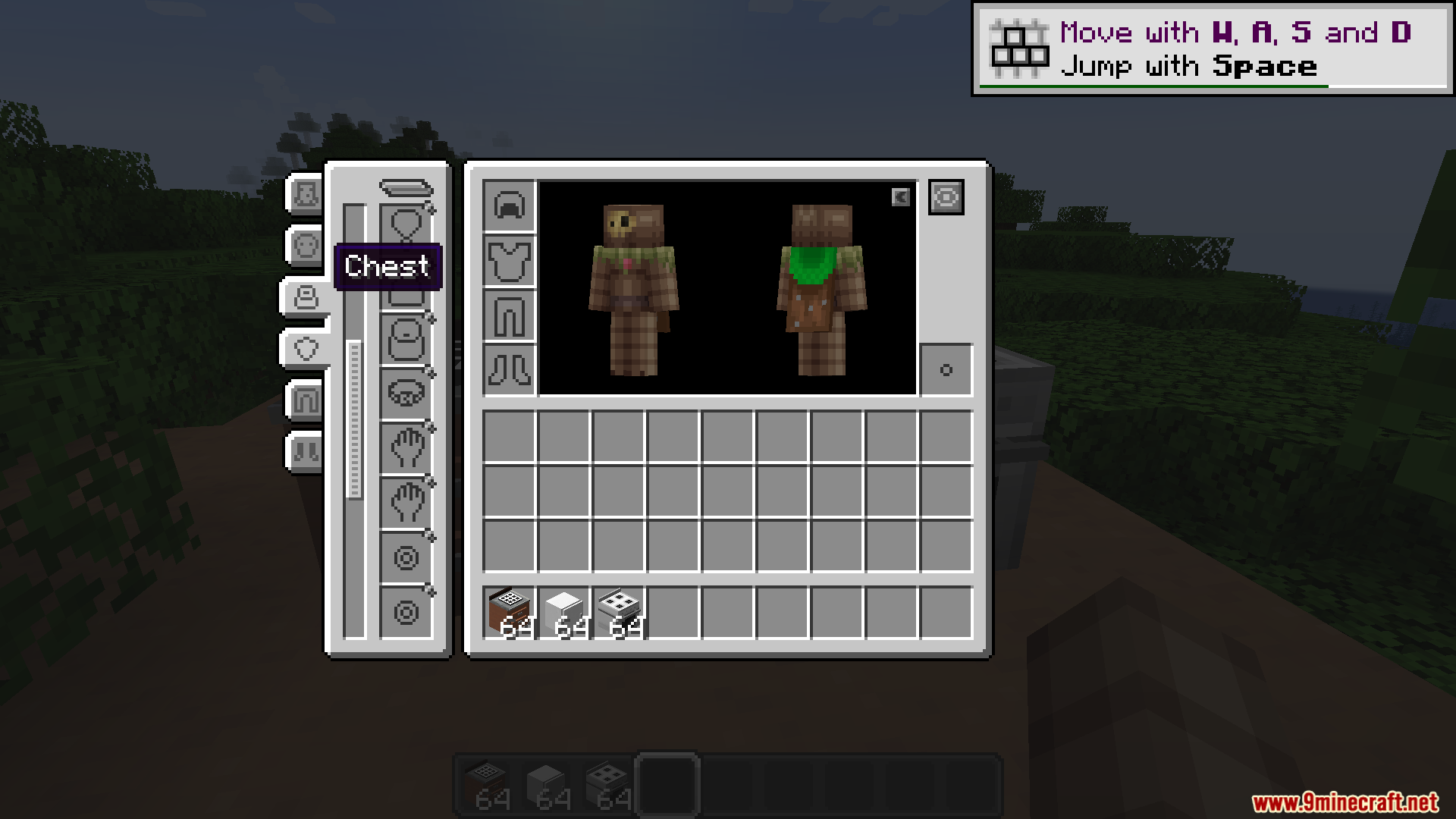
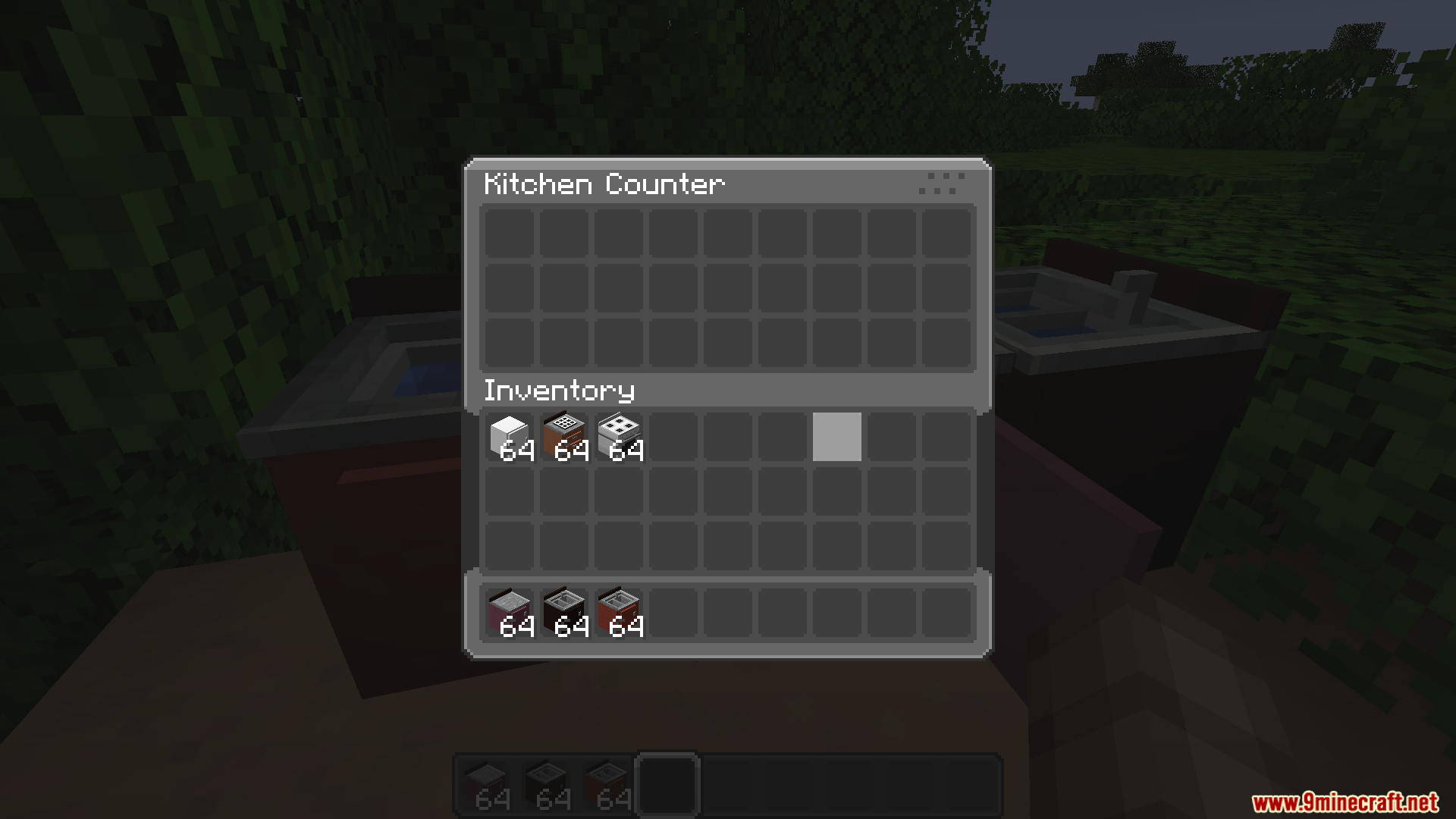
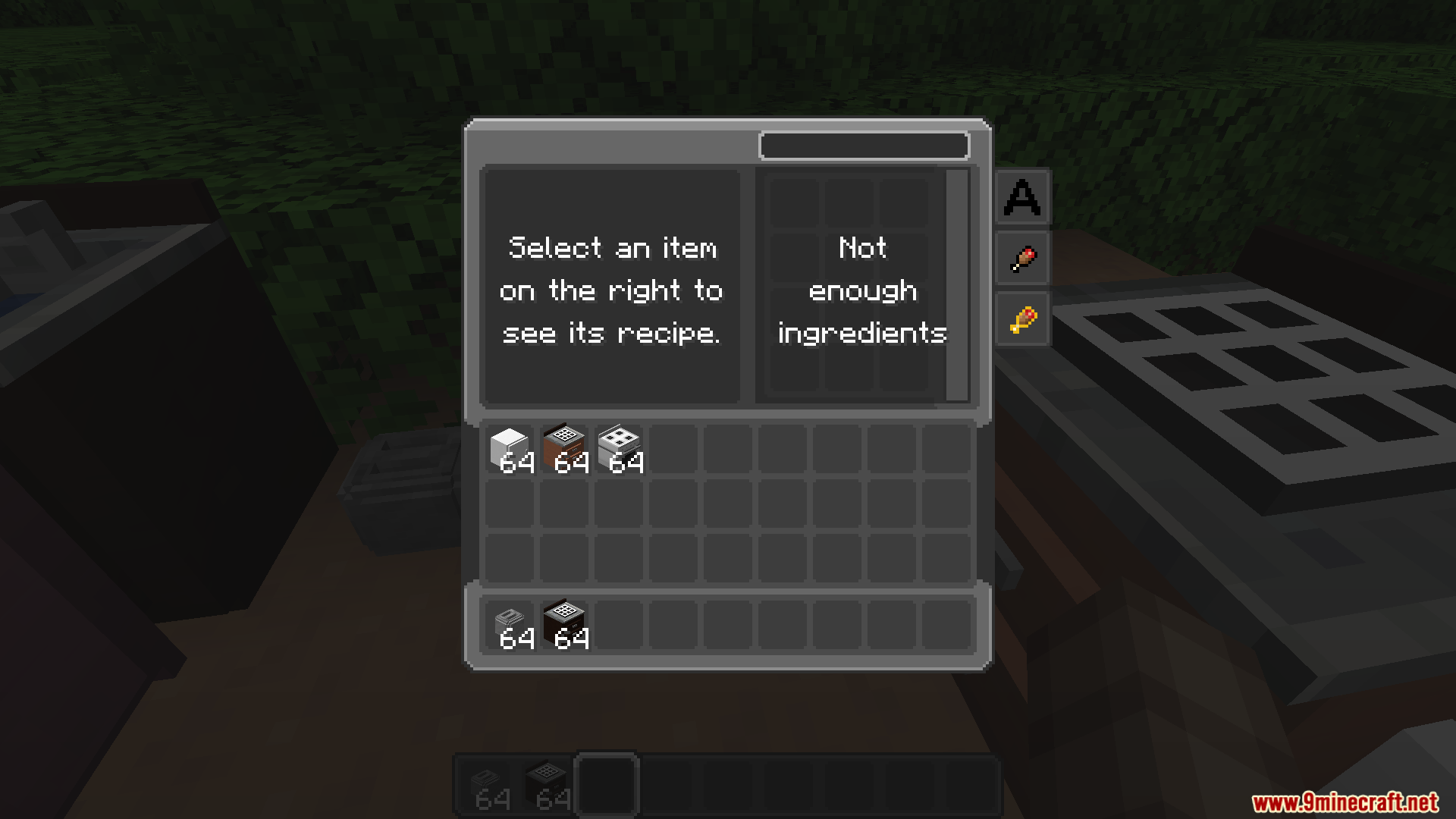
Cobblemon Interface Modded Resource Pack extends the main Cobblemon Interface pack to cover dozens of other popular additions. It repaints the menus, screens, and sounds of outside mods so they match the classic pocket monster style. This means your storage systems, map screens, and crafting tables look like they belong in the exact same world as your creatures. You no longer see regular vanilla menus clashing with the custom theme while you play.
Features:
- Changes the look of menus and screens from over 60 different mods to fit the pocket monster theme.
- Replaces standard clicking noises with custom sounds that match the main interface pack.
- Includes special tooltip designs so item descriptions look clean and match the overall style.
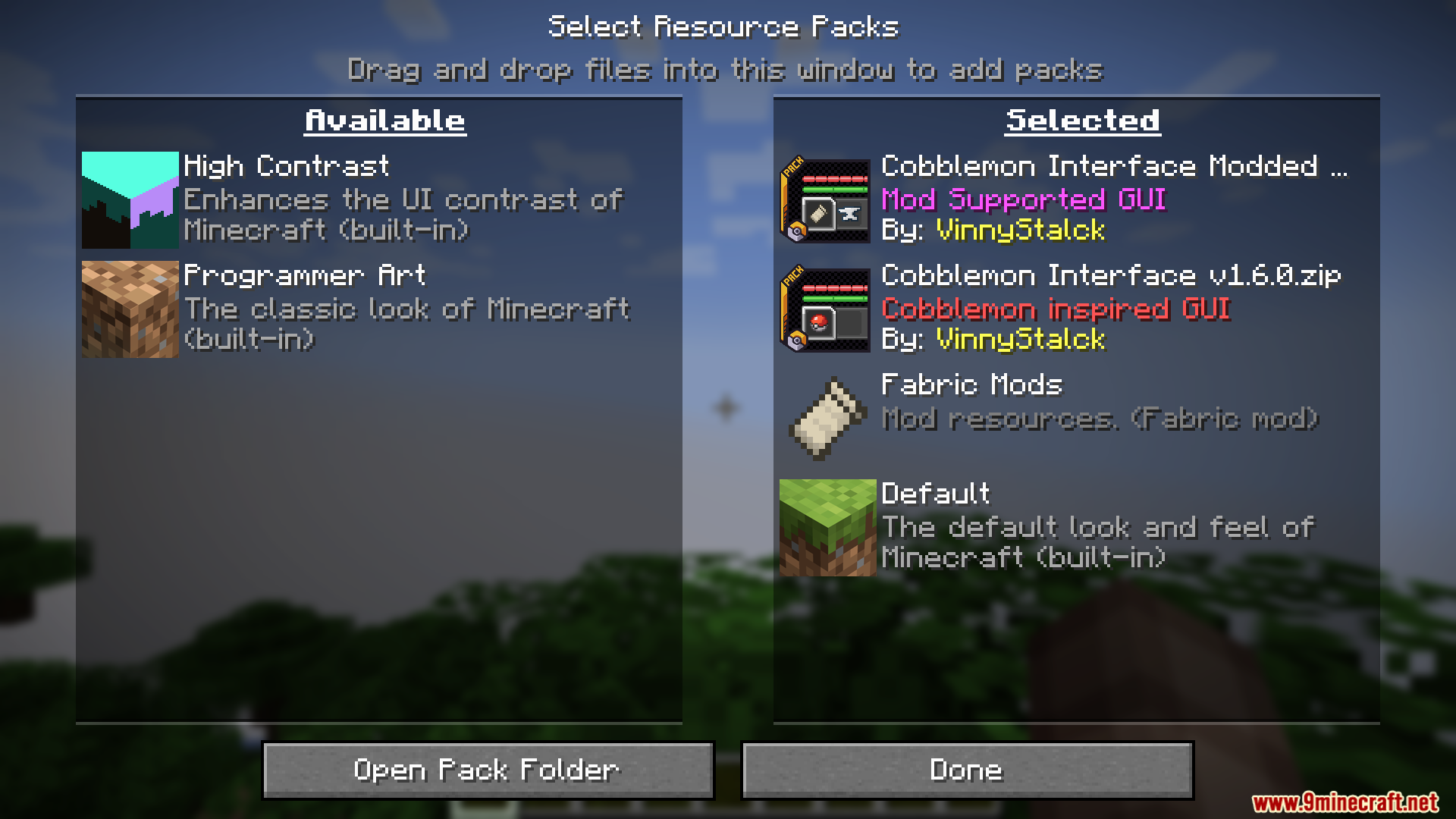
- Works perfectly with the Raised mod, which shifts your hotbar up slightly so rounded textures never get cut off at the bottom of the screen.
- Looks best when paired with the Fancy Item Renders pack, which tilts long items like swords so they fit neatly inside the new round inventory slots.
- Lets you tweak certain visual settings while playing if you have the Respackopts menu tool installed.
Storage and Backpacks:
- Updates the screens for Sophisticated Backpacks, Beans Backpacks, and Traveler’s Backpack.
- Reskins the giant storage grids in Applied Energistics 2, Tom’s Simple Storage, and EMI.
- Changes the look of upgraded chests from Iron Chests and Expanded Storage.
Farming and Food:
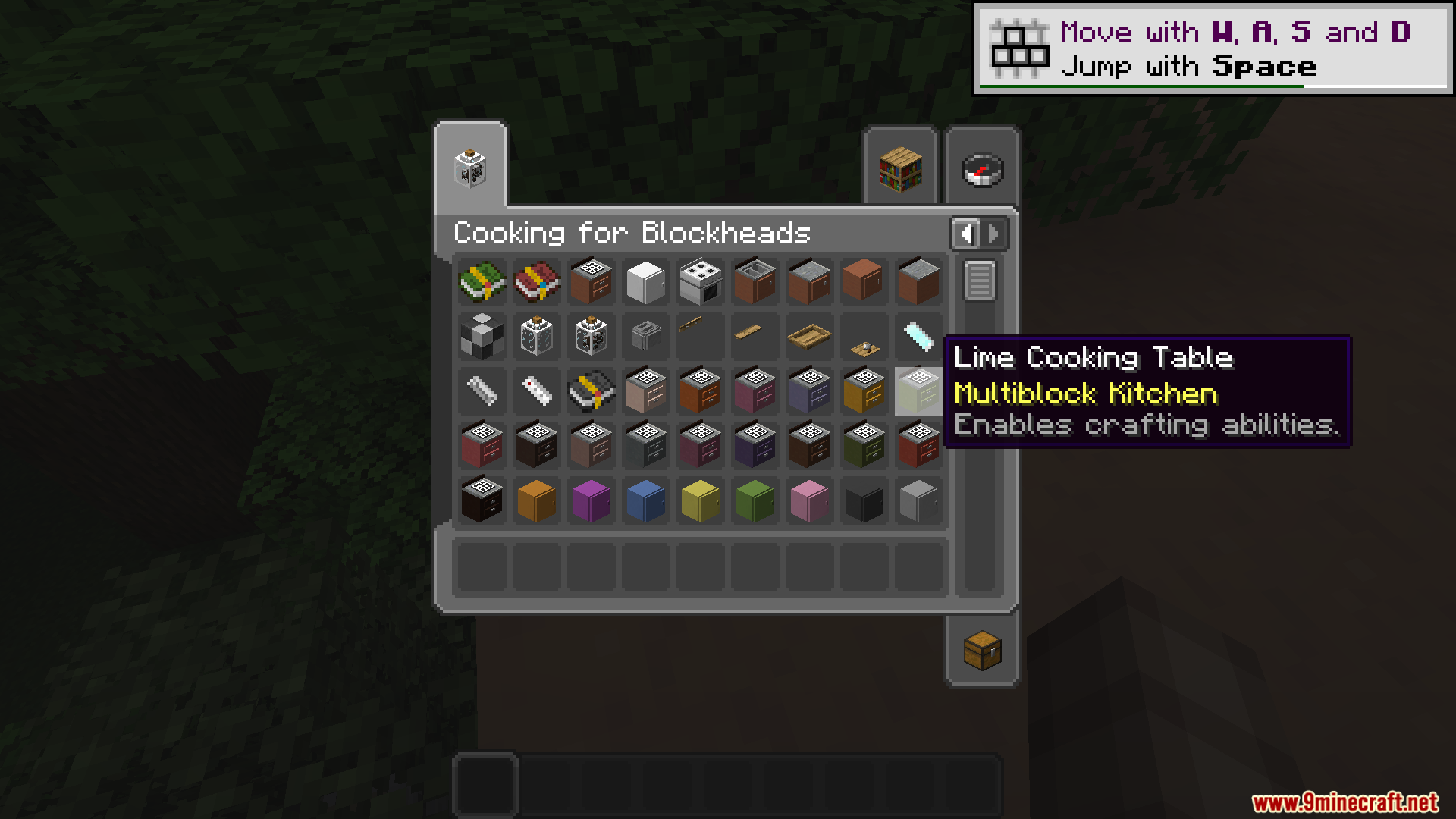
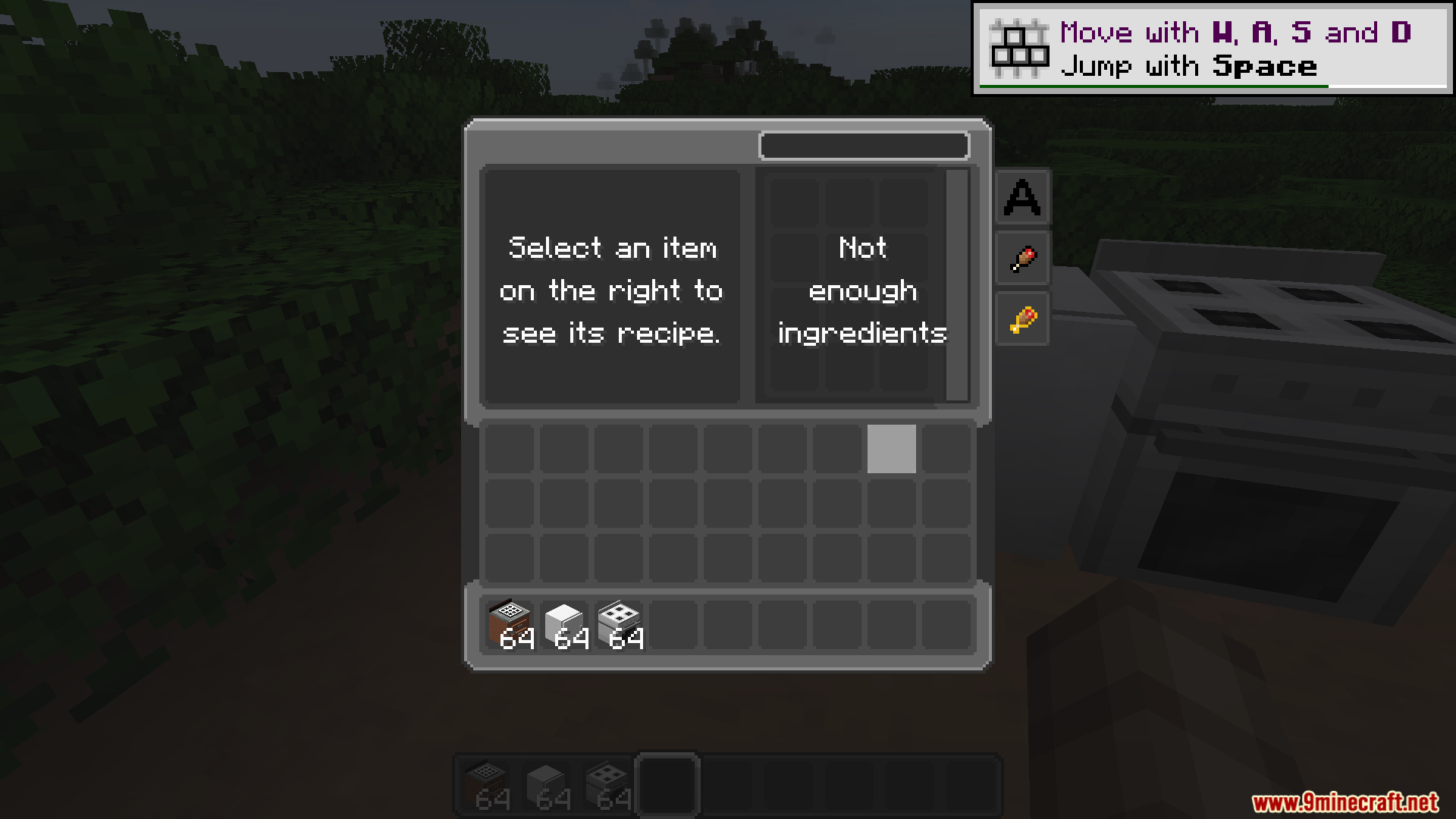
- Restyles the cooking stations and recipe books from Cooking for Blockheads.
- Paints over the cutting boards and cooking pots in Farmer’s Delight.
- Changes the menus for the Let’s Do series, including Bakery, Brewery, and Vinery.
Tech and Magic:
- Transforms the schematic tables and machinery screens in Create.
- Updates the transmutation tables and magical menus from ProjectE and Apotheosis.
- Changes the travel menus when you use Waystones to teleport around your map.
Screenshots:
How to Install:
New to Minecraft? Follow our step-by-step guide to install Resource Packs on your PC.View Guide
Requirements:
Cobblemon Interface Modded Resource Pack Download Links
For Minecraft
1.21.x
All Versions Covered
1.21.11
1.21.10
1.21.9
1.21.8
1.21.7
1.21.6
1.21.5
1.21.4
1.21.1
1.21
All Versions Covered
1.21.11
1.21.10
1.21.9
1.21.8
1.21.7
1.21.6
1.21.5
1.21.4
1.21.1
1.21
For Minecraft
1.20.x
All Versions Covered
1.20.1
1.20
All Versions Covered
1.20.1
1.20
Click to rate this post!
[Total: 0 Average: 0]
You May Also Like


This post has no comments yet. Be the first — your comment will appear here.