


Overview#
It allows players to use over 3,000 standard Unicode emojis, as well as custom and animated emojis from their own Discord servers. The mod is designed to be entirely client-side, meaning it can be used on any server without requiring the server to have the mod installed, though other players will also need the mod to see the rendered emojis.
Unlike traditional content mods, Emojicord does not add new mobs, blocks, items, or biomes. Instead, it focuses on UI and rendering mechanics to modernize the social experience within Minecraft.
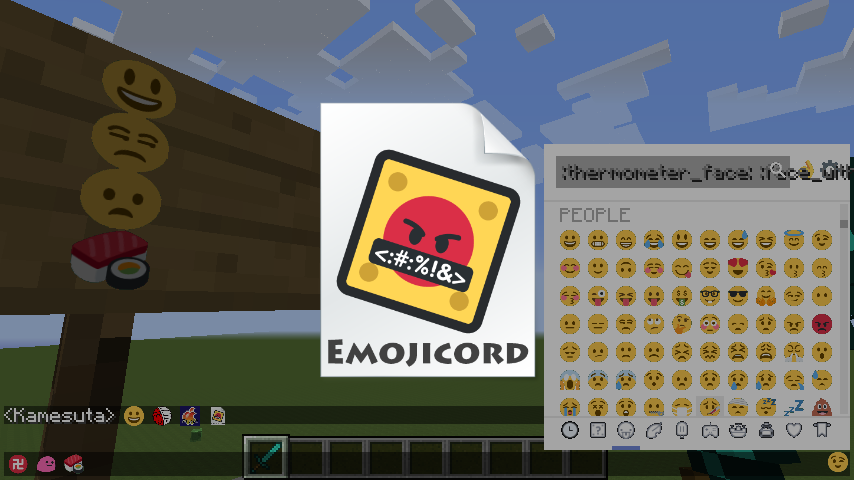
Core Features#
- Custom Emoji Integration: Ability to register and use custom emojis from Discord guilds.
- Animated Emojis: Support for GIF-based animated emojis in chat and on signs.
- Emoji Picker: A dedicated graphical interface for browsing and selecting emojis.
- Input Suggestions: Real-time search suggestions when typing emoji names starting with a colon (
:). - Auto-Conversion: Automatically converts standard Unicode characters (like 😄) into high-quality emoji textures.
- Client-Side Only: No server-side installation is required for the mod to function.
Usage and Mechanics#
Emoji Picker
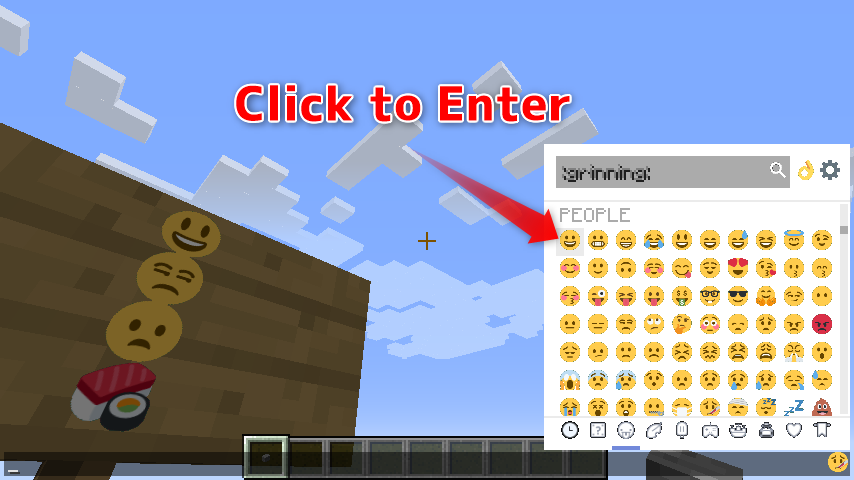
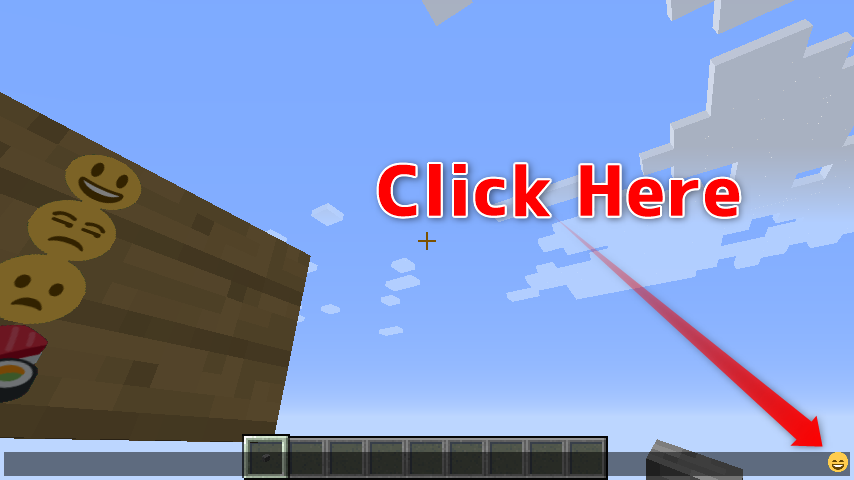
To use the Emoji Picker, open the chat GUI (default key T). In the bottom right corner of the chat box, a small emoji icon will appear. Clicking this icon opens the Emoji Picker menu, where emojis are organized into categories such as People, Nature, Food, Activities, Travel, Objects, Symbols, and Flags.
Emoji Suggestions
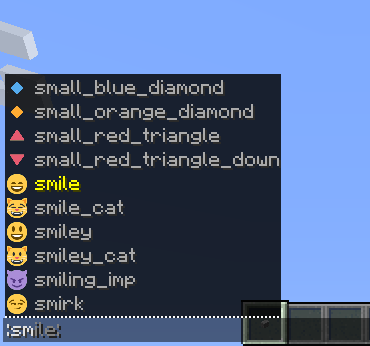
Players can quickly find emojis by typing a colon followed by the emoji's name (e.g., :smile:). As you type, a suggestion list will appear above the chat bar. You can use the arrow keys to navigate the list and press Tab or Enter to auto-complete the selection.
Rendering on Signs
Emojis are not limited to the chat box; they can also be placed on signs. By typing the emoji shortcode (e.g., :fire:) on a sign, the mod will render the corresponding image directly on the sign's surface for players who have the mod installed.
Custom Emoji Integration#
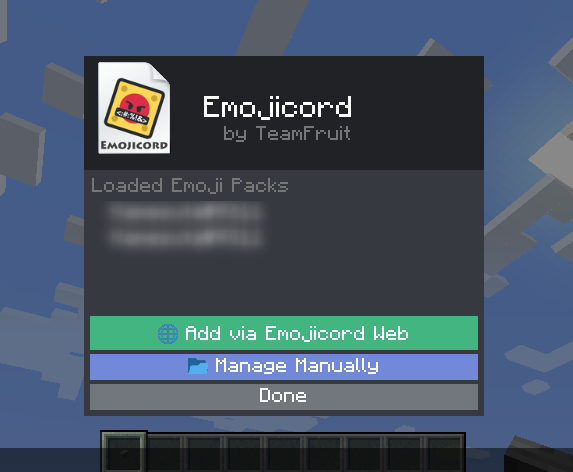
Emojicord provides two primary methods for adding custom emojis: the Emojicord Web service and manual JSON configuration.
Emojicord Web Service
This is the easiest method for individual players.
Manual JSON Dictionary
Modpack creators or advanced users can define custom emoji sets using JSON files. These files must be placed in the emojicord/dictionary/ folder within the Minecraft directory.
JSON Structure Example:
{
 "name": "My Custom Pack",
 "id": "unique_pack_id",
 "groups": [
 {
 "name": "Group A",
 "id": "group_a_id",
 "emojis": [
 { "name": "cool_emoji", "id": "123456789012345678" },
 { "name": "fire_emoji", "id": "876543210987654321" }
 ]
 }
 ]
}Configuration#
The mod's behavior can be customized via the emojicord-client.toml file located in the config folder.
| Option | Type | Default | Description |
|---|---|---|---|
renderEmoji |
Boolean | true |
Enables or disables the rendering of emoji textures. |
suggestEmoji |
Boolean | true |
Enables the auto-complete suggestion list in chat. |
emojiPicker |
Boolean | true |
Toggles the visibility of the emoji picker button in the chat GUI. |
convertUnicode |
Boolean | true |
Automatically converts standard Unicode emojis into textures. |
There are no specific in-game commands for the mod, as all functionality is integrated into the standard chat and configuration menus.
Technical Details#
Emojicord uses a custom renderer to inject textures into the Minecraft font renderer. This allows emojis to scale correctly with text and appear in various UI elements.
Compatibility:
- OptiFine: Generally compatible, though some shader configurations may affect emoji brightness.
- Chat Mods: Compatible with most chat enhancement mods (like Chat HUD), as it hooks into the base font rendering system.
- Server Compatibility: Since it is client-side, it does not conflict with server plugins. However, if a server has a plugin that modifies chat packets significantly, emoji rendering may occasionally be interrupted.
