


Eurofighter Typhoon Survival Friendly Schematic (1.21.x) – Fully Working Supersonic Jet Replica

 0
0 

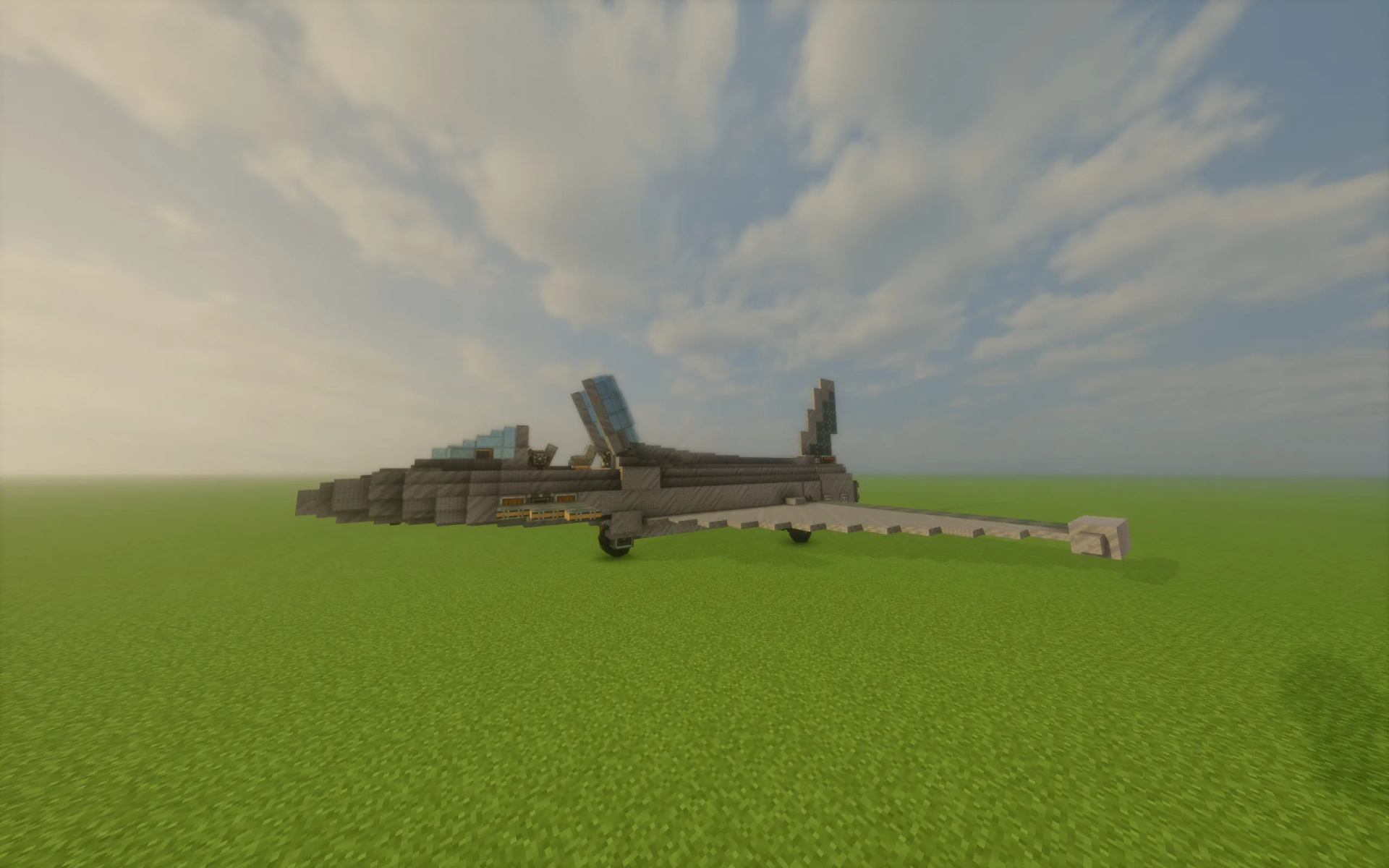
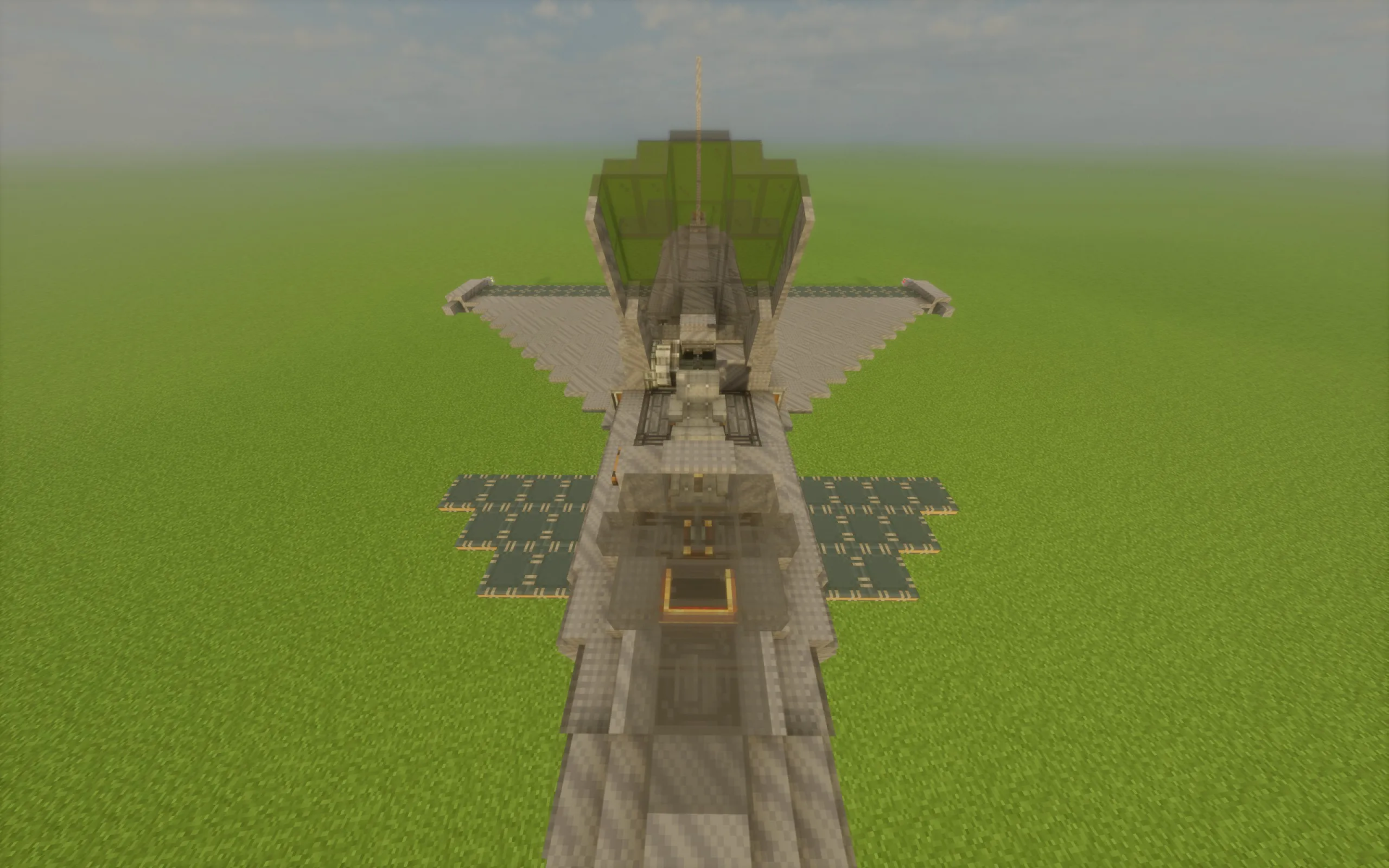
Eurofighter Typhoon Survival Friendly Schematic gives you a fully working replica of a famous supersonic attack aircraft. This build uses the Create mod and its addons to bring a flying fighter jet into your world. The plane has moving parts, a detailed cockpit, and even a small base inside for survival mode. You can fly it through the sky, control the wings, and use real fuel to keep the engines running.
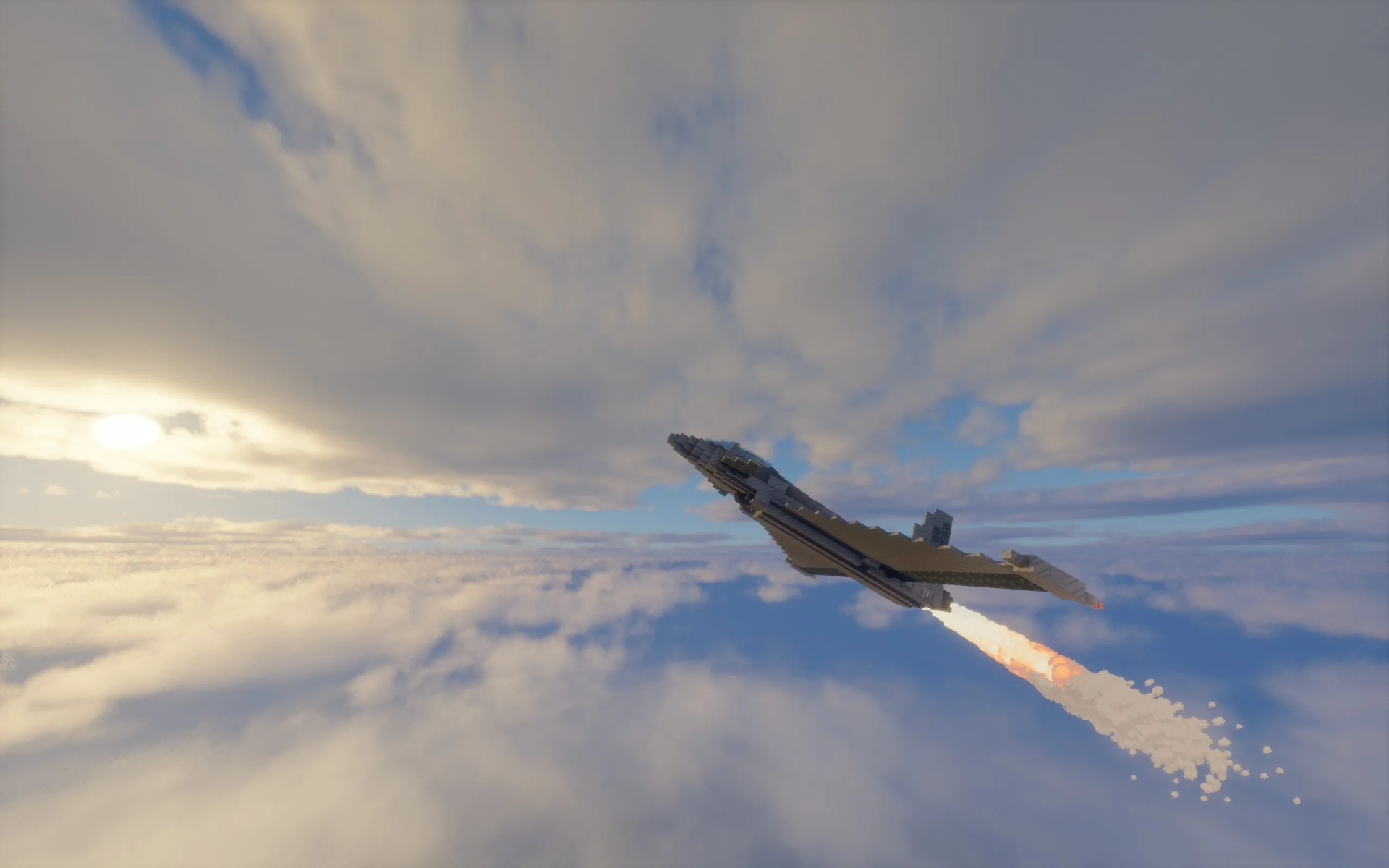
3D Preview:
Features:
- Working Flight Controls: The plane has moving rudders, canards, ailerons, and flaps that respond to your commands.
- Afterburning Engines: Features powerful engines that run on lava or other fuels to push the jet forward.
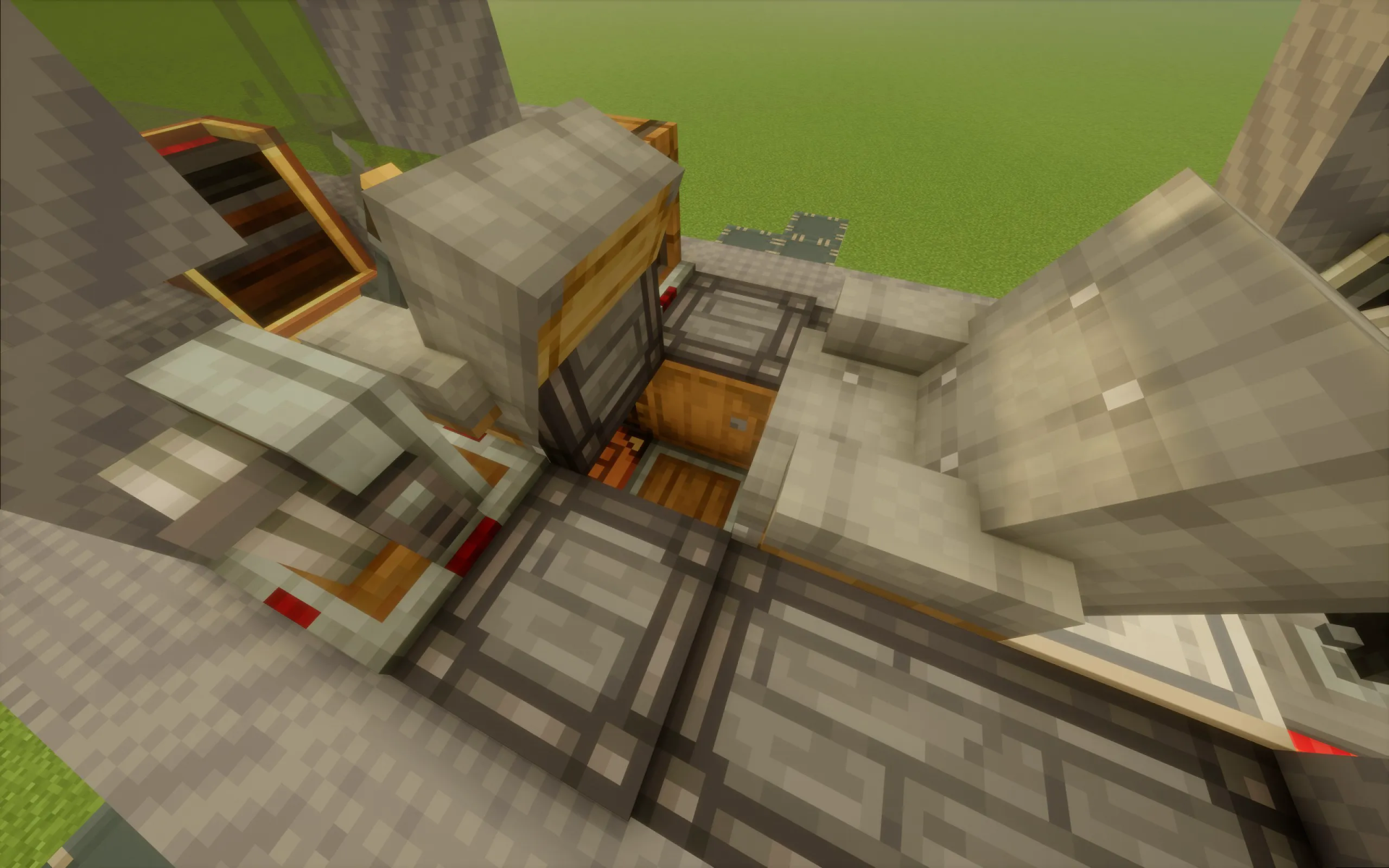
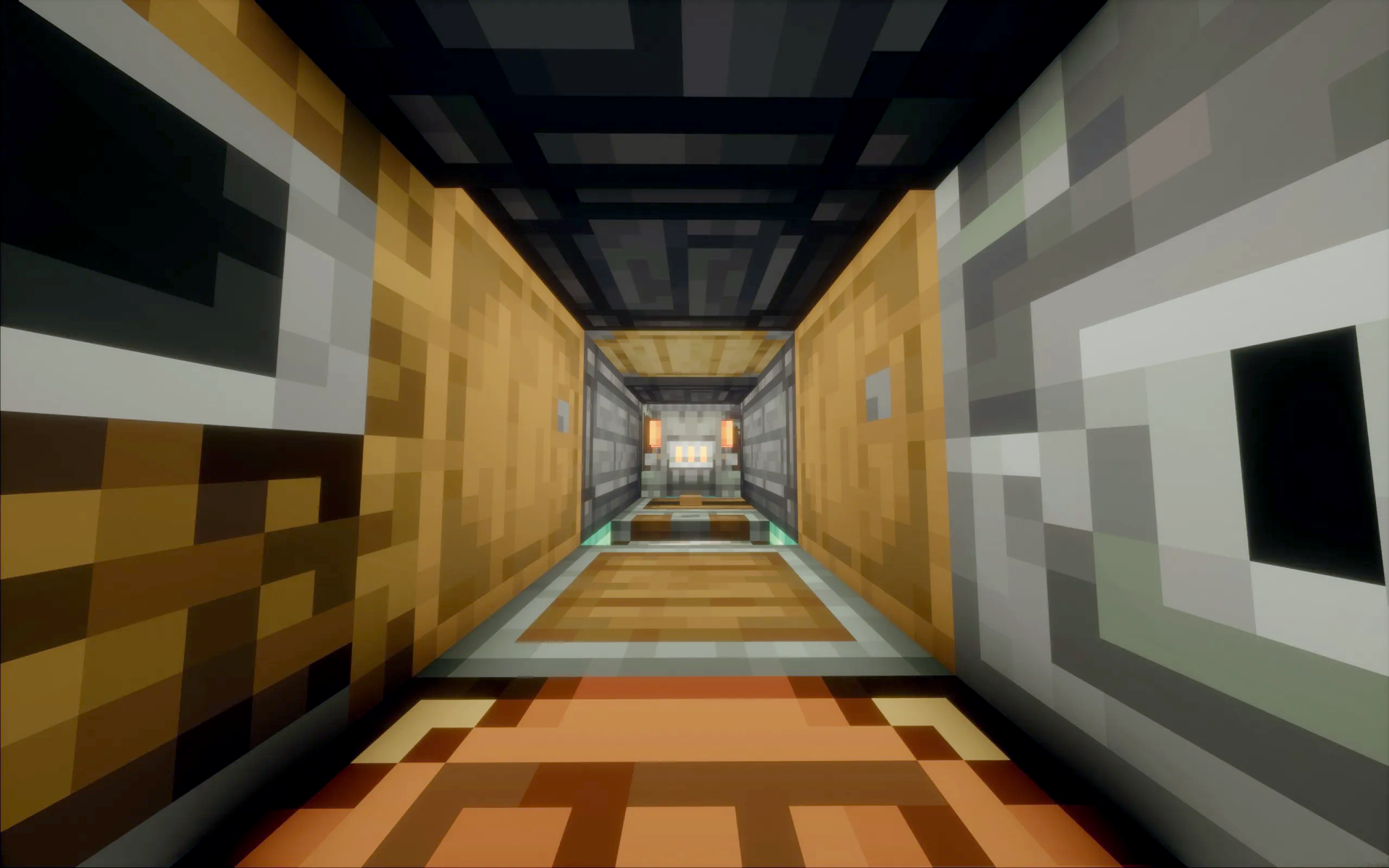
- Survival Base: Includes a hidden area under the cockpit with storage barrels behind the wings.
- Features a working canopy that opens and closes so you can enter the fully furnished cockpit.
- Includes mechanical landing gear that you can toggle up and down during flight.
- Contains exactly 913 blocks and measures 32 blocks long, 13 blocks high, and 31 blocks wide.
Schematic Specs:
 Minecraft1.21.x
 Create Mod6.0.10
 Dimensions32×13×31
 Total Blocks913
 Top Blocks Used
Copycat Wing 165Copycat Layer 161Gray Symmetric Sail 79Copycat Stacked Half Layer 71Light Gray Flat Riveted Locometal 69
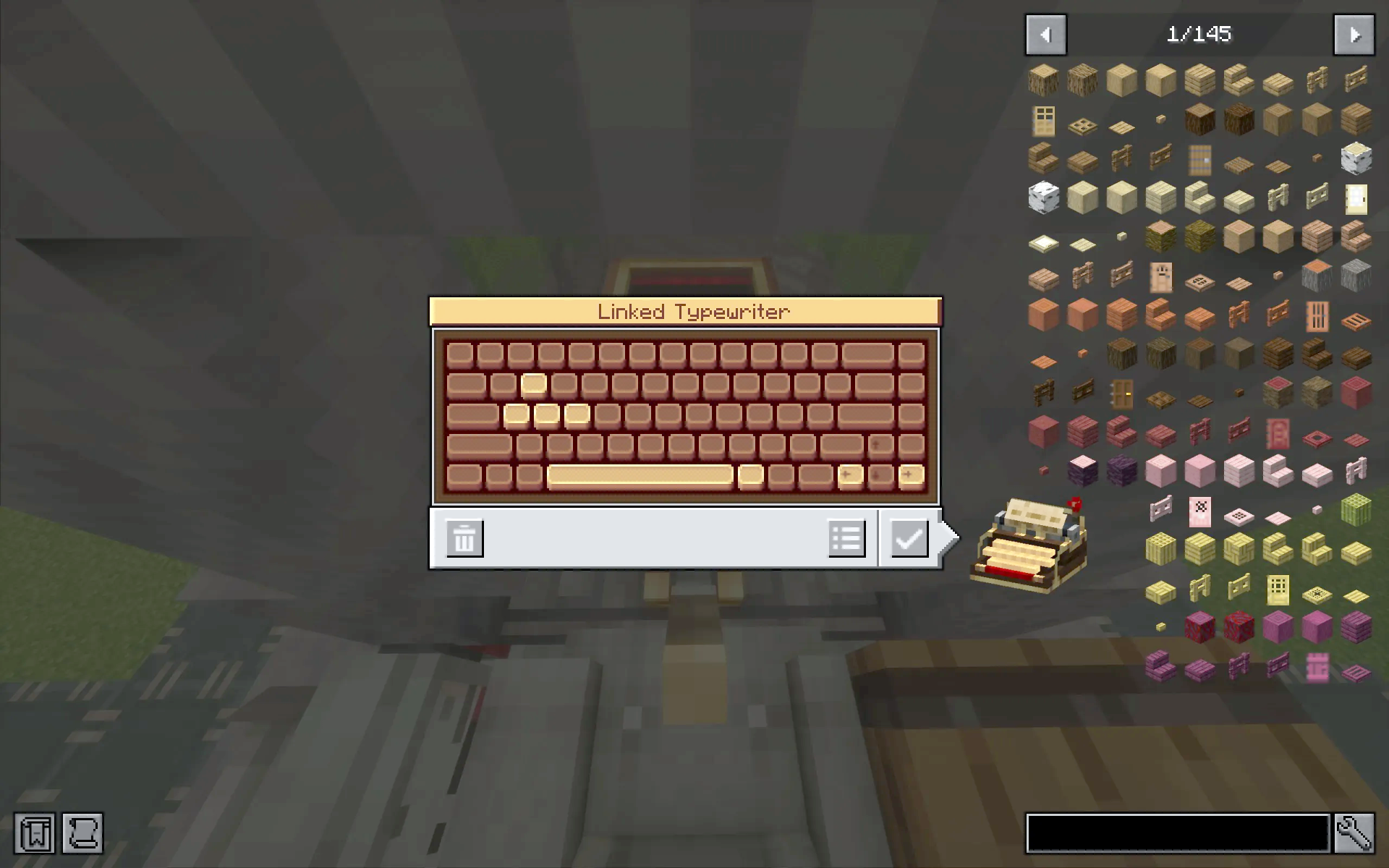
Controls:
- Press W and A to pitch the aircraft down and up.
- Press A and D to roll left and right using the canards.
- Press Space to toggle the landing gear up or down.
- Press the Right Arrow and Left Arrow keys to turn the rudder right and left.
- Press ALT GR to open or close the cockpit canopy.
How to Use:
- Find the fuel tanks behind the first set of trapdoors located behind the wings.
- Fill these tanks with lava or another valid fuel to power the main afterburning engines.
- Locate the single small engine beneath the cockpit.
- Place long-lasting fuel, like coal blocks, into this small engine to keep rotational power active.
- Climb into the cockpit, close the canopy, and start flying.
Screenshots:
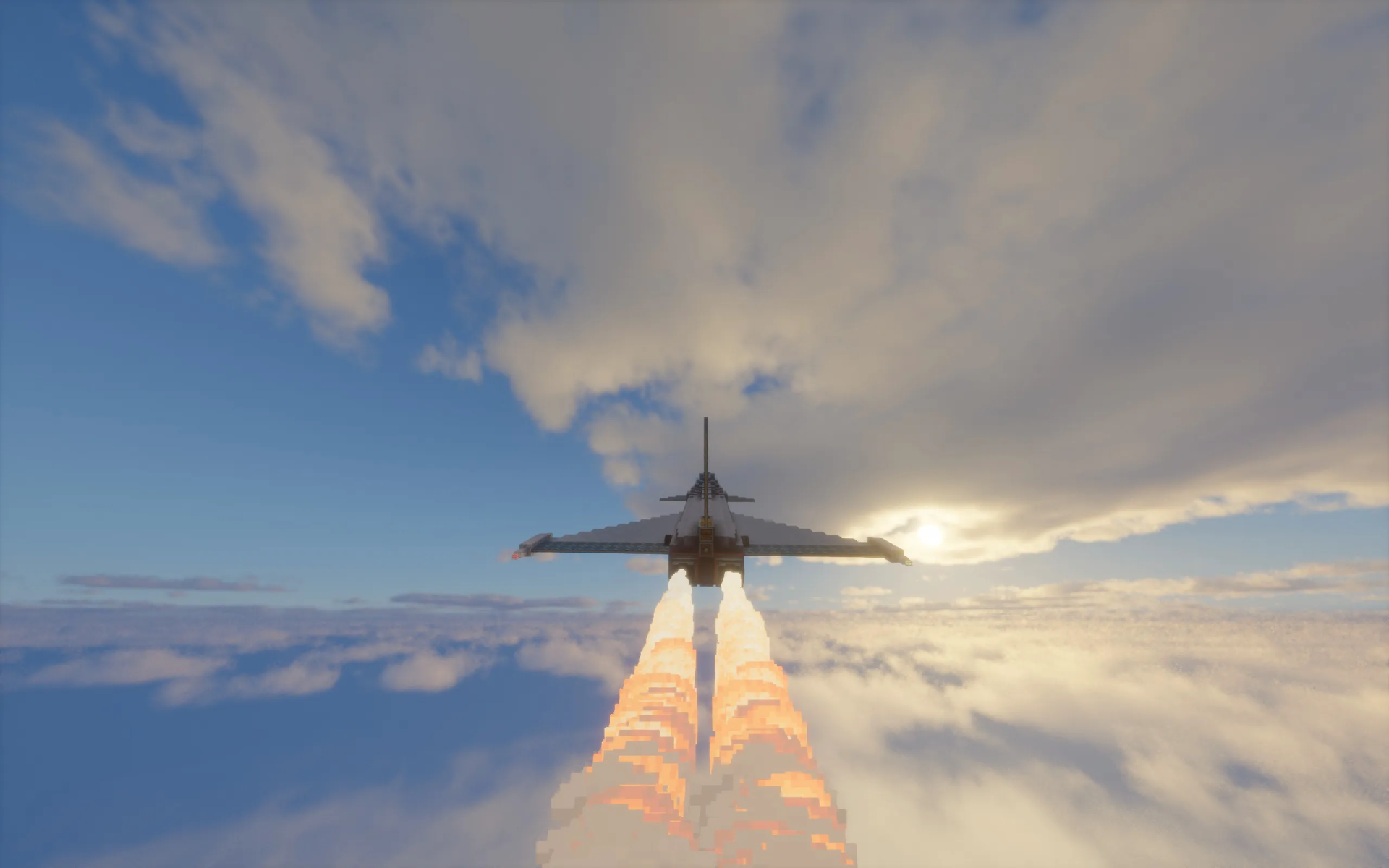
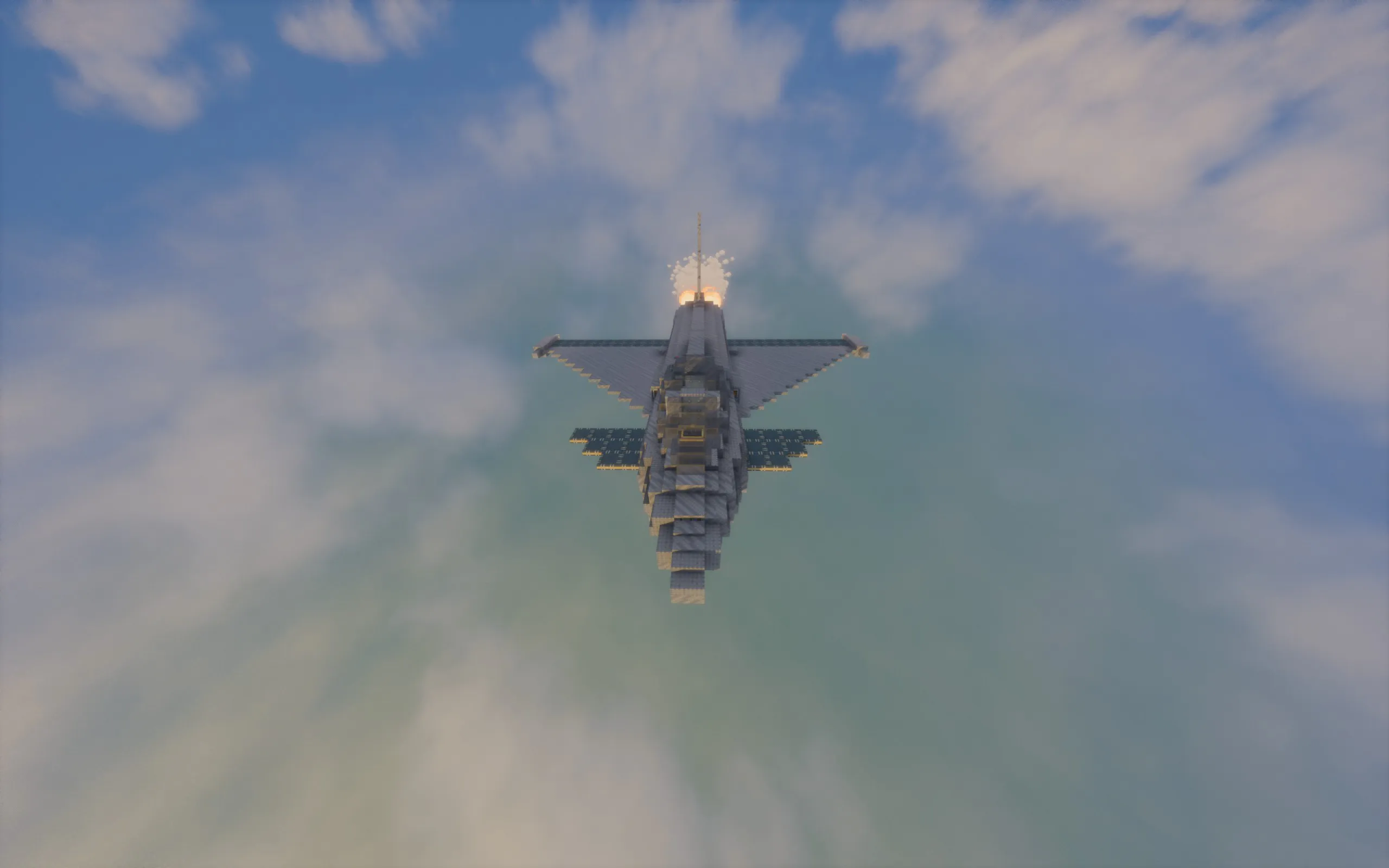
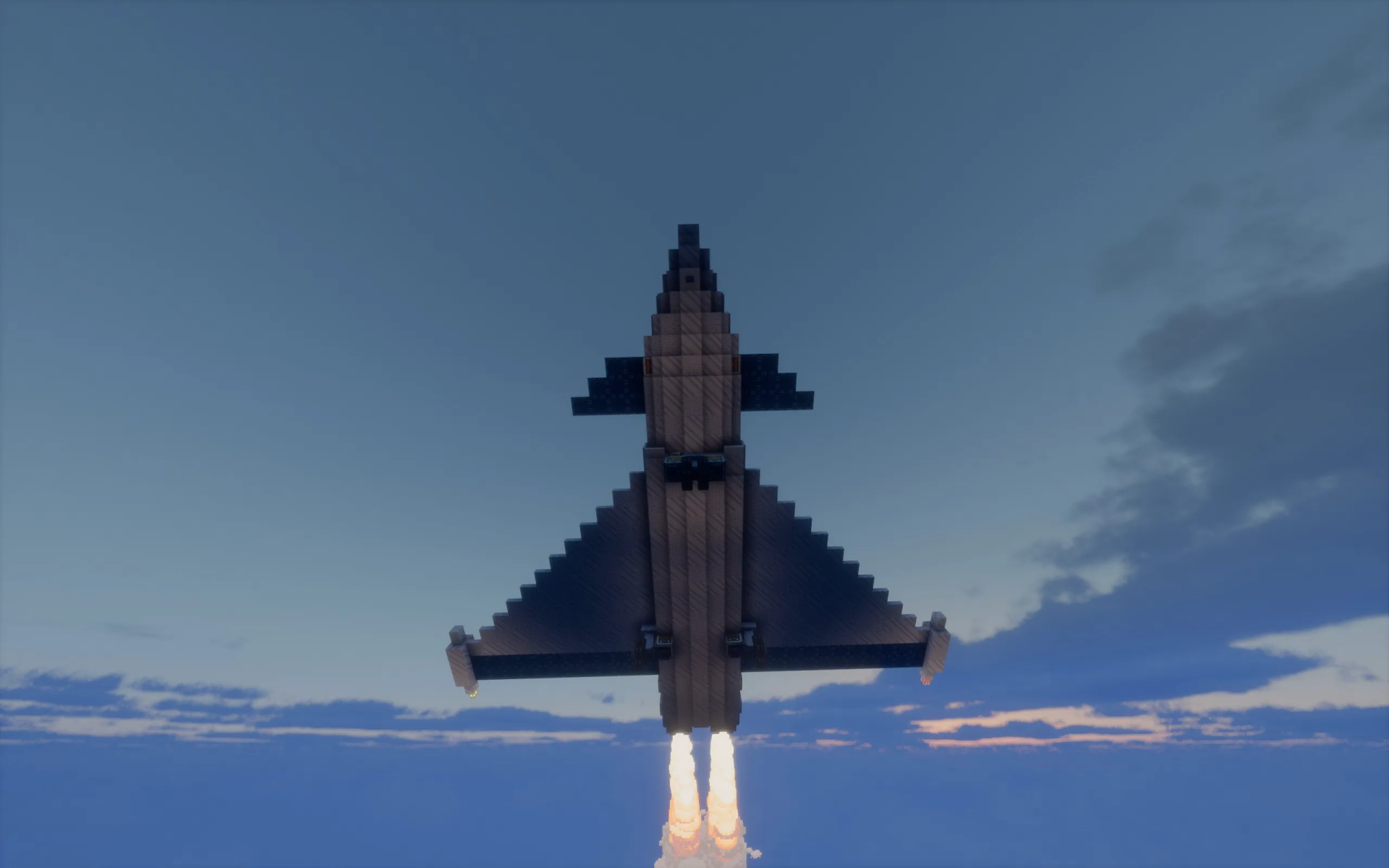
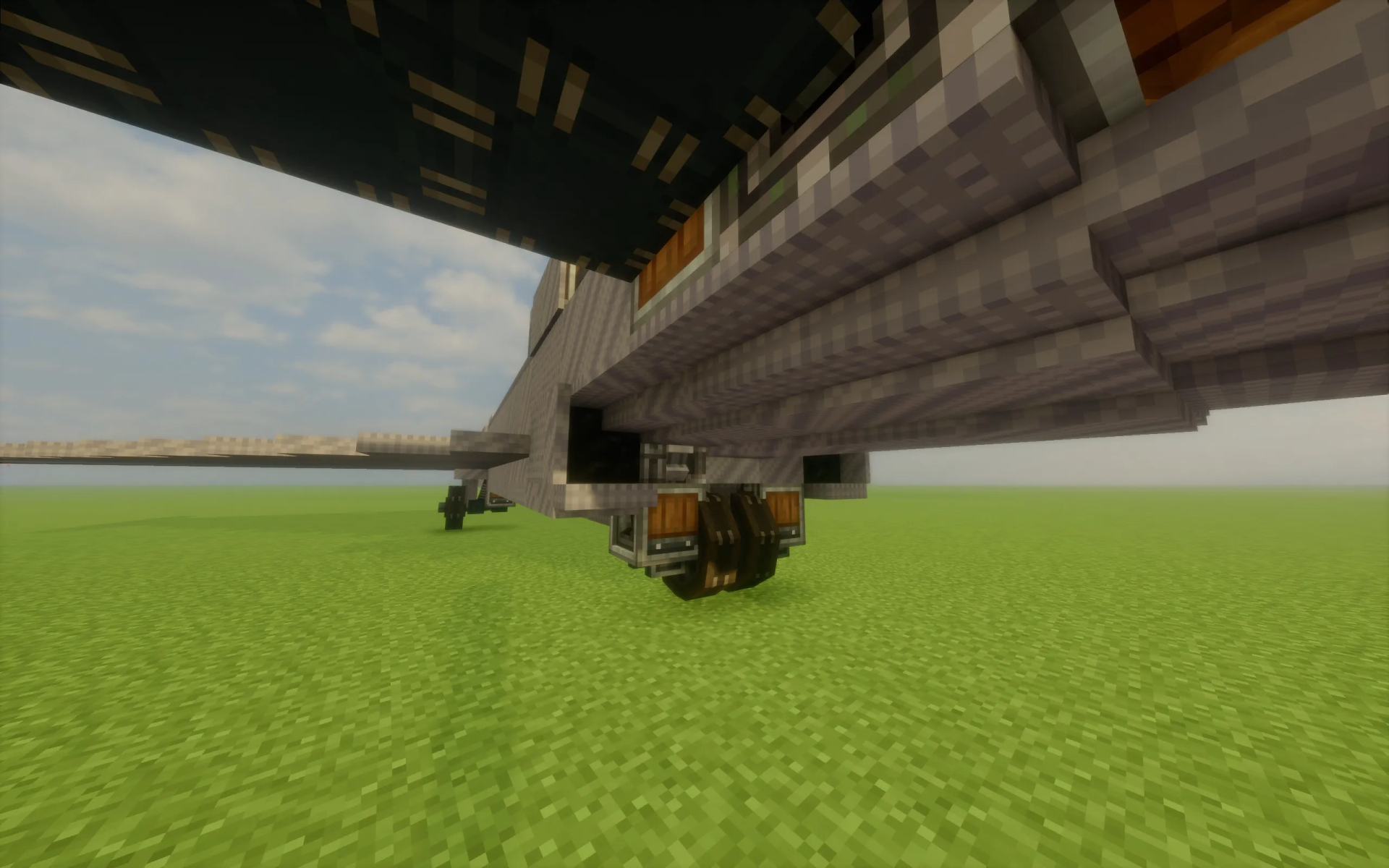
Requirements:
 Create Mod Required
aeronautics Required
ballastmod Required
offroad Required
createcasing Required
interiors Required
createdeco Required
createpropulsion Required
copycats Required
simulated Required
Eurofighter Typhoon Survival Friendly Schematic Download Links
For Minecraft 1.21.x
Click to rate this post!
[Total: 0 Average: 0]
You May Also Like

This post has no comments yet. Be the first — your comment will appear here.