


Client Kits Mod (26.1.2, 1.20.1) – Use Commands to Save, Load, and Delete Inventory Kits

 0
0  April 11, 2026
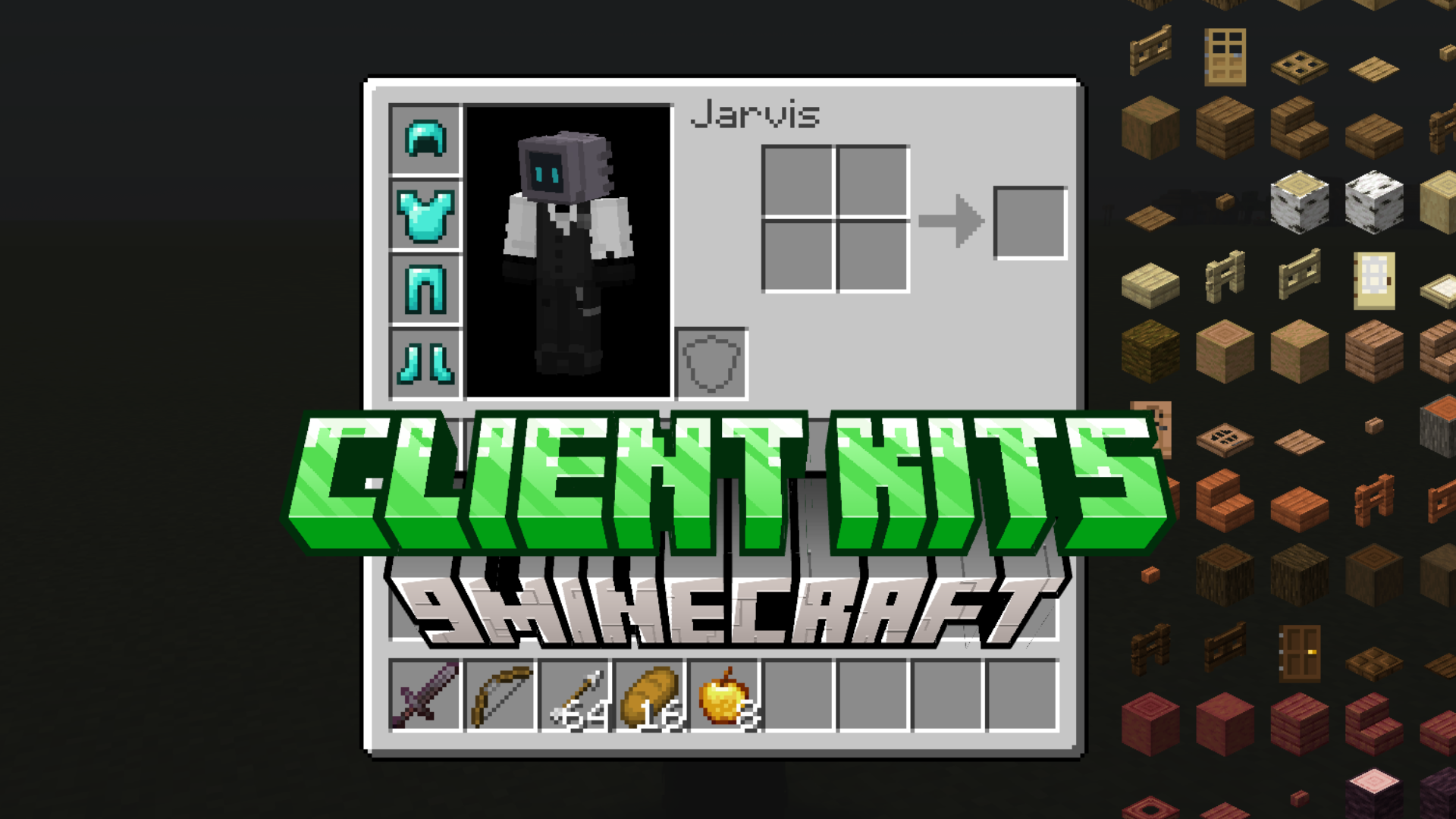
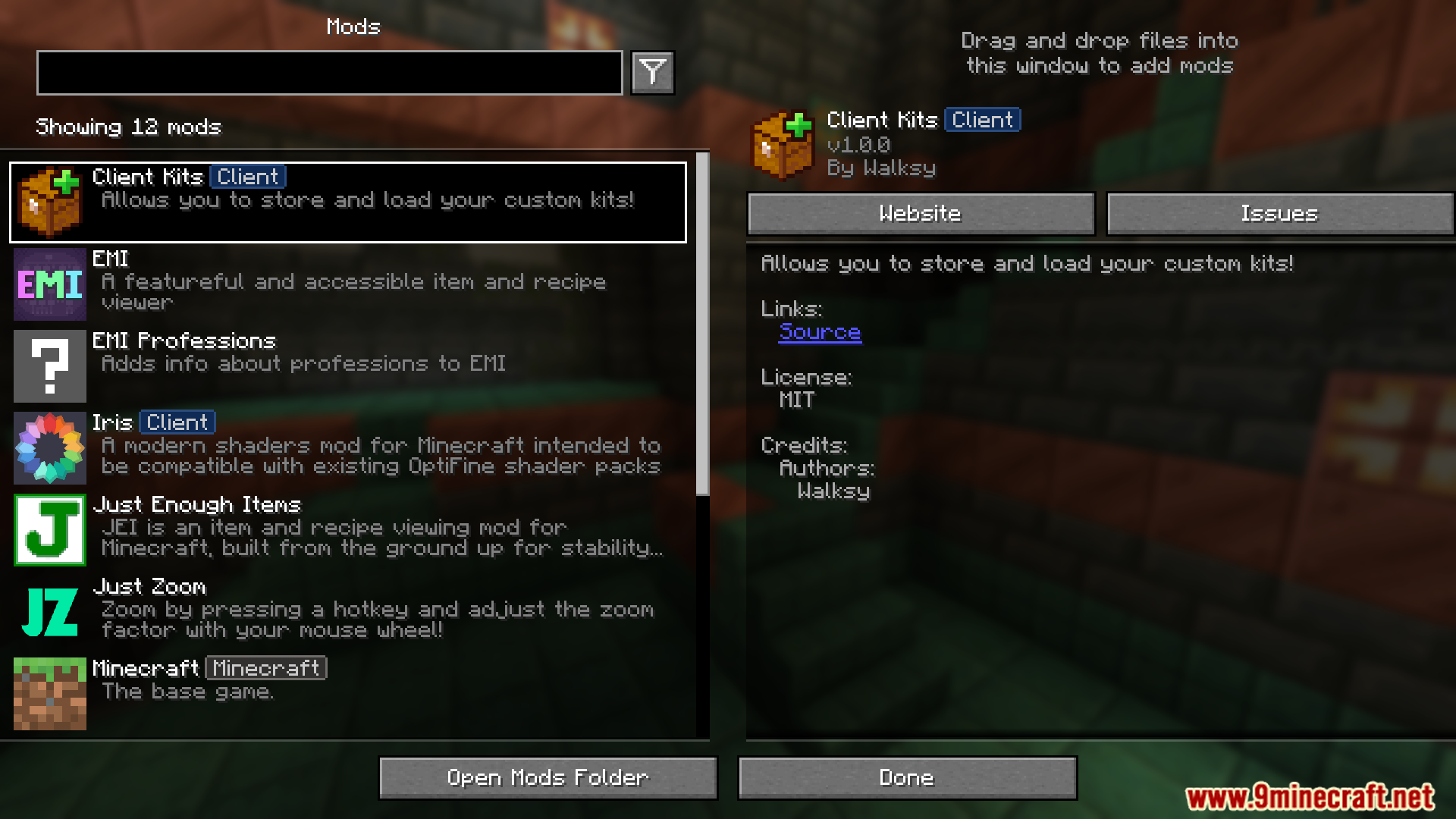
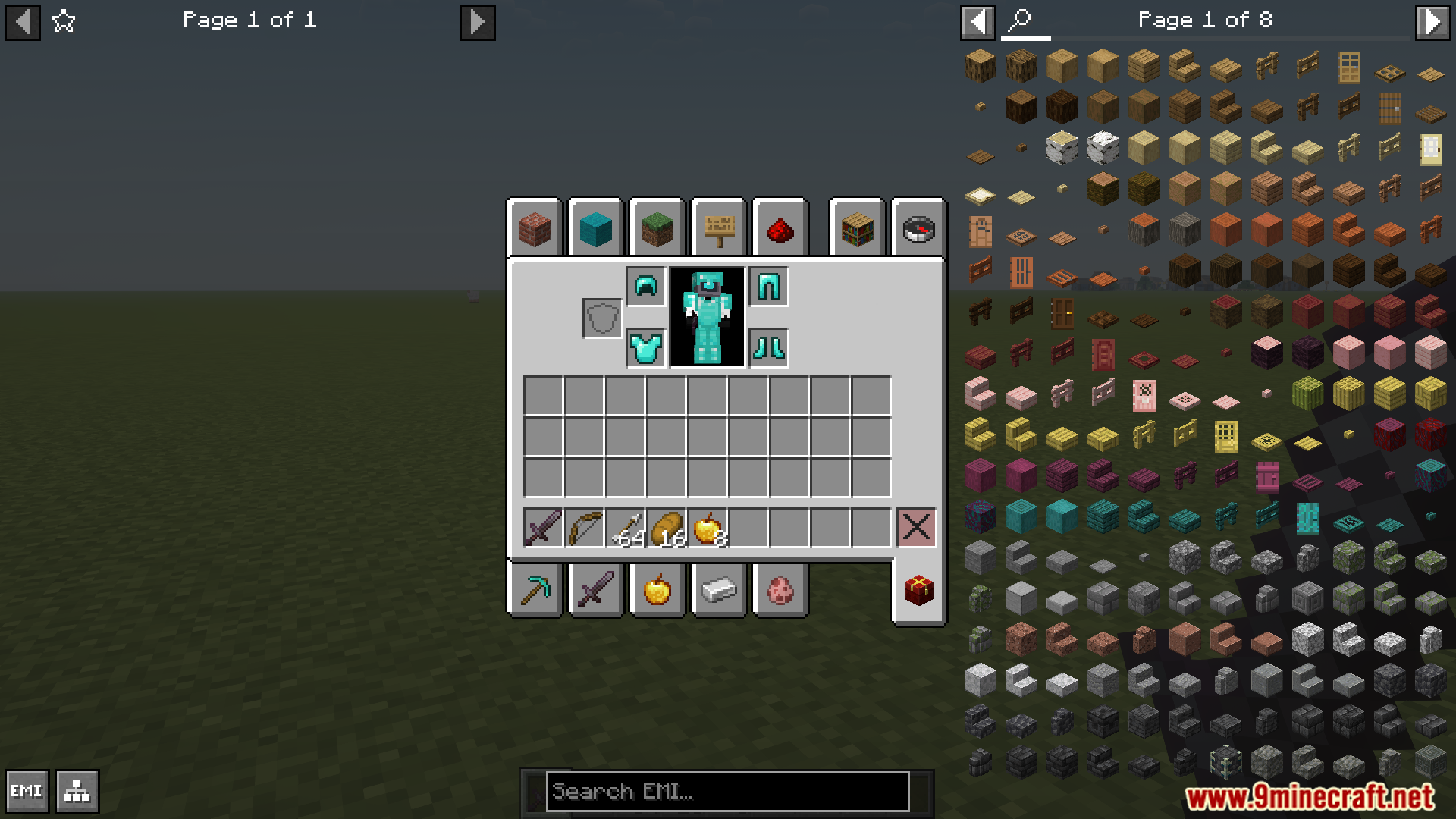
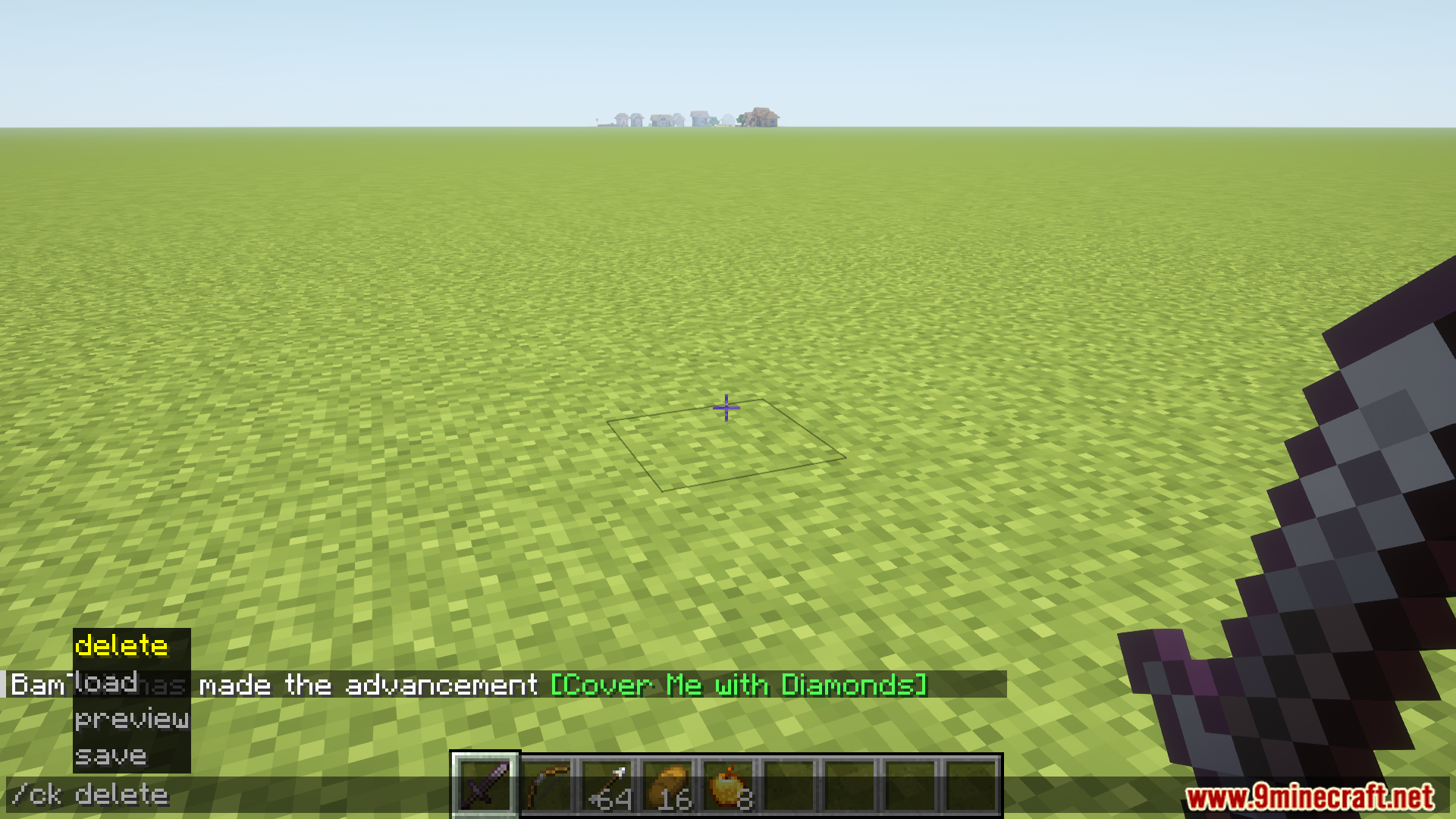
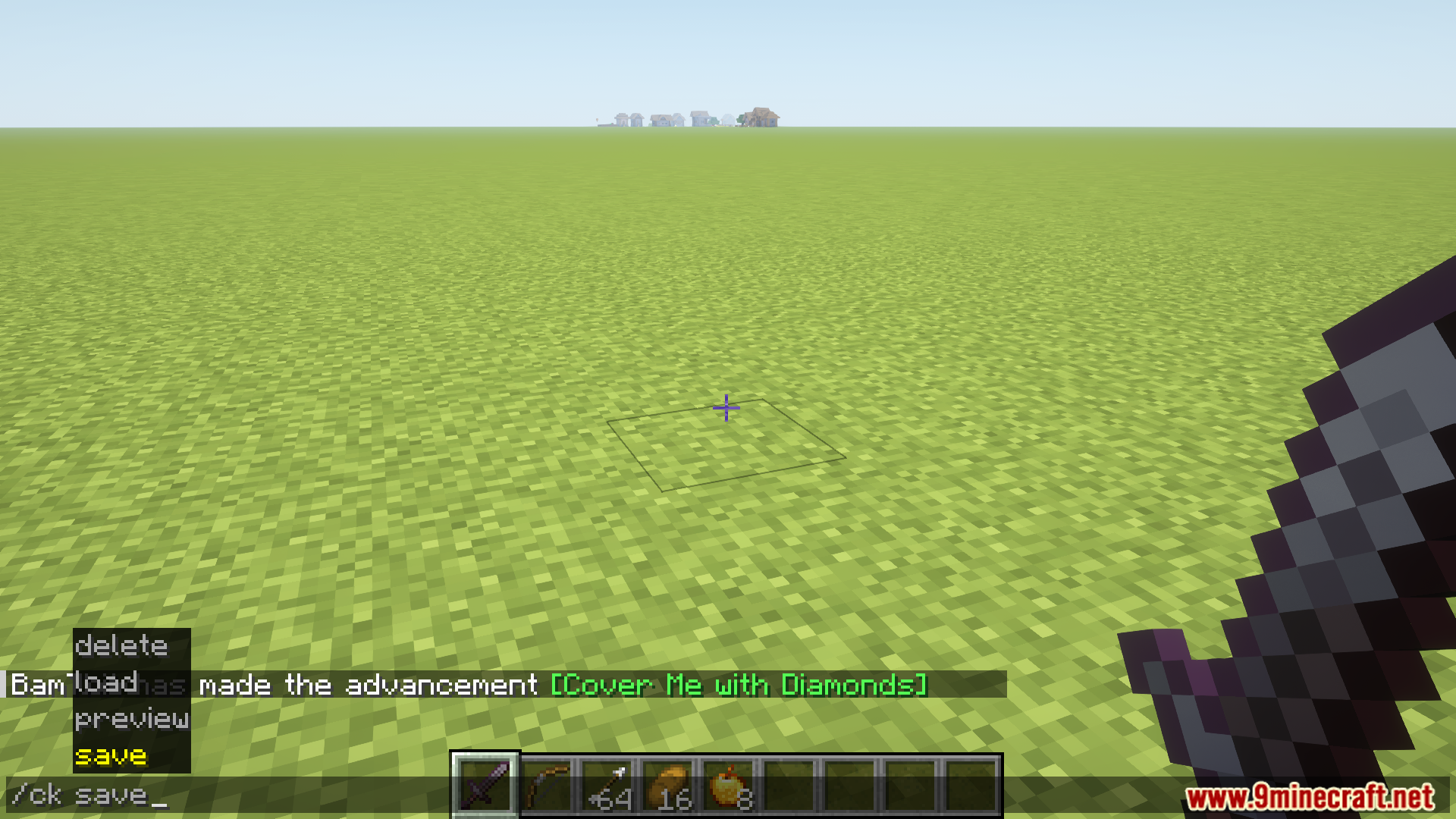
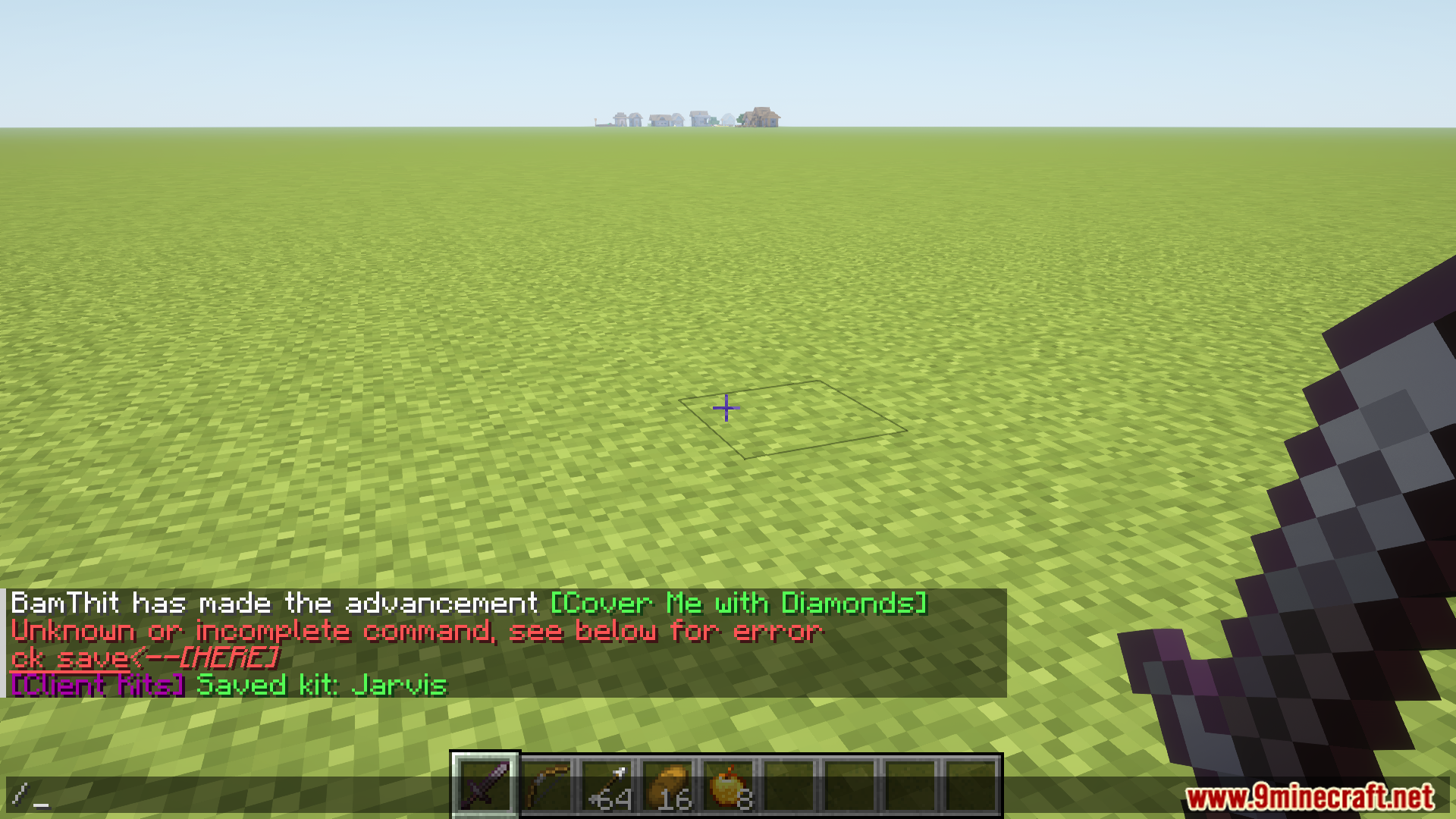
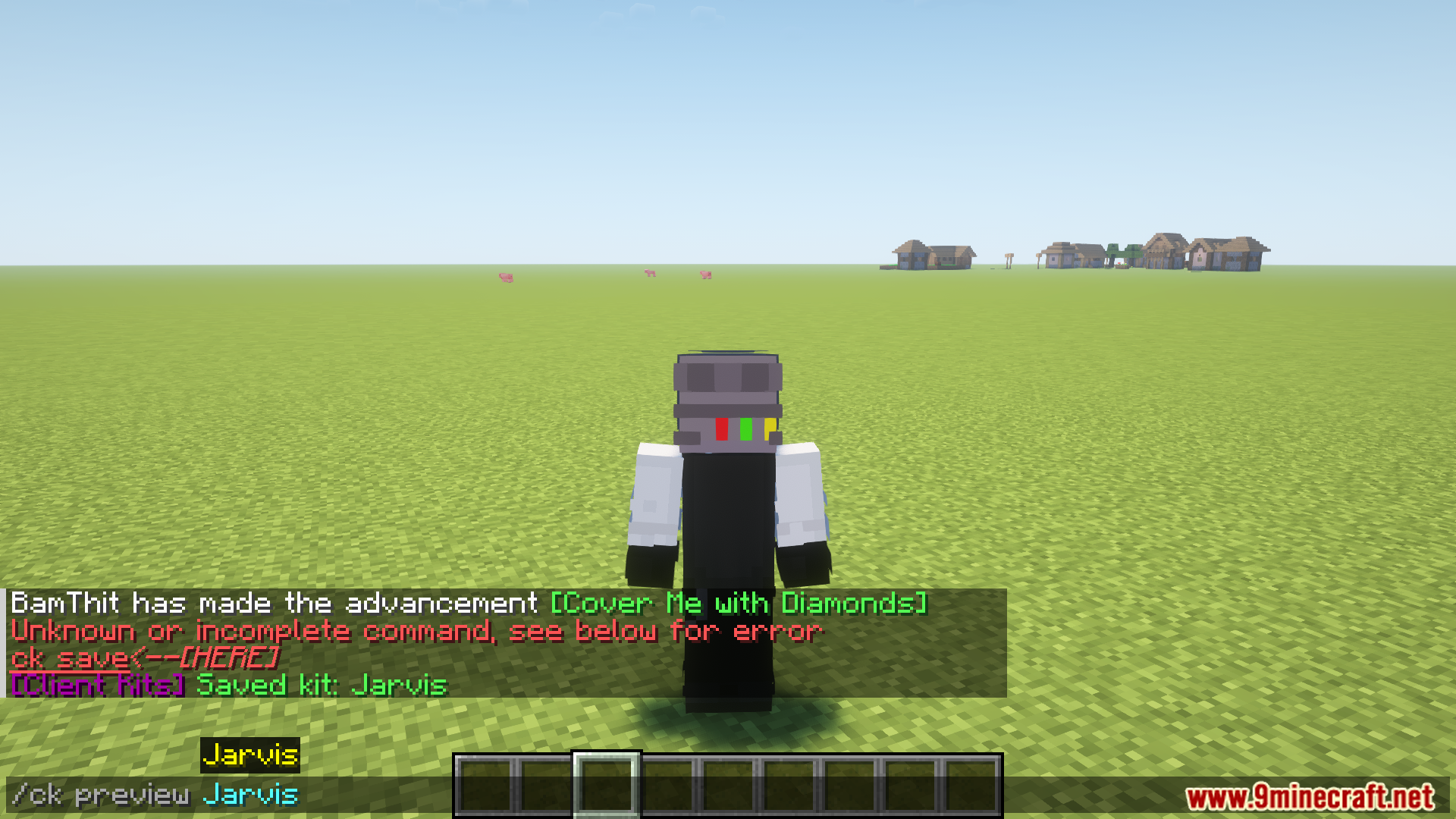
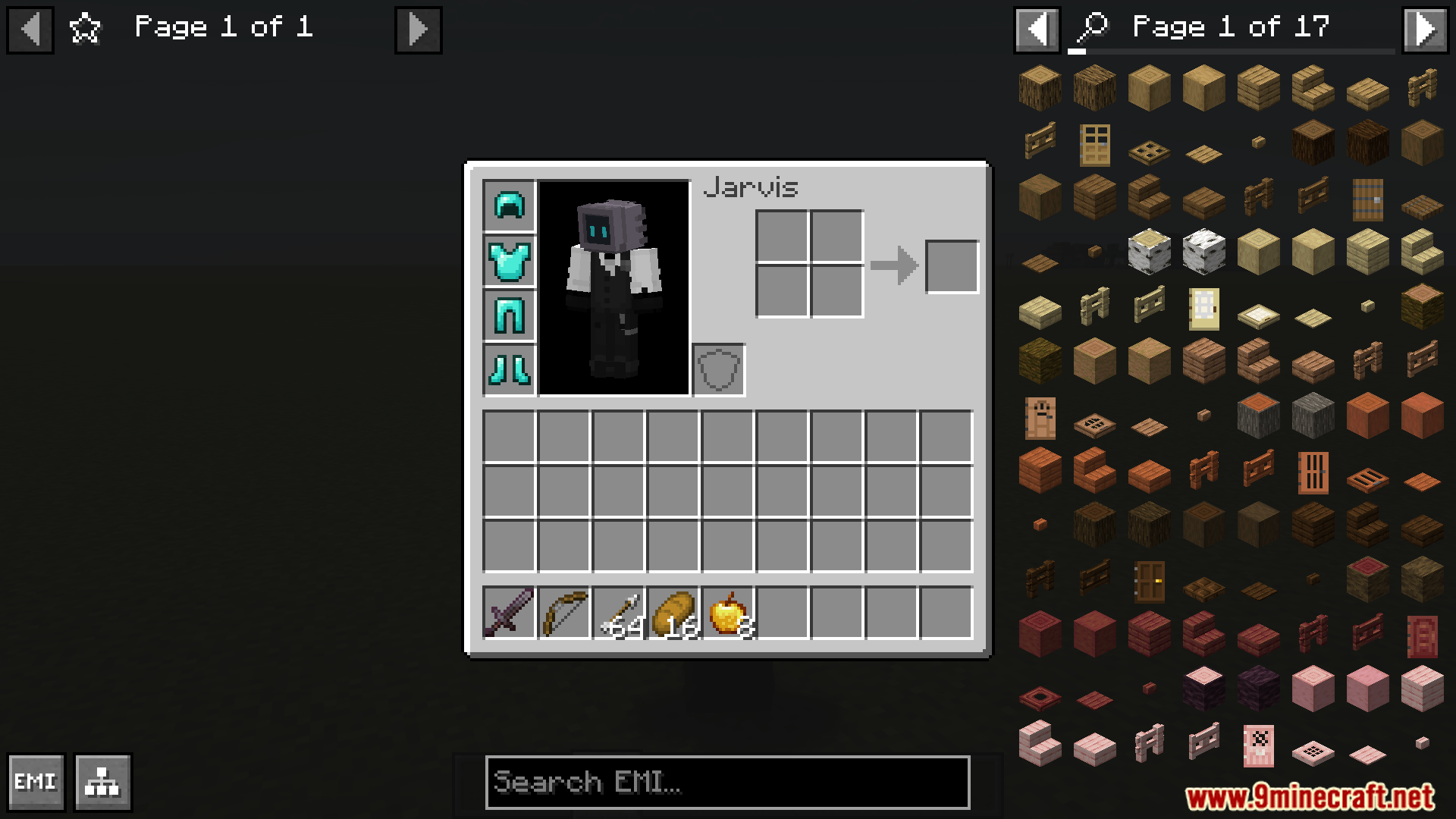
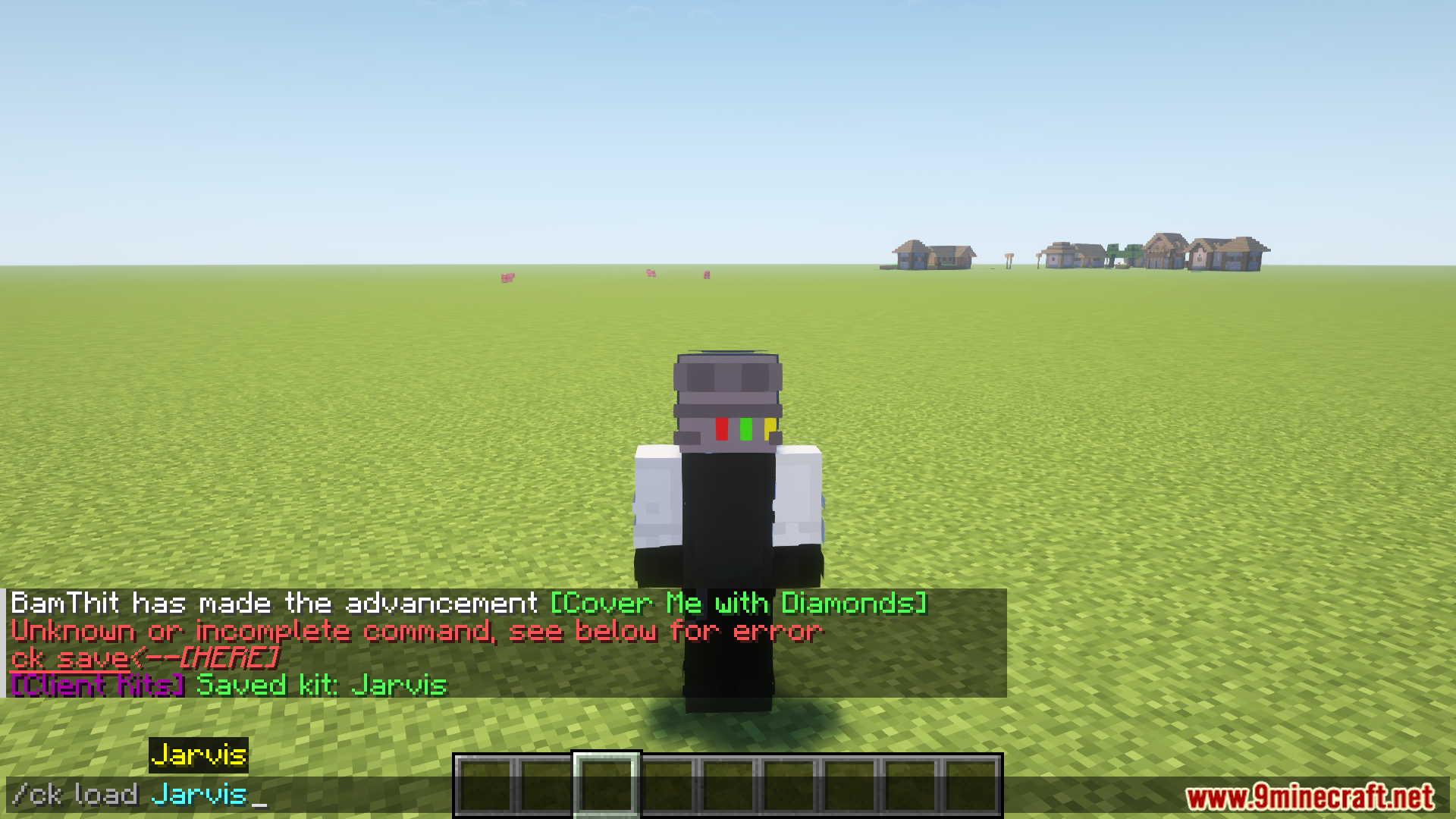
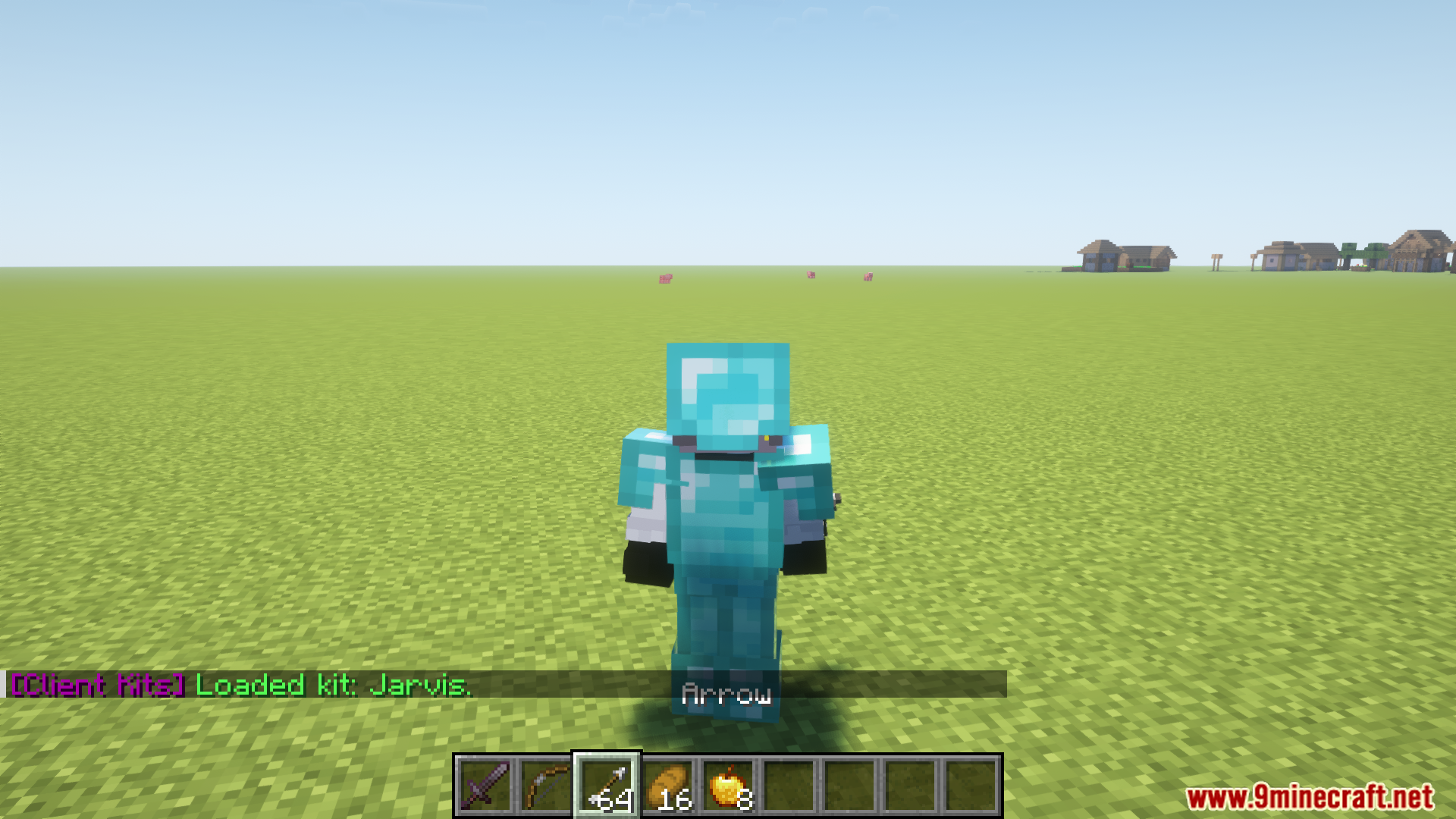
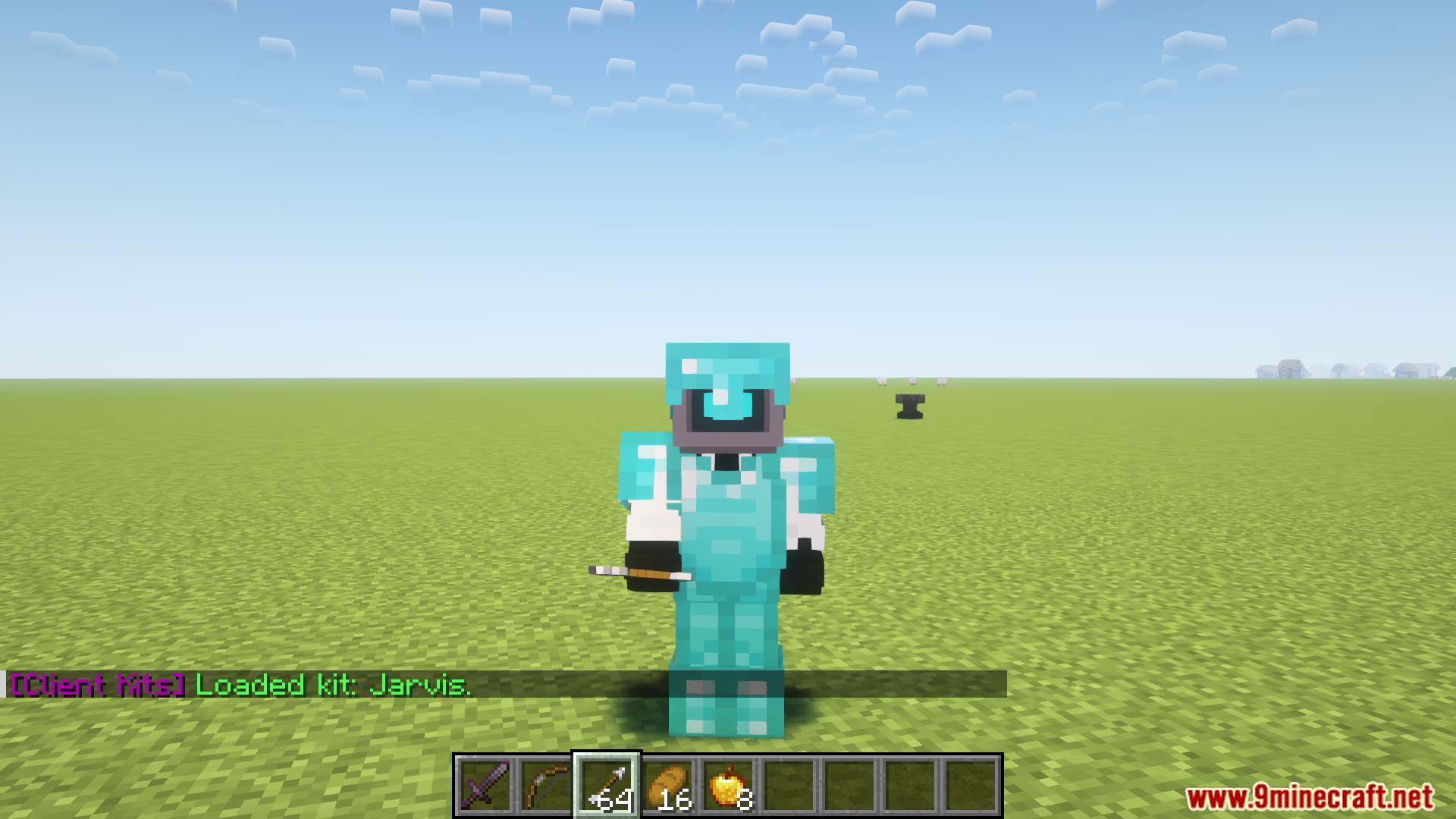
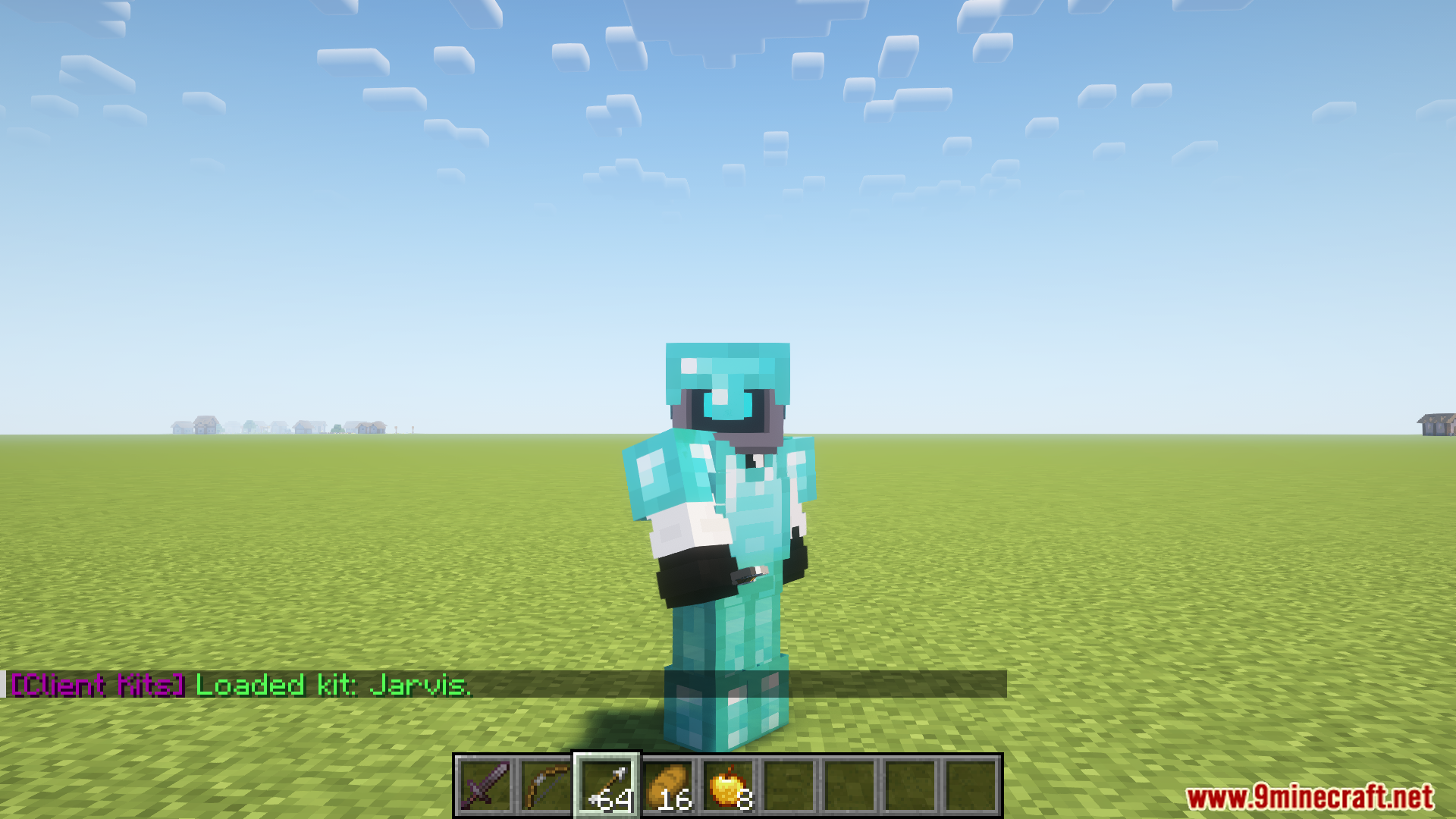
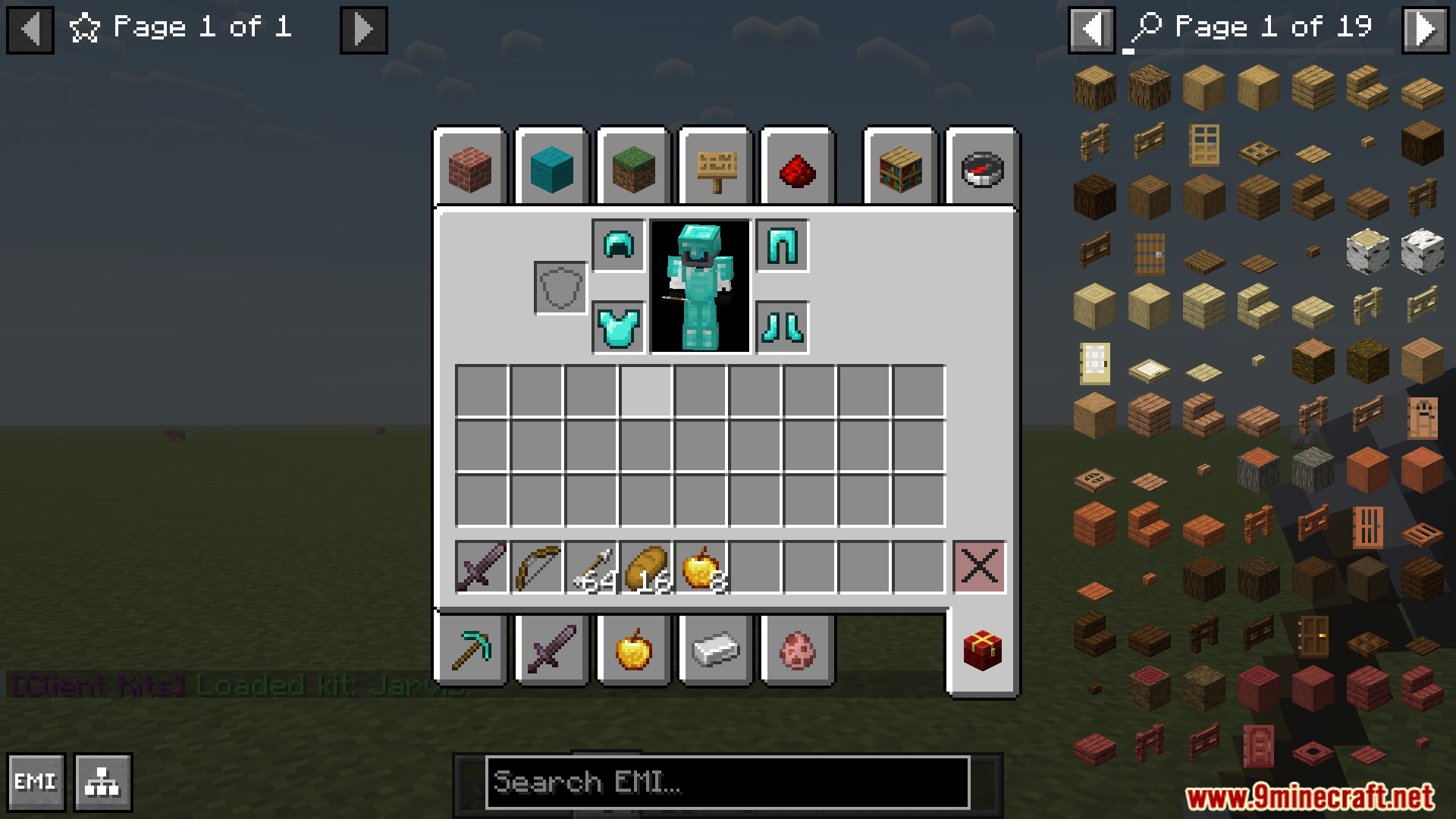
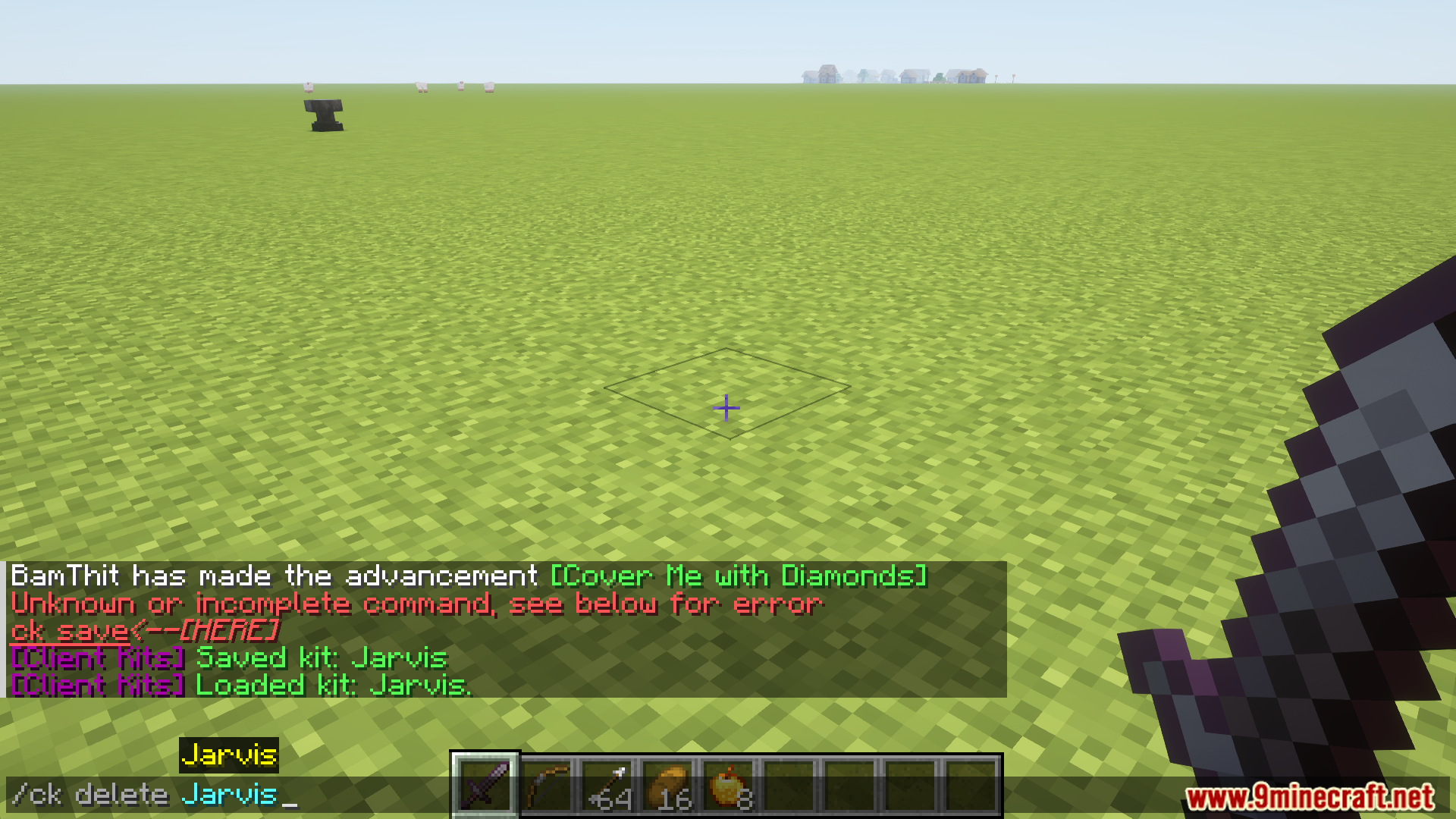
ClientKits mod allows saving, transferring, and managing inventory kits across single-player and multiplayer servers. Kits can be saved, loaded, previewed, or deleted with commands. Access to creative mode is required for loading kits, but other features are available regardless of game mode. Saved kits are stored in a designated configuration folder, facilitating easy sharing and backup creation.
Features:
- Save, load, preview, and delete inventory kits with intuitive commands.
- Requires creative mode access to load kits but supports saving, deleting, and previewing in any mode.
- Kits are stored in the .minecraft/config/ClientKits folder for sharing with other players.
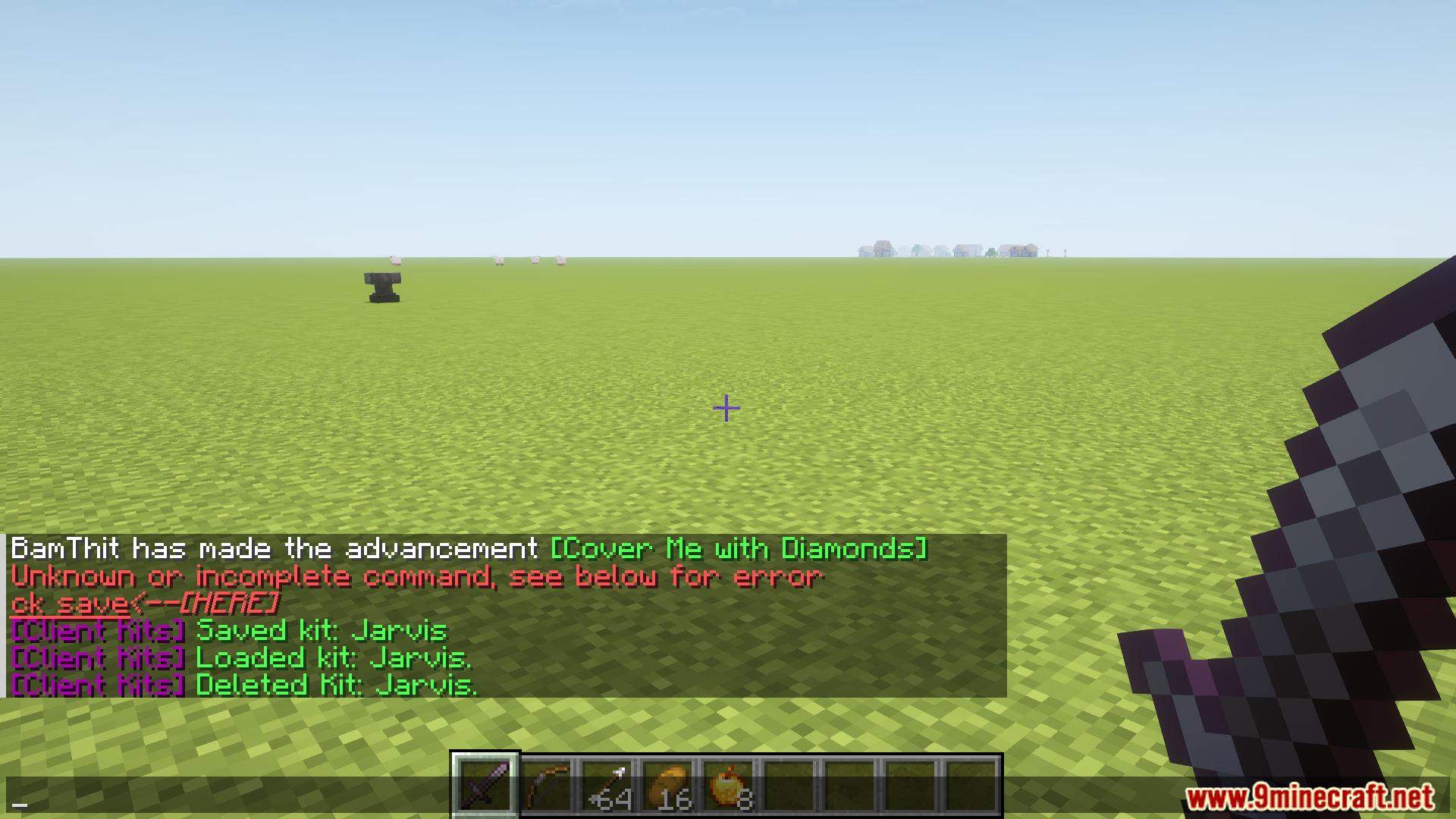
- Deleted kits are permanently removed unless backups are created.
- Streamlined inventory management across singleplayer and multiplayer environments.
Screenshots:
How to Install:
New to Minecraft? Follow our step-by-step guide to install Mods on your PC.View Guide



Client Kits Mod Download Links
For Minecraft 26.1.2, 26.1.1, 26.1
For Minecraft 1.21.11
For Minecraft 1.21.8
For Minecraft 1.21.5
For Minecraft 1.21.4
For Minecraft 1.21.3
For Minecraft 1.21.1, 1.21
For Minecraft 1.20.6
For Minecraft 1.20.4
For Minecraft 1.20.2
For Minecraft 1.20.1, 1.20
For Minecraft 1.19.4
Click to rate this post!
[Total: 0 Average: 0]
You May Also Like


















This post has no comments yet. Be the first — your comment will appear here.