


Indicatia Mod (26.1.2, 1.20.1) – Simple In-game Info and Utility

 0
0  1 day ago
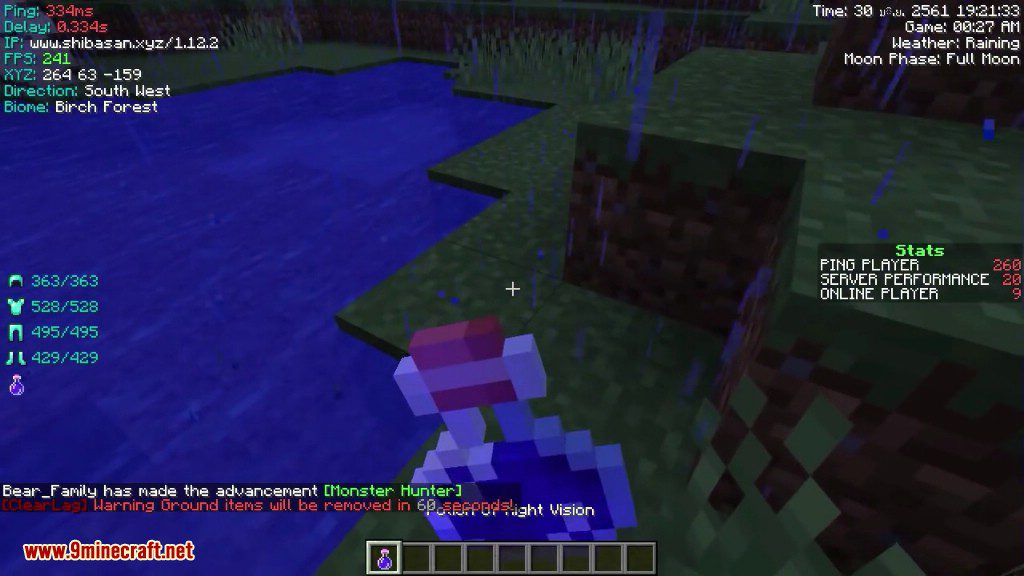
Indicatia Mod display some Game Info into In-Game HUD, also its half PvP Mod that contain some PvP features (might not better at all).
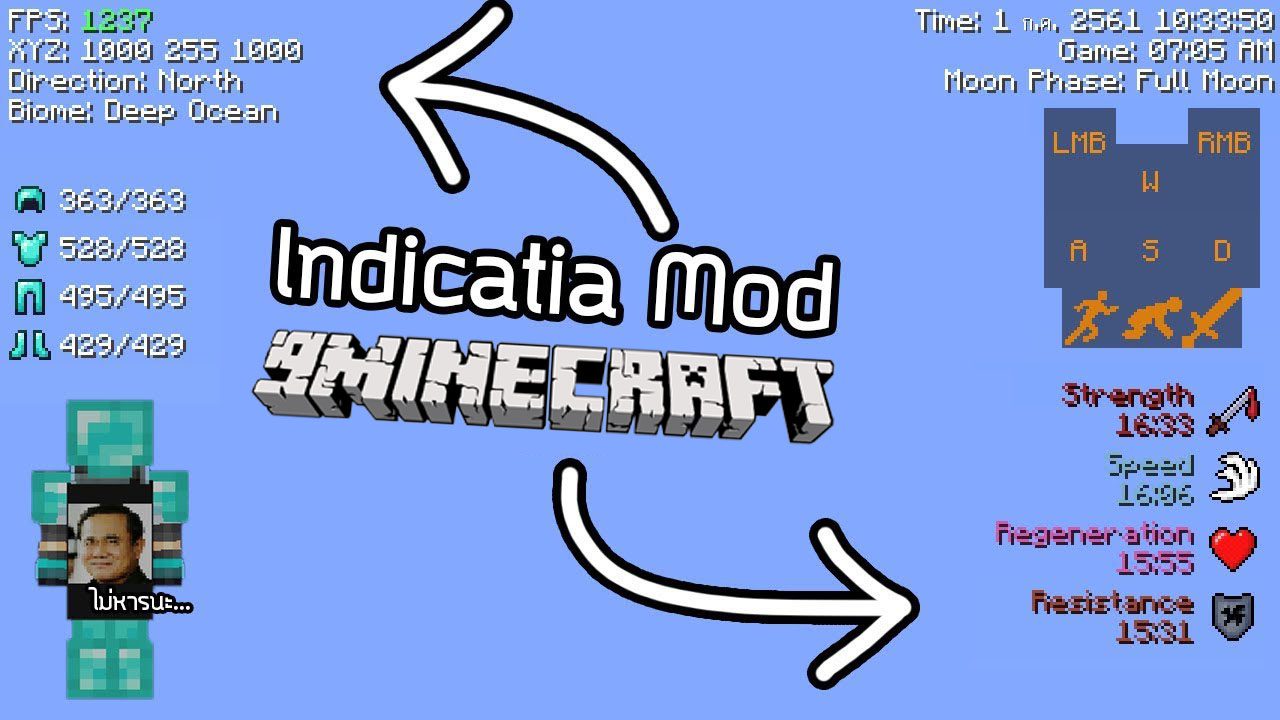
Features:
- In-game HUD
- XYZ
- FPS
- Biome
- Server IP (with Minecraft version)
- Ping
- Slime Chunk (need to use /slimeseed command to set world seed)
- CPS (Click per second)
- RCPS (Right click per second)
- Customize CPS HUD Position (Can be drag when in Chat GUI)
- Donator/Recent Donator list (For twitch streamlabs)
- Server TPS (Useful for testing TPS on client side)
- Real Life Time (Day/Month/Year and Current time)
- Game Time
- Game Weather
- Moon Phase
- Equipment HUD (Armor and Current held item)
- Recording Overlay (Show how long did you has been recorded. Default key: F9)
- In-game Potion HUD
- Keystroke
- Custom Player List (Show ping as number)
- Chat Depth Fix (This will fix Equipment HUD render if behind Chat GUI)
- Vanilla In-game Potion HUD disable option (only 1.10.2+)
- Boss Status disable option
- Sidebar Scoreboard disable option
- Health Status on entity
- 1.7 Blockhit Animation
- Auto detect Ping for nicked player in Hypixel
- Auto GG (Will work after game is end)
- AFK Feature
- Custom Cape (Only you can see your own cape)
- Simple Toggle Sprint/Sneak
- 1.7 Hurt Render for Armor
- Auto Login (Secure your password!)
- Auto Realms.
- Fast Chat Render (Disable Chat Background for better FPS)
- 1.7 Smooth Eye Height (When sneaking)
- Auto Kick Player (Party) when player is offline (Only for Hypixel)
- Mojang Status Checker (Available in Main Menu or using command)
- 1.7 Fishing Rod Render (Feel like 1.7)
- Render Info Profile (Save all your HUD info)
- Quick Skywars Button (Only show when you are in the Skywars Lobby, In Chat GUI)
- Hypixel Chat Mode Button (Only show when in Hypixel Server, In Chat GUI)
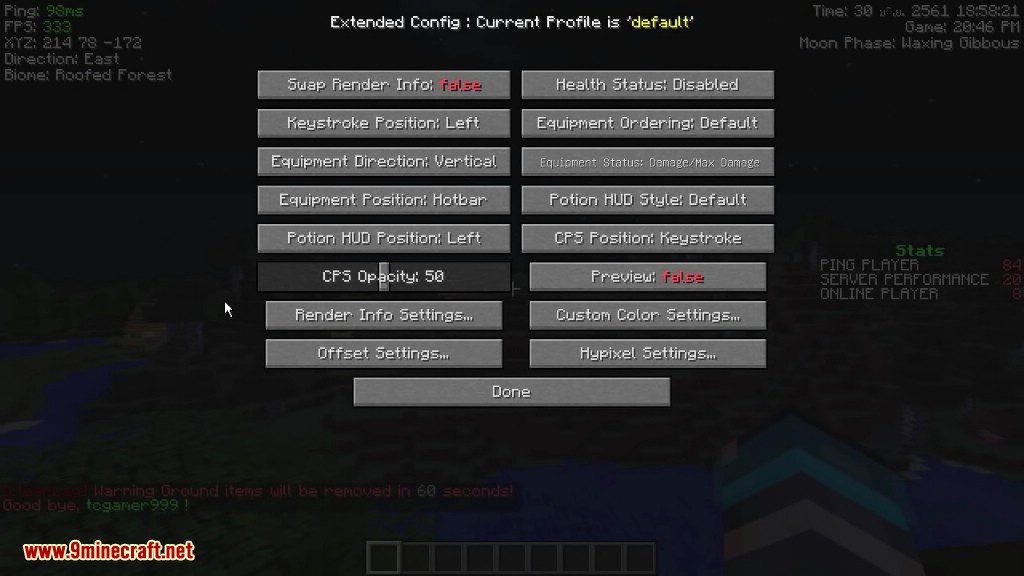
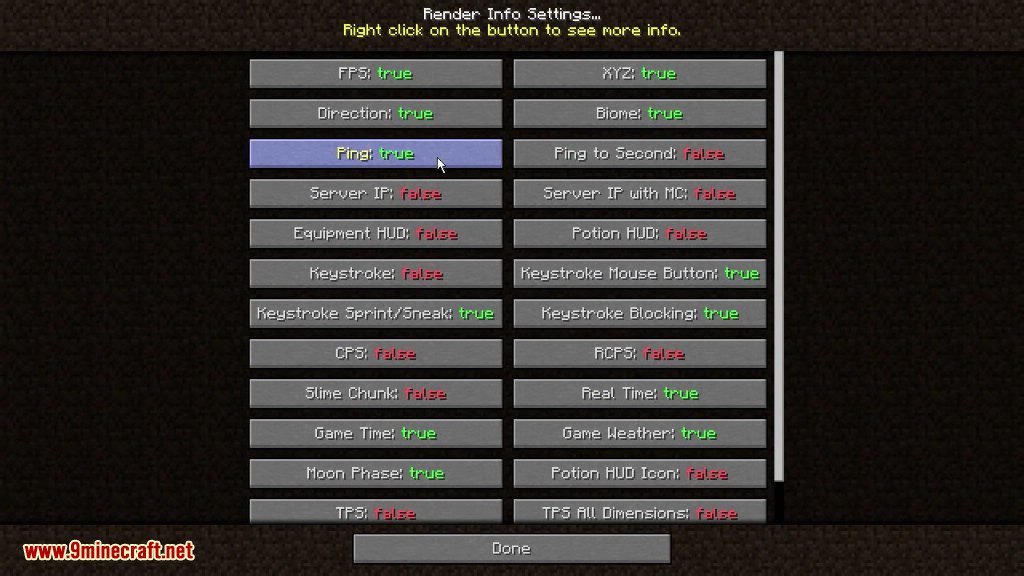
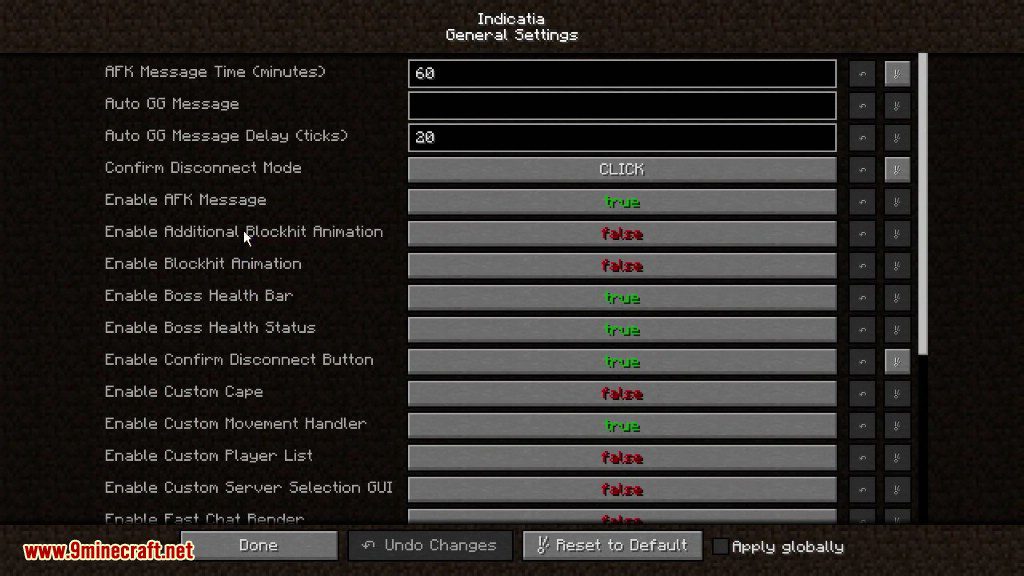
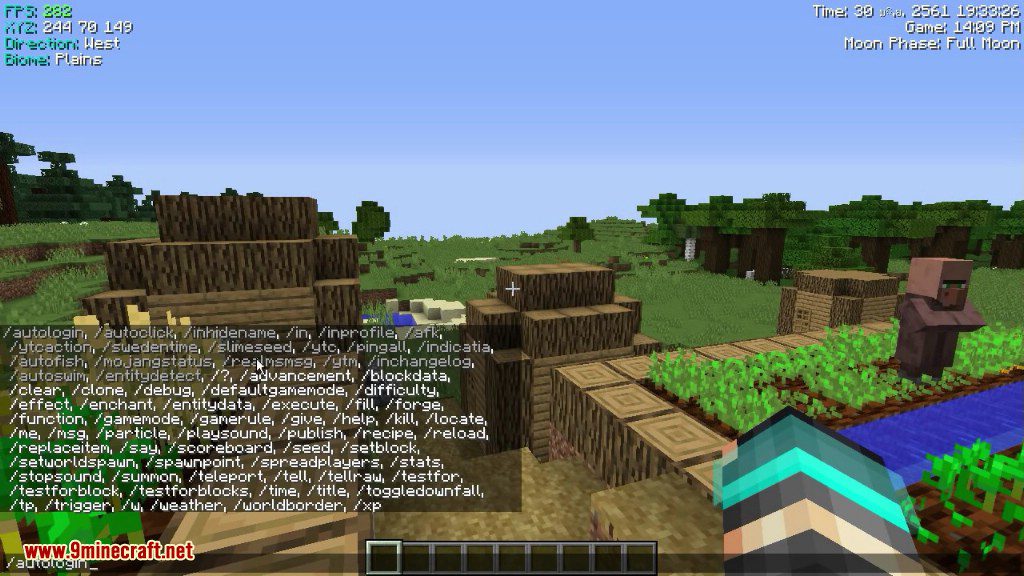
Screenshots:



Commands:
/afk (Usage: /afk <start:reason|stop|change_reason|mode…>)
- For who want to AFK.
/autologin (Usage: /autologin <add|remove|list>
- This will auto process when joined to server, your password will be encoded automatically.
/profileiu (Usage: /profileiu <add|load|save|remove|list>)
- – Render Info Profile. Whatever your want to save, Example UHC, None, PvP, etc.
/autorealms (Usage: /autorealms )
- This will auto process when joined to realms server.
/indicatia (Usage: /indicatia <toggle_sprint|toggle_sneak|cps|gui|color_gui>)
- Contain sub-command, Set your own settings.
/mojangstatus
- Checking Current Mojang Status
/slimeseed (Usage: /slimeseed )
- Used for finding Slime Chunk in your world.
/inchangelog
- Full Mod Change Log
How to use:
- Simply press F4 for Config GUI.
How to Install:
New to Minecraft? Follow our step-by-step guide to install Mods on your PC.View Guide
Requirements:





Indicatia Mod Download Links
For Minecraft 26.1.2, 26.1.1, 26.1
For Minecraft 1.21.11
For Minecraft 1.21.10
For Minecraft 1.21.8, 1.21.7, 1.21.6
For Minecraft 1.21.5
For Minecraft 1.21.4
For Minecraft 1.21.1, 1.21
For Minecraft 1.20.6
For Minecraft 1.20.4
For Minecraft 1.20.2
For Minecraft 1.20.1, 1.20
For Minecraft 1.19.4
For Minecraft 1.19.3
For Minecraft 1.19.2
For Minecraft 1.19
For Minecraft 1.18.2
For Minecraft 1.17.1
For Minecraft 1.16.5
For Minecraft 1.15.2
For Minecraft 1.12.2
For Minecraft 1.8.9
For Minecraft 1.7.10
Click to rate this post!
[Total: 2 Average: 4]
You May Also Like


















This post has no comments yet. Be the first — your comment will appear here.