


Raw’s Visual Keybinder Mod (1.21.11, 1.20.1) – Manage Keybinds With A Keyboard Layout
 158
158
 0
0
 5 days ago
 rawlxxxviii
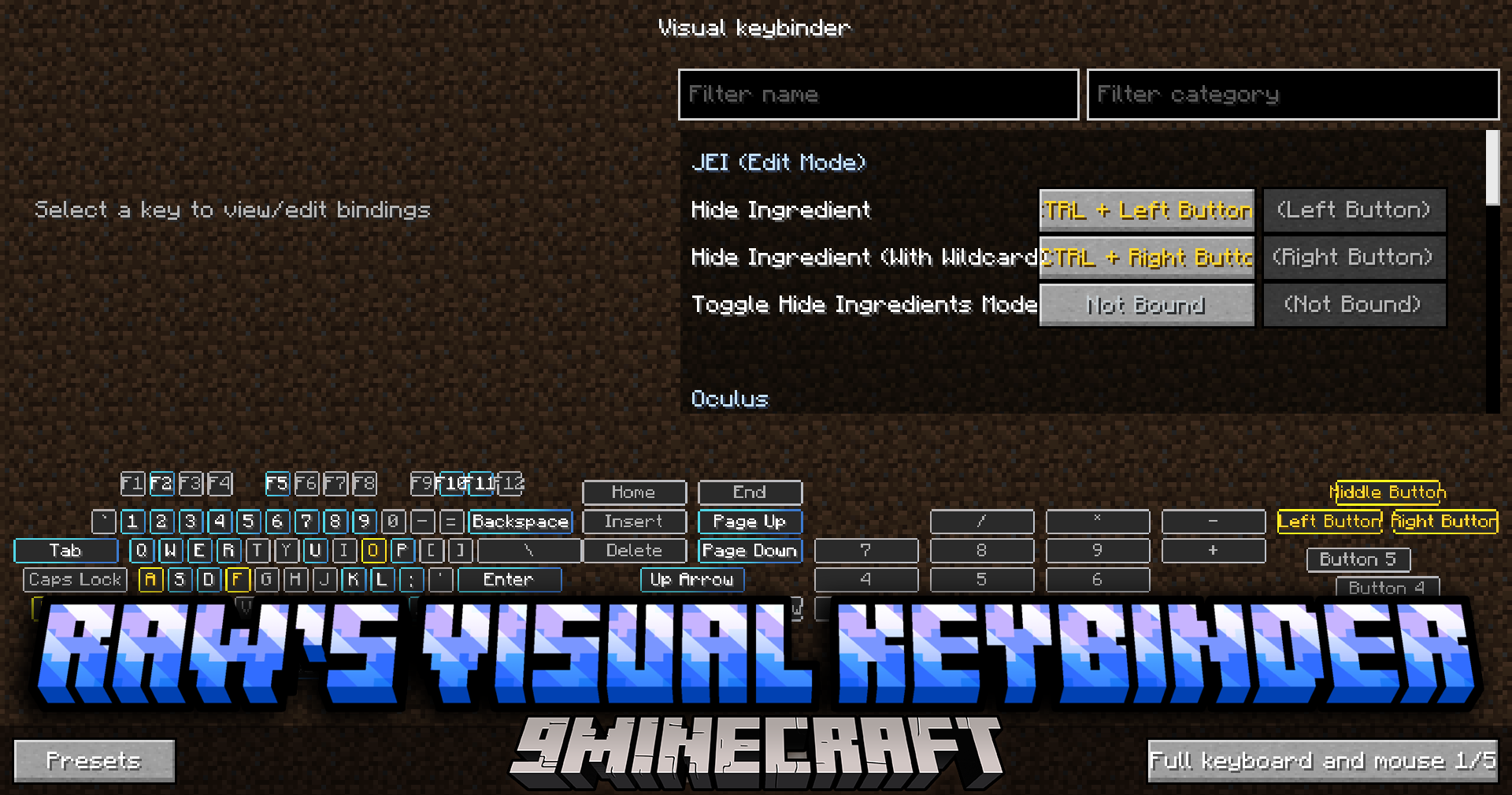
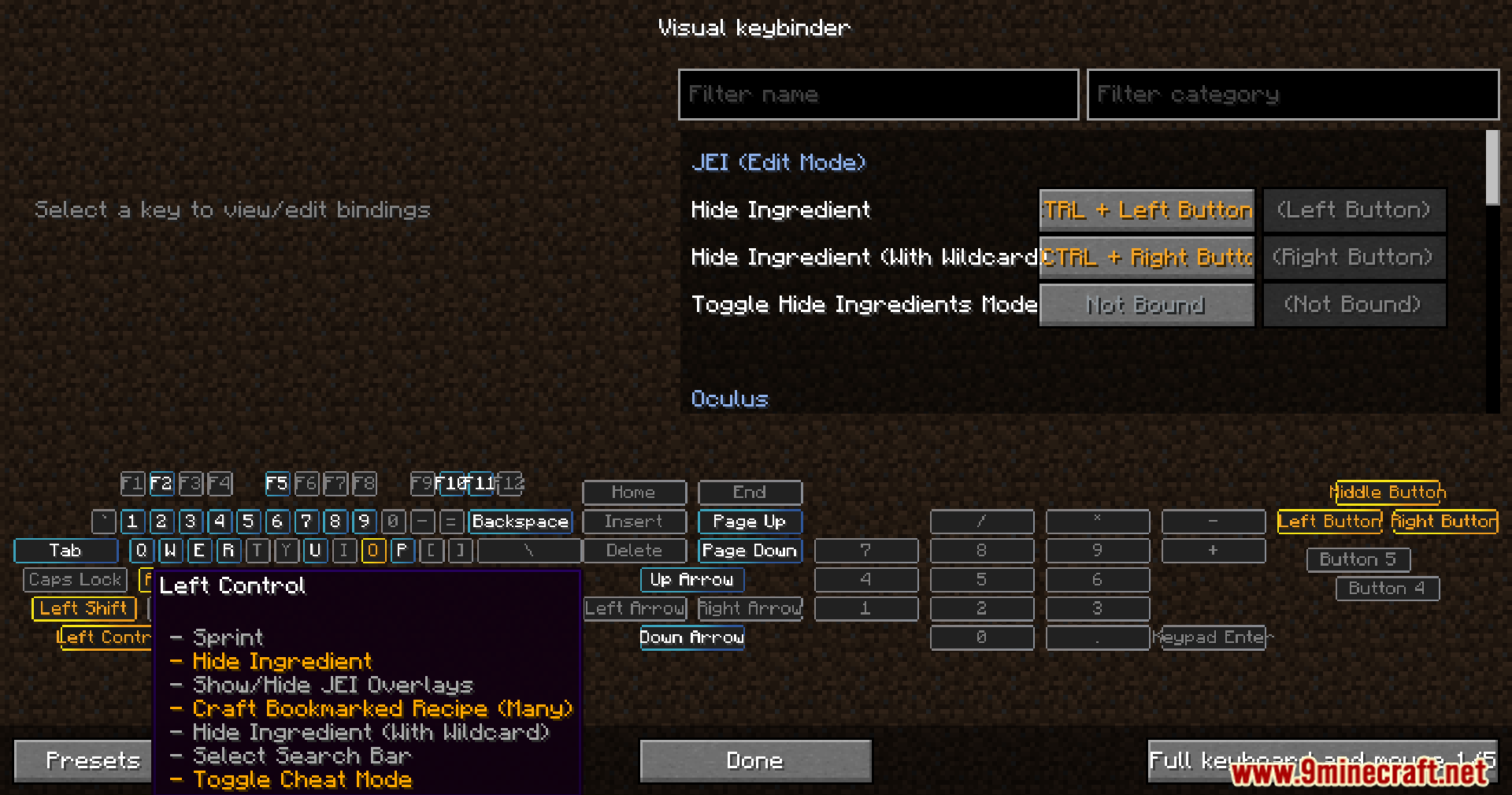
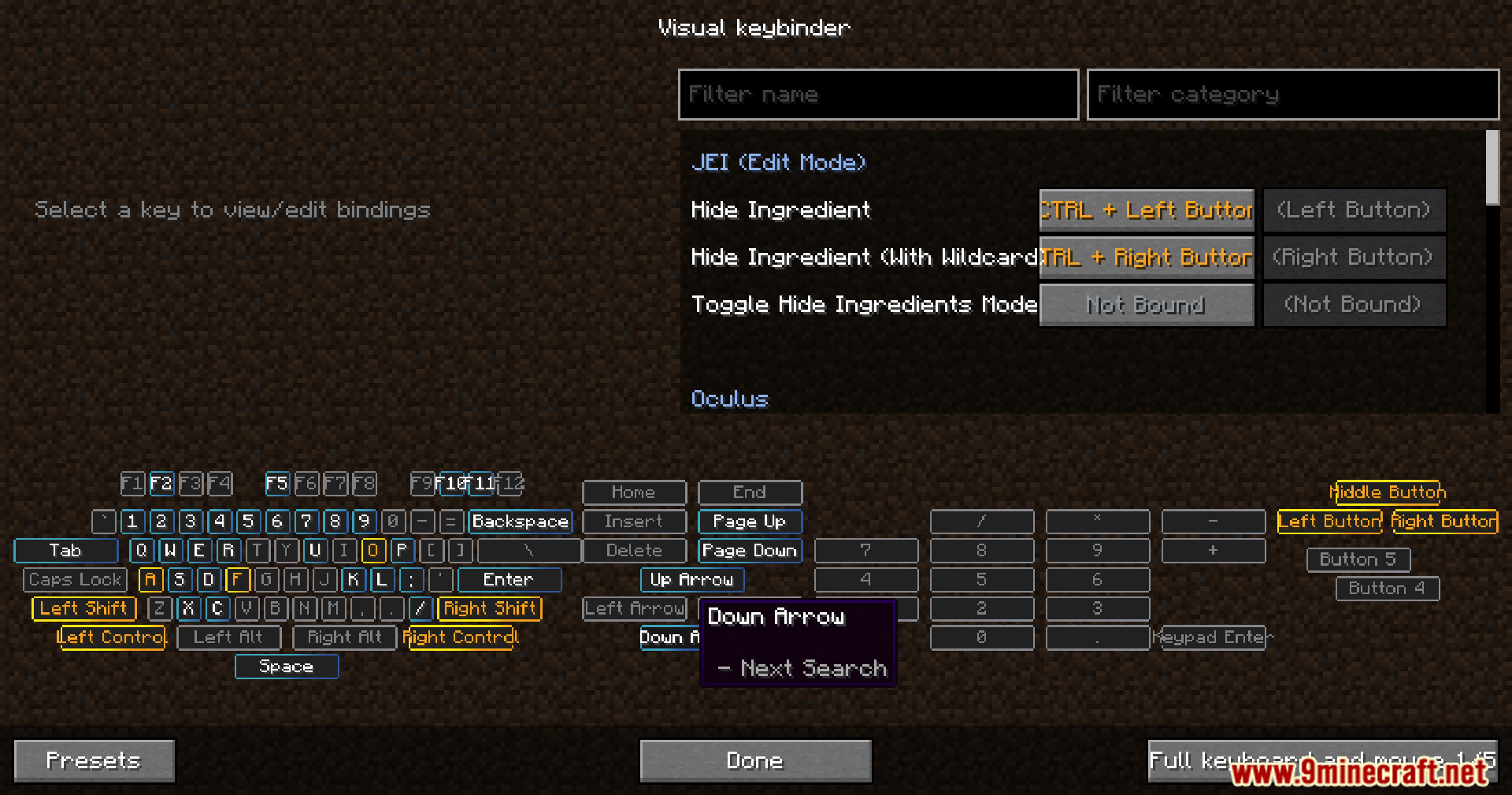
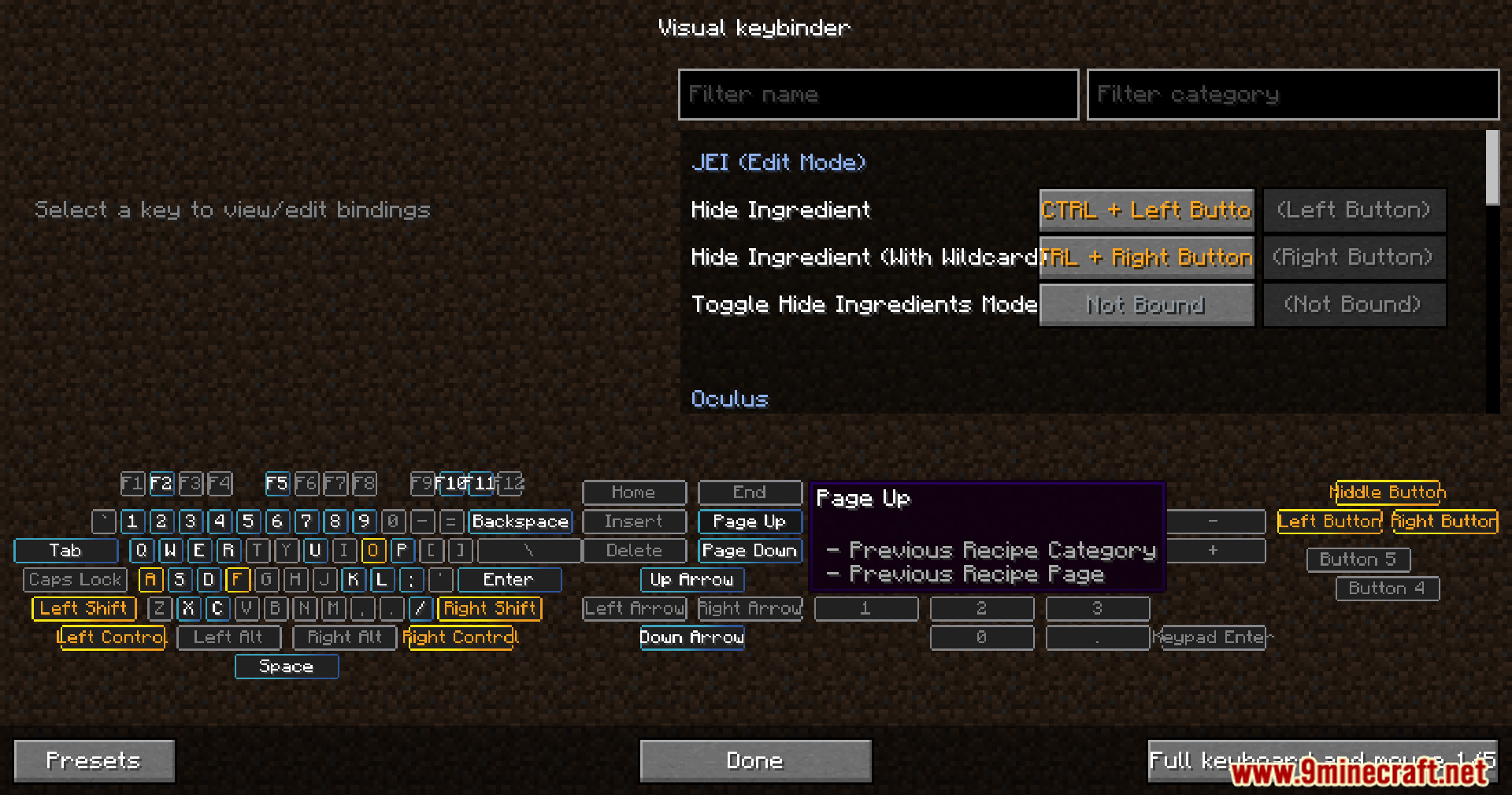
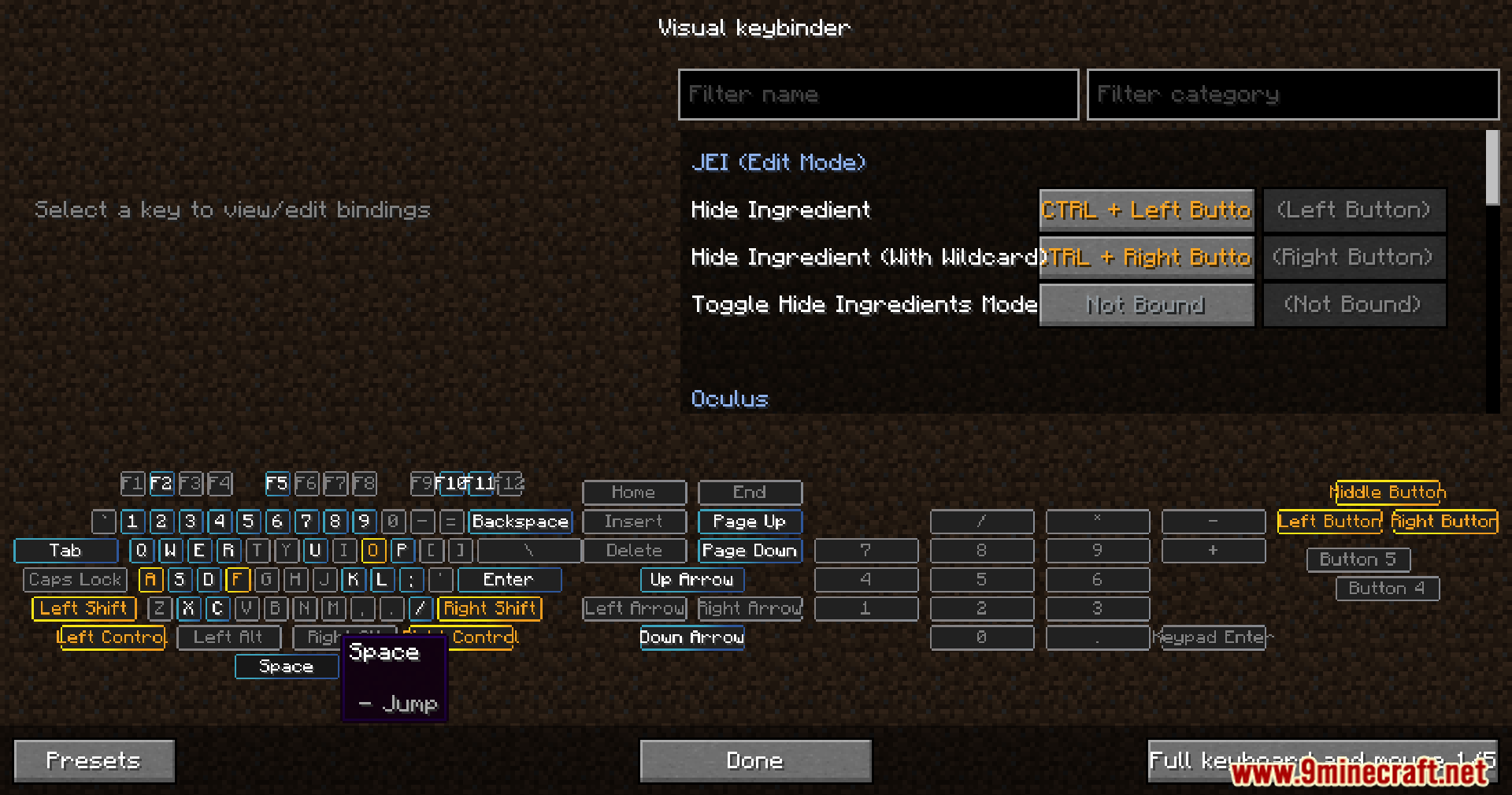
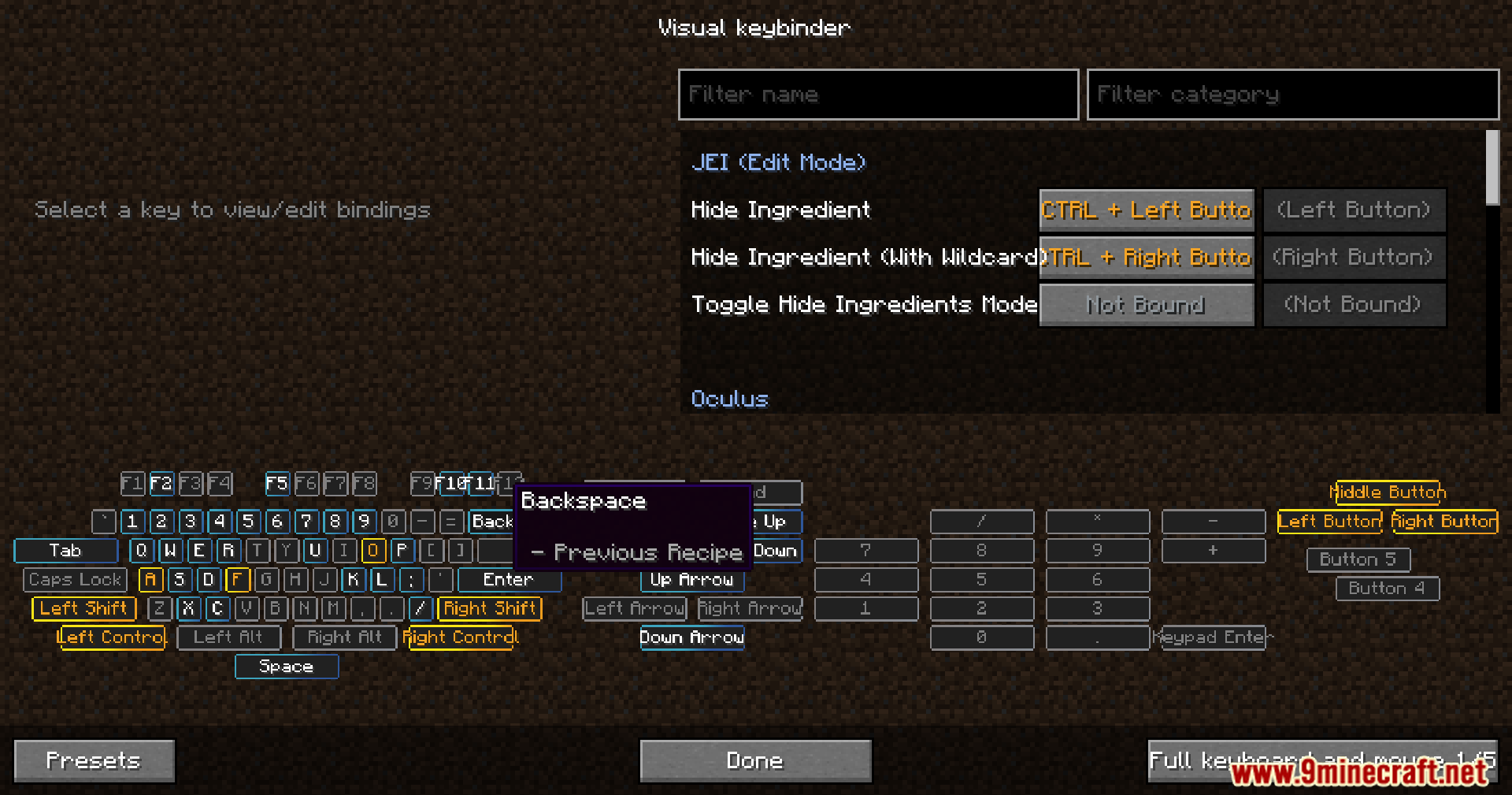
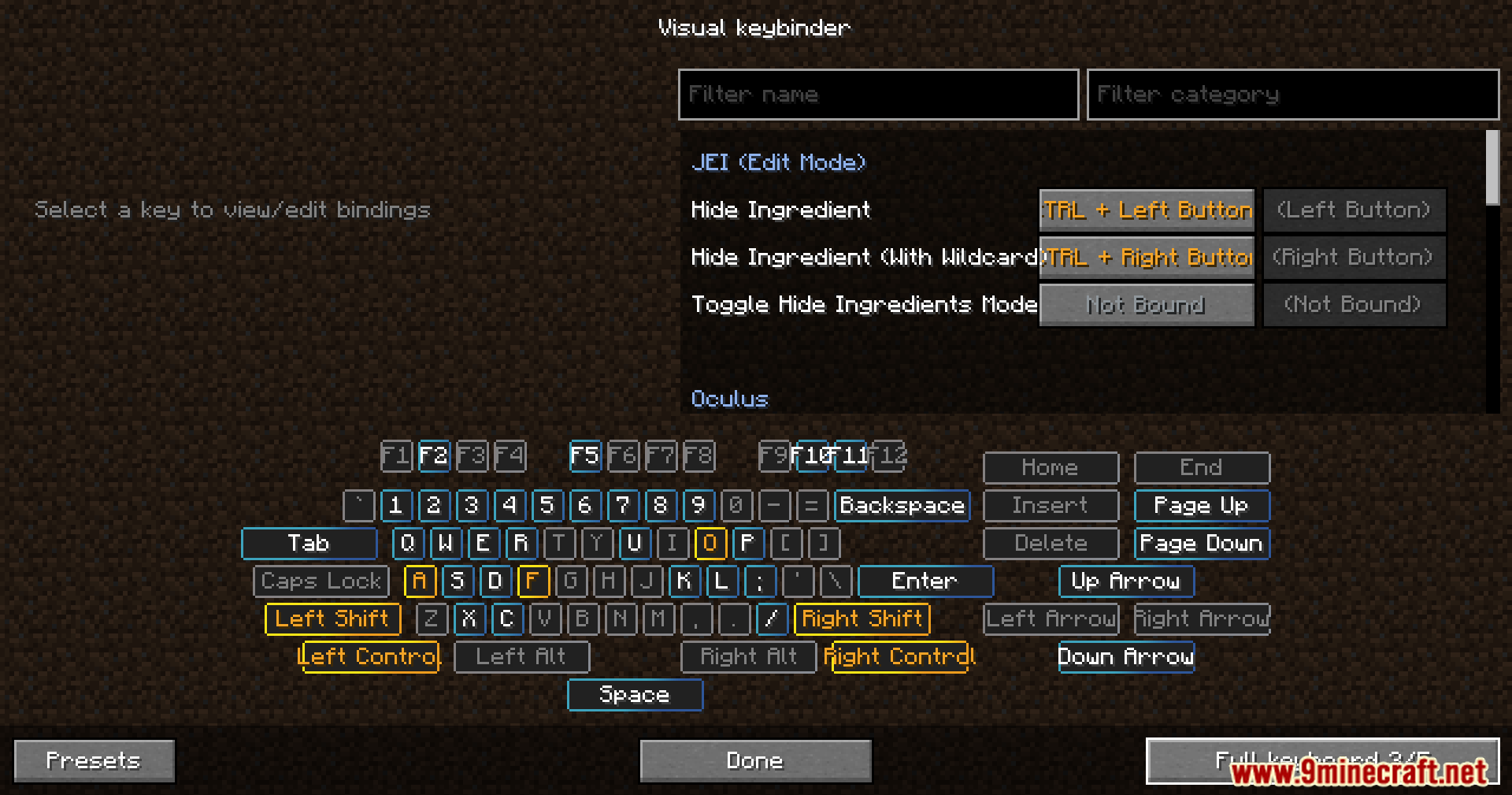
Raw’s Visual Keybinder Mod improves keybind management for large modpacks by adding a dedicated visual interface. Players can view all key assignments on a keyboard-style layout, making conflicts and available keys easy to identify.
Features:
- Access a new keybind management screen from the options menu with a button next to the default edit keybind option.
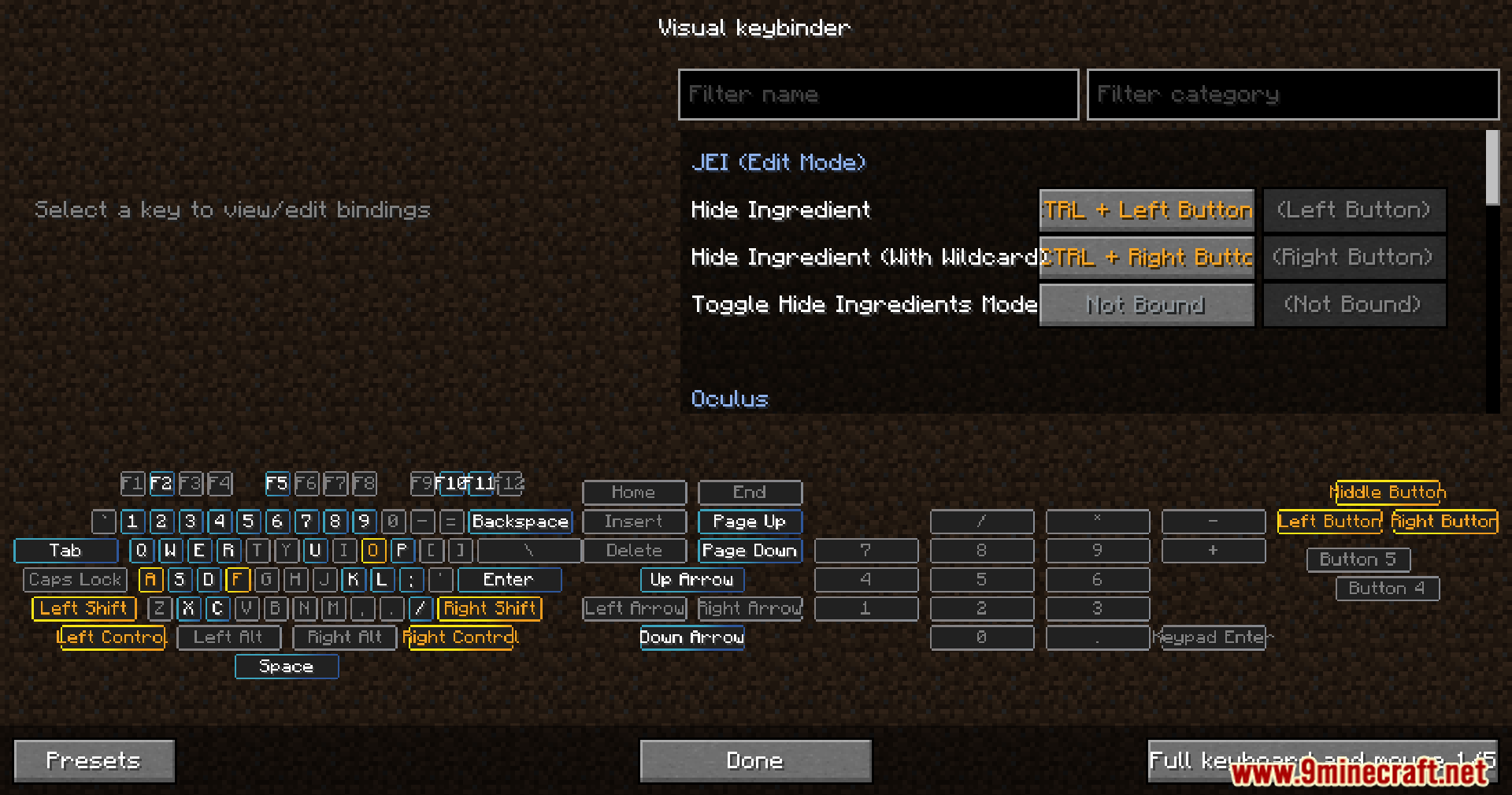
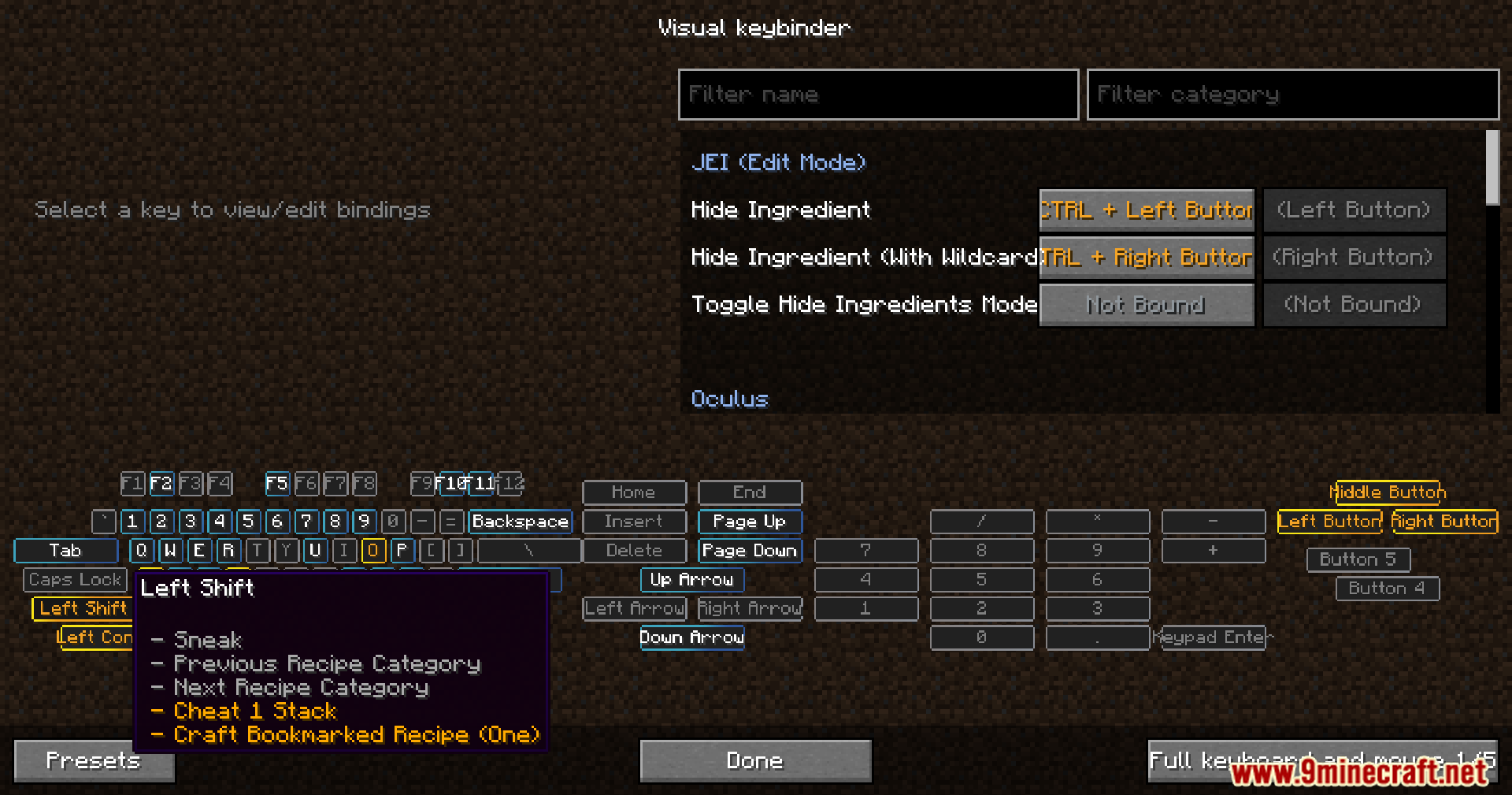
- View all keybinds on a keyboard-like layout where used and conflicting keys are highlighted.
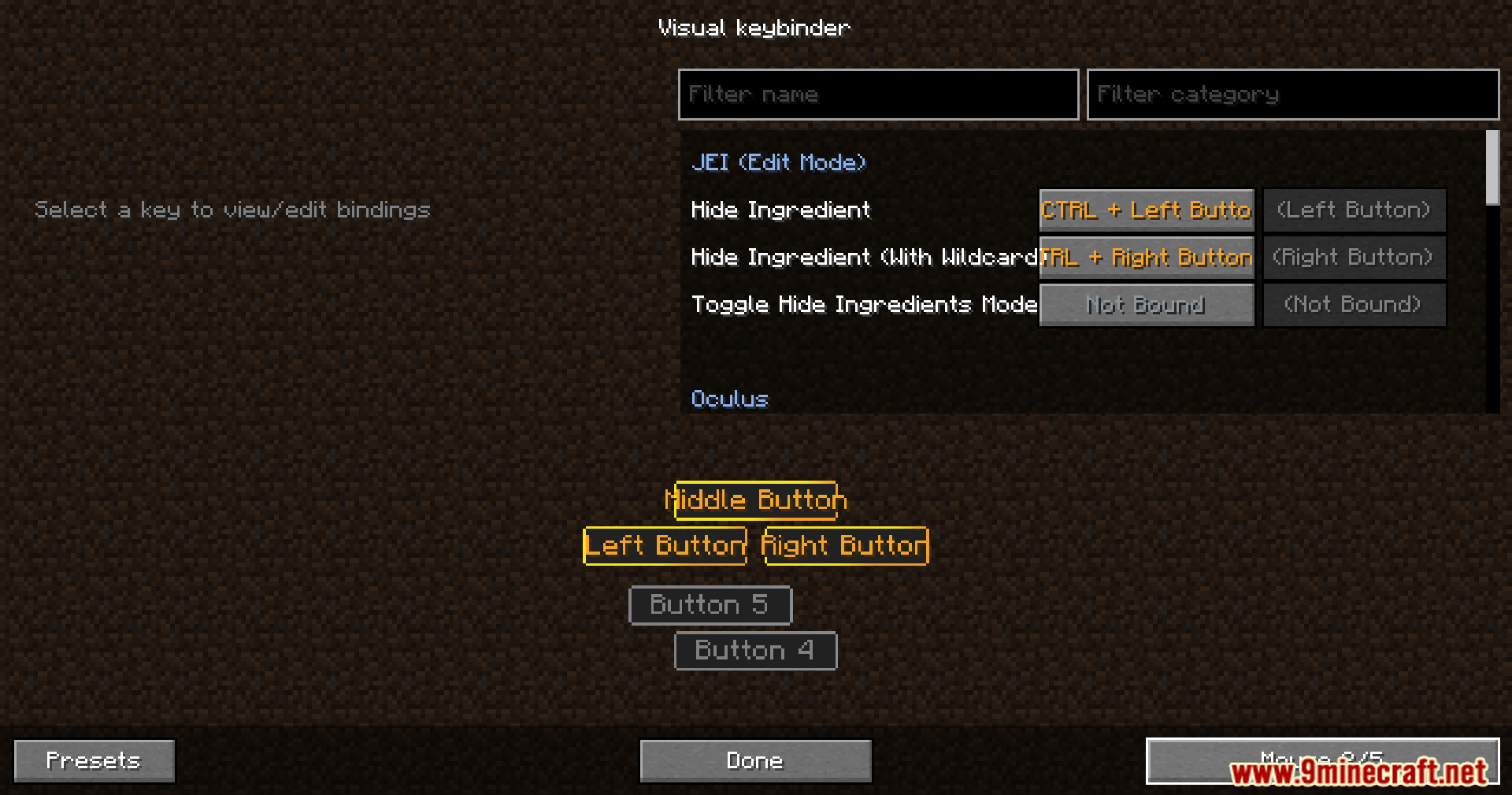
- Use modifier combinations with mouse buttons, such as Shift + Left Click.
Screenshots:
How to Install:
New to Minecraft? Follow our step-by-step guide to install Mods on your PC.View Guide
Requirements:


Raw’s Visual Keybinder Mod Download Links
For Minecraft
1.21.11,
1.21.10,
1.21.9
All Versions Covered
1.21.11
1.21.10
1.21.9
1.21.8
1.21.7
1.21.6
1.21.5
1.21.4
1.21.1
1.21
All Versions Covered
1.21.11
1.21.10
1.21.9
1.21.8
1.21.7
1.21.6
1.21.5
1.21.4
1.21.1
1.21
For Minecraft 1.21.1, 1.21
For Minecraft 1.20.1, 1.20
For Minecraft 1.19.2
For Minecraft 1.18.2
Click to rate this post!
[Total: 2 Average: 5]
You May Also Like









This post has no comments yet. Be the first — your comment will appear here.