


Catalogue Mod (26.1.2, 1.20.1) – Modern and Intuitive UI
 24,374
 0
0
 April 17, 2026
 MrCrayfish
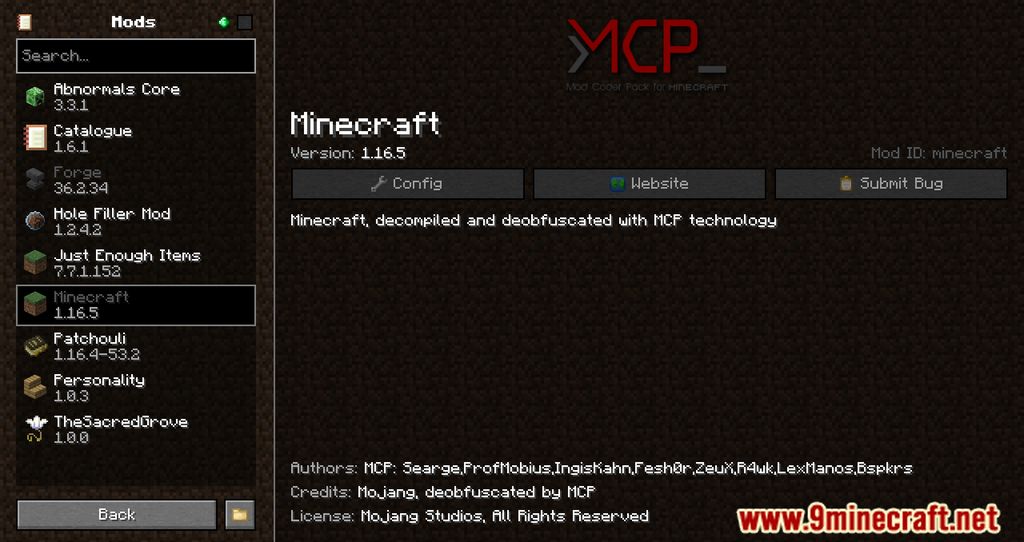
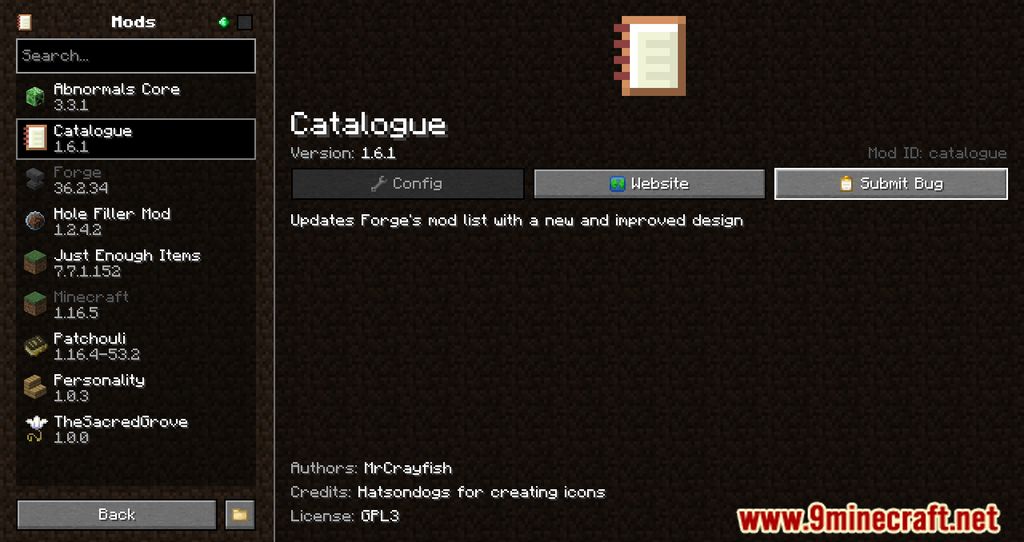
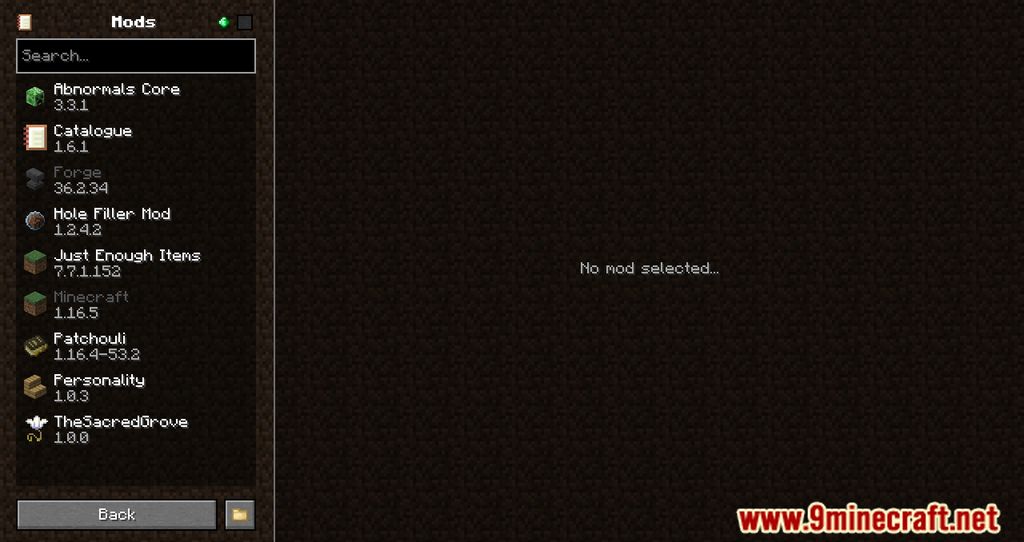
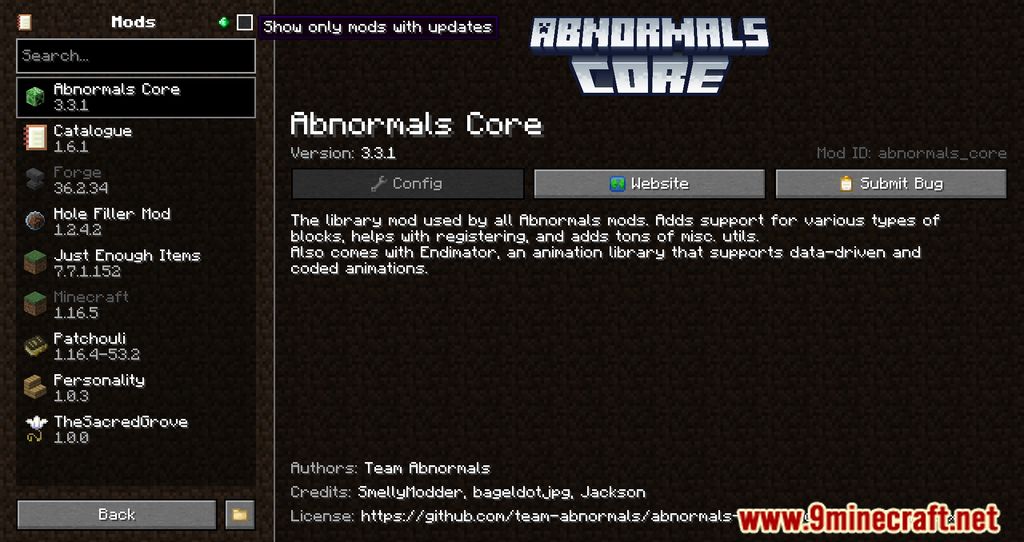
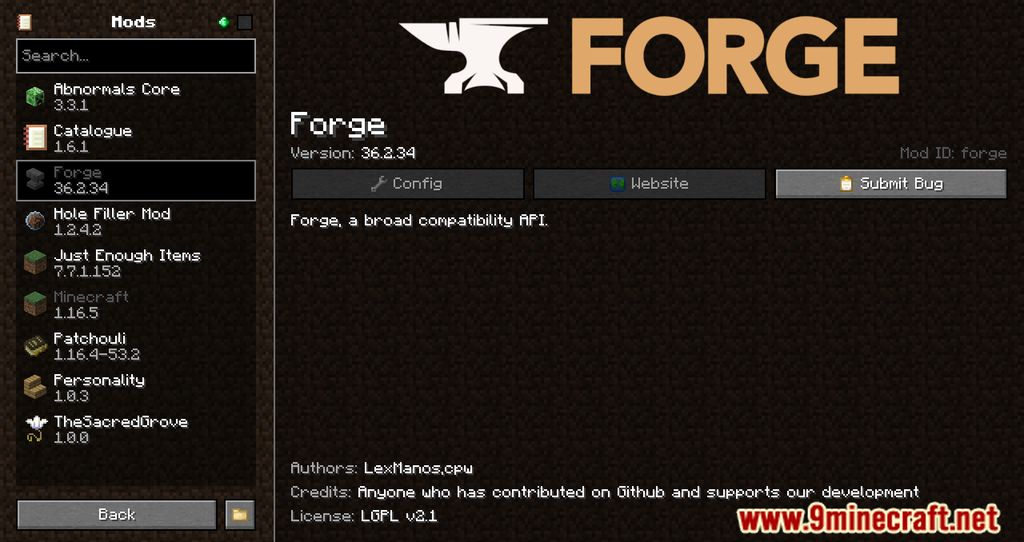
Catalogue Mod changes the appearance of the installed mods menu for the Forge loader, making it more visually appealing, convenient, and user-friendly-something that modpack creators are sure to appreciate. The mod also supports a built-in feature for editing mod configurations (if provided by the mod author). Additionally, it is compatible with Configured, which also improves the editing of mod configurations through the menu.
Features:
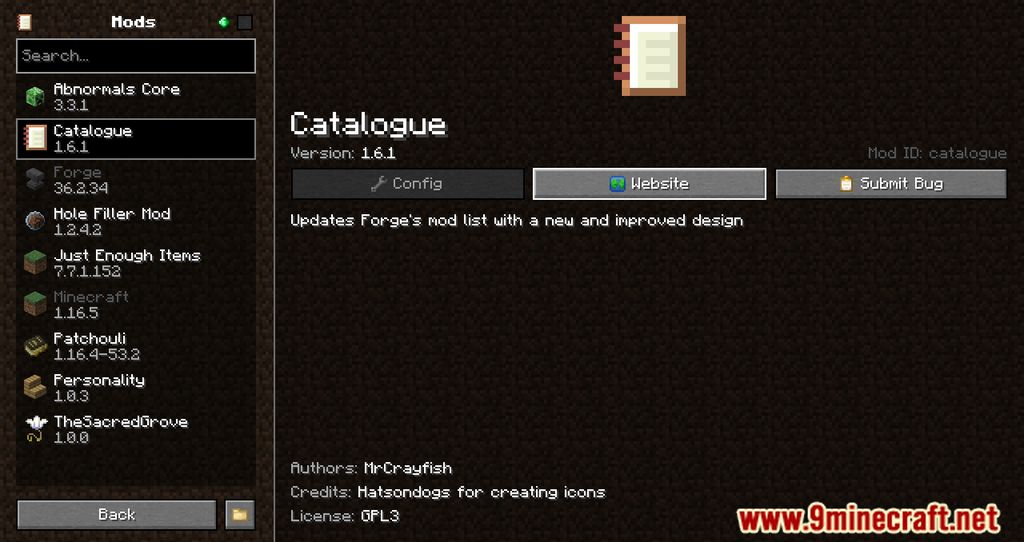
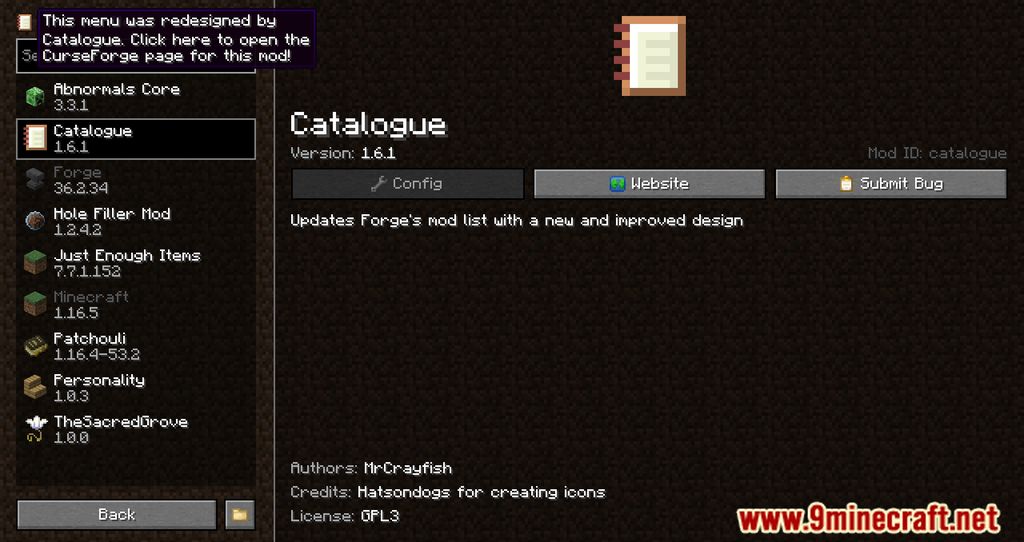
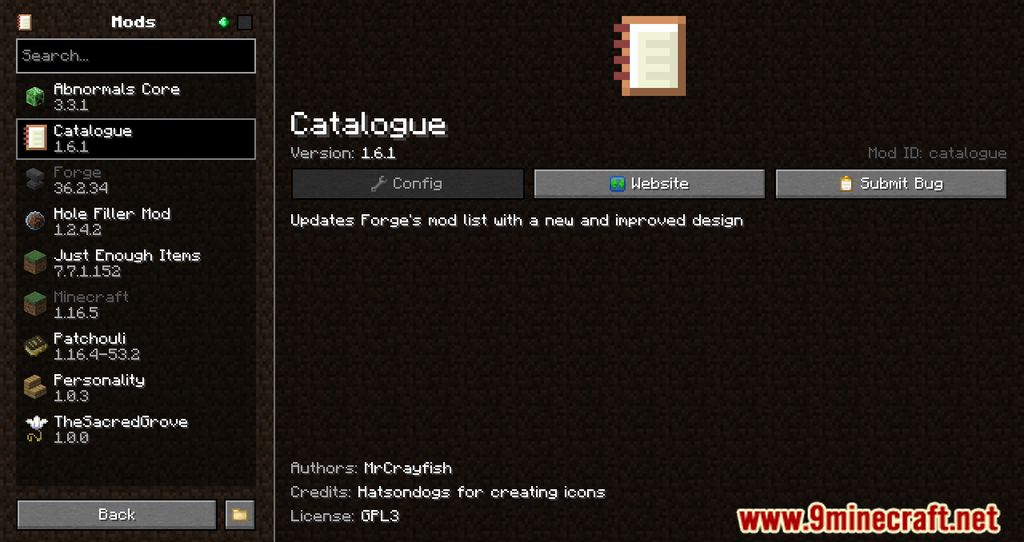
- Provides a visually appealing and user-friendly interface for browsing installed mods.
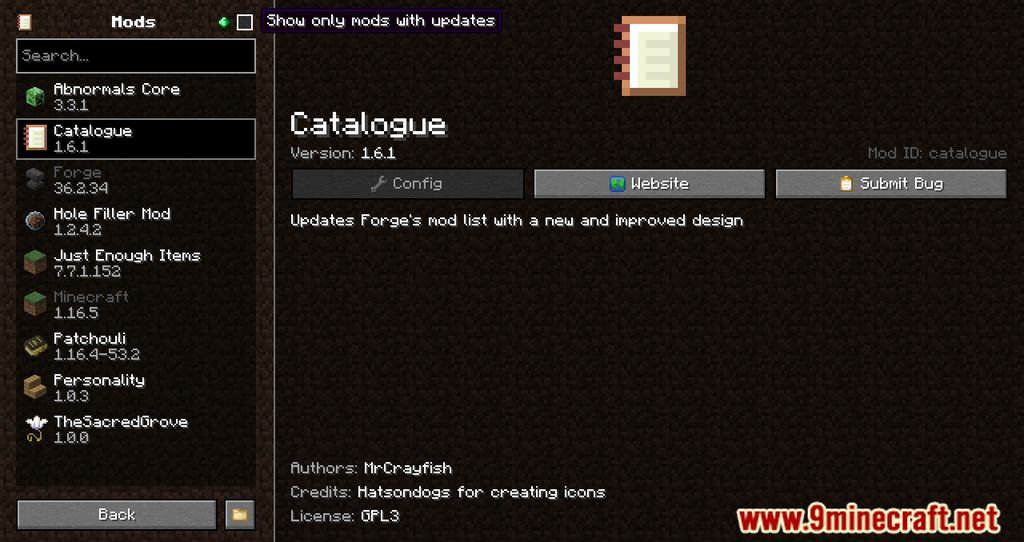
- Easily search for mods and filter them based on updates, configurations, and more.
- Mark mods as favorites for quicker access, especially when sorted by “Favorite First.”
- Right-click on a mod to view its dependencies, making it easier to manage mod compatibility.
- Offers shortcuts to access mod configurations, websites, and issue trackers directly from the menu.
- Automatically hides libraries added by mod loaders and mods for a cleaner view.
Screenshots:
How to Install:
New to Minecraft? Follow our step-by-step guide to install Mods on your PC.View Guide




Catalogue Mod Download Links
For Minecraft 26.1.2, 26.1.1, 26.1
For Minecraft 1.21.11
For Minecraft 1.21.10, 1.21.9
For Minecraft 1.21.9
For Minecraft 1.21.8, 1.21.7, 1.21.6
For Minecraft 1.21.6
For Minecraft 1.21.5
For Minecraft 1.21.4
For Minecraft 1.21.3
For Minecraft 1.21.1, 1.21
For Minecraft 1.20.6
For Minecraft 1.20.4
For Minecraft 1.20.1
For Minecraft 1.19.4
For Minecraft 1.19.3
For Minecraft 1.19.2
For Minecraft 1.19.1
For Minecraft 1.19
For Minecraft 1.18.2
For Minecraft 1.18.1
For Minecraft 1.17.1
For Minecraft 1.16.5, 1.16.4, 1.16.3
Click to rate this post!
[Total: 1 Average: 5]
You May Also Like



















This post has no comments yet. Be the first — your comment will appear here.