Nicephore Mod (26.1.2, 1.20.1) – Enhanced Screenshot Tool
 2,690
2,690
 0
0
 3 weeks ago
 LotuxPunk, Paint_Ninja
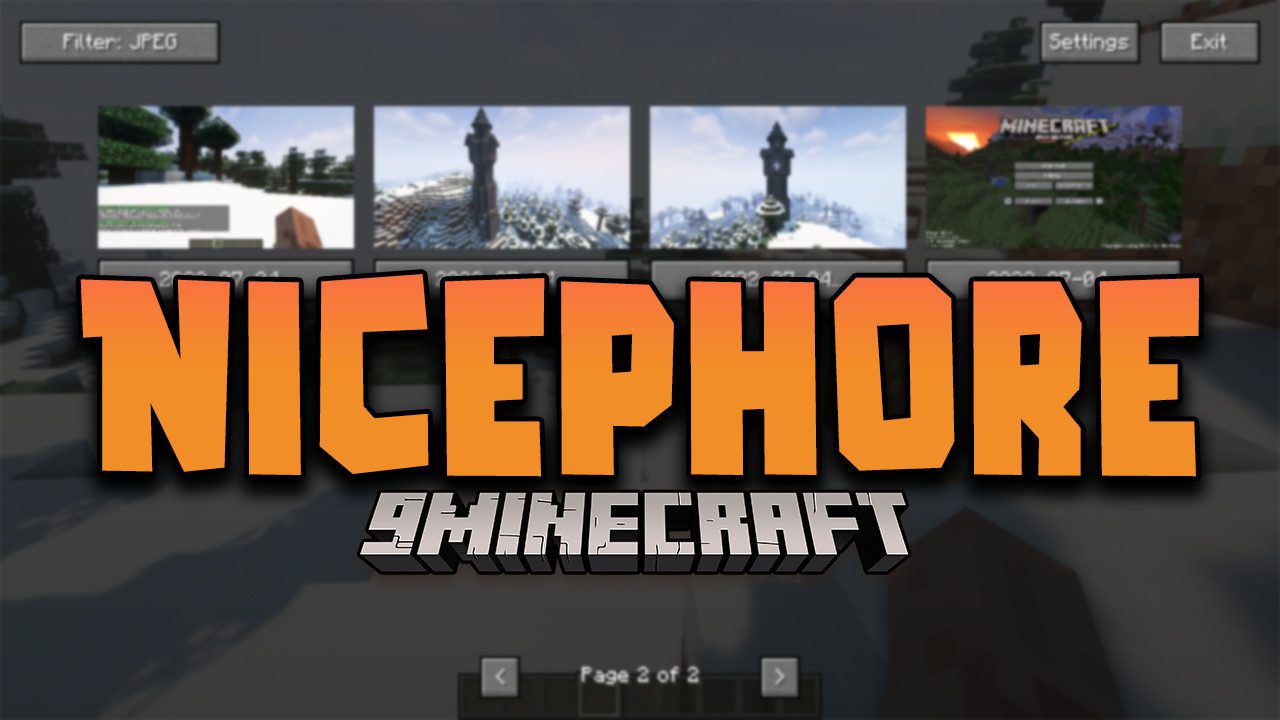
Nicephore Mod slightly improves the standard screenshot feature. From now on, it will save all screenshots in JPEG format to reduce their file size, and you can instantly access them via special buttons in the chat. Simple and convenient. No longer will you need to convert screenshots from PNG to JPEG to reduce their size, as uploading large images isn’t always possible (take Discord, for example).
Features:
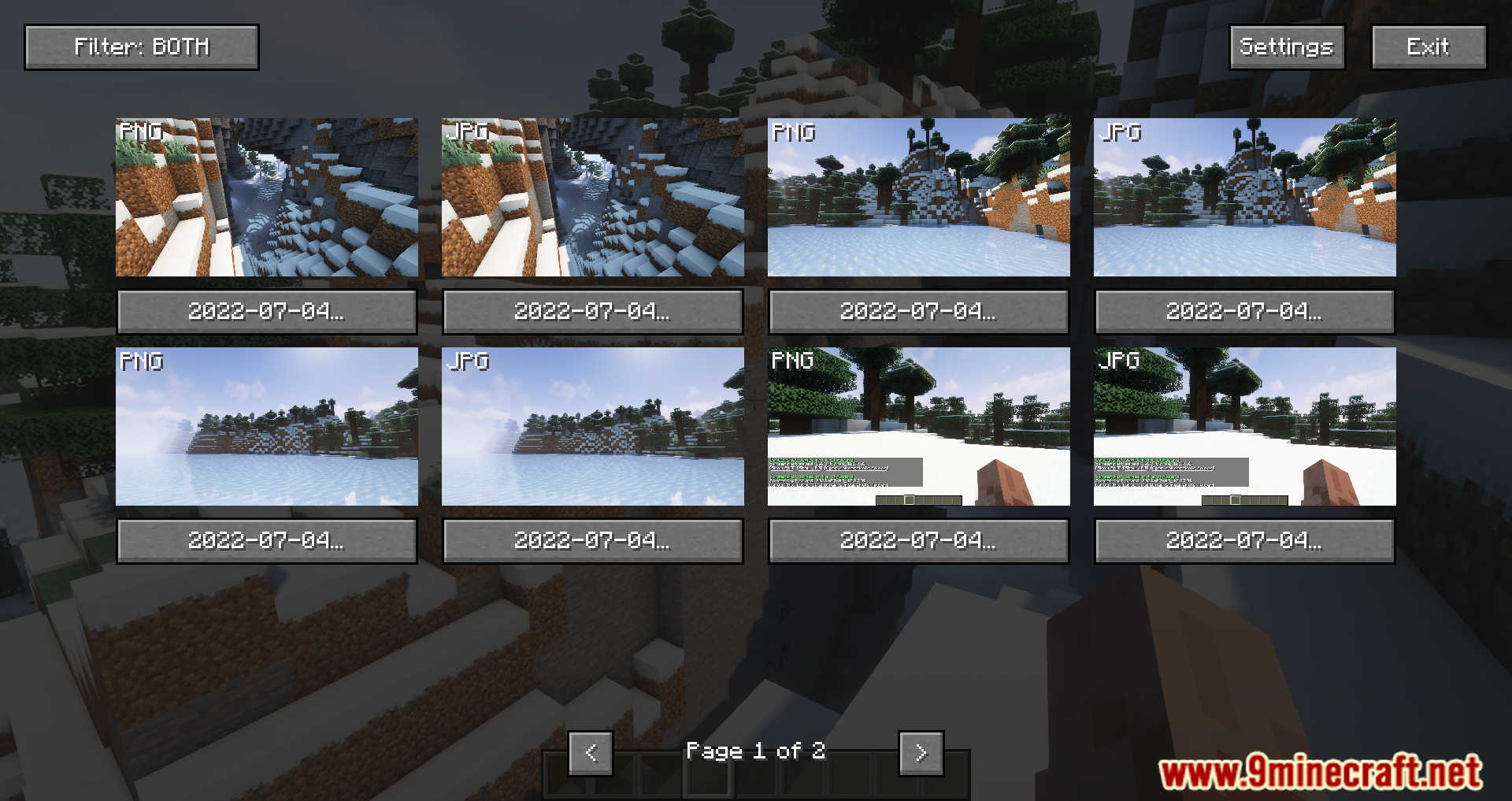
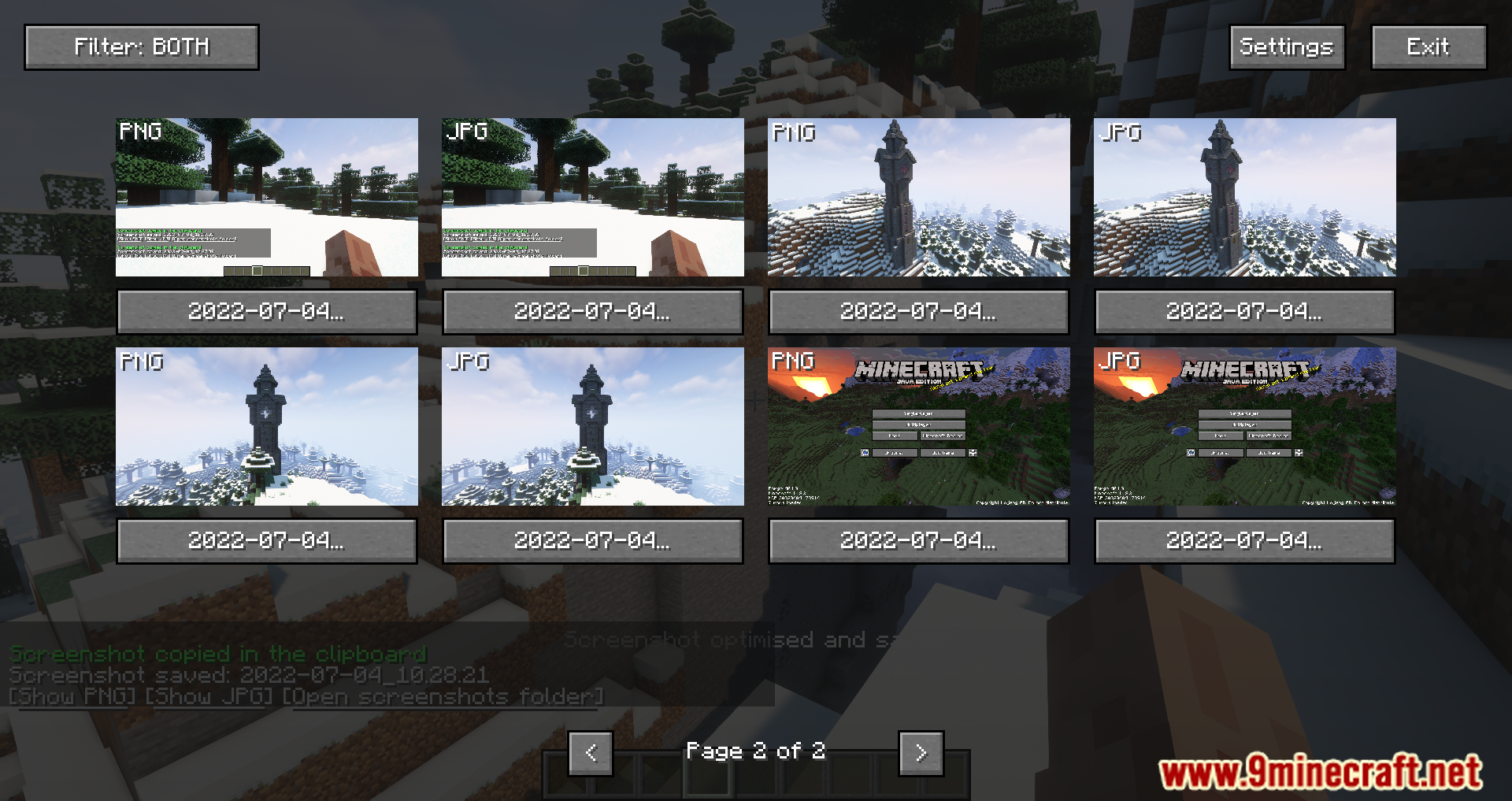
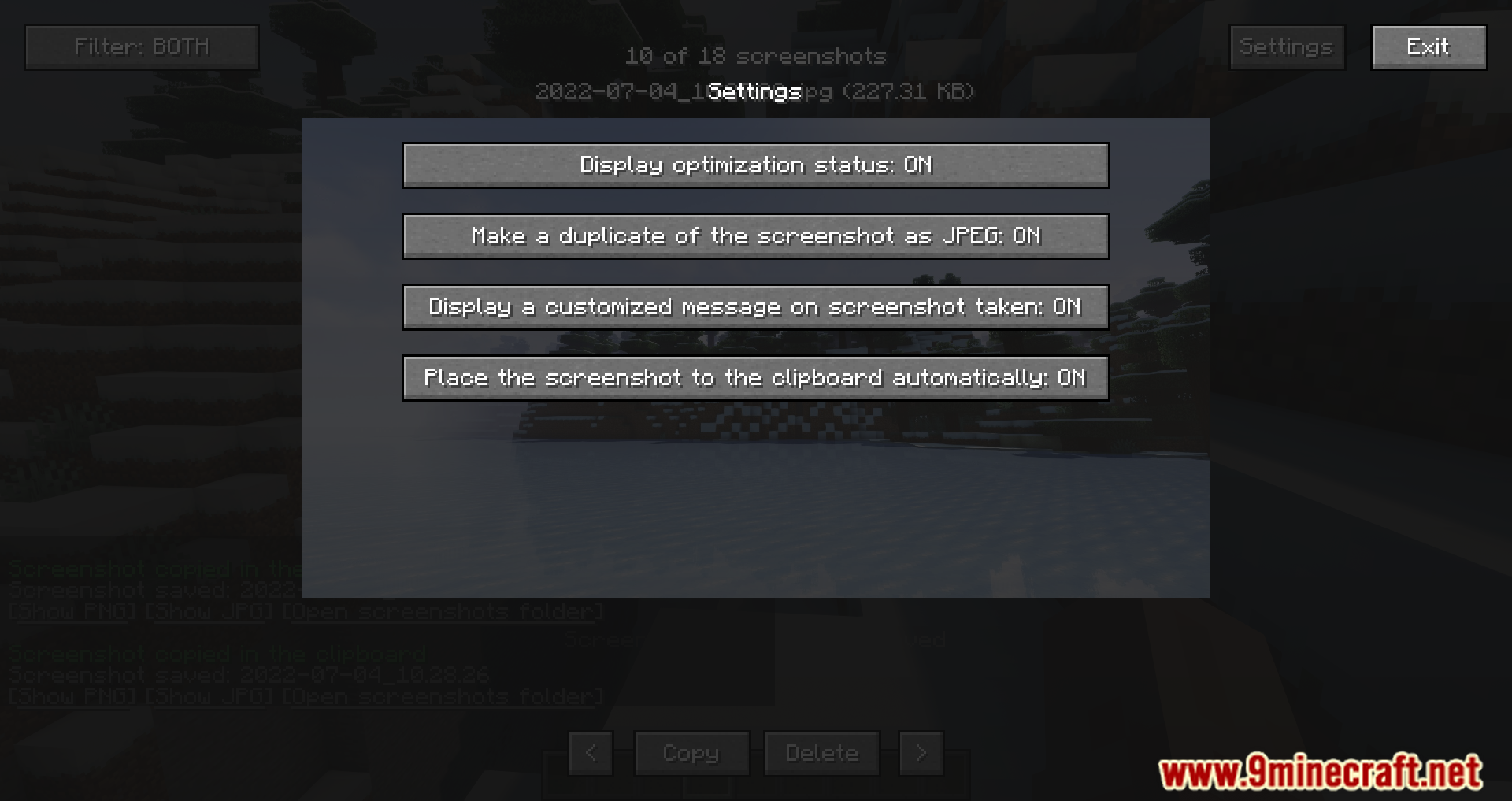
- Automatically saves screenshots in JPEG format to reduce file size, while keeping the original PNG for editing purposes.
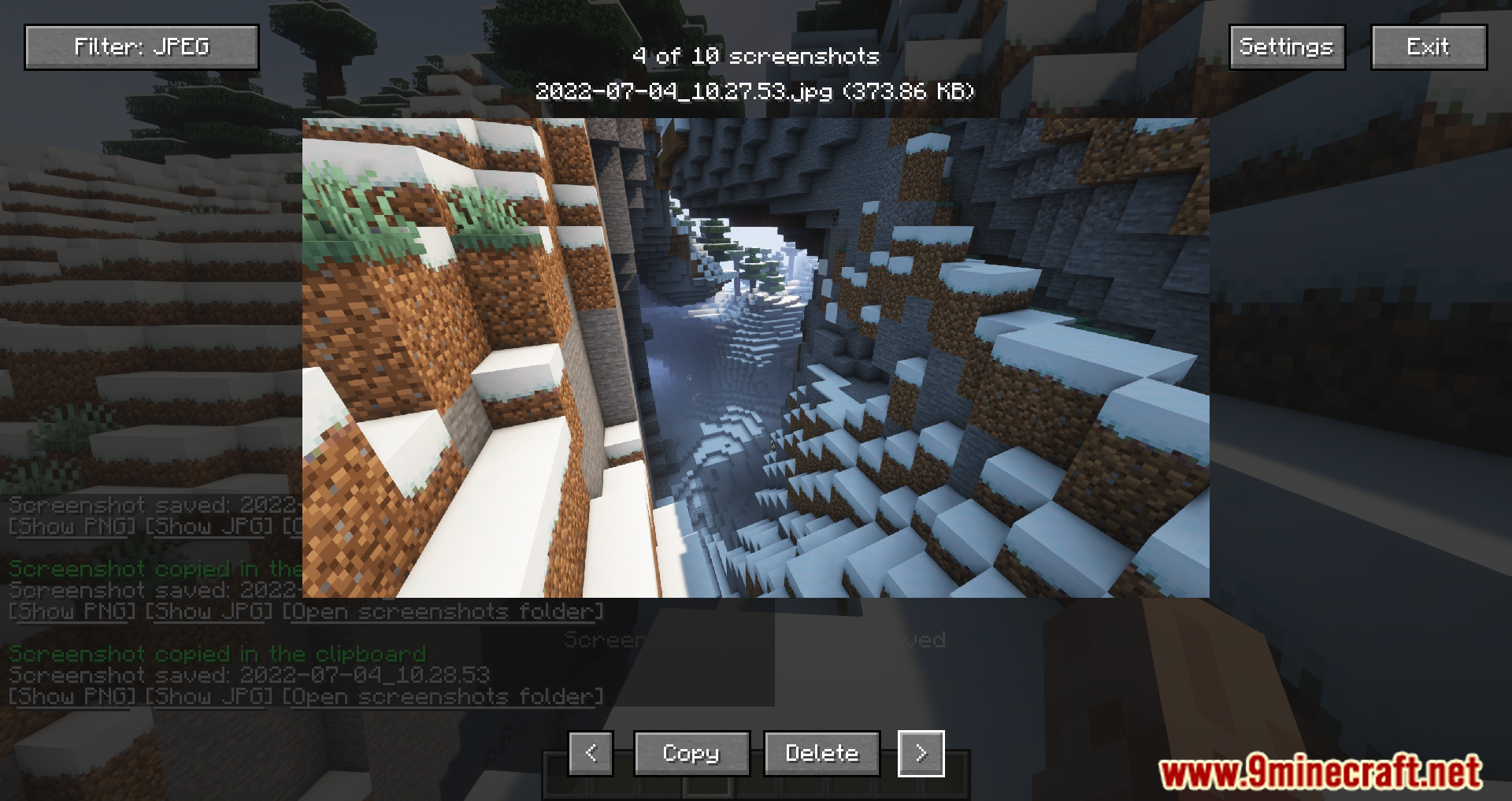
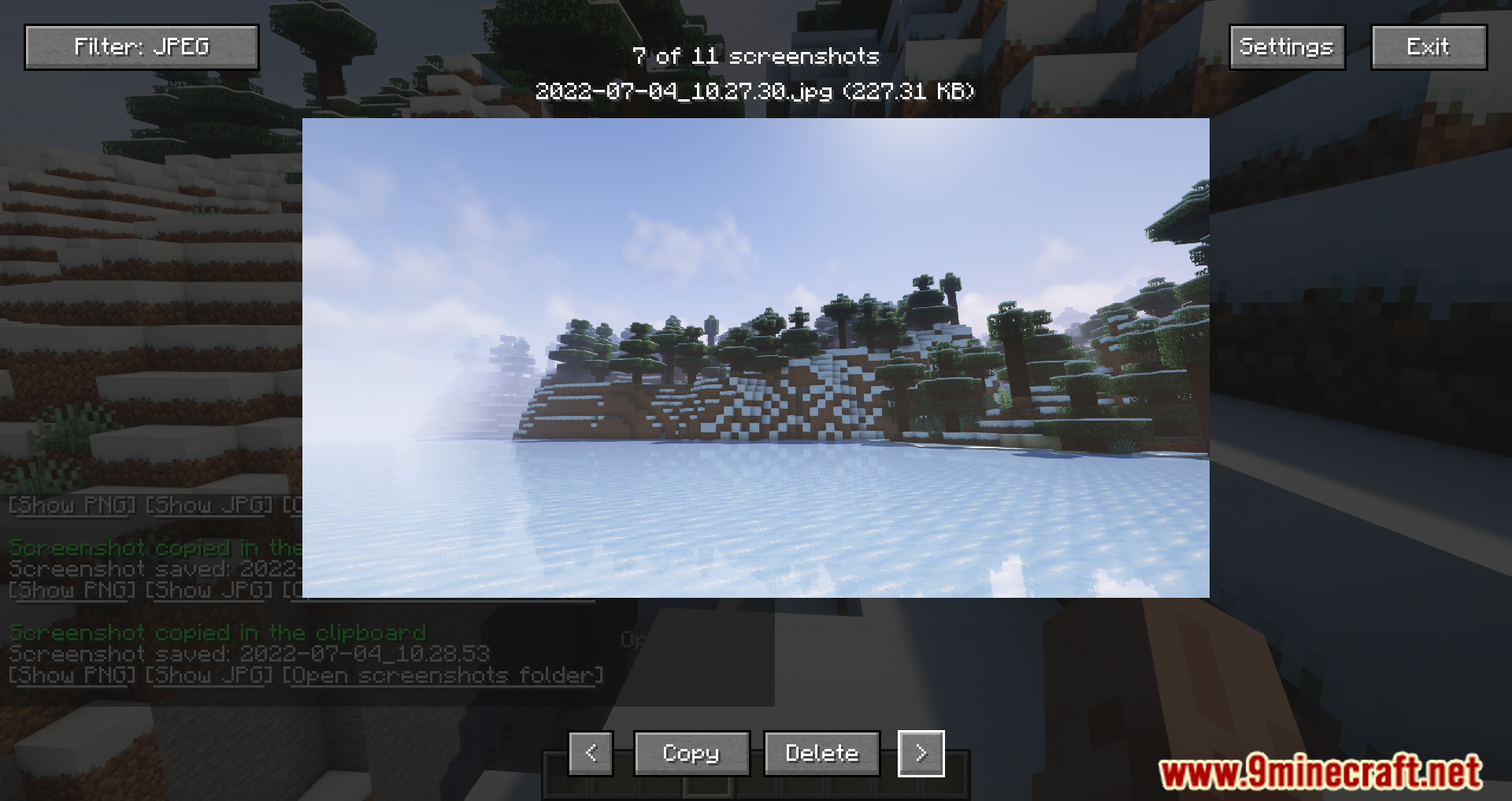
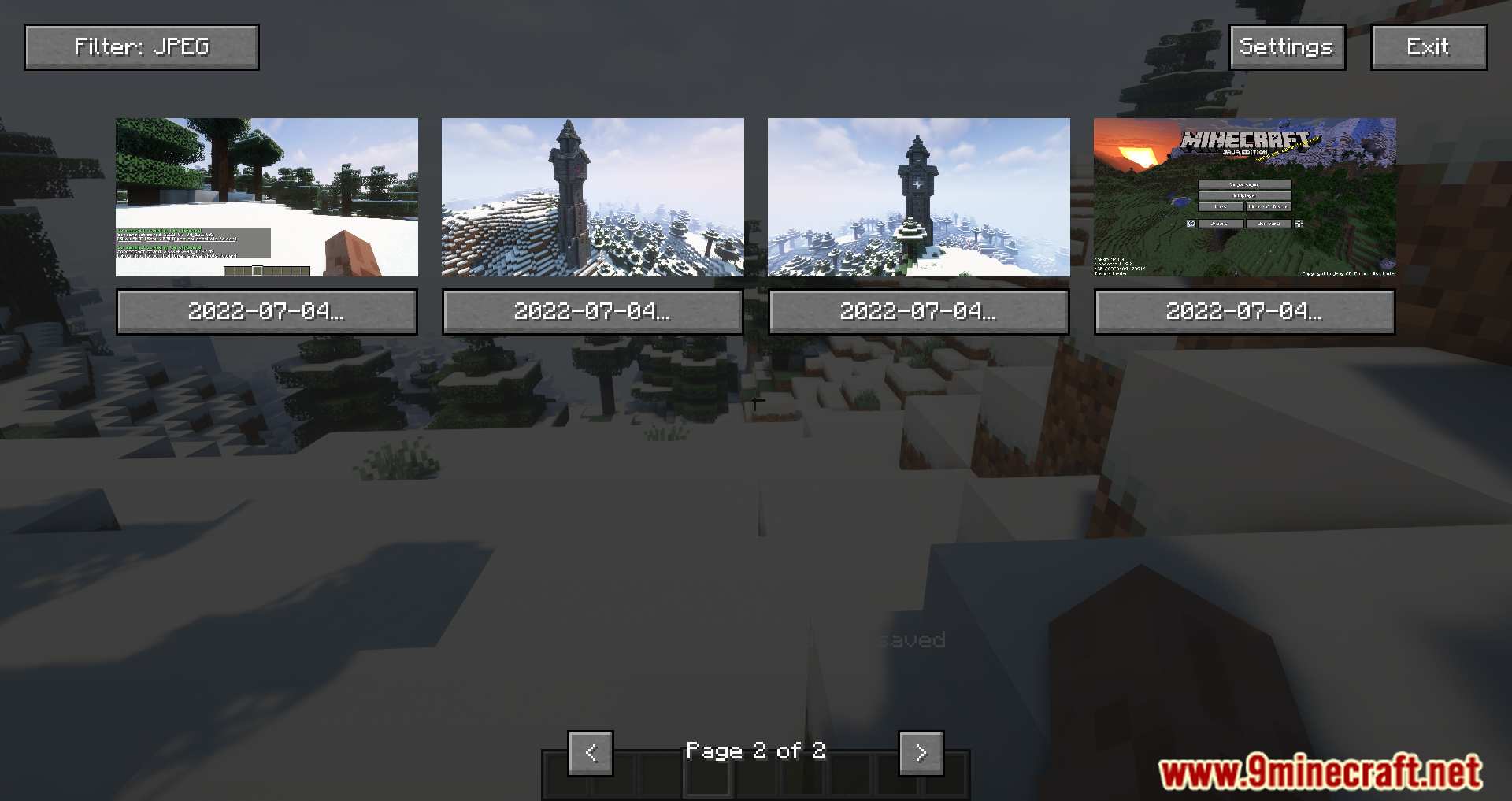
- Allows players to view screenshots directly within Minecraft via a HUD or options menu, eliminating the need to navigate to the screenshot folder outside the game.
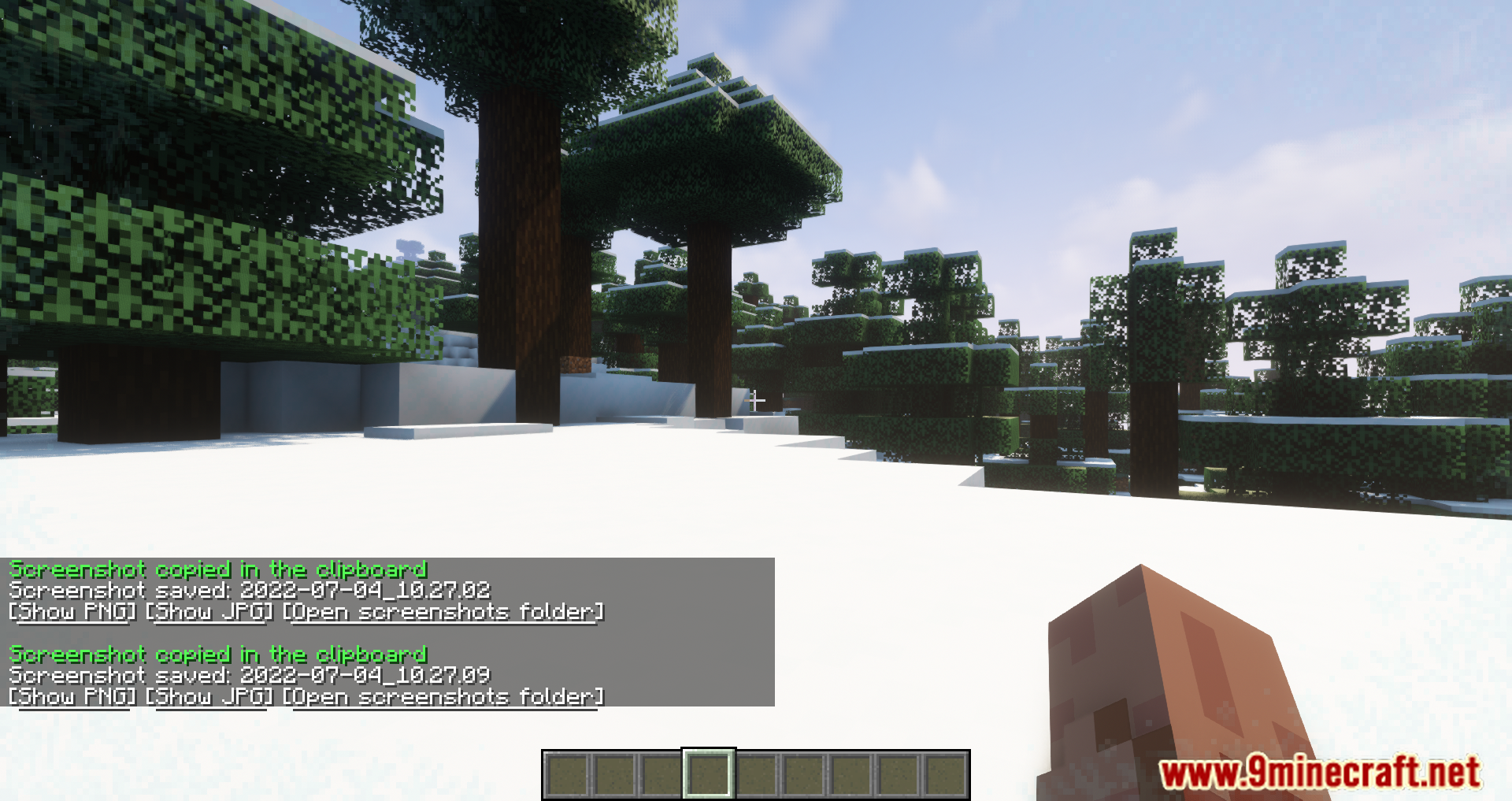
- After taking a screenshot, three buttons appear in the chat: one to view the PNG version, another for the JPEG version, and a third to open the screenshot folder.
- Enables copying the last screenshot to the clipboard with a keybind (default Ctrl+C) for quick sharing.
- Offers lossless optimization of screenshot files and adjustable JPEG quality settings to balance size and quality.
Screenshots:
How to Install:
New to Minecraft? Follow our step-by-step guide to install Mods on your PC.View Guide
Nicephore Mod Download Links
For Minecraft 26.1.2 26.1.1 26.1 NEW
For Minecraft 1.20.1 1.20
For Minecraft 1.19.4
For Minecraft 1.19.3
For Minecraft 1.19.2
For Minecraft 1.19.1
For Minecraft 1.19
For Minecraft 1.18.2 1.18.1
For Minecraft 1.18.1
For Minecraft 1.17.1
For Minecraft 1.16.5
Click to rate this post!
[Total: 0 Average: 0]
You May Also Like