


Mech Trowel Mod (26.1.2, 1.20.1) – Places Random Blocks With Palettes

 0
0  April 17, 2026
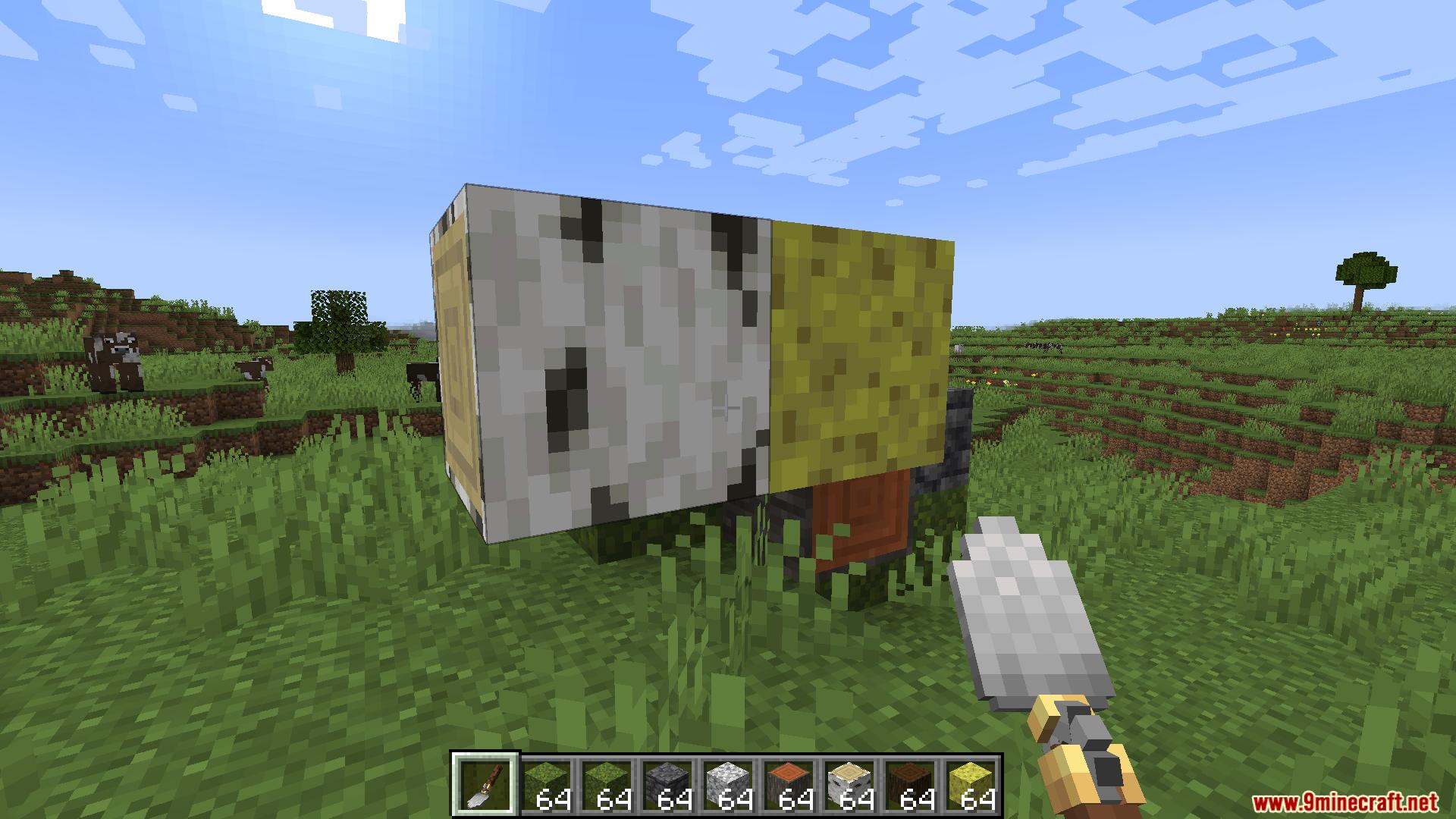
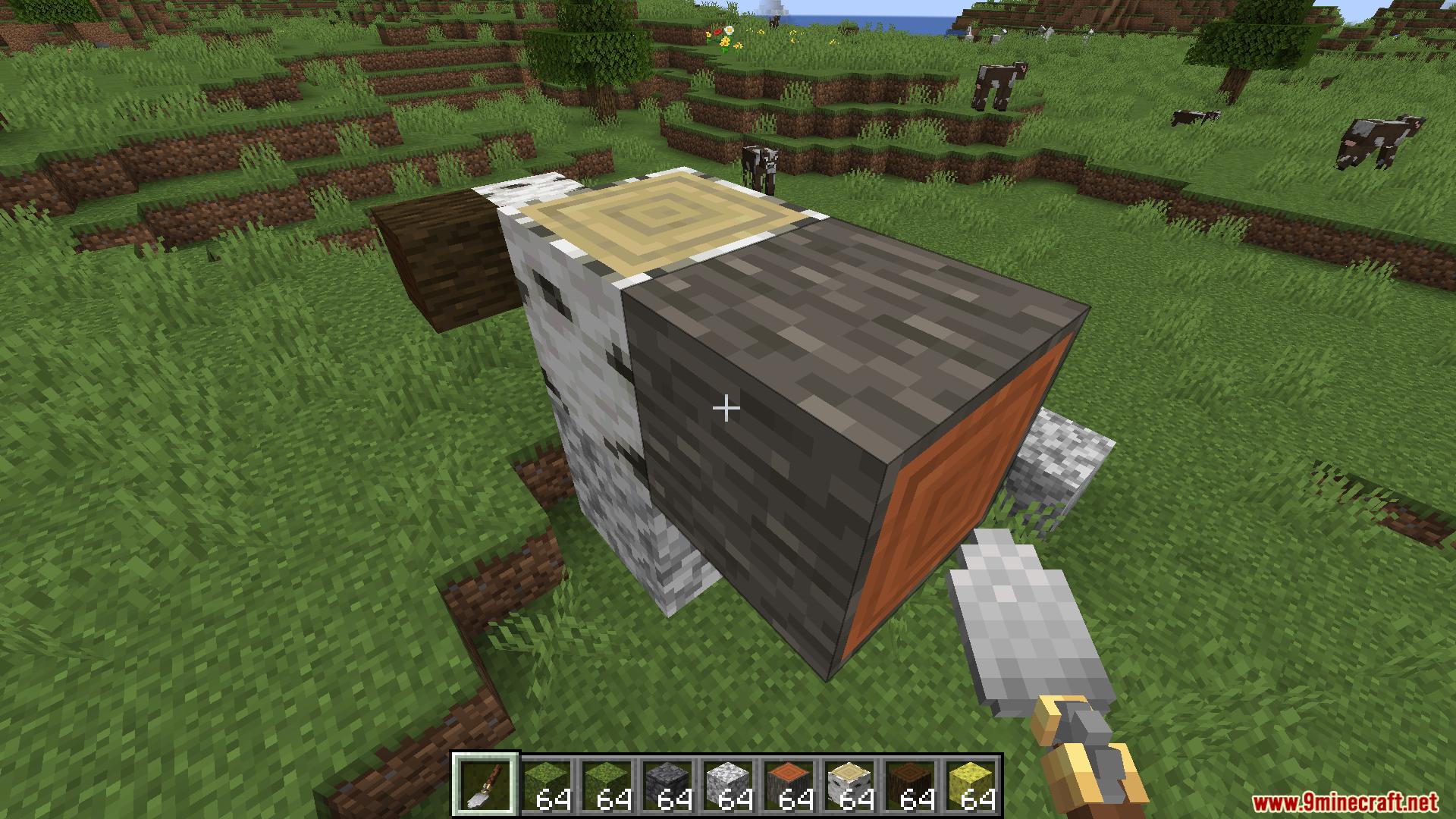
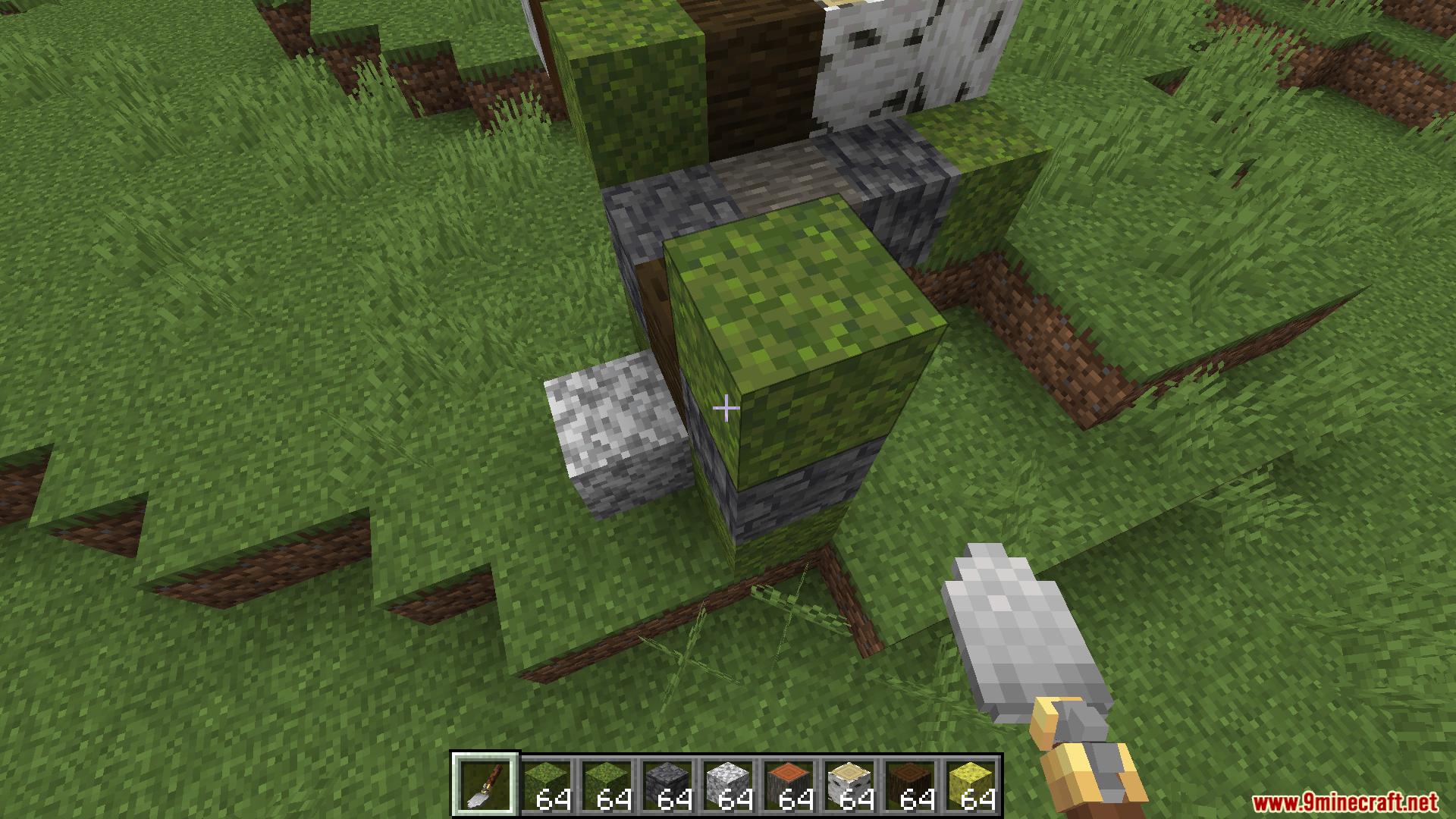
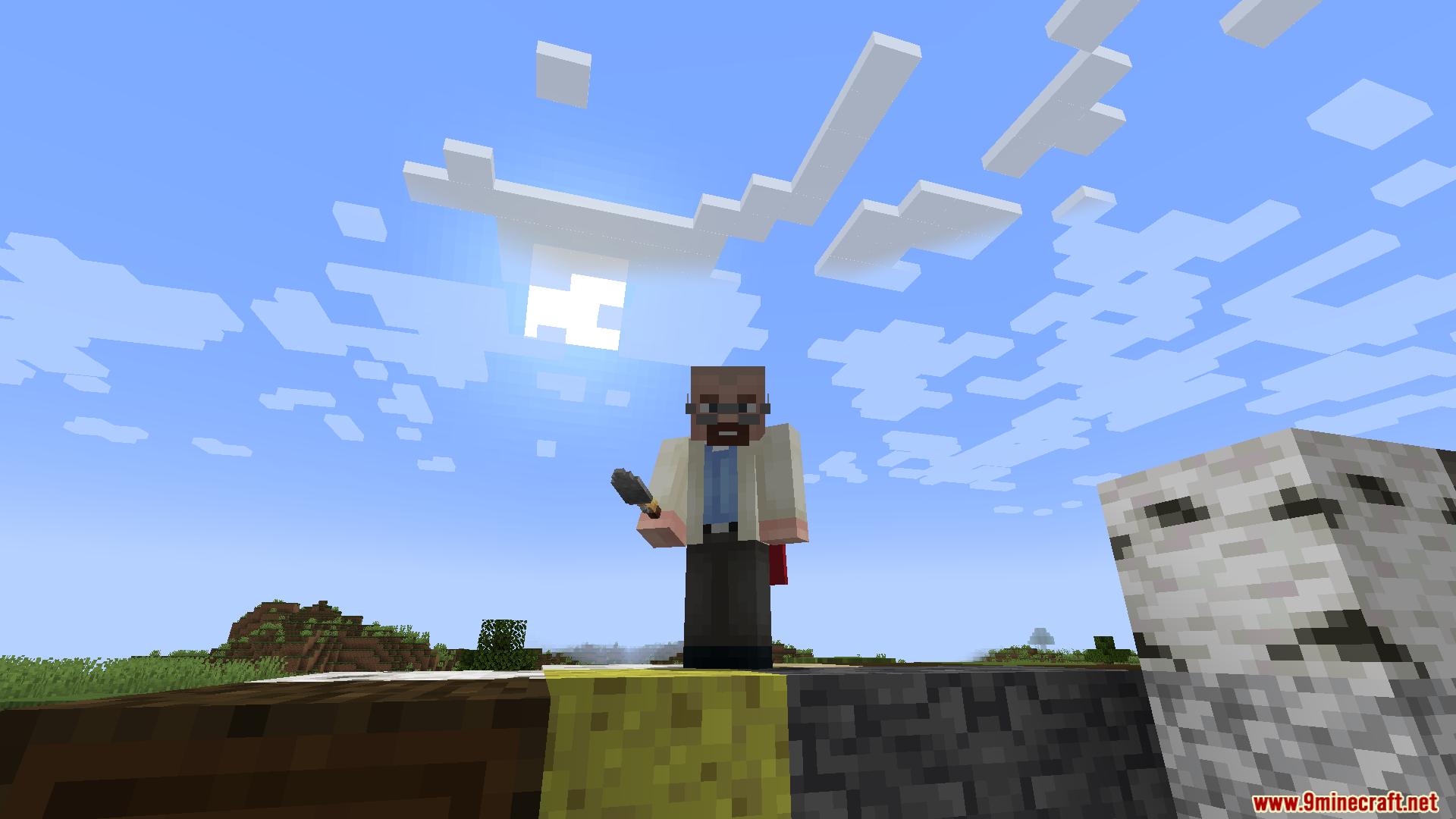
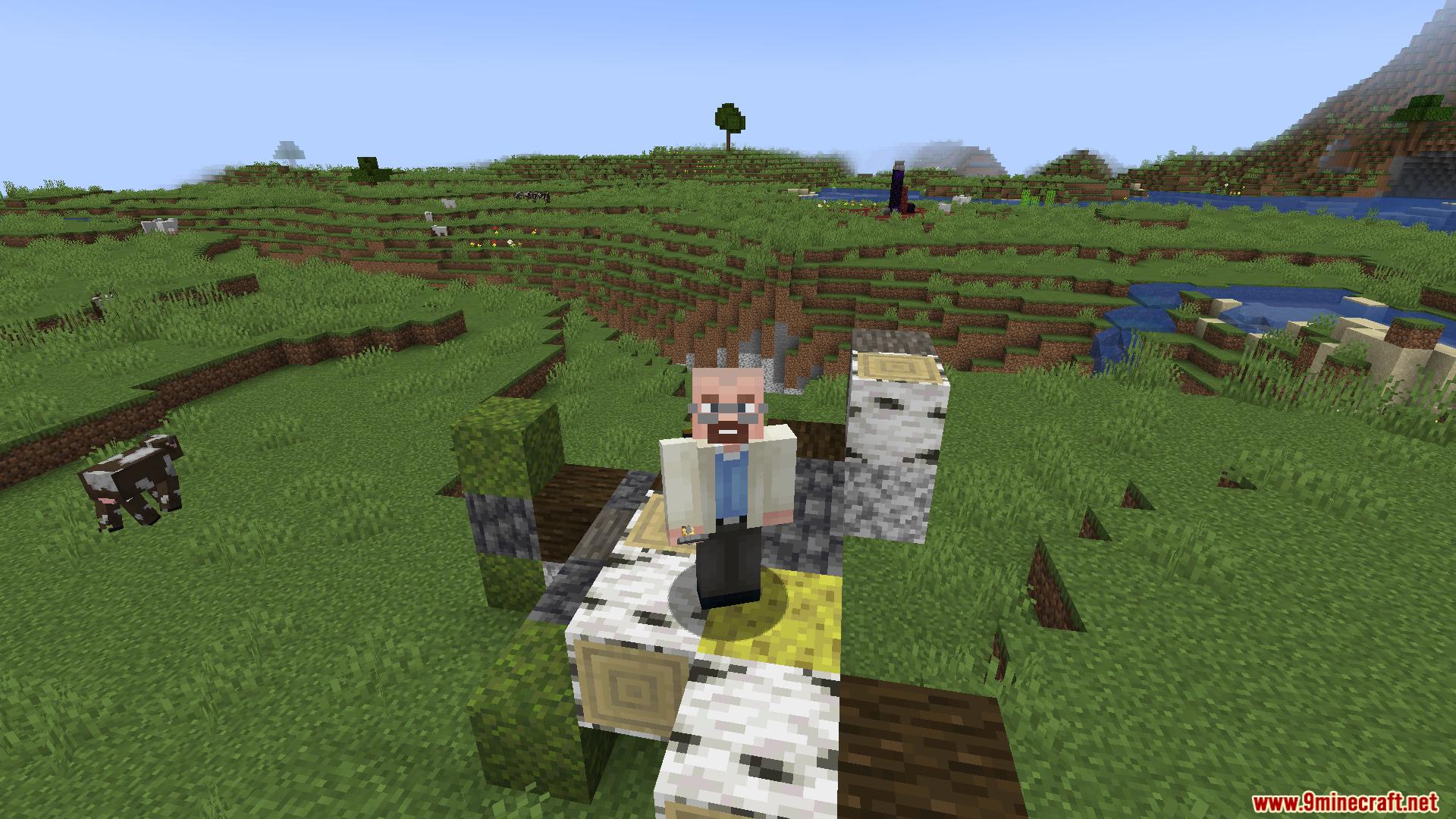
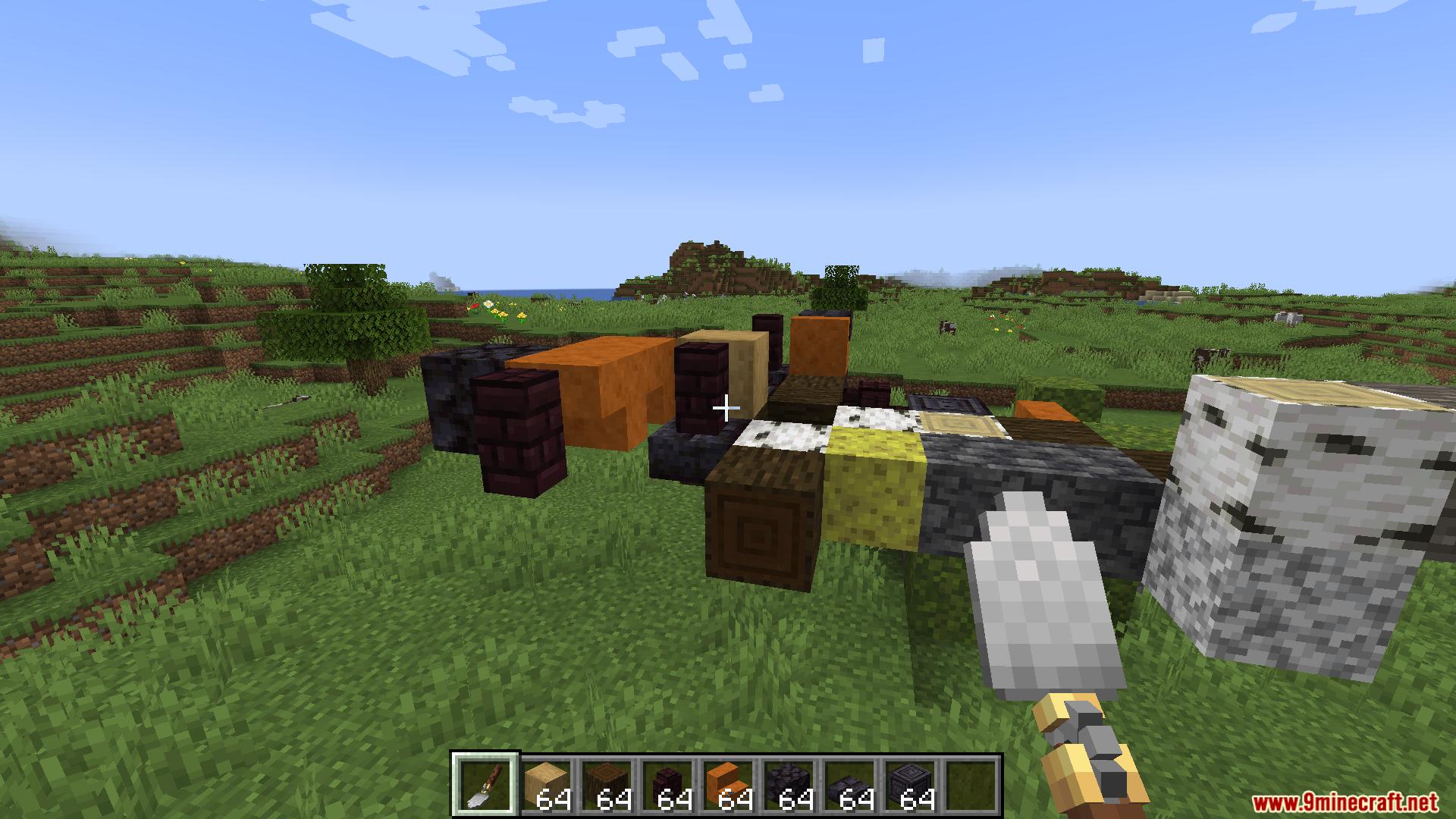
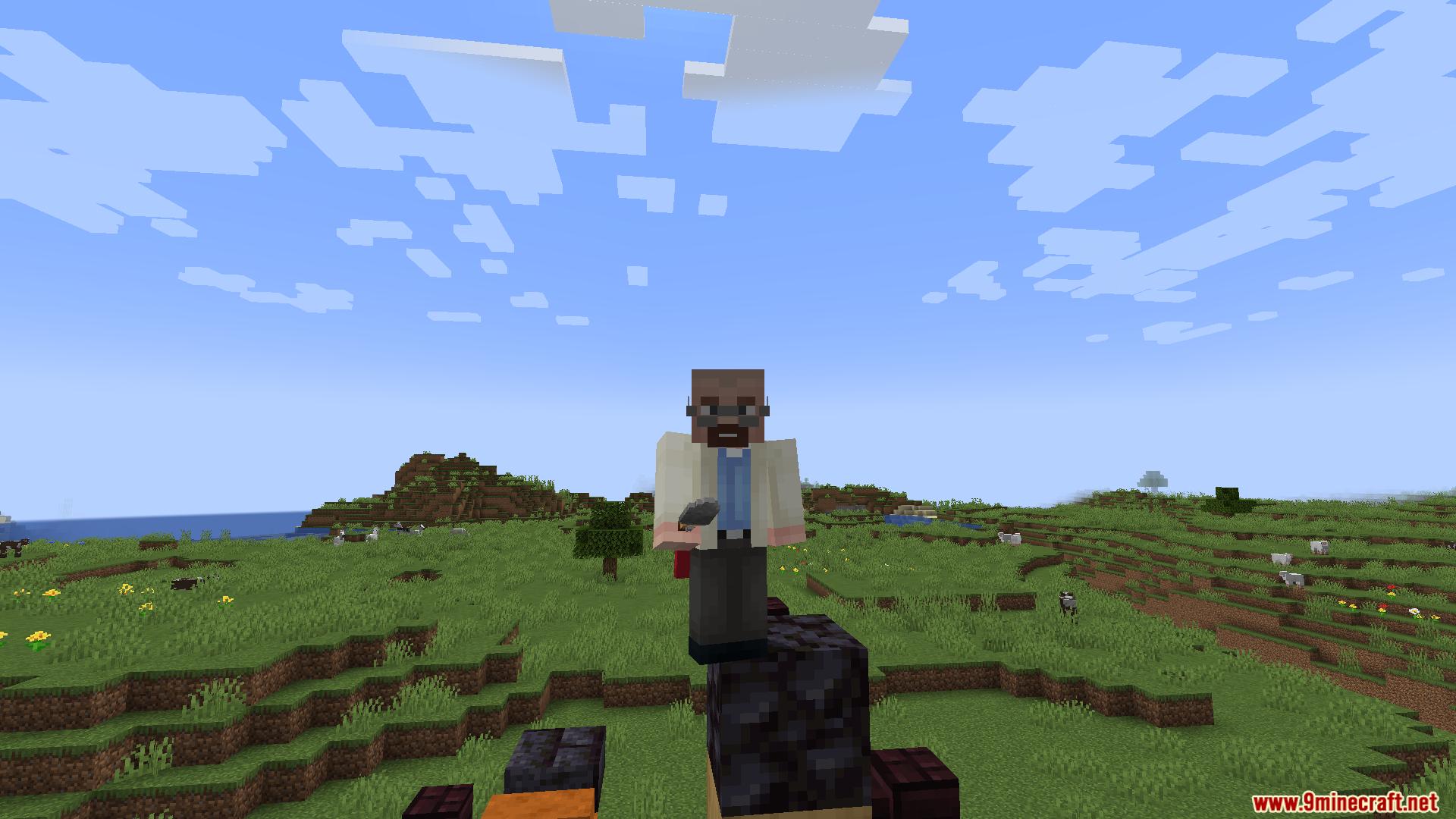
Mech Trowel Mod gives you a special tool to build with random blocks. It lets you pick different blocks, set how often they appear, and place them all at once. You can use it to make walls, paths, and buildings without switching blocks in your hands.
Features:
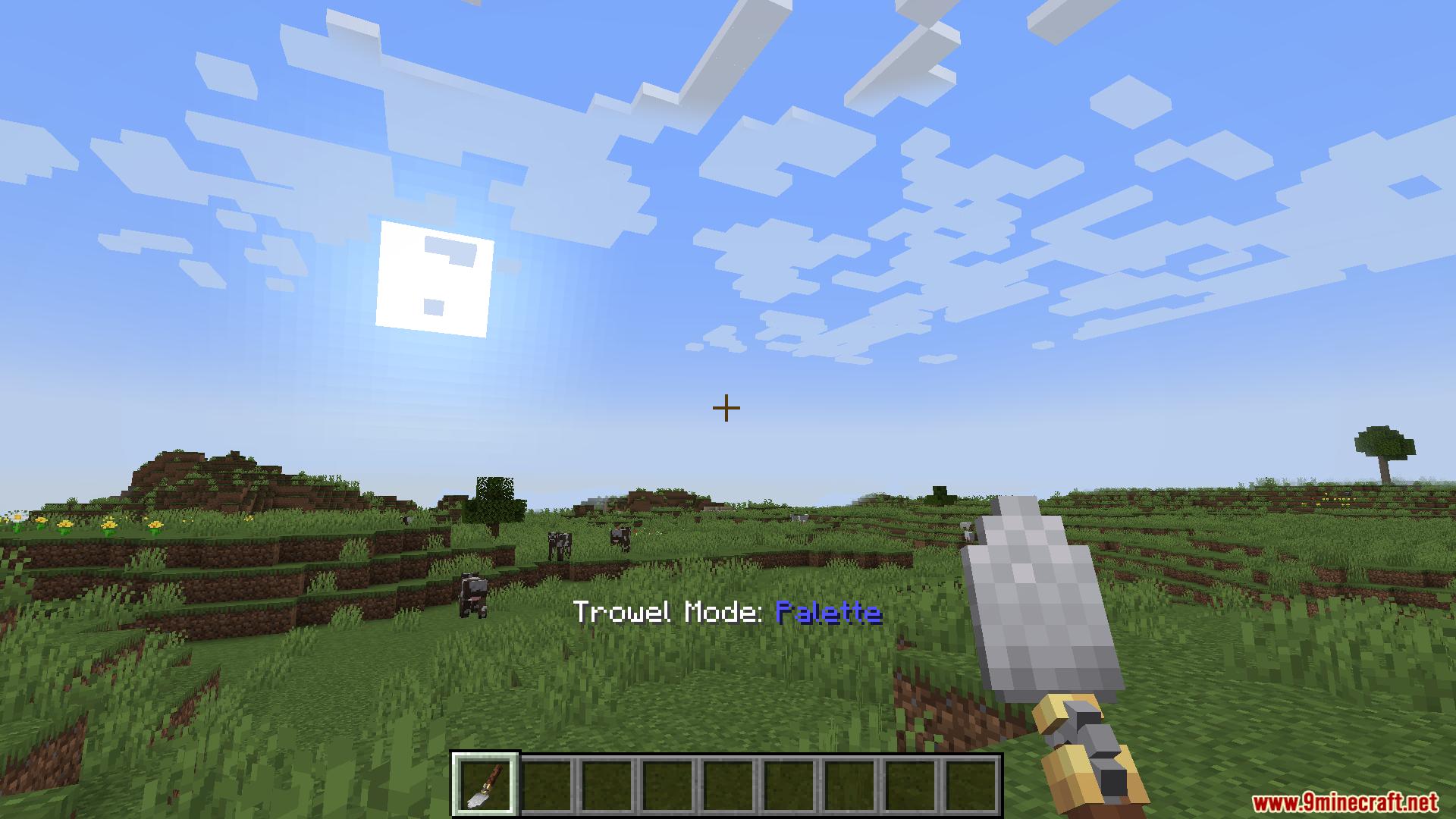
- Three Building Modes: Switch between Quick, Palette, and Wand modes to change how you build.
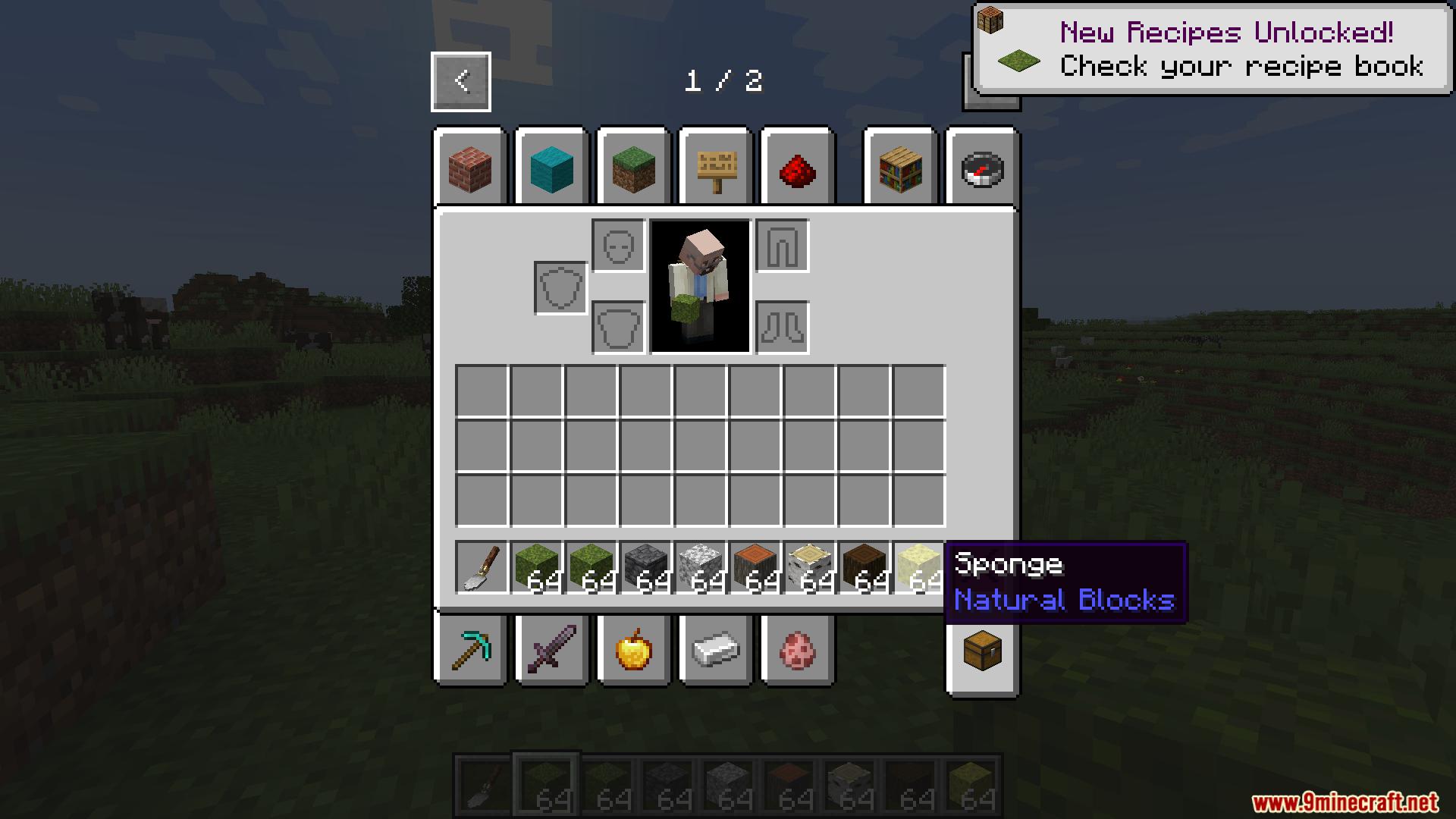
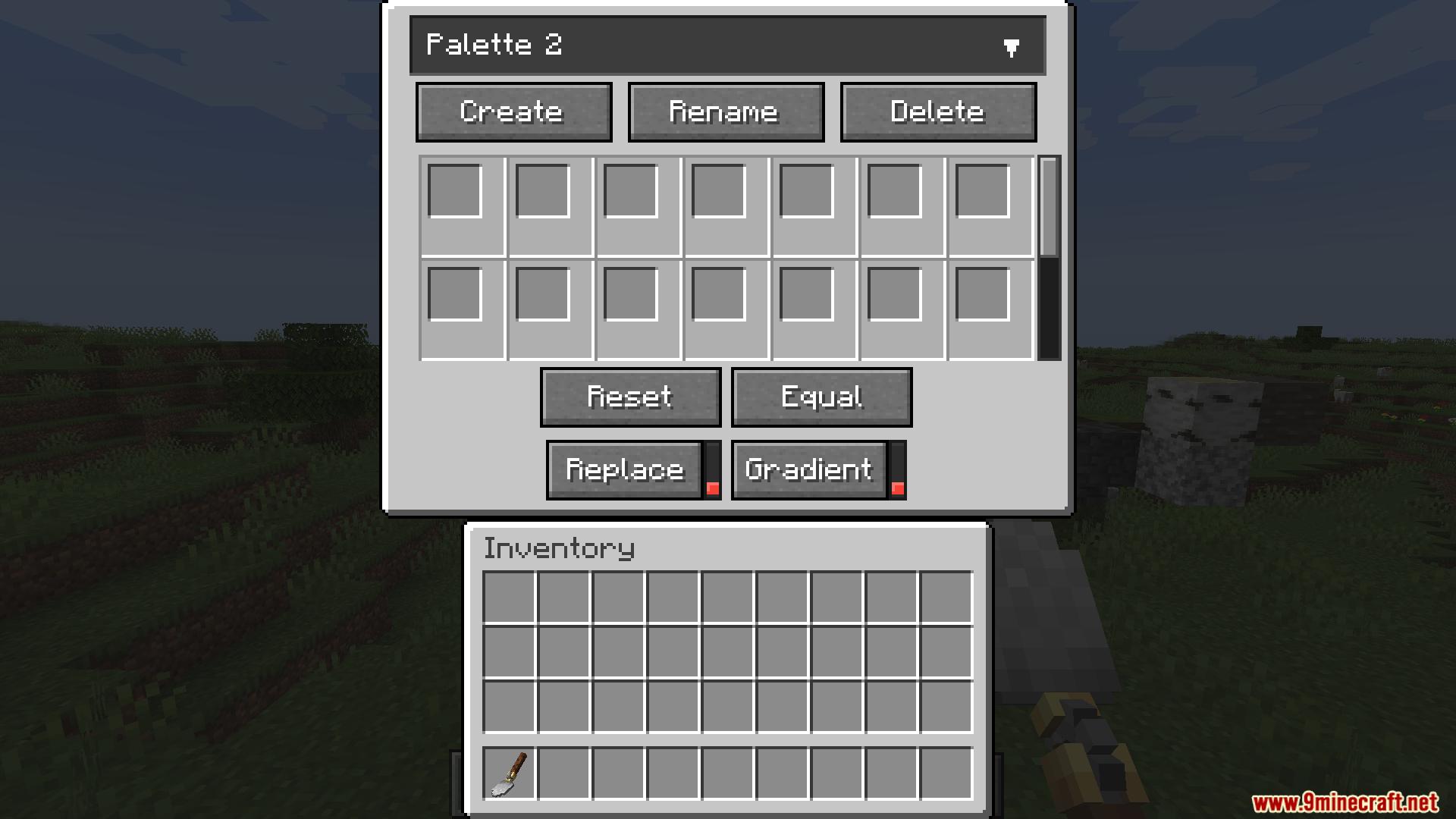
- Custom Palettes: Make up to 25 lists of blocks. You can choose exactly how often each block gets placed.
- Wand Mode: Place up to 64 blocks at the same time. You can upgrade it to place 128 blocks and undo your last 3 mistakes.
- Color Gradients: Mix different palettes together to make colors change slowly across your build.
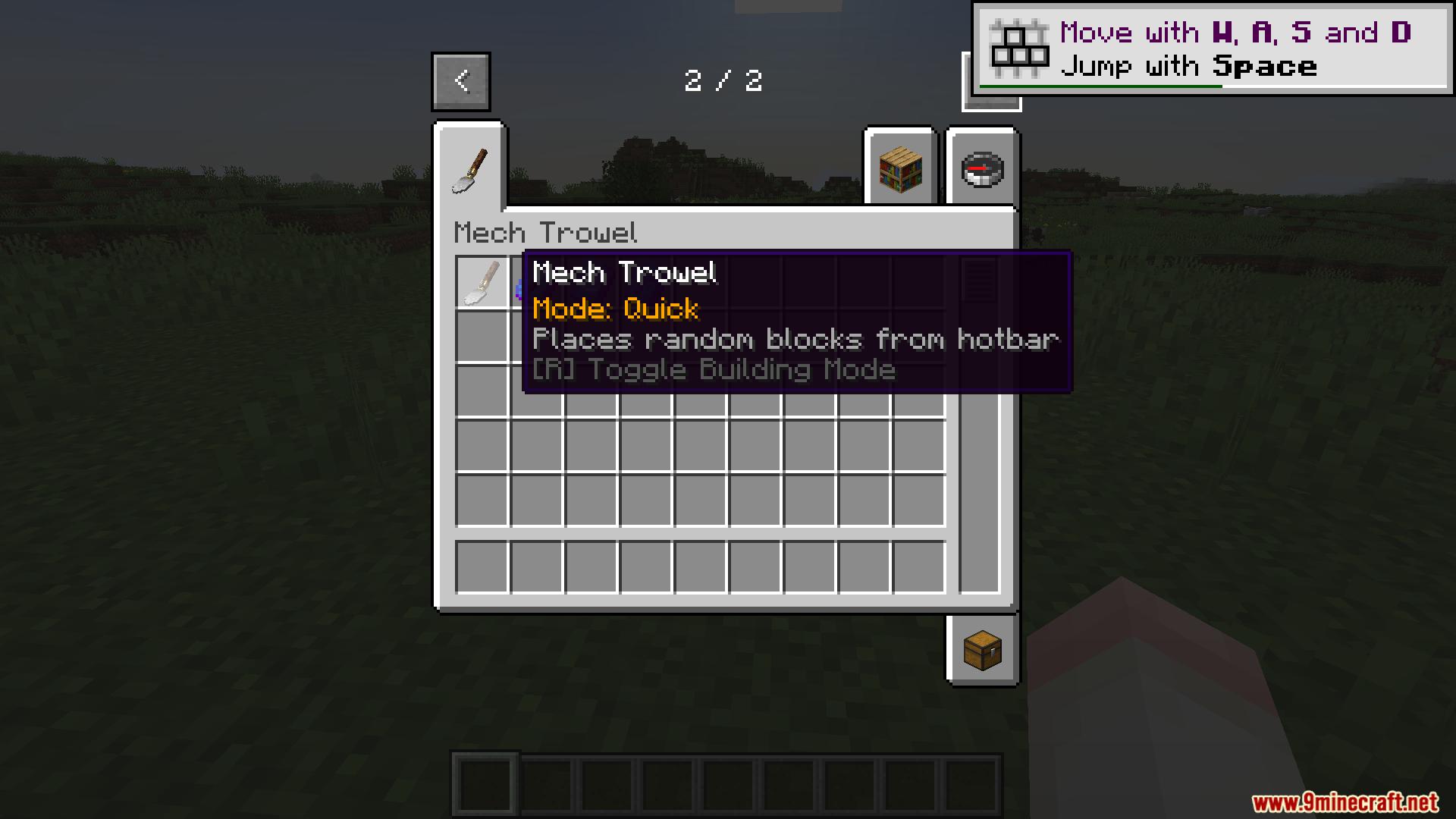
- Quick Mode: Place random blocks straight from your hotbar.
- Replace Blocks: Swap old blocks with new ones instead of just putting them in empty spaces.
- Rotation Control: Lock the direction blocks face, which helps a lot when placing stairs and slabs.
- Backpack Connection: The tool can pull blocks from shulker boxes and Sophisticated Backpacks.
- Mod Upgrades: Add special items to use blocks from your AE2 system or auto-convert blocks from the Chipped mod.
- Wireframe Previews: See lines that show you exactly where the blocks will go before you click.
- Works with Create: Use the trowel with Create and Copycats+ blocks to set their materials.
- Works with FramedBlocks: Change the materials of framed shapes.
How to Use:
- Press
Gto open the palette menu. - Press
Rto change your trowel mode. - Hold
ALTto open the quick palette menu. - Press
Vto turn replace mode on or off.
Screenshots:
How to Install:
New to Minecraft? Follow our step-by-step guide to install Mods on your PC.View Guide




Mech Trowel Mod Download Links
For Minecraft 26.1.2, 26.1.1, 26.1
For Minecraft 1.21.11
For Minecraft 1.21.1, 1.21
For Minecraft 1.20.1, 1.20
Click to rate this post!
[Total: 0 Average: 0]
You May Also Like







This post has no comments yet. Be the first — your comment will appear here.