


Selectable Painting Mod (1.21.11, 1.20.1) – Customize Painting Parameters Yourself
 6,775
6,775
 0
0
 2 weeks ago
 GeheimagentNr1
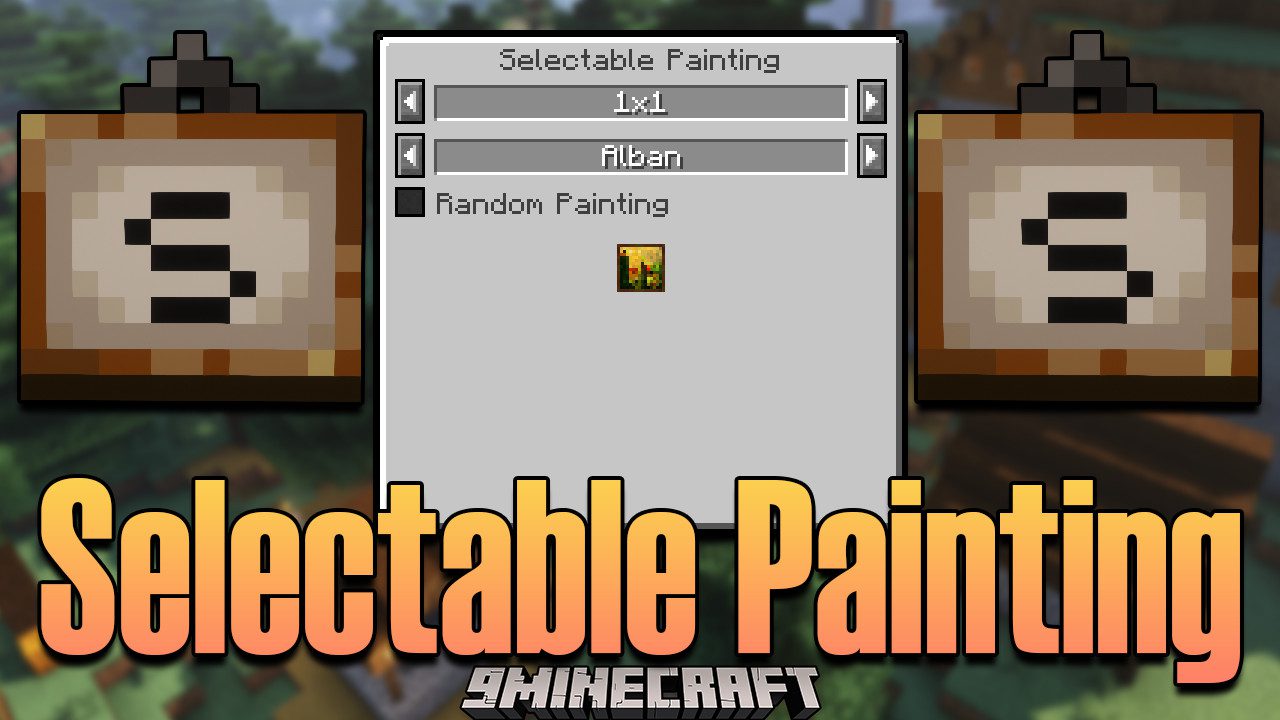
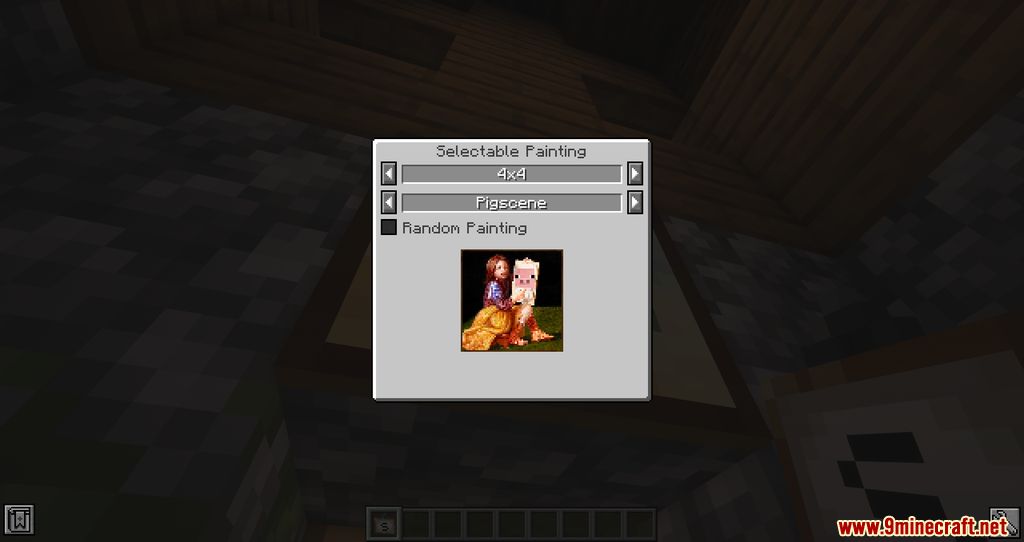
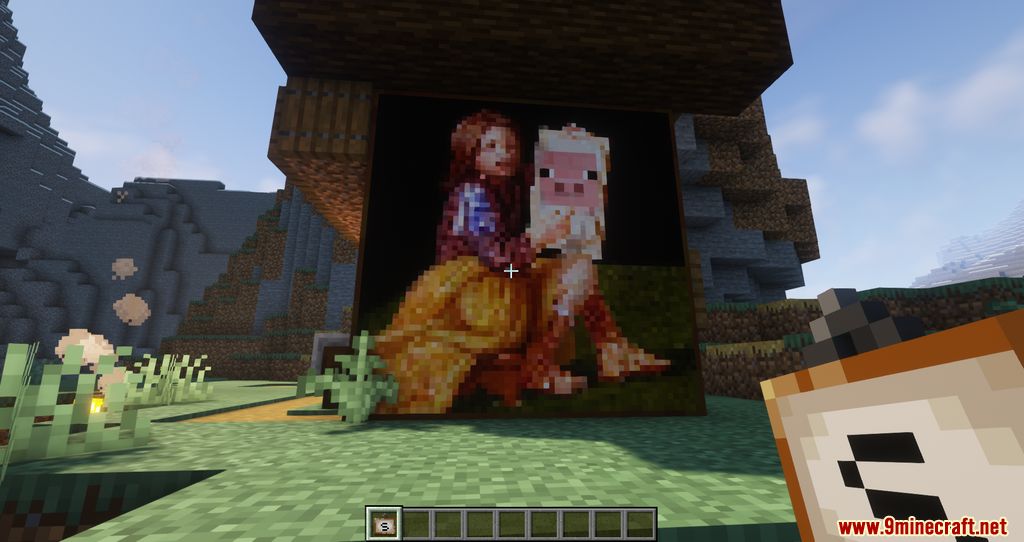
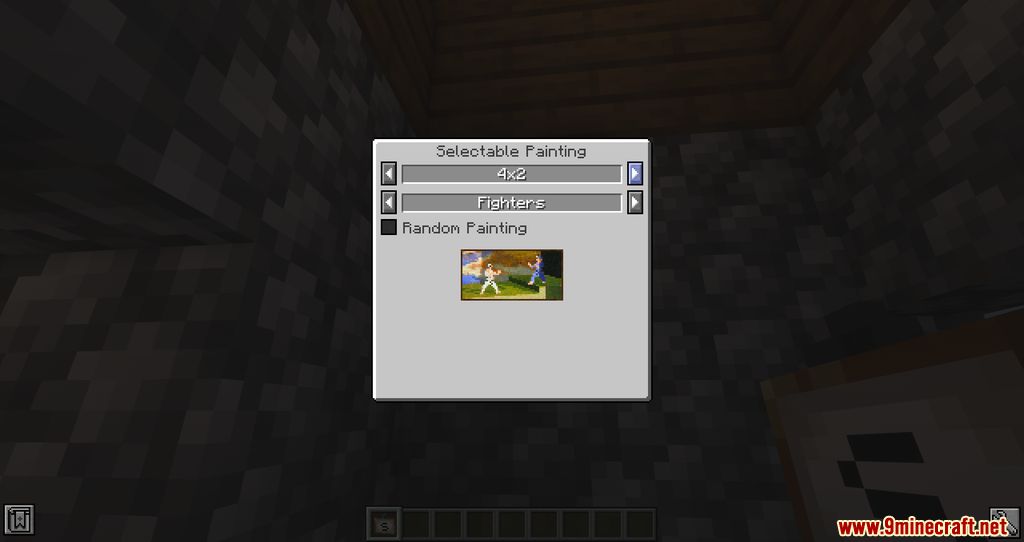
Selectable Painting Mod adds the Selectable Painting, with which the painting to be placed can be selected. Using Shift + Right-Click lets you choose the size, while Right-Clicking with the cursor pointed at the sky lets you choose the type. If you try to place a painting on a block without enough space, you will get an error message.
Features:
- Adds a new item called Selectable Painting.
- Players can choose a specific painting before placing it.
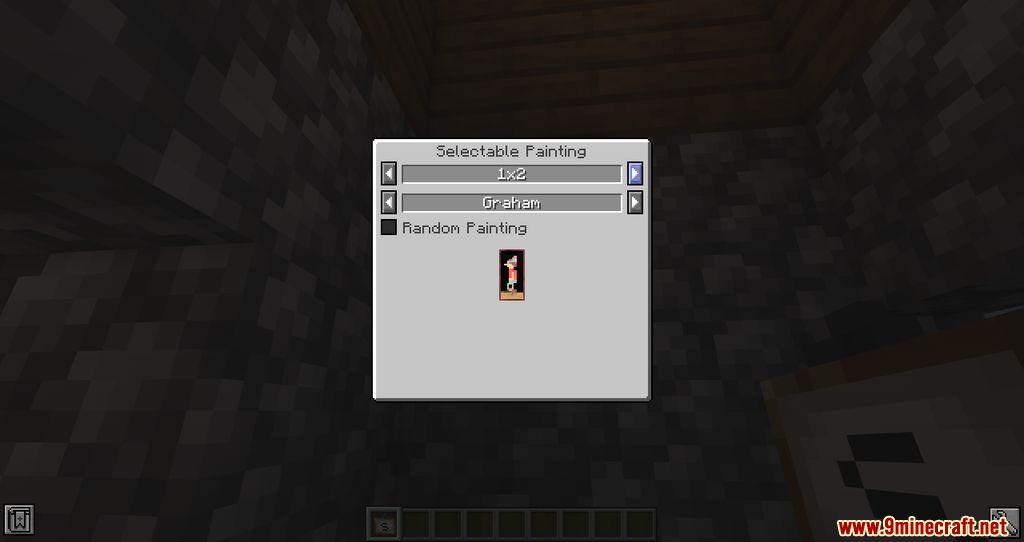
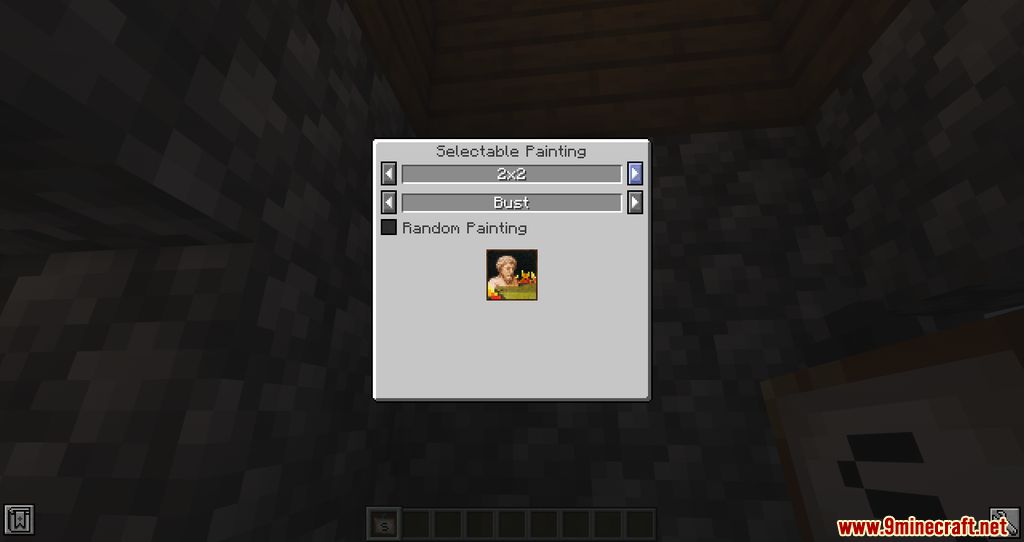
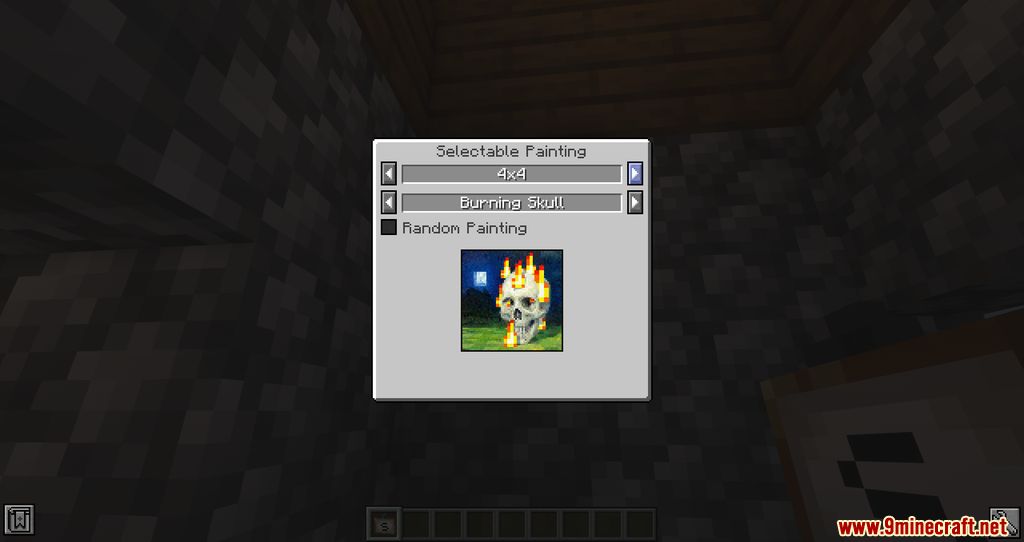
- Includes a dedicated GUI to select painting size and painting design.
- Option for Random Painting to place a random painting within the selected size.
- Tooltip shows the current size and selected painting.
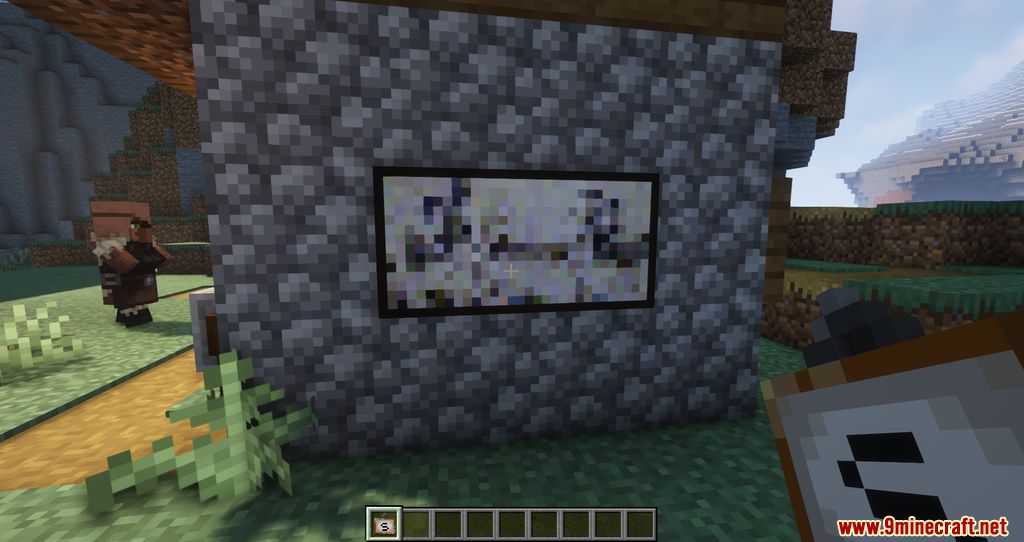
- Error message appears if the painting is too large for the available space.
How to use:
- Right-click on a block → place the painting on the wall.
- Right-click in the air → open the GUI to select size and painting.
- When removing a painting → you receive the item back with the same size and painting you had selected.
Screenshots:
Crafting Recipes:
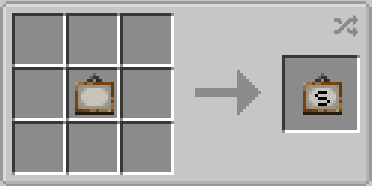
- Selectable Painting: put a Painting in any slot of the crafting table.
- Regular Painting: put a Selectable Painting in any slot of the crafting table.
How to Install:
New to Minecraft? Follow our step-by-step guide to install Mods on your PC.View Guide
Requirements:


Selectable Painting Mod Download Links
For Minecraft
1.21.11,
1.21.10,
1.21.9
All Versions Covered
1.21.11
1.21.10
1.21.9
1.21.8
1.21.7
1.21.6
1.21.5
1.21.4
1.21.1
1.21
All Versions Covered
1.21.11
1.21.10
1.21.9
1.21.8
1.21.7
1.21.6
1.21.5
1.21.4
1.21.1
1.21
For Minecraft 1.21.1, 1.21
For Minecraft 1.20.6
For Minecraft 1.20.4
For Minecraft 1.20.2
For Minecraft 1.20.1, 1.20
For Minecraft 1.19.4
For Minecraft 1.19.3
For Minecraft 1.19.2
For Minecraft 1.19.1
For Minecraft 1.19
For Minecraft 1.18.2
For Minecraft 1.18.1
For Minecraft 1.17.1
For Minecraft 1.15.2
Click to rate this post!
[Total: 0 Average: 0]
You May Also Like




This post has no comments yet. Be the first — your comment will appear here.