


Poke Loot Data Pack (1.21.1) – Claim Hidden Poke Balls for Useful Cobblemon

 0
0 

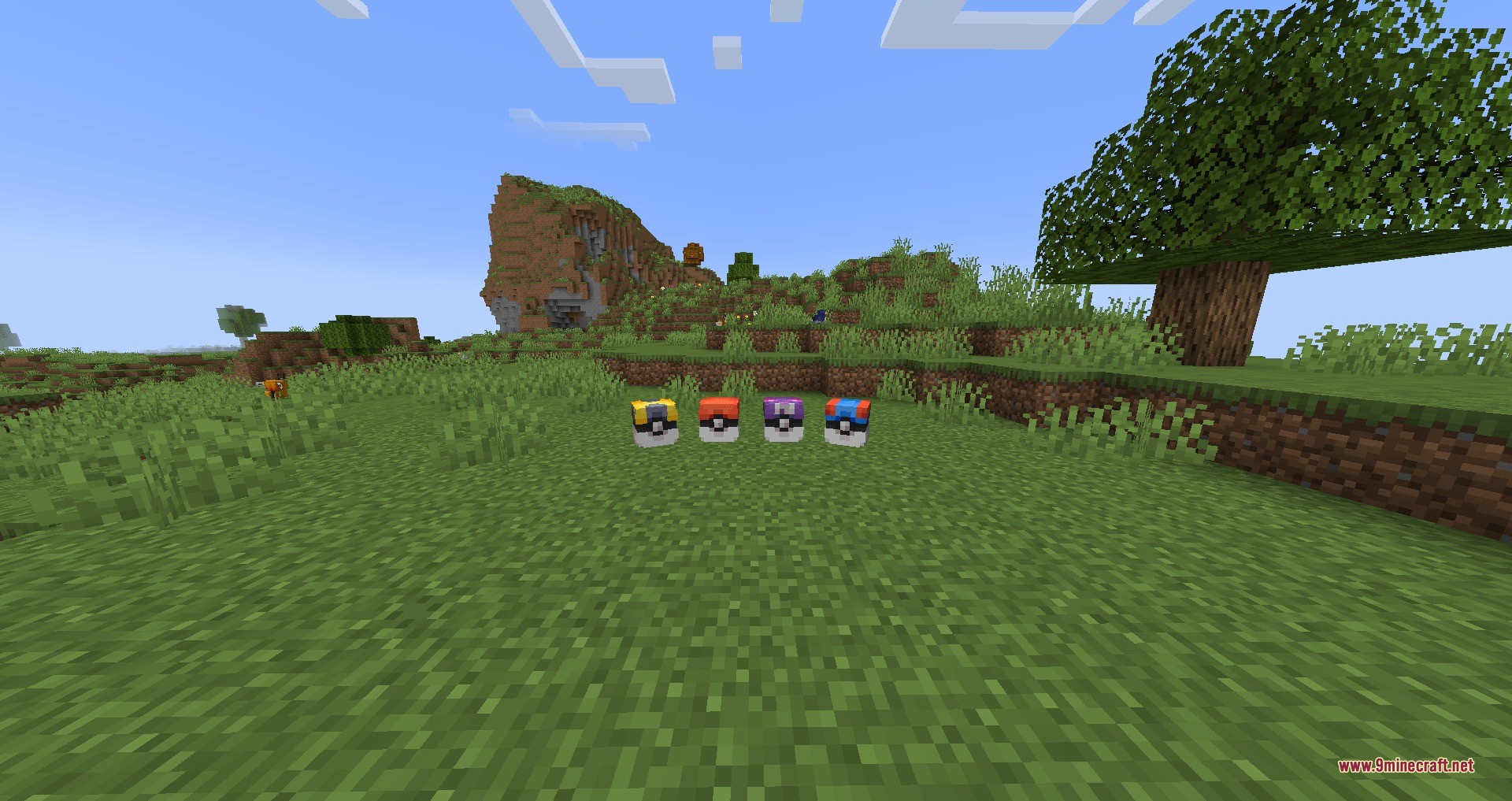
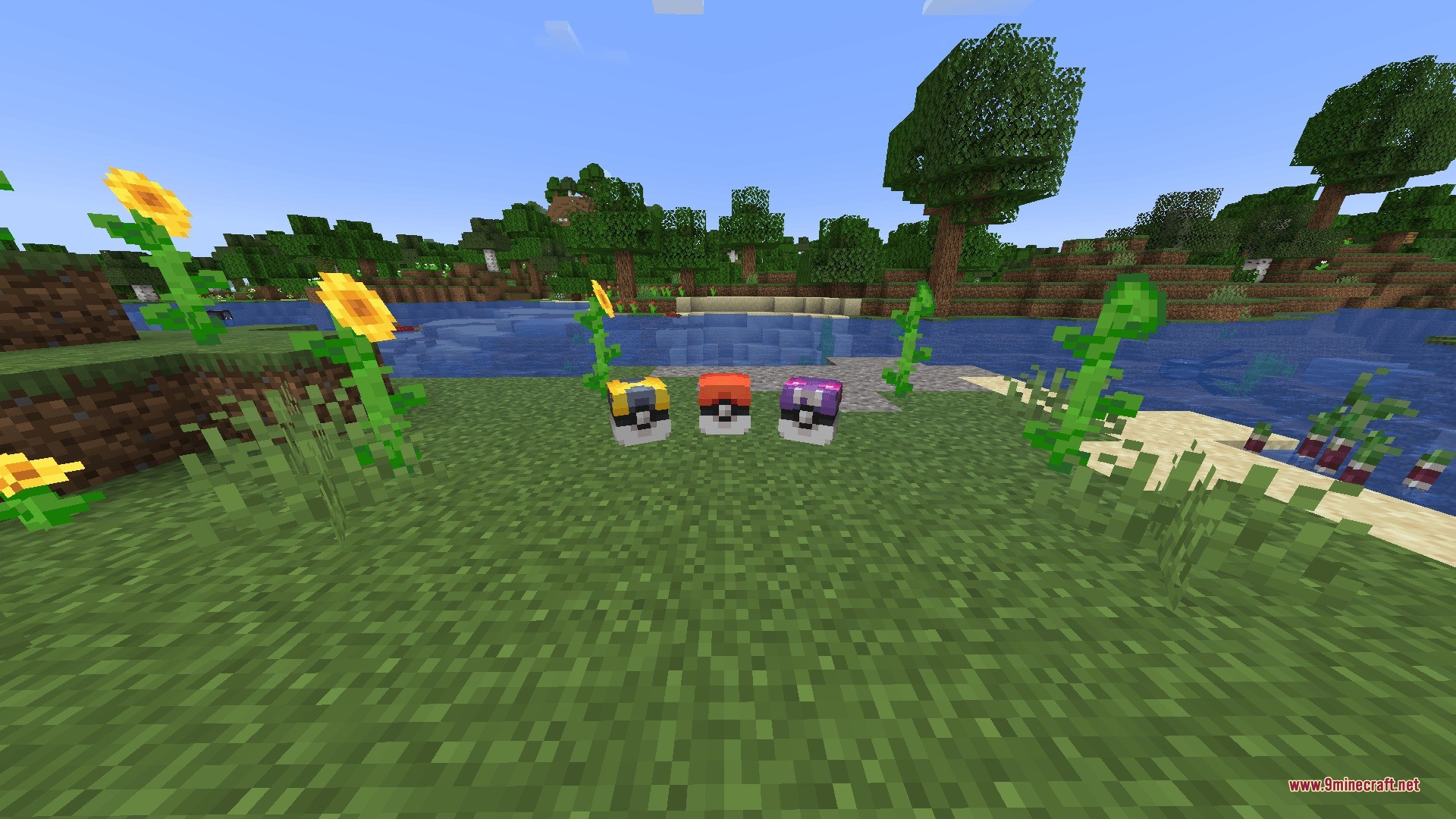
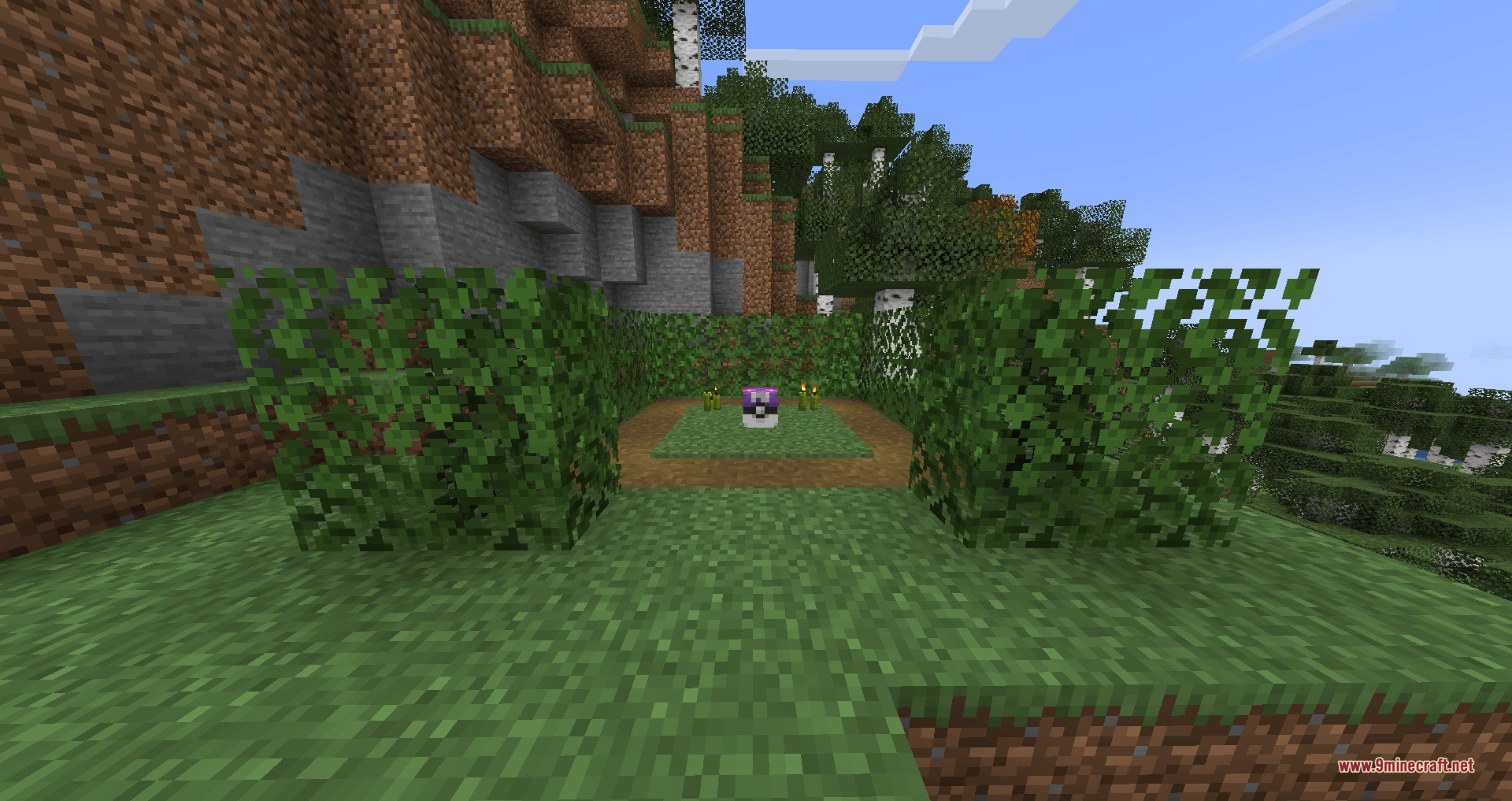
Poke Loot Data Pack adds hidden item capsules to the Cobblemon mod. It scatters small Poke Balls across your world that you can claim for different rewards. You will find items like healing potions, special catching balls, and battle items just by exploring. For the best results, load this pack when you first create your world so the rewards appear everywhere.

Features:
- Claim Rewards: Find different types of Poke Balls sitting on the ground and interact with them to get items.
- Players can find lots of useful Cobblemon items like Ultra Balls, Max Revives, and Full Heals.
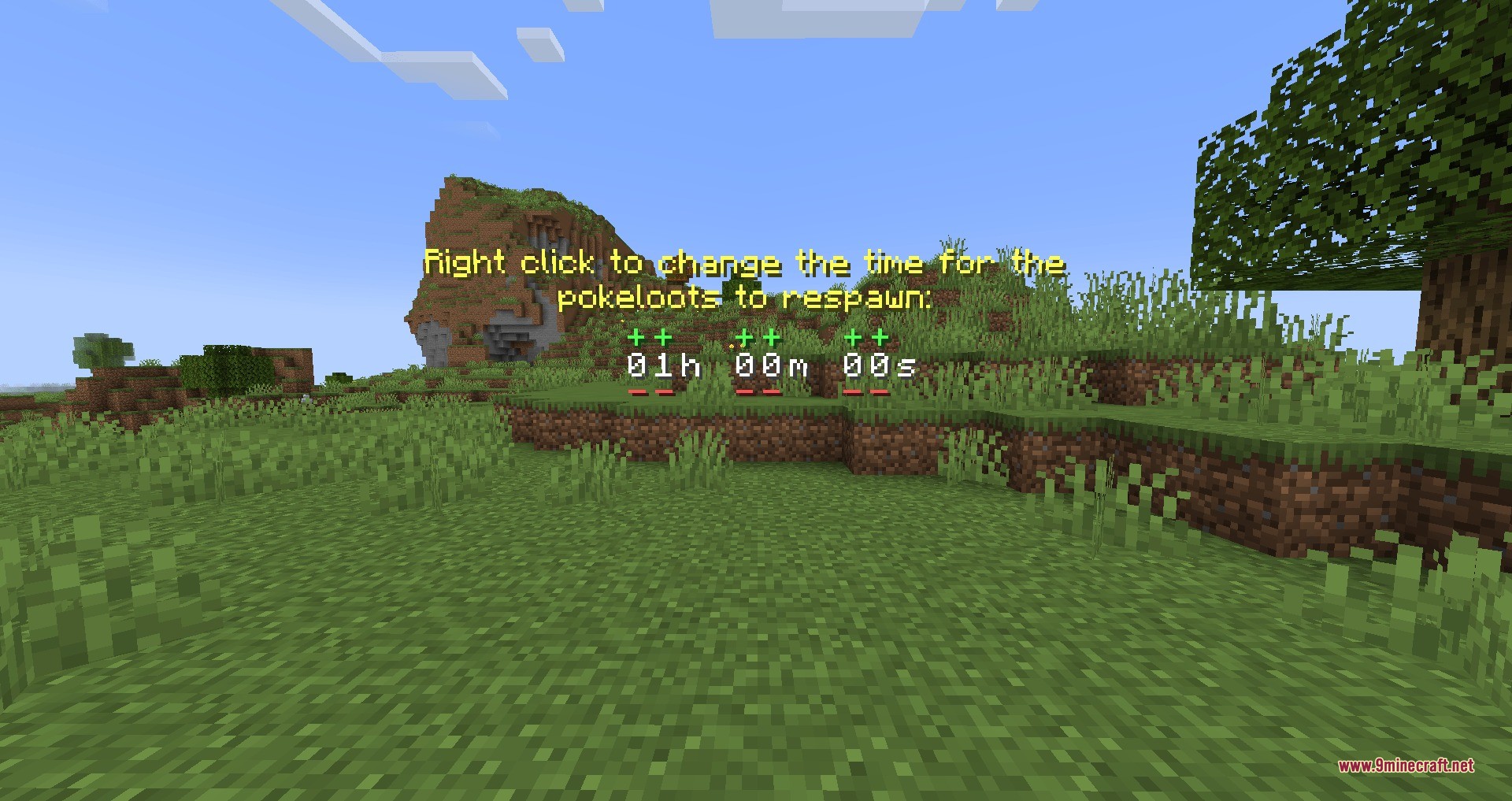
- You can set the capsules to give items only once, or make them refill after some time passes.
- Displays helpful particles so you can easily spot capsules that have already been opened.
- Shows a countdown timer when you stand near an empty capsule so you know when it refills.
Commands:
/function pokeloot:spawn_pokeballs: spawns 20 normal loot capsules around you./function pokeloot:spawn_greatballs: spawns 20 great ball loot capsules near your location./function pokeloot:spawn_ultraballs: spawns 20 ultra ball loot capsules around you./function pokeloot:give_pokeball_spawner: gives you an armor stand to place a custom loot spawn point./trigger PLOptions: opens a chat menu to change settings like particles, timers, and one-time use rules./function pokeloot:pokeball_change_timer: changes how long it takes for a capsule to refill./function pokeloot:reset_timer: sets the refill timer back to the default one hour./function pokeloot:kill_pokeloots: removes all loot capsules from the area./function pokeloot:uninstall: completely removes the pack and cleans up your world.
How to Use:
- Add this pack to your game when creating a brand new Minecraft world.
- If you add it to an old world, you must travel to new areas you have never visited before to find the capsules.
- Walk up to any loot capsule you find in the wild and interact with it to claim your items.
- Type the options command in your chat to change if the capsules refill or disappear after one use.
Screenshots:
How to Install:
New to Minecraft? Follow our step-by-step guide to install Data Packs on your PC.View Guide
Requirements:
Poke Loot Data Pack Download Links
For Minecraft 1.21.1, 1.21
Click to rate this post!
[Total: 0 Average: 0]
You May Also Like








This post has no comments yet. Be the first — your comment will appear here.