Overview#
Realism Mats is an ambitious visual overhaul designed to push Minecraft's graphics to a professional, modern standard. Developed using high-end tools like Photoshop, Autodesk 3ds Max, and Mudbox, the pack replaces standard pixelated textures with high-resolution images of real-world materials including stone, wood, and metal.
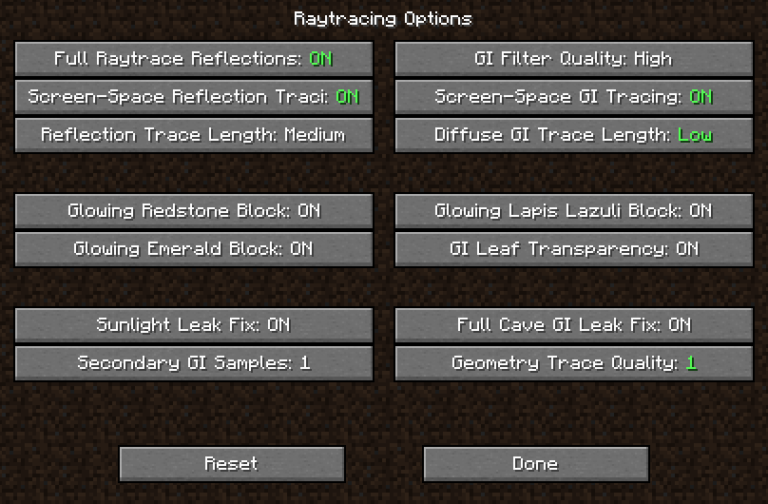
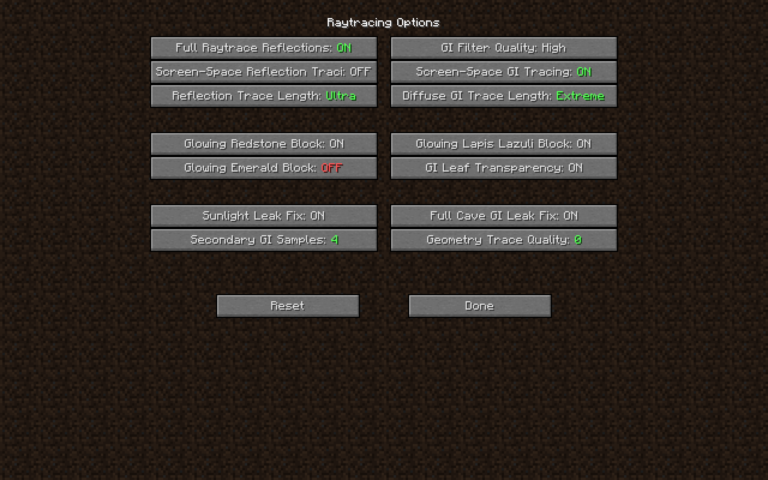
The pack is specifically optimized for use with shaders that support Raytracing (PTGI) and Physically Based Rendering (PBR), allowing surfaces to react naturally to light with accurate reflections, depth, and roughness. It currently covers approximately 95% of the game's textures, including terrain, blocks, items, and entities.
Visual Features#
Realism Mats distinguishes itself through several advanced graphical techniques:
- PBR (Physically Based Rendering): Materials have defined physical properties, meaning metals reflect light sharply while stone and wood have matte, textured finishes.
- POM (Parallax Occlusion Mapping): Provides a 3D depth effect to flat surfaces, making cracks in stone or the grain in wood appear physically recessed.
- 3D Modeling: Many blocks, such as the Crafting Table and various ores, feature entirely new 3D geometry rather than flat textures.
- Multiple Resolutions: The pack is available in various resolutions to balance performance and quality:
- 64x: Performance-friendly version for standard systems.
- 256x: The standard high-definition experience.
- 512x: Ultra-HD for high-end gaming rigs.
- 1024x: Maximum realism, requiring significant VRAM and high-tier GPUs (e.g., RTX 2080 Super or higher).
Blocks and Terrain#
The pack modifies over 120 unique blocks with custom models and textures. Terrain generation is visually transformed to look like a realism simulator.
Nature and Environment
| Block Type | Visual Changes |
|---|---|
| Grass & Dirt | High-resolution soil textures with individual blades of grass and realistic clumping. |
| Stone & Ores | Stone features deep 3D cracks; ores like Diamond and Gold have metallic, reflective inclusions. |
| Trees & Leaves | Bark textures are scanned from real trees; leaves feature high-density foliage models. |
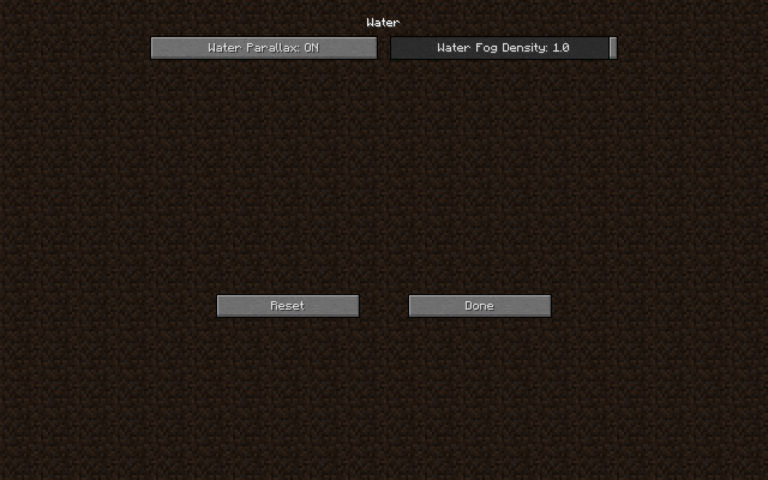
| Water | Optimized for shader reflections, appearing clear and reactive to light. |
Structures and Utility
- Crafting Table: Replaced with a highly detailed 3D model featuring realistic wood grain and tools embedded in the sides.
- Planks: Feature realistic wood textures with visible knots and grain patterns.
- Bricks: Individual bricks have unique textures and recessed mortar lines via POM.
Items and Equipment#
Items in Realism Mats are rendered with high-resolution 3D models that replace the traditional 2D sprites.
- Tools (Axes/Pickaxes): Available in Wood, Stone, Iron, Gold, Diamond, and Netherite. The Diamond variants feature a marbled crystalline look, while Netherite tools have a heavy, forged metallic appearance.
- Weapons: Swords are rendered with high-resolution blades and detailed hilts. The Mace and Trident feature intricate 3D geometry.
- Shields: Redesigned to be more detailed without obstructing the player's view in third-person mode.
- Miscellaneous: Includes realistic textures for Firework Rockets, End Crystals, and various Mob Eggs.
Furniture Pack Mod#
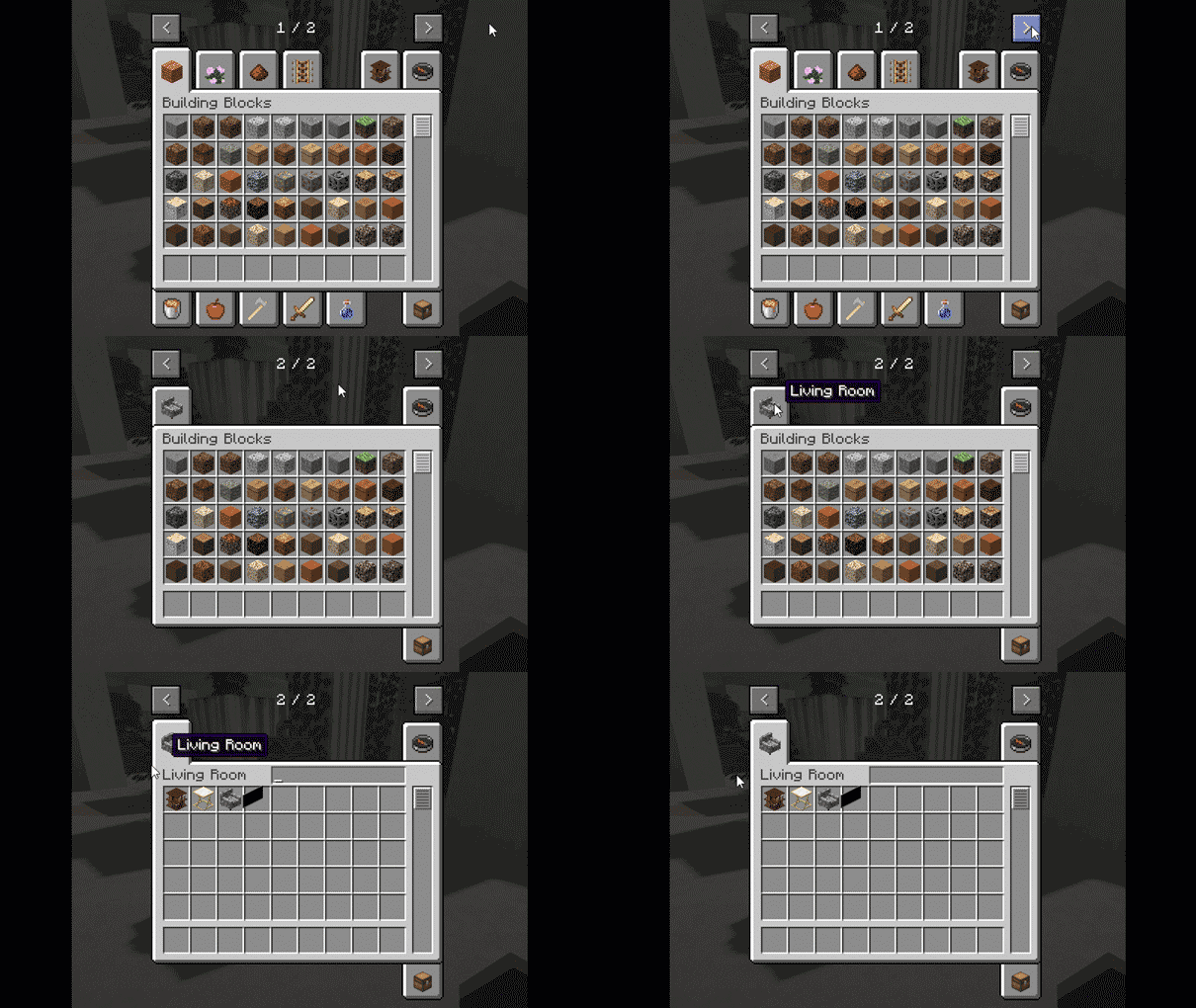
The Realism Mats Furniture Pack is a companion mod that adds modern, high-fidelity furniture to the game. These items are primarily found in a dedicated Creative Mode tab.
Included Furniture Items
- Seating: Modern Sofas (multiple variants), Sofa Chairs, and Ottomans (Black and Brown).
- Storage & Surfaces: Modern Shelves, Wood Cabinets, Bookshelves, and Golden Tables (Short and Tall).
- Decor: Garden Benches, Hanging Lamps, and a realistic TV model.
Note: These items are cosmetic and intended for modern architectural builds.
Entities#
While Realism Mats does not change the behavior or stats of mobs, it provides a complete visual overhaul for entities to match the realistic environment.
- Standard Mobs: High-resolution skins for common creatures like Cows, Pigs, and Sheep, featuring realistic fur and skin textures.
- Hostile Mobs: Zombies and Skeletons are updated with more detailed, grittier textures.
- Special Entities: The Creaking (in newer versions) and other biome-specific mobs are updated to maintain visual consistency with the high-res terrain.
Technical Setup and Requirements#
To achieve the intended look, Realism Mats requires specific technical configurations.
System Requirements
| Component | Minimum (~30 FPS) | Recommended (60+ FPS) |
|---|---|---|
| RAM | 16GB | 32GB |
| VRAM | 6GB | 8GB+ |
| CPU | Latest Gen i5 | i7 / i9 / Ryzen 9 |
| GPU | GTX 1060 | RTX 2080 / 3070+ |
Installation Steps
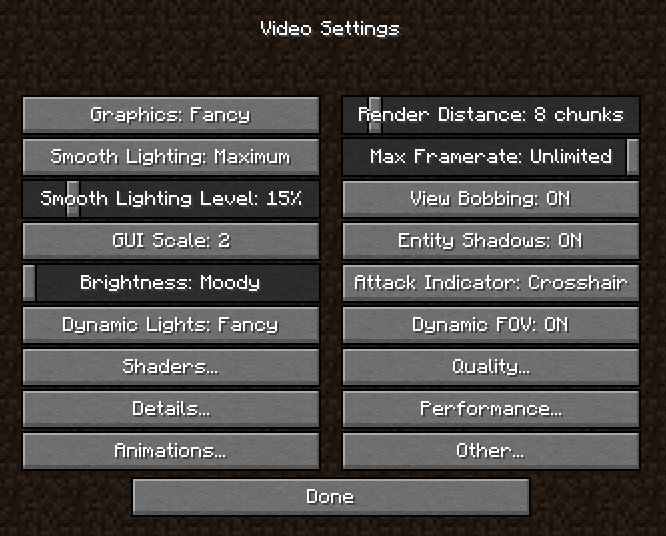
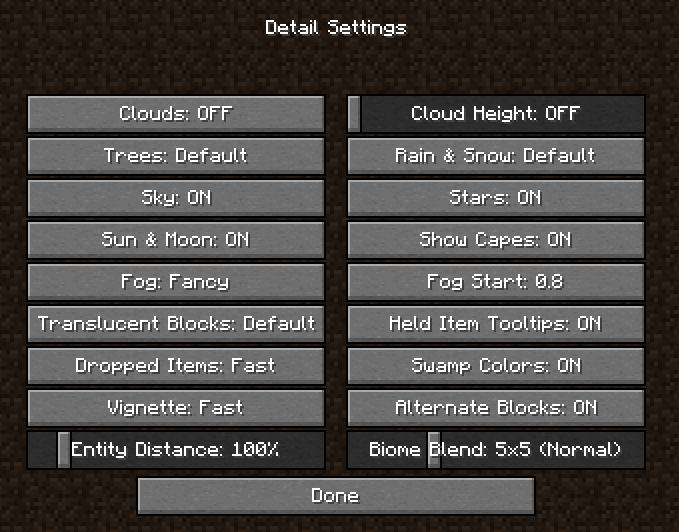
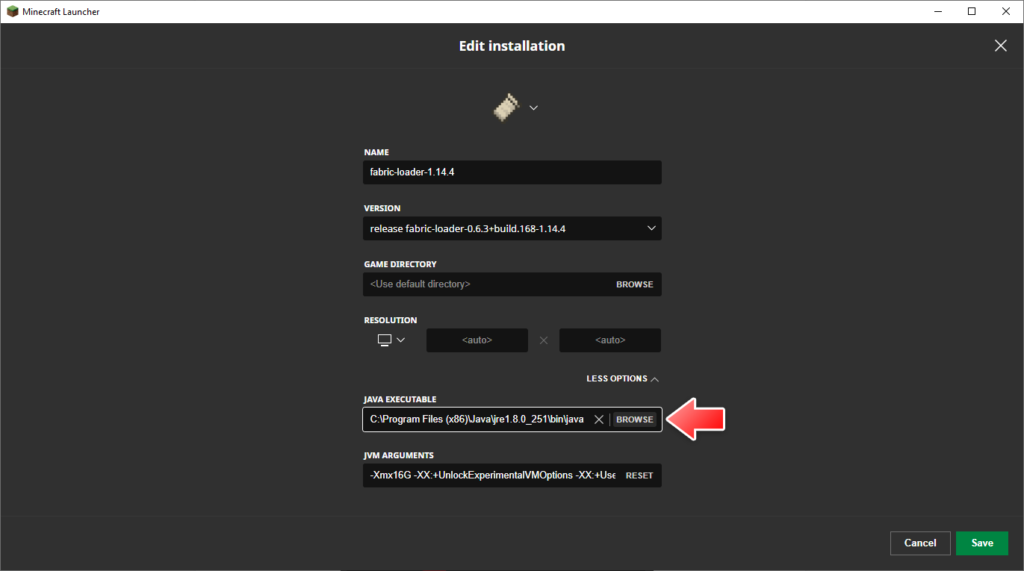
- Update Java: Ensure the latest 64-bit Java Runtime Environment is installed.
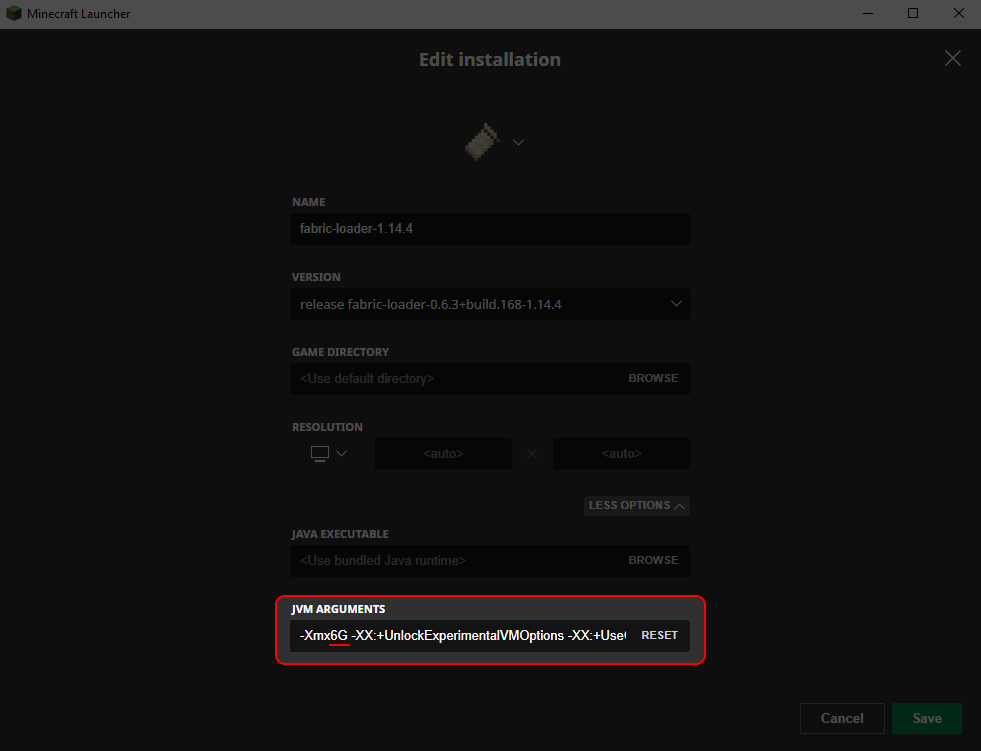
- Allocate RAM: In the Minecraft Launcher, edit your installation and change JVM Arguments to
-Xmx6Gor higher (up to half of your system RAM). - Install Optifine: Required for shader support and PBR textures.
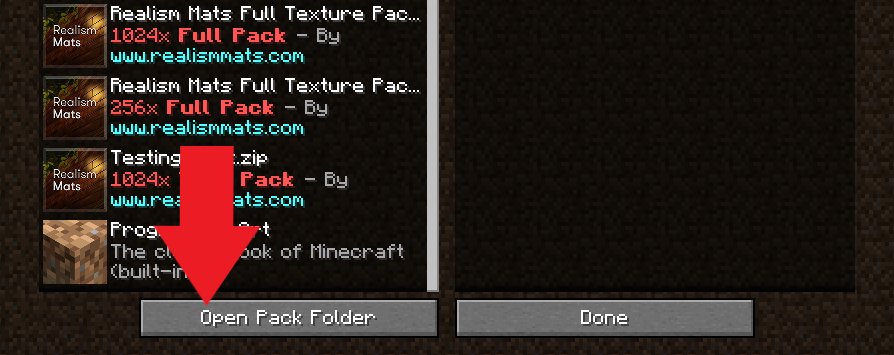
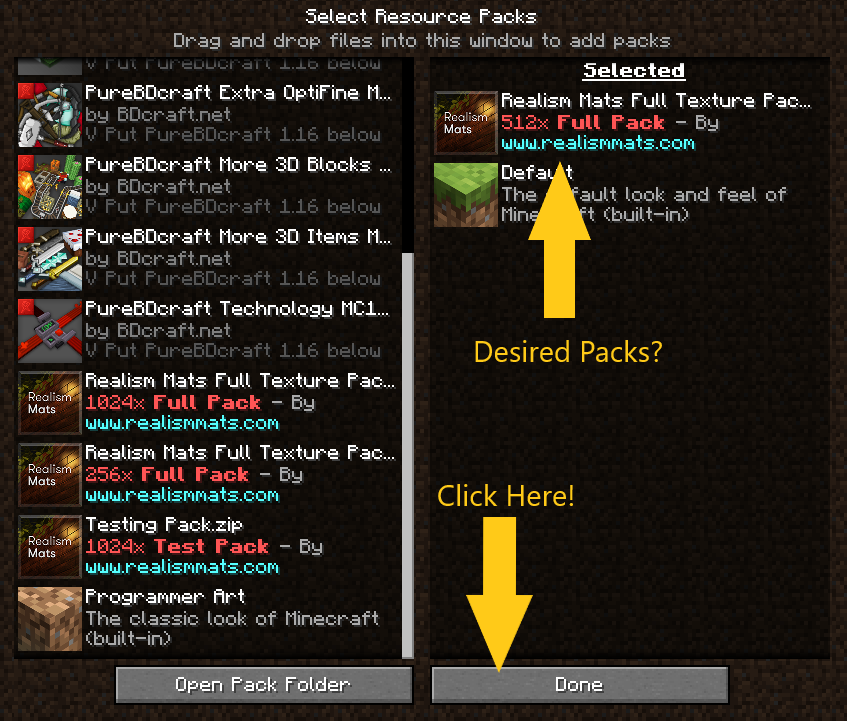
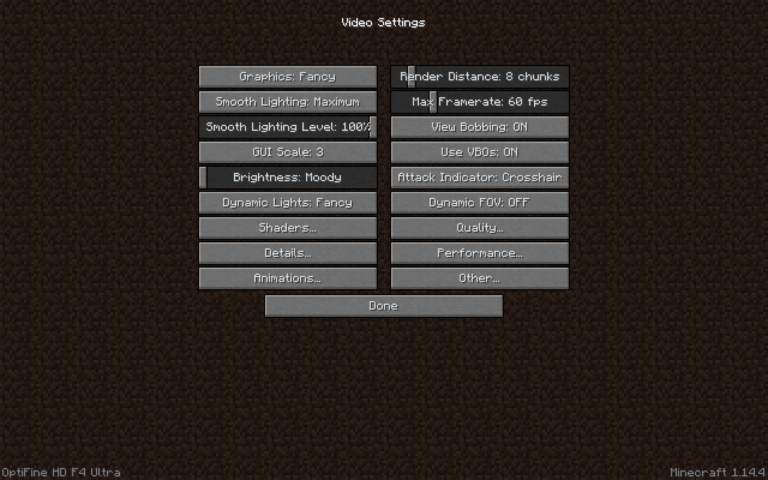
- Add Resource Pack: Place the downloaded
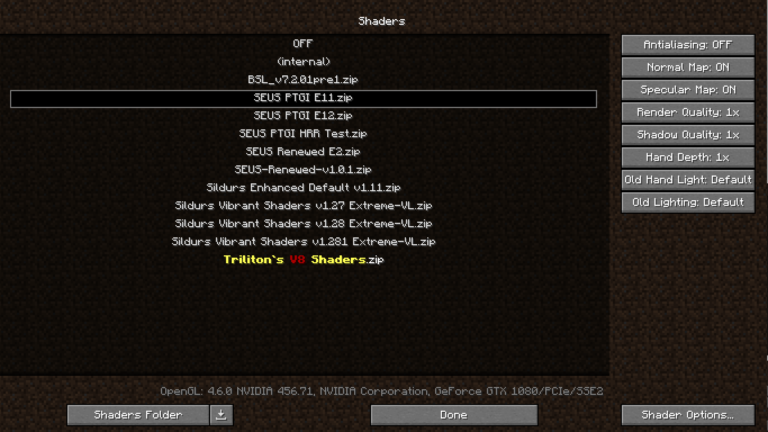
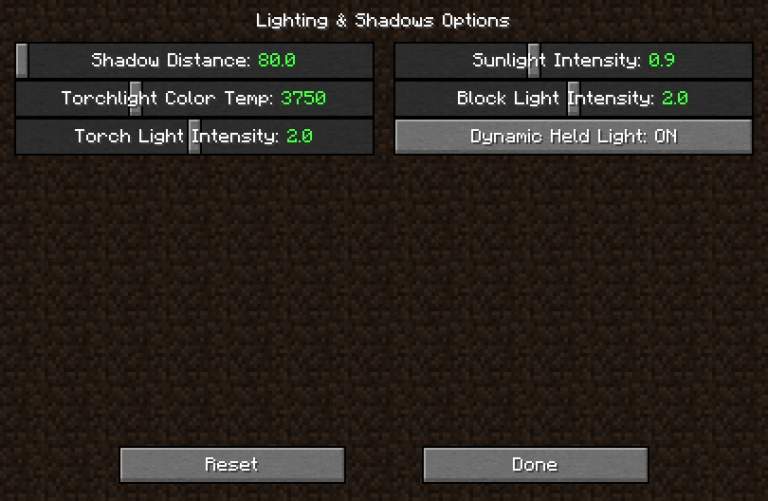
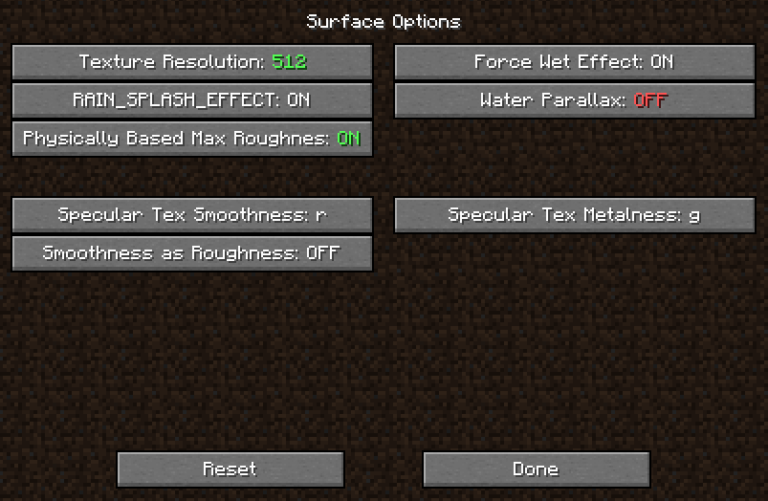
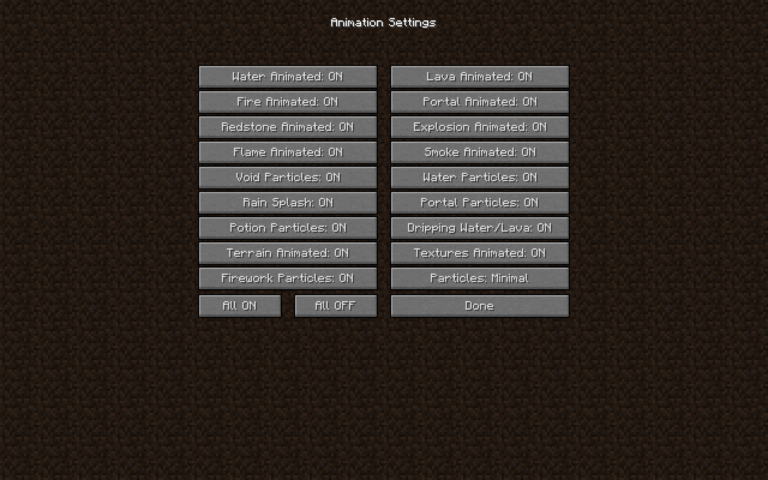
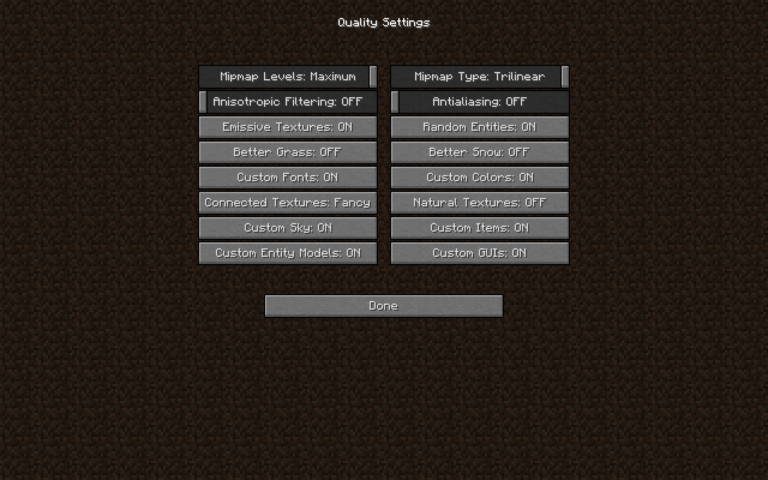
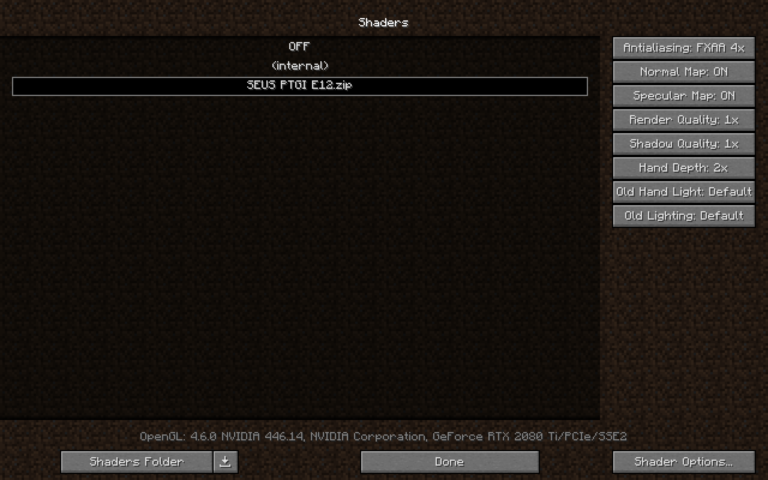
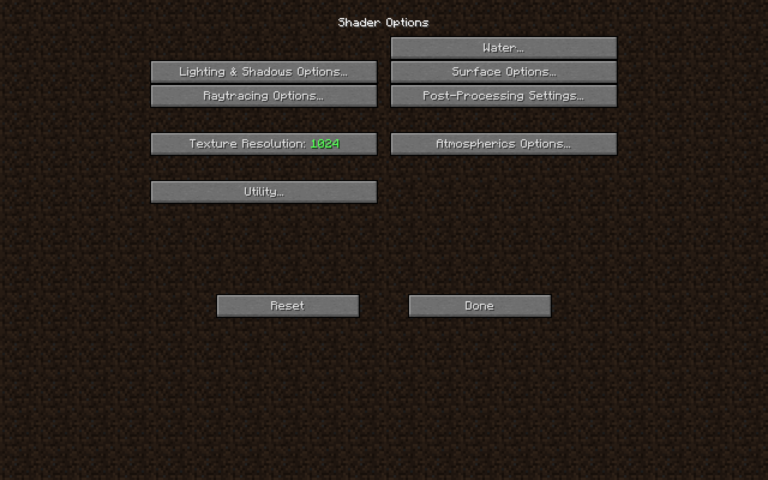
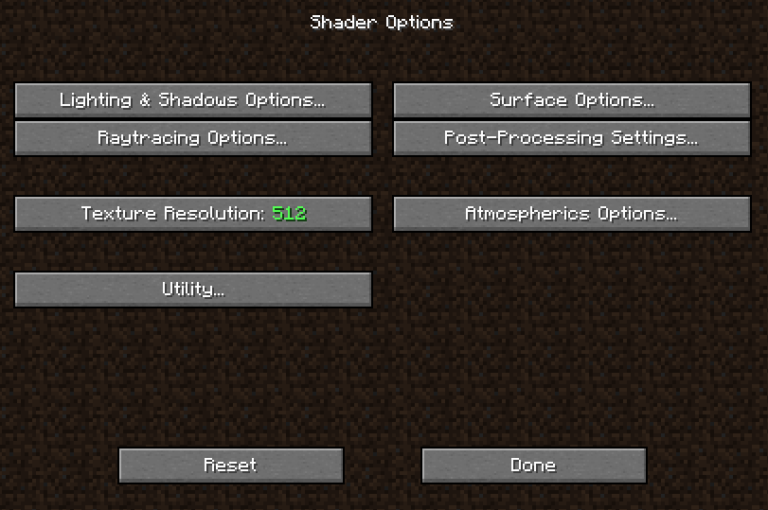
.zipfile into theresourcepacksfolder. Do not unzip the file. - Configure Shaders: Use a compatible shader pack (SEUS PTGI, BSL, or Sildurs). Ensure PBR and POM settings are enabled in the shader options.
Mechanics and Configuration#
The pack relies on the interaction between the resource pack and the shader engine.
- Texture Loading: Due to the high resolution (especially 512x and 1024x), the game may appear to freeze for 10-15 minutes during the initial load. This is normal as the system allocates VRAM for the large texture maps.
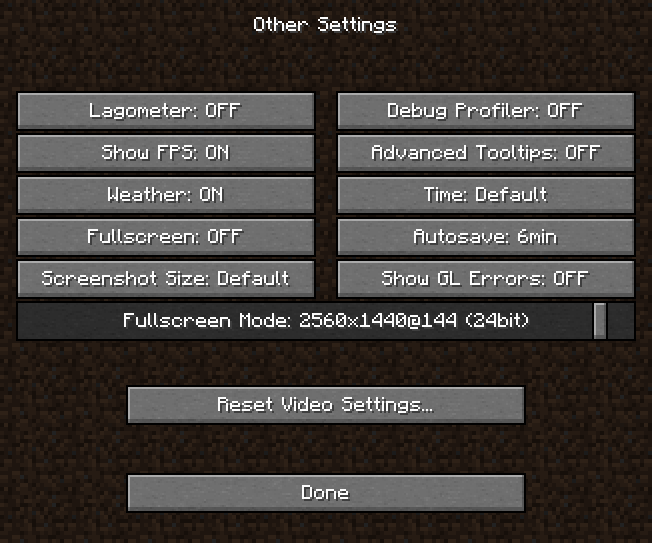
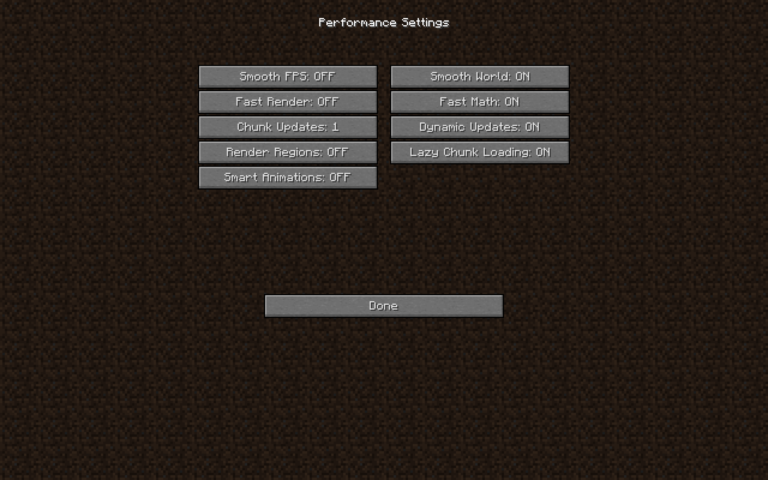
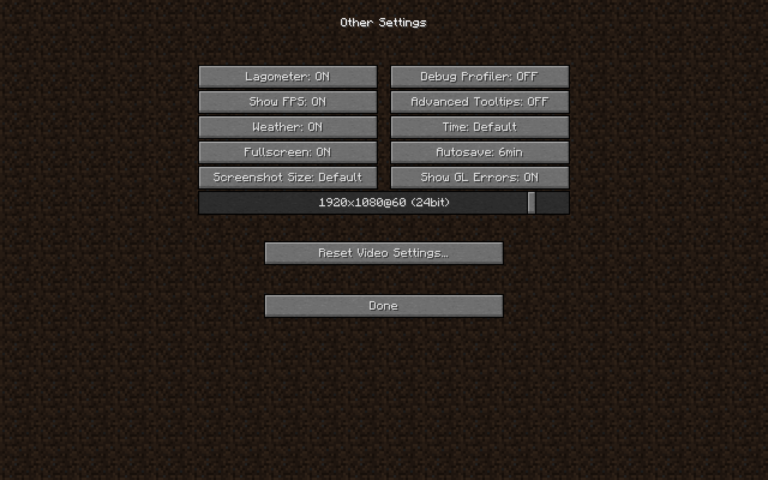
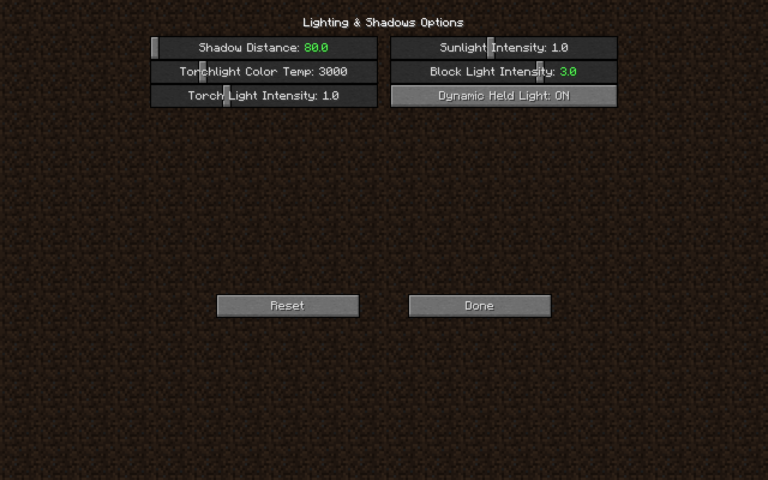
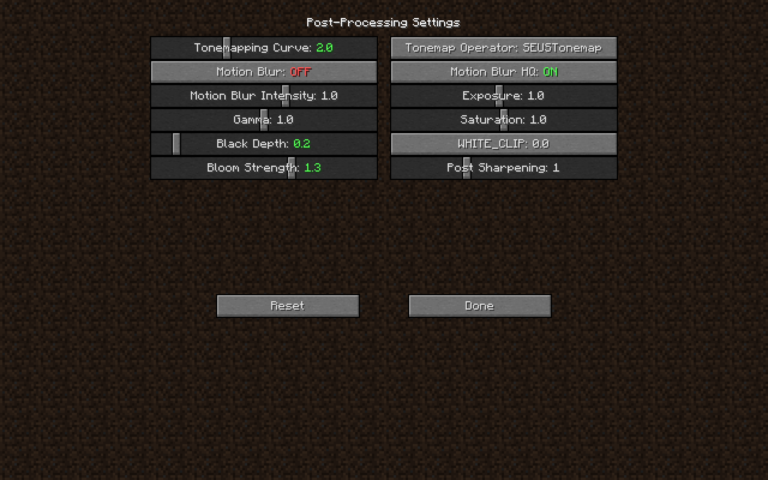
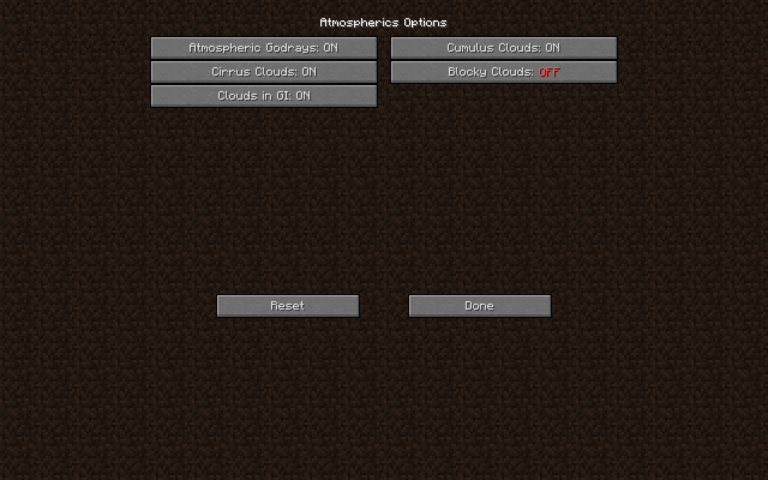
- Shader Settings: For the best results with SEUS PTGI, it is recommended to run the game in Windowed mode at a slightly lower resolution (e.g., 1366x768) if performance stutters occur on 1440p or 4K monitors.
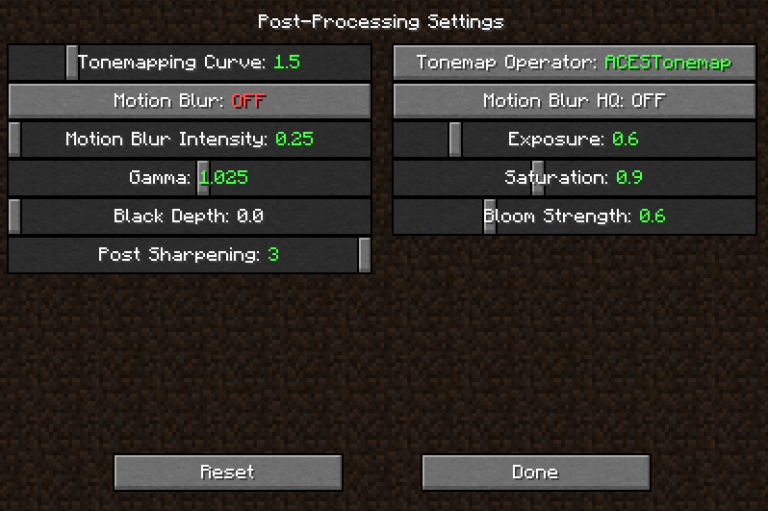
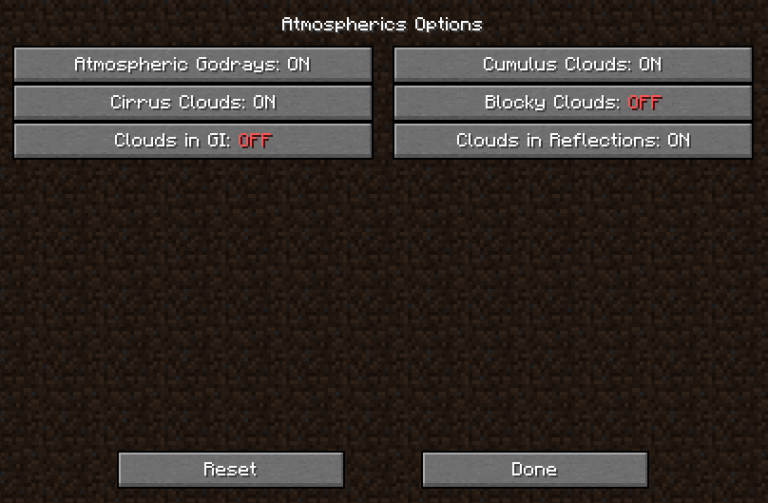
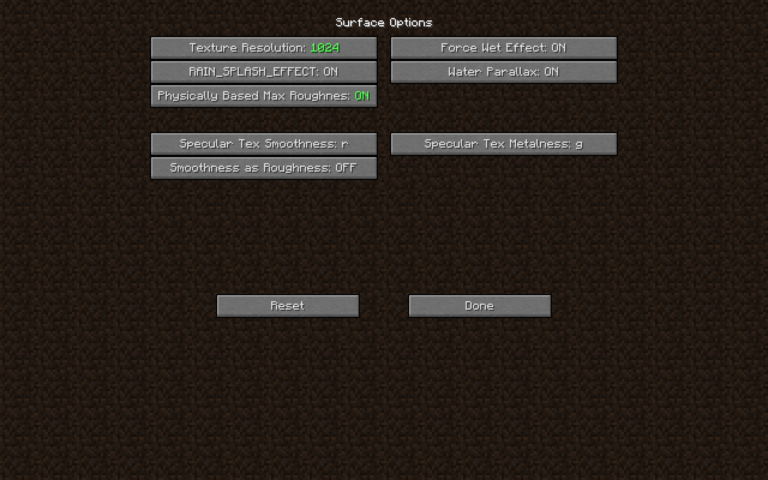
- PBR Support: Ensure that "Resource Pack Reflection Quality" or similar settings in your shader menu are set to use the pack's internal PBR maps.