


Hide Key Binding 9minecraft Mod (26.2) – Clean Up Cluttered Keybinds in Modpacks
 2
2
 0
0

Hide Key Binding 9minecraft Mod cleans up your Controls menu by letting you hide keybindings you do not need. Large modpacks often flood the options list with dozens of keys that make scrolling slow and annoying. This mod provides a dedicated setup screen to mark any keybind as shown or hidden. Hidden keys vanish from the main list and are completely blocked from triggering accidentally. It runs entirely on your client, so you can join any server without issues.
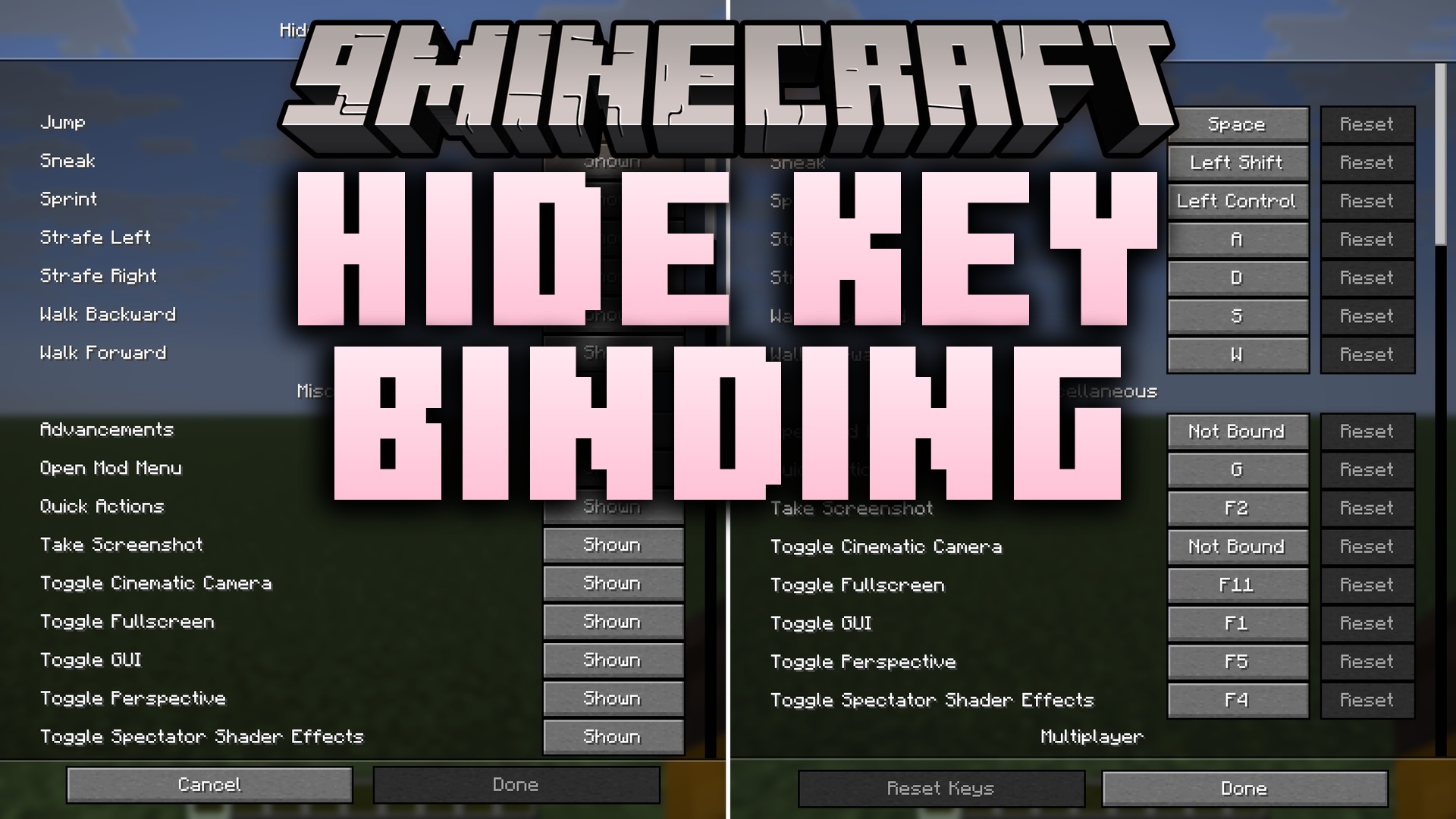
Features:
- Adds a dedicated menu screen to view all registered keybindings in one place.
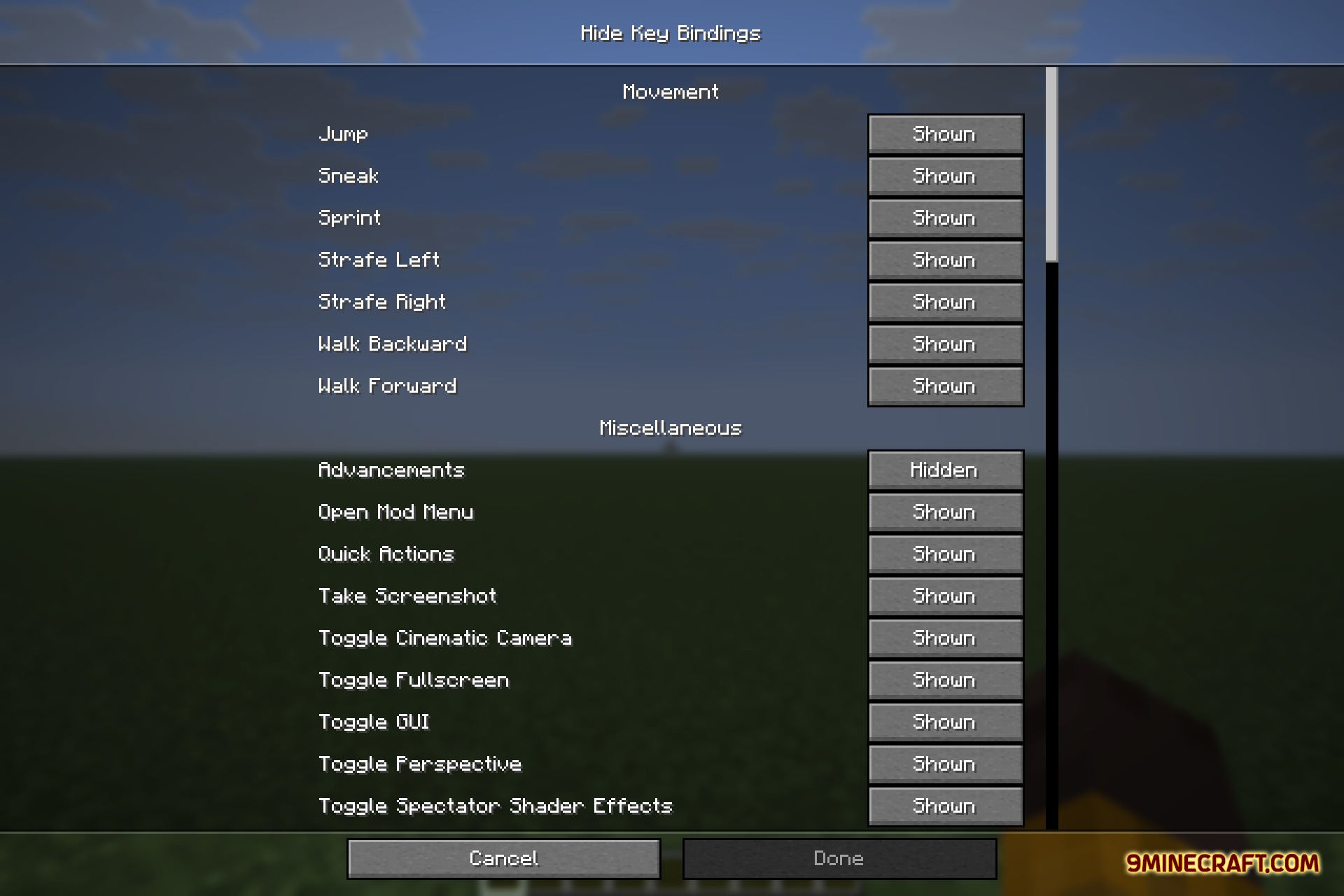
- Lets you toggle any keybind between Shown and Hidden with a simple click.
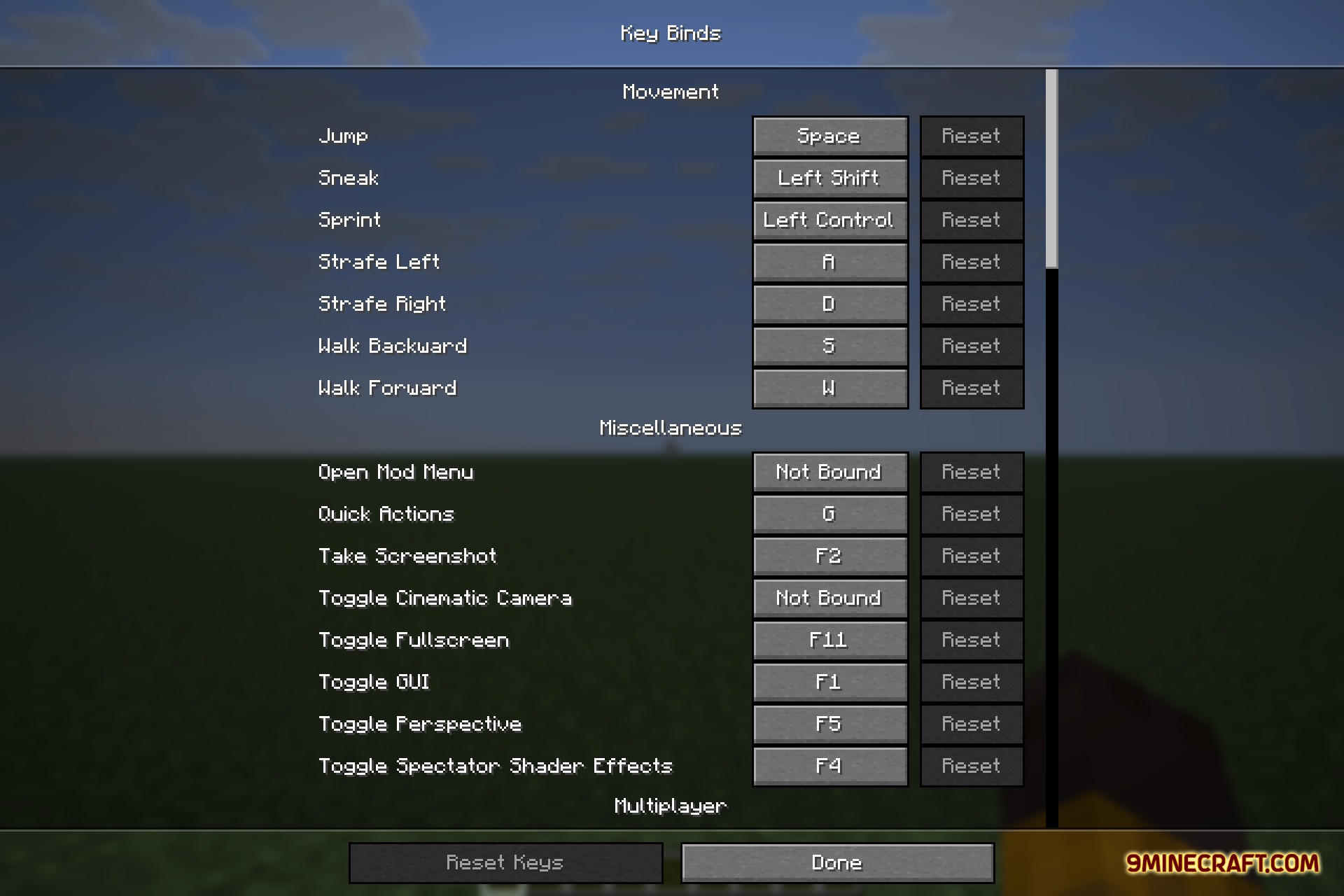
- Removes hidden bindings from the standard Controls menu to keep the list short.
- Prevents hidden keys from firing during gameplay so they never trigger by accident.
- Saves all your visibility choices to a config file that persists between game restarts.
- Operates entirely on the client side, allowing full compatibility with any multiplayer server.
How to Use:
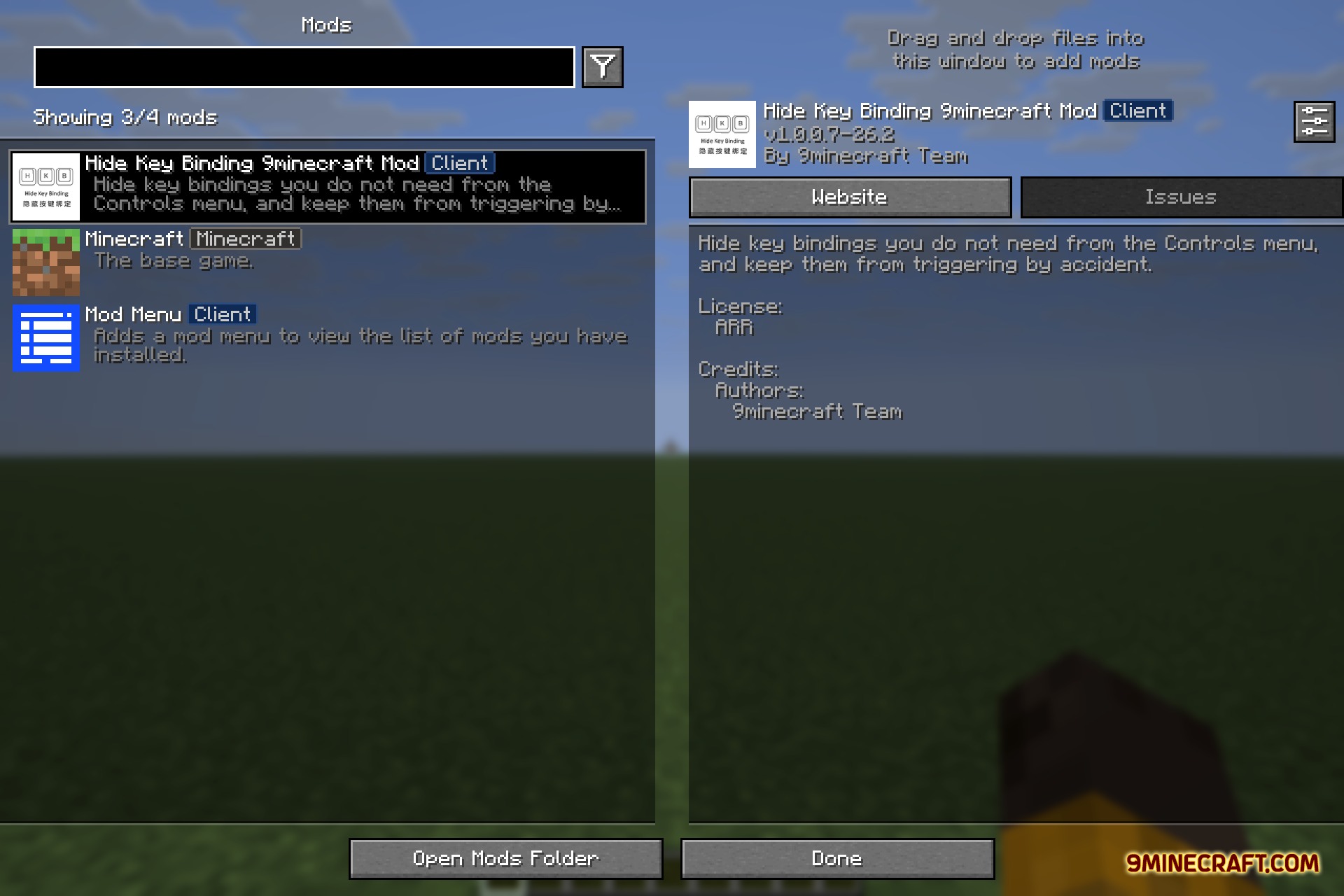
- Open the Mod Menu list from the game menu.
- Select the mod config screen to view the full list of keybinds.
- Click the toggle next to any unused shortcut to set it to Hidden.
- Open the standard Controls menu to enjoy a clean, clutter-free key list.
Screenshots:
How to Install:
New to Minecraft? Follow our step-by-step guide to install Mods on your PC.View Guide
Requirements:


Hide Key Binding 9minecraft Mod Download Links
For Minecraft 26.2
Click to rate this post!
[Total: 0 Average: 0]
You May Also Like








This post has no comments yet. Be the first — your comment will appear here.