Custom Backgrounds Mod 1.13.2, 1.12.2 (Changing Background Menu)
 21,916
 0
0
 February 25, 2019
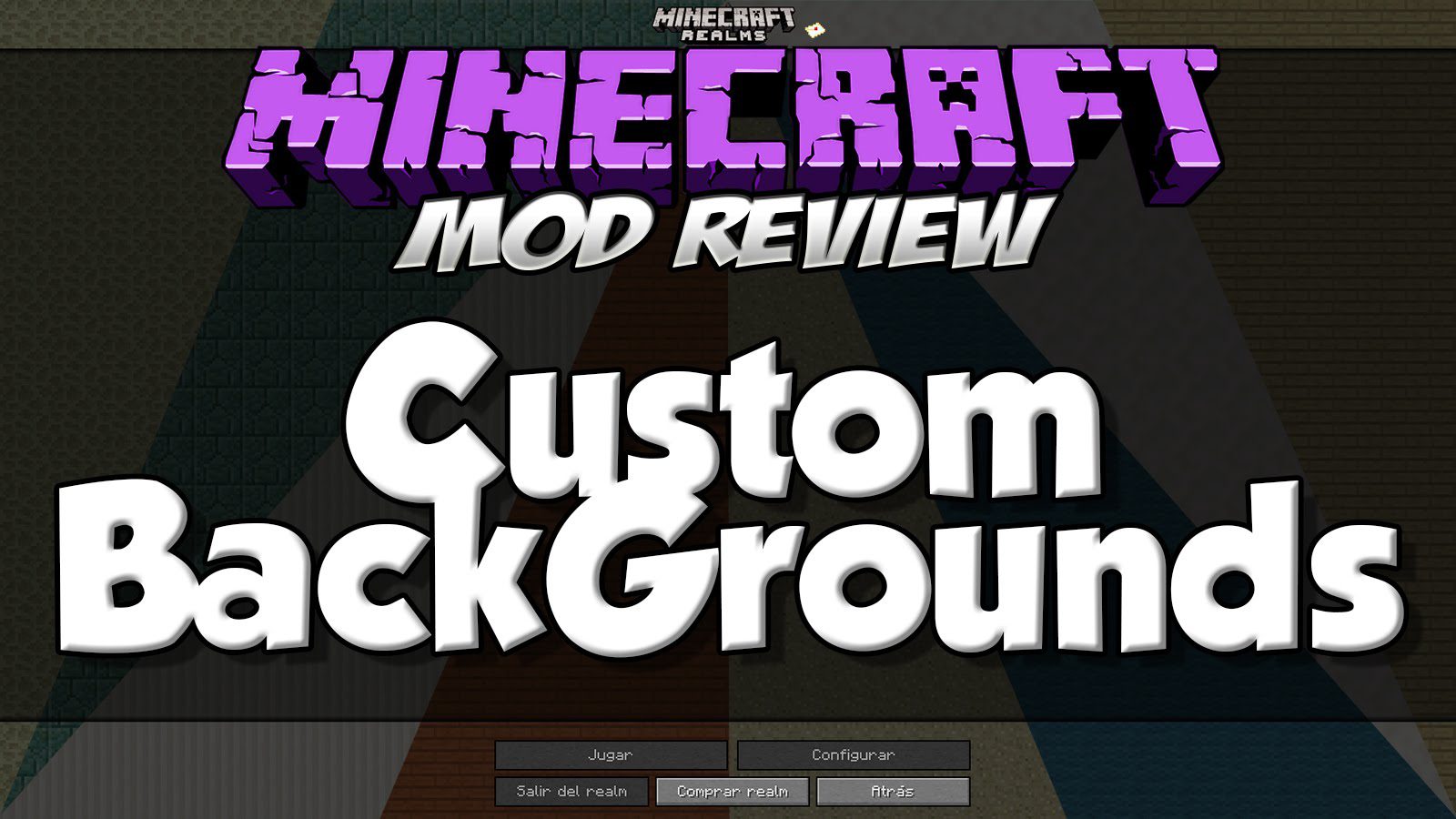
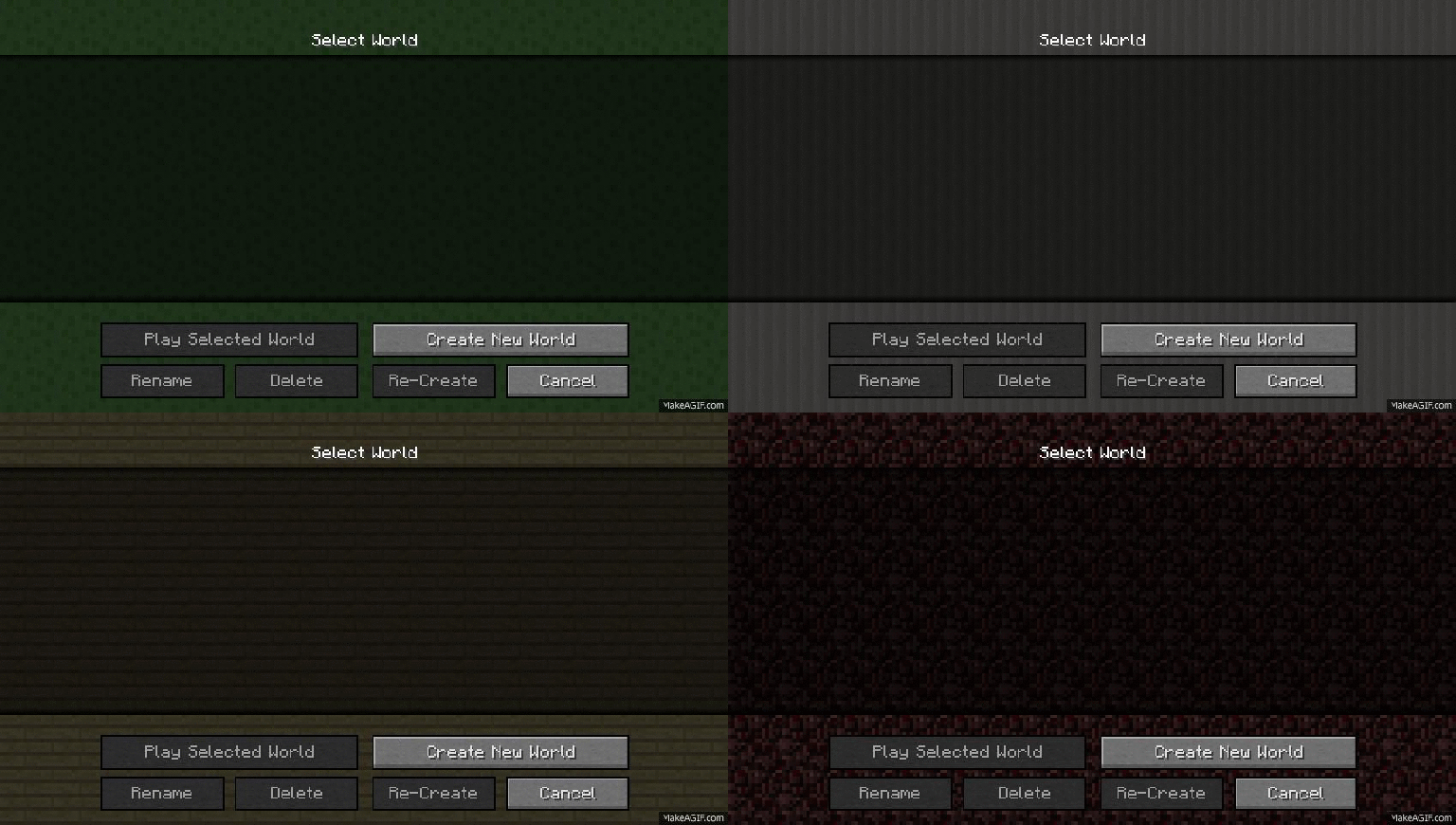
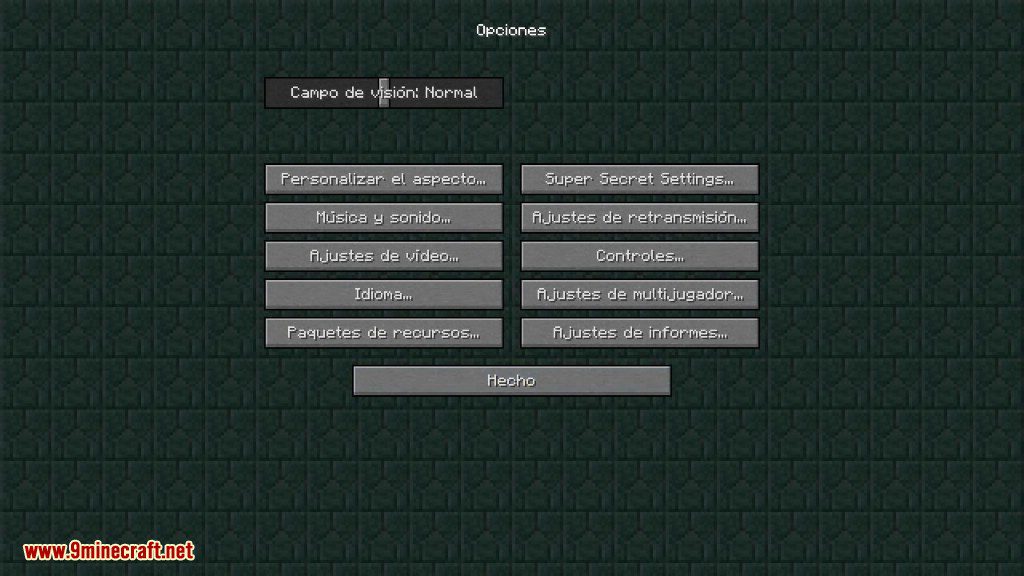
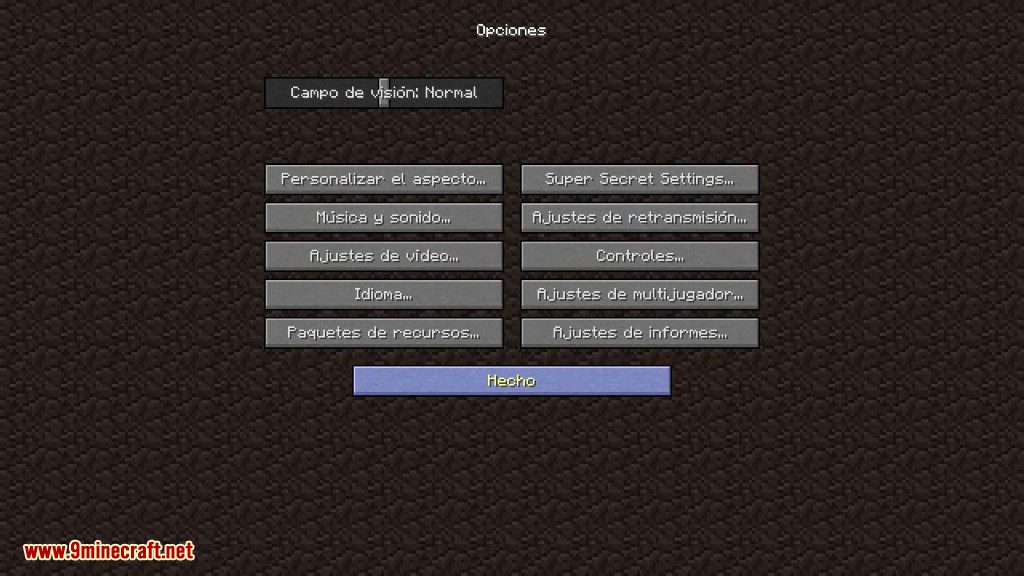
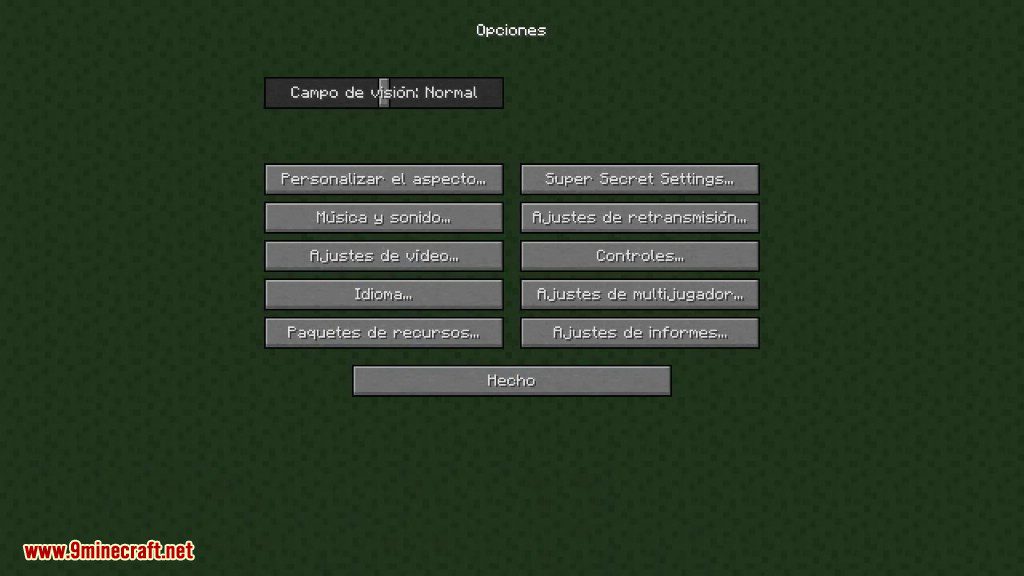
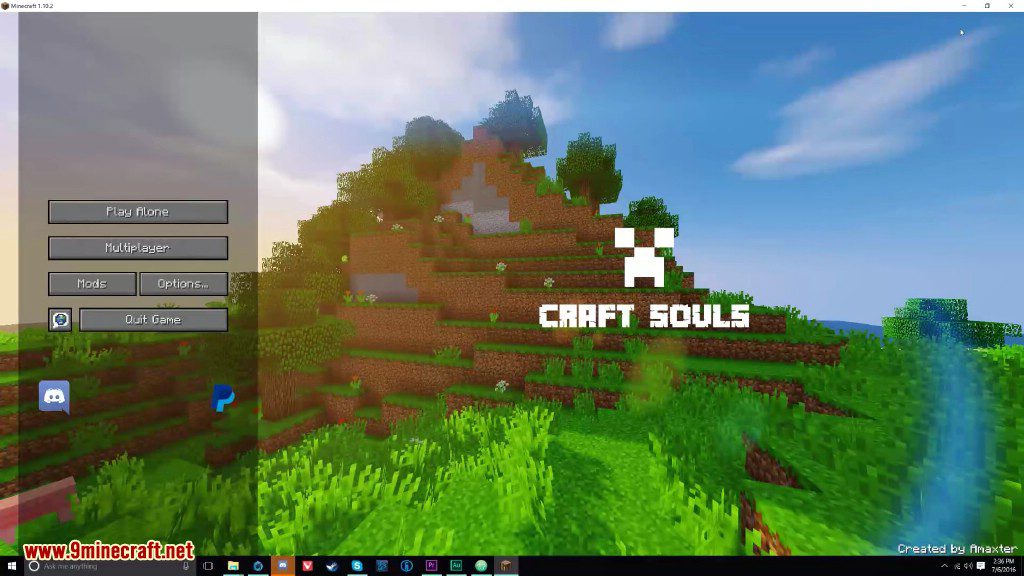
Custom Backgrounds Mod 1.13.2, 1.12.2 allows you to change the boring old dirt background of your Minecraft menu to something nicer.
Screenshots:
How to use:
When you first install the mod on your client it will be in random mode. It will randomly select a background out of a pool from blocks i found looked quite nice as backgrounds.
You can also specify your own background in the config file (Fixed-Background), it takes a Resource Location. For example “textures/blocks/stone.png” will be stone and “textures/blocks/bedrock.png” will be bedrock. If you open up your minecraft.jar in a zip program you can see all the names of the vanilla minecraft textures.
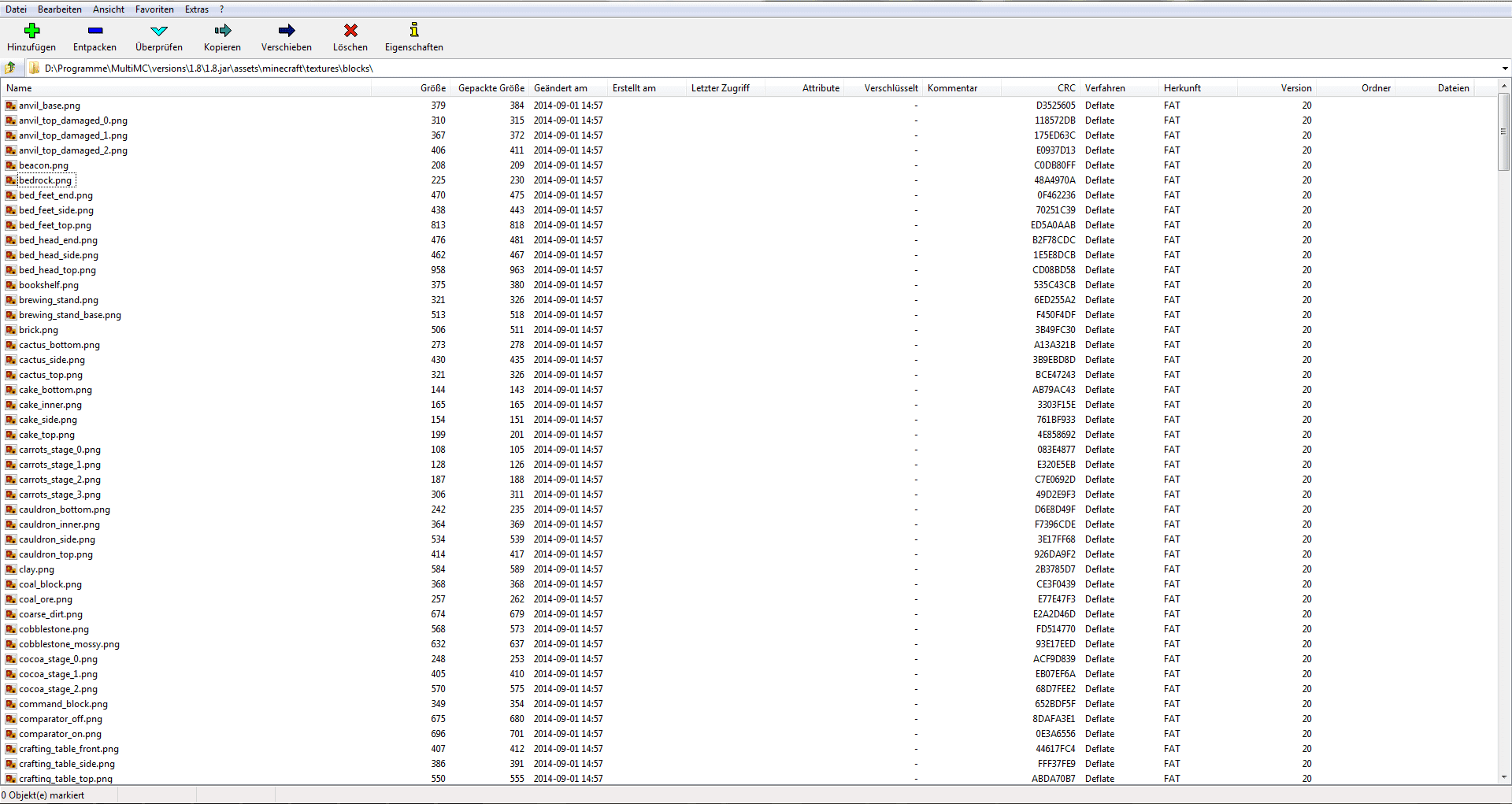
This also works for blocks (/textures) from other mods, just open up the mod jar in a zip program and locate the texture you wanna use in their assets folder and stick “modid:” in front of it. For example “mineralogy:textures/blocks/drywall_yellow.png” will use the yellow drywall texture from Mineralogy.
If you wanna use your own texture you can add that using resource packs or with Resource Loader Mod (easier).
How to Install:
New to Minecraft? Follow our step-by-step guide to install Mods on your PC.View Guide
Custom Backgrounds Mod 1.13.2, 1.12.2 Download Links
For Minecraft 1.8.9
For Minecraft 1.10.2, 1.9.4
For Minecraft 1.11.2, 1.11
For Minecraft 1.12.2, 1.12.1, 1.12
For Minecraft 1.13.2
You May Also Like