


Item Scroller Mod (26.2, 1.20.1) – Moving Items in Inventory GUIs

 0
0 

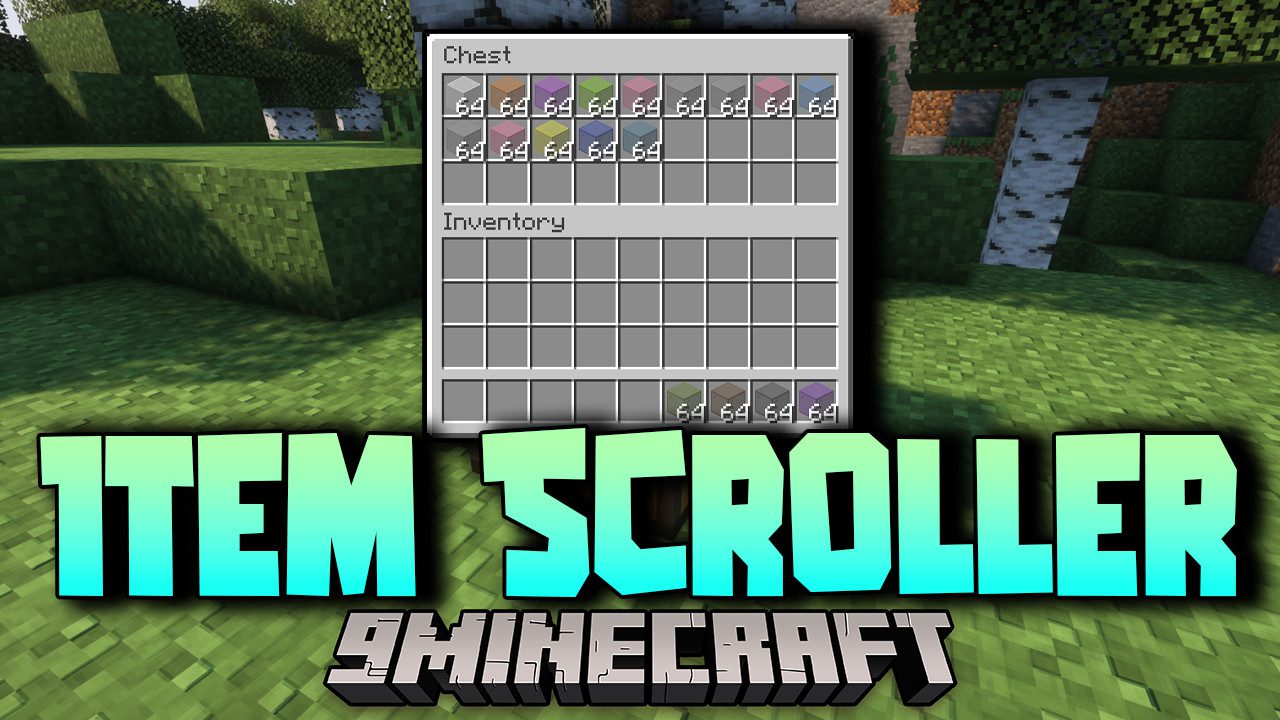
Item Scroller Mod adds a set of mouse and keyboard shortcuts for shifting items around inside inventory screens, so you spend far less time clicking one slot at a time. Rolling the mouse wheel over a slot moves items, and holding a modifier key first changes how much goes with it. Everything runs on the client, so the shortcuts work the same on a vanilla server as they do in single player.
Features:
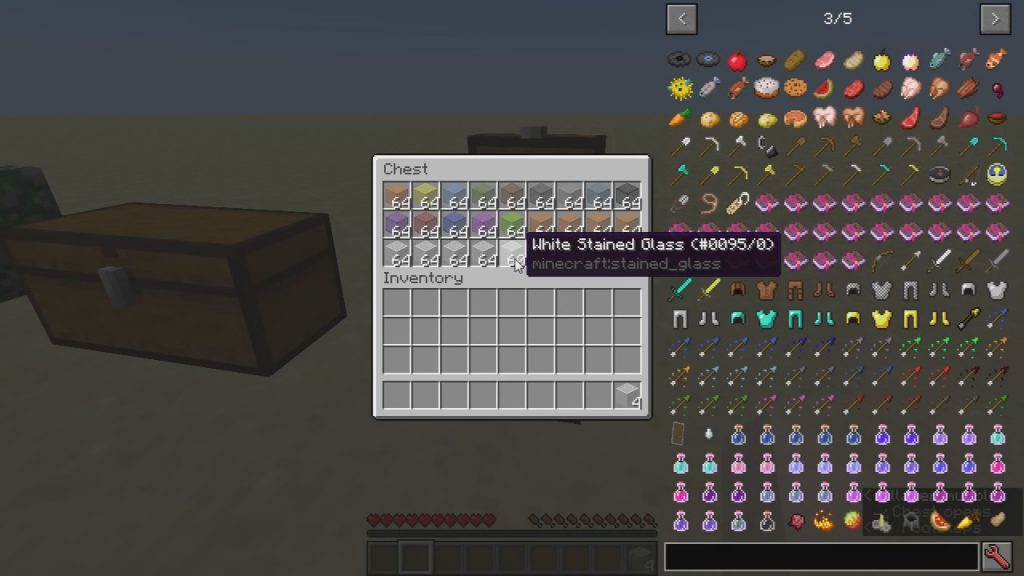
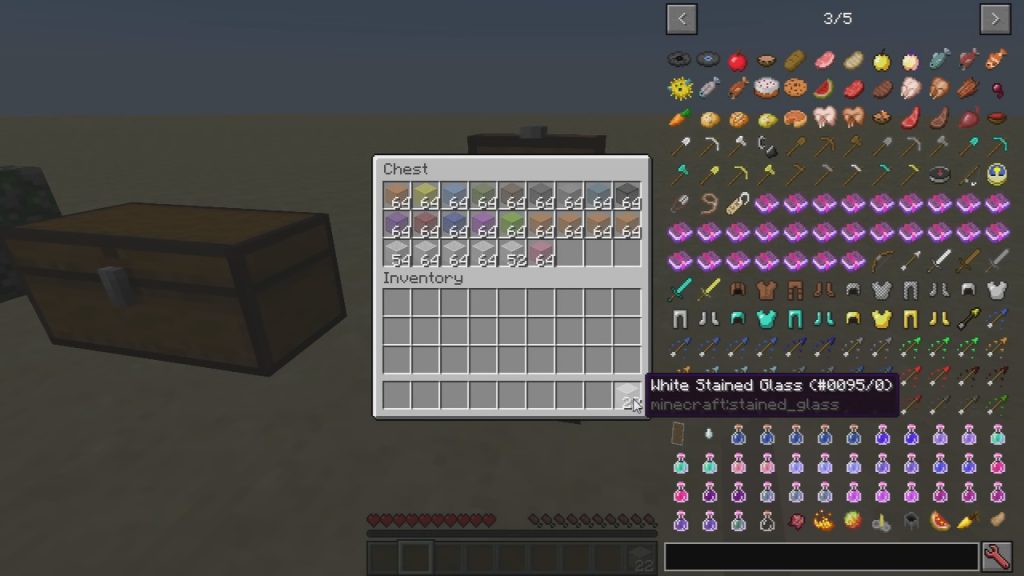
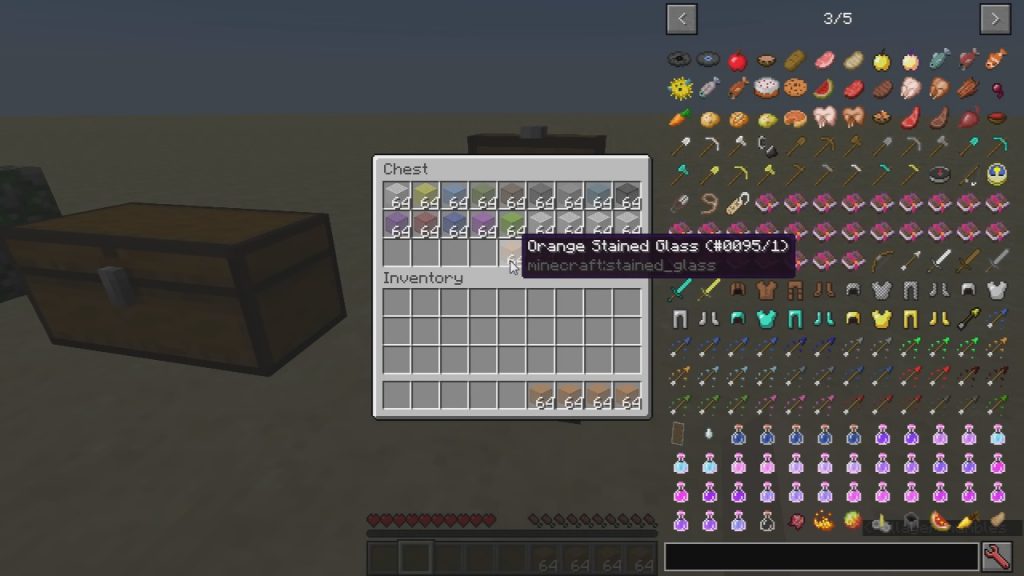
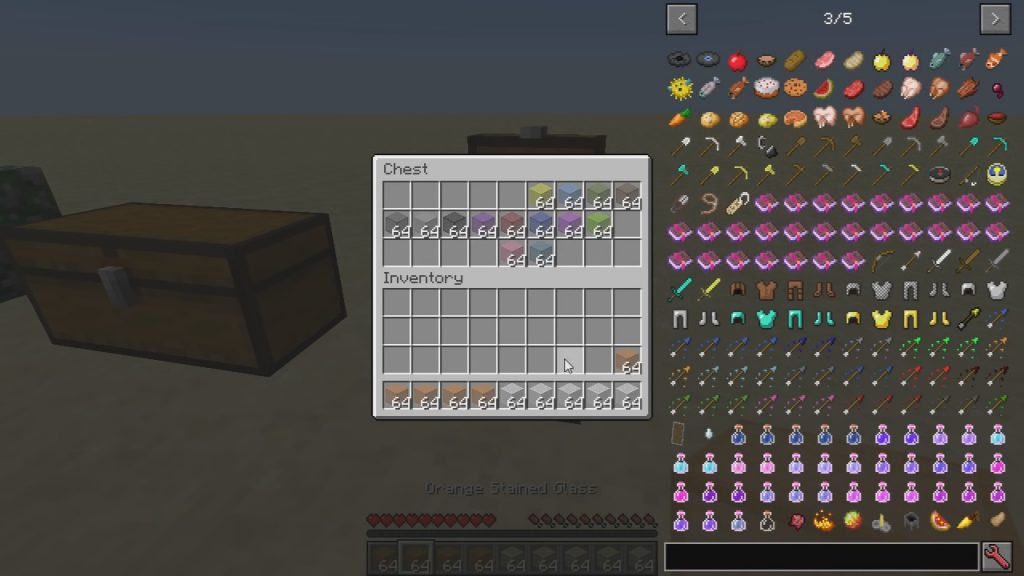
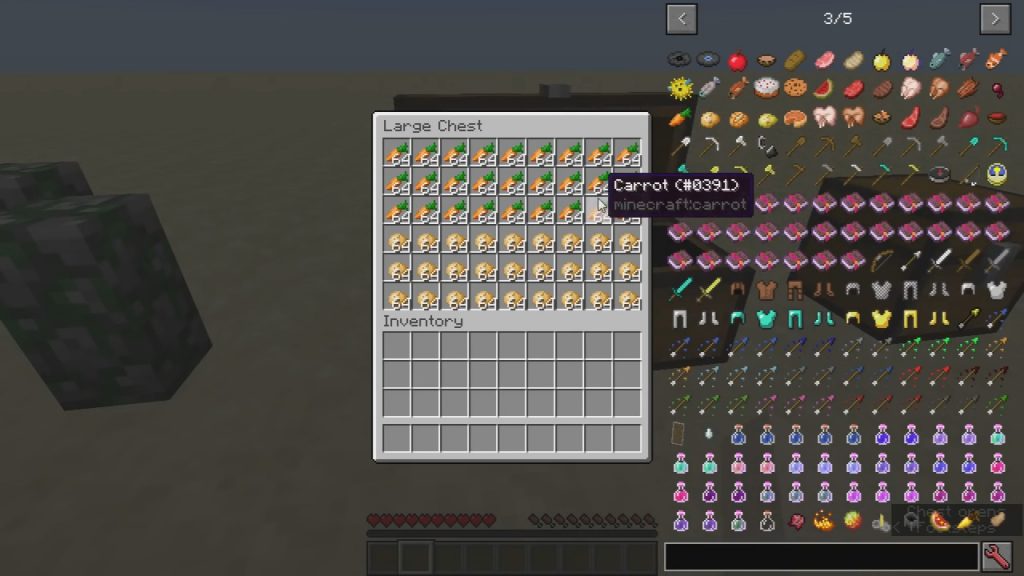
- Scrolling the mouse wheel over any slot moves a single item to or from the other inventory.
- Holding
Shift,Ctrlor both while scrolling moves whole stacks, every matching stack, or the entire container. - Click and drag across a row of slots to move or drop everything you pass over in one sweep.
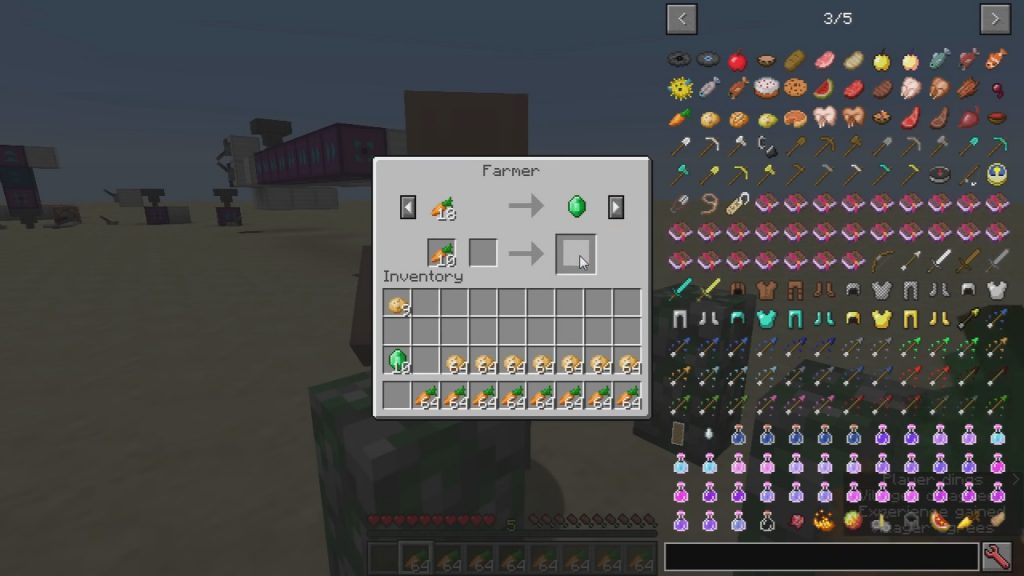
- Villager screens get their own handling, which cuts out the repeated clicking that trading normally needs.
- A crafting mode remembers up to eighteen recipes so you can refill a grid without hunting for ingredients.
- Every mode can be switched on or off on its own, and scroll directions can be reversed.
- Individual slots or whole screens can be blacklisted when a shortcut gets in the way of another mod.
- Recent builds run on Fabric, Forge, LiteLoader, Rift and Ornithe, and need the malilib library alongside them.
How to Use:
- Install your loader, then add malilib for any Item Scroller build from version 0.13.0 onward.
- Move both jars into
.minecraft/modsand start the game. - Open a chest or another container and roll the mouse wheel over a slot to send one item across.
- Hold
Shiftand scroll to send full stacks, orCtrland scroll to send every matching stack at once. - Hold
Shiftand drag with the left button to sweep a whole row of slots into the other inventory. - Press
IandCtogether to open the config screen and adjust or disable any of the modes.
Screenshots:
How to Install:
New to Minecraft? Follow our step-by-step guide to install Mods on your PC.View Guide
Requirements:



Item Scroller Mod Download Links
For Minecraft 26.2
For Minecraft 26.1.2, 26.1.1, 26.1
For Minecraft 1.21.11
For Minecraft 1.21.10, 1.21.9
For Minecraft 1.21.8, 1.21.7, 1.21.6
For Minecraft 1.21.5
For Minecraft 1.21.4
For Minecraft 1.21.3, 1.21.2
For Minecraft 1.21.1, 1.21
For Minecraft 1.20.6
For Minecraft 1.20.4
For Minecraft 1.20.2
For Minecraft 1.20.1, 1.20
For Minecraft 1.19.4
For Minecraft 1.19.3
For Minecraft 1.19.2
For Minecraft 1.19.1
For Minecraft 1.19
For Minecraft 1.18.2
For Minecraft 1.18.1
For Minecraft 1.18
For Minecraft 1.17.1
For Minecraft 1.17
For Minecraft 1.16.5
For Minecraft 1.16.4
For Minecraft 1.16.3
For Minecraft 1.16.2
For Minecraft 1.16.1
For Minecraft 1.15.2
For Minecraft 1.14.4
For Minecraft 1.14.3
For Minecraft 1.14.2
For Minecraft 1.13.2
For Minecraft 1.12.2
For Minecraft 1.8.9
For Minecraft 1.7.10
Click to rate this post!
[Total: 13 Average: 2.1]
You May Also Like


This post has no comments yet. Be the first — your comment will appear here.