


Advanced Inventory Mod 1.12.2, 1.11.2 (New Efficient Inventory System)
 797
797
 0
0

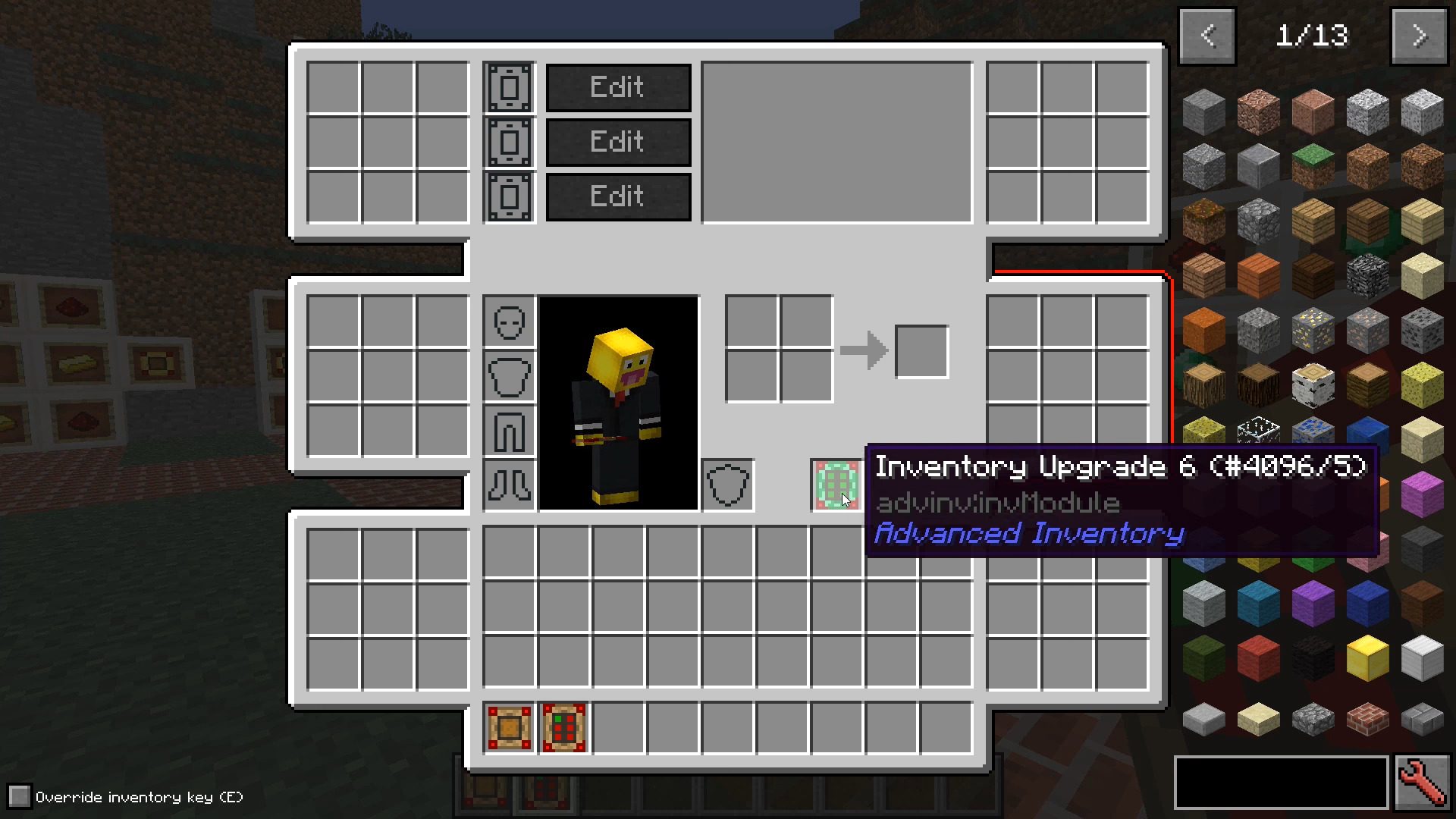
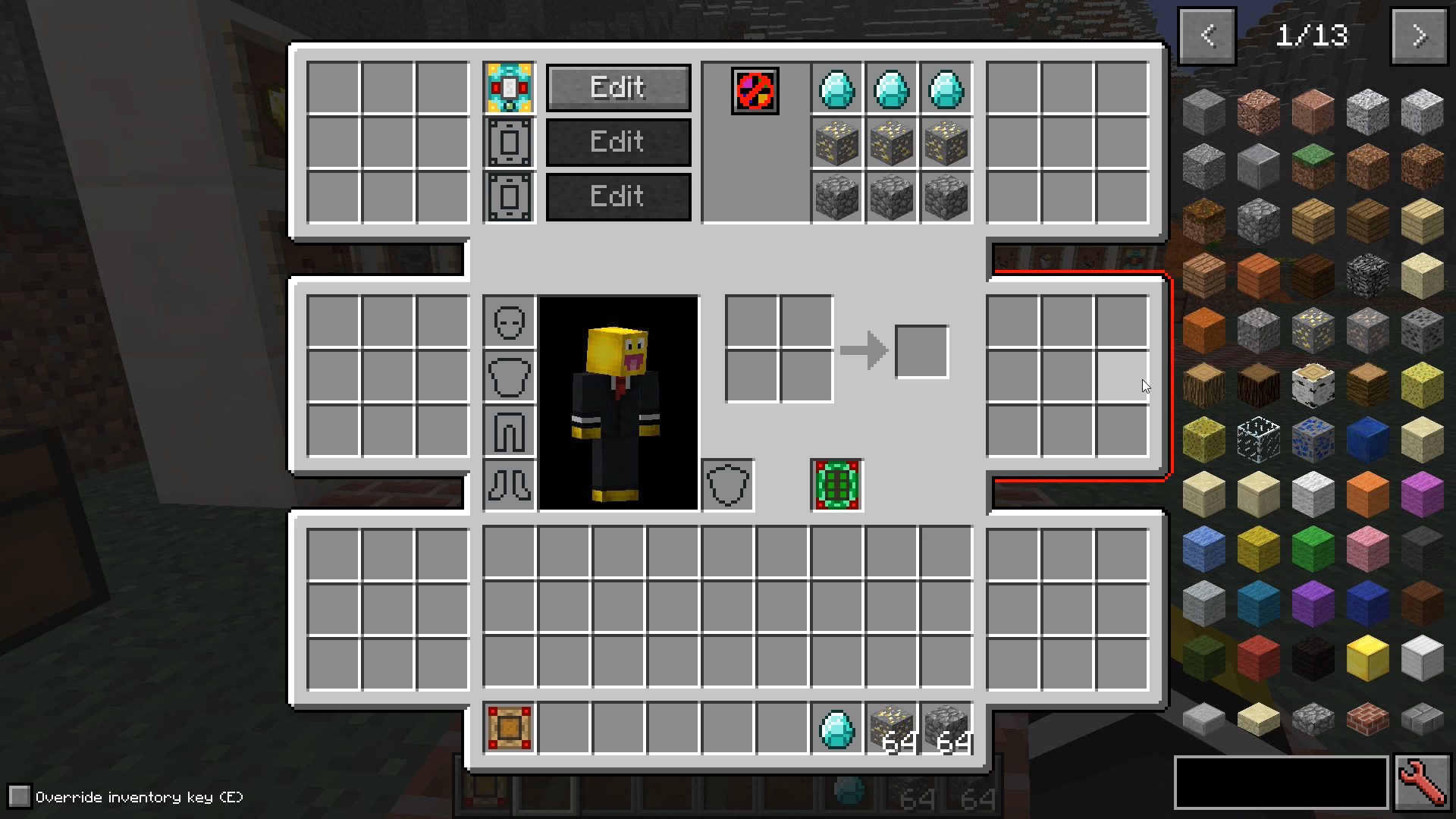
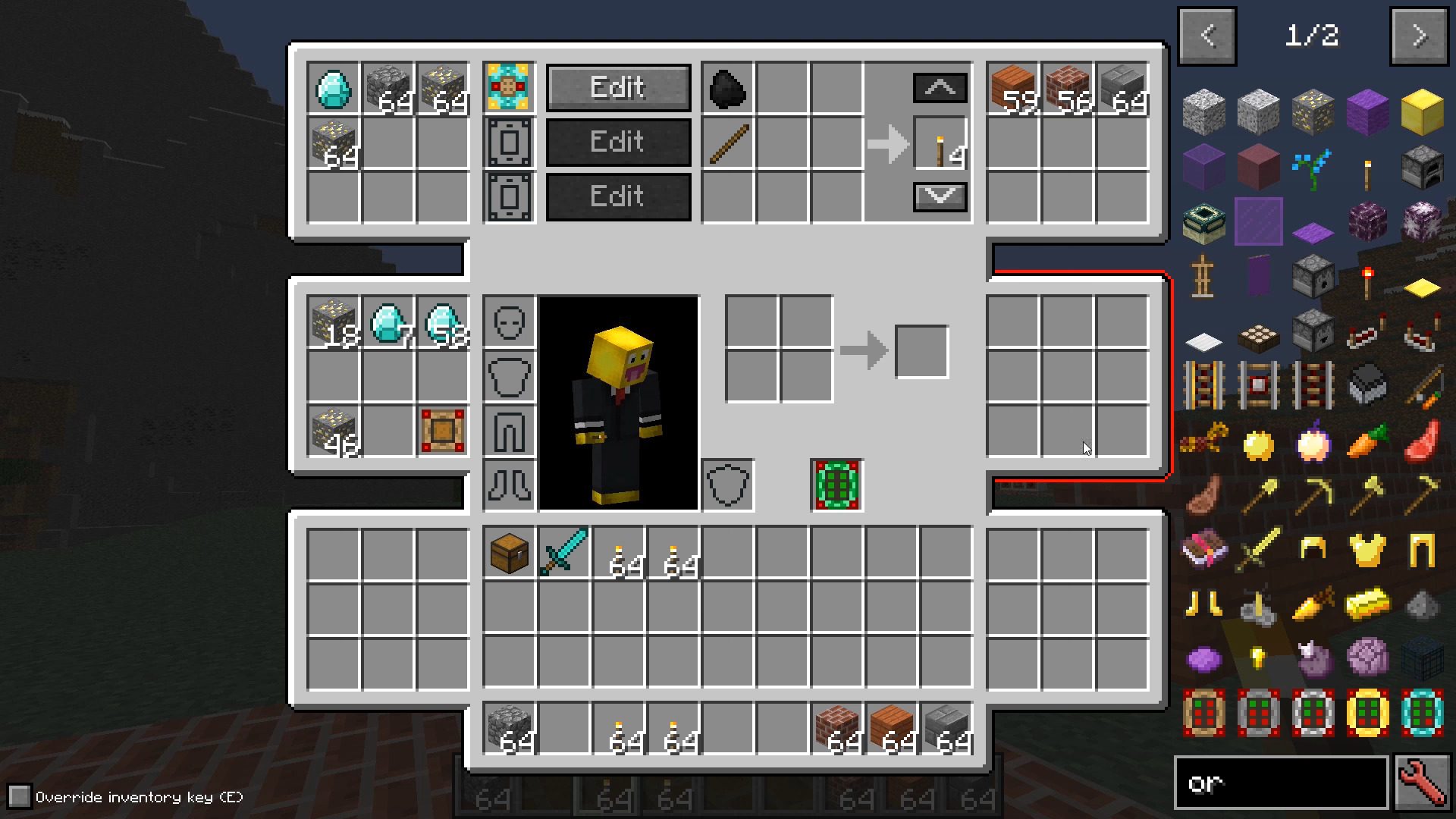
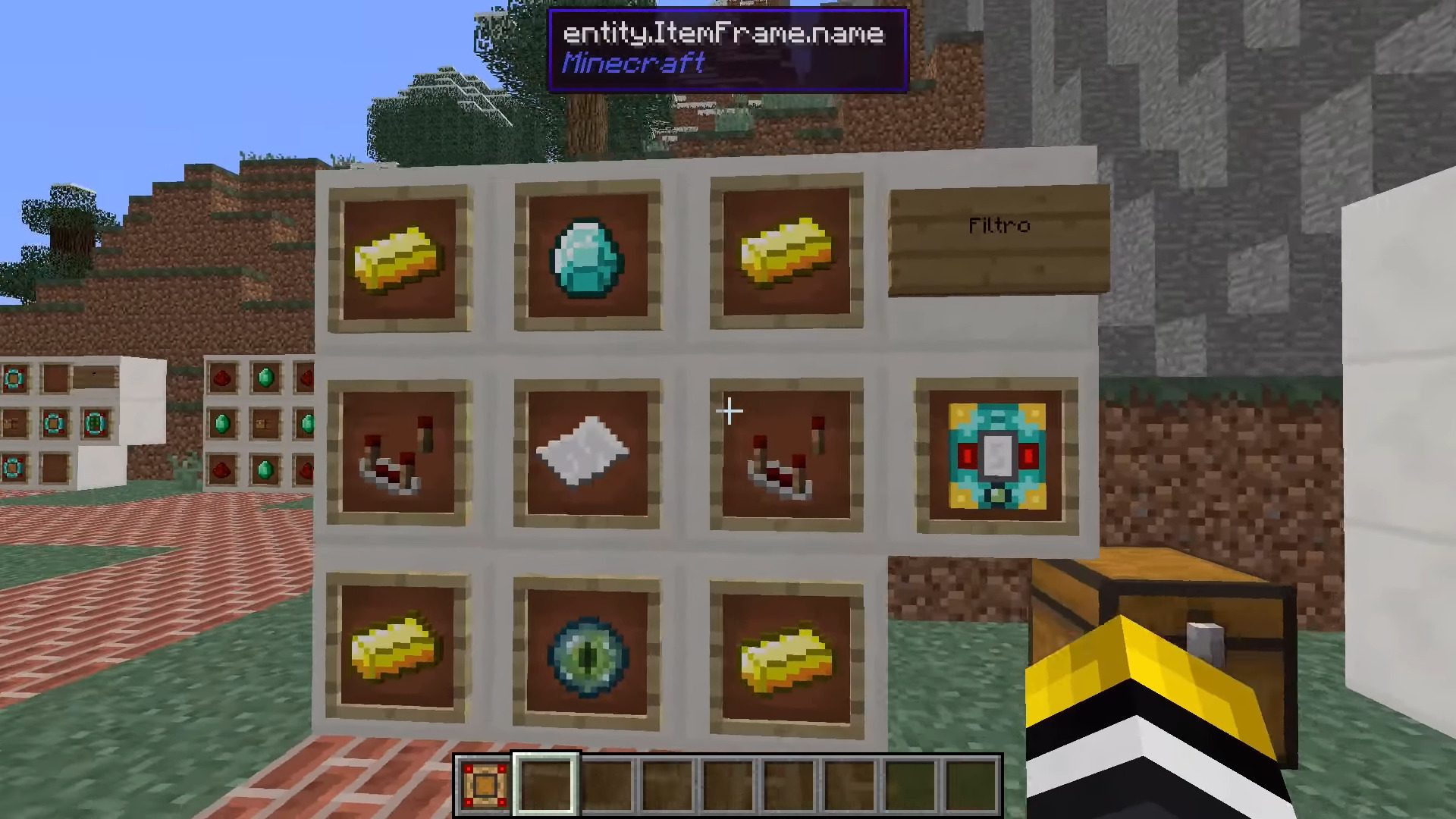
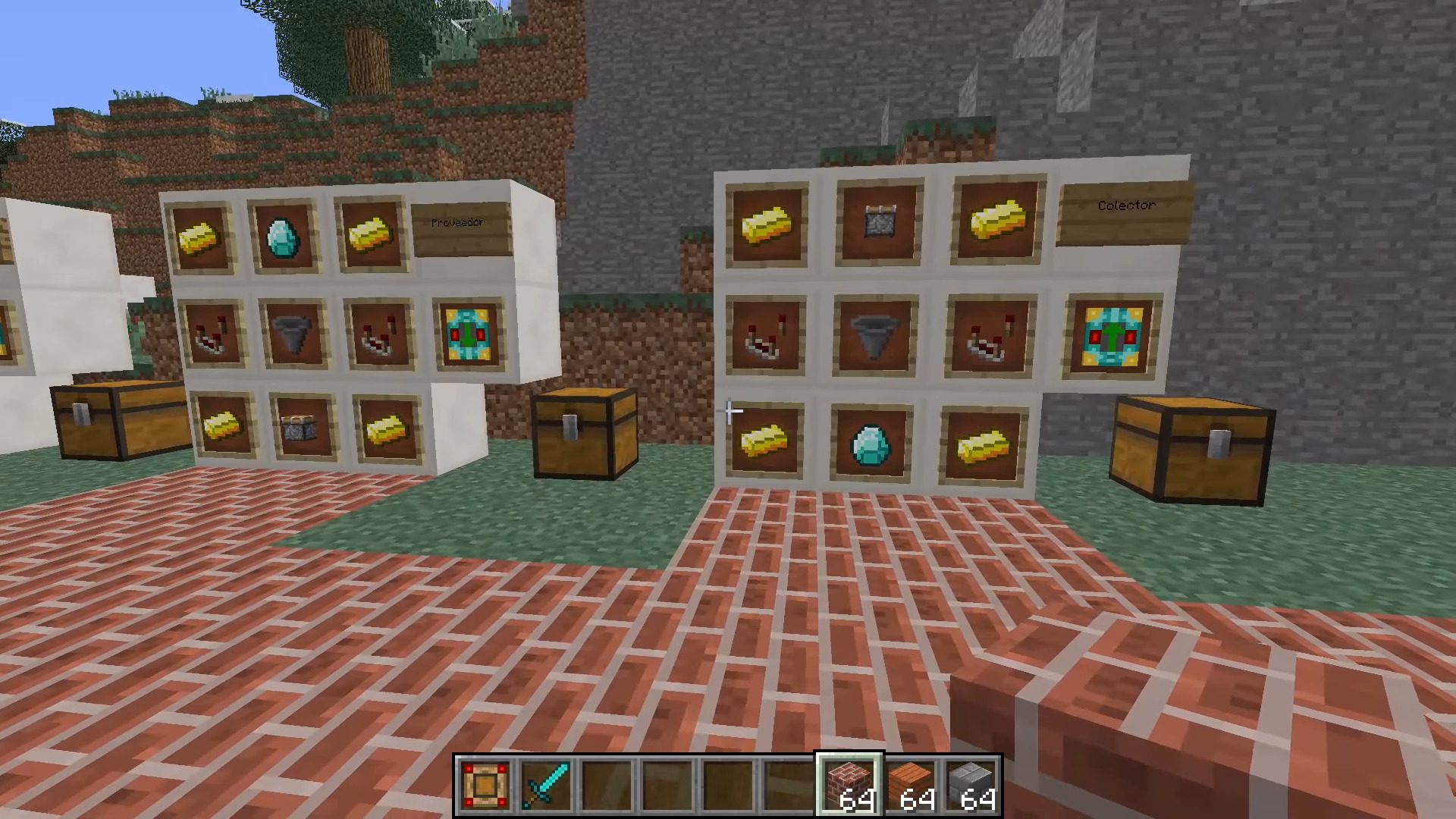
Advanced Inventory Mod 1.12.2, 1.11.2 allows you to upgrade your inventory with up to six areas that consist of 9 slots each. In addition to that, you can add functionality to them by adding special items like filters or crafters to them.
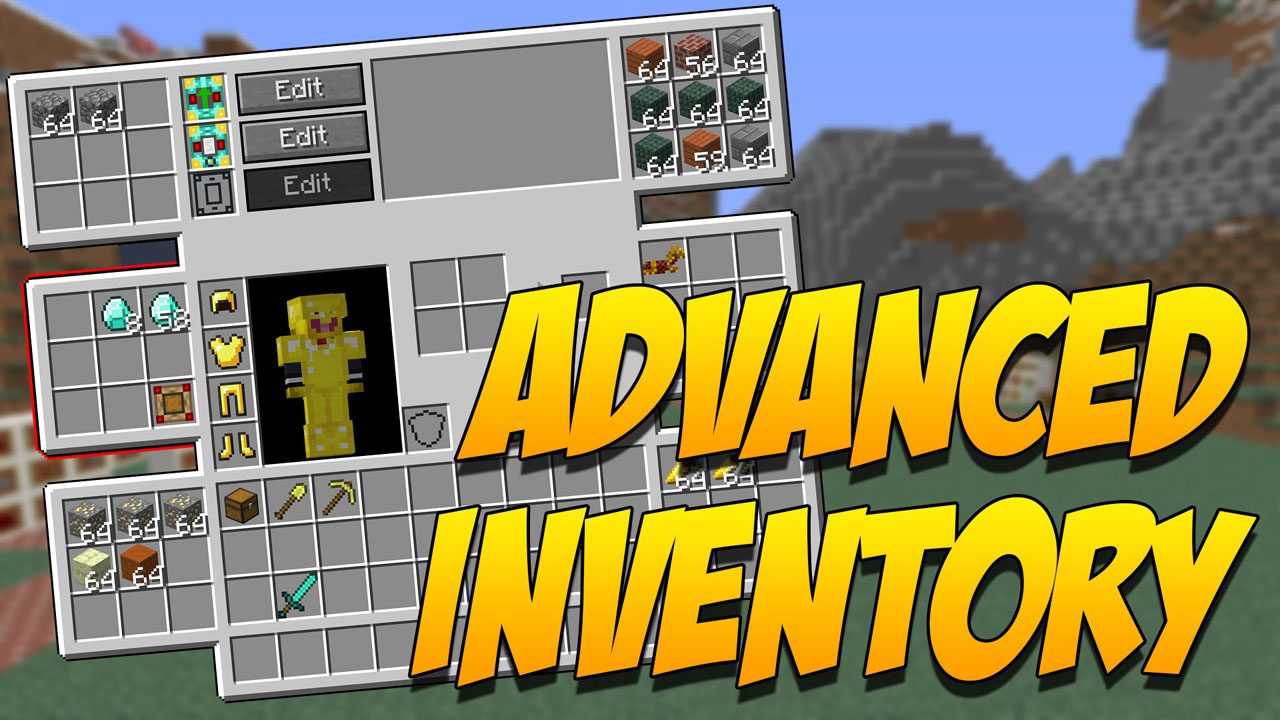
Screenshots:
To get started you need to craft an inventory upgrade and put it in the slot below the crafting area. You can open the advanced inventory using the ‘R‘ key.
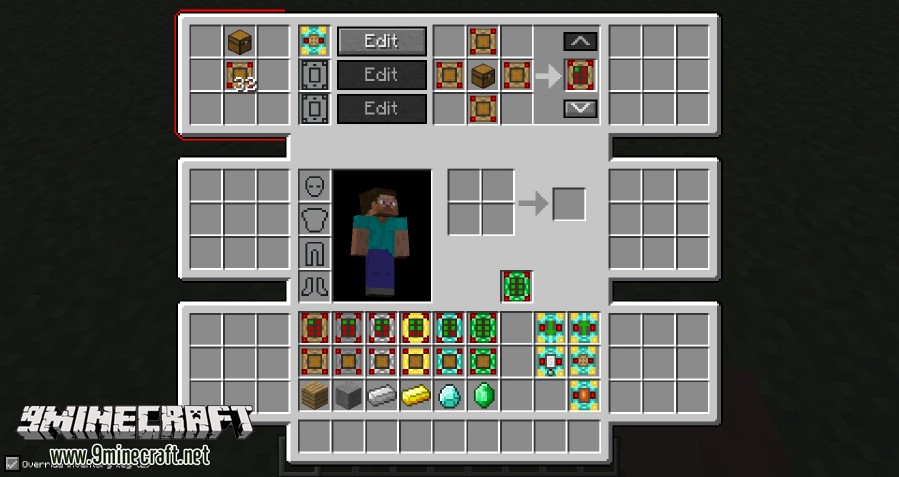
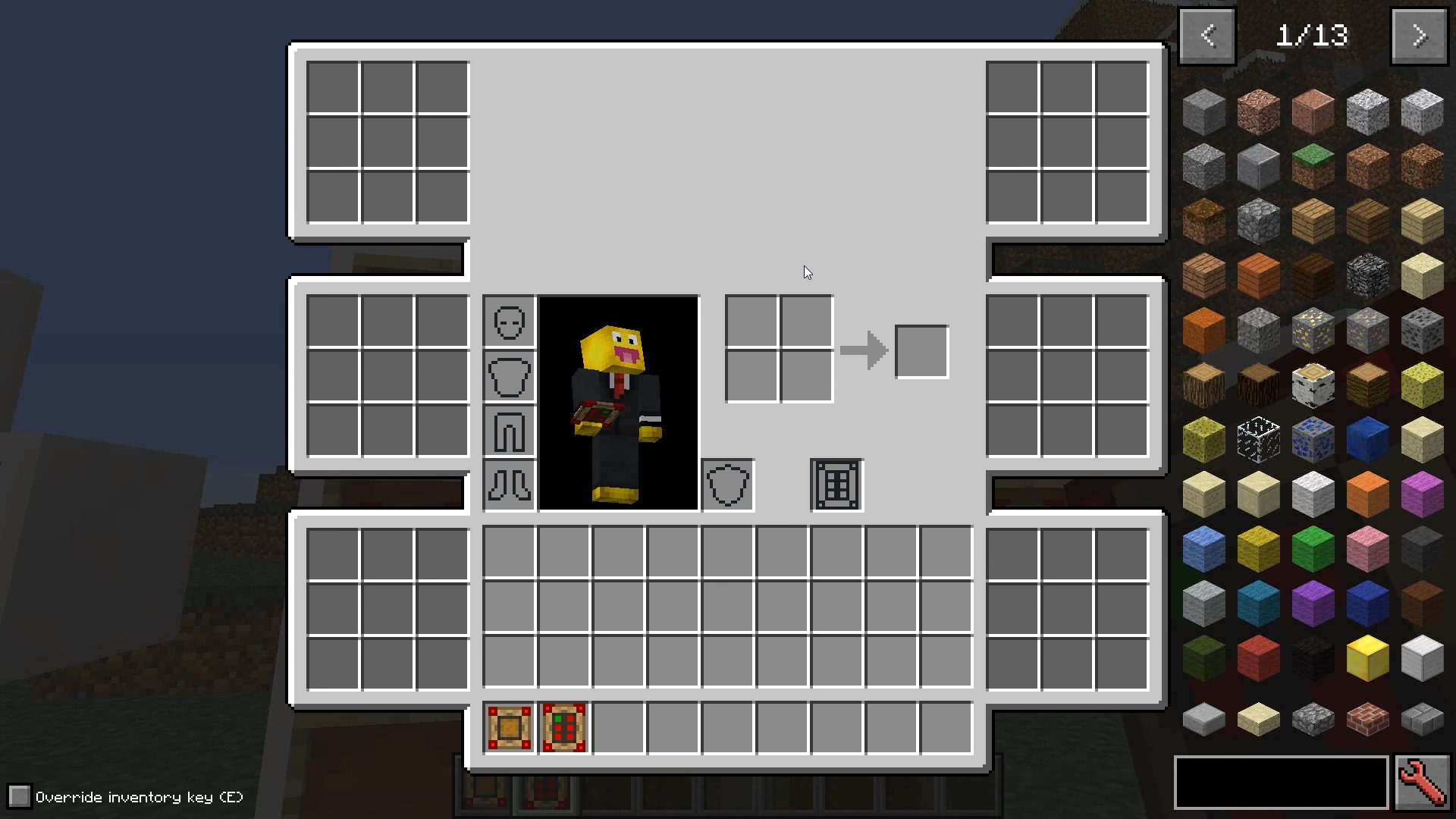
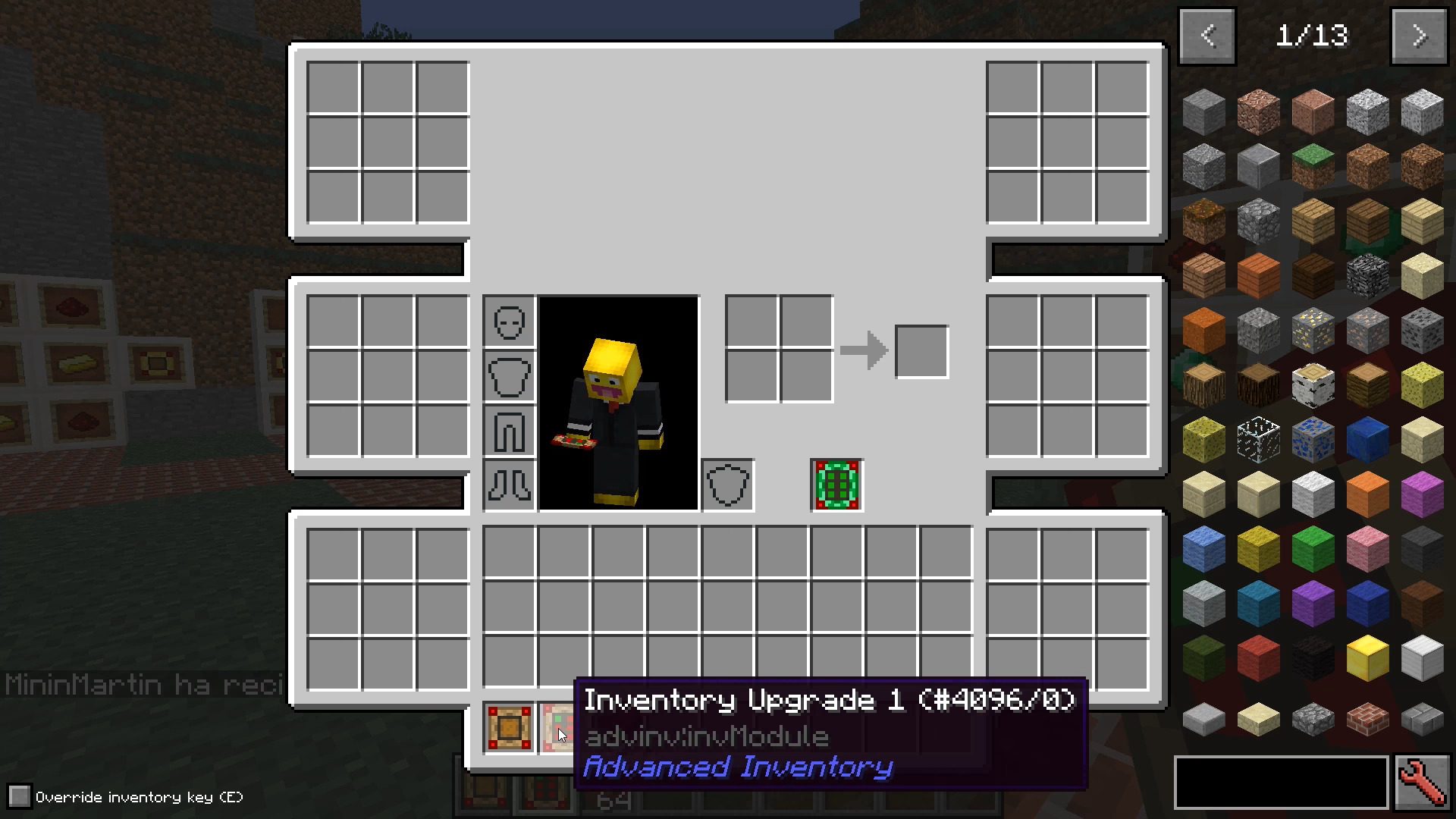
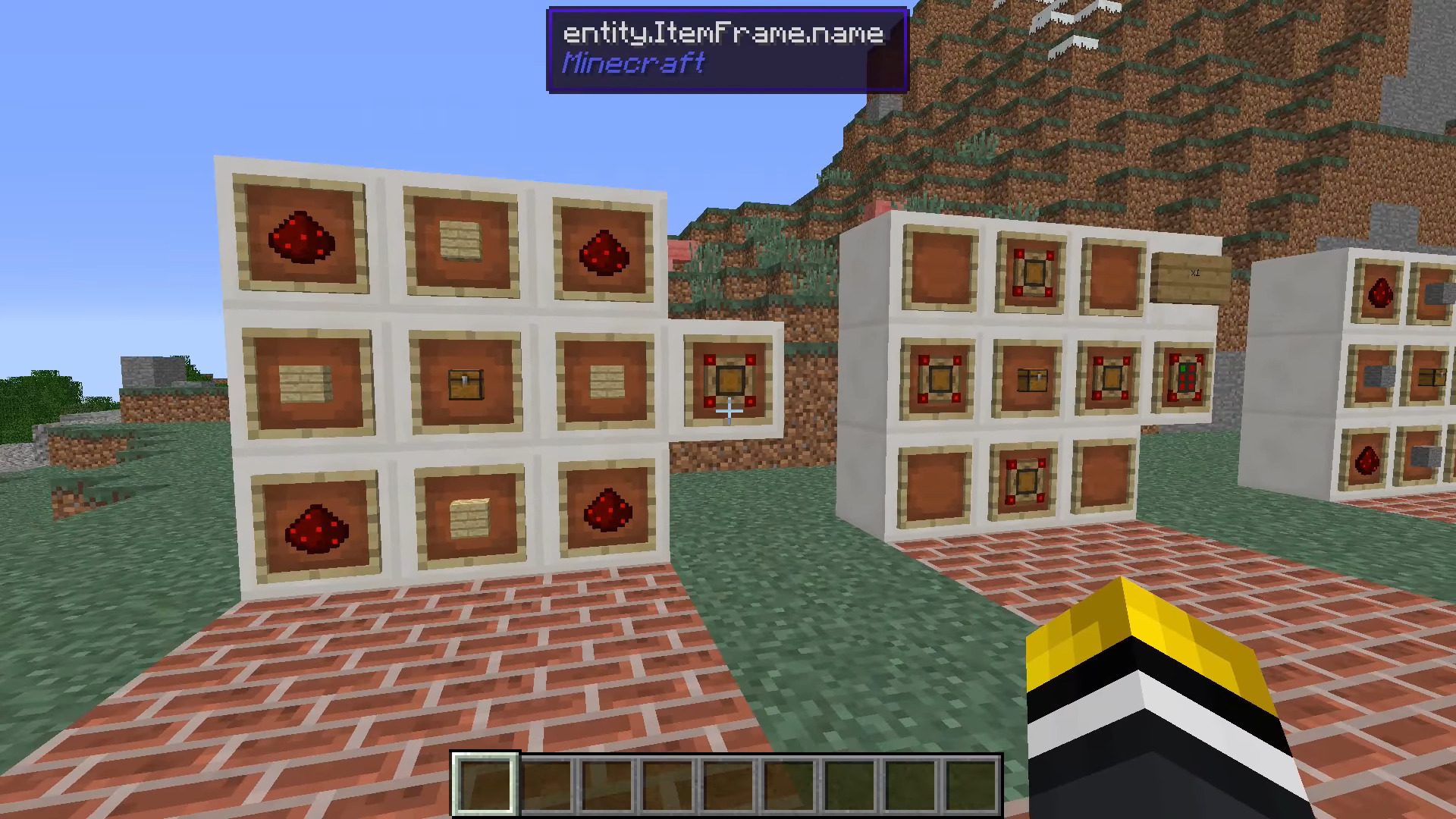
Crafting Recipes:
How to Install:
New to Minecraft? Follow our step-by-step guide to install Mods on your PC.View Guide
Advanced Inventory Mod 1.12.2, 1.11.2 Download Links
For Minecraft 1.7.10
For Minecraft 1.8.0
For Minecraft 1.8.9
For Minecraft 1.9.0
For Minecraft 1.9.4
For Minecraft 1.10.2
For Minecraft 1.11.2
For Minecraft 1.12.2, 1.12.1, 1.12
Click to rate this post!
[Total: 0 Average: 0]
You May Also Like
















This post has no comments yet. Be the first — your comment will appear here.