
Rotodyne Schematic (1.21.x) – Build a Stable Compound Gyrocopter
 8
 0


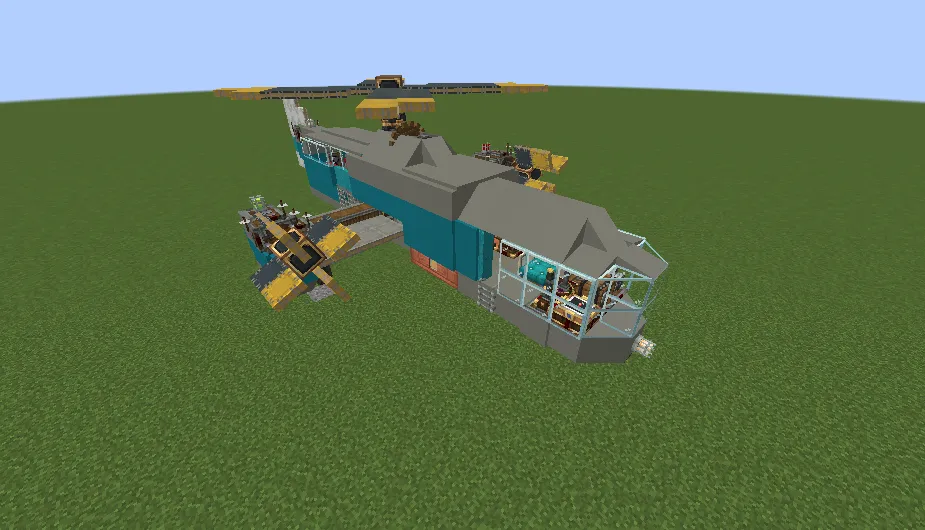
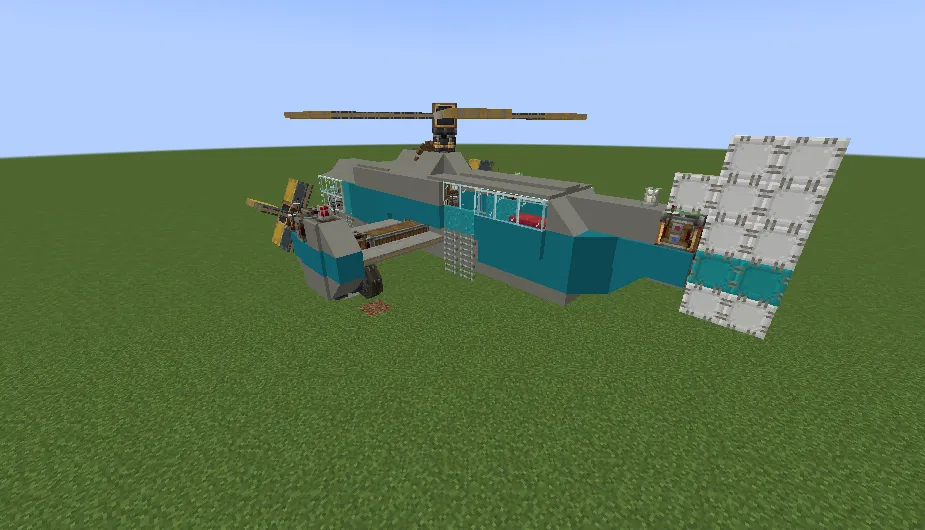
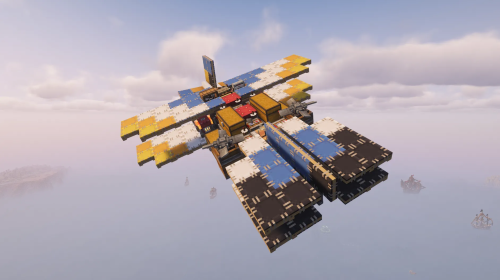
Rotodyne Schematic lets you build a compound gyrocopter inspired by the real-life Fairey Rotodyne. It uses a main rotor and side propellers to stay stable during long flights. This flying machine works well for exploring large worlds or traveling between bases. The design is small enough to fit in many places but strong enough to carry you across the sky. You can use it in survival mode to make moving around much easier.
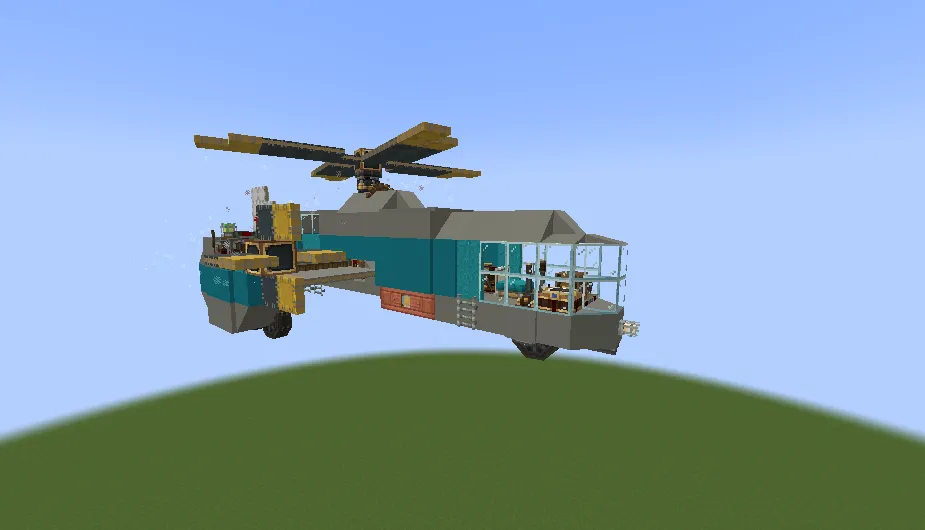
3D Preview & Editor:
Materials
55 types · 452 blocks
| Vanilla 5 | ||||||||
| Red Wool | 2 | Barrel | 2 | Cyan Concrete | 1 | |||
| Light Gray Concrete | 1 | Lever | 1 | |||||
| Create 16 | ||||||||
| Redstone Link | 17 | Andesite Encased Shaft | 16 | Andesite Ladder | 10 | |||
| Fluid Tank | 9 | Gearbox | 7 | Encased Chain Drive | 7 | |||
| Red Seat | 6 | Cogwheel | 5 | Railway Casing | 3 | |||
| Fluid Pipe | 3 | Gearshift | 2 | Cyan Seat | 1 | |||
| Shaft | 1 | Mechanical Pump | 1 | Rotation Speed Controller | 1 | |||
| Large Cogwheel | 1 | |||||||
| Simulated 13 | ||||||||
| Gray Symmetric Sail | 36 | Light Gray Symmetric Sail | 24 | Yellow Symmetric Sail | 20 | |||
| White Symmetric Sail | 9 | Cyan Symmetric Sail | 2 | Analog Transmission | 2 | |||
| Throttle Lever | 2 | Iron Handle | 1 | Gimbal Sensor | 1 | |||
| Velocity Sensor | 1 | Navigation Table | 1 | Altitude Sensor | 1 | |||
| Physics Assembler | 1 | |||||||
| Copycats 8 | ||||||||
| Copycat Layer | 107 | Copycat Block | 43 | Copycat Slab | 30 | |||
| Copycat Slope | 27 | Copycat Vertical Slope | 10 | Copycat Sliding Door | 8 | |||
| Copycat Slope Layer | 4 | Copycat Folding Door | 4 | |||||
| Createdeco 3 | ||||||||
| Yellow Andesite Lamp | 3 | Green Andesite Lamp | 1 | Red Andesite Lamp | 1 | |||
| Create Connected 3 | ||||||||
| Inverted Clutch | 2 | Cross Connector | 1 | Six Way Gearbox | 1 | |||
| Aeronautics 2 | ||||||||
| Propeller Bearing | 2 | Gyroscopic Propeller Bearing | 1 | |||||
| Aeroworks 2 | ||||||||
| Joystick | 1 | Gyroscope | 1 | |||||
| Offroad 1 | ||||||||
| Wheel Mount | 4 | |||||||
| Createdieselgenerators 1 | ||||||||
| Large Diesel Engine | 2 | |||||||
| Compactflap 1 | ||||||||
| Analog Compact Flap Bearing | 1 | |||||||
How to place this schematic
.nbt This is a Create mod schematic. The Schematicannon builds it for you, block by block, from the materials you load into it.
| 1 | Put the .nbt file in .minecraft/schematics. |
| 2 | Open a Schematic Table, drop in an Empty Schematic, pick the file and write it. |
| 3 | Hold the written schematic and position the outline in the world, then confirm. |
| 4 | Place a Schematicannon, load it with the building blocks and gunpowder for fuel, then hit play. |
About this build
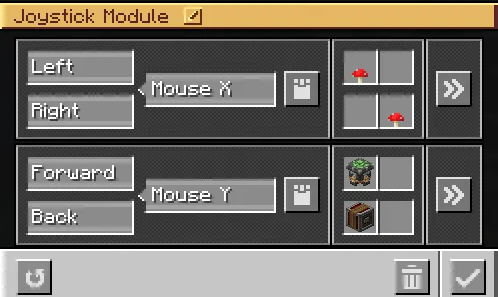
| 1 | Open the control menu by pressing Click + Shift to set the joystick sequence. |
| 2 | Place small wheels under the side propellers and the main cabin area. |
| 3 | Set the throttle lever on the engine to position 4 to get the most altitude. |
| 4 | Fill the fuel tank with diesel before you try to take off. |
| 5 | Flick the lever on the side of the engine to start the machine. |
| 6 | Use the lever next to the joystick to move up or down in the sky. |
| 7 | Push the joystick forward to gain speed and steer left or right. |
Features:
- Compound Gyrocopter: Combines a main rotor with side-mounted propellers for better balance.
- Stable flight mechanics make it easy to scout the land from above.
- Uses a diesel engine system to power the rotors and propellers.
- Adjustable throttle settings allow you to find the best speed for your needs.
- Compact 15×25 block footprint fits into standard hangars and landing pads.
- Survival-friendly design uses blocks that are easy to find and assemble.
Schematic Specs:
 Minecraft1.21.x
 Create Mod6.0.10
 Dimensions15×9×25
 Total Blocks452
 Top Blocks Used
Copycat Layer 107Light Gray Concrete 107Cyan Concrete 58Copycat Block 43Gray Symmetric Sail 36
Screenshots:
Requirements:
 Create Mod Required
copycats Required
offroad Required
aeronautics Required
simulated Required
createdeco Required
createdieselgenerators Required
compactflap Required
aeroworks Required
Rotodyne Schematic Download Links
For Minecraft 1.21.x
Click to rate this post!
[Total: 0 Average: 0]
You May Also Like
Picked for this page
 Timasius’s Villager Trading Hall Schematic (1.21.x) – Large Building for Upgrading Your Gear
 Aeronautics Crawler Schematic (1.21.x) – Walk Across the Land in a Mechanical Spider
 Sky Monarch Large Battle Airship Schematic (1.21.x) – Giant Flying Machine with Cannons and Bombs
 Joystick Controlled Autocannon Schematic (1.21.x) – Compact Steel Cannon with Joystick Aiming
 Orange Scout Helicopter Schematic (1.21.x) – Small Cheap Flying Machine for Survival Mode
 Chicken Coop Shaped Like a Chicken Schematic (1.21.x) – Giant Bird Statue And Working Farm
 Ch Milan Schematic (1.21.x) – Working Wooden Cargo Helicopter Build
 Welcome Swallow Beginner Vanilla Survival Plane Schematic (1.21.x) – Simple Flying Machine
 Scout Ray Chassis Schematic (1.21.x) – Mechanical Vehicle Frame for Create Mod
 Compact Self Sufficent Lvl 2 Boiler for Aeronautics Schematic (1.21.x) – Compact Automated Boiler
 Cyvack Cobblestone Generator Fix Schematic (1.21.x) – Better Item Collection for Cobblestone Farms
 WORKSHOP with All You Need Schematic (1.21.x) – Ready to Use Create Mod Factory Building
Most viewed in Create Mod Schematics over the last 7 days
 Fast Small Airship Steam Schematic (1.21.x) – Small and Fast Steam Powered Airship
 Arasaka Tower Schematic (1.21.x) – Massive Black Industrial Skyscraper Build
 Camioneta Schematic (1.21.x) – Driveable Pickup Truck with Gear System
 Project StarGaze Schematic (1.21.x) – Build and Drive Your Own Military Vehicle
 Il 2 Schematic (1.21.x) – Vintage Flying Machine for Create Mod
 A Simple Mob Trap Schematic (1.21.x) – Build a Massive Automatic Mob Farm Structure
 Avrora Schematic (1.21.x) – Massive Flying Base for Sky Travel
 Rail Gun Schematic (1.21.x)
 XP Farm Schematic (1.21.x) – Automated Mob Farm Tower Design
 8×8 Offroad Climber Schematic (1.21.x)
 Small Airship Portative Engine Schematic (1.21.x) – Simple Flying Machine for Fast Exploration
 Stone Farm Schematic (1.21.x) – Efficient Create Mod Cobblestone Generator Build
More from Create Mod Schematics
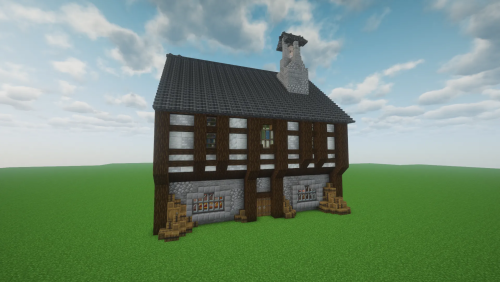 Max’s First Shop Building Schematic (1.21.x) – Detailed Medieval and Industrial Shop Building
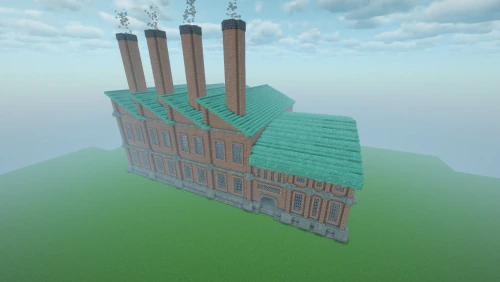 Max’s Mega Base Factory 1 Schematic (1.21.x) – Large Industrial Factory for Automation Projects
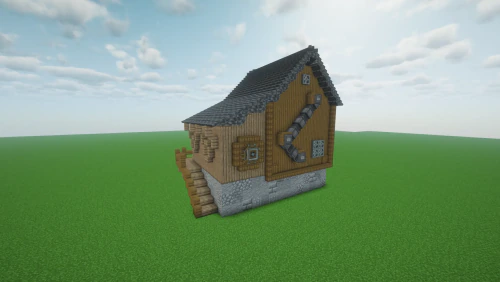 Max’s Small Power House Schematic (1.21.x) – Compact Building for Lava Power Automation
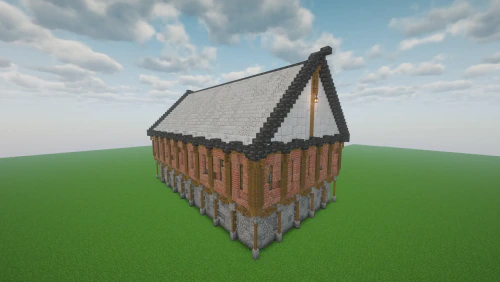 Max’s Starter Base Factory Schematic (1.21.x) – Industrial Factory Building for Create Mod Machines
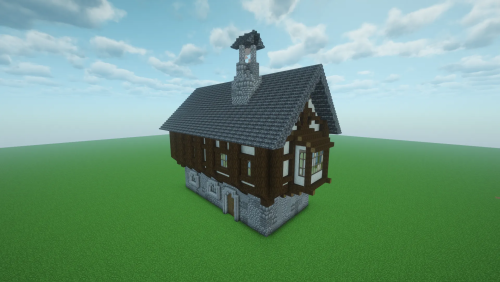 Max’s Starter Base House Schematic (1.21.x) – Detailed Pre-Built Home for Survival Players
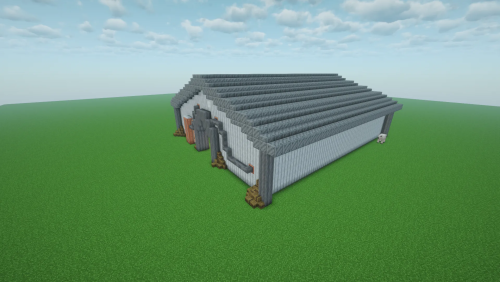 Max Industries Warehouse Schematic (1.21.x) – Large Industrial Building for Item Storage
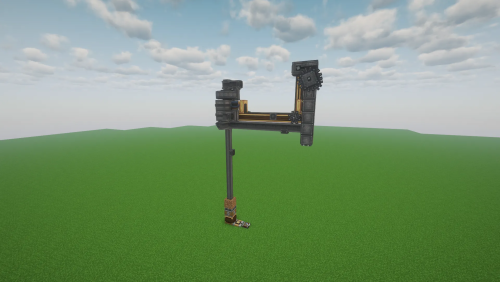 Max’s Unloading Dock System Schematic (1.21.x) – Efficient Package Unloading for Create Trains
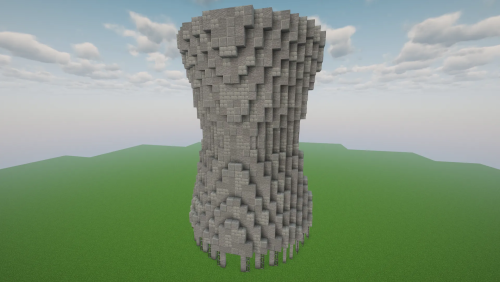 Max’s Coolant Tower Schematic (1.21.x) – Large Industrial Cooling Tower Build for Create Mod
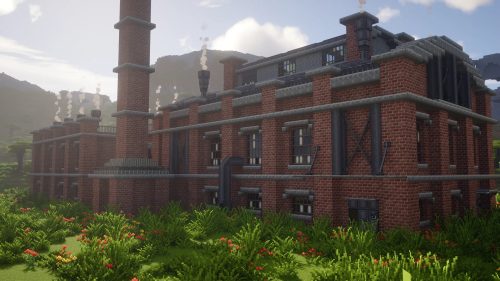 Old Brick Factory Complex Schematic (1.21.x)
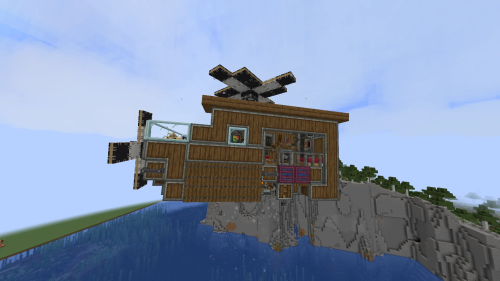 Early Game Helicopter Base Read Description Schematic (1.21.x) – Compact Flying Survival Base
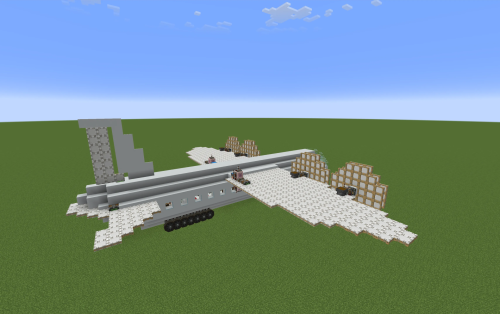 Commercial Plane V2 Schematic (1.21.x) – Build a Solar Powered Electric Aircraft
 Reactive Hoverbike Schematic (1.21.x) – High Speed Flying Machine for Create Mod

This post has no comments yet. Be the first — your comment will appear here.