
Brewing Potions Guide (26+) – On-Screen Alchemy Recipes
 29
 0

Brewing Potions Guide adds a visual recipe chart directly inside the brewing stand menu. Just like the recipe book on a crafting table, this texture pack shows the ingredients and steps you need to brew potions. You can quickly see how to make potions, extend their duration, or turn them into throwable splash potions without leaving the game to search online. It stays achievement friendly, works alongside other addons and texture packs, and needs no experimental settings.
Requirements:
- MCPE/Bedrock 26.10 – 26.40
all 7 versions
26.40, 26.30, 26.20, 26.13, 26.12, 26.11, 26.10

Features:
- Adds a visual recipe chart right inside the brewing stand screen so you can check recipes while playing.
- Shows the ingredients, recipes, and effects needed to make potions, extend their duration, and turn them into throwable splash potions.
- Helps new players and anyone who forgets a recipe avoid searching outside websites.
- Keeps achievements active in your world and does not require turning on experimental features.
- Works alongside all other addons and texture packs in Minecraft Bedrock.
- Runs on mobile and PC platforms, tested on Android, iOS, Windows 10, and Windows 11.
How to Install:
Screenshots:

For MCPE/Bedrock 26+
Click to rate this post!
[Total: 0 Average: 0]
QUICK MINECRAFT SURVEY · ONE TAP
Shaders & Resource Packs
What texture resolution do you typically install for your resource packs?
0 responses · See the full results →
You May Also Like
Picked for this page
 Moving Lights Addon (1.21, 1.20) – MCPE/Bedrock Mod
 Vampires Addon (26.x, 1.21) – MCPE/Bedrock
 Anvil Guide Texture Pack (26.x, 1.21) – MCPE/Bedrock
 WesMeer’s Crops Plus Texture Pack (1.21, 1.20) – MCPE/Bedrock
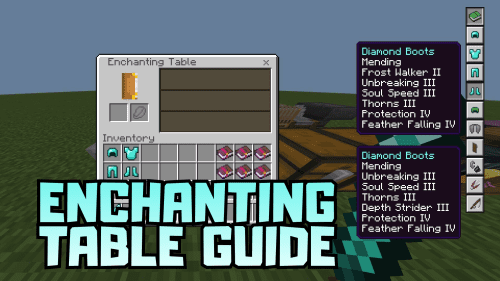 Enchanting Table Guide Texture Pack (26.x, 1.21) – MCPE/Bedrock
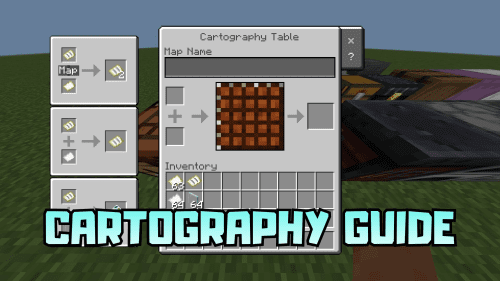 Cartography Guide Texture Pack (26.x, 1.21) – MCPE/Bedrock
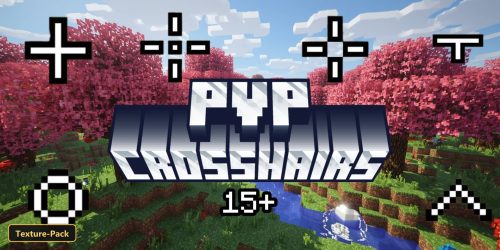 PvP Crosshair Crosshairs (26+, 1.21) – MCPE/Bedrock Texture Pack
 Small Items (26+) – MCPE/Bedrock Texture Pack
 Dark Mode Theme (26+, 1.21) – MCPE/Bedrock Texture Pack
 MONSTER SHADER (26+) – MCPE/Bedrock Shader
 Dark Mode UI (26+) – MCPE/Bedrock Texture Pack
 SKY – La Nature Fragment (26+, 1.21) – MCPE/Bedrock Texture Pack
Most viewed in Texture Packs over the last 7 days
 Mizuno’s 16 Craft Texture Pack (26.30, 1.21) for MCPE/Bedrock Edition
 Distant Horizons Texture Pack (26.x, 1.21) – MCPE/Bedrock
 Patrix Texture Pack (1.26+) – No Lag, Ultra Realistic for MCPE
 Xnova Model Texture Pack (26.x, 1.21) – Smaller First-person Hands and Custom
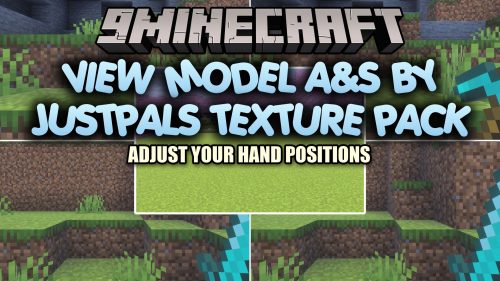 View Model A&S by Justpals Texture Pack (26.x, 1.21) – X
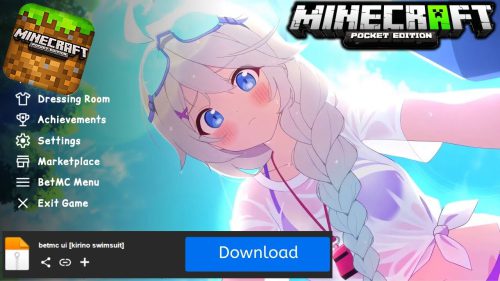 Anime Girl UI Pack (26.x, 1.21) – MCPE/Bedrock
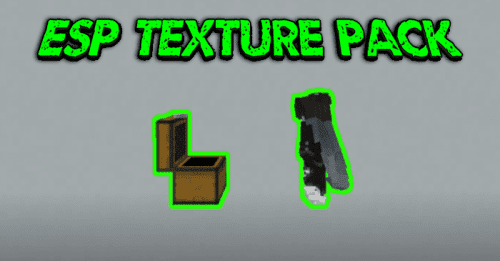 ESP Texture Pack (26.x, 1.21) – MCPE/Bedrock
 Night Vision Texture Pack (26.x, 1.21) – MCPE/Bedrock Edition
 Hover Text Fix Pack (1.21, 1.20) – MCPE/Bedrock
 Better Sounds Resource Pack (26.x, 1.21) – MCPE/Bedrock
 Soartex Fanver Texture Pack (26.x, 1.21) – MCPE/Bedrock
 X-Ray Texture Pack (26.x, 1.21) for MCPE/Bedrock with Glow
More from Texture Packs
 Custom Cape With Physics (26+) – MCPE/Bedrock Texture Pack
 Suvile’s Short Swords for (26+) – MCPE/Bedrock Texture Pack
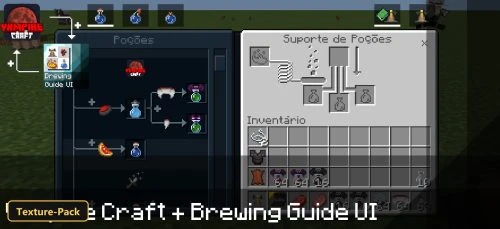 Vampire Craft Brewing Guide UI (26+, 1.21) – MCPE/Bedrock Texture Pack
 Sukuna Visual Theme (26+) – MCPE/Bedrock Texture Pack
 Clean Visuals (26+) – MCPE/Bedrock Shader
 Minecraft Earth Mobs (26+) – MCPE/Bedrock Texture Pack
 Footprints Particle (26+, 1.21) – MCPE/Bedrock Texture Pack
 Varatha, The Eternal Spear (26+, 1.21) – MCPE/Bedrock Texture Pack
 Available Inventory Viewer (26+, 1.21) – MCPE/Bedrock Texture Pack
 Bunny Girl Senpai Totem (26+) – MCPE/Bedrock Texture Pack
 Better Villagers (26+) – MCPE/Bedrock Texture Pack
 Sonic’s Chaos Emeralds (26+, 1.21) – MCPE/Bedrock Texture Pack

This post has no comments yet. Be the first — your comment will appear here.