
Invisible Touch Buttons (26+, 1.21) – Hide Screen Controls for Clean Mobile
 92
 0

Invisible Touch Buttons hides on-screen touch controls to give mobile players a clean view of the game world. It removes all touch buttons, including those used for changing camera perspective and dismounting horses or ships. The pack also fixes a potion bug from older texture packs where drinking a potion showed the wrong texture. Two in-game options let you choose how the interface appears on screen.
Requirements:
- MCPE/Bedrock 1.20 – 1.21.93
all 3 versions
1.21.93, 1.21, 1.20

Features:
- Makes all standard touch buttons completely invisible for an unobstructed view of the game world.
- Removes extra touch controls for changing perspective and dismounting rides.
- Fixes the potion bug so drinking a potion displays the correct effect instead of a wrong texture.
- Includes the Default option that keeps the standard interface look.
- Includes the No Invisible GUI option that keeps menu buttons visible while main touch controls disappear.
How to Install:
Screenshots:


For MCPE/Bedrock 1.21+
Click to rate this post!
[Total: 0 Average: 0]
You May Also Like
Picked for this page
 Improved UI Pack (26.x, 1.20) – MCPE/Bedrock
 AD FPS Booster Pack (26.x, 1.21) – MCPE/Bedrock
 RLC Addon (26.x, 1.21) – MCPE/Bedrock Realistic Crafting Reborn Mod
 Portable Beacon Addon (26.x, 1.21) – MCPE/Bedrock Mod
 Sculker Weapons and Tools Addon (26.x, 1.21) – MCPE/Bedrock Mod
 Alternative and Old Dyes Texture Pack (26.x, 1.21) – MCPE/Bedrock
 PvP Crosshair Crosshairs (26+, 1.21) – MCPE/Bedrock Texture Pack
 Small Items (26+) – MCPE/Bedrock Texture Pack
 Dark Mode Theme (26+, 1.21) – MCPE/Bedrock Texture Pack
 MONSTER SHADER (26+) – MCPE/Bedrock Shader
 Dark Mode UI (26+) – MCPE/Bedrock Texture Pack
 Vibrant Visuals Night Vision Pack (26+, 1.21) – MCPE/Bedrock Texture Pack
Most viewed in Texture Packs over the last 7 days
 Mizuno’s 16 Craft Texture Pack (26.30, 1.21) for MCPE/Bedrock Edition
 Distant Horizons Texture Pack (26.x, 1.21) – MCPE/Bedrock
 Patrix Texture Pack (1.26+) – No Lag, Ultra Realistic for MCPE
 Xnova Model Texture Pack (26.x, 1.21) – Smaller First-person Hands and Custom
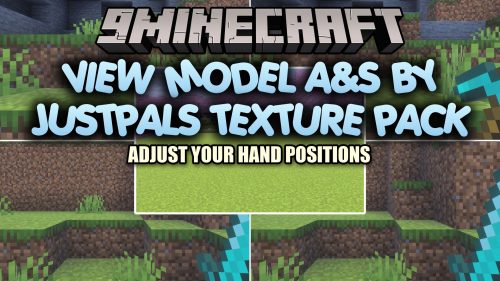 View Model A&S by Justpals Texture Pack (26.x, 1.21) – X
 Anime Girl UI Pack (26.x, 1.21) – MCPE/Bedrock
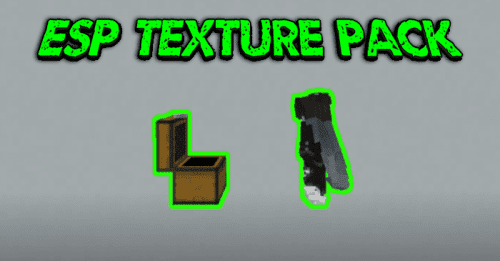 ESP Texture Pack (26.x, 1.21) – MCPE/Bedrock
 Night Vision Texture Pack (26.x, 1.21) – MCPE/Bedrock Edition
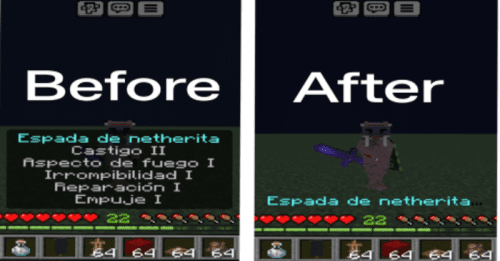 Hover Text Fix Pack (1.21, 1.20) – MCPE/Bedrock
 X-Ray Texture Pack (26.x, 1.21) for MCPE/Bedrock with Glow
 Better Sounds Resource Pack (26.x, 1.21) – MCPE/Bedrock
 Soartex Fanver Texture Pack (26.x, 1.21) – MCPE/Bedrock
More from Texture Packs
 Cozy Critters (26+) – MCPE/Bedrock Texture Pack
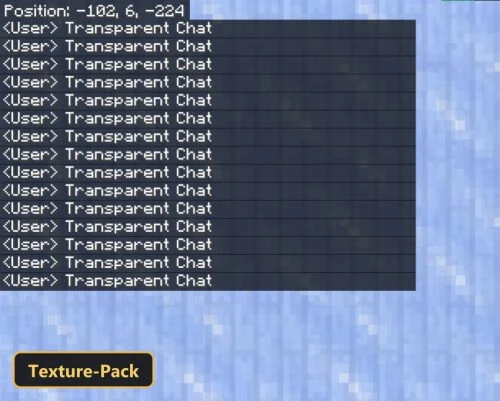 Transparent Chat Background (26+, 1.21) – MCPE/Bedrock Texture Pack
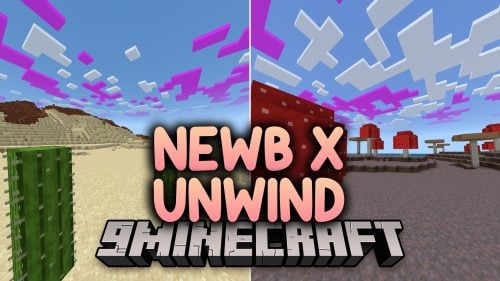 Newb x Unwind (26+) – MCPE/Bedrock Shader
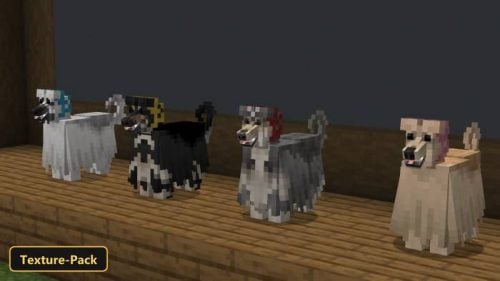 Better Dogs (26+, 1.21) – MCPE/Bedrock Texture Pack
 Digs’ Simple Pack (26+, 1.21) – MCPE/Bedrock Texture Pack
 Floppi ‘s Enhancer (26+) – MCPE/Bedrock Texture Pack
 TeTotem of Undying (26+, 1.21) – MCPE/Bedrock Texture Pack
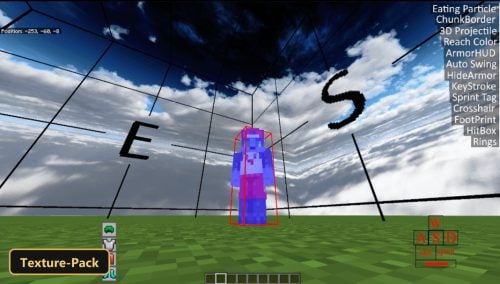 CUMULUS/UtilityTools (26+) – MCPE/Bedrock Texture Pack
 Flashlight (26+) – MCPE/Bedrock Shader
 Glow Trims (26+, 1.21) – MCPE/Bedrock Texture Pack
 Java Full Grass (26+) – MCPE/Bedrock Texture Pack
 Creeper Overhaul (26+) – MCPE/Bedrock Texture Pack

This post has no comments yet. Be the first — your comment will appear here.