
Easy Item Dump (26+) – MCPE/Bedrock Texture Pack
 3
 0

One-click buttons for moving and dumping items are what Easy Item Dump adds to chests and other containers. It changes the interface so players can move every item between inventory and container at once, or only the type currently selected under the cursor.
Disposal tools can drop the whole contents of a container on the ground, handy before breaking a chest, or just the selected item type. Toggles handle whole rows at a time, and Pocket UI users get a button that moves all hotbar items into the inventory instead. Button placement can be adjusted through the sub-pack settings. One of three UI options must be chosen in-game: Pocket -Old UI, Classic -Sidebar or Default.
Requirements:
- MCPE/Bedrock 26.0 – 26.40
all 6 versions
26.40, 26.30, 26.20, 26.10, 26.3, 26.0

Features:
- 3 in-game options: Pocket -Old UI, Classic -Sidebar, Default
- Also includes custom UI tweaks
Screenshots:


How to Install:
You May Also Like
Picked for this page
 Realism Shader (1.26+) – RenderDragon Support, Low-End Devices
 Minecraft Starter House Map (26.x, 1.21) – Build a Cozy Base in New Biomes
 Liga Lock Addon (1.26+) – Blue Lock Mod MCPE/Bedrock
 UI Enhanced (26+, 1.21) – MCPE/Bedrock Texture Pack
 Better Creeper Animations (26+, 1.21) – Fluid Animations and Biome Variants
 PixelSnap (26+, 1.21) – MCPE/Bedrock Texture Pack
 Appa Ghasts (26+, 1.21) – MCPE/Bedrock Texture Pack
 VIBRANT CONTRAST (26+) – MCPE/Bedrock Texture Pack
 Gengar UI Inventory (26+) – MCPE/Bedrock Texture Pack
 Gothiclily’s Flower Pack (26+) – MCPE/Bedrock Texture Pack
 No Blur Pumpkin and Spyglass (26+, 1.21) – MCPE/Bedrock Texture Pack
 Nature Golem (26+, 1.21) – MCPE/Bedrock Texture Pack
Most viewed in Texture Packs over the last 7 days
 Mizuno’s 16 Craft Texture Pack (26.30, 1.21) for MCPE/Bedrock Edition
 Xnova Model Texture Pack (26.x, 1.21) – Smaller First-person Hands and Custom
 Better Sounds Resource Pack (26.x, 1.21) – Clear Audio for Every Biome
 Distant Horizons Texture Pack (26.x, 1.21) – Endless Views Without Lag
 View Model A&S by Justpals Texture Pack (26.x, 1.21) – X
 Patrix Texture Pack (1.26+) – No Lag, Ultra Realistic for MCPE
 Night Vision Texture Pack (26.x, 1.21) – See Through Walls for Resource Runs
 X-Ray Texture Pack (26.x, 1.21) for MCPE/Bedrock with Glow
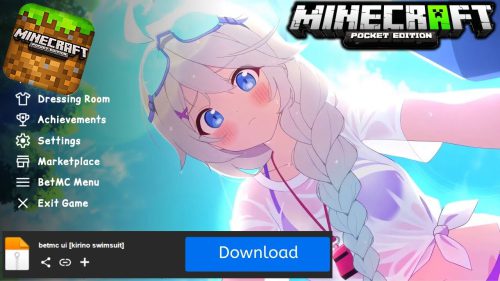 Anime Girl UI Pack (26.x, 1.21) – MCPE/Bedrock
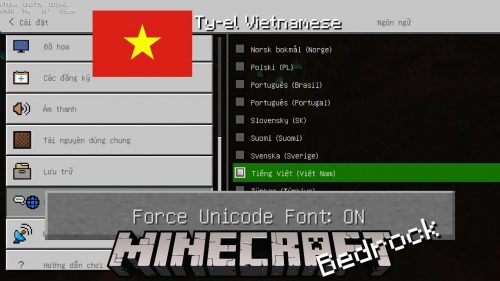 The Ty-el’s Vietnamese Language Pack (26.x, 1.21) – Minecraft PE Tiếng Việt
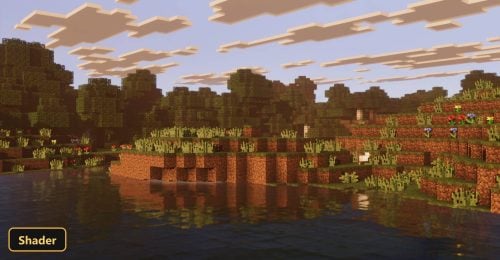 Legacy PBR Unbound (26+, 1.21) – MCPE/Bedrock Shader
 Stellar Graphics Pack (26.x, 1.20) – MCPE/Bedrock
More from Texture Packs
 Anime Girl Totem (26+) – MCPE/Bedrock Texture Pack
 Herobrine Totem (26+, 1.21) – MCPE/Bedrock Texture Pack
 Zero Two Swimsuit UI Inventory (26+) – MCPE/Bedrock Texture Pack
 PigGirls (26+, 1.21) – MCPE/Bedrock Texture Pack
 Small Crosshair – PvP Edition (26+, 1.21) – MCPE/Bedrock Texture Pack
 Anime Totems (26+) – MCPE/Bedrock Texture Pack
 The Broken Script Moon (26+, 1.21) – MCPE/Bedrock Texture Pack
 Cute Turtle Helmet (26+, 1.21) – MCPE/Bedrock Texture Pack
 Fog Rework (26+, 1.21) – MCPE/Bedrock Texture Pack
 SmoothFont (26+, 1.20) – MCPE/Bedrock Texture Pack
 Gojo Blue Edition UI Inventory (26+) – MCPE/Bedrock Texture Pack
 CartoonCraft (26+, 1.21) – MCPE/Bedrock Texture Pack

This post has no comments yet. Be the first — your comment will appear here.