
Construct (26+) – Build Giant Bases with Hologram Guides
 199
 0

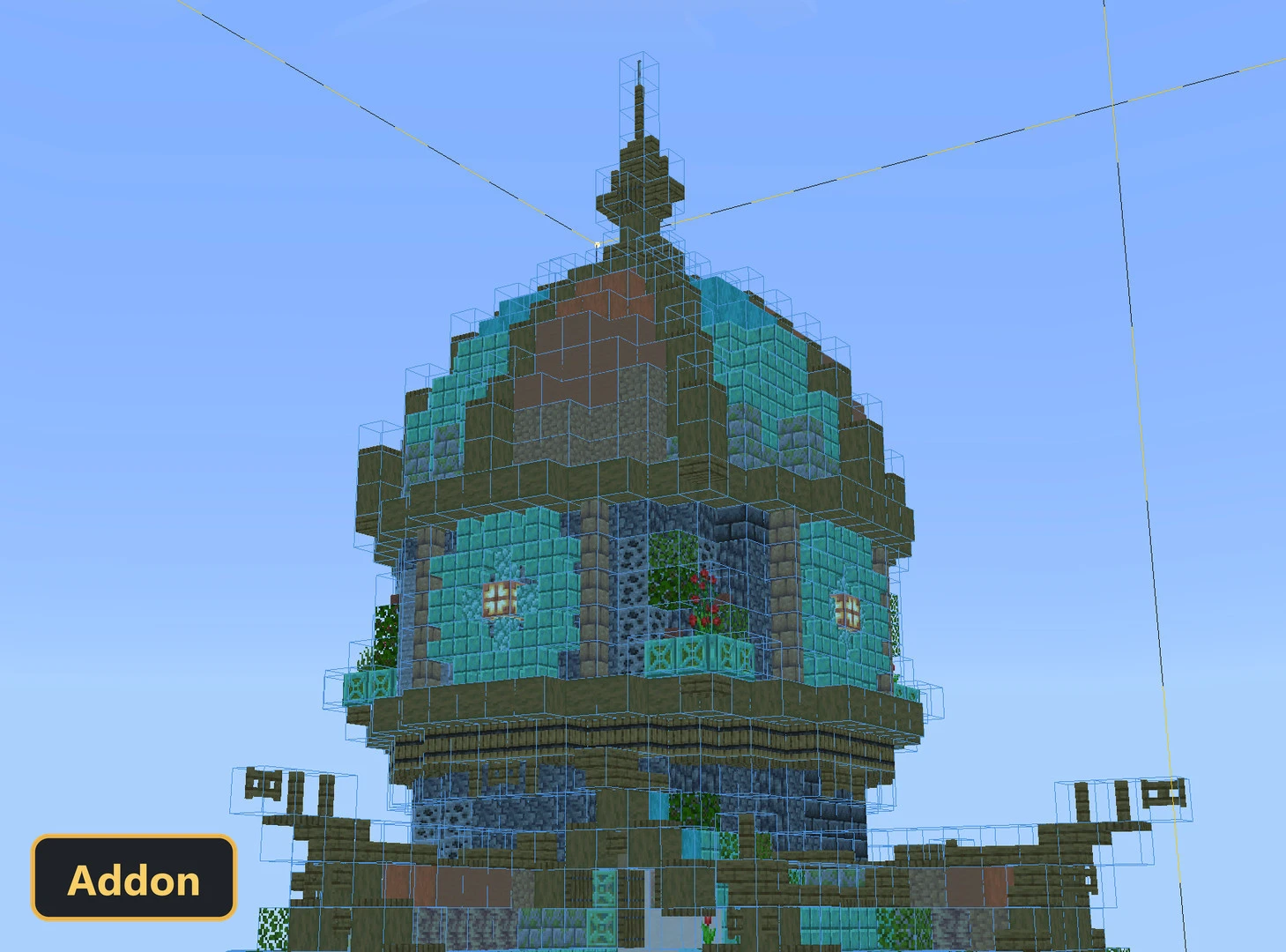
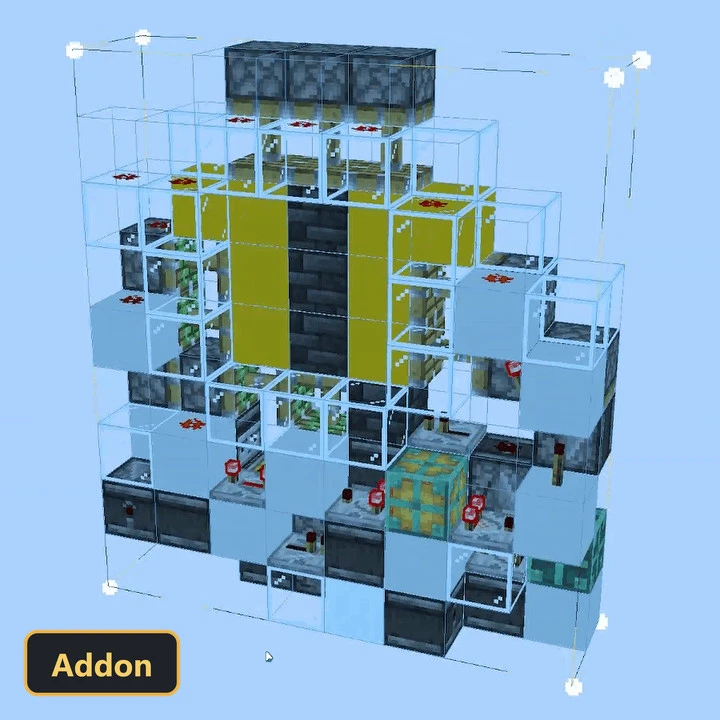
Construct lets you move your builds from creative worlds into survival with a clear hologram guide. This addon brings a Litematica-style building system to Minecraft Bedrock and helps both solo players and groups build together. It adds tools like Structure Hologram, Easy Place, Block Validation, Material Grabbing, and Layered Building to make big projects much easier. You can also manage multiple structure instances at once and import builds from other worlds using Minecraft’s vanilla structure system. It needs Beta APIs turned on in your world settings to work.
Requirements:
- MCPE/Bedrock 26.50
- Turn on Experimental Features — this addon uses scripting APIs
Features:
- Structure Hologram: Shows transparent blueprint blocks in the world so you know where every block goes.
- Easy Place: Always places blocks the right way for you while building.
- Block Validation: Highlights wrong blocks so you can spot and fix mistakes fast.
- Material Grabbing: Pulls the building materials you need straight from chests in one click.
- Layered Building: Lets you build your structures one layer at a time.
- Lets you create new structure instances, edit existing ones, and delete old ones all at once from the menu.
- Imports
.mcstructurefiles from other worlds quickly so you can reuse your builds anywhere. - Works with Minecraft’s vanilla structure system, letting you save new builds with a structure block or the
/structurecommand. - Includes a Builder Settings tab and extra menu options where you can turn on Easy Place and Material Grabbing and customize your building style.
- You can rename the menu item after a structure instance to select that instance automatically when you open the menu.
- Helps multiple players work together on the same survival build.
Commands:
/construct:construct: Gives you the Construct item so you can open the menu.
How to Use:
- Turn on Beta APIs in your world settings before you start playing so the addon works.
- Type
/construct:constructin chat to get the Construct item, or grab it from the Creative inventory under the Items tab. - Use the item to open the main menu, where you can create, edit, and delete structure instances.
- Open the Builder Settings tab inside the menu to turn on Easy Place and Material Grabbing and adjust your building options.
- Rename the item to match a structure instance name if you want the menu to select that instance automatically when you open it.
Adding and Importing Structures:
- Save a build in your current world with a structure block or the
/structurecommand to add it directly to that world’s structure list. - To import a build from another world on devices with file access, move
Construct[BP]into yourcom.mojang/development_behavior_packsfolder, put your.mcstructurefile insideConstruct[BP]/structures, and restart your world so the build shows up in the list. - If your device cannot export
.mcstructurefiles, export your world file, go to https://holoprint-mc.github.io/, and use the Extract From World feature to get your.mcstructurefiles. - If your device cannot manage Minecraft files, go to https://sea-of-stars-studio.github.io/, upload your
.mcstructurefile to generate a.mcpack, and add that pack to the same world as this addon.
Screenshots:
For MCPE/Bedrock 26+
Click to rate this post!
[Total: 0 Average: 0]
You May Also Like
Picked for this page
 Guns Explosives Addon (26.x, 1.21) – MCPE/Bedrock Simple Arsenal Mod
 Ben 10 Omni NR Addon (26.45+) – MCPE/Bedrock
 Survival Starter House Map (26.x, 1.21) – MCPE/Bedrock
 Escape Room Map (1.21, 1.20) – MCPE/Bedrock
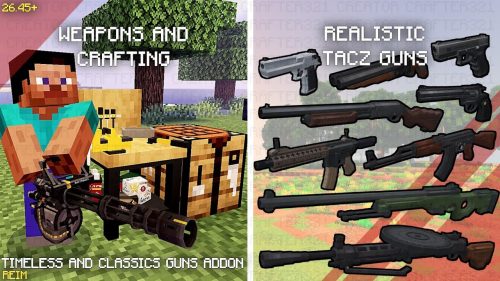 REIMS TACZ Timeless and Classics Guns Addon (26.45+) – MCPE/Bedrock
 Jujutsu Kaisen Addon – Projection Sorcery (26.45+) – MCPE/Bedrock
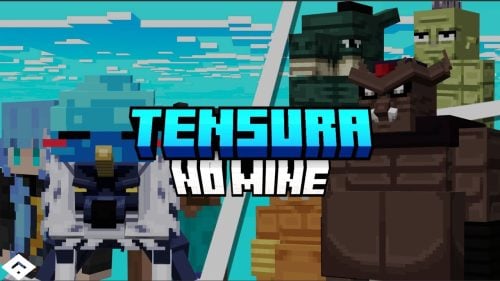 Tensura No Mine Addon (26.45+) – MCPE/Bedrock
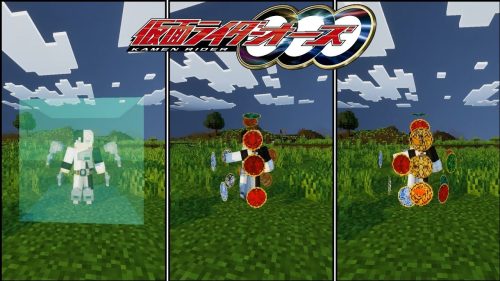 Kamen Rider OOO Addon (26.45+) – MCPE/Bedrock
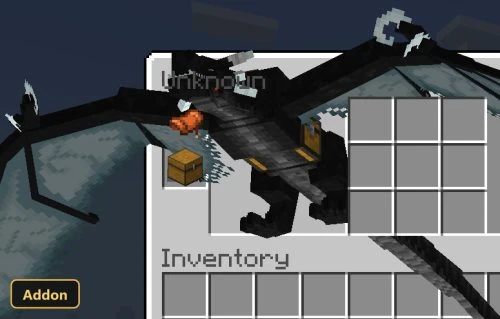 Rise of The Wyverns (26+, 1.21) – MCPE/Bedrock Addon
 Novelty API (26+) – MCPE/Bedrock Addon
 Infinite Villager Trades (26+, 1.21) – MCPE/Bedrock Addon
 Poke’s Fantasy Expansion (26+) – MCPE/Bedrock Addon
Most viewed in Mods & Addons over the last 7 days
 Mob Girls Addon (1.26+, 1.21) – MCPE/Bedrock Mod
 Secrets of Berk Addon (26.33+) – How To Train Your Dragon Mod MCPE/Bedrock
 Jenny Colette Version Addon (26.x, 1.21) – MCPE/Bedrock Mod
 Jujutsu Awakening Addon (1.26+, 1.21+) – Prison Realm Update
 New Jujutsu Awakening Addon (1.26+) – MCPE/Bedrock
 Jenny Add-on (Fapcraft) APK MCPE Full Guide – How to use, Tutorial
 Shadow Company Addon (26.x, 1.21) – MCPE/Bedrock Mod
 Titan Craft Addon (1.26+, 1.21) – MCPE/Bedrock Attack on Titan Mod
 Asa’s One Piece Addon (1.26+, 26.32) – MCPE/Bedrock Mod
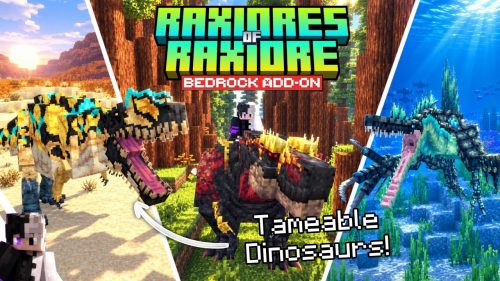 Raxiores of Raxiore Addon (1.26+) – MCPE/Bedrock
 Fapcraft Addon (1.26, 1.21) – MCPE/Bedrock Jenny Mod
 Naruto Jedy Addon V8 (26.30+, 1.18+) for MCPE/Bedrock Edition
More from Mods & Addons
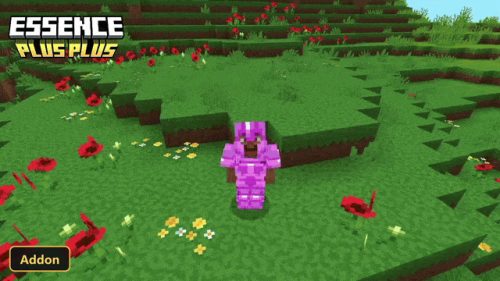 KwZ’s Essence (26+) – MCPE/Bedrock Addon
 Cavern Calamity (26+) – MCPE/Bedrock Addon
 Advanced Dynamic Lighting (26+, 1.21) – MCPE/Bedrock Addon
 Guard Villagers (26+) – MCPE/Bedrock Addon
 Gamemode Switcher (26+, 1.21) – MCPE/Bedrock Addon
 PvP HUD (26+, 1.21) – MCPE/Bedrock Addon
 Swagcasters Vehicles and Machines (26+, 1.21) – MCPE/Bedrock Addon
 Bebe Player (26+, 1.21) – MCPE/Bedrock Addon
 Stranger Things by MeBesm (26+, 1.21) – MCPE/Bedrock Addon
 Luncheon Meat ‘s Delight (26+) – MCPE/Bedrock Addon
 Player Graves (26+, 1.21) – MCPE/Bedrock Addon
 Yet Another Tree Capitator (26+, 1.21) – MCPE/Bedrock Addon

This post has no comments yet. Be the first — your comment will appear here.