
Better Mansion Schematic (1.21.x) – Massive and Detailed House Build
 21
 0


Better Mansion Schematic offers a massive and detailed home for your world. This build uses a large variety of blocks to create a beautiful living space. It covers an area of 87 blocks long and 38 blocks wide. You can use this build to quickly add a giant house to your survival or creative world. The design includes many small fixes to make the structure look better than standard mansions.

3D Preview & Editor:
How to place this schematic
.nbt This is a vanilla structure file. It loads through structure blocks with no mod at all, within the 48×48×48 size limit.
| 1 | Put the .nbt file in <your world>/generated/minecraft/structures. |
| 2 | Give yourself a structure block: /give @s structure_block. |
| 3 | Place it, open it and switch the mode to LOAD. |
| 4 | Type the file name without .nbt, press LOAD, then PLACE. |
About this build
| 1 | Put the schematic file into your schematics folder in the Minecraft directory. |
| 2 | Open your world and use the Schematic and Quill or a Schematicannon. |
| 3 | Select the file from the menu to see the outline of the house. |
| 4 | Supply the required blocks to the cannon or build it manually following the ghost blocks. |
Features:
- The build covers a massive area of 87 blocks in length and 38 blocks in width.
- Includes over 24,000 blocks to create a high level of detail.
- Uses custom furniture and decorations from several popular mods.
- Features a refined design with small adjustments for a better look.
- Provides multiple floors and rooms ready for you to move in.
Schematic Specs:


 Top Blocks Used
Dirt 4,666Cut Limestone 3,446Spruce Planks 3,254Grass Block 1,528Cut Tuff 1,479
Screenshots:


Requirements:
 Create Mod Required
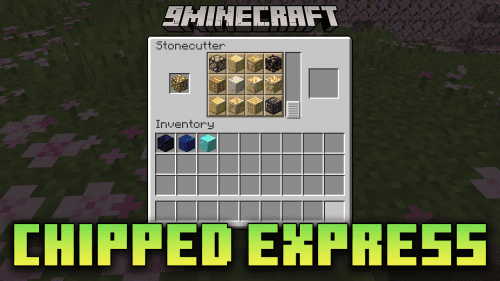 Chipped Express Mod Required
copycats Required

createdeco Required
interiors Required

Create Furnitures Required
Better Mansion Schematic Download Links
For Minecraft 1.21.x
Click to rate this post!
[Total: 0 Average: 0]
QUICK MINECRAFT SURVEY · ONE TAP
Mods & Modpacks
How many mods do you usually have active at the same time?
2 responses · See the full results →
You May Also Like
Picked for this page
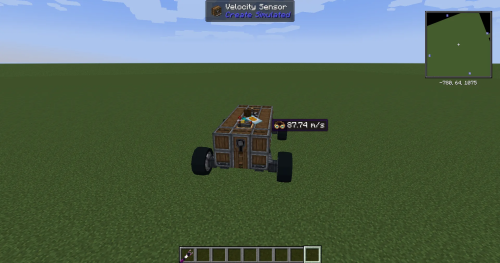 Medium Sized Race Survival Friendly Car Schematic (1.21.x) – Fast and Simple Vehicle for Survival
 6 Controllable Cannons Schematic (1.21.x) – Six Powerful Cannons with Full Directional Control
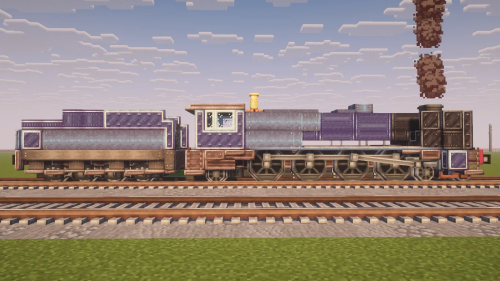 Royal Blue 4 8 2 Steam Locomotive Schematic (1.21.x) – Classic Royal Blue Steam Engine Build
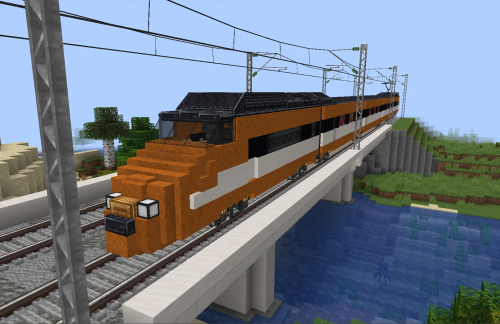 Train Tgv 100 Schematic (1.21.x) – French High Speed Passenger Train Build
 Terracotta Factory Schematic (1.21.x) – Automated Cobblestone to Terracotta Factory
 Orbital Space Station Deep Space Outpost Schematic (1.21.x) – Futuristic Sci-Fi Base for Create Mod
 Large Airship Schematic (1.21.x) – Massive Steampunk Flying Machine for Survival
 Mid to Late Game Lawn Factory Schematic (1.21.x) – Automated Factory Layout for Create Mod
 Su 35 Fighter Jet Faster Than Ur CPU Schematic (1.21.x) – Modern Fighter Jet for Create Mod
 5x8x11 Level 9 Self Sufficient Steam Engine Schematic (1.21.x) – Compact Self Running Steam Power
 Vertical Windmill Schematic (1.21.x) – Early Game Power Build for Create
 Yanmega Plane Schematic (1.21.x) – Pokemon Inspired Flying Machine for Create Mod
Most viewed in Create Mod Schematics over the last 7 days
 Copper Flying Ship That Can Also Act as a Normal Boat Schematic (1.21.x) – Dual Purpose Copper
 Arasaka Tower Schematic (1.21.x) – Massive Black Industrial Skyscraper Build
 Rail Gun Schematic (1.21.x)
 Fast Small Airship Steam Schematic (1.21.x) – Small and Fast Steam Powered Airship
 Starter Iron Farm Schematic (1.21.x) – Simple Early Game Iron Production Build
 Agrimotor Schematic (1.21.x) – Build a Functional Create Mod Tractor
 Large Submarine Schematic (1.21.x) – Build a Large Submarine for Travel
- 6 Controllable Cannons Schematic (1.21.x) – Six Powerful Cannons with Full Directional Control
 Areis 65 Aries Heavy RV Build Schematic (1.21.x)
 Ultimate Nuclear Reactor Schematic (1.21.x) – High Power Reactor Build for Create
 F16 Falcon Schematic (1.21.x)
 Petushara Simple Water Powered High Speed Schematic (1.21.x)
More from Create Mod Schematics
 Old G P Narrow Olive Train with Caboose Red Schematic (1.20.x) – Classic Narrow Gauge Olive Train
 Cool Commercial Plane Schematic (1.21.x) – Build and Fly a Solar Powered Airplane
 Huge Diesel Engine Block Schematic (1.21.x) – Massive Power for Create Mod Factories
 Petushara V0.2 Schematic (1.21.x) – Faster Flying Machine with Better Storage
 Hangar Schematic (1.21.x) – Large Storage Building for Create Mod
 Fast Small Airship Reactive Schematic (1.21.x) – High Speed Create Mod Exploration Airship
 Tank Schematic (1.21.x) – Small Diesel Powered Tank Blueprint
 Ctiv 2 Core Tornado Interceptor Vehicle Schematic (1.21.x) – Powerful Storm Chasing Vehicle
 Powerpole Schematic (1.21.x) – Simple Industrial Power Pole for Create
 Cloud Skipper Schematic (1.21.x)
 Tram Klas Br 32 Nbt Schematic (1.20.x) – Small and Agile City Tram
 Extra Fast Airship Schematic (1.21.x) – Compact High Speed Flying Machine

This post has no comments yet. Be the first — your comment will appear here.