
Vanilla Glowing Ore Borders Model – Illuminates Hidden Ores in Caves
 24
 0


Vanilla Glowing Ore Borders Model highlights ore blocks with glowing edges across the Overworld and the Nether. It works in pure vanilla Minecraft without OptiFine or shader requirements, while remaining compatible with Sodium. The pack adds bright borders to twelve different resource blocks so you can spot them in dark caves and mining tunnels.
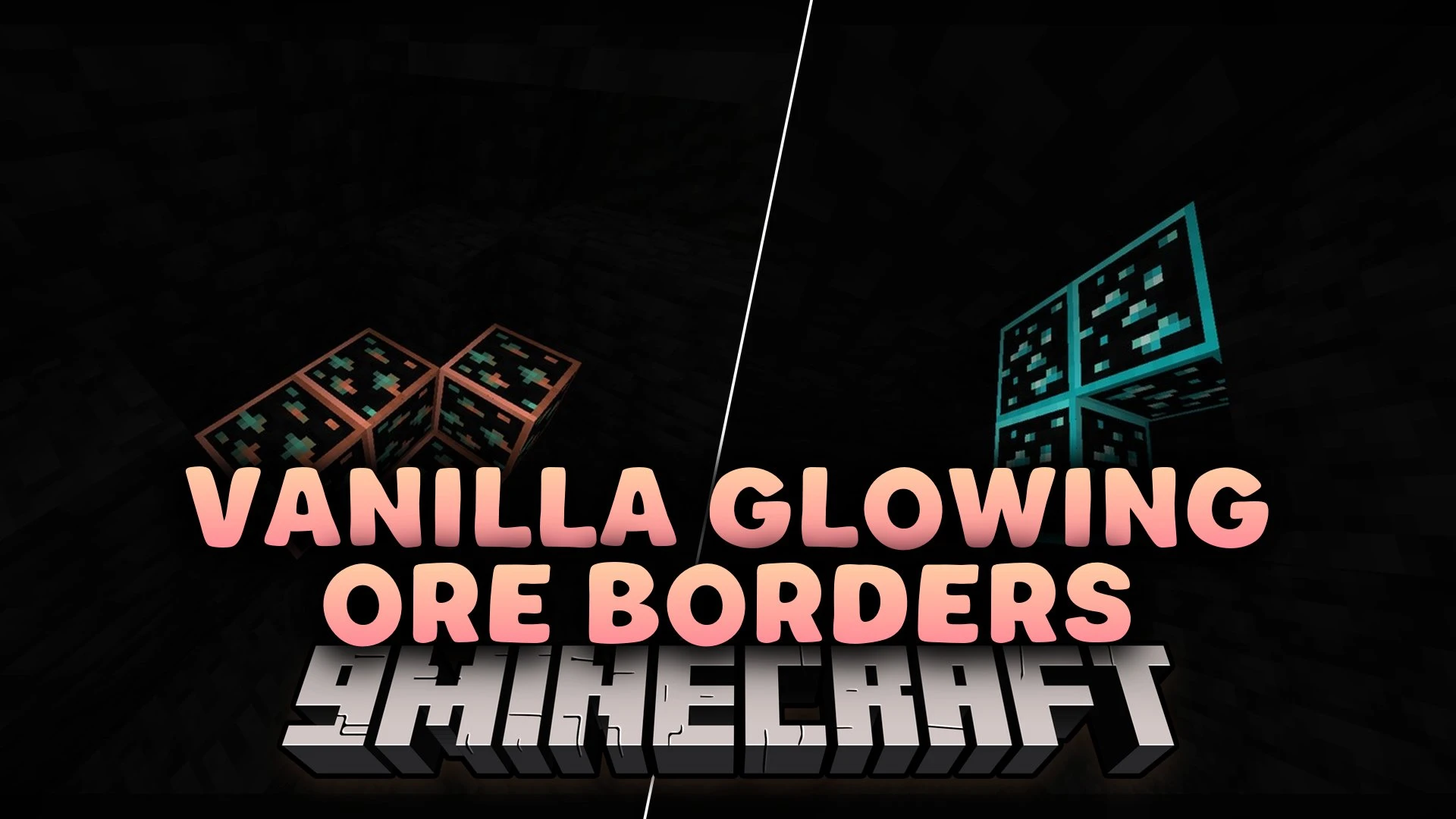
Features:
- Adds custom 3D models with glowing outer frames to twelve vanilla ores and mining blocks.
- Functions directly in vanilla Minecraft without needing OptiFine or other external mods.
- Maintains full compatibility with Sodium for smooth framerates.
- Covers standard Overworld ores including coal, iron, copper, gold, redstone, lapis lazuli, diamond, and emerald.
- Covers Nether resources including nether gold ore, nether quartz ore, gilded blackstone, and ancient debris.
- Helps spot valuable blocks in pitch-black caves, deep ravines, and dark Nether wastes.
How to Use:
- Put the pack into your resourcepacks folder and move it to the active list in the Resource Packs menu.
- Head underground into stone and deepslate layers to spot glowing borders on coal, iron, copper, gold, redstone, lapis, and diamond ores.
- Search mountain biomes at high altitudes to check for emerald ore with its green illuminated frame.
- Travel to the Nether dimension to find nether gold ore and nether quartz glowing against netherrack walls.
- Explore Bastion Remnants to find gilded blackstone blocks with distinct shining outlines.
- Mine around lower lava layers in the Nether to locate ancient debris blocks outlined by bright borders.
Screenshots:


Vanilla Glowing Ore Borders Model Download Links
Click to rate this post!
[Total: 0 Average: 0]
You May Also Like
Picked for this page
 Arty Reindeer Jenny Mod Model
 Gawr Gura Character For Luna Jenny Mod Model
 Kitetsu Sword Skill Pack Model
 Elemental Model
 Suku Slime Princess Model – Unleashes Intelligent Slime Boss
 Old Horse Model – Restores Classic Retro Horse Models and Animations
 The ClickCrystals Pack Model – Transforms Crystal Combat with 3D Visuals
 Improved Create 32x Model – Brings Detailed 3D Machinery to Factories
 WU_SHUANGCB’s Zombie Skin Model – Transforms Zombies with Heavy Viral Weapons
 Create Energistics Model – Transforms Digital Storage Into Clockwork Machinery
 Vanilla PVP Essentials Model – Brings Clean 3D Overlays for Combat
 Simplistic 3D Doors Model – Adds Clean Depth to Vanilla Entryways
Most viewed in Models over the last 7 days
 Jenny Mod Skin Pack Mega Collection – 310+ Characters
 The Most Complete Collection of Jenny Mod Resources – Models, Animations, Structures,…
 Albedo Rework Jenny Mod Model
 Power Model – Custom Girl for PleasureCraft Mod
 Ram Model – Custom Girl for PleasureCraft Mod
 100+ Custom Animations For Jenny Mod
 Galath Rework Model – Custom Girl for PleasureCraft Mod
 Steve (Jenny & Zoey) Pack Jenny Mod Model
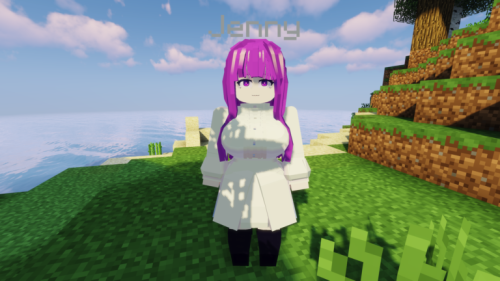 Fern Jenny Mod Model
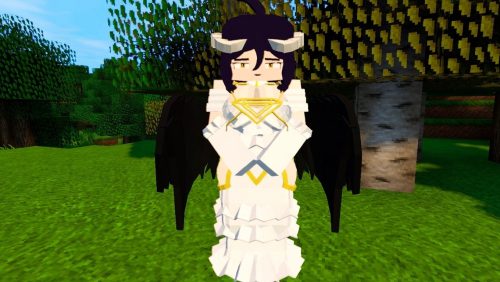 Albedo Jenny Mod Model
 750 Models Addon for Yes Steve Model Mod
 Alex Model – Custom Girl for PleasureCraft Mod
More from Models
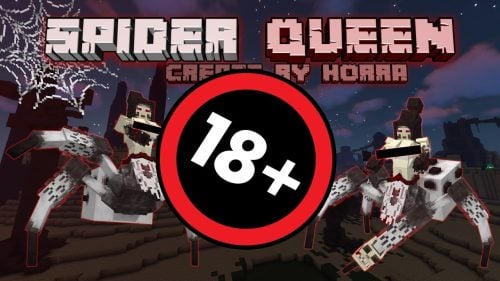 Spider Queen Boss Model – Unleashes Terrifying Boss Encounter
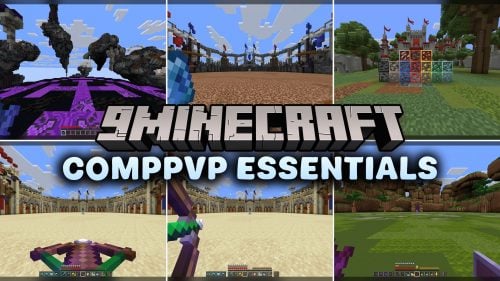 CompPvP Essentials Model – Adds Sharp Animated 3D Utility Blocks
 MoreDeco Model – Adds Animated Clutter and Cozy Decorations to Rooms
 Huh 8x Model – Brings Clean Low-Res Shapes to Competitive Bedwars Matches
 First Class Trains Model – Brings Authentic Hong Kong Commuter Rail
 Nogs Beaver Model – Adds Destructive Wood-Eating Beaver
 JR East E131 Series Model – Brings Japanese Commuter Trains to Railways
 DLR B90 Model – Brings Modern Light Rail Trains to City Networks
 MTR Yutong Retexture Model – Brings Modern Transit Buses to City Streets
 Kur And Rot Model – Unleashes Two-Tier Boss Battle
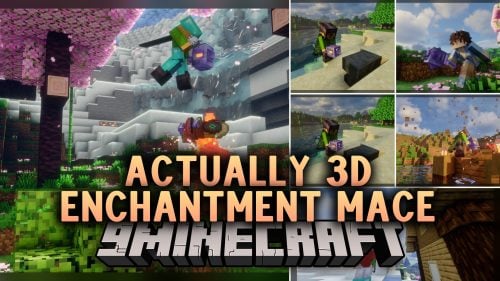 Actually 3D Enchantment Mace Model – Brings Animated Stacking Weapon Layers
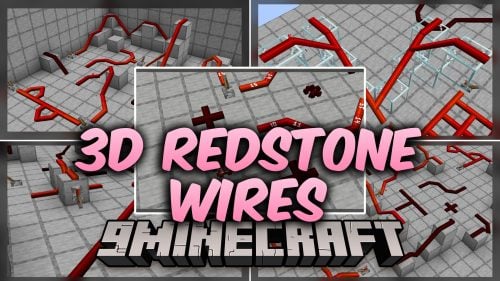 3D Redstone Wires Model – Transforms Flat Dust Lines Into Raised Cables

This post has no comments yet. Be the first — your comment will appear here.