
White And Black CPVP Model – Brings Sharp Monochrome Models to Combat Arenas

 0


White And Black CPVP Model reskins key combat items and utility blocks with a sharp monochrome theme. It alters nineteen distinct 3D models and updates hundreds of textures to create clean visual feedback during intense combat. The pack adds animated textures to select items so you can track combat elements without extra clutter. Players get high contrast in arena environments to spot critical blocks and targets quickly.

Features:
- Changes nineteen in-game blocks and items into custom 3D models.
- Updates 727 texture files with a high-contrast black and white palette.
- Includes animated textures for active combat elements and items.
- Provides custom models for competitive blocks like end portal frames, heavy cores, and crafters.
- Redesigns utility blocks such as stonecutters, grindstones, lecterns, and calibrated sculk sensors.
- Replaces the held spyglass model with a sleek hand-held visual.
- Modifies cobwebs and spore blossoms for clear visibility during arena fights.
How to Use:
- Put the pack file inside your Minecraft resourcepacks folder and activate it in the resource packs menu.
- Craft or grab a spyglass and hold it in your main hand to inspect the custom 3D holding model.
- Place down cobwebs, end portal frames, or heavy cores in an arena to view their updated monochrome structures.
- Set up utility blocks like the crafter, stonecutter, grindstone, or lectern to check their remodeled shapes.
- Place calibrated sculk sensors, spore blossoms, or vault blocks to watch the animated texture effects in action.
Requirements:
- A Minecraft version that supports animated textures
Screenshots:


White And Black CPVP Model Download Links
Click to rate this post!
[Total: 1 Average: 5]
You May Also Like
Picked for this page
 Arty Reindeer Jenny Mod Model
 The Forgotten Terrors V1 Model
 Lillith The Demon Model
 Season Icons Model
 Capra The Goat Demon Model
 Desert Pack Model – Unleashes Pharaoh Bosses Snakes
 Old Horse Model – Restores Classic Retro Horse Models and Animations
 WU_SHUANGCB’s Zombie Skin Model – Transforms Zombies with Heavy Viral Weapons
 Create Energistics Model – Transforms Digital Storage Into Clockwork Machinery
 Vanilla PVP Essentials Model – Brings Clean 3D Overlays for Combat
 Simplistic 3D Doors Model – Adds Clean Depth to Vanilla Entryways
 Dysfunctional’s PvP Model – Transforms PvP with Clean 3D Blocks
Most viewed in Models over the last 7 days
 Jenny Mod Skin Pack Mega Collection – 310+ Characters
 The Most Complete Collection of Jenny Mod Resources – Models, Animations, Structures,…
 Albedo Rework Jenny Mod Model
 Power Model – Custom Girl for PleasureCraft Mod
 Ram Model – Custom Girl for PleasureCraft Mod
 100+ Custom Animations For Jenny Mod
 Galath Rework Model – Custom Girl for PleasureCraft Mod
 Steve (Jenny & Zoey) Pack Jenny Mod Model
 Fern Jenny Mod Model
 750 Models Addon for Yes Steve Model Mod
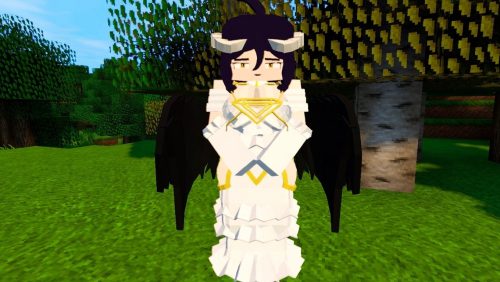 Albedo Jenny Mod Model
 Femboy Ellie Rework Jenny Mod Model
More from Models
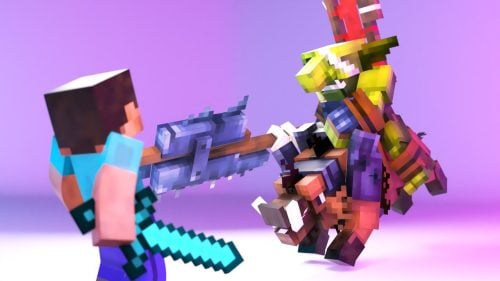 Kur And Rot Model – Unleashes Two-Tier Boss Battle
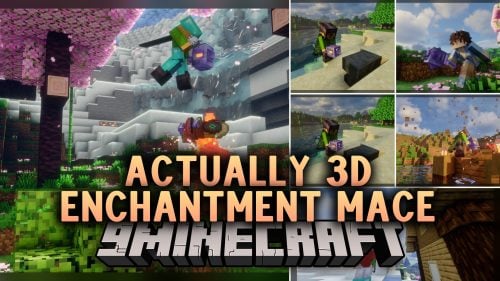 Actually 3D Enchantment Mace Model – Brings Animated Stacking Weapon Layers
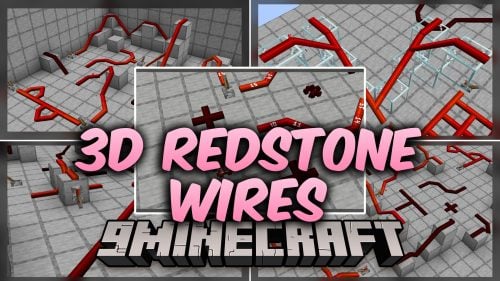 3D Redstone Wires Model – Transforms Flat Dust Lines Into Raised Cables
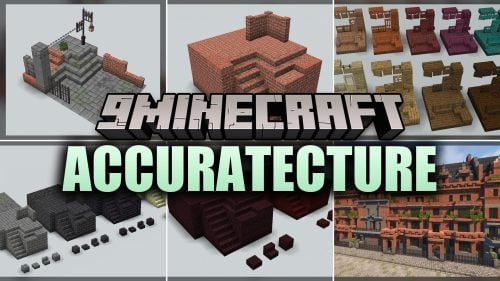 Accuratecture Model – Brings Animated 3D Depth to Classic Blocks
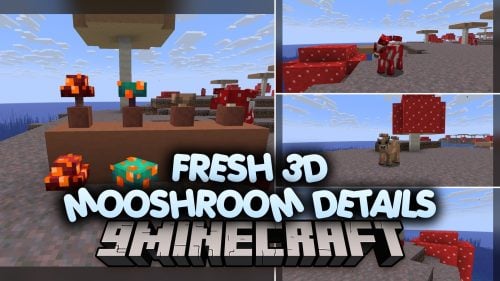 Fresh 3D Mooshroom Details Model – Brings Dimensional Mushrooms to Cattle
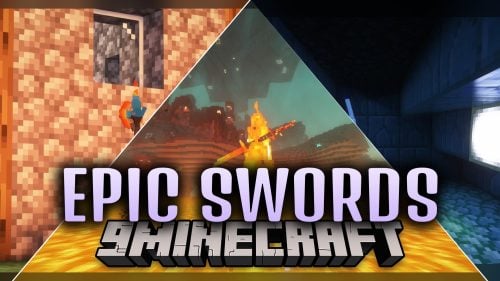 Epic Swords Model – Equips Animated Fantasy Blades for Dual Wielding Combat
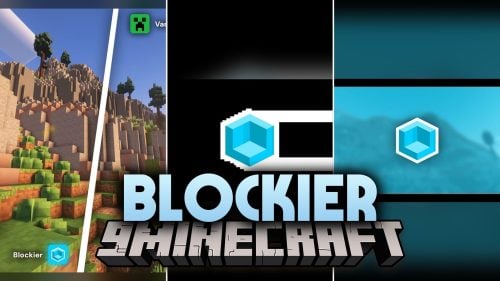 Blockier Model – Brings Detailed 3D Shapes to Classic Vanilla Blocks
 Mage CustomModel Boss Model – Unleashes Epic Magical Boss
 M’s Redstone Model – Brings Animated 3D Indicators to Redstone Components
 Strings & Things Model – Adds Cozy Fairy Lights and Festive Garlands
 MaskyEnchantedItems Model – Transforms Enchanted Weapons Into 3D Gear
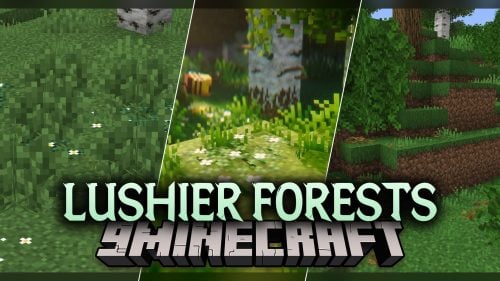 Lushier Forests Model – Brings Dense 3D Foliage to Vanilla Woodlands

This post has no comments yet. Be the first — your comment will appear here.