
Pieza DE Puente Schematic (1.21.x) – Classic Brick Bridge for Train Tracks

 0


Pieza DE Puente Schematic provides a brick bridge segment for train tracks in your world. This build lets you create strong paths for your locomotives across different areas. It features a classic style using brick blocks that look great in any landscape. You can use this piece to connect long rail lines together.

3D Preview & Editor:
How to place this schematic
.nbt This is a vanilla structure file. It loads through structure blocks with no mod at all, within the 48×48×48 size limit.
| 1 | Put the .nbt file in <your world>/generated/minecraft/structures. |
| 2 | Give yourself a structure block: /give @s structure_block. |
| 3 | Place it, open it and switch the mode to LOAD. |
| 4 | Type the file name without .nbt, press LOAD, then PLACE. |
About this build
| 1 | Load the schematic file using the Create mod tools. |
| 2 | Place the bridge segment where you want your tracks to cross. |
| 3 | Give the required brick blocks and materials to your building machine. |
| 4 | Wait for the bridge to finish building in your world. |
Features:
- Brick Bridge Design: Provides a classic and strong look for any railway line.
- This build works specifically for train tracks and locomotives.
- Includes over 2,600 blocks to create a detailed and solid structure.
- Fits as a connection piece between two different points in your world.
- Works with other train-themed builds to expand your rail system.
Schematic Specs:
 Minecraft1.21.x
 Create Mod6.0.10
 Dimensions53×26×7
 Total Blocks2,649
 Top Blocks Used
Bricks 1,773Smooth Stone 298Stone Brick Stairs 200Andesite 157Smooth Stone Slab 132
Requirements:

Pieza DE Puente Schematic Download Links
For Minecraft 1.21.x
Click to rate this post!
[Total: 0 Average: 0]
QUICK MINECRAFT SURVEY · ONE TAP
Mods & Modpacks
Which launcher do you primarily use to manage and run your modded Minecraft instances?
0 responses · See the full results →
You May Also Like
Picked for this page
 Arasaka Tower Schematic (1.21.x) – Massive Black Industrial Skyscraper Build
 Usine a Totem Schematic (1.21.x) – Automated Totem of Undying Factory
 Artileriya Dora Vtoroy Mirovoy Voyny Dora Artillery World War Ii Schematic (1.21.x)
 Garlic Drone Disel Schematic (1.21.x) – Flying Flower Drone with Diesel Power
 A Cute Working Boat Schematic (1.21.x) – Compact Functional Vessel for Create Mod
 Drone for Automation 3d Printer Schematic (1.21.x) – Automated Flying Drone for Factory Building
 Goofy Missile Schematic (1.21.x) – Simple Flying Missile for Create Aeronautics
 Race Track Timer Schematic (1.21.x) – Mechanical Lap Timer for Custom Tracks
 Train Intersection Y Pattern Schematic (1.21.x) – Build Y-Shaped Train Tracks with Ease
 Cobbelstone Farm Schematic (1.21.x) – Simple Automatic Stone Farm for Create Mod
 Voyager Train Schematic (1.20.x) – Realistic British Diesel Train for Create Mod
 Diamond and Netherite Fragment Farm Schematic (1.21.x) – Automated Diamond and Netherite Resource
Most viewed in Create Mod Schematics over the last 7 days
 Copper Flying Ship That Can Also Act as a Normal Boat Schematic (1.21.x) – Dual Purpose Copper
 Rail Gun Schematic (1.21.x)
 Agrimotor Schematic (1.21.x) – Build a Functional Create Mod Tractor
 Large Submarine Schematic (1.21.x) – Build a Large Submarine for Travel
 F16 Falcon Schematic (1.21.x)
 Starter Iron Farm Schematic (1.21.x) – Simple Early Game Iron Production Build
- Arasaka Tower Schematic (1.21.x) – Massive Black Industrial Skyscraper Build
 Diesel Engine Train Schematic (1.21.x) – Heavy Freight Locomotive for Create Mod
 Sd40 2 Blue Nbt Schematic (1.20.x) – Classic Blue American Locomotive
 Thrall 40ft 53ft Well Car Nbt Schematic (1.20.x) – Legendary Double Stack Container Train Car
 Class 86 Schematic (1.21.x) – Classic 1960s Electric Train
 Practical Compact Mining Machine Schematic (1.21.x) – Compact Drilling Vehicle for Create
More from Create Mod Schematics
 Max Industries Warehouse Schematic (1.21.x) – Large Industrial Building for Item Storage
 Max’s Unloading Dock System Schematic (1.21.x) – Efficient Package Unloading for Create Trains
 Max’s Coolant Tower Schematic (1.21.x) – Large Industrial Cooling Tower Build for Create Mod
 Old Brick Factory Complex Schematic (1.21.x)
 Early Game Helicopter Base Read Description Schematic (1.21.x) – Compact Flying Survival Base
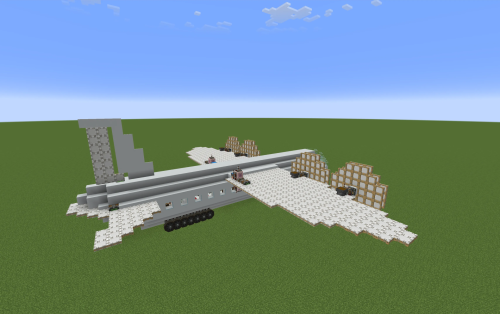 Commercial Plane V2 Schematic (1.21.x) – Build a Solar Powered Electric Aircraft
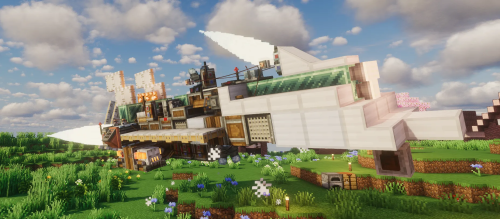 Reactive Hoverbike Schematic (1.21.x) – High Speed Flying Machine for Create Mod
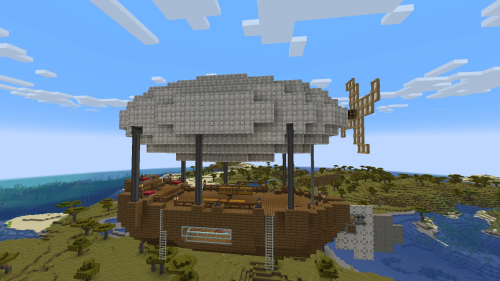 Transport Baloon Schematic (1.21.x) – Large Controllable Airship for Create Mod
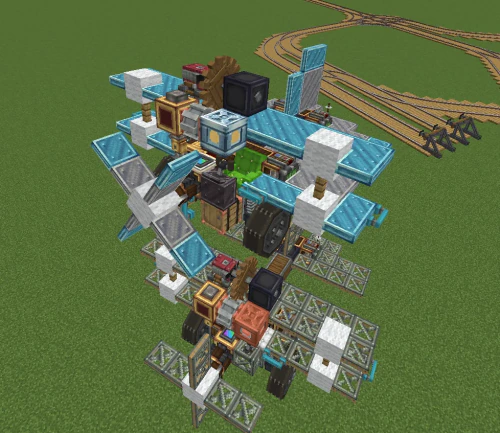 A Small Ish Biplane I Made Schematic (1.21.x) – Compact Custom Biplane for Create Mod
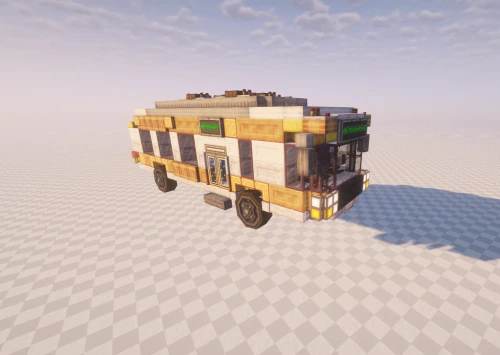 Bus Schematic (1.21.x) – Classic Small Bus for Create Mod
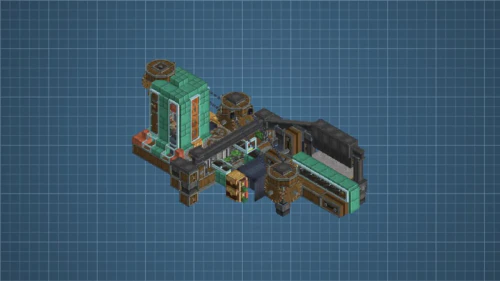 Aesthetic Copper and Zinc Farm Schematic (1.21.x) – Beautiful Resource Farming for Create Mod
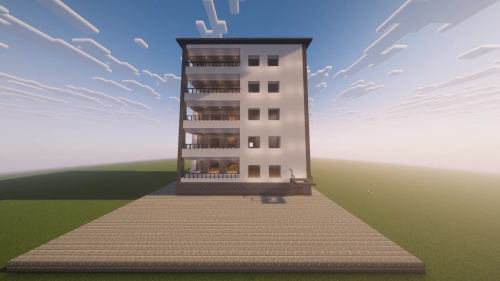 Modern Apartment Unfurnished Schematic (1.20.x) – Customizable Five Floor Building for Create Mod

This post has no comments yet. Be the first — your comment will appear here.