
Maus Schematic (1.21.x) – Powerful German Super Heavy Tank Build
 34
 0


Maus Schematic brings a functional German super-heavy tank into your Minecraft world. It includes a working turret and full tank controls for moving across the land. This build uses exactly 110 blocks and fits in a small area. You can drive it and aim the turret while playing in creative mode. It uses the power of the Create mod to make the machine move and act like a real tank.

3D Preview & Editor:
How to place this schematic
.nbt This is a vanilla structure file. It loads through structure blocks with no mod at all, within the 48×48×48 size limit.
| 1 | Put the .nbt file in <your world>/generated/minecraft/structures. |
| 2 | Give yourself a structure block: /give @s structure_block. |
| 3 | Place it, open it and switch the mode to LOAD. |
| 4 | Type the file name without .nbt, press LOAD, then PLACE. |
About this build
| 1 | Load the schematic file using the Schematicannon or the Schematic and Quill from the Create mod. |
| 2 | Place the tank in an open area with enough space for movement. |
| 3 | Ensure all required mods like Create and Drivebywire are installed. |
| 4 | Interact with the control blocks to drive the tank or move the turret. |
Features:
- Working Turret: Rotates and aims so you can target enemies from any direction.
- Full Controls: Lets you drive and steer the tank using special mechanical parts.
- Compact design fits into a small 12x6x7 block area.
- Uses 110 blocks in total for a detailed yet efficient build.
- Built specifically for creative mode testing and fun.
- Requires several Create mod addons to work correctly.
Schematic Specs:
 Minecraft1.21.x
 Create Mod6.0.10
 Dimensions12×6×7
 Total Blocks110
 Top Blocks Used
Layered Andesite 59Copycat Layer 18Track Mount 18Copycat Stacked Half Layer 15Copycat Half Layer 5
Requirements:
 Create Mod Required
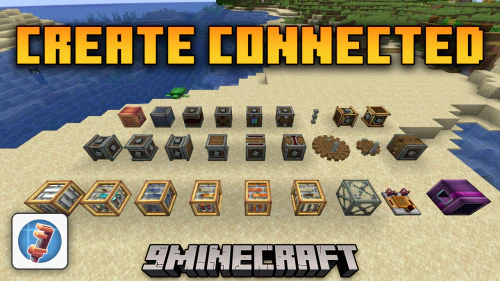 Create Connected Mod Required
simulated Required
drivebywire Required
copycats Required
tracks Required
Maus Schematic Download Links
For Minecraft 1.21.x
Click to rate this post!
[Total: 0 Average: 0]
QUICK MINECRAFT SURVEY · ONE TAP
Mods & Modpacks
What is your favorite type of Minecraft mod?
9 responses · See the full results →
You May Also Like
Picked for this page
 Cessna 172 Schematic (1.21.x) – Simple Flying Airplane Build for Create Mod
 Helicopter Schematic (1.21.x) – Compact Aircraft for Create Aeronautics
 Train Tgv 100 Schematic (1.21.x) – French High Speed Passenger Train Build
 Road Base Schematic (1.21.x) – Compact Mobile Base for Survival
 Ver 3 of the Wall Schematic (1.21.x) – Massive Defensive Wall for Create Mod
 CSS Virginia Schematic (1.21.x) – Historical Civil War Ironclad Ship
 Compact Diesel Engine Schematic (1.21.x) – Small Diesel Power Solution for Factories
 Dron Dlya Dalnikh Puteshestviy Schematic (1.21.x) – Long Range Flying Drone for Create Mod
 Modular Turbine Intake Schematic (1.21.x) – Efficient Intake Design for Modular Turbines
 Desc Fuel Less Experimental Plane Design Schematic (1.21.x) – Infinite Wind Powered Flight Design
 Doppelstockwagen V3 Schematic (1.21.x) – Modern Double-Decker Train Carriage
 Red 4 6 4 Locomotive and Coal Car Schematic (1.21.x) – Build the Famous Red Steam Train
Most viewed in Create Mod Schematics over the last 7 days
 Copper Flying Ship That Can Also Act as a Normal Boat Schematic (1.21.x) – Dual Purpose Copper
 Rail Gun Schematic (1.21.x)
 Agrimotor Schematic (1.21.x) – Build a Functional Create Mod Tractor
 Large Submarine Schematic (1.21.x) – Build a Large Submarine for Travel
 F16 Falcon Schematic (1.21.x)
 Starter Iron Farm Schematic (1.21.x) – Simple Early Game Iron Production Build
 Arasaka Tower Schematic (1.21.x) – Massive Black Industrial Skyscraper Build
 Diesel Engine Train Schematic (1.21.x) – Heavy Freight Locomotive for Create Mod
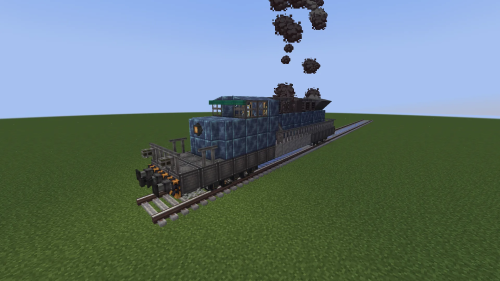 Sd40 2 Blue Nbt Schematic (1.20.x) – Classic Blue American Locomotive
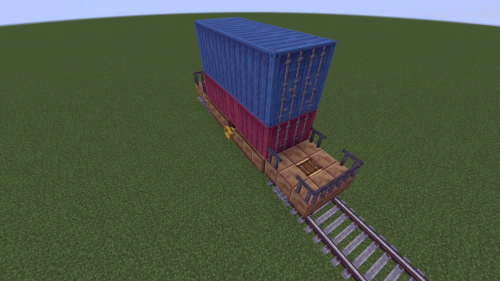 Thrall 40ft 53ft Well Car Nbt Schematic (1.20.x) – Legendary Double Stack Container Train Car
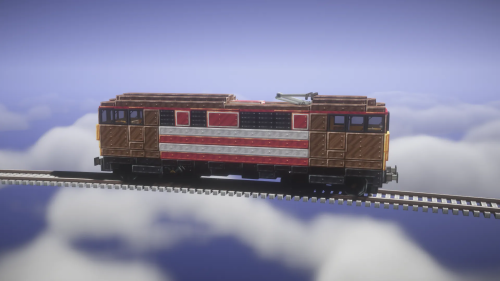 Class 86 Schematic (1.21.x) – Classic 1960s Electric Train
 Practical Compact Mining Machine Schematic (1.21.x) – Compact Drilling Vehicle for Create
More from Create Mod Schematics
 Heavenly Scourge Airship Schematic (1.21.x) – Fast and Powerful Flying Warship
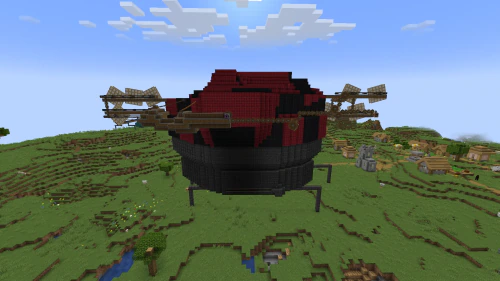 Vargonihckin’s The Cpsu Airship Schematic (1.21.x) – Heavy 28-Ton Airship for Sky Exploration
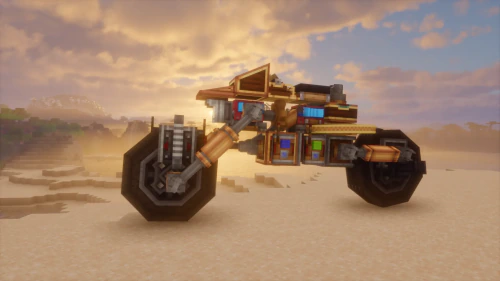 Easy Survival Friendly Bike Schematic (1.21.x) – Simple Survival Bike for Create Aeronautics
 Otobüs Schematic (1.21.x) – Detailed Turkish City Bus Build for Create Mod
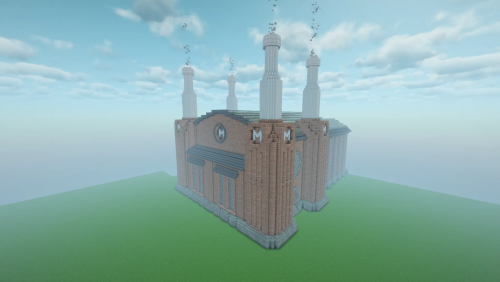 Max’s Foundry Building Schematic (1.21.x) – Massive Church Style Foundry Building Design
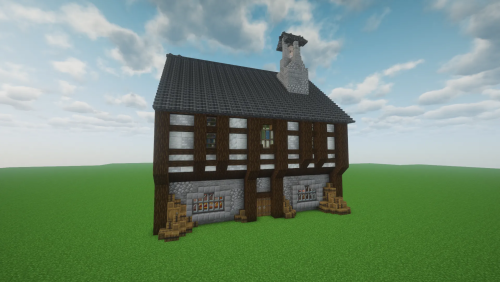 Max’s First Shop Building Schematic (1.21.x) – Detailed Medieval and Industrial Shop Building
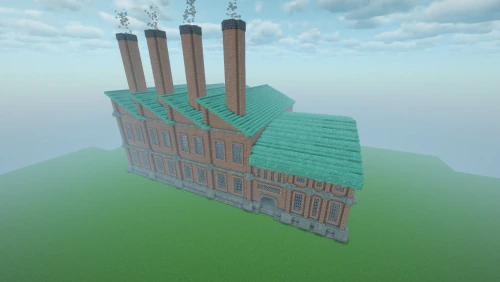 Max’s Mega Base Factory 1 Schematic (1.21.x) – Large Industrial Factory for Automation Projects
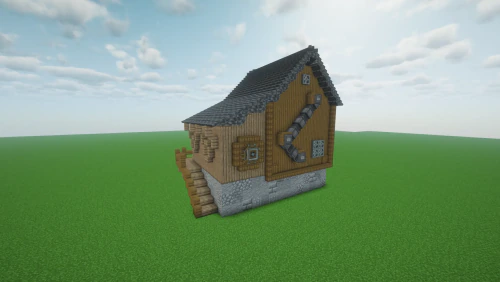 Max’s Small Power House Schematic (1.21.x) – Compact Building for Lava Power Automation
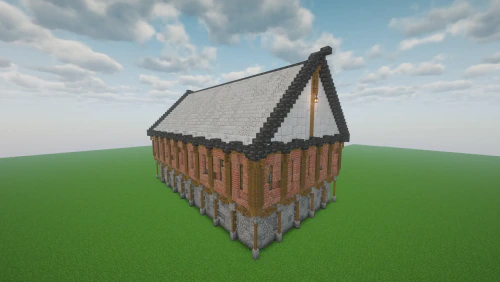 Max’s Starter Base Factory Schematic (1.21.x) – Industrial Factory Building for Create Mod Machines
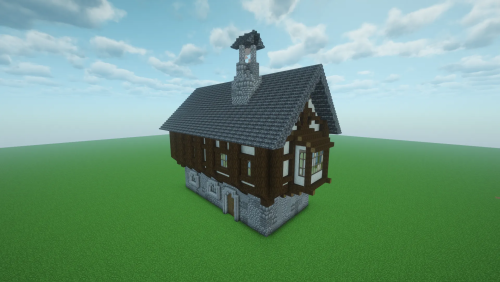 Max’s Starter Base House Schematic (1.21.x) – Detailed Pre-Built Home for Survival Players
 Max Industries Warehouse Schematic (1.21.x) – Large Industrial Building for Item Storage
 Max’s Unloading Dock System Schematic (1.21.x) – Efficient Package Unloading for Create Trains

This post has no comments yet. Be the first — your comment will appear here.