


EZStorage Mod 1.12.2, 1.11.2 (Store A Lot of Stuff)
 948
948
 0
0

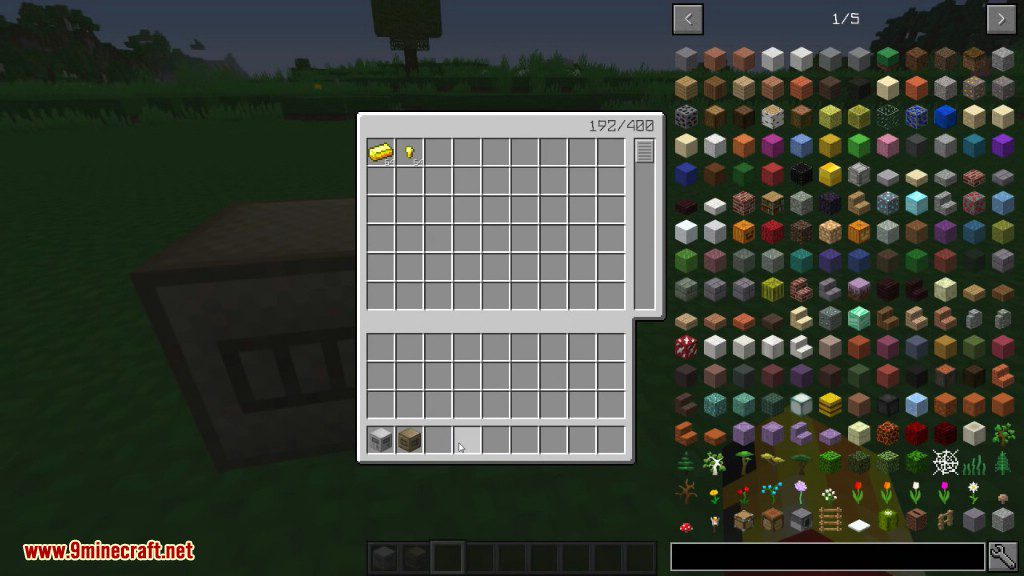
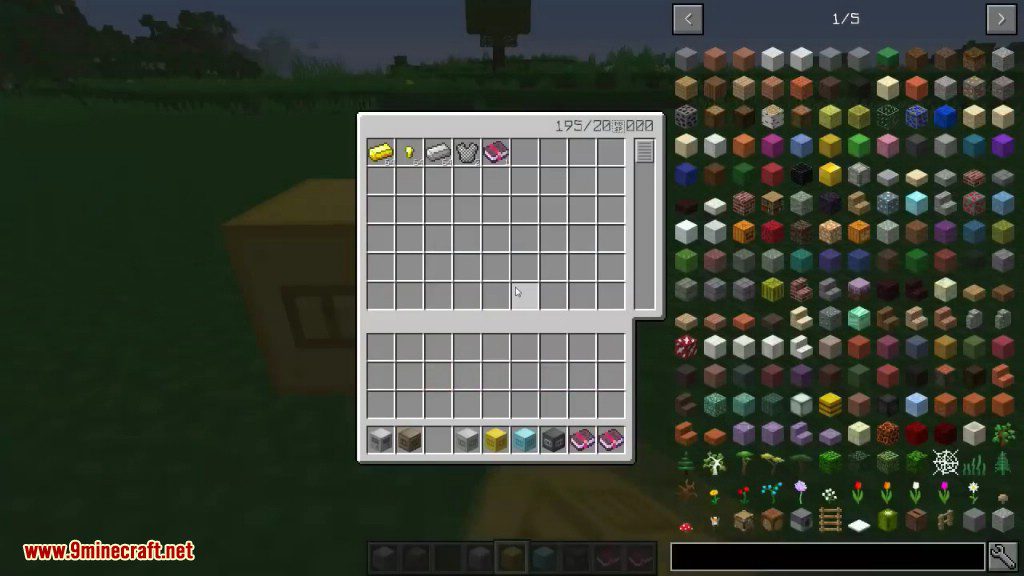
EZStorage Mod 1.12.2, 1.11.2 introduces an early-game storage system that scales and evolves as players progress. Want to put 100,000 Cobblestone in 1 slot? No problem. Blocks in the mod can add a search bar, a crafting grid, additional storage, and more. Also includes JEI integration for 1-click crafting from the system’s internal inventory.
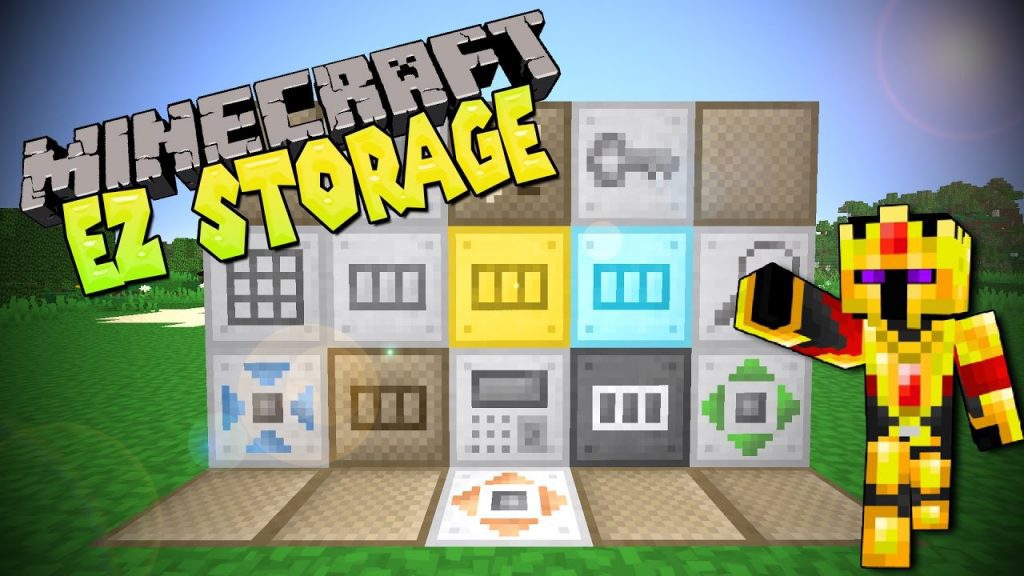
Features:
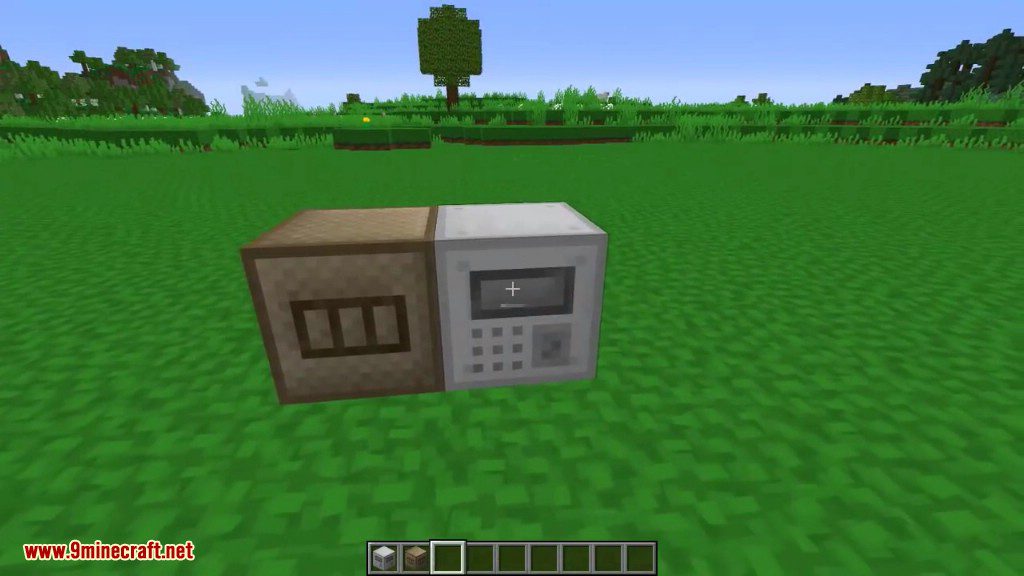
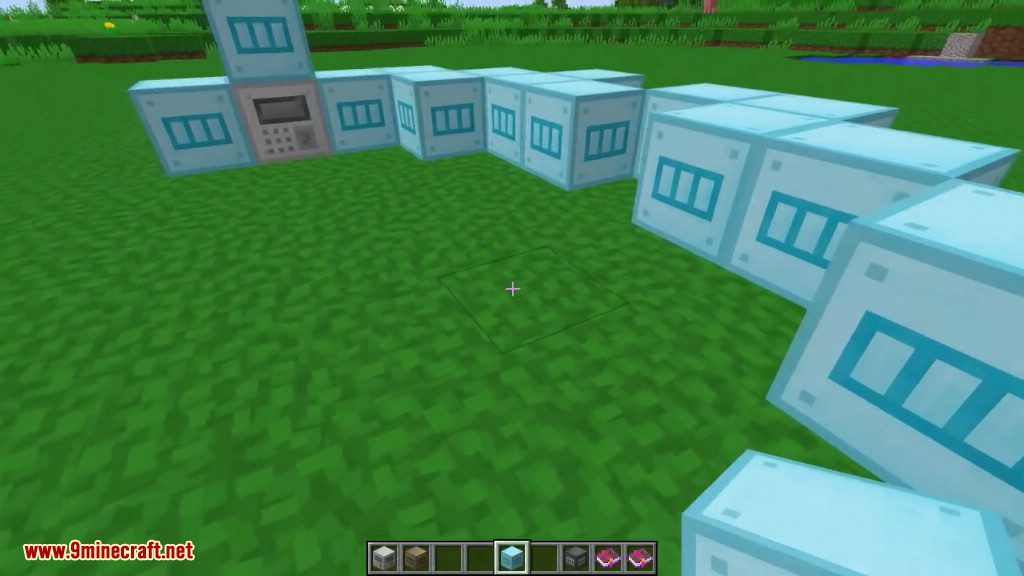
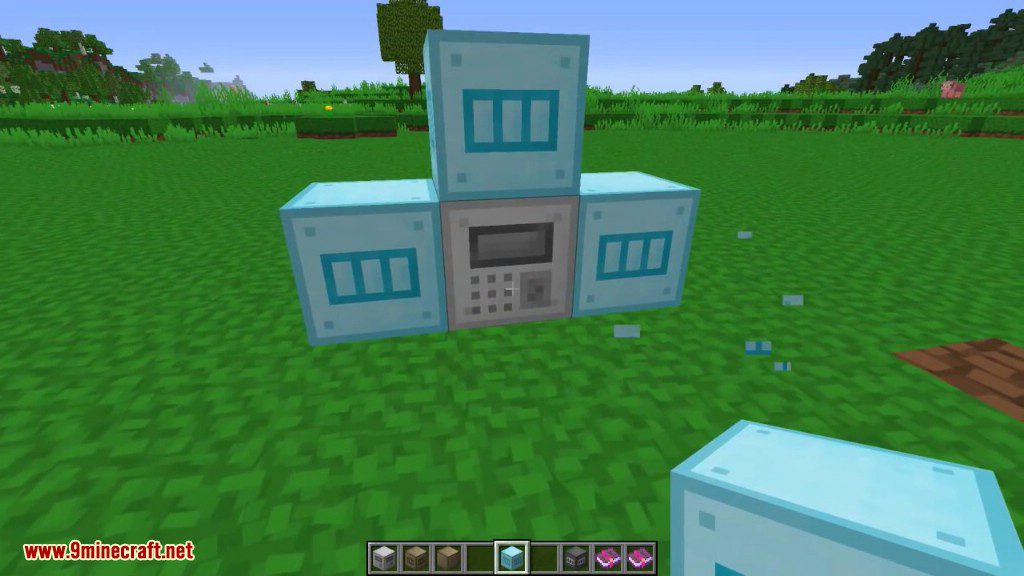
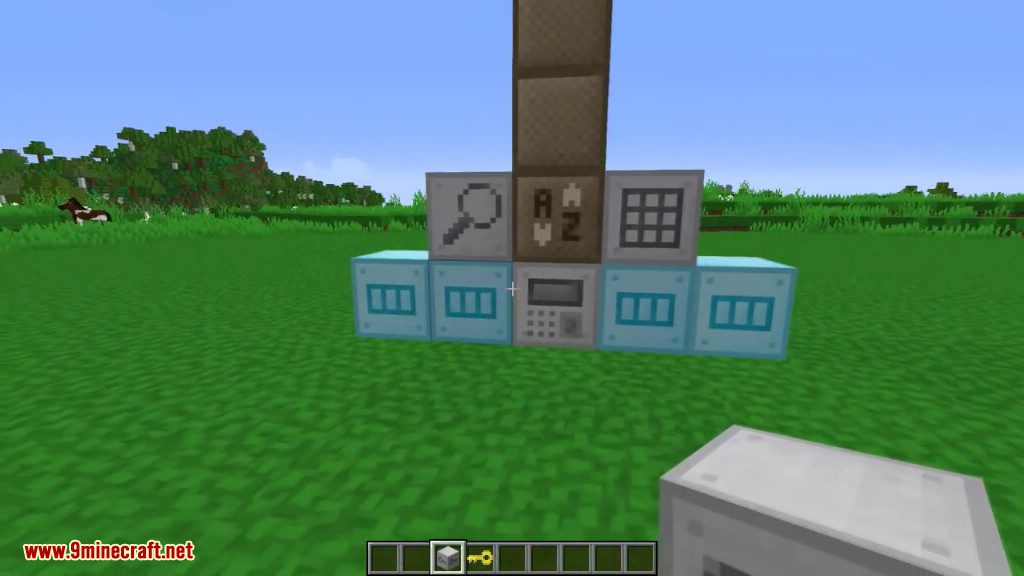
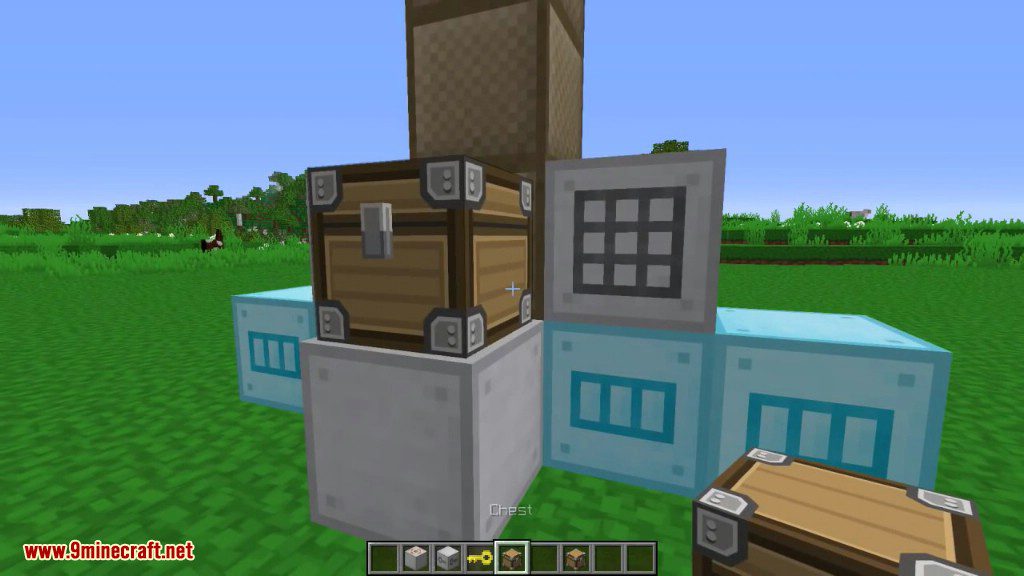
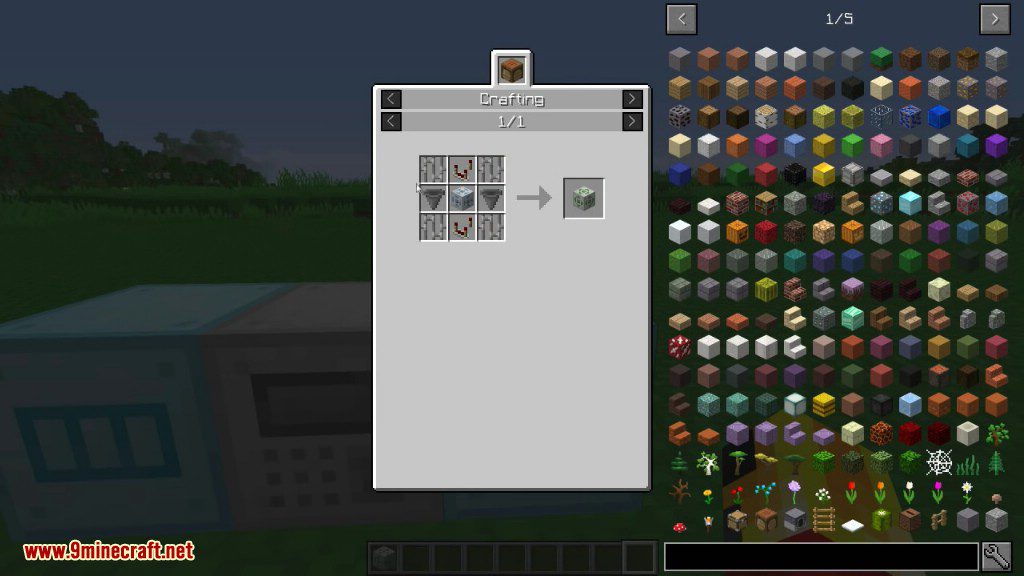
- Storage Core: This is the core of your storage system. Click on this block to open the GUI, and add adjacent blocks to expand. Each system can only have 1 Storage Core. This block can only be broken if it contains no items.
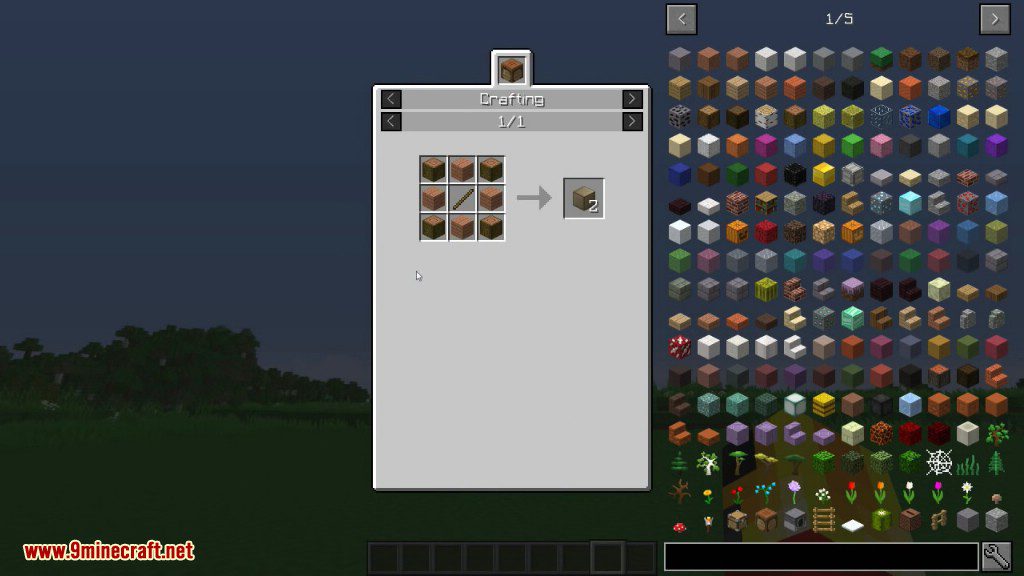
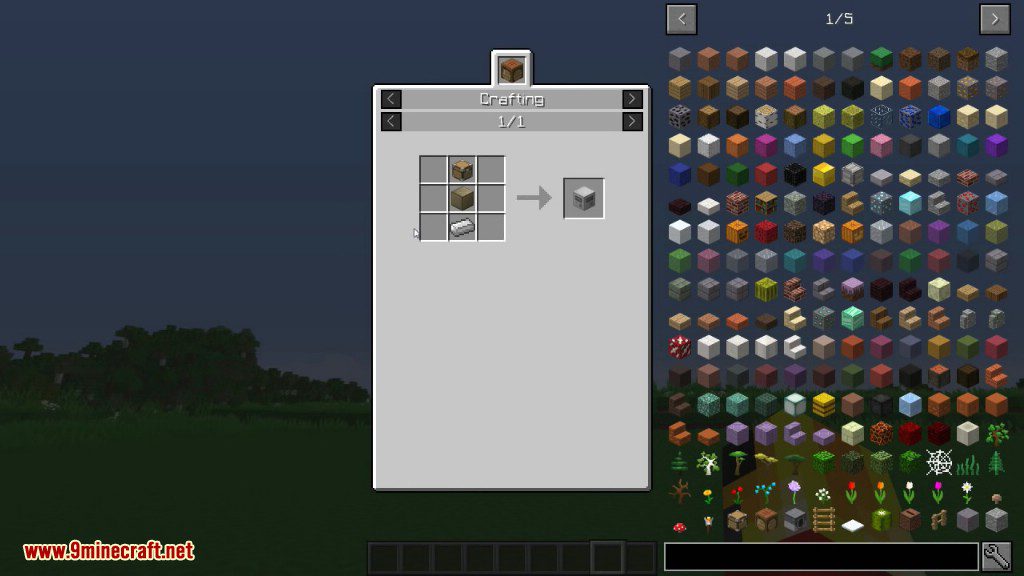
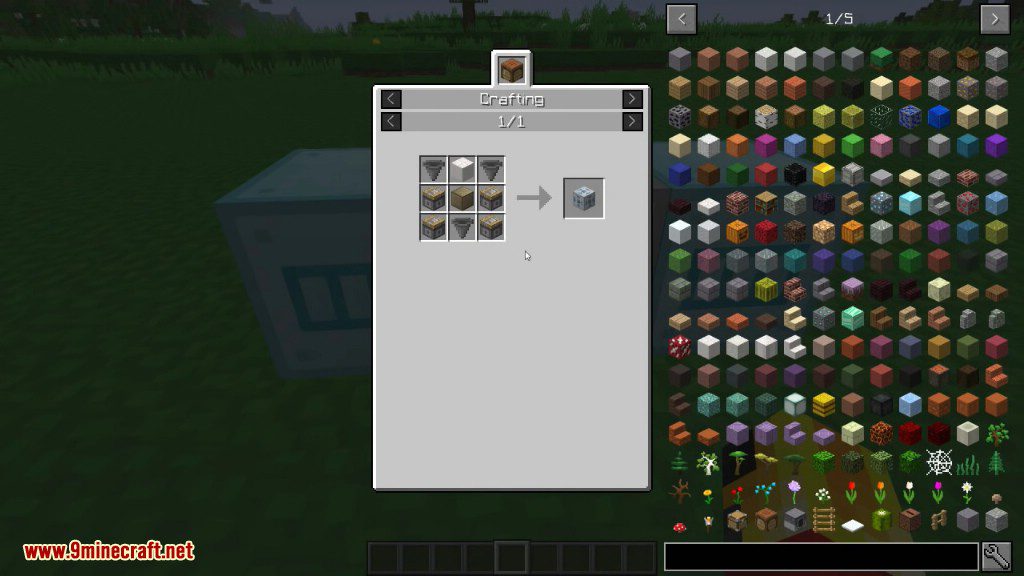
- Blank Box: a basic add-on that can be used to extend your system and craft the other boxes below.
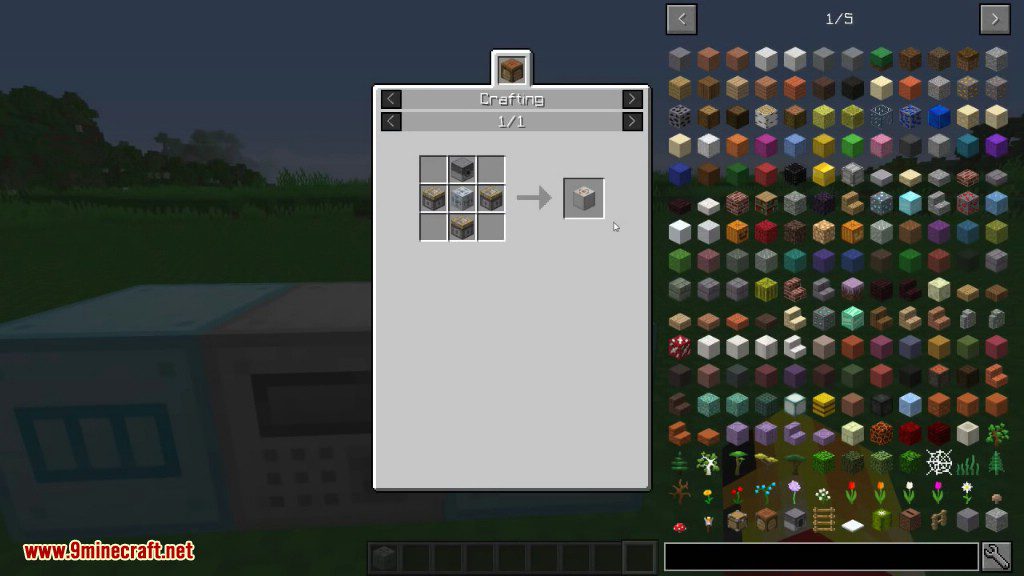
- Access Terminal: an add-on that allows you to access the system as if you were at the core.
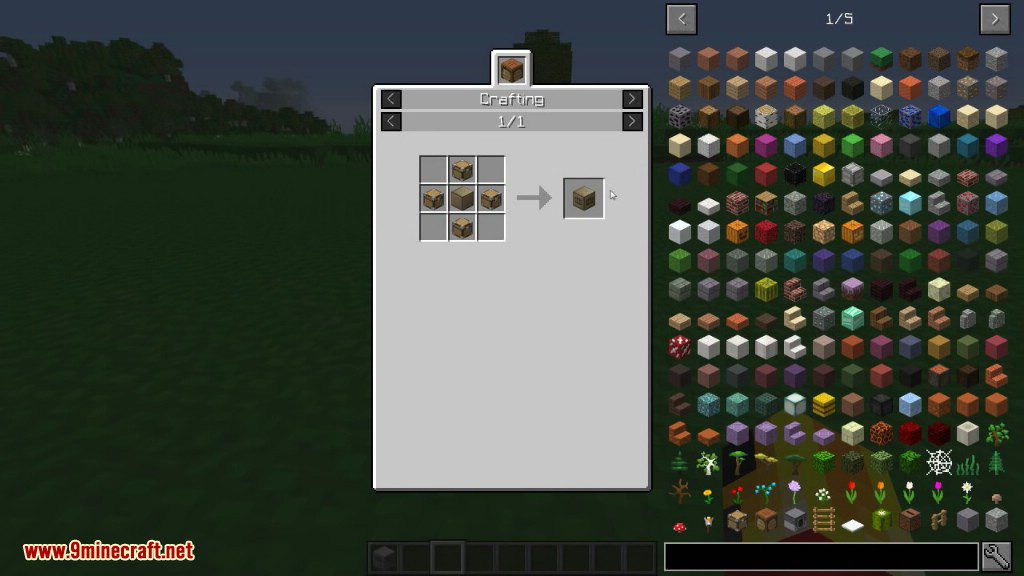
- Storage Box: Tier 1 storage add-on. This increases the storage capacity of the Storage Core by a small amount.
- Condensed Storage Box: Tier 2 storage add-on.
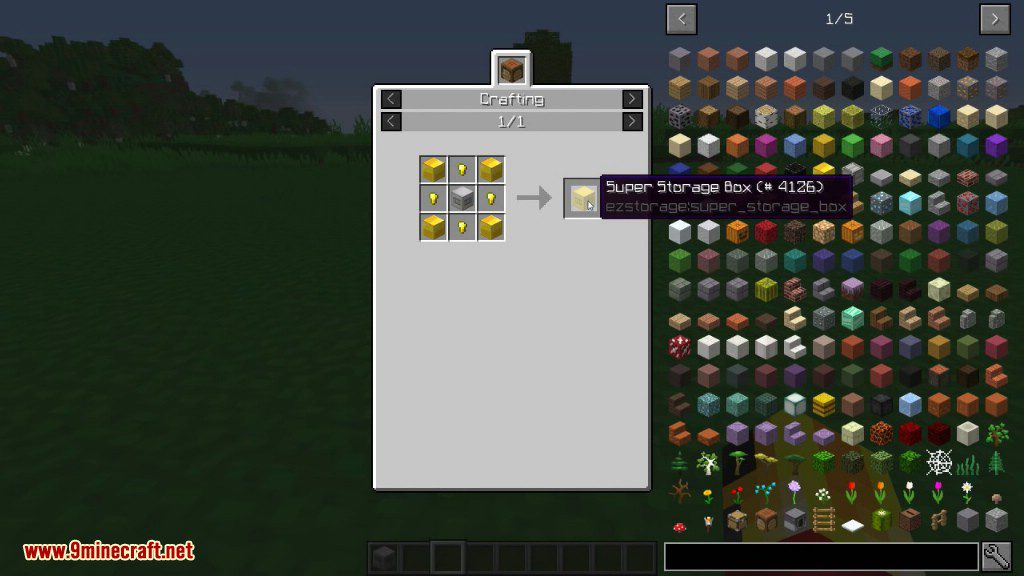
- Super Storage Box: Tier 3 storage add-on.
- Ultra Storage Box: Tier 4 storage add-on.
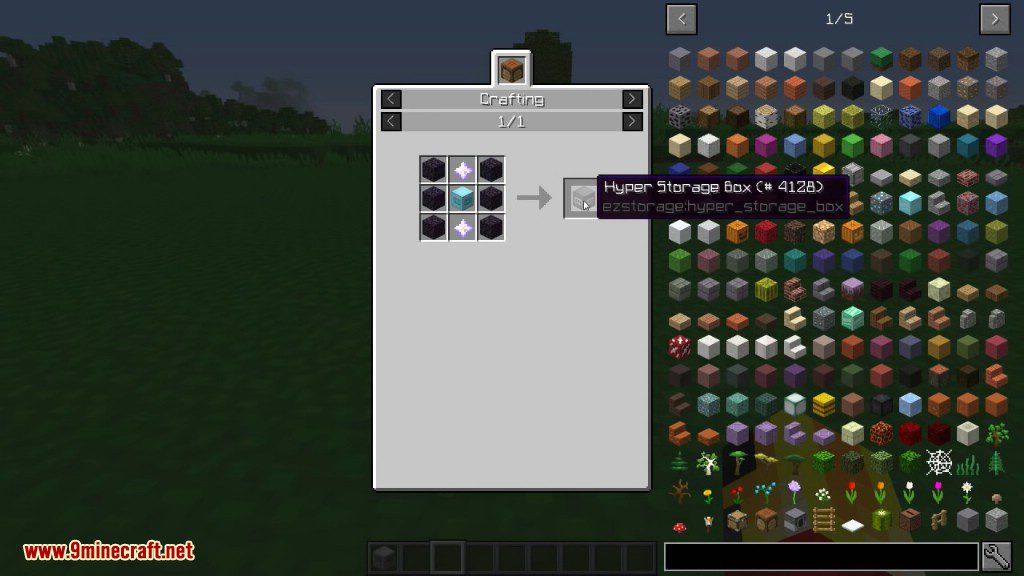
- Hyper Storage Box: Tier 5 storage add-on.
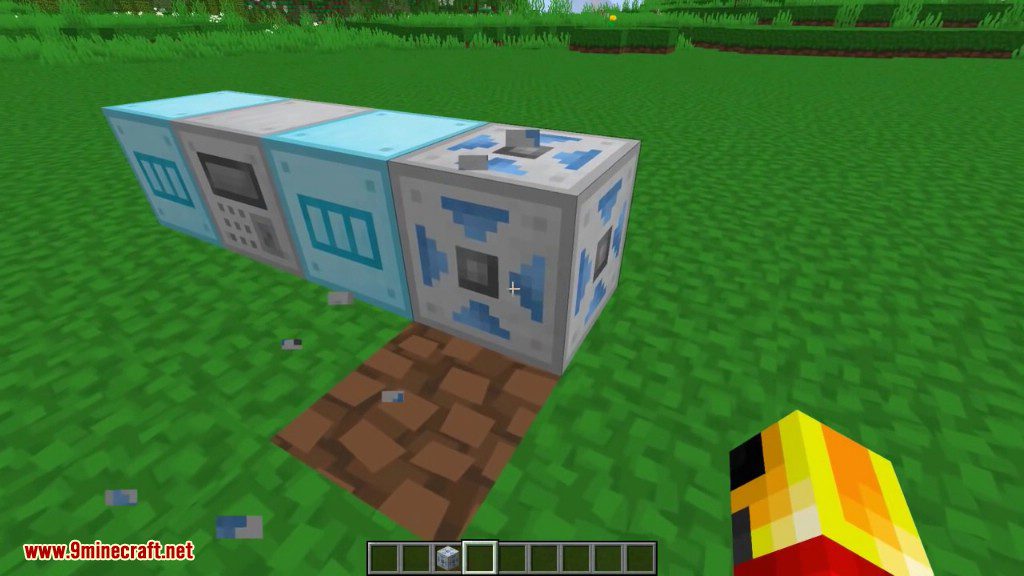
- Input Port: Items can be put into the storage system by piping them into any side of this block.
- Ejection Port: Violently extracts all items from the system into the block above it.
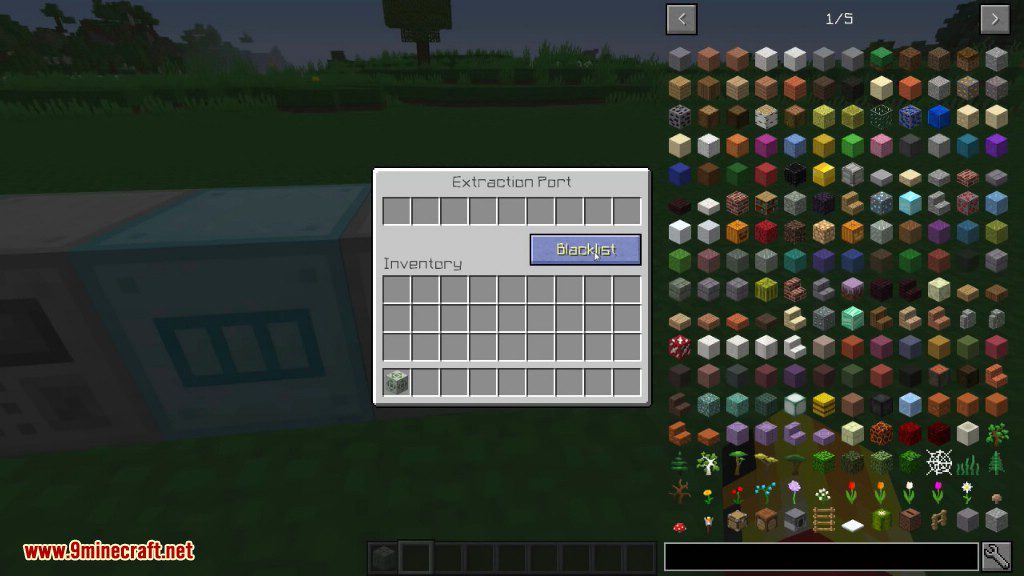
- Extraction Port: a block that can have items extracted from any side of it, and has filtering support.
- Crafting Box: This adds a crafting grid to the GUI of your Storage Core (compatible with JEI + clicking for easy crafting from the internal inventory).
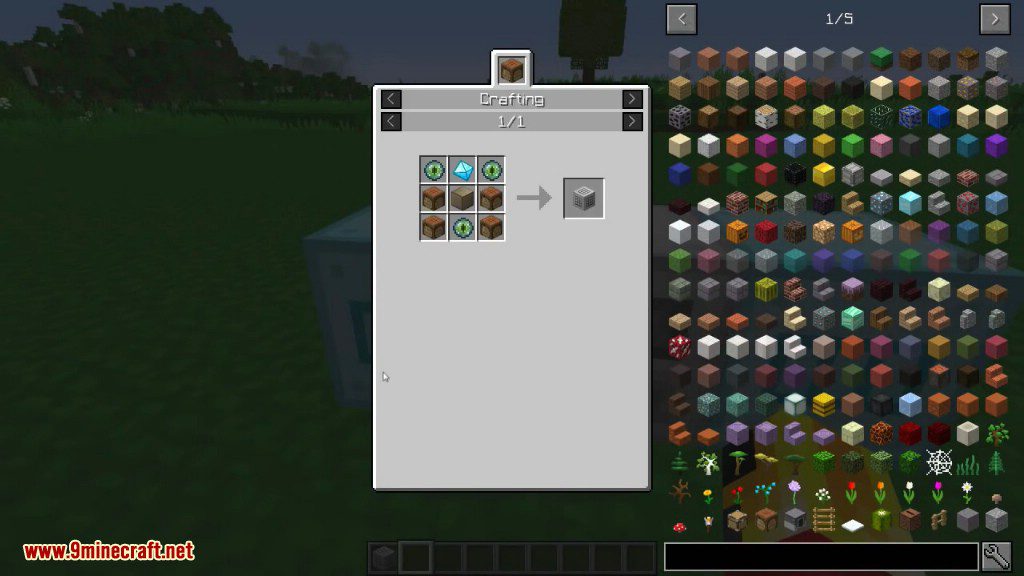
- Search Box: This adds a search bar to the GUI of your Storage Core. In addition to searching the item name / tooltip, now like JEI, ‘$’ in front of a search will search the ore dictionary names, ‘@’ will search mod ids and names, and ‘%’ will search creative tab names.
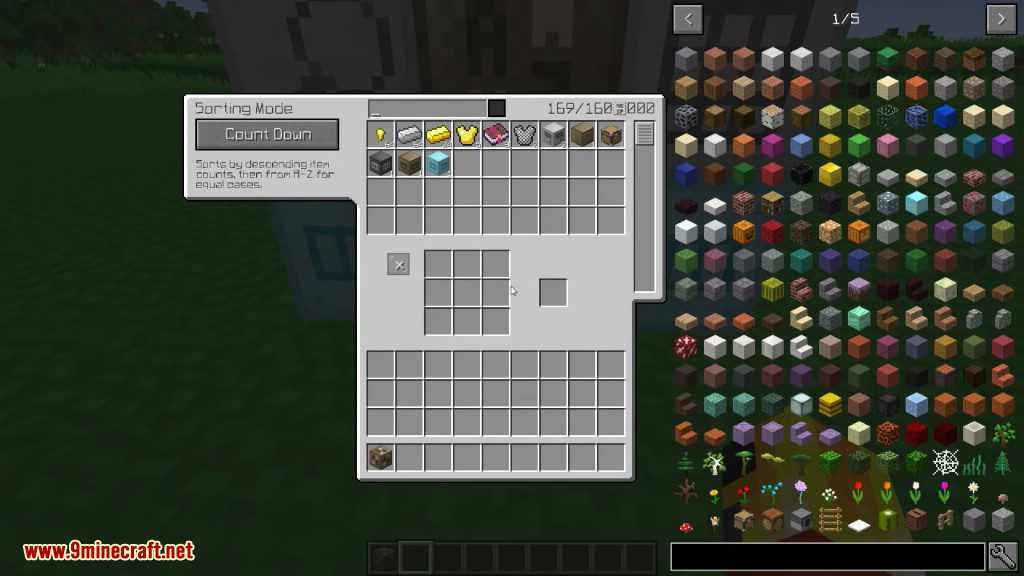
- Sorting Box: when this box is connected to your system, it gives you a few storage sorting modes to choose from, not just by count.
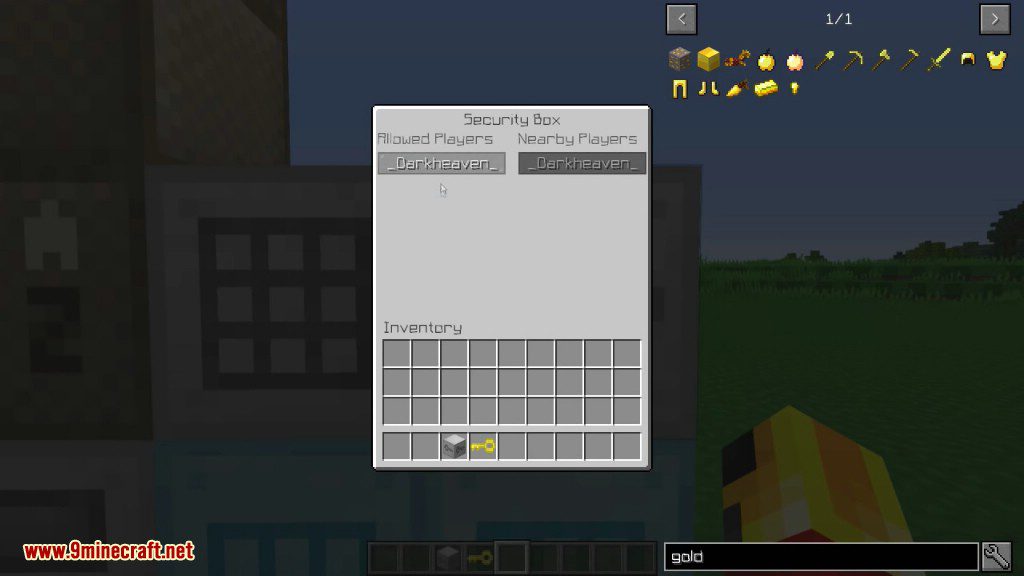
- Security Box: This adds whitelist support to your system, so other players can’t snoop around your stuff.
Screenshots:
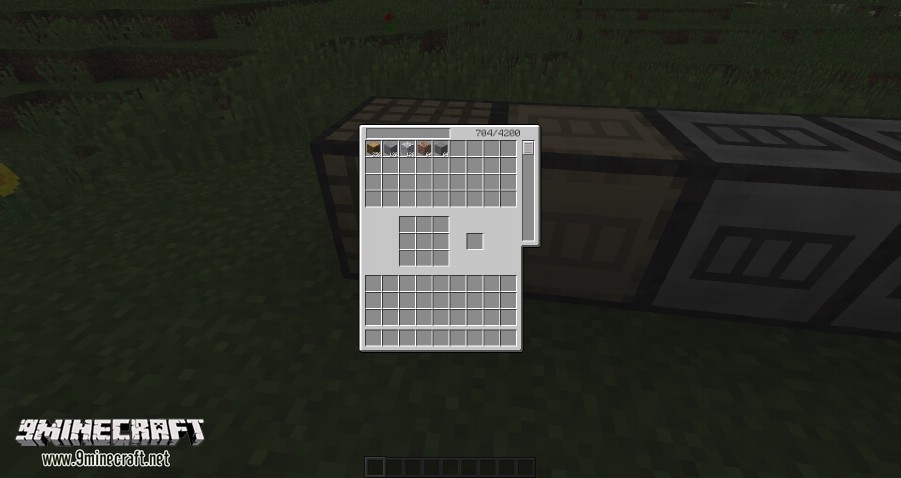
GUI
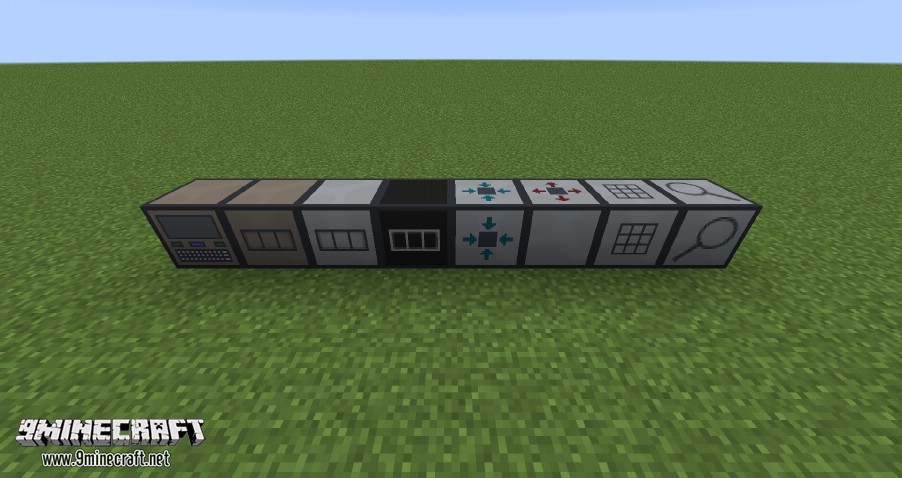
Blocks
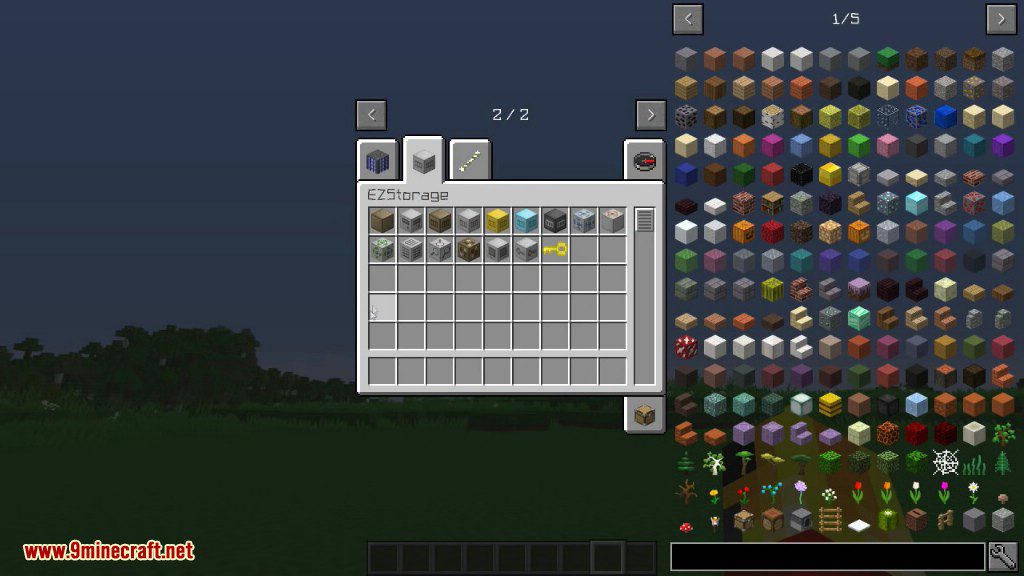

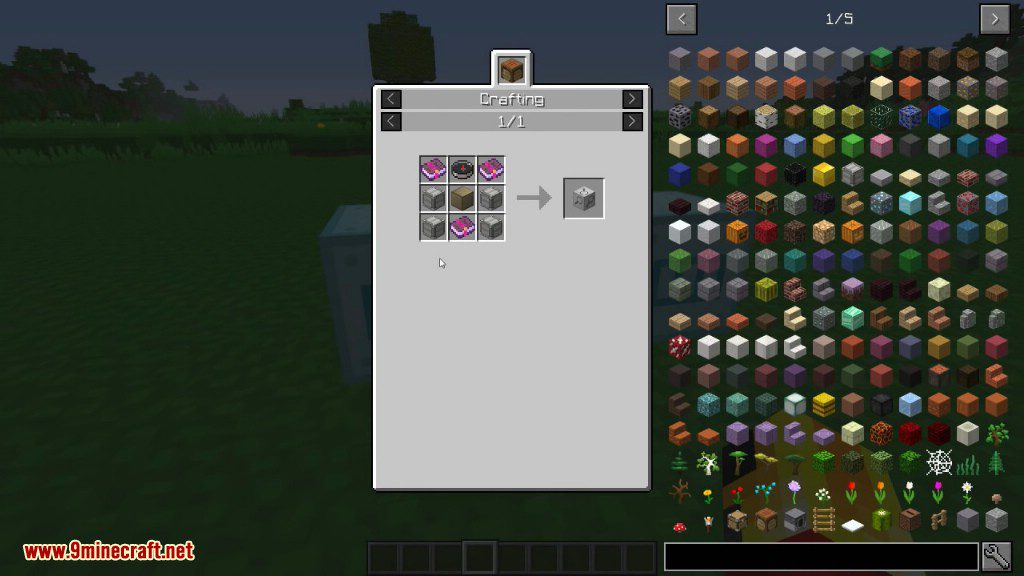
Crafting Recipes:

How to Install:
New to Minecraft? Follow our step-by-step guide to install Mods on your PC.View Guide
EZStorage Mod 1.12.2, 1.11.2 Download Links
For Minecraft 1.7.10
For Minecraft 1.8.9
For Minecraft 1.9.0
For Minecraft 1.10.2, 1.9.4
For Minecraft 1.11.2
For Minecraft 1.12.2, 1.12.1, 1.12
Click to rate this post!
[Total: 0 Average: 0]
You May Also Like





This post has no comments yet. Be the first — your comment will appear here.