
KTX_EUM Model – Brings Modern Electric Trains to MTR4 Railway Tracks

 0


KTX_EUM Model adds custom train models for Minecraft Transit Railway 4 (MTR4). This resource pack brings two electric trains into your world: the KTX-EUM and the UTY EMU-250. It includes 96 custom texture files and 2 Blockbench source models for players who want to edit the designs. You can place these trains on your MTR4 tracks to run modern rail lines.

Features:
- KTX-EUM & UTY EMU-250 Trains: Adds two custom electric train models for use in Minecraft Transit Railway 4.
- Editable Source Models: Includes 2 Blockbench source models that you can open and customize inside Blockbench.
- Packs 96 texture files to give both train exteriors and details a clean appearance on the tracks.
- Works directly with MTR4 railway systems and train depots.
How to Use:
- Move the downloaded zip file into your Minecraft resourcepacks folder and activate it in the game settings while running Minecraft Transit Railway 4.
- Load into a world and build a working MTR4 railway track connected to a train depot or siding.
- Open the MTR4 siding or depot configuration menu to select a train for your line.
- Pick either the KTX-EUM or the UTY EMU-250 from the vehicle list to assign it to your route.
- Wait for the train to spawn on the tracks and watch the custom 3D exterior textures as the train pulls into your stations.
Requirements:
- Blockbench, only if you want to edit the included source models
Screenshots:


KTX_EUM Model Download Links
Click to rate this post!
[Total: 0 Average: 0]
You May Also Like
Picked for this page
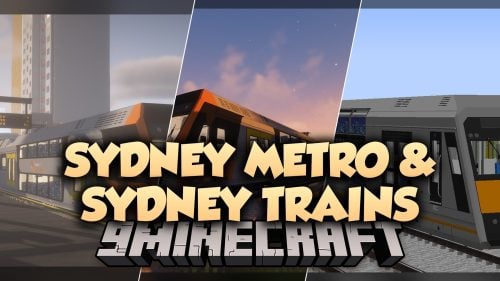 Sydney Metro & Sydney Trains Model – Brings Australian Rail Transit to MTR4
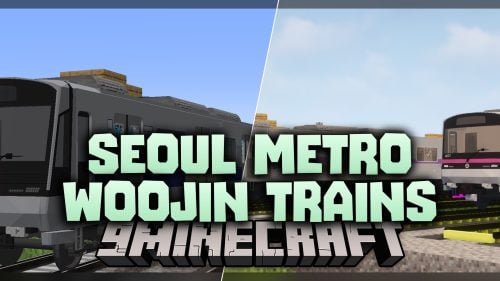 Seoul Metro Woojin Trains Model – Brings Modern Korean Subway Cars
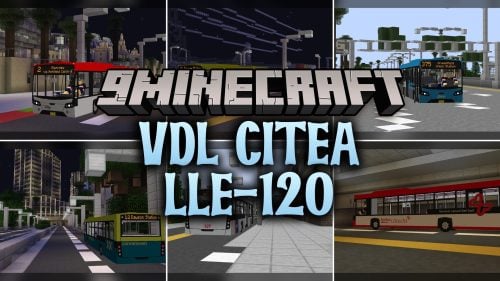 VDL Citea LLE-120 Model – Brings Custom Transit Buses to MTR Roads
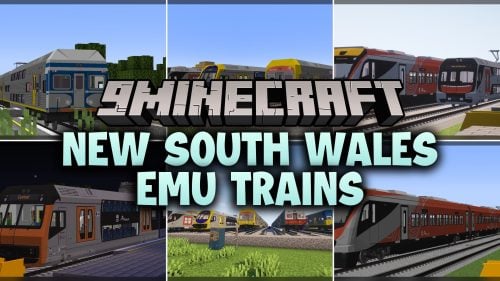 New South Wales EMU Trains Model – Adds Australian Electric Trains to MTR4
 U Bahn Berlin Großprofil Model – Brings Authentic Berlin Subway Trains
 KTX-1 Model – Brings Custom Passenger Trains to Your MTR4 Railway Network
 IVR – Brings Anime-Themed KCRC and MTRC Trains to Your Transit Railway
 Aurin’s ShinobiCraft Icons Model – Brings 3D Elemental Ninja Powers
 Brush & Juice Model – Brings Animated 3D Redstone and Mechanical Blocks
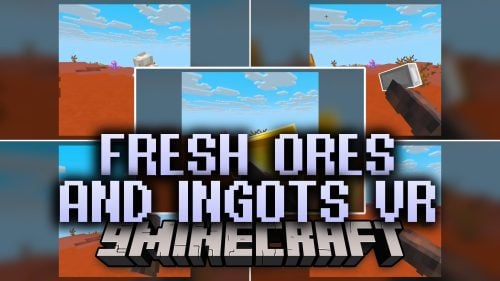 Fresh Ores And Ingots VR Model – Transforms Flat Minerals Into 3D Gems
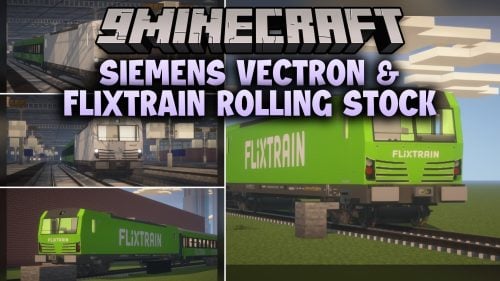 Siemens Vectron & FlixTrain Rolling Stock Model – Adds Modern European Trains
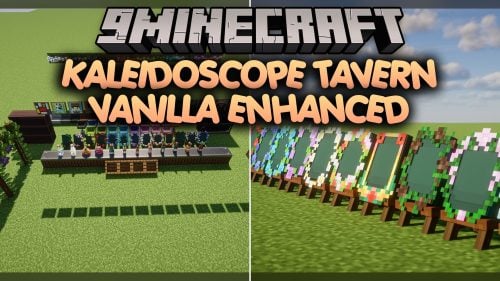 Kaleidoscope Tavern Vanilla Enhanced Model – Brings 3D PBR Tavern Visuals
Most viewed in Models over the last 7 days
 Jenny Mod Skin Pack Mega Collection – 310+ Characters
 The Most Complete Collection of Jenny Mod Resources – Models, Animations, Structures,…
 Albedo Rework Jenny Mod Model
 750 Models Addon for Yes Steve Model Mod
 Pomni Jenny Mod Model
 Power Model – Custom Girl for PleasureCraft Mod
 Galath Rework Model – Custom Girl for PleasureCraft Mod
 Ram Model – Custom Girl for PleasureCraft Mod
 Femboy Ellie Rework Jenny Mod Model
 Ellie Rework Jenny Mod Model
 100+ Custom Animations For Jenny Mod
 Ellen Model – Custom Girl for PleasureCraft Mod
More from Models
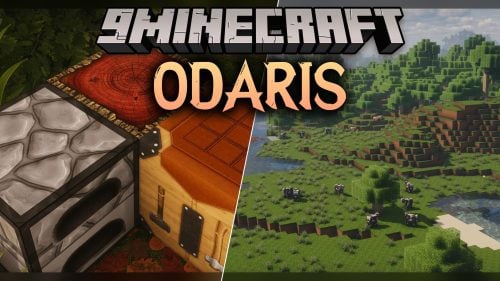 OdarIs Model – Transforms Outdoor Terrain with Animated 2048x 3D Foliage
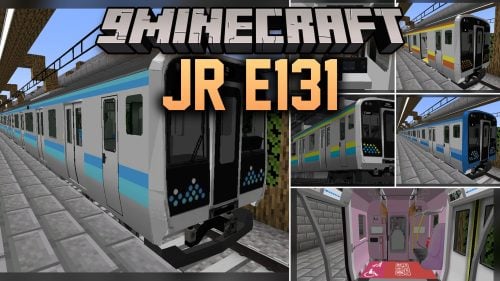 JR E131 Model – Brings Authentic Japanese Commuter Trains to Rail Networks
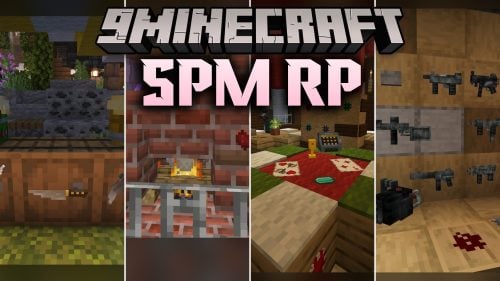 SPM RP Model – Brings Animated 3D Beverages and Weapons to Roleplay Servers
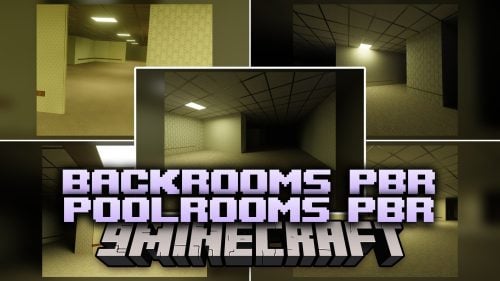 Backrooms PBR Poolrooms PBR Model – Transforms Walls Into Liminal Corridors
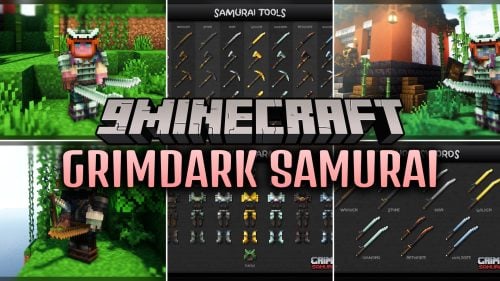 Grimdark Samurai Model – Transforms Vanilla Gear Into Feudal Japanese Weapons
 AsaThorr’s PvP Model – Brings Sleek Combat Models for Clearer Duels
 Hidyk’s Realm Model – Brings Animated 3D Depth to Vanilla Blocks
 Luna HD Model – Transforms Everyday Survival Blocks with Animated 3D Depth
 MC Paint Model – Adds Animated 3D Canvas Paintings and Custom Murals
 Coquet Model – Transforms Vanilla Foliage and Terrain with 3D Shapes
 ClearSight – Adds 3D Tripwires and Clears Visual Clutter in Combat
 ZPansitoA’s PvP Pack Model – Brings Detailed 3D Blocks to Arenas

This post has no comments yet. Be the first — your comment will appear here.