
R142 R142A For MTR Model – Brings NYC Subway Trains to Custom Rail Networks

 0


R142 R142A For MTR Model adds New York City Subway rolling stock for the Minecraft Transit Railway Mod. This resource pack includes the Bombardier R142 and Kawasaki R142A subway cars built for MTR 4.0.0. It ships with 4 Blockbench source models and 13 texture files. You can place these trains on your custom transit networks to run authentic city subway lines.

Features:
- Bombardier R142 Rolling Stock: Adds the R142 subway car model based on the real New York City Subway fleet for use in the Minecraft Transit Railway Mod.
- Kawasaki R142A Rolling Stock: Includes the R142A subway car variant so you can mix or choose between both NYC transit models on your rail lines.
- Provides 4 Blockbench source models that you can open and edit inside Blockbench if you want to customize the train shapes.
- Contains 13 texture files that give the R142 and R142A subway cars their exterior and interior visual details.
- Works directly with Minecraft Transit Railway Mod 4.0.0 to expand your available train depot selections.
How to Use:
- Place the resource pack into your Minecraft resourcepacks folder and activate it in the in-game Resource Packs menu.
- Load a world with Minecraft Transit Railway Mod 4.0.0 installed and build a railway track with a Train Siding block.
- Open the Train Siding settings by right-clicking the siding path with a Railway Dashboard item in your hand.
- Select the Bombardier R142 or Kawasaki R142A rolling stock from the train selection list and assign it to your siding.
- Connect the siding to an active route so the R142 or R142A subway cars spawn on the tracks and begin running along your stations.
Requirements:
- Blockbench, only if you want to edit the included source models
Screenshots:


R142 R142A For MTR Model Download Links
Click to rate this post!
[Total: 0 Average: 0]
You May Also Like
Picked for this page
 F1 2025 Boat 16x Model – Transforms Vanilla Boats Into Formula Racing Cars
 Sydney Metro & Sydney Trains Model – Brings Australian Rail Transit to MTR4
 New South Wales EMU Trains Model – Adds Australian Electric Trains to MTR4
 Seoul Metro Woojin Trains Model – Brings Modern Korean Subway Cars
 MTR Austrian Express Collection 1 Model – Brings Detailed Austrian Trains
 IVR – Brings Anime-Themed KCRC and MTRC Trains to Your Transit Railway
 S-Bahn Model – Brings German Urban Commuter Trains to MTR4 Railways
 Mk.2 Redstone Model – Upgrades Redstone Circuits with Clear Animated 3D Signals
 Dragon’s British Train Retexture Model – Brings British Rail Liveries to MTR4
 STAR21 Model – Brings the Class 952 Shinkansen Bullet Train to MTR4 Tracks
 South East Asian Trains Model – Brings Regional SRT Trains to MTR4 Rail Networks
 0 Series Shinkansen Model – Brings Classic Japanese Bullet Trains to Railways
Most viewed in Models over the last 7 days
 Jenny Mod Skin Pack Mega Collection – 310+ Characters
 The Most Complete Collection of Jenny Mod Resources – Models, Animations, Structures,…
 Albedo Rework Jenny Mod Model
 750 Models Addon for Yes Steve Model Mod
 Galath Rework Model – Custom Girl for PleasureCraft Mod
 Power Model – Custom Girl for PleasureCraft Mod
 Femboy Ellie Rework Jenny Mod Model
 Ram Model – Custom Girl for PleasureCraft Mod
 Pomni Jenny Mod Model
 100+ Custom Animations For Jenny Mod
 Ellie Rework Jenny Mod Model
 Halloween Pack Jenny Mod Model – Transforms Companions with Spooky Costumes
More from Models
 Enhanced Grass Model – Brings Organic 3D Plant Variants to Overworld Biomes
 WoKFlows Model – Brings 128x Visuals, Bushy Foliage, and Animated Blocks
 Kiru X Bunji Model – Brings Pink PvP Visuals and 3D Blocks to Worlds
 AutumnPack Addon Bushy Leaves Model – Brings Fuller 3D Foliage to Trees
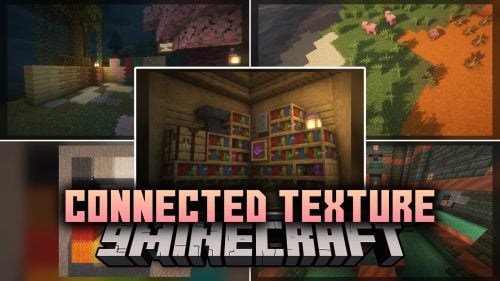 Connected Texture Model – Brings Borderless Glass Panes and Glowing 3D Ores
 HMI 3D Buckets Model – Turns Flat Vanilla Buckets Into Animated 3D Containers
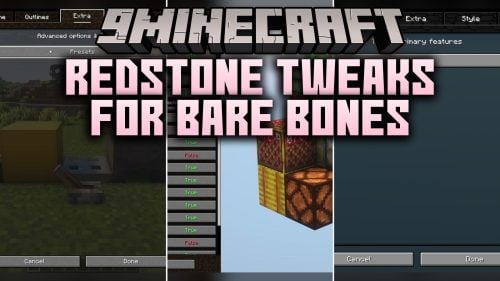 Redstone Tweaks For Bare Bones Model – Brings Clear 3D Signal States
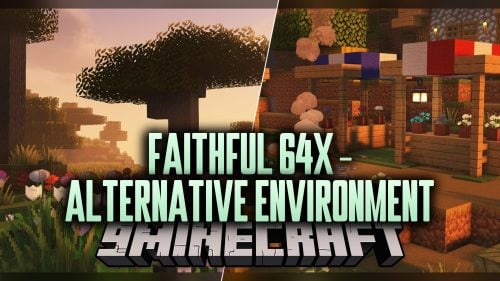 Faithful 64x – Brings Animated 3D Variations to Blocks and Mobs
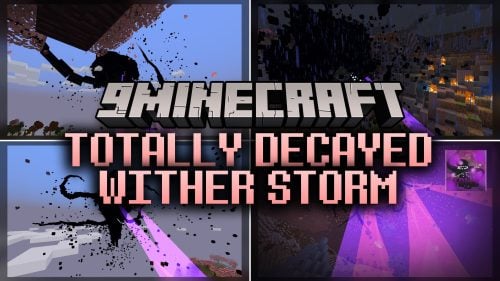 Totally Decayed Wither Storm Model – Brings Grim 3D Models and Animated Decay
 Rainbow’s Foliage Vanilla Model – Brings Animated 3D Plants to Worlds
 SobhanA11 Modern Vanilla Cpvp Model – Transforms Blocks for Fast Crystal PvP
 Night UI – Transforms Game Menus and Glass Panes with Sleek Dark Visuals

This post has no comments yet. Be the first — your comment will appear here.