
Virgin BR Class 221 Super Voyager Model – Brings Passenger Trains to Your Tracks

 0


Virgin BR Class 221 Super Voyager Model adds Virgin Super Voyagers for Minecraft Transit Railway. This resource pack includes 2 Blockbench source models and 28 texture files to bring these passenger trains into your railway worlds.

Features:
- Virgin Super Voyagers: Adds the Virgin BR Class 221 Super Voyager trains to run on tracks in Minecraft Transit Railway.
- Includes 2 Blockbench source models inside the pack files that can be opened and edited in Blockbench.
- Packs 28 texture files that detail the exterior and appearance of the Super Voyager train models.
How to Use:
- Place the pack into your resourcepacks folder and activate it in the in-game Resource Packs menu.
- Load a world with Minecraft Transit Railway installed to access the railway building items.
- Lay down train tracks and set up a railway siding to prepare a place for the train to spawn.
- Open the Minecraft Transit Railway siding configuration menu and select the Virgin Super Voyager train from the vehicle list.
- Walk up to the tracks once the train spawns to view the 28 custom textures applied across the carriages.
- Open the 2 included Blockbench source models in Blockbench if you want to inspect or edit the train shapes yourself.
Requirements:
- Blockbench, only if you want to edit the included source models
Screenshots:


Virgin BR Class 221 Super Voyager Model Download Links
Click to rate this post!
[Total: 0 Average: 0]
You May Also Like
Picked for this page
 Random Teleport GUIs Model
 Hats Bundle Model
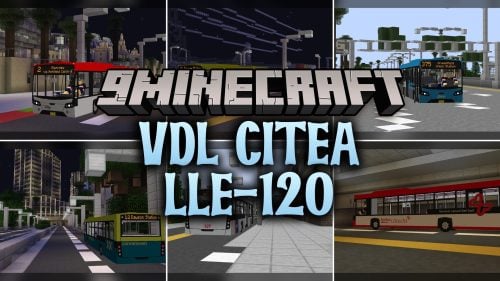 VDL Citea LLE-120 Model – Brings Custom Transit Buses to MTR Roads
 Torturable Healthbars X Fresh Animations Model – Adds Animated Mob Wounds
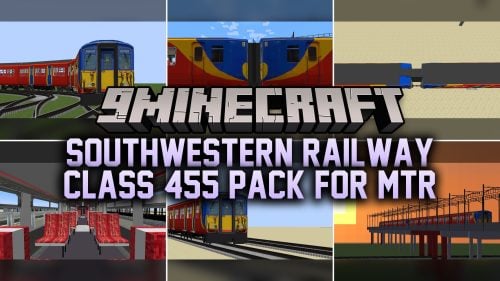 Southwestern Railway Class 455 Pack For MTR Model – Adds Custom Passenger Trains
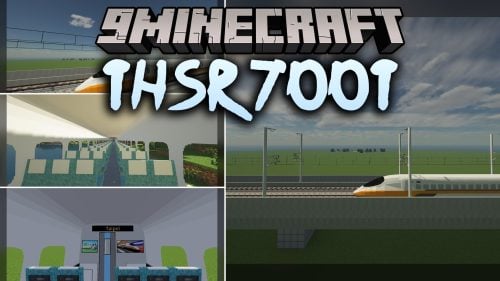 THSR 700T Model – Brings Taiwan High-Speed Rail Trains to Railway Networks
 Mickey Joe’s CIT Namables Model – Unlocks Custom Spin-Off Gear at Anvils
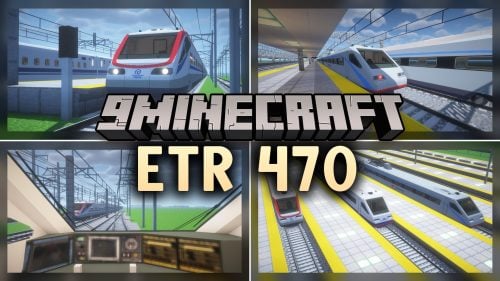 ETR 470 Model – Brings Classic European Trains to Custom Transit Railways
 STAR21 Model – Brings the Class 952 Shinkansen Bullet Train to MTR4 Tracks
 Enchanted Cards Model – Transforms Enchanted Books Into 3D Trading Cards
 IVR – Brings KCR Train Station Elevators and Signage to MTR
 Classic 3D Swords & Tools Model – Transforms Flat Vanilla Gear Into 3D Weapons
Most viewed in Models over the last 7 days
 Jenny Mod Skin Pack Mega Collection – 310+ Characters
 The Most Complete Collection of Jenny Mod Resources – Models, Animations, Structures,…
 Albedo Rework Jenny Mod Model
 750 Models Addon for Yes Steve Model Mod
 Galath Rework Model – Custom Girl for PleasureCraft Mod
 Power Model – Custom Girl for PleasureCraft Mod
 Femboy Ellie Rework Jenny Mod Model
 Ram Model – Custom Girl for PleasureCraft Mod
 Pomni Jenny Mod Model
 100+ Custom Animations For Jenny Mod
 Ellie Rework Jenny Mod Model
 Halloween Pack Jenny Mod Model – Transforms Companions with Spooky Costumes
More from Models
 HOLD MY ACTIONS Model – Adds 3D Held Boats, Buckets, and Item Animations
 Xali’s Enhanced Biome River & Pond Model – Brings 3D Plants and Aquatic Wildlife
 Stylista – Transforms Worlds with 128x Stylized Textures and 3D Block Shapes
 LeoTweaks 3D String Model – Brings Visible 3D Tripwires and Traps
 Void Model – Brings Low-Clutter 3D Block Visuals and FPS Boosts for Crystal PvP
 Macaw’s Square Roofs RP Model – Turns Sloped Roofs Into Blocky Vanilla Shapes
 Better Textures Model – Brings Modern 1.20.1 3D Blocks to 1.8.9 Worlds
 Rustic Model – Brings Varied 3D Terrain Models and Corner Stair Fixes
 R142 R142A For MTR Model – Brings NYC Subway Trains to Custom Rail Networks
 Medieval Expansion Model – Transforms Armor and Weapons Into Knightly Gear
 3D Ultimate Model – Transforms Flat Vanilla Blocks Into Detailed 3D Objects
 0 Series Shinkansen Model – Brings Classic Japanese Bullet Trains to Railways

This post has no comments yet. Be the first — your comment will appear here.