
End Earth Village Schematic (1.21.x) – Huge Medieval Settlement For All Villager Jobs

 0


End Earth Village Schematic brings a huge medieval settlement to your Minecraft world with dedicated spaces for every villager job. This build includes a main center house for the player, surrounded by houses and shops made from 207,926 blocks. It uses vanilla blocks only, so you do not need any mods to place the structure in your game.

3D Preview & Editor:
How to place this schematic
.litematic This is a Litematica schematic. You place it with the Litematica mod, which shows the build as a ghost overlay you fill in.
| 1 | Install Litematica (plus MaLiLib) for your Minecraft version. |
| 2 | Put the .litematic file in .minecraft/schematics. |
| 3 | In game press M → Load Schematics, pick the file, then Load. |
| 4 | Position the ghost preview, then build it by hand — or turn on Easy Place to place blocks straight from your hotbar. |
Features:
- All Villager Jobs: Provides dedicated buildings and work areas for every villager profession in the game.
- Center Player House: Places a main house right in the middle of the village for you to live in.
- Follows a medieval theme with matching houses and shops across the whole town.
- Spans a huge 233x210x195 block footprint containing 207,926 total blocks.
- Uses only vanilla Minecraft blocks, requiring zero mods to load and use.
- Comes as a LITEMATIC file ready for pasting into your world.
Schematic Specs:
 Minecraft1.21.x
 Dimensions233×210×195
 Total Blocks207,926
 Top Blocks Used
Stone 118,091Grass Block 21,910Snow Block 19,809Deepslate 11,620Spruce Leaves 10,112
End Earth Village Schematic Download Links
For Minecraft 1.21.x
Click to rate this post!
[Total: 0 Average: 0]
You May Also Like
Picked for this page
 Gold Farm Schematic (1.21.x) – Automatic Nether Roof Gold Farm
 Pokémon Temple Arena Japanese Litematica Schematic (1.21.x) – Large Asian Fortress With Fighting Rin
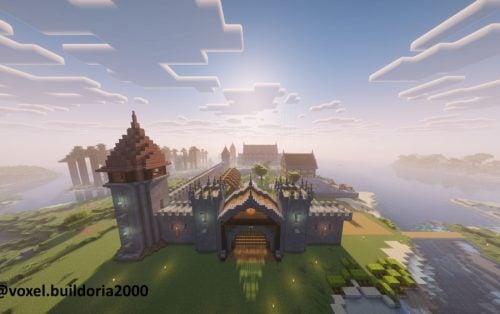 Survival Starter Base Castle Schematic (1.21.x) – Complete Medieval Fortress with Built-in Farms
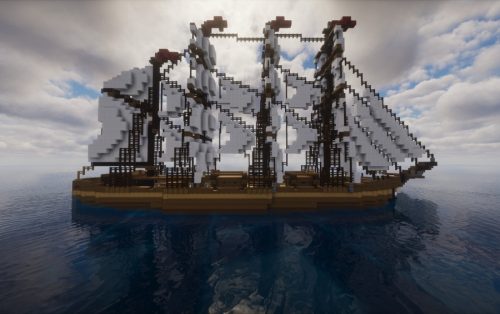 Four Masted Barque Schematic (1.21.x) – Large Sailing Ship Build With Four Masts
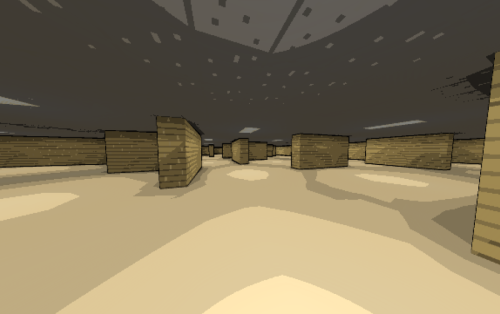 Backroom Schematic (1.21.x) – Large Ancient Maze for Minecraft Worlds
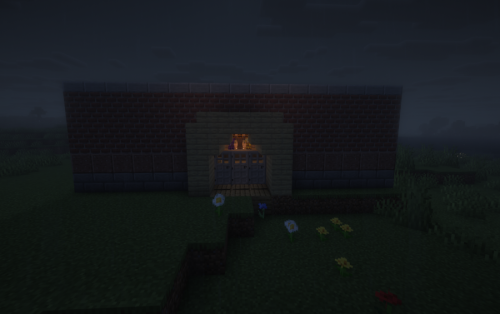 Mini Freddy Pizzeria Schematic (1.21.x) – A Small FNAF Restaurant Build For Your World
 Red Tractor Schematic (1.21.x) – Detailed Farming Vehicle for Modern Cities
 Creaking Statue Minecraft Build Schematic (1.21.x) – Spooky Statue for Horror and Fantasy Worlds
 Medieval Hillside Manor Schematic (1.21.x) – Detailed Dark Timber Medieval Manor Schematic
 4 Player First Day House Schematic File Schematic (1.21.x) – Small Medieval Starter House for Four P
 Minecraft Self Reactiving Chunk Loader No Manual Reset After Reloading the World Schematic (1.21.x)
 Gold Farm Sorting Trash Bin for Rotten Flesh Gold Blocks Crafter Schematic (1.21.x) – Automated Reds
Most viewed in Schematics over the last 7 days
 64 Module Cobblestone Farm Schematic (1.21.x) – Massive Automated Stone Gathering Build
- Gold Farm Schematic (1.21.x) – Automatic Nether Roof Gold Farm
 Kelp Farm 2.0 Schematic (1.21.x) – Efficient Automatic Kelp Farming System For Survival
 Fastest Bonemeal Farm Donut Smp Schematic (1.21.x) – Fast Redstone Bonemeal Farm Build
 Bamboo Farm Schematic (1.21.x) – Small Automated Redstone Bamboo Farm
 Villager Trading Hall Schematic (1.21.x) – Modern Shop Build For 48 Villagers
 The Fastest Kelp Farm 500m per Hour Schematic (1.21.x) – Fast 4-Tick Vanilla Redstone Kelp Farm
 Easy Creeper Farm Schematic (1.21.x) – Simple Survival Gunpowder Farm Build For Minecraft
 Unstable SMP S Bomer Schematic (1.21.x) – Large Bomber Machine Build For Worlds
 Minutes End Base Before Spoke Null End Video Schematic (1.21.x) – Giant Unstable SMP End Base Schema
 Castle Schematic (1.21.x) – Large Medieval Fortress Build With Central Roof Vault
 4k Bonemeal Farm Made by Basicredstone Schematic (1.21.x) – Compact Redstone Bonemeal Farm Build
More from Schematics
 Dinosaur Skull with a 3×3 Door Schematic (1.21.x) – Small Ancient Fossil Build With Secret Redstone
 MossFarm Schematic (1.21.x) – Small Vanilla Redstone Build for Farming Moss and Bone Meal
 Medieval Cozy House 3 with Full Interior Schematic File Schematic (1.21.x) – Small Vanilla Medieval
 Stars Schematic (1.21.x) – Giant Starry Sky Pixel Art Build
 Iron Farm 7 Floors Schematic (1.21.x) – Large Seven-Floor Iron Farm For Survival Worlds
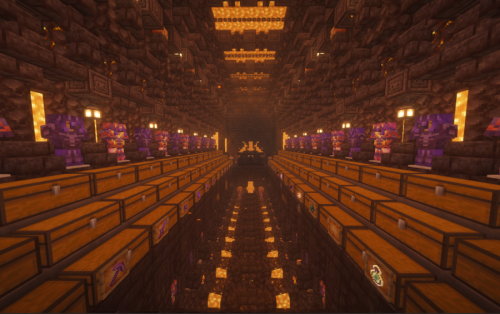 Blackstone Mega Stash Schematic (1.21.x) – Medium Vanilla Storage Base With Auto Re-Gear
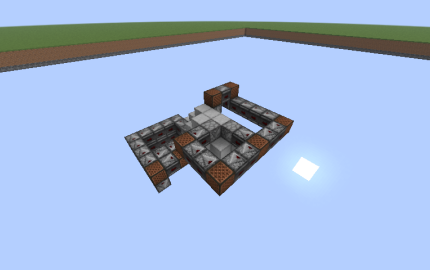 Manual Regear Station Schematic (1.21.x) – Compact Vanilla Manual Regear Station Build
 Huge Mansion Schematic (1.21.x) – Large Medieval Mansion With Backyard Olympic Pool
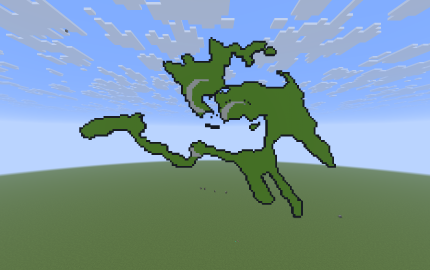 Ottoman Empire Schematic (1.21.x) – Historical 1566 Map Border Pixel Art Build
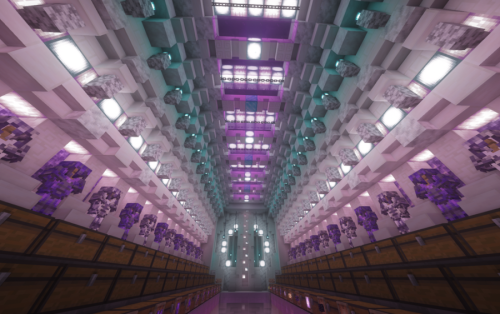 Amethyst Mega Stash Schematic (1.21.x) – Unfilled Storage Base With Regear And Stasis Room
 Beautiful Mansion with Almost Every Need Schematic (1.21.x) – Spacious Survival Base With Functional
 Survival Storage House Schematic File Schematic (1.21.x) – Medieval Storage Building for Survival Wo

This post has no comments yet. Be the first — your comment will appear here.