


Sword Displays Mod (1.21.1, 1.20.1) – Showing Off Your Swords
 6,629
6,629
 0
0


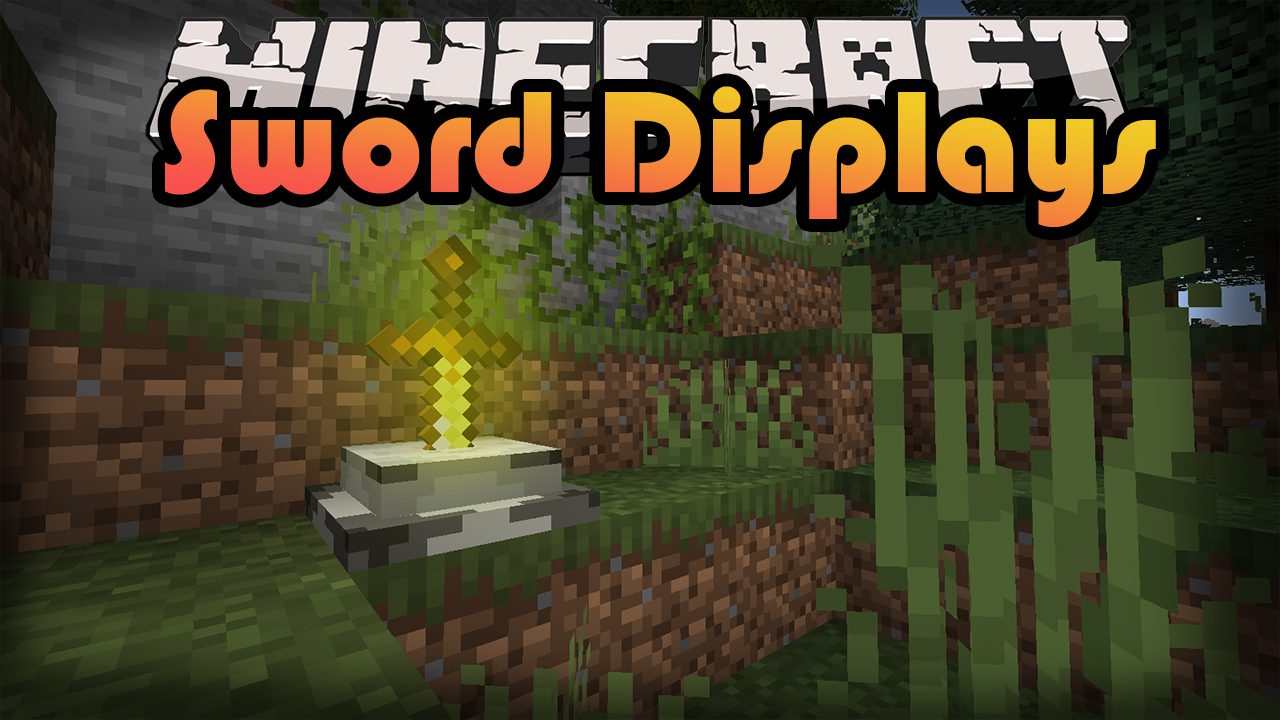
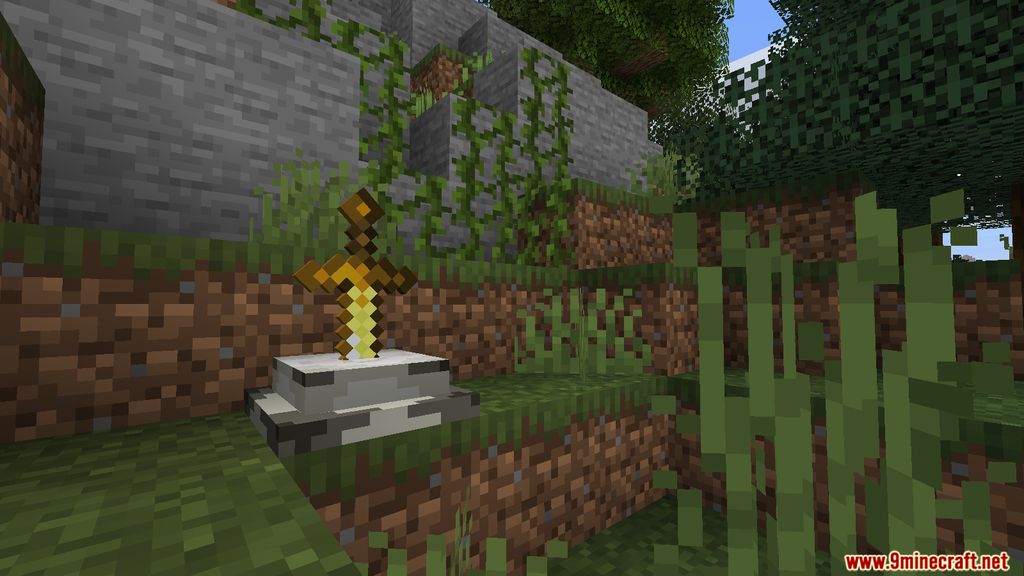
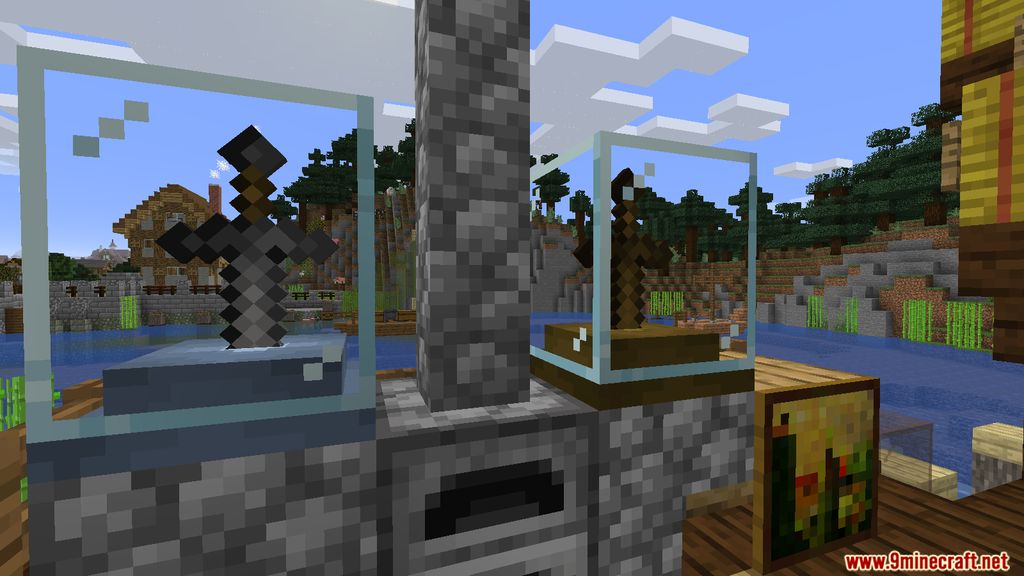
Sword Displays Mod implements into the game a new way to decorate your base, by showing off your most trusty companion, your “Sword.” Whether the friend that has been fighting alongside you is a Diamond Sword, a mere Wooden Sword or even an enchanted version of the Iron Sword, you can now create a home for them by crafting these beautiful displays for them to stick themselves on (you’ll probably have to do that part). The Mod create a new aesthetic feeling to the Sword placements, you’ll feel like King Arthur pulling the legendary sword out of the stone to battle hostile entities around the world.
Screenshots:
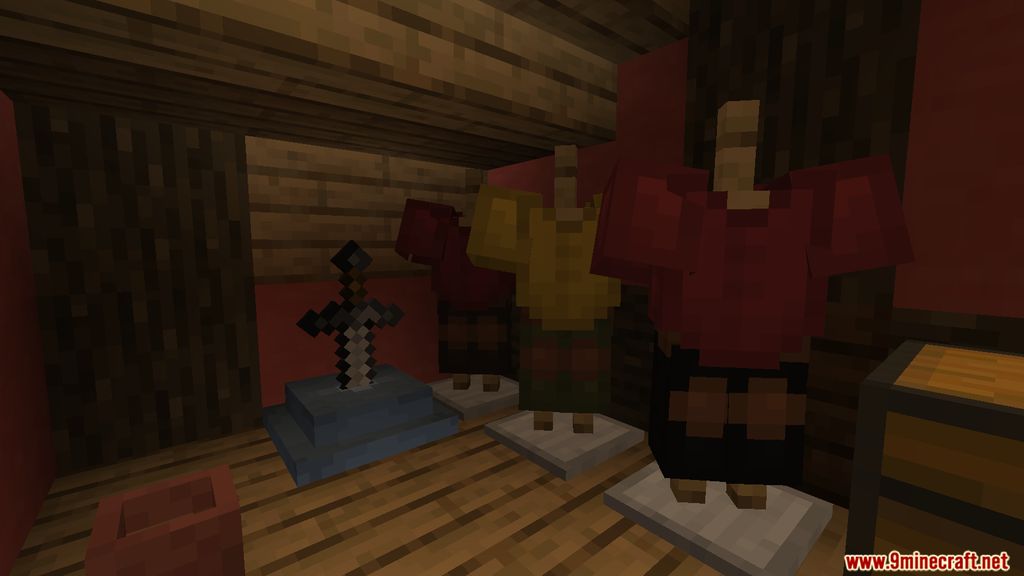
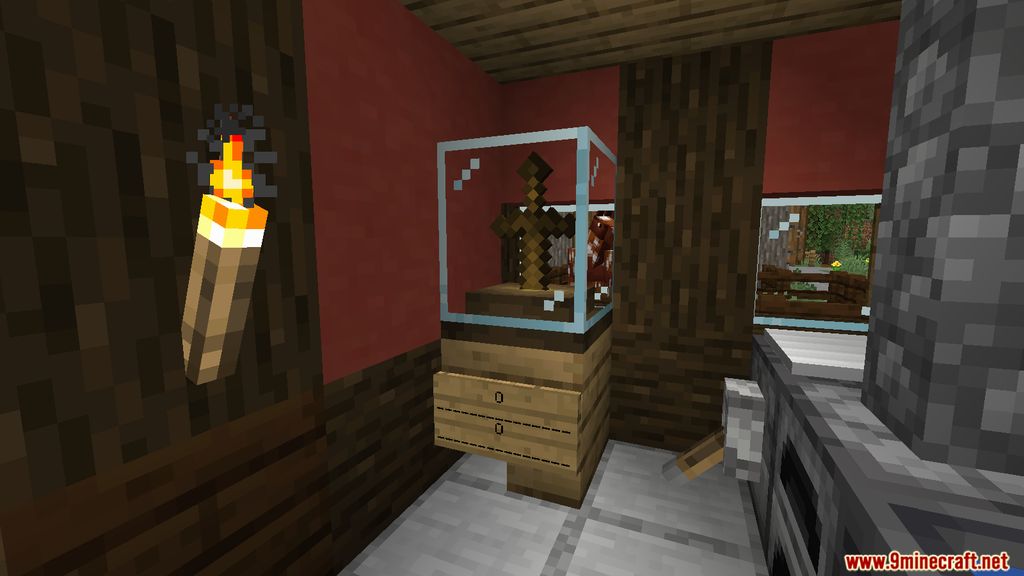
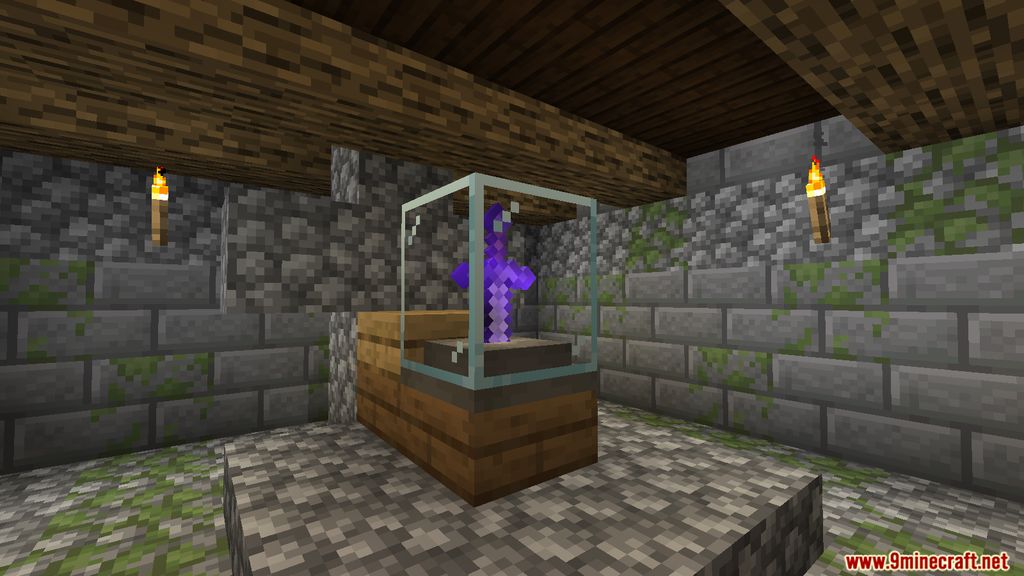
Crafting Recipes:
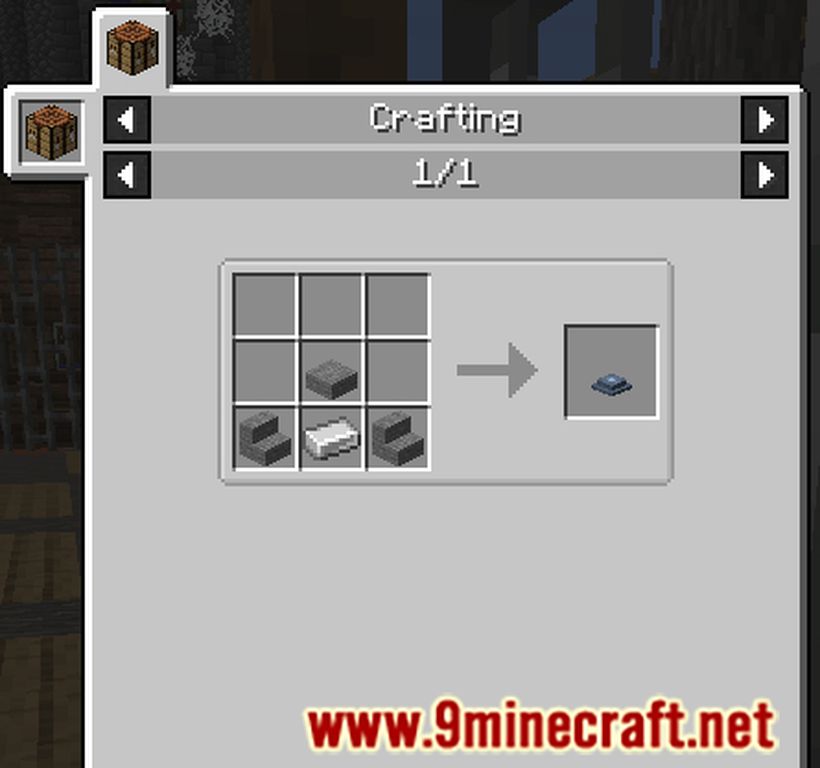
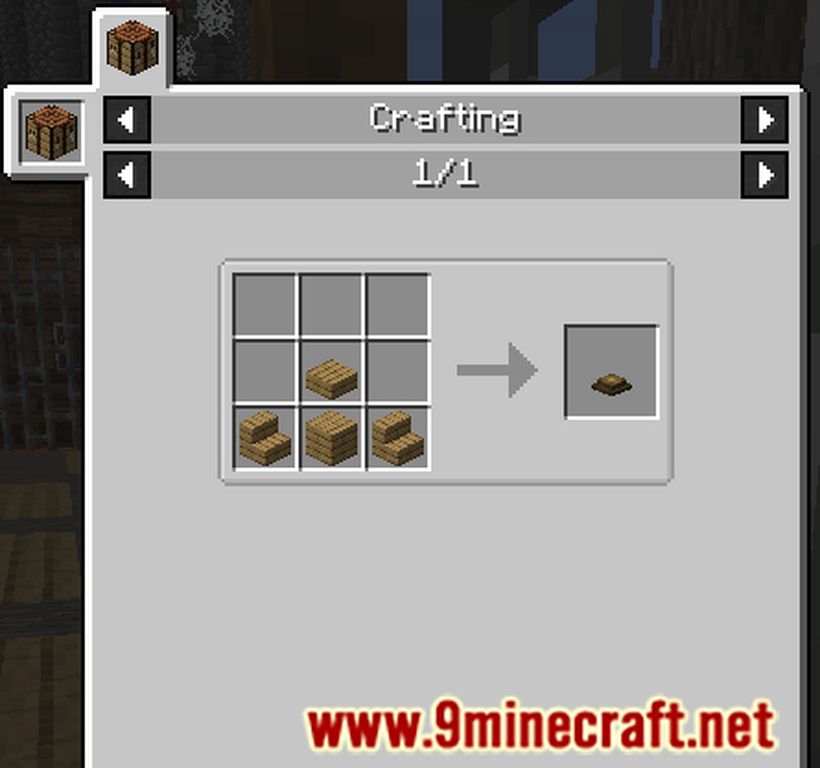
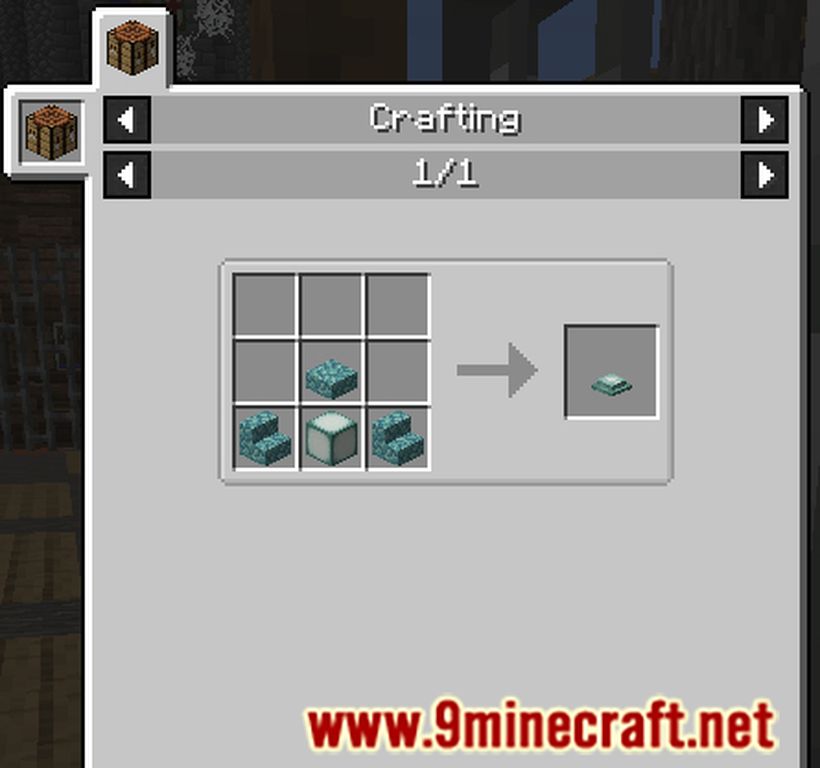
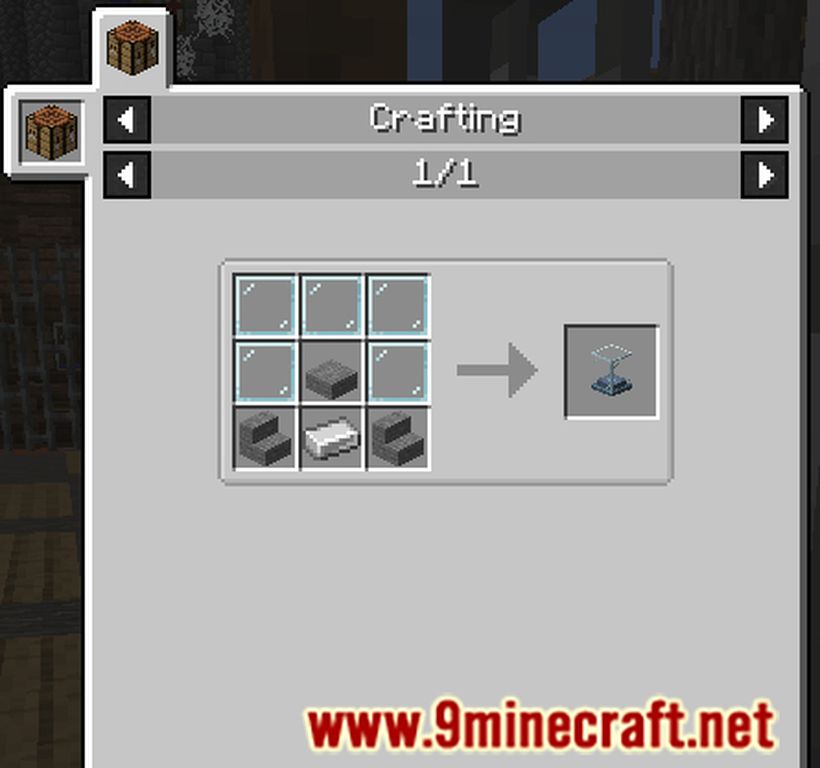
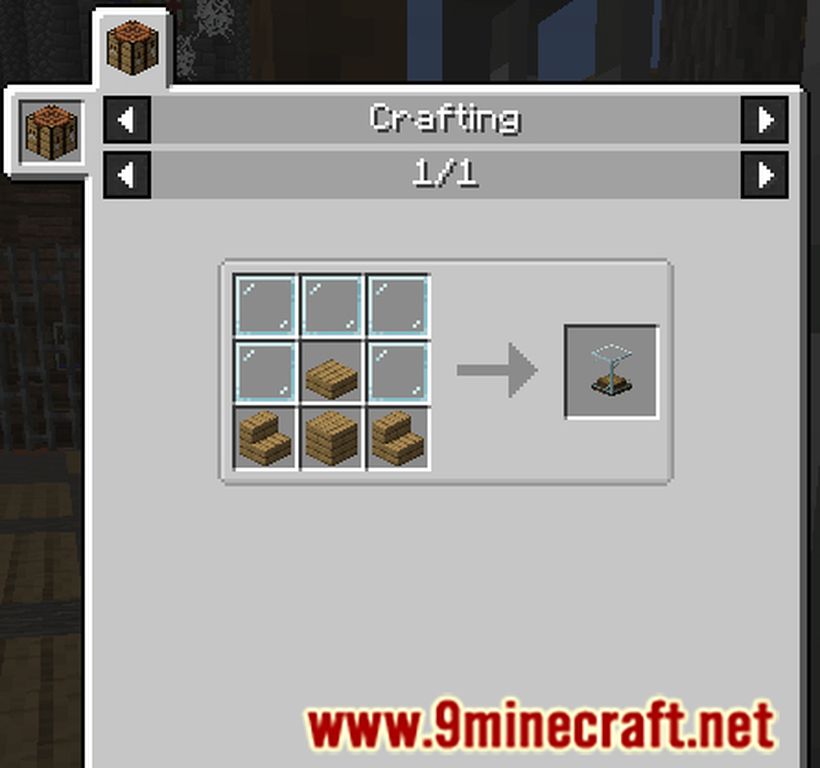
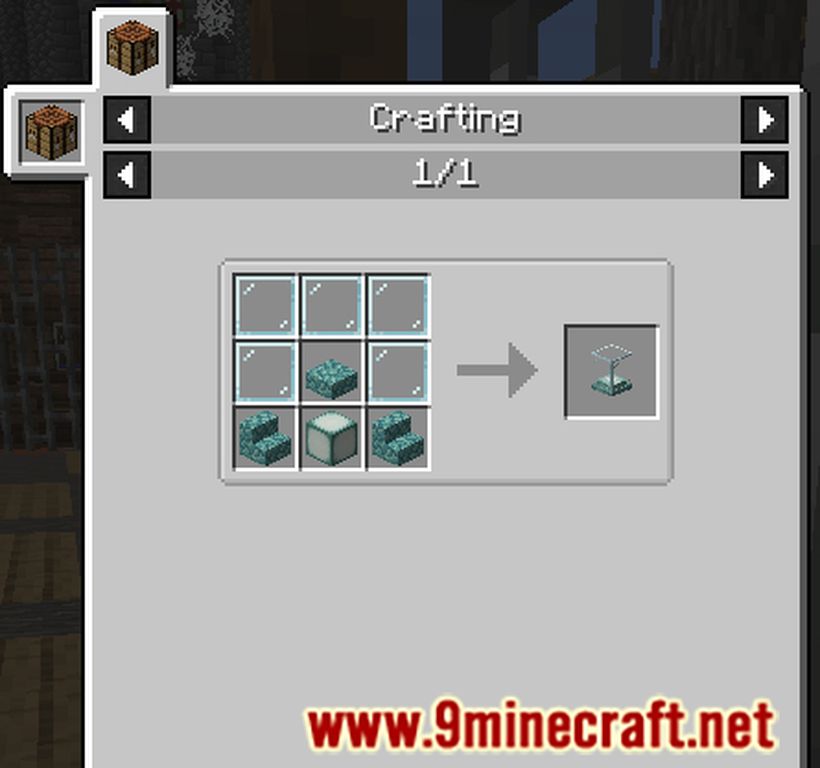
How to use:
- To Insert an item: Right-Click with a sword (type) item | Note: You can only place one sword at a time.
- To Withdraw the item: Shift + Right-Click
- To Inverse Rotate the item in the display: Right-Click with an empty hand, while the display isn’t empty.
How to Install:
New to Minecraft? Follow our step-by-step guide to install Mods on your PC.View Guide
Sword Displays Mod Download Links
For Minecraft 1.21.1, 1.21
NeoForge version: Download from Server 1 – Download from Server 2
For Minecraft 1.20.4, 1.20.3, 1.20.2, 1.20.1
Forge version: Download from Server 1 – Download from Server 2
For Minecraft 1.19.3
Forge version: Download from Server 1
For Minecraft 1.19.2
Forge version: Download from Server 1 – Download from Server 2
For Minecraft 1.18.2
Forge version: Download from Server 1 – Download from Server 2
For Minecraft 1.16.5
Forge version: Download from Server 1 – Download from Server 2
For Minecraft 1.15.2
Forge version: Download from Server 1
For Minecraft 1.14.4
Forge version: Download from Server 1
You May Also Like



This post has no comments yet. Be the first — your comment will appear here.