


iDisguise Plugin (1.13.2, 1.12.2) – Disguise as Any Mob
 501
501
 0
0


iDisguise Plugin lets you change your appearance to look like any mob or another player. You can also take the form of non-living entities like falling blocks. You can see your own disguise for a few seconds after changing. Server operators control who can use these abilities through permission nodes.
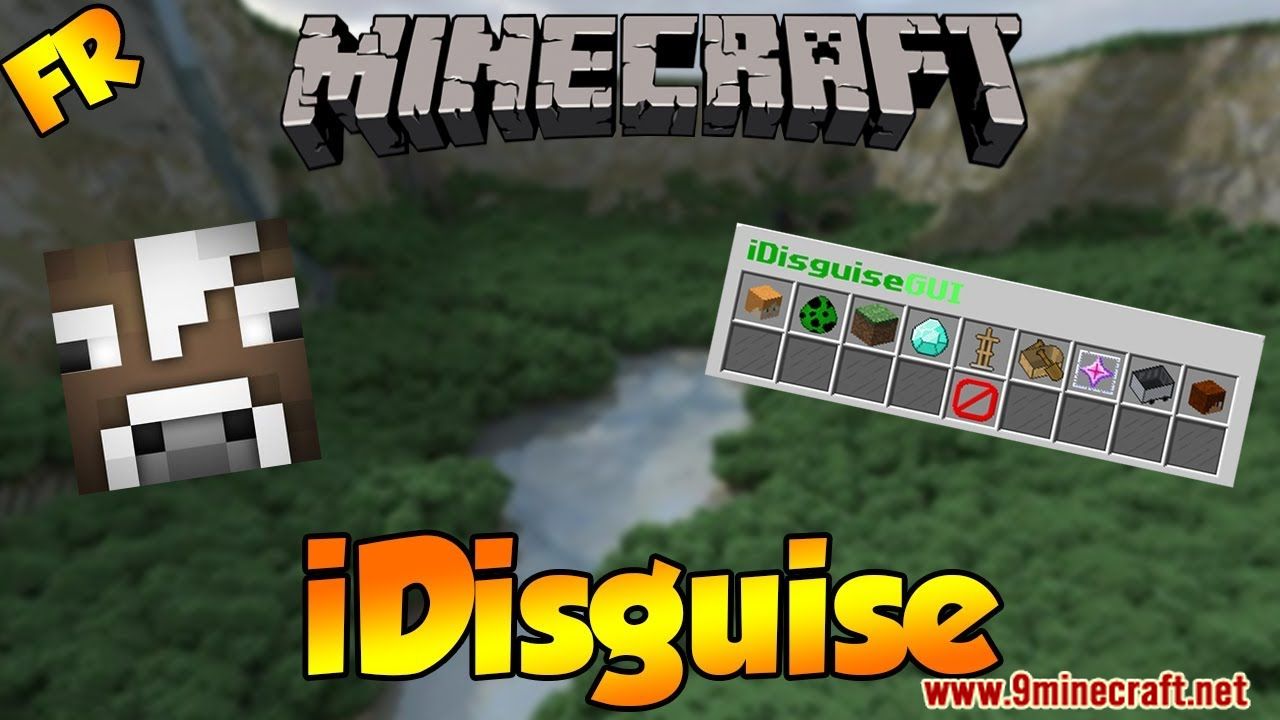
Features:
- Disguise as Mobs or Players: Change your character model into any living creature or another user.
- Non-Living Disguises: Transform into objects like falling blocks.
- Modify Disguises: Change specific details of your form, such as becoming a baby mob or changing colors.
- Disguise Other Players: Force other users on the server to change their appearance.
- Update Checker: Checks for new versions when the server starts.
- Auto-Update Function: Downloads new versions directly if turned on in the config file.
- bStats Connection: Collects basic server statistics.
Usage
- To disguise as a mob, just type /d and then append the mob type (e.g. zombie).
- To disguise as a player, just type /d player and then append a player name (e.g. Dinnerbone).
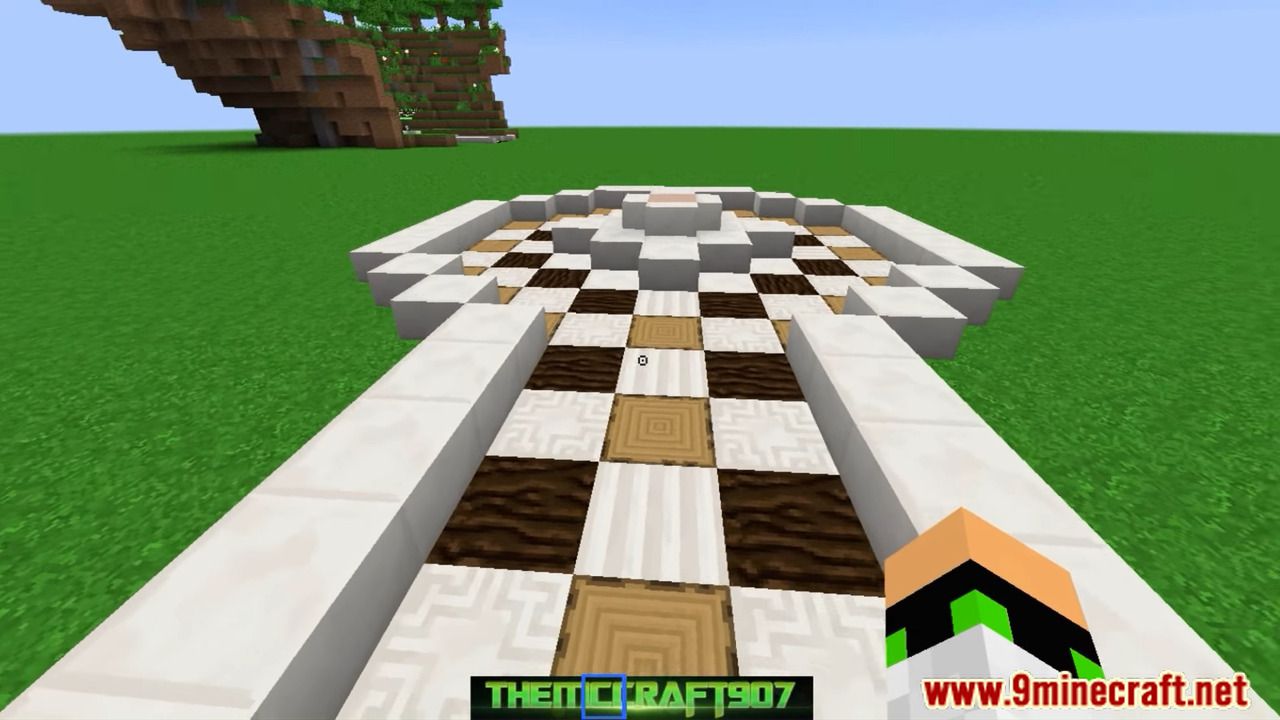
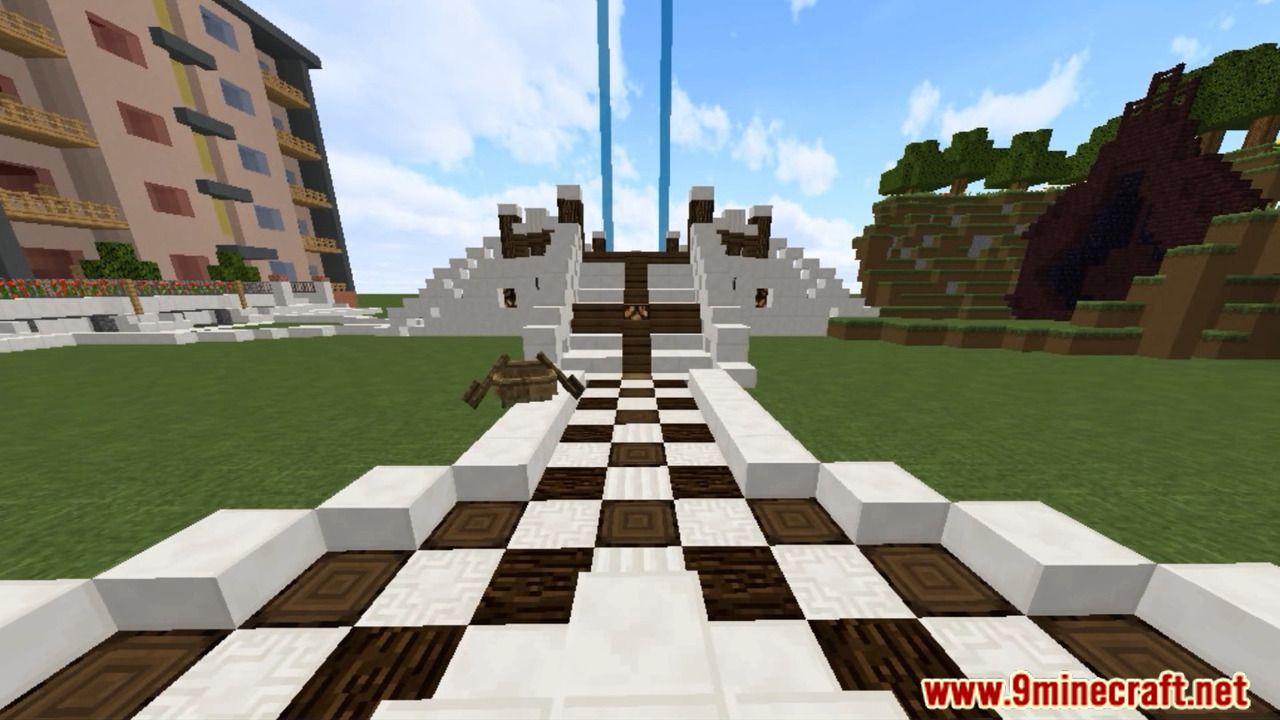
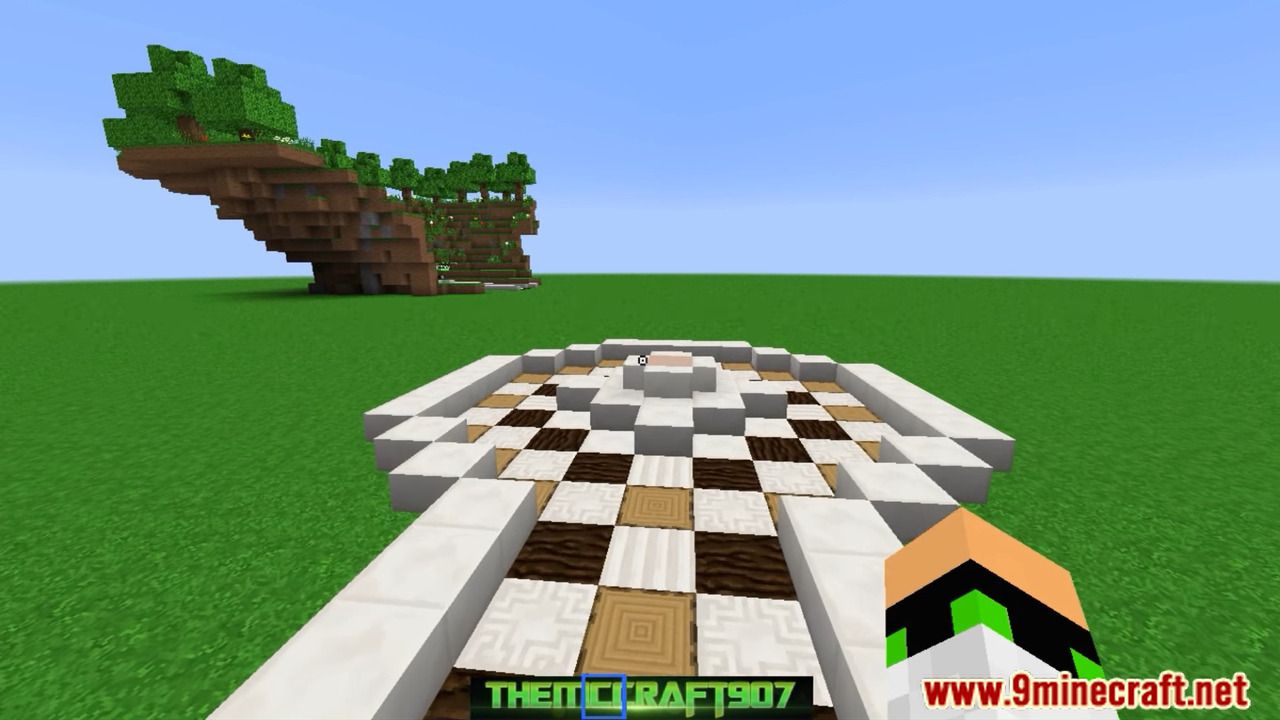
Screenshots:
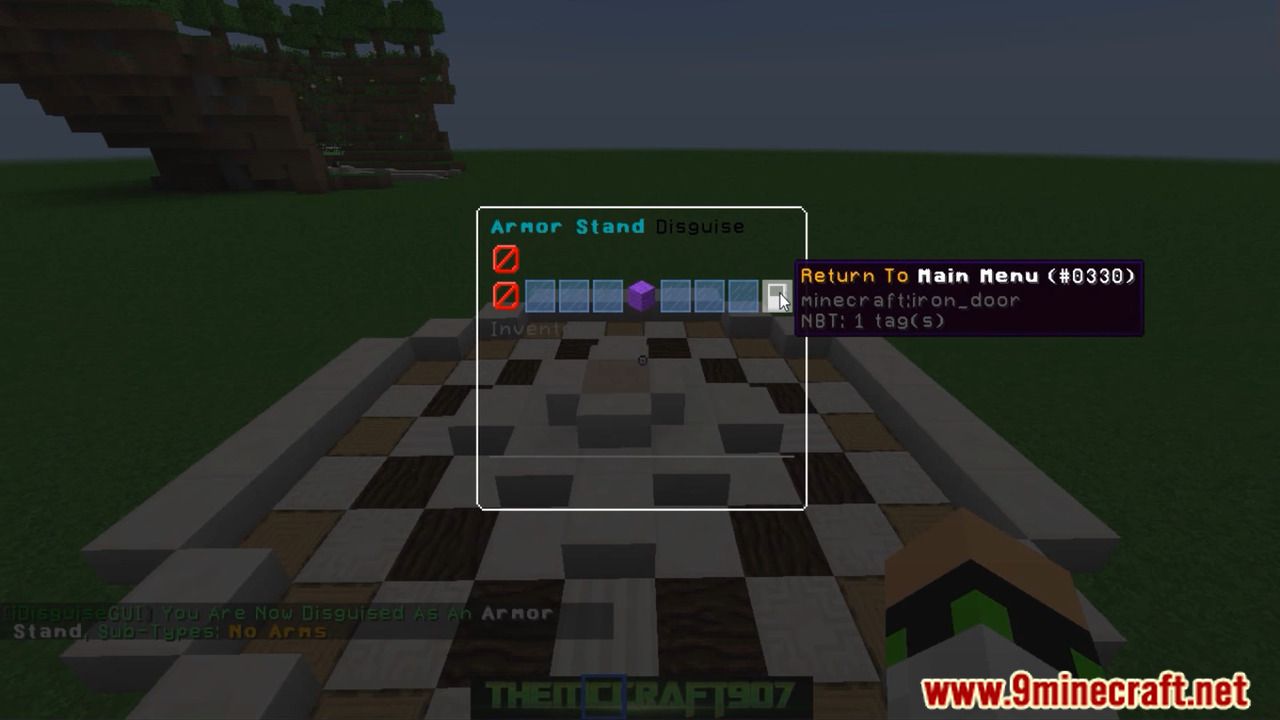
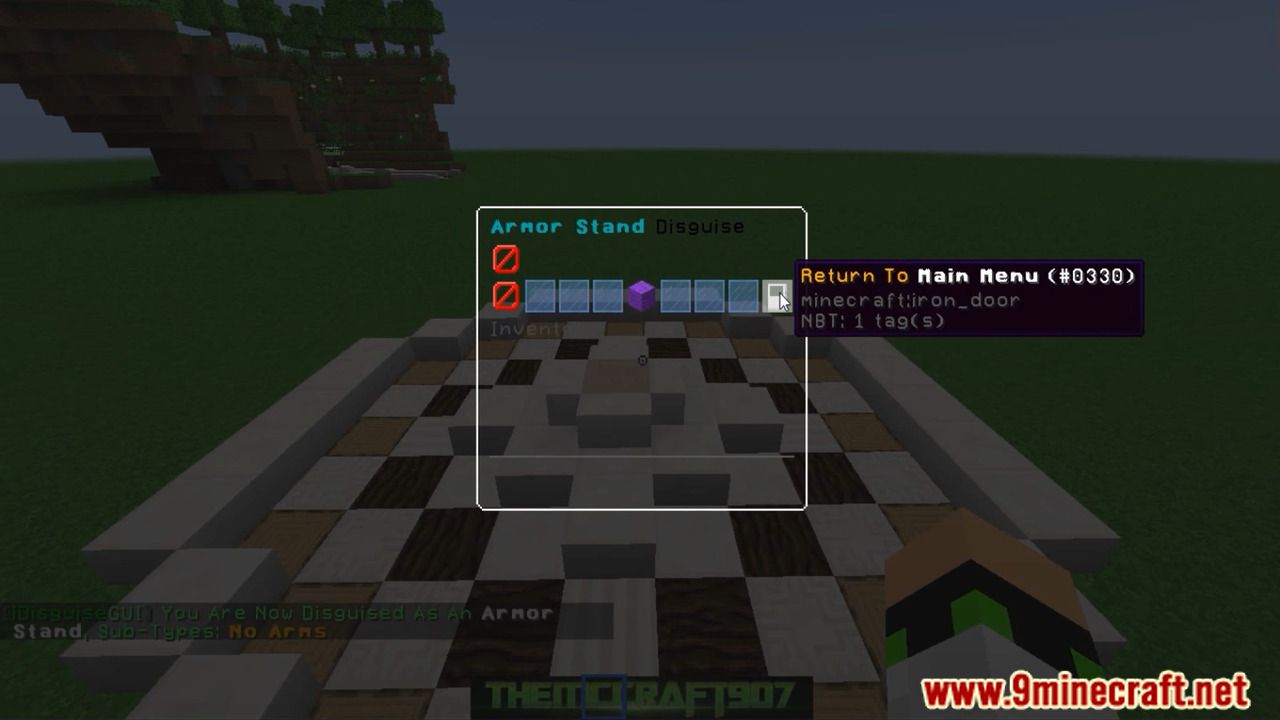
How to Install:
New to Minecraft? Follow our step-by-step guide to install Plugins on your PC.View Guide
iDisguise Plugin Download Links
For All Versions from Minecraft Spigot 1.8 to Minecraft Spigot 1.13
Click to rate this post!
[Total: 0 Average: 0]
You May Also Like












This post has no comments yet. Be the first — your comment will appear here.