


Configuration API (26.2, 1.20.1) – Simple Annotation Based Config

 0
0 

Configuration API introduces annotation based configs which can use various file formats such as yaml, json or properties. This API also supports automatic synchronization of server properties to client, all you have to do is to annotate your config field by @Configurable.Synchronized and you’re done.
Features:
- Integrated Configuration GUI
- Provides an in-game graphical interface for editing configuration files of supported mods.
- On Fabric, you need the ModMenu mod to access the configuration screen from the Mods menu.
- On Forge / Neoforge, the Config button is integrated directly into the Mods menu.
- Clear User Interface Structure
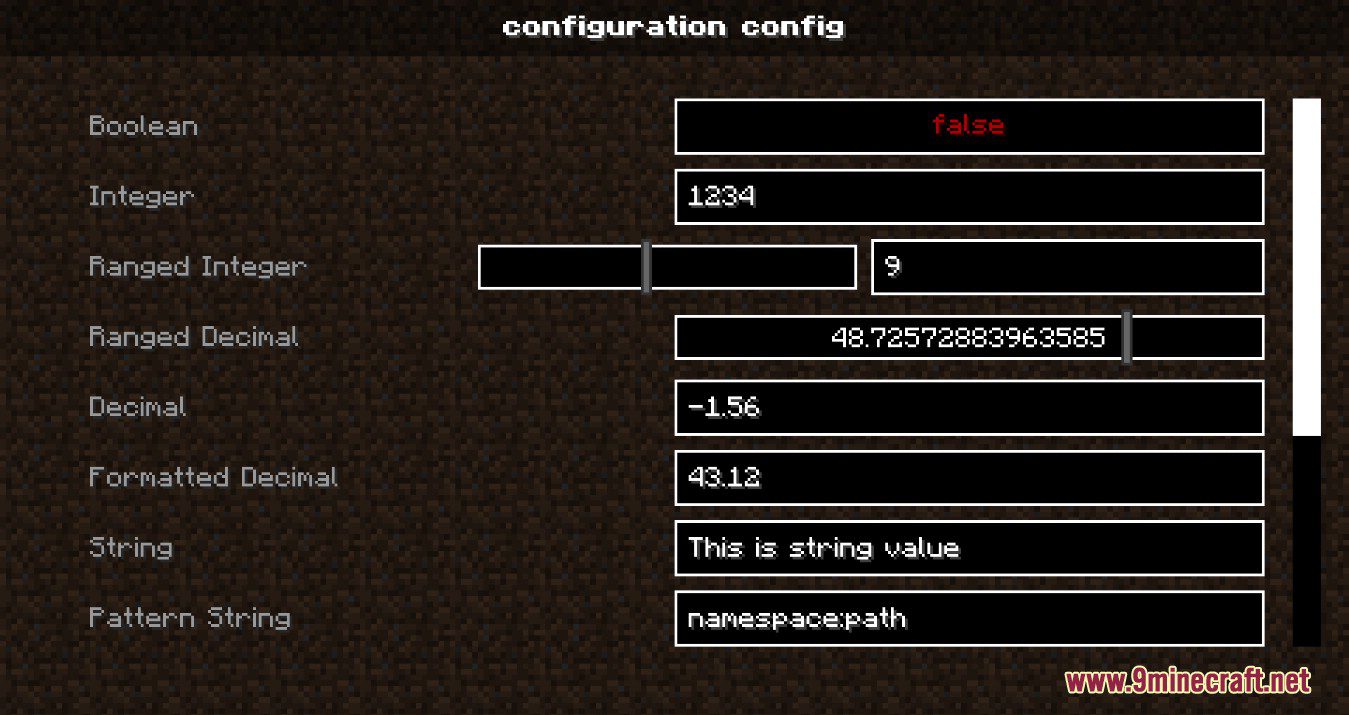
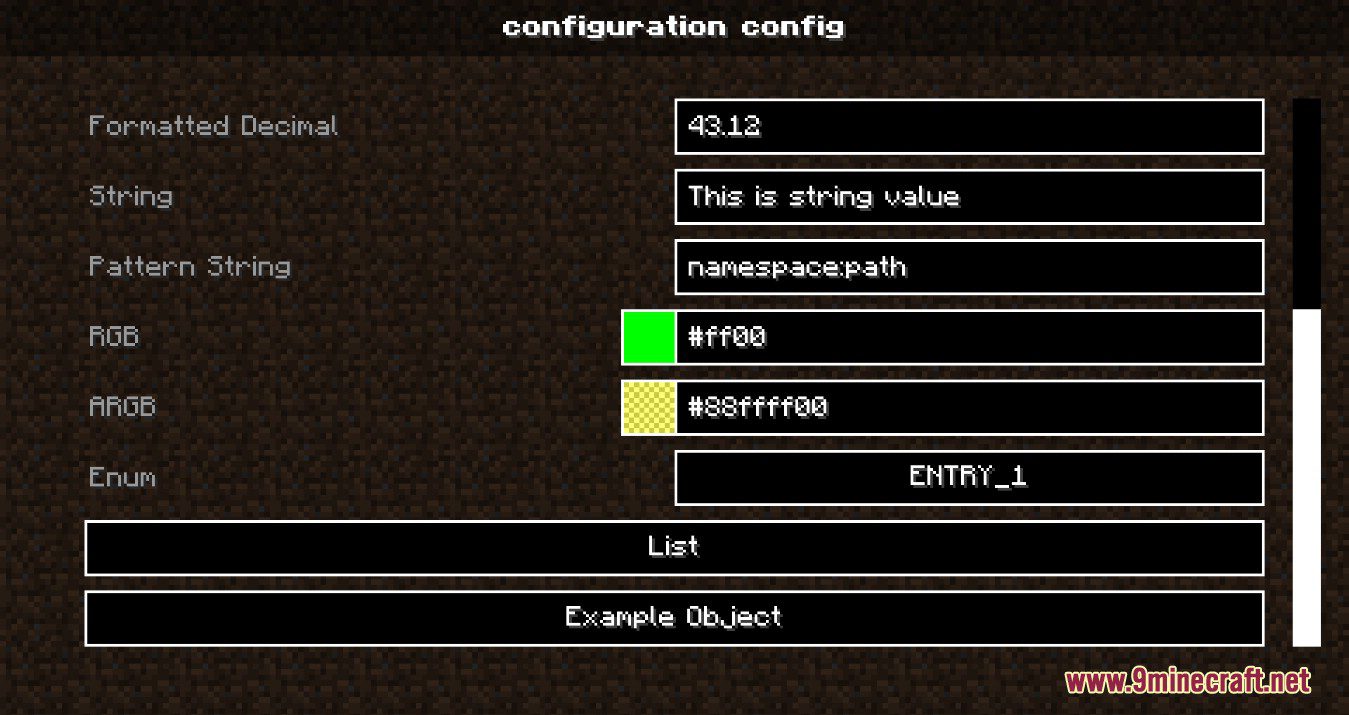
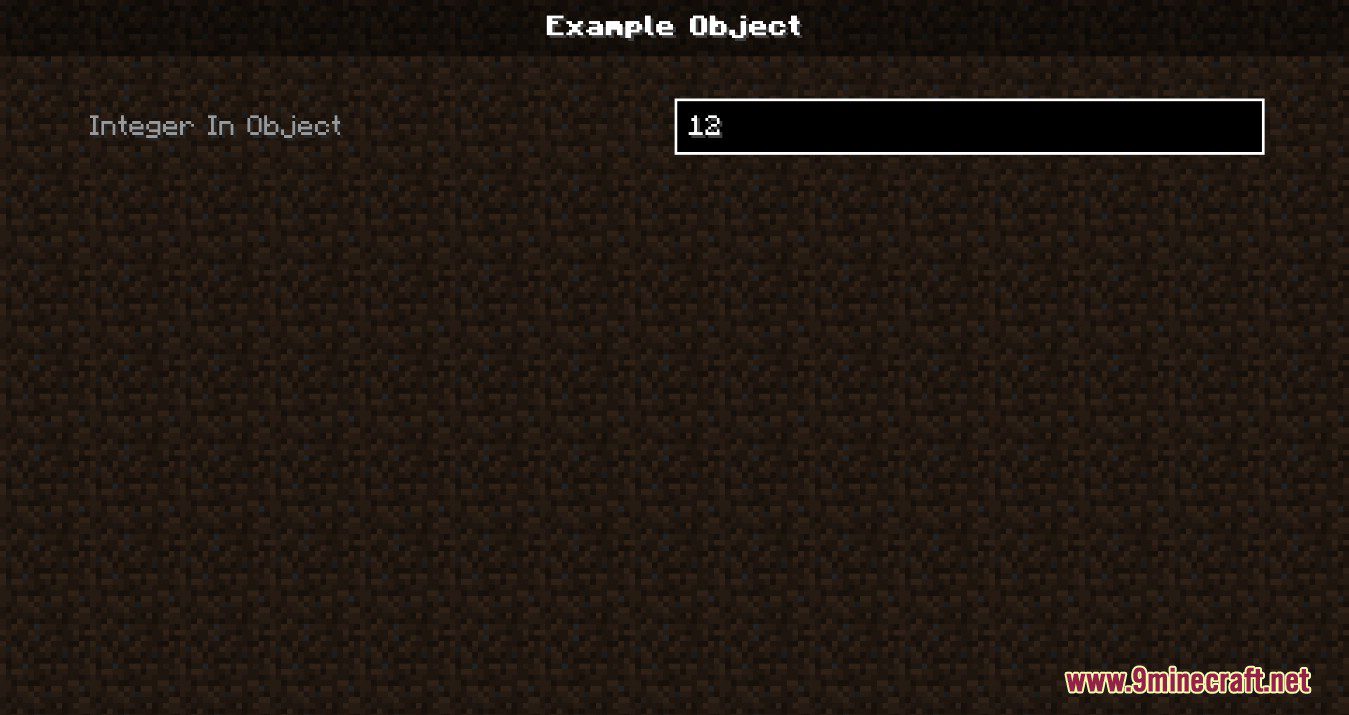
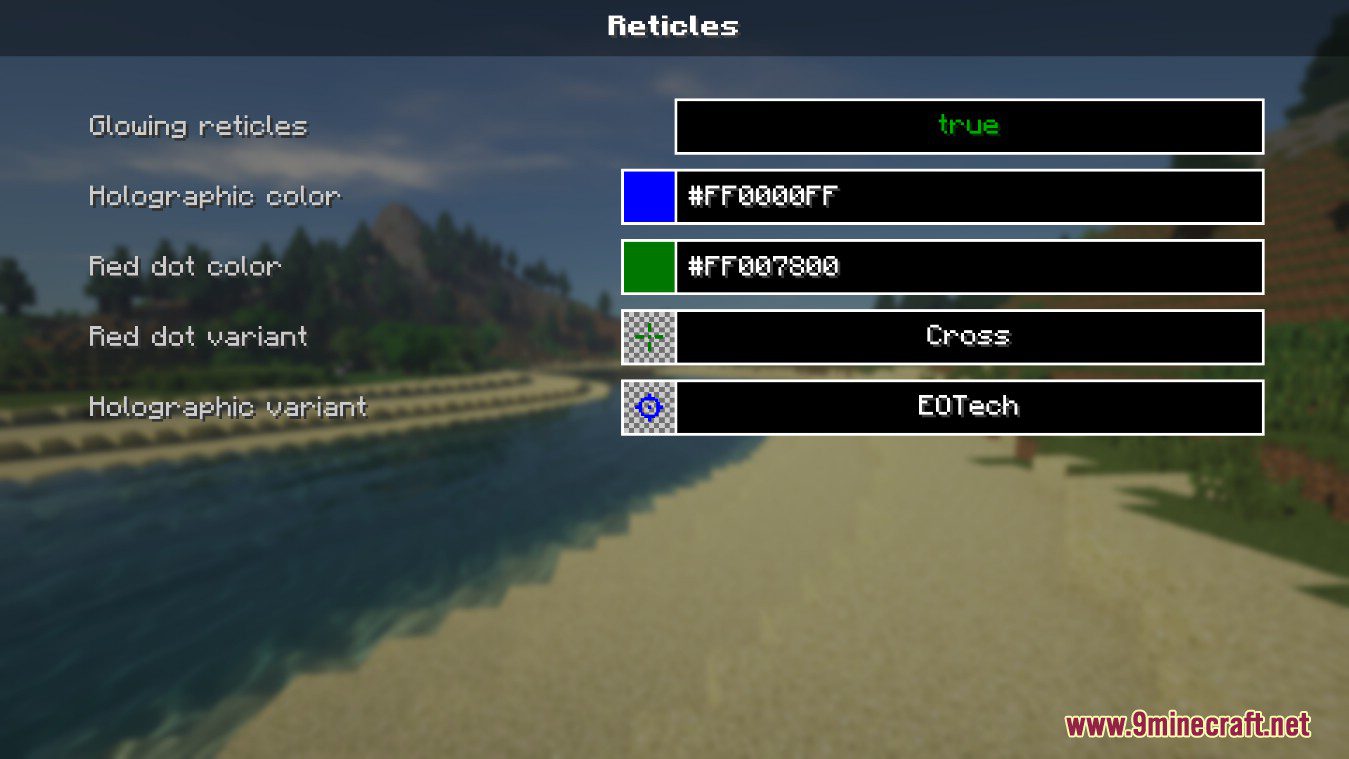
- The configuration screen is divided into three sections: Header, Content, and Footer.
- Header: Shows the name of the current configuration or subcategory.
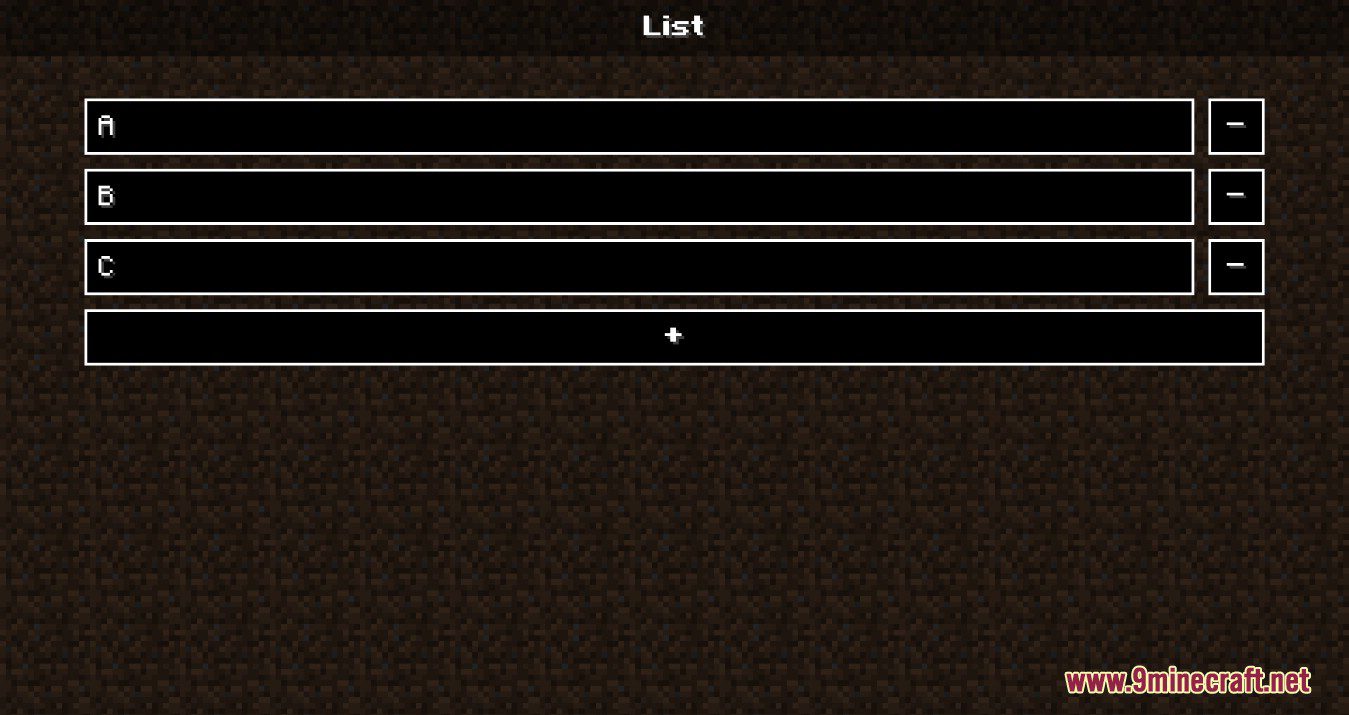
- Content: Contains all configuration entries. Each entry includes a display name, input control (such as checkbox, text field, slider, or sub-category button), and two control buttons – Revert and Revert to default. Hovering over an entry displays a tooltip if a description is available.
- Footer: Provides general control buttons:
- Left side: Save & Exit (or Back when in a sub-category).
- Right side: Revert, Revert to default, and Apply (apply changes without leaving the screen).
- Undo / Revert / Default Support
- Revert cancels unsaved changes for an individual setting (displayed in italic when modified).
- Revert to default restores the value defined by the mod developer.
- Global control buttons (Revert, Revert to default, Apply) allow managing all settings at once.
- Revert cancels unsaved changes for an individual setting (displayed in italic when modified).
- Error Handling and Input Warnings
- Invalid inputs (for example, numbers outside the allowed range or strings exceeding limits) show a warning or error message directly in the GUI.
- Entries may appear grayed-out if they are server-locked or temporarily unchangeable in the current game state.
- Limited In-Game Configuration Editing
- Some configuration values may be locked or uneditable while connected to a multiplayer server or during active gameplay to prevent conflicts.
Screenshots:
How to Install:
New to Minecraft? Follow our step-by-step guide to install Mods on your PC.View Guide




Configuration API Download Links
For Minecraft 26.2
For Minecraft 26.1.2, 26.1.1, 26.1
For Minecraft 1.21.11
For Minecraft 1.21.10, 1.21.9
For Minecraft 1.21.8, 1.21.7, 1.21.6
For Minecraft 1.21.5
For Minecraft 1.21.4
For Minecraft 1.21.3, 1.21.2
For Minecraft 1.21.1, 1.21
For Minecraft 1.20.6
For Minecraft 1.20.4
For Minecraft 1.20.2
For Minecraft 1.20.1, 1.20
For Minecraft 1.19.4
For Minecraft 1.19.3
For Minecraft 1.19.2
For Minecraft 1.18.2
For Minecraft 1.17.1
For Minecraft 1.16.5
For Minecraft 1.15.2
For Minecraft 1.14.4
For Minecraft 1.12.2
Click to rate this post!
[Total: 1 Average: 5]
You May Also Like







This post has no comments yet. Be the first — your comment will appear here.