


BedrockIfy Mod (26.2, 1.20.1) – The Game-Changer Every Minecraft Player Needs
 5,894
5,894
 0
0


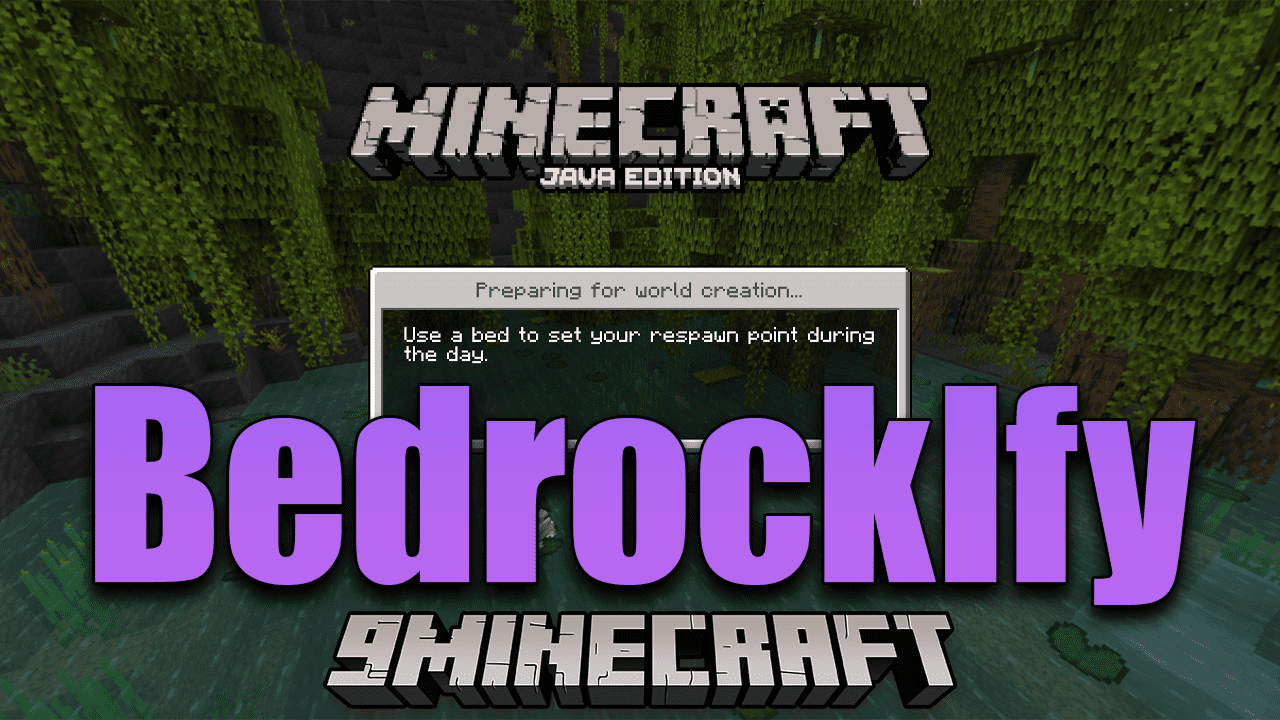
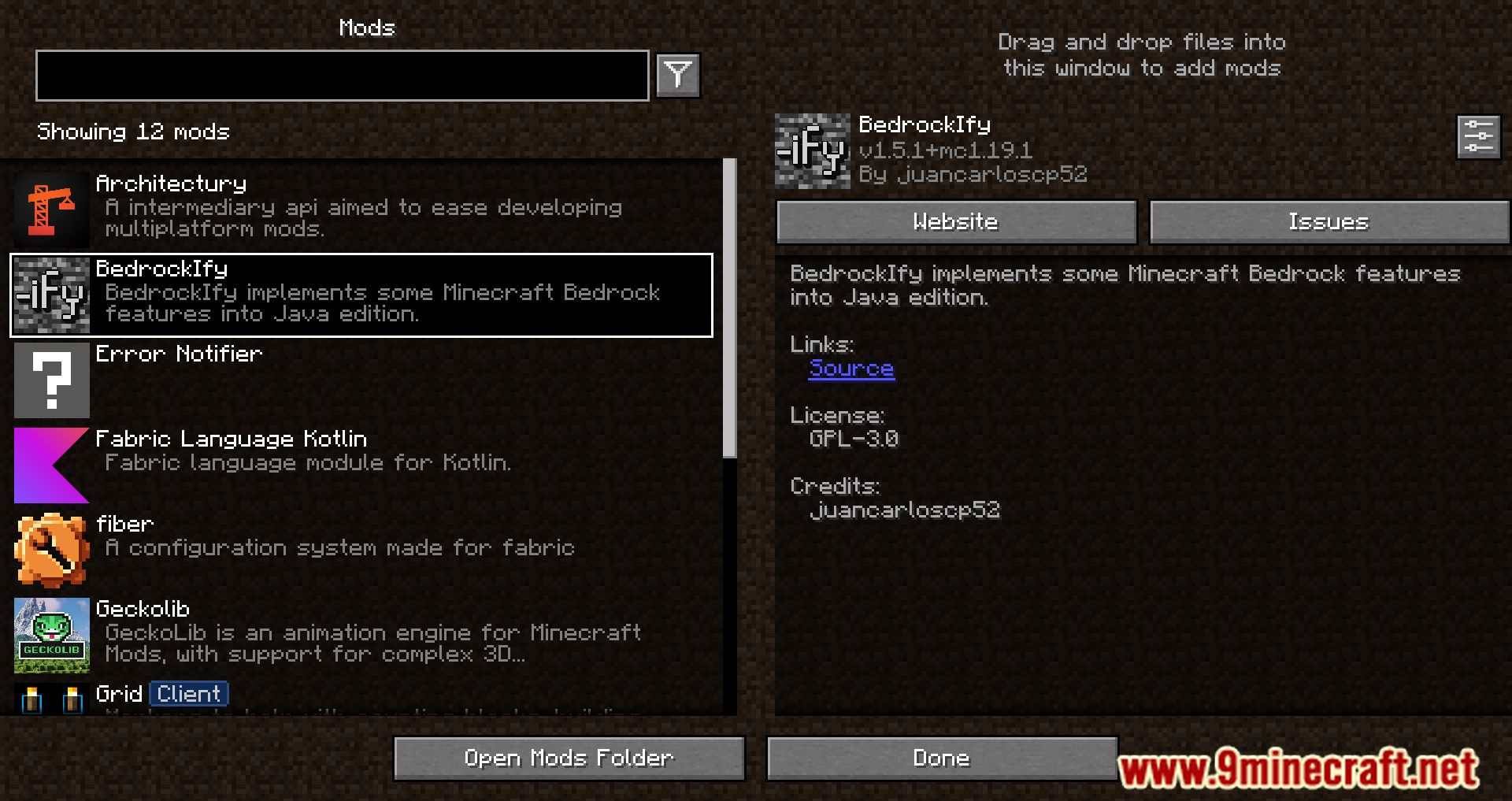
BedrockIfy Mod introduces several useful features from the Bedrock version of the game into Minecraft Java Edition: save indicator, loading screen tips, and item information when held. This mod brings Bedrock-like elements to Java Edition, including loading screens with helpful tips, third-person eating animations, sheared sheep colors, and more.
Features:
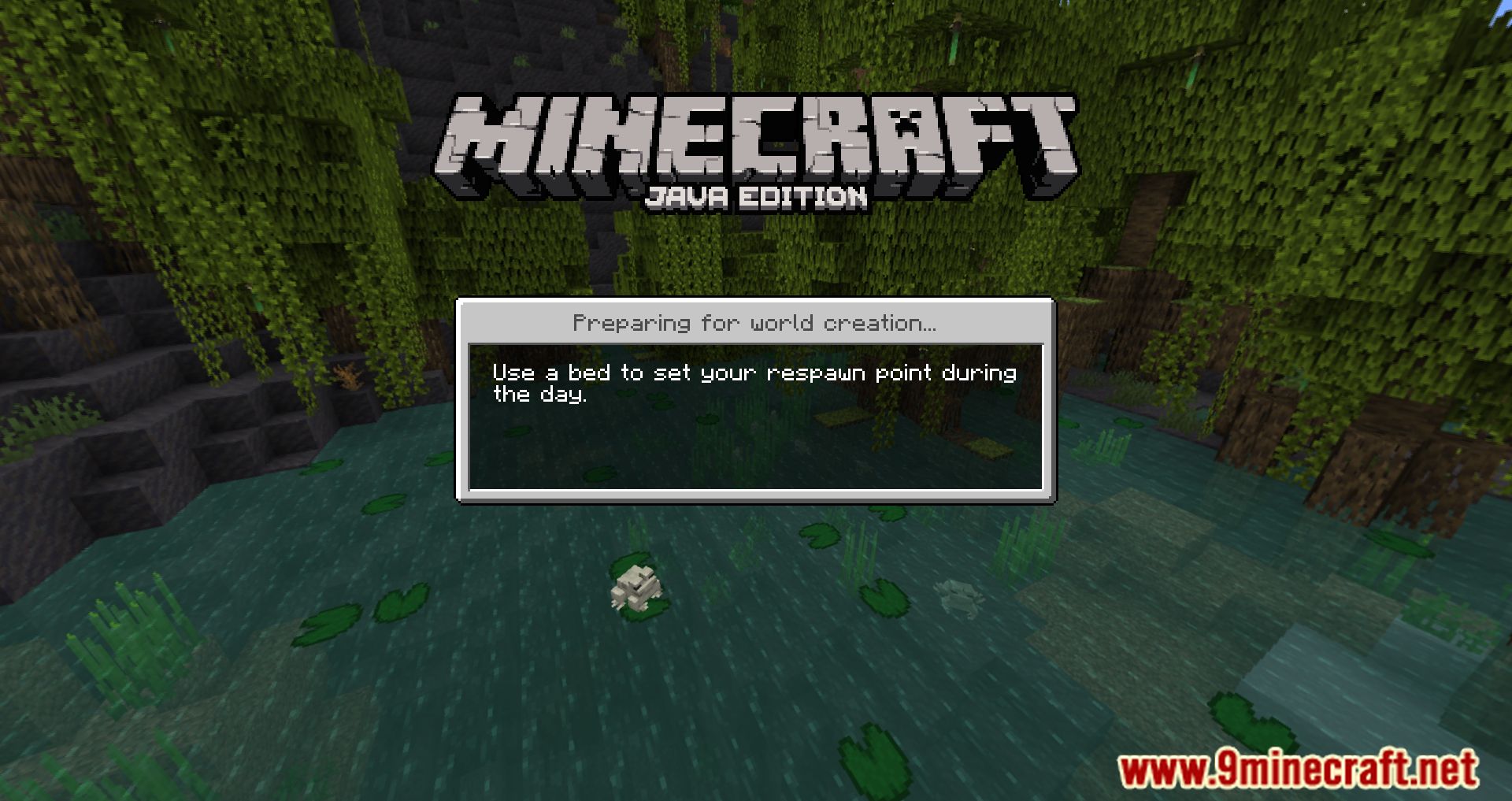
- Bedrock-like loading screens: Get useful tips while your game loads, just like in the Bedrock Edition.
- Third person eating animations: Add a touch of realism to your game with these animations.
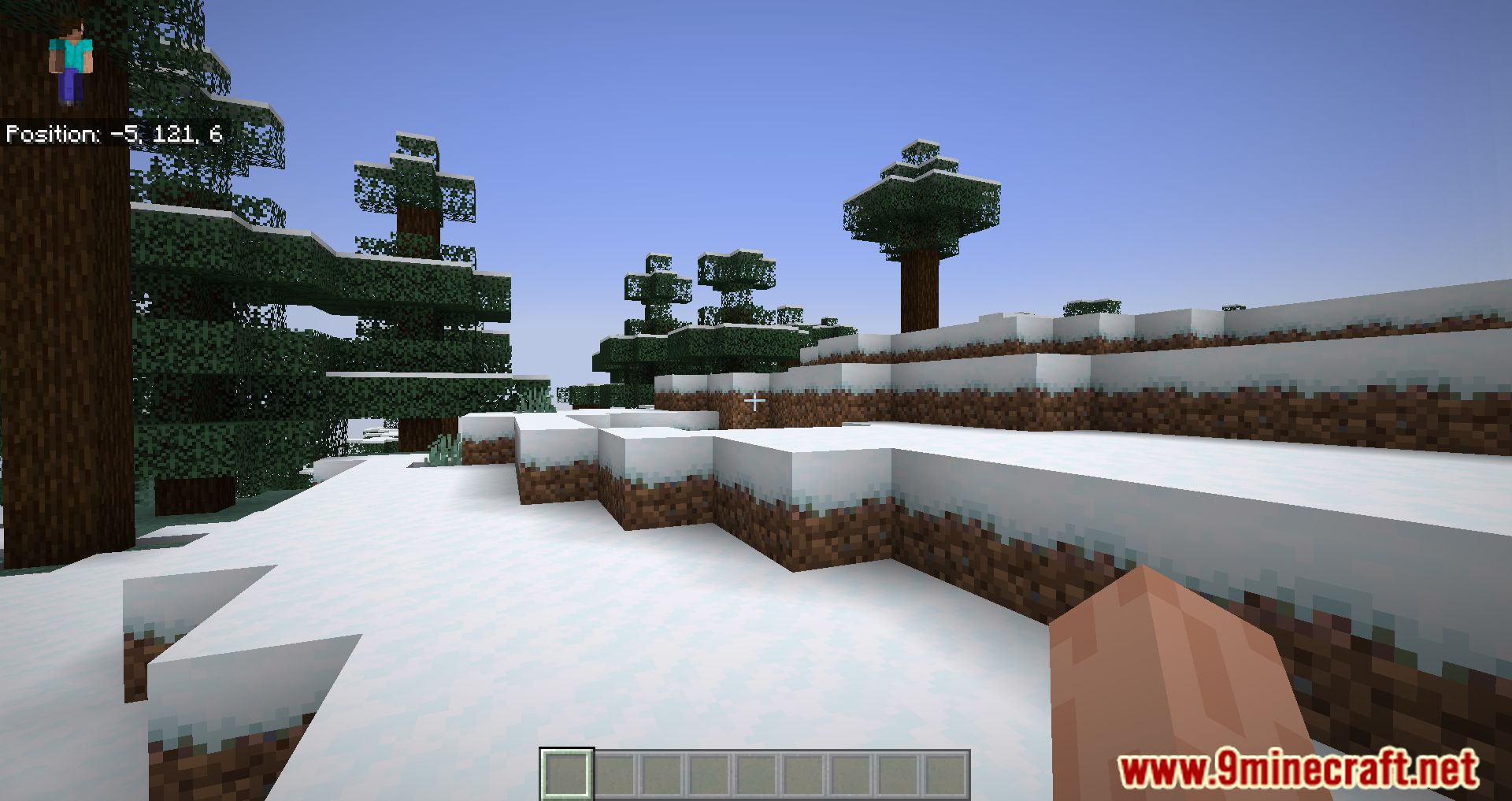
- Position and “paper doll” overlay: Keep track of your character’s position with this handy feature.
- Dynamic Inactive Hud Opacity: A subtle but impactful change to your Heads-Up Display.
- Saving status overlay: Never lose track of your game’s saving status again.
- 3D fishing hook: Bring your fishing experience to life with this 3D feature.
- Bedrock Cauldrons: These can hold dyed water and potions, just like in Bedrock Edition.
- Bedrock Sun Glare: Experience the realistic sun glare from the Bedrock Edition.
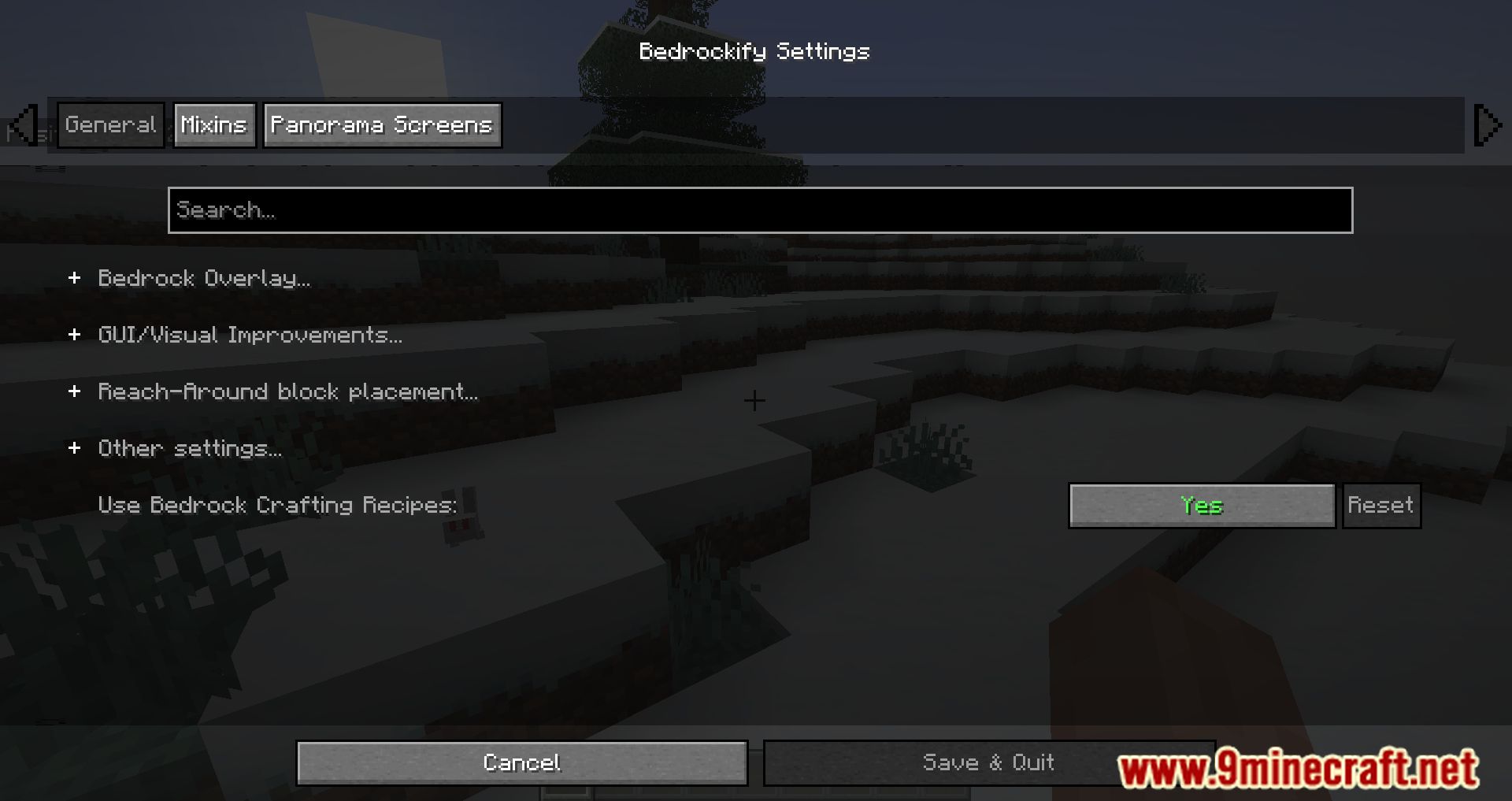
- Bedrock Crafting Recipes (Toggleable): Choose whether to use Bedrock Edition crafting recipes.
- Bedrock-like chat: Enjoy the familiar chat interface from Bedrock Edition.
- Bedrock Edition world color noise for grass and water: Enhance your world’s visuals with this feature.
- Idle hand animations: Add more life to your character with these animations.
- Held item descriptions (enchantments, books and potions): Know exactly what you’re holding with detailed descriptions.
- Reach-around block placement: Improve your building efficiency with this feature.
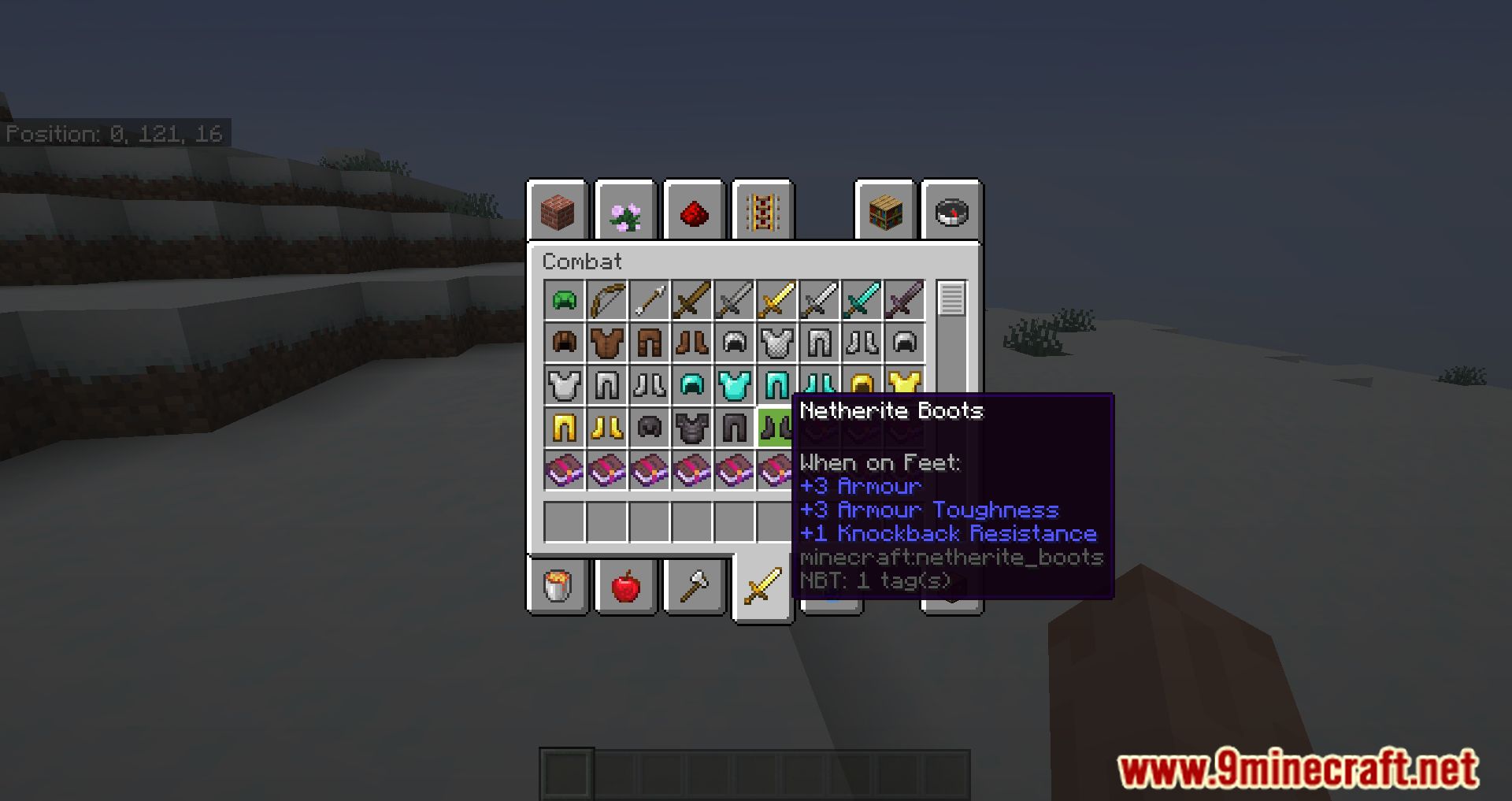
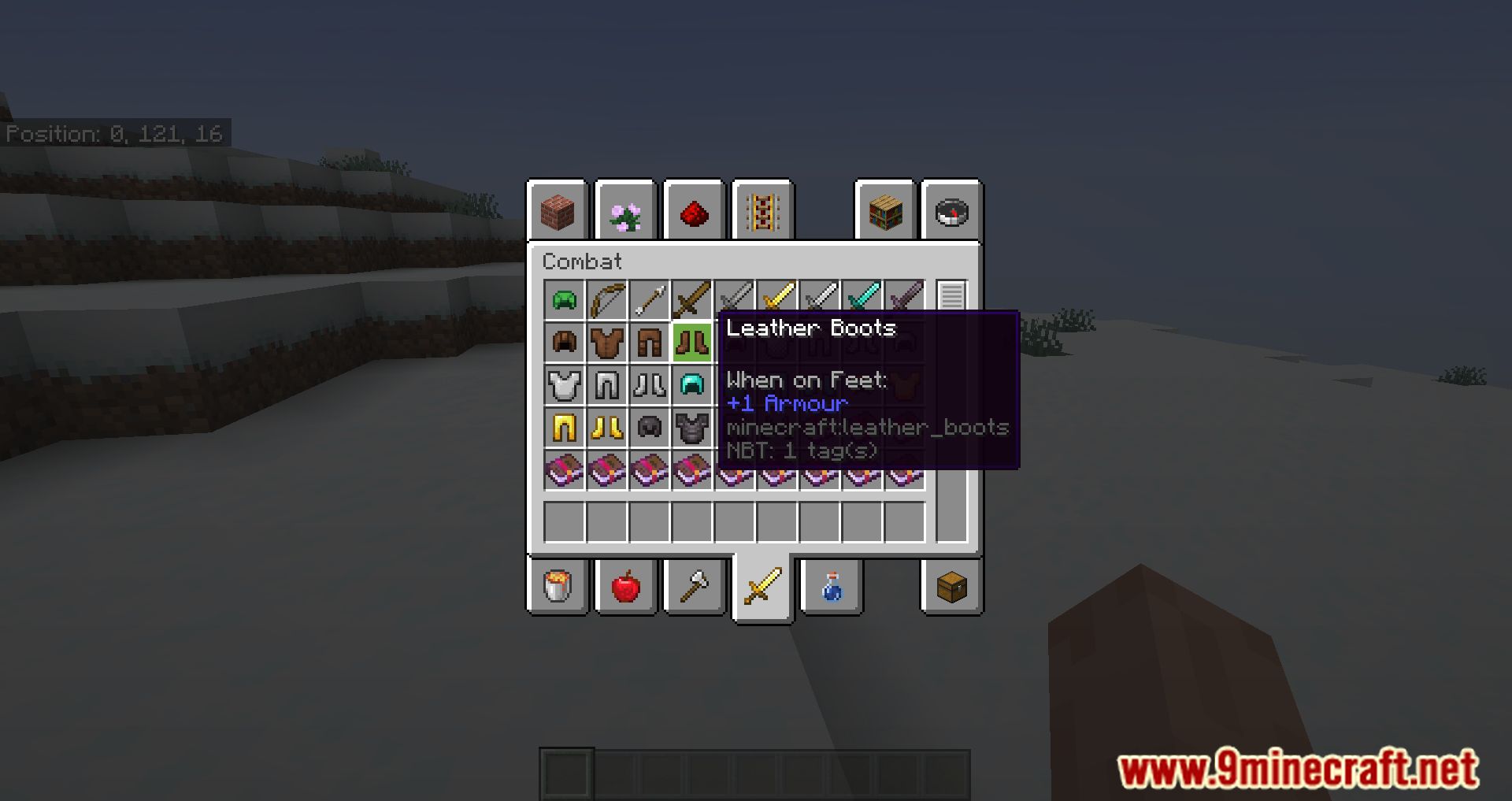
- Quick armor swap: Swap your armor pieces quickly and easily.
- Dying and Fallen Trees!: Add a touch of realism to your forests.
- Bedrock Light block shading: Enjoy the unique light block shading from Bedrock Edition.
- Disable flying momentum (Drift) in creative mode: Have more control over your flight in creative mode.
- Stop elytra flying by pressing space on air: A handy feature for elytra users.
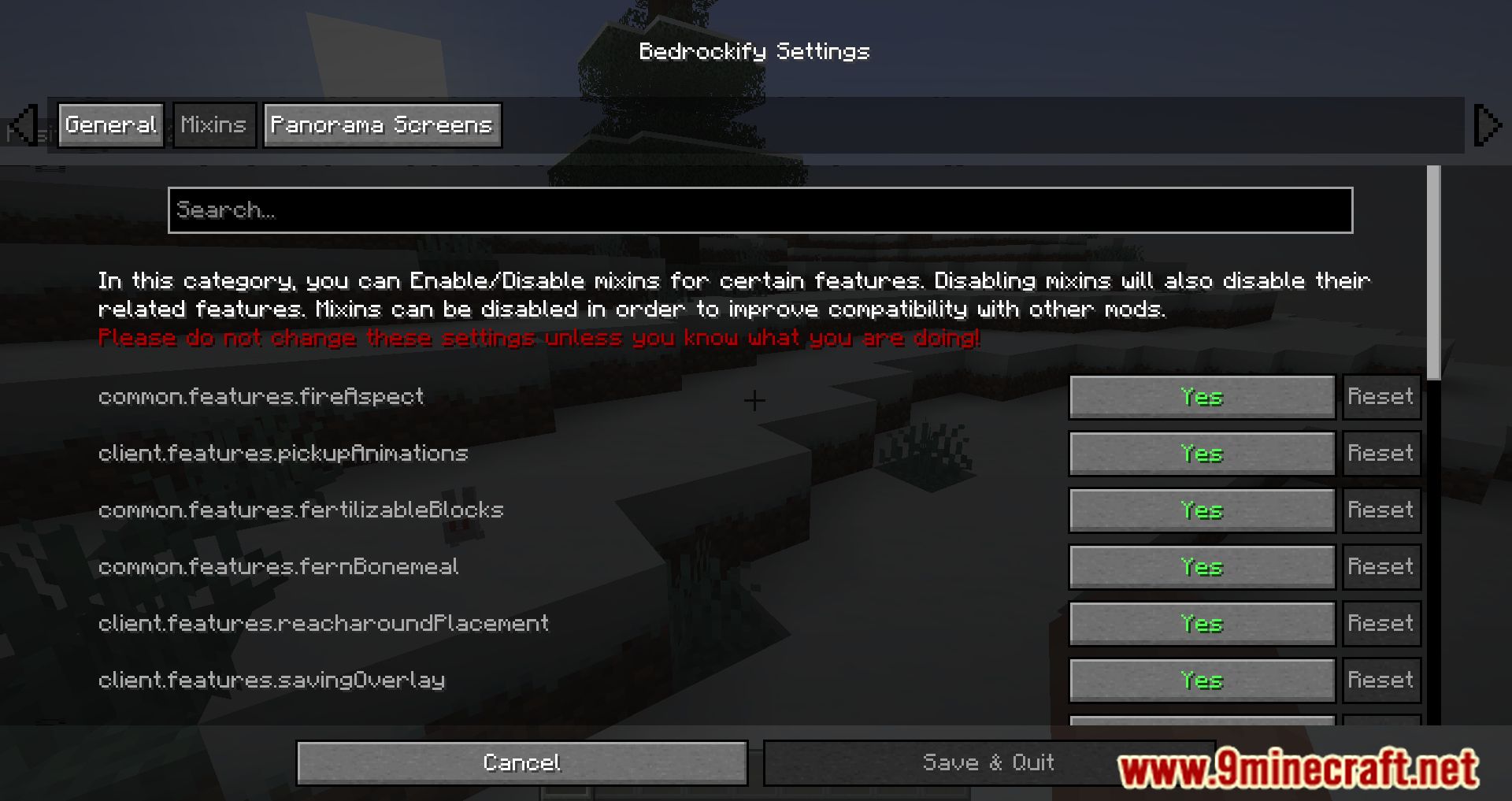
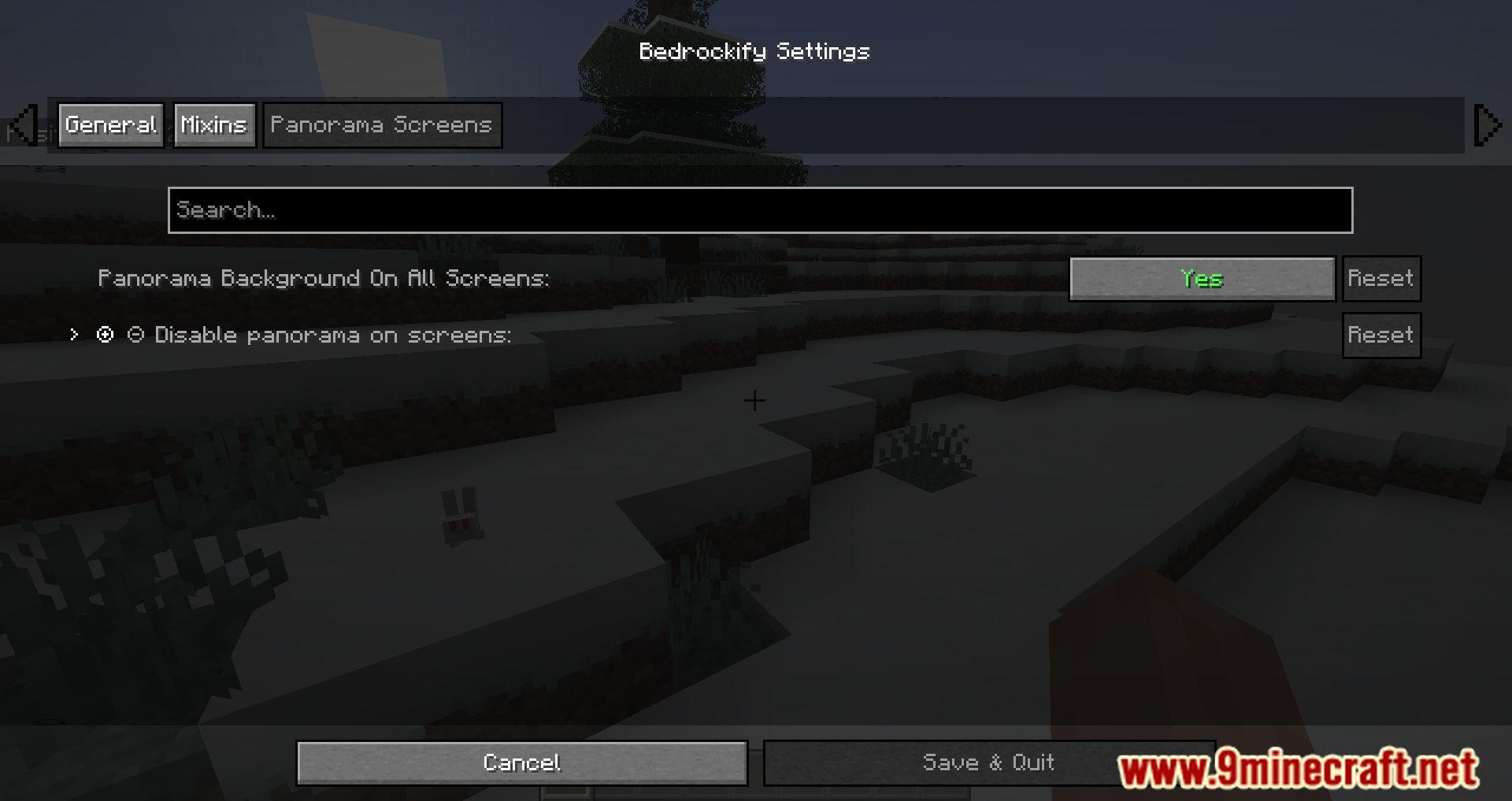
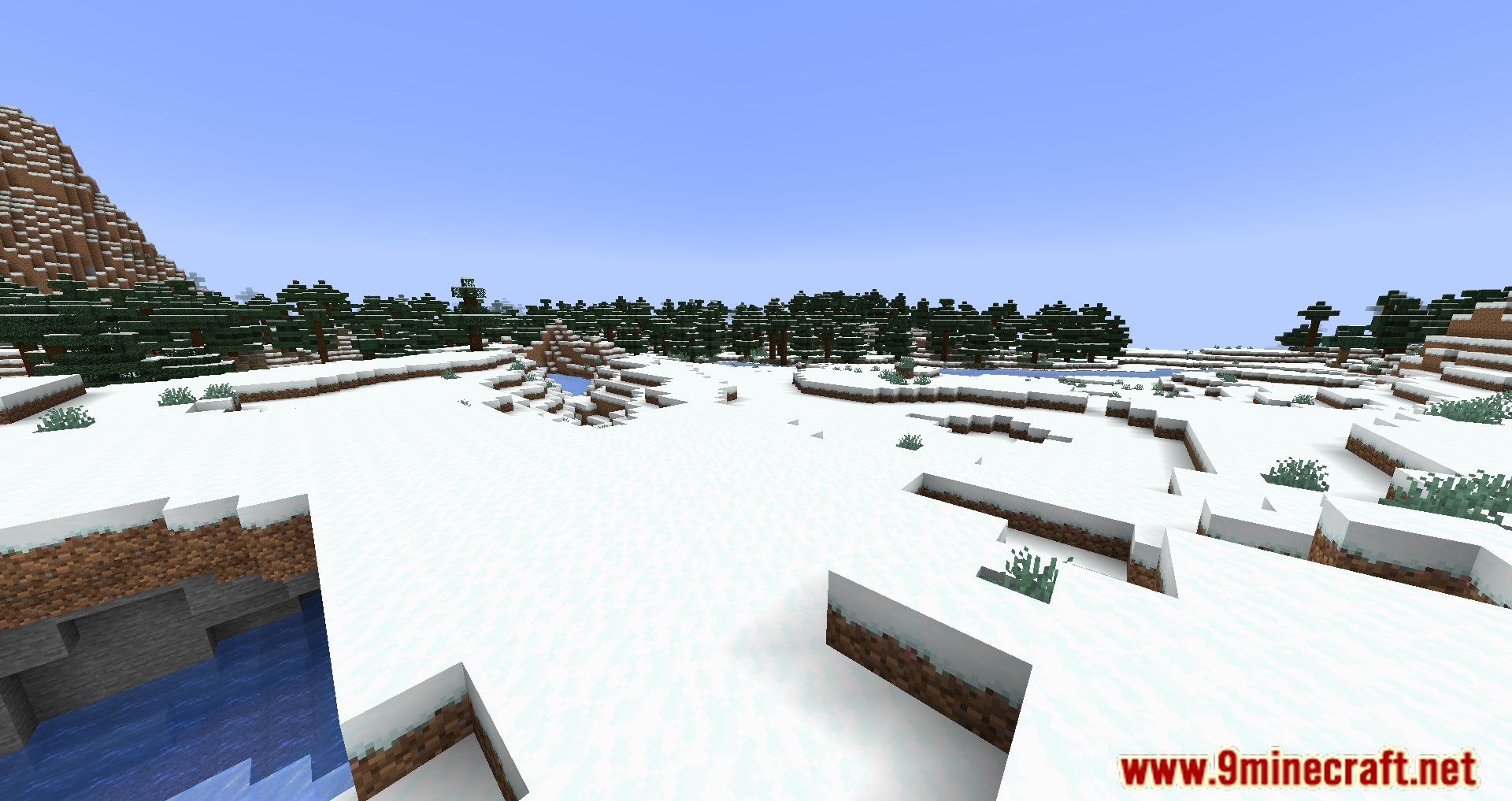
Screenshots:
How to Install:
New to Minecraft? Follow our step-by-step guide to install Mods on your PC.View Guide
Requirements:


BedrockIfy Mod Download Links
For Minecraft 26.2
For Minecraft 26.1.2, 26.1.1, 26.1
For Minecraft 1.21.11
For Minecraft 1.21.10, 1.21.9
For Minecraft 1.21.8, 1.21.7, 1.21.6
For Minecraft 1.21.5
For Minecraft 1.21.4
For Minecraft 1.21.1, 1.21
For Minecraft 1.20.6
For Minecraft 1.20.4
For Minecraft 1.20.2
For Minecraft 1.20.1, 1.20
For Minecraft 1.19.4
For Minecraft 1.19.3
For Minecraft 1.19.2, 1.19.1
For Minecraft 1.19
For Minecraft 1.18.2
For Minecraft 1.18.1
For Minecraft 1.17.1
For Minecraft 1.16.5
Click to rate this post!
[Total: 2 Average: 5]
You May Also Like


This post has no comments yet. Be the first — your comment will appear here.