
Creative Dimension Data Pack (26.1.2, 1.21.1) – Build Without Limits
 1,568
 0

Creative Dimension Data Pack adds a superflat creative dimension that works safely in survival worlds. It lets you test building ideas and collaborate on projects without needing a separate server or multiverse plugin. When you teleport into the creative dimension, your inventory, health, experience, and effects are saved and restored automatically when you return to the vanilla world.
Features:
- Adds a dedicated superflat creative dimension designed for building and testing ideas.
- Saves your survival inventory, XP, health, status effects, and Ender Chest items when you teleport, restoring them when you return.
- Lets you craft a special block called a Pot’al by placing specific plants like oak saplings, birch saplings, dark oak saplings, warped fungus, or crimson fungus into a pot.
- Teleports you to the creative dimension when you stand inside the light block in the middle of the portal.
- Allows you to return to the vanilla world by gaining a slow falling effect, such as drinking or splashing a slow falling potion.
- Permits portal customization by changing the surrounding blocks as long as the center light block remains intact.
- Disables portal access when the center light block is removed.
- Includes a setting to temporarily turn off creative portal use across the world using a command.
- Provides an automatic uninstallation function to clean up scores, storages, and pot’als from your world.
Commands:
/function pk_cr_di:settings/disable_portals_use/true: disables the use of creative portals./function pk_cr_di:settings/disable_portals_use/false: enables the use of creative portals./function pk_cr_di:settings/disable_portals_use/get: checks the current state of portal usage./function pk_cr_di:cmd/uninstall: starts the automatic uninstallation process for the data pack.
How to Use:
- Place the data pack into the
/datapacksfolder of your Minecraft world. - Restart your server or single-player world completely to load the worldgen features.
- Craft a Pot’al block and place an oak sapling, birch sapling, dark oak sapling, warped fungus, or crimson fungus inside it to grow a portal.
- Stand in the center light block of the portal to teleport into the creative dimension.
- Consume or splash a slow falling potion on yourself while inside the creative dimension to return to the vanilla world after a few seconds.
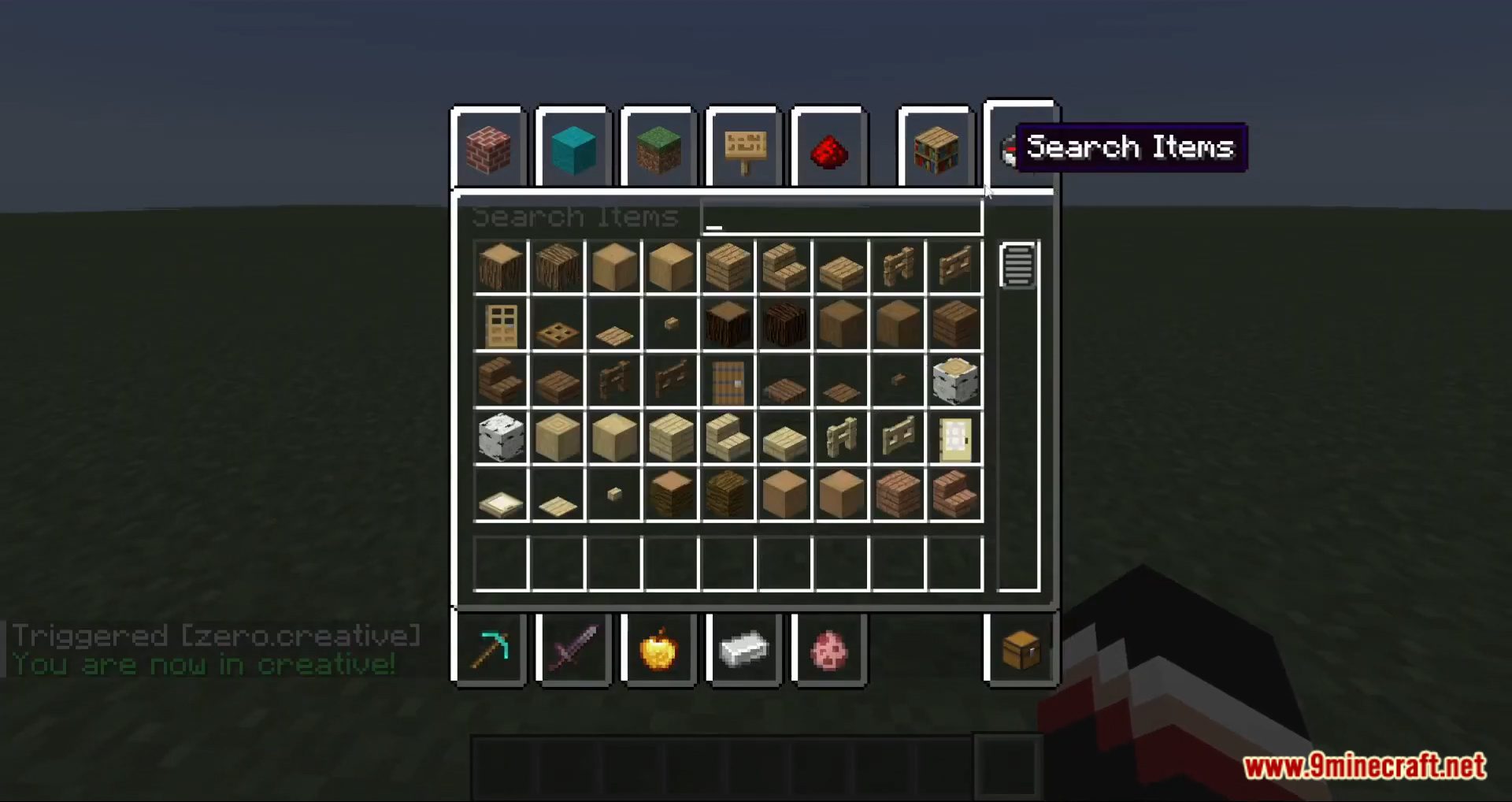
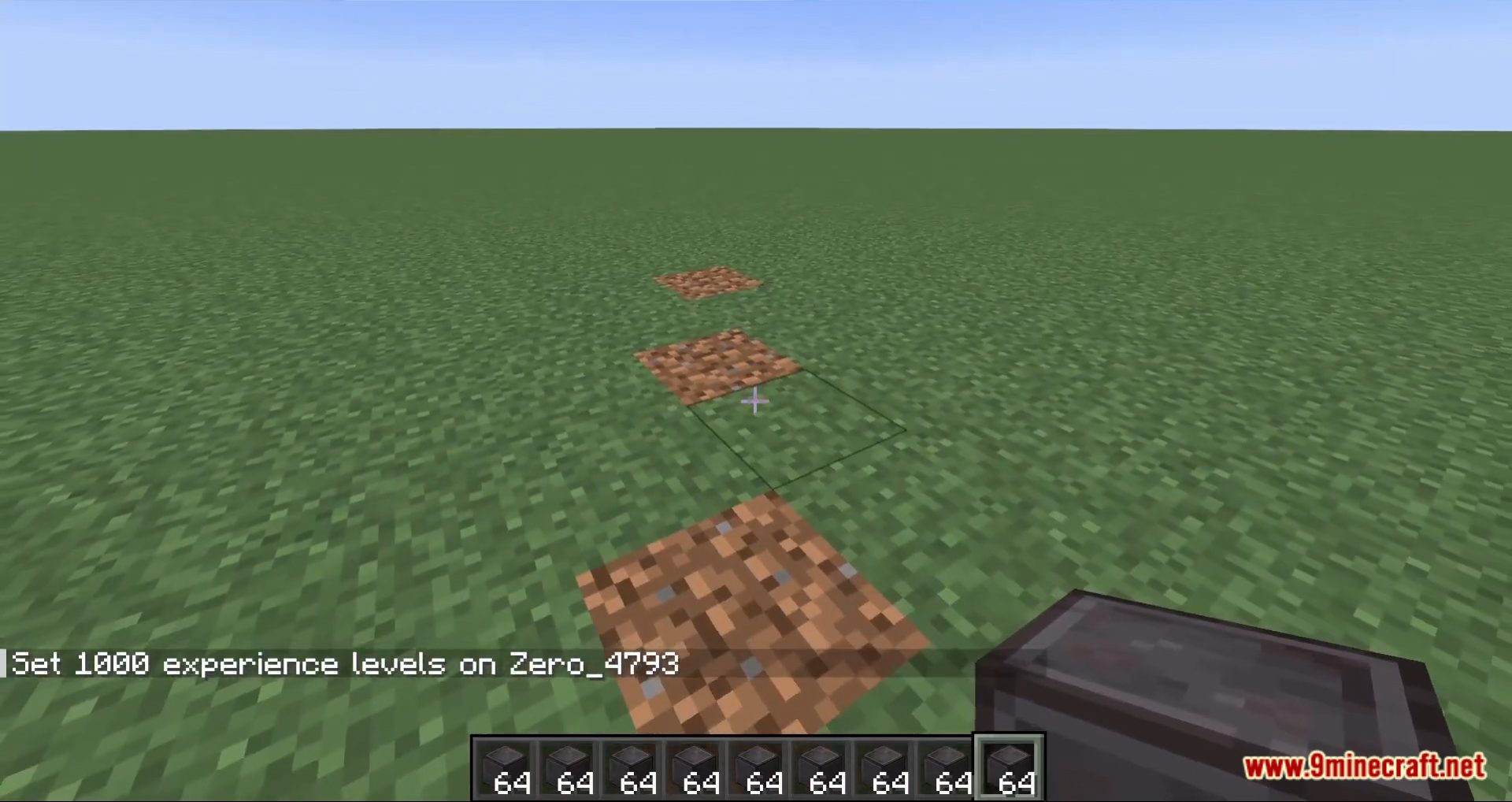
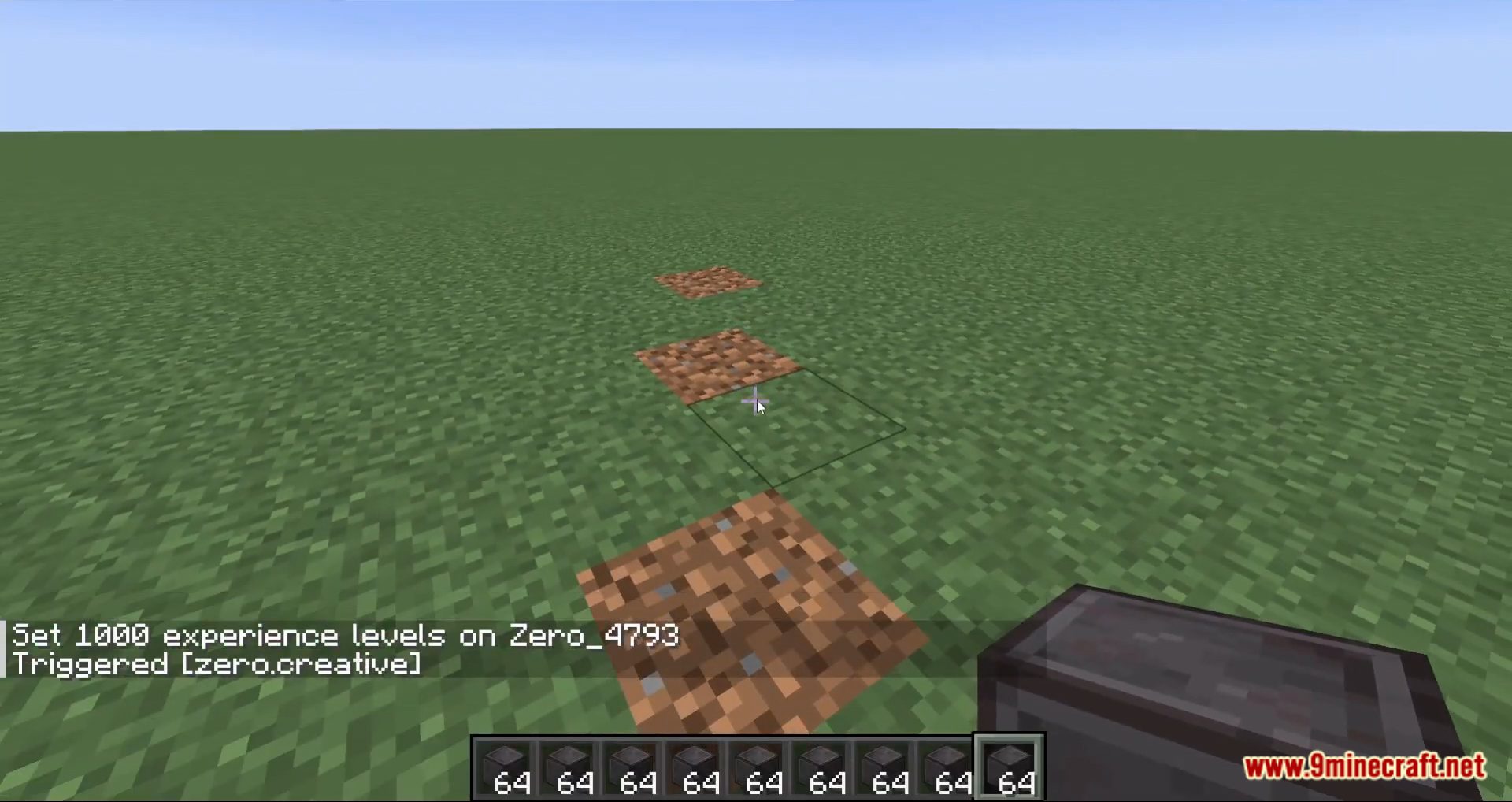
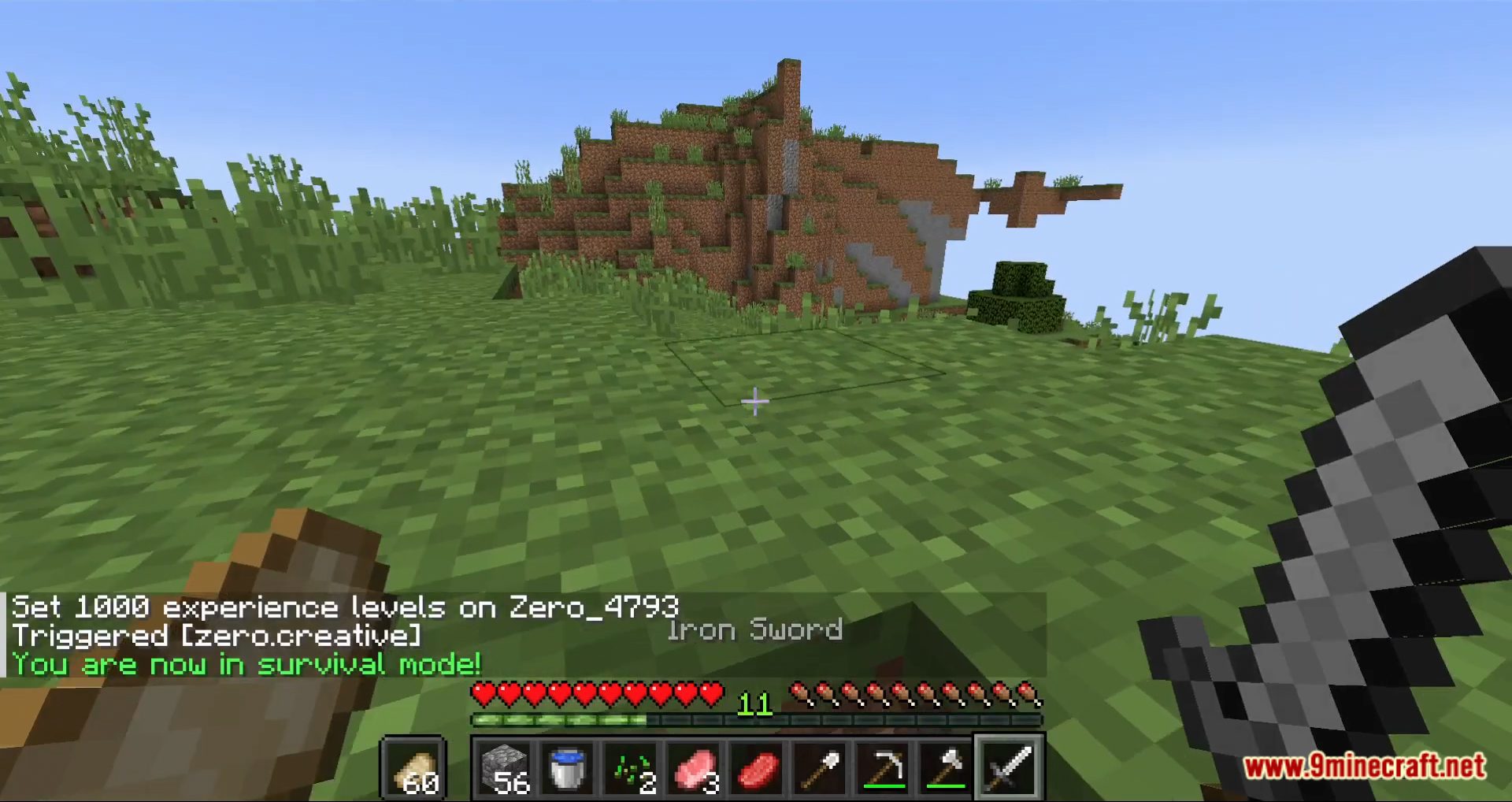
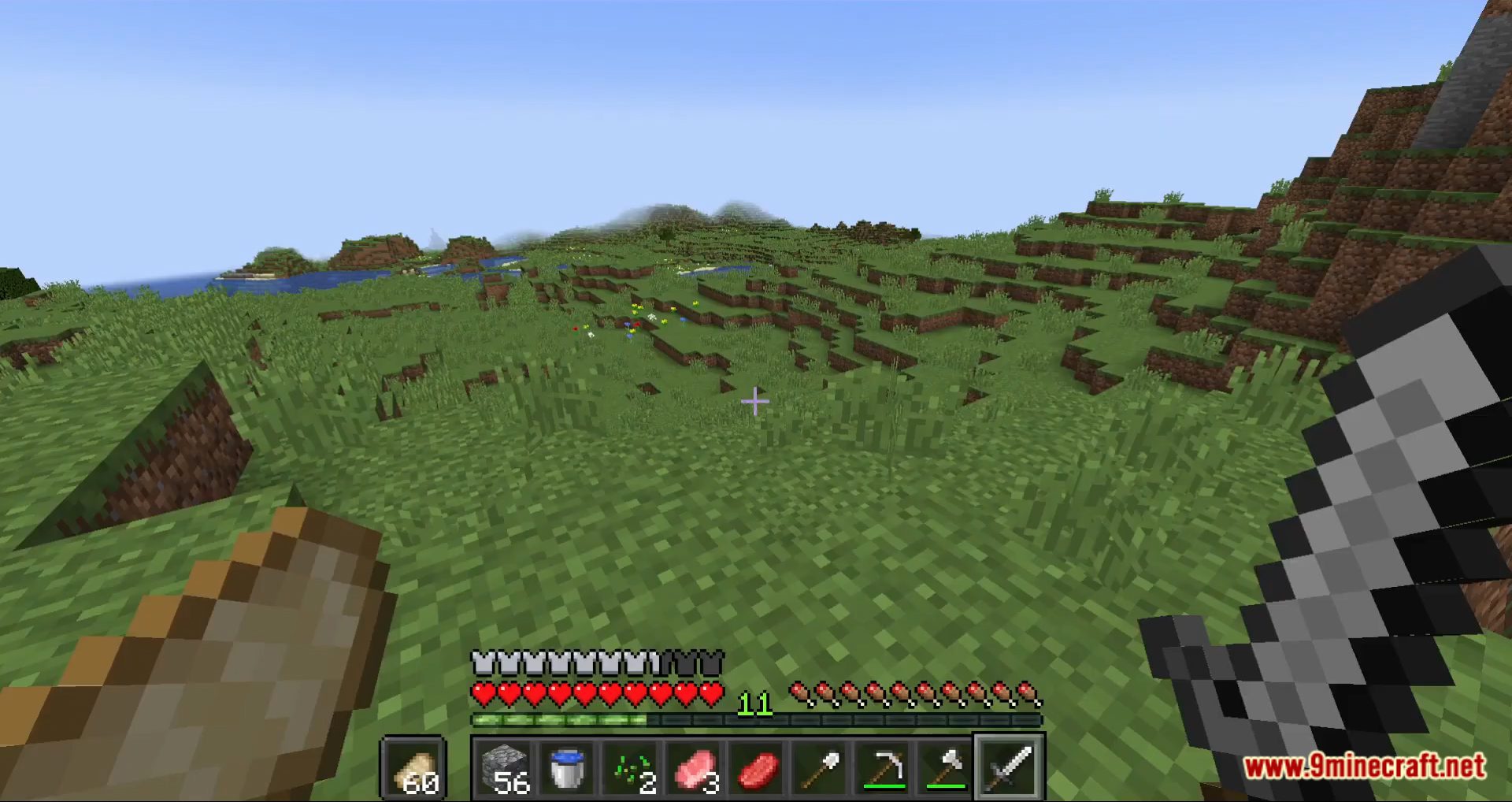
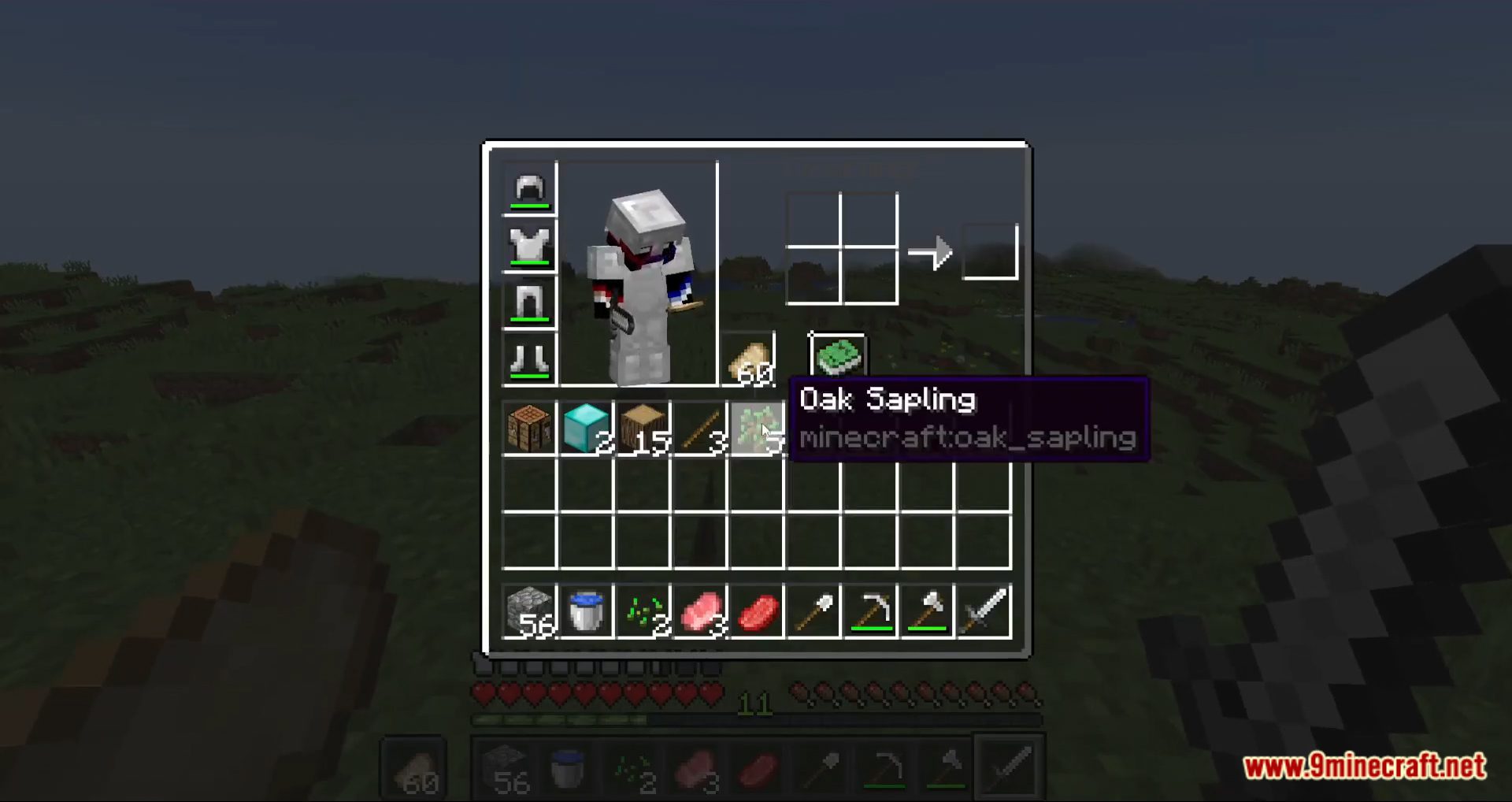
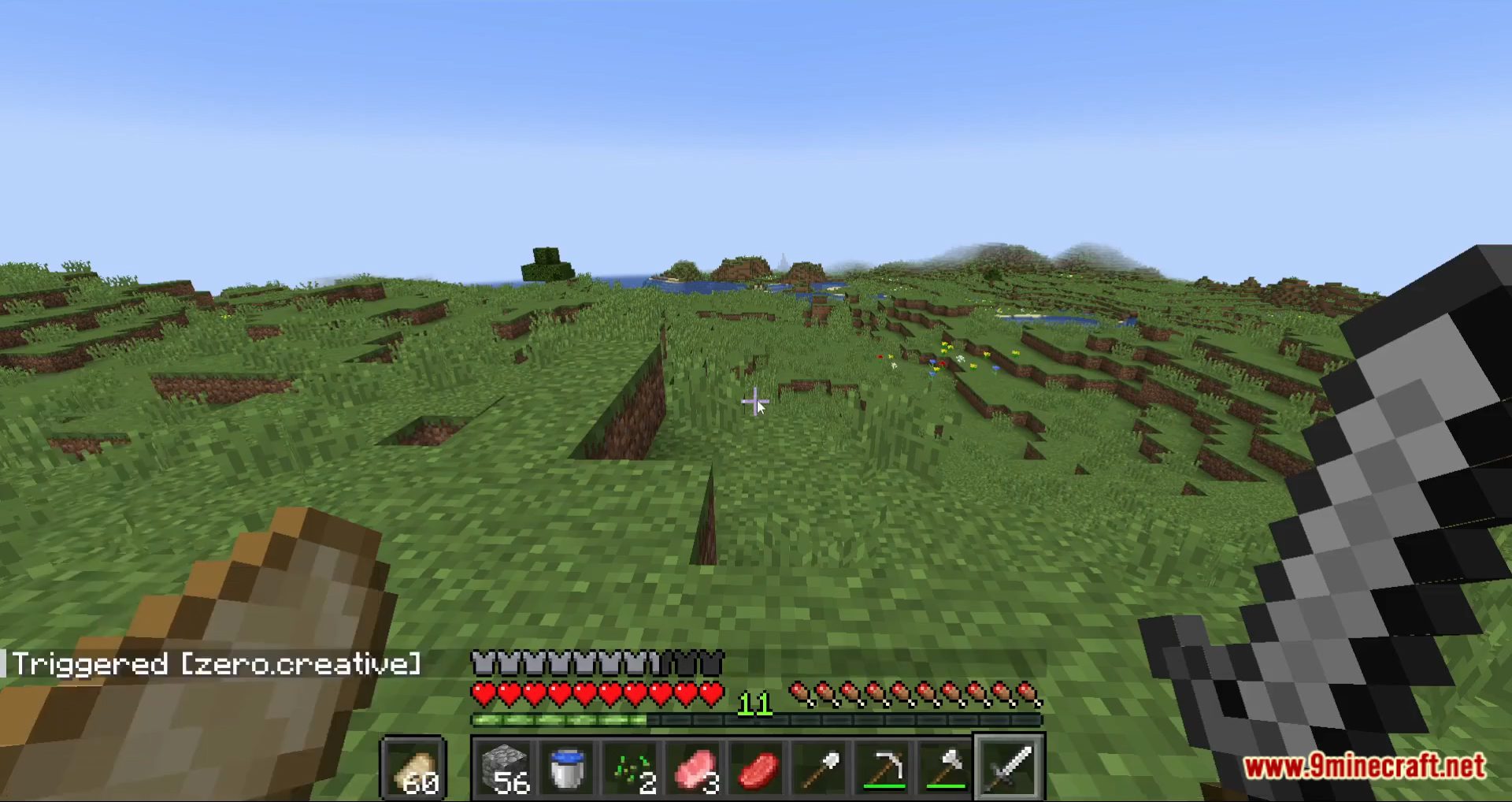
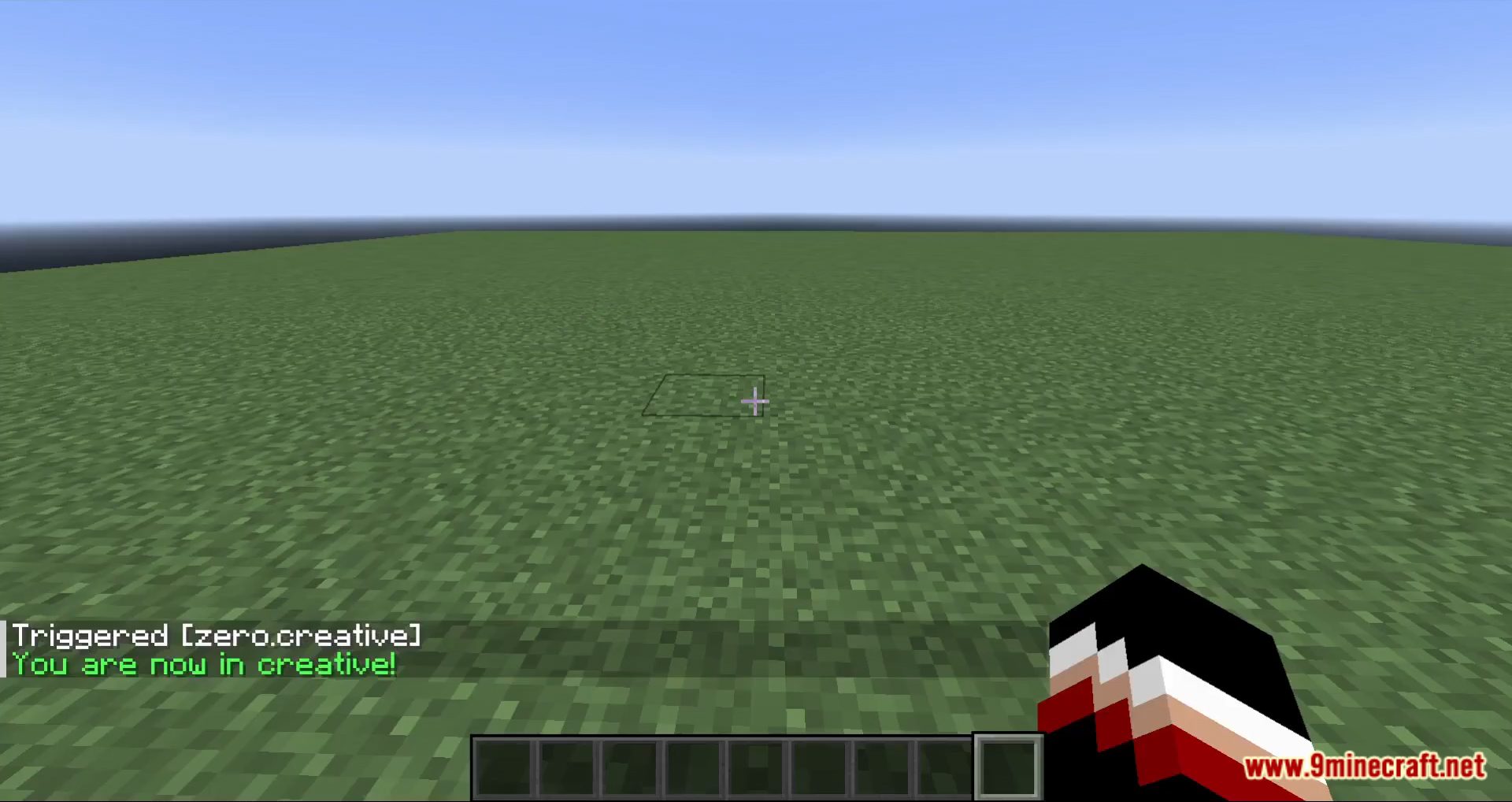
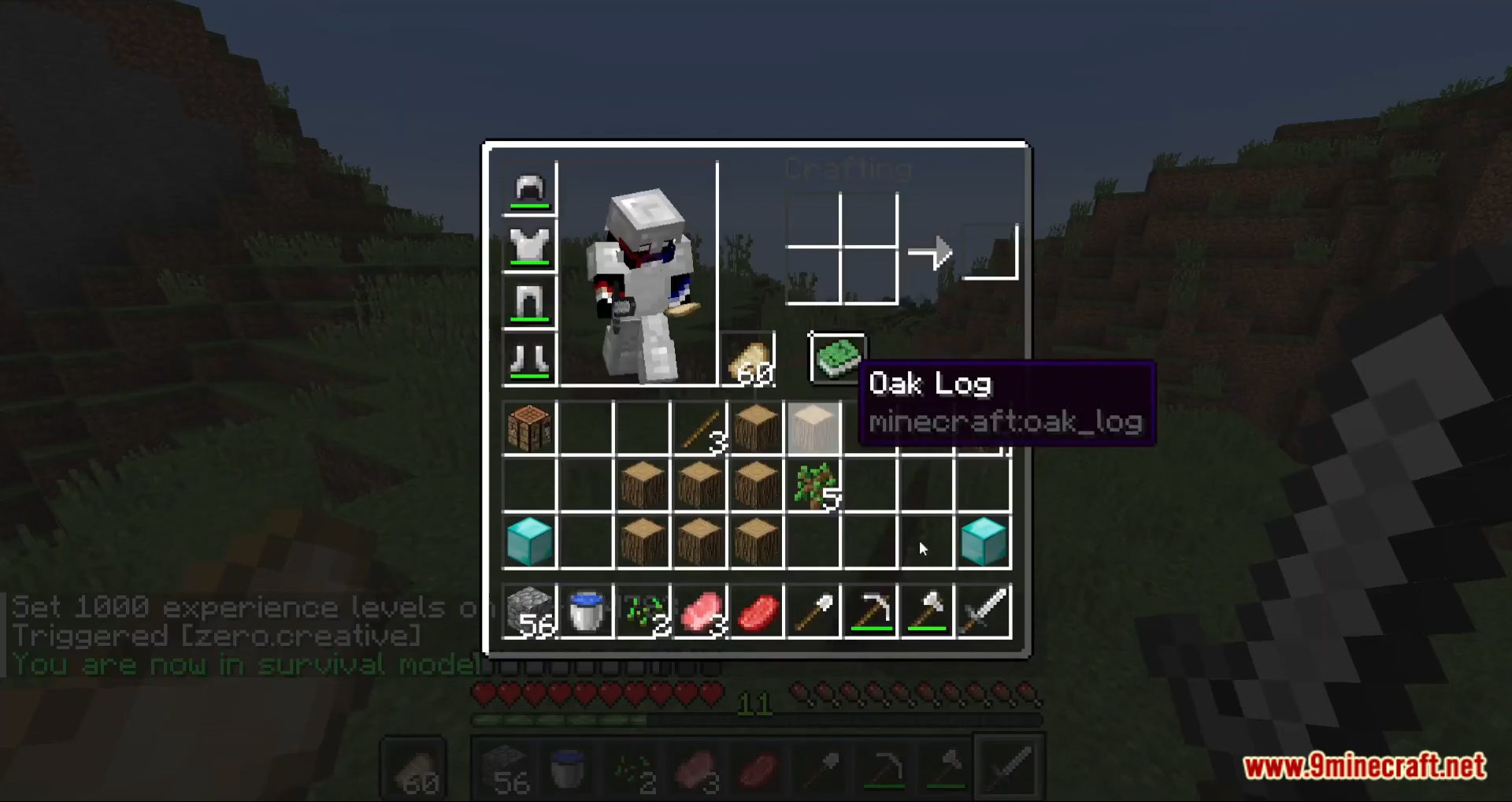
Screenshots:




How to Install:
New to Minecraft? Follow our step-by-step guide to install Data Packs on your PC.View Guide
Creative Dimension Data Pack Download Links
For Minecraft 26.1.2, 26.1.1, 26.1
For Minecraft 1.21.11
For Minecraft 1.21.10, 1.21.9
For Minecraft 1.21.8, 1.21.7, 1.21.6
For Minecraft 1.21.5
For Minecraft 1.21.4
For Minecraft 1.21.1, 1.21
Click to rate this post!
[Total: 0 Average: 0]
You May Also Like
Picked for this page
 Vanilla Refresh Data Pack (26.2, 1.20.1) – 30+ Quality Of Life Features
 Tool Trims Data Pack (26.2, 1.20.1) – Beautiful Tools!
 SATB Data Pack (26.1.2, 1.20.1) – Visualize Your Vital Stats
 Moss Ruins Data Pack (26.3, 1.20.1) – Ruined Cities!
 Better Unpackables Data Pack (26.3, 1.21.11) – Unpack Items With Ease
 Faster Paths Data Pack (26.3, 1.21.1) – Speed Up Your Travels
 Recipes Plus Data Pack (26.3, 1.20.1) – Common Sense Recipe Additions
 Keep Head Names Data Pack (26.1.2, 1.21.1) – Preserve Your Customizations
 Abandoned Structures Data Pack (1.21.10, 1.20.1) – Mysterious and Forgotten Structures
 Skippy Pearls Data Pack (26.3, 1.20.1) – Bounce Your Way Across Water
 Tables & Chairs 2 Data Pack (26.2, 1.21.11) – Modular, Functional And Customizable Seating For Minecraft
 Hoe Effective Cactus Data Pack (26.3, 1.20.1) – Speed Up Your Cactus Harvesting
Most viewed in Data Packs over the last 7 days
 True Ending 9minecraft Data Pack (26.3) – Fight a Multi-Phase Ender Dragon
 Unlimited Enchantments Data Pack (26.3, 1.21.1) – Break the Level Cap
 Simply One Block Data Pack (26.3, 1.21.11) – Mine One Infinite Block
 Weird and Powerful Weapons Data Pack (26.3, 1.21.11) – Wield Bizarre Gear
 RPG Enchantments Data Pack (26.3, 1.21.11) – Trade Raw Power for Specialized
 Display Hearts DH Data Pack (1.21.11, 1.21.1) – Track Teammate Health
 Hearths 9minecraft Data Pack (26.3) – Raid Giant Spires for Nether Loot
 TreeCapitator Data Pack (26.1.2, 1.20.1) – An Easy Way To Clear A Forest
 Enchant Everything Data Pack (26.3, 1.20.1) – Forge Overpowered Gear
 FloatingIslands Data Pack (1.16.2) – Build Bridges and Survive Above the Void
 Dunadex Cobblemon Data Pack (1.21.1, 1.20.1) – Catch and Train New Creatures
 Skinful Hide Your Armor Data Pack (26.3, 1.21.11) – Show Off Your Skin
More from Data Packs
 Infinity on Crossbows Purpur Pack Data Pack (26.3, 1.21.1)
 Pickaxe Effective Reinforced Deepslate Data Pack (26.3, 1.20.1) – Easier Mining for Tough Blocks
 The Pinkan Pokemon Pack Data Pack (1.21.1) – Feed Berries to Turn Companions
 Dark Starter Change Starter Items Data Pack (26.3, 1.20.1)
 FokusAPI Data Pack (26.3, 1.20.1) – API Library Support
 CoffeeG’s Wall Climbing Data Pack (26.3, 1.20.1) – Scale Walls With Ease
 Lankasters Nether Data Pack (1.20.1) – Survive Vast Caverns and Taller Fiery
 Speed Happy Ghast Data Pack (26.2, 1.21.11) – Faster Flying Ghasts Terrorize
 Enchantology Data Pack (26.3, 1.21.1) – Loot Rare Books to Unlock 50 New
 Ominous Mansions Woodland Mansion Update Data Pack (26.3, 1.21.11)
 Unusual End X Tensura Compatibility Data Pack (1.19.2)
 Bastion Remnant Treasure Reset Data Pack (1.21.11, 1.20.1)

This post has no comments yet. Be the first — your comment will appear here.