


Utilitarian Mod (26.1.2, 1.20.1) – New Tools for Old Problems
 2,016
2,016
 0
0


🌐 Good news — we've translated this article into other languages!
Or pick the one you like:
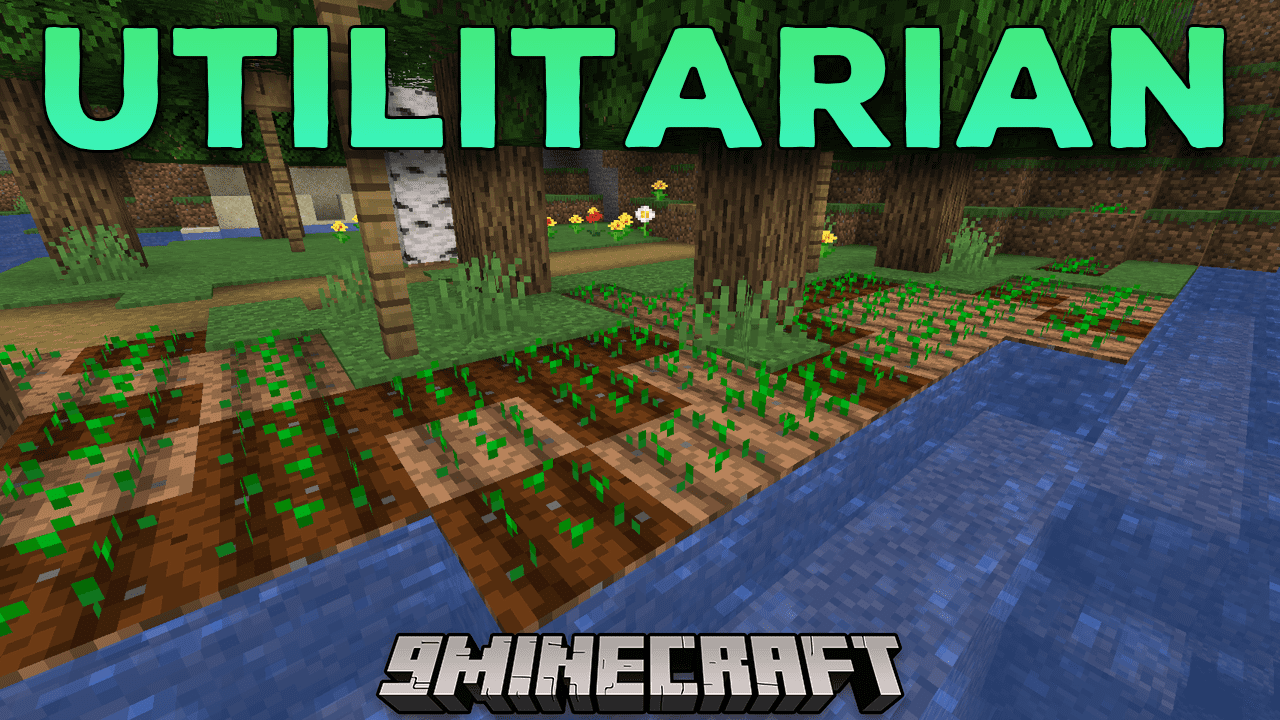
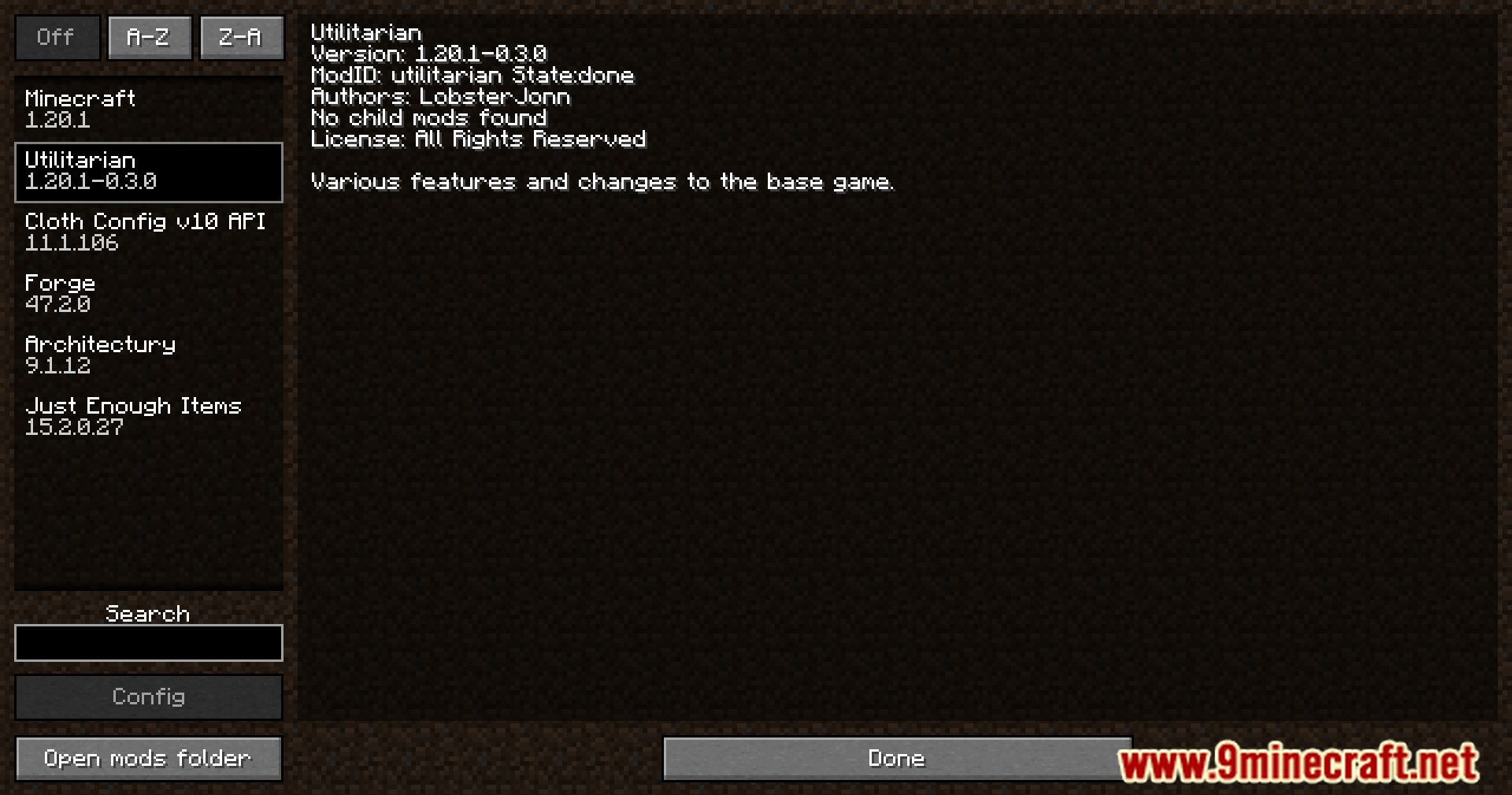
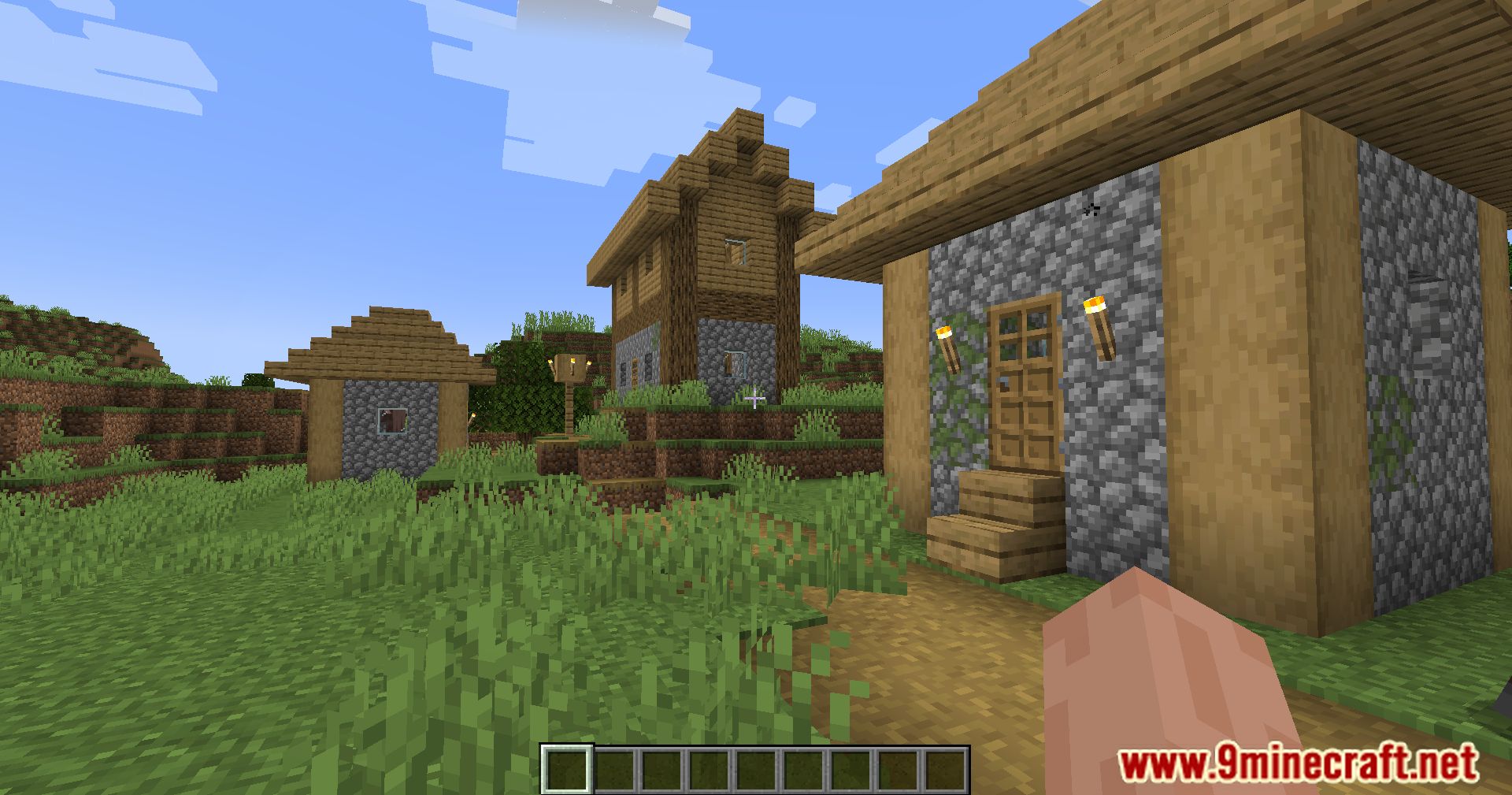
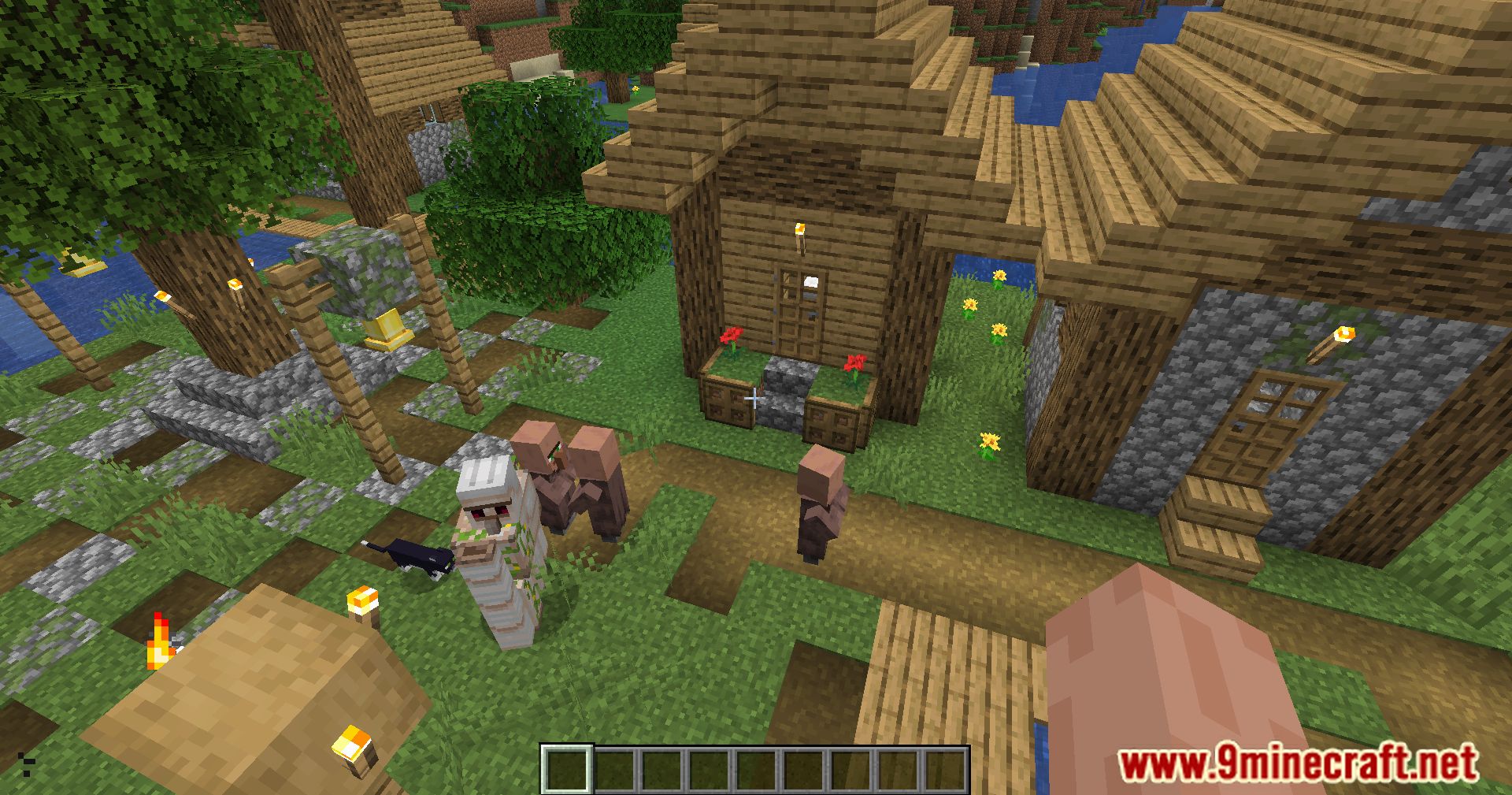
Utilitarian Mod adds many useful features to improve your Minecraft game. This mod is split into different modules, which you can turn on or off to fit your needs.
Features:
- Lets you use crying obsidian to build Nether portal frames.
- Refills your air supply when you use a wind charge underwater.
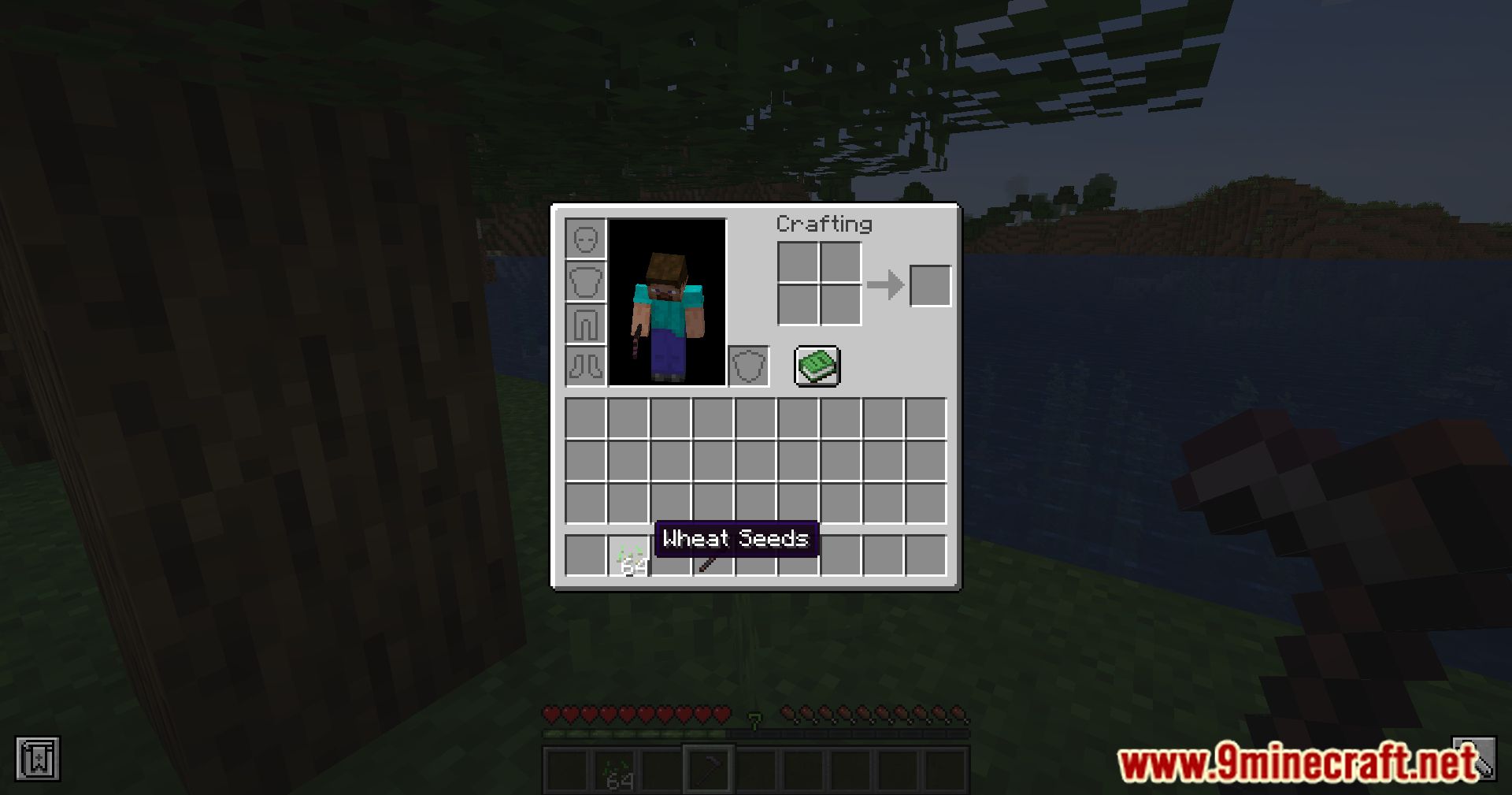
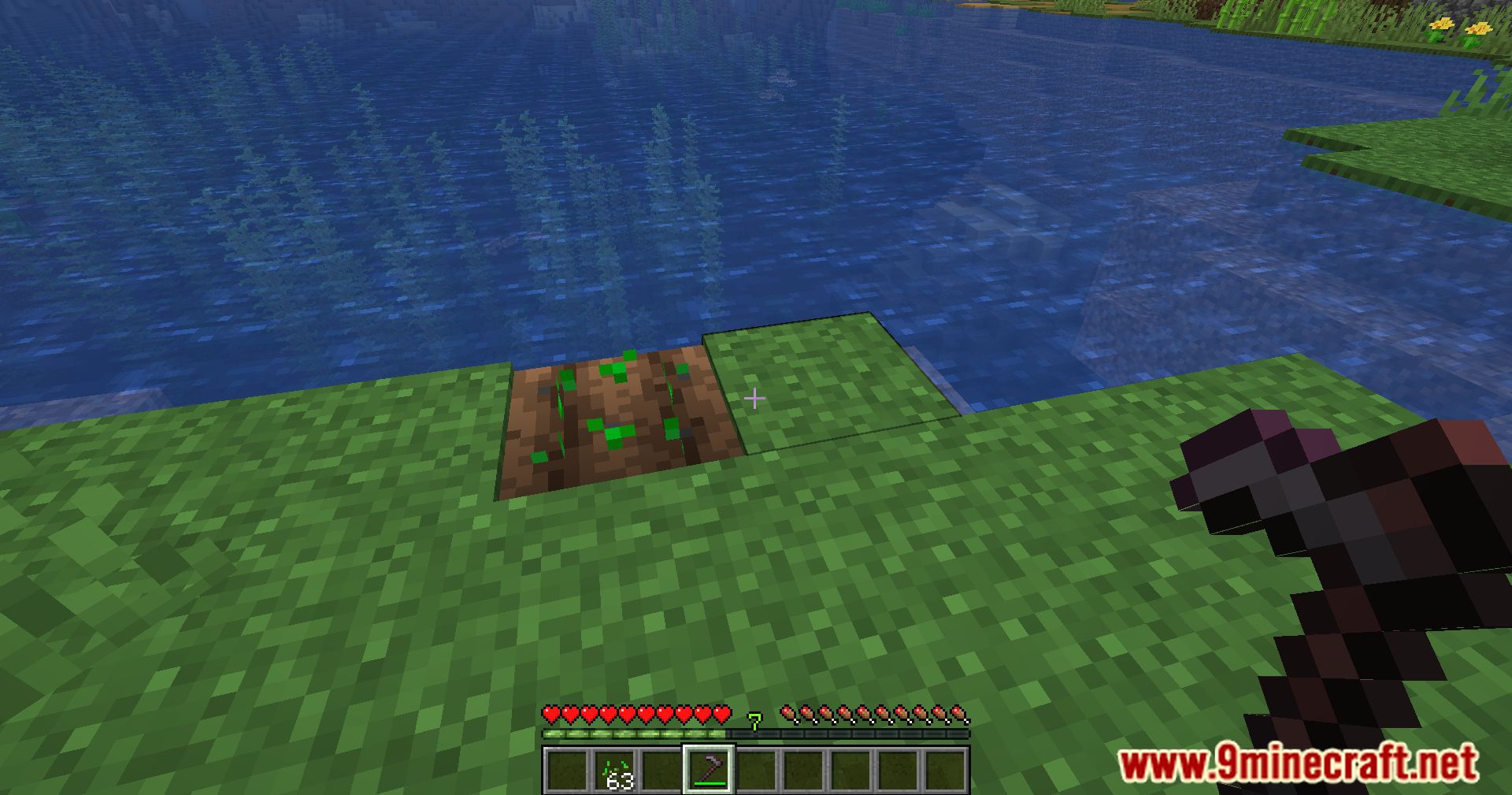
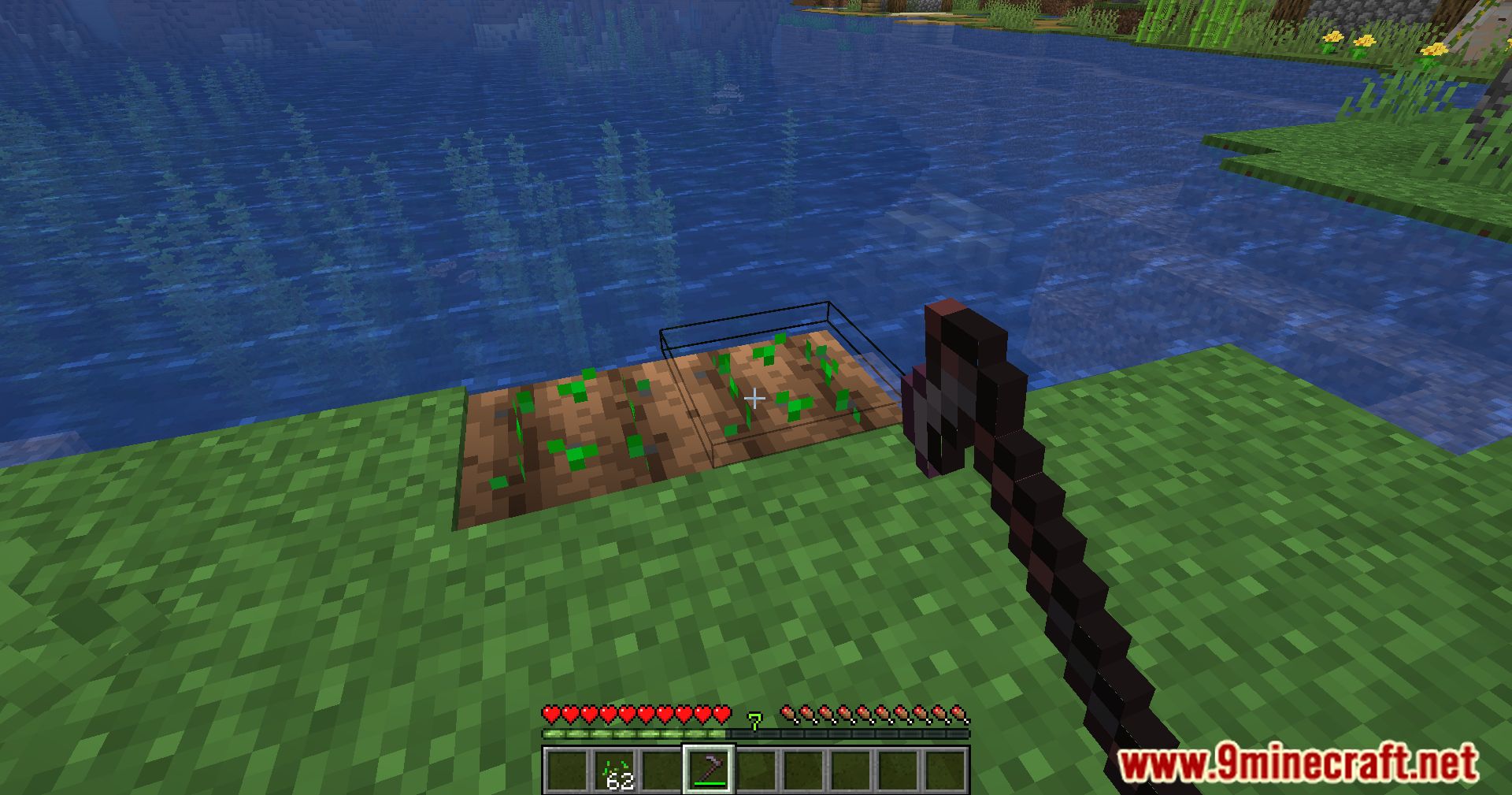
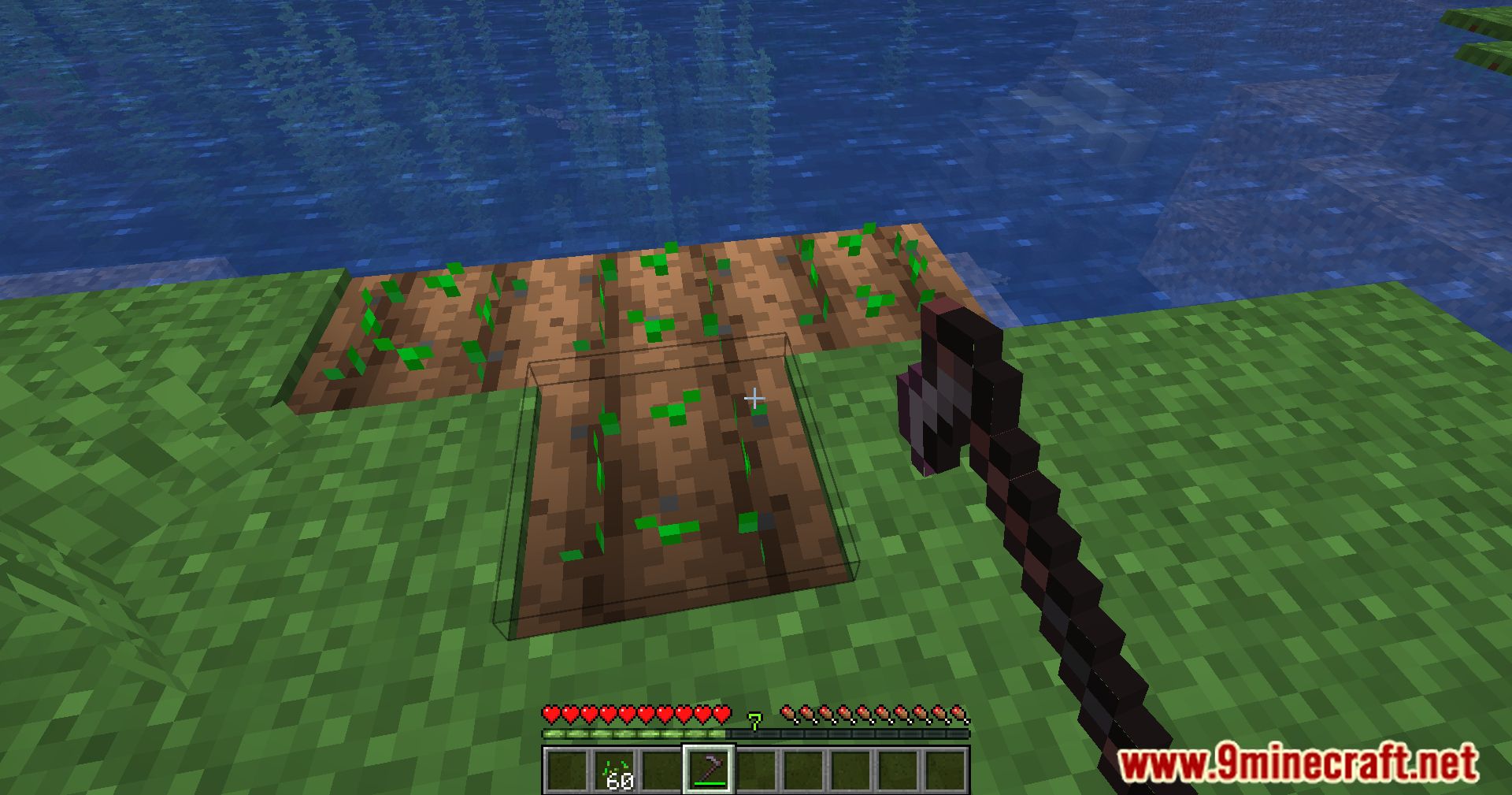
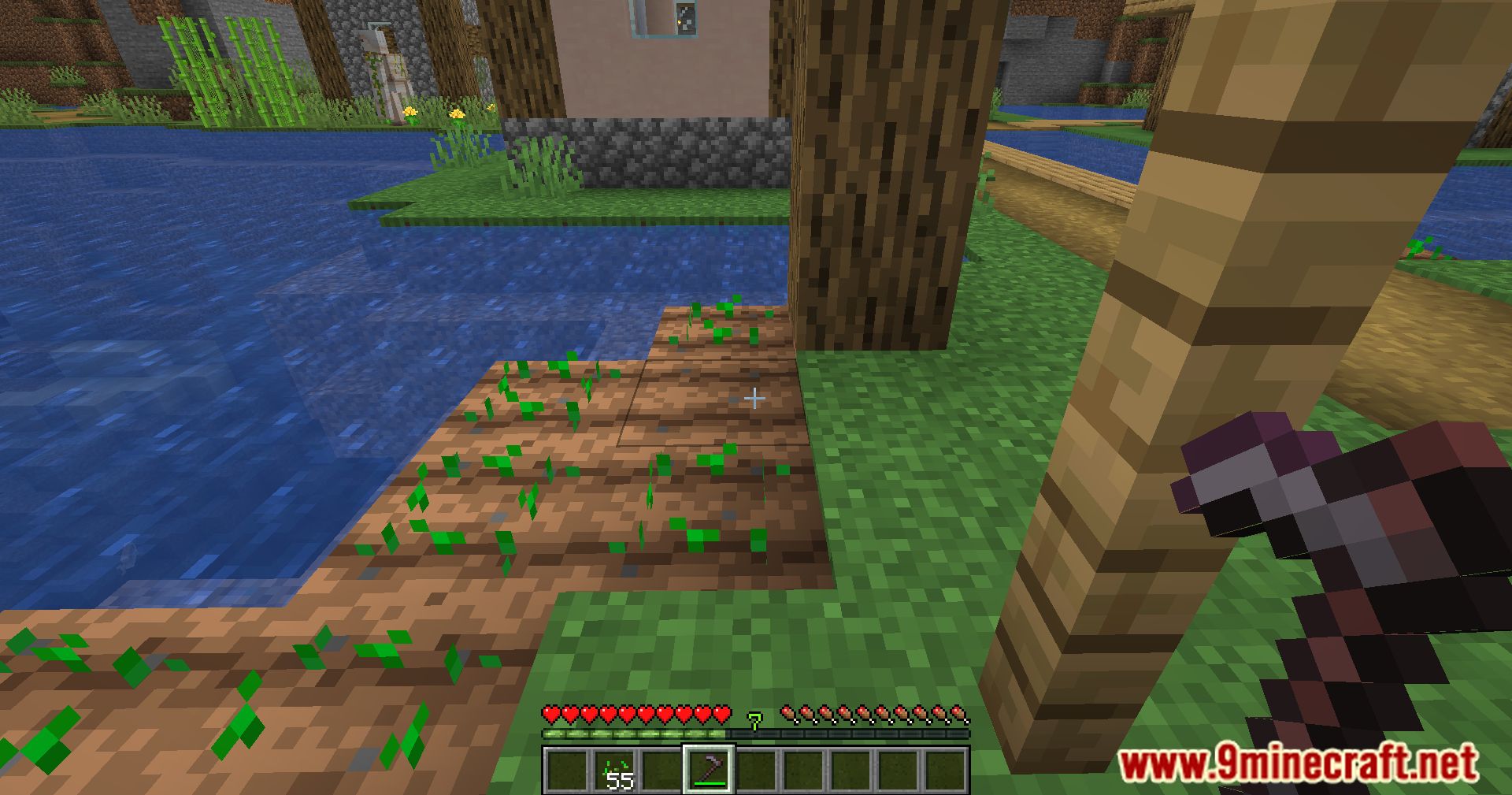
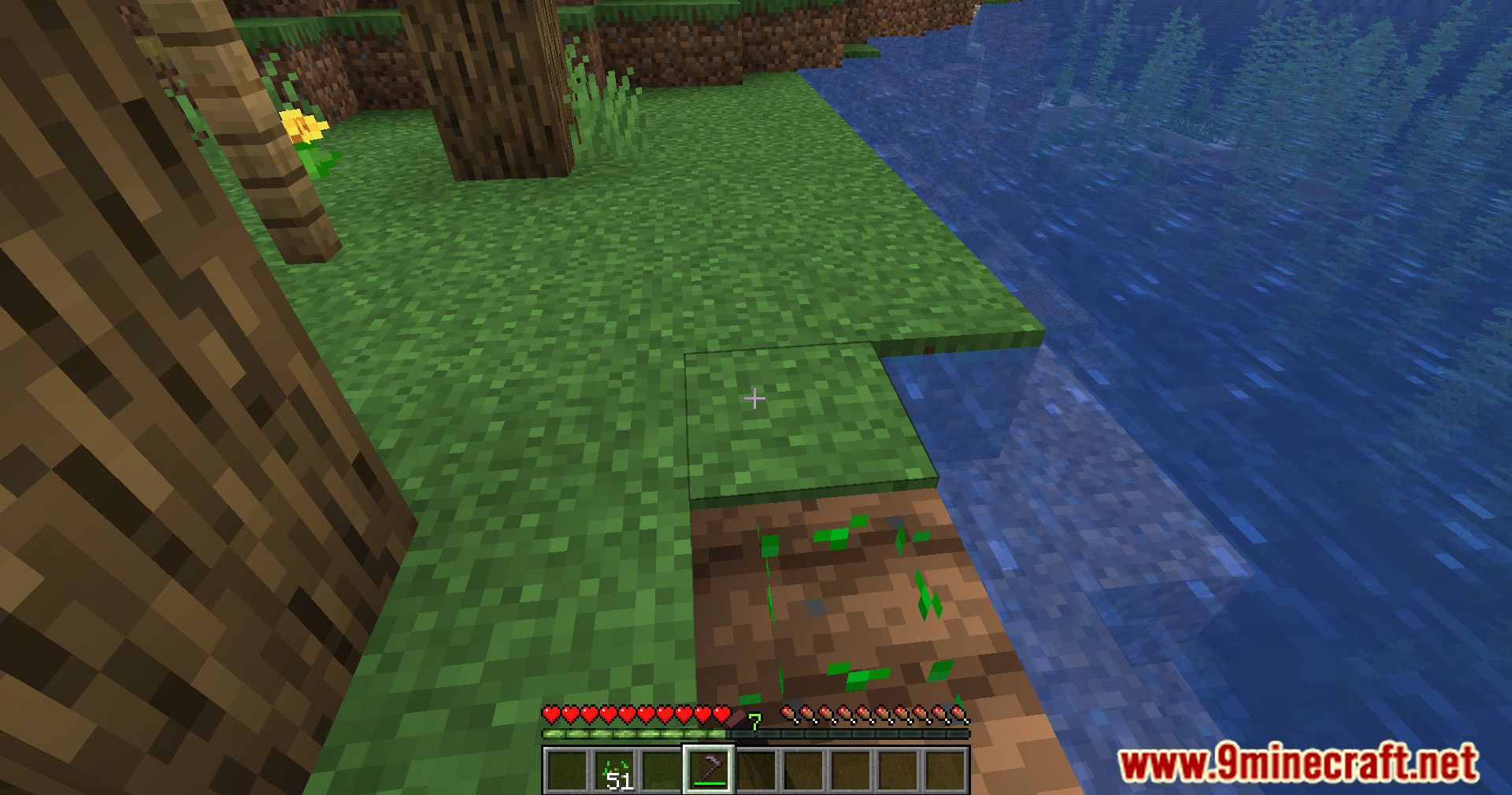
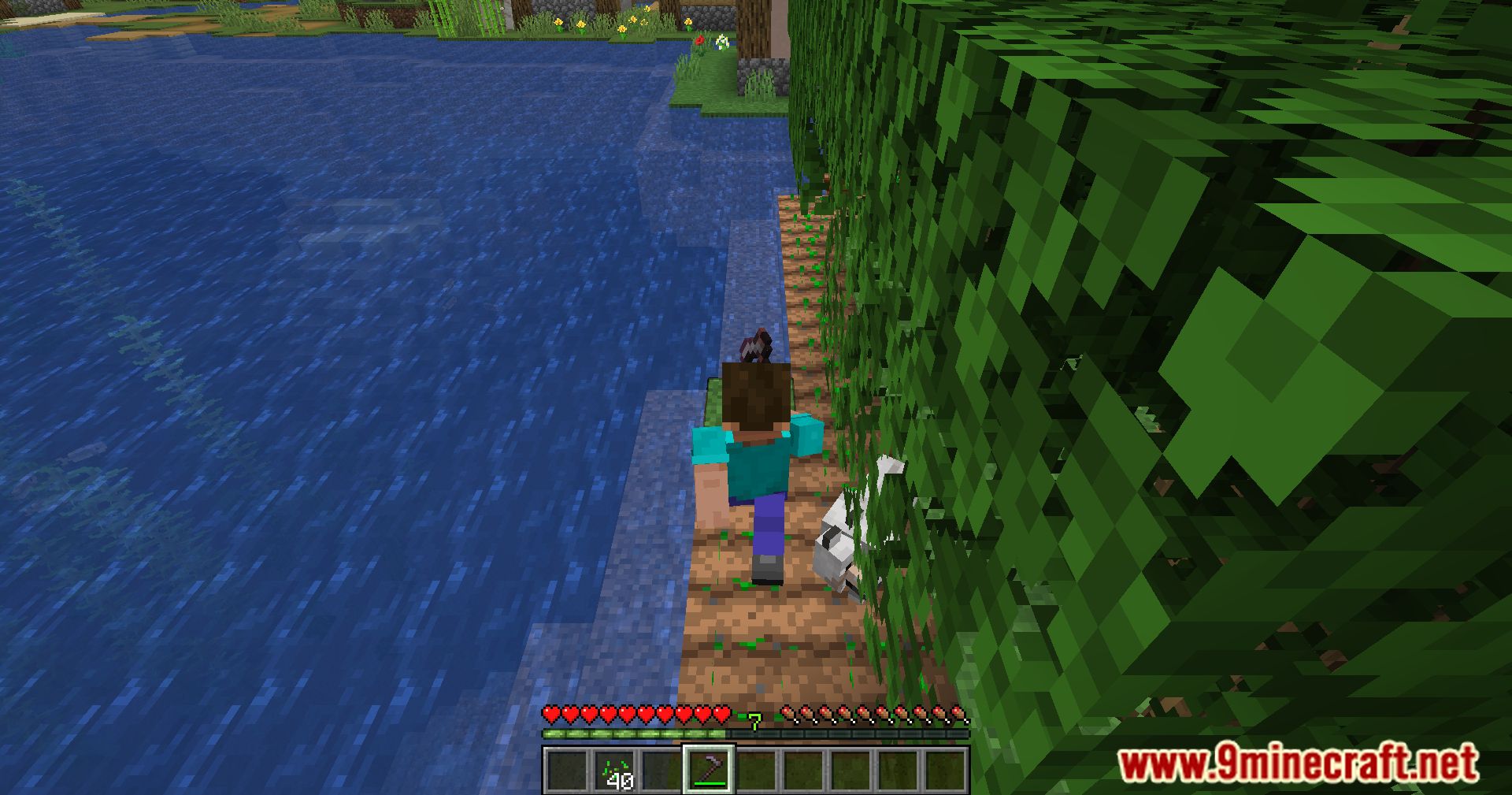
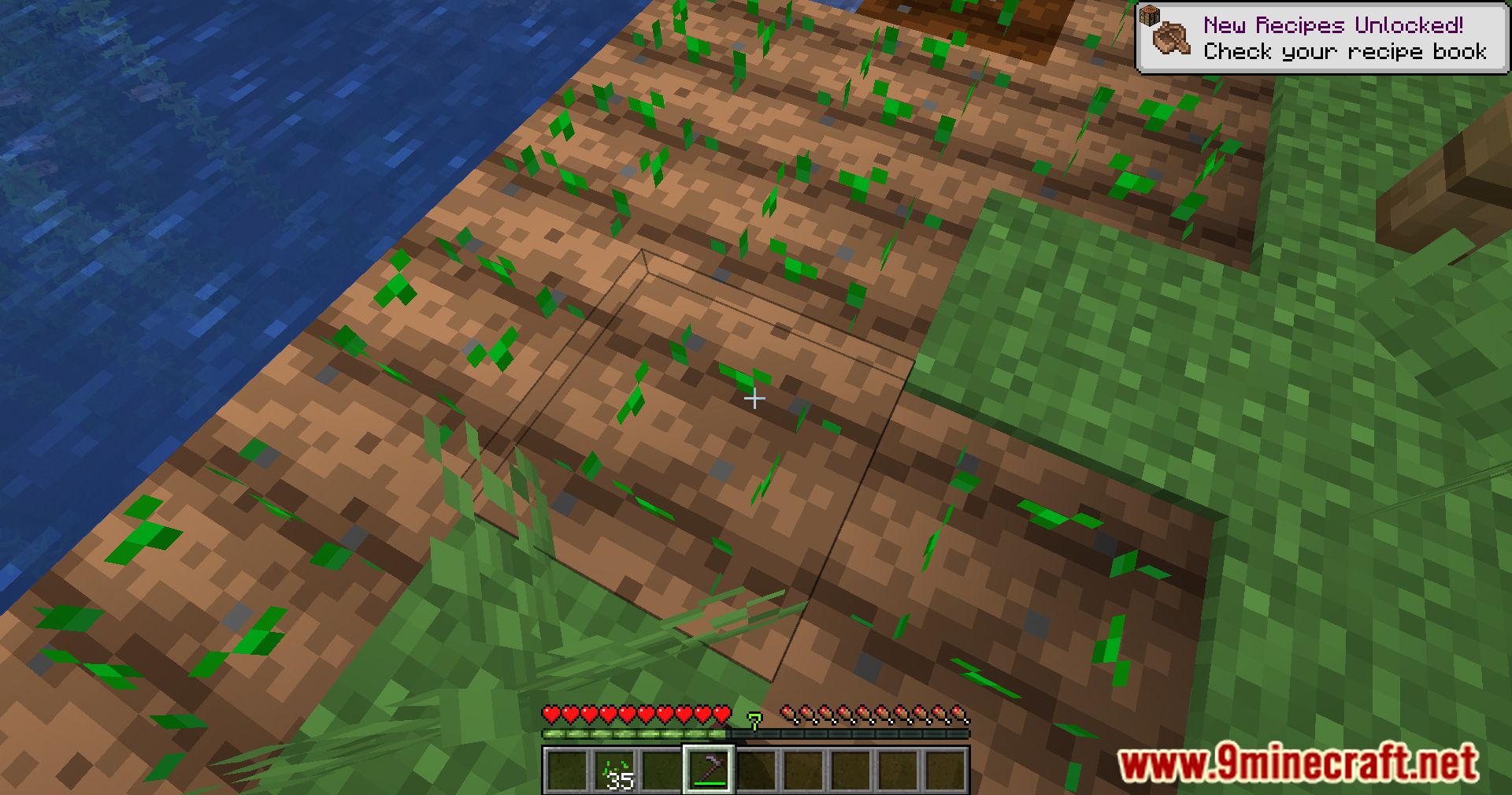
- Plant seeds at the same time you till the soil with a hoe.
- Stops farmland from being trampled when you step on it.
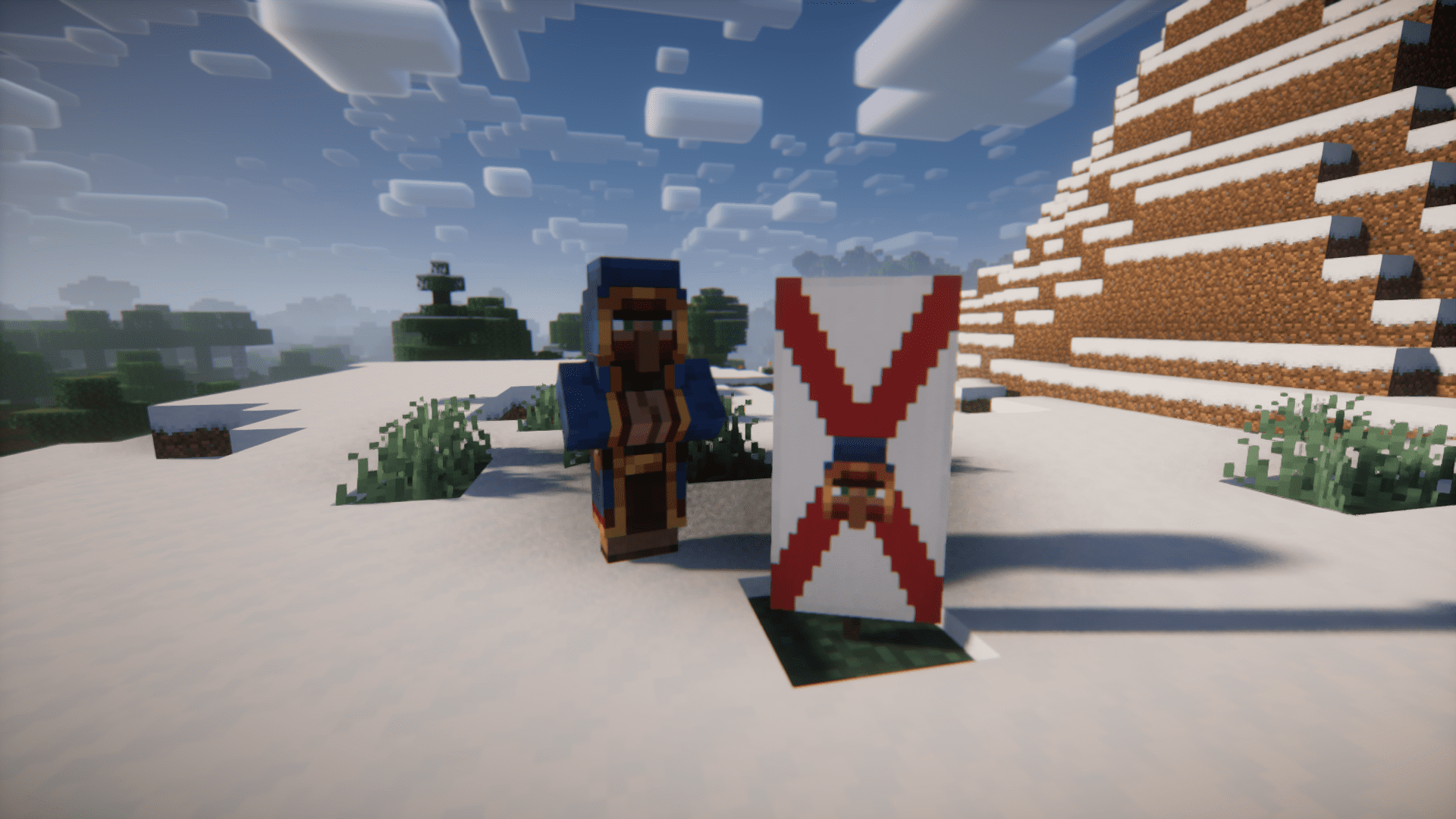
- Prevents wandering traders from spawning near your base or forces them to spawn in a specific spot.
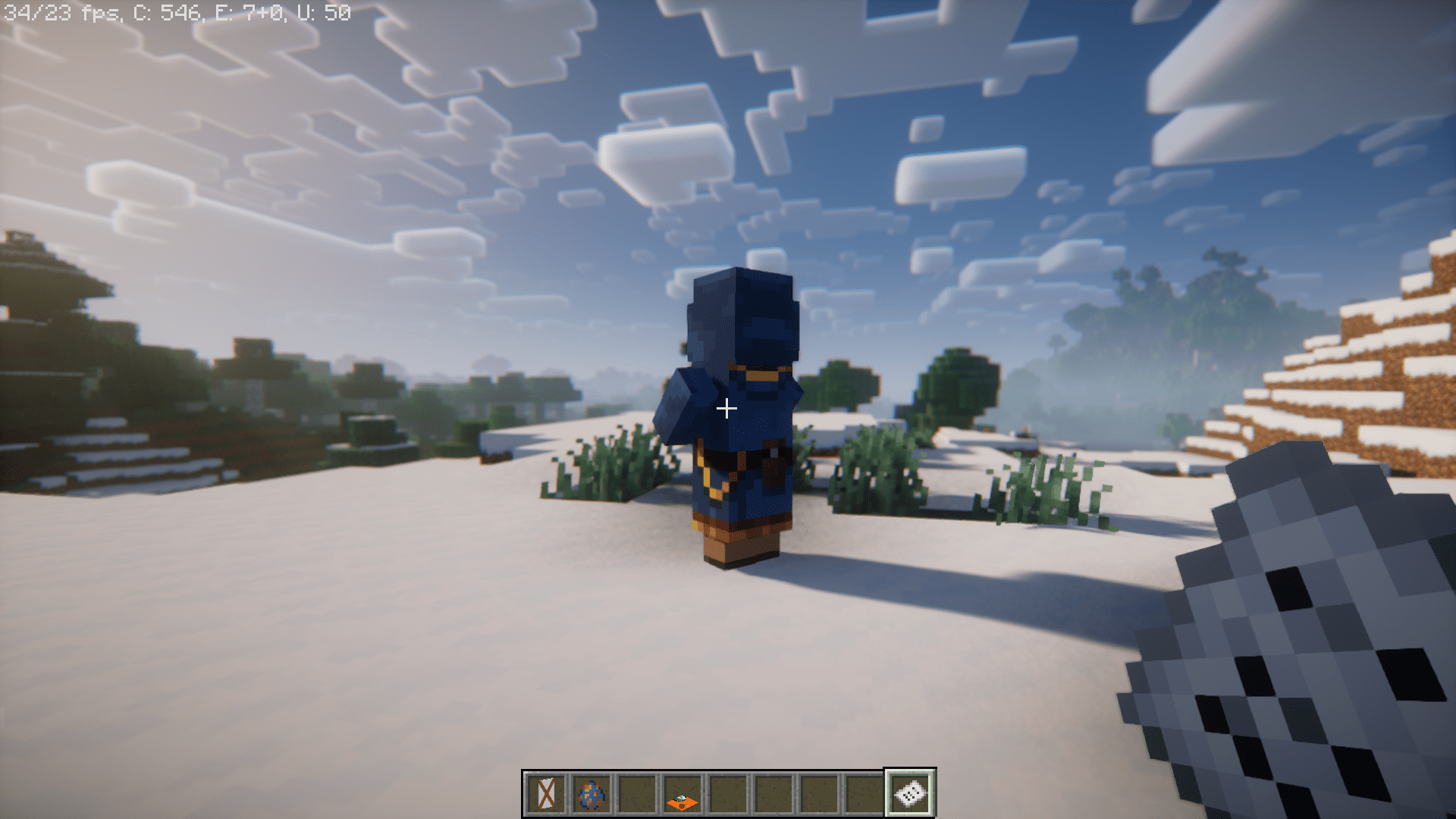
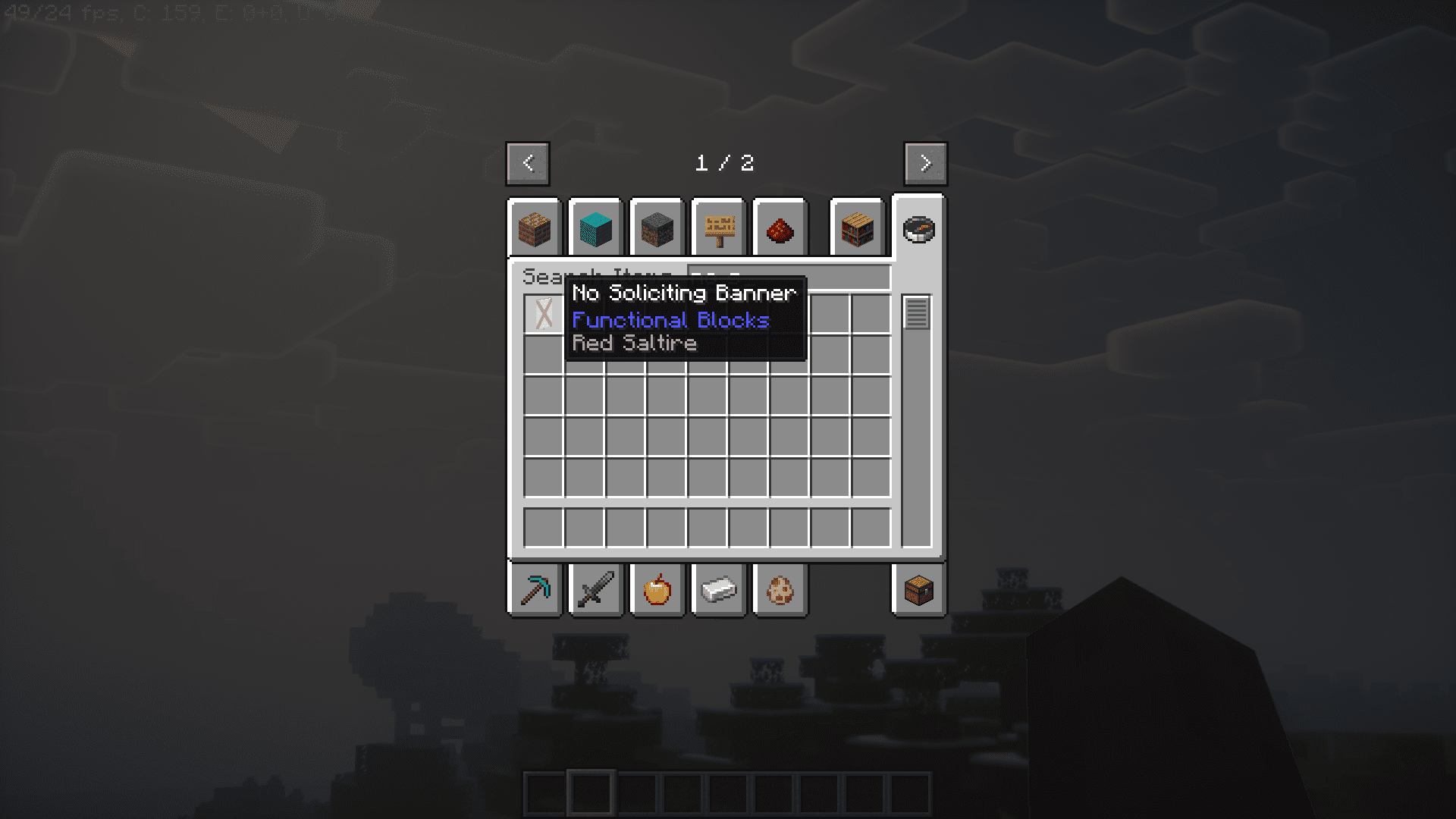
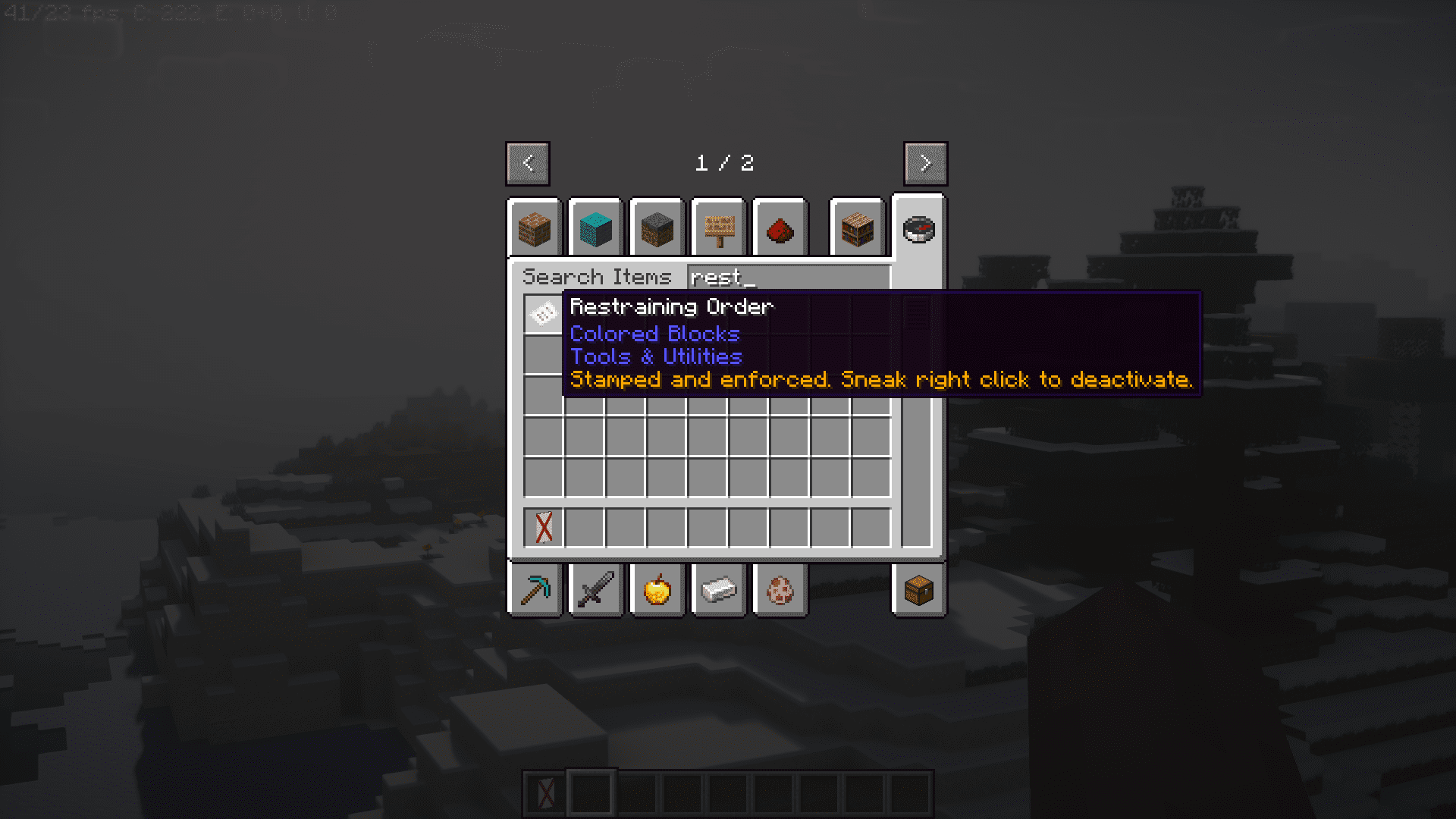
- Use a No Soliciting Banner or hold a Restraining Order to stop traders from appearing.
- Place Trader Carpets to control exactly where traders move to.
- Removes sleep error messages like “too far away” or “there are monsters nearby”.
- Plays a sound to let you know when the game has finished loading.
- Turn a villager into a nitwit by dropping an anvil on it, or give a nitwit a bookshelf to turn it back.
- Includes many simple recipes to make crafting easier.
Utility Blocks and Items
- Angel Block: A special block that you can place in mid-air.
- TPS Meter: Outputs a redstone signal based on the server’s performance.
- Well Behaved Dropper: Makes droppers drop items straight down instead of scattering them.
- Snad: A type of sand that makes plants grow faster, available in regular, red, and soul versions.
- Drit and Grrass: Blocks that hurt mobs and players who step on them.
- Cursed Grrass: Spawns mobs on top of it.
- Redstone Clock: A simple block that repeatedly turns a redstone signal on and off.
- Fluid Hopper: A hopper that moves fluids, taking them in from the top and pushing them out from the tip.
- Trowel: Randomly places blocks from your hotbar when you use it.
- Tiny Coal and Charcoal: Small fuel pieces that can smelt exactly one item.
- Lapis Lamp: Lights up an area without preventing mobs from spawning.
- Inverted Lamps: Lamps that stay on without needing a redstone signal.
- Pillager Outpost Claim Block: Prevents pillagers from returning to an outpost when placed.
Configuration:
- You can block certain chat messages from appearing when the game starts.
- There is a config file where you can add parts of messages, and any message containing that text will be stopped.
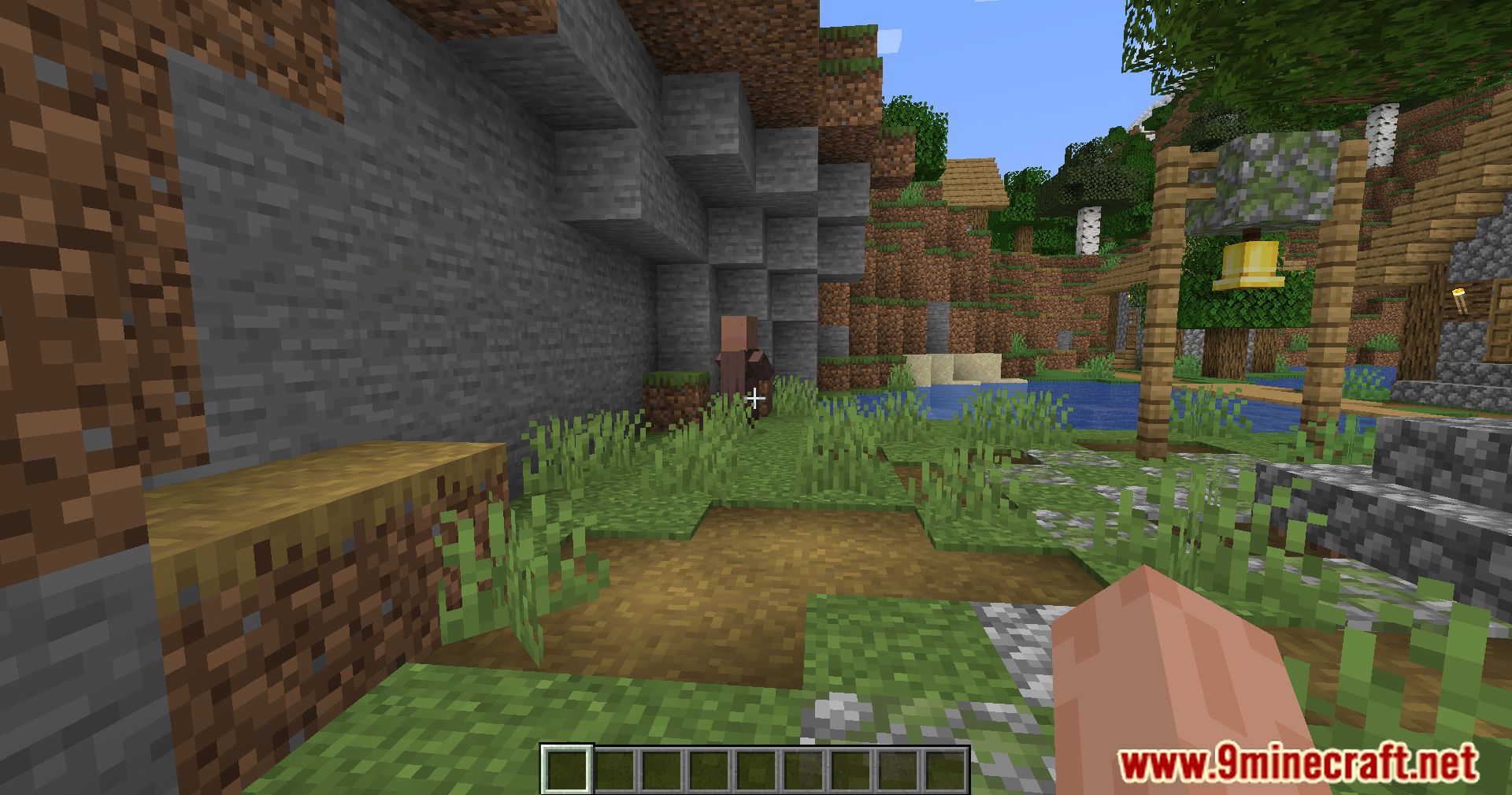
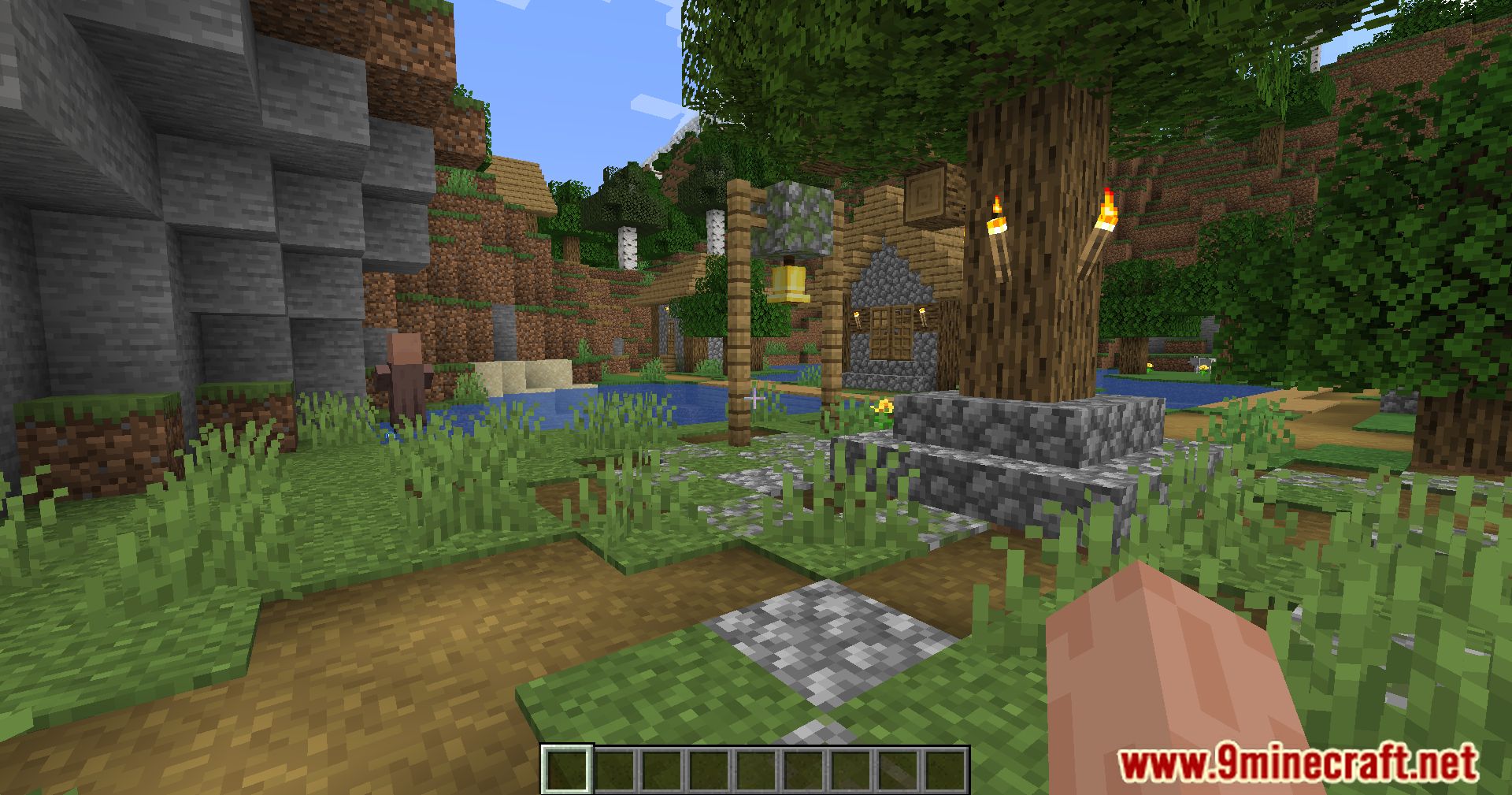
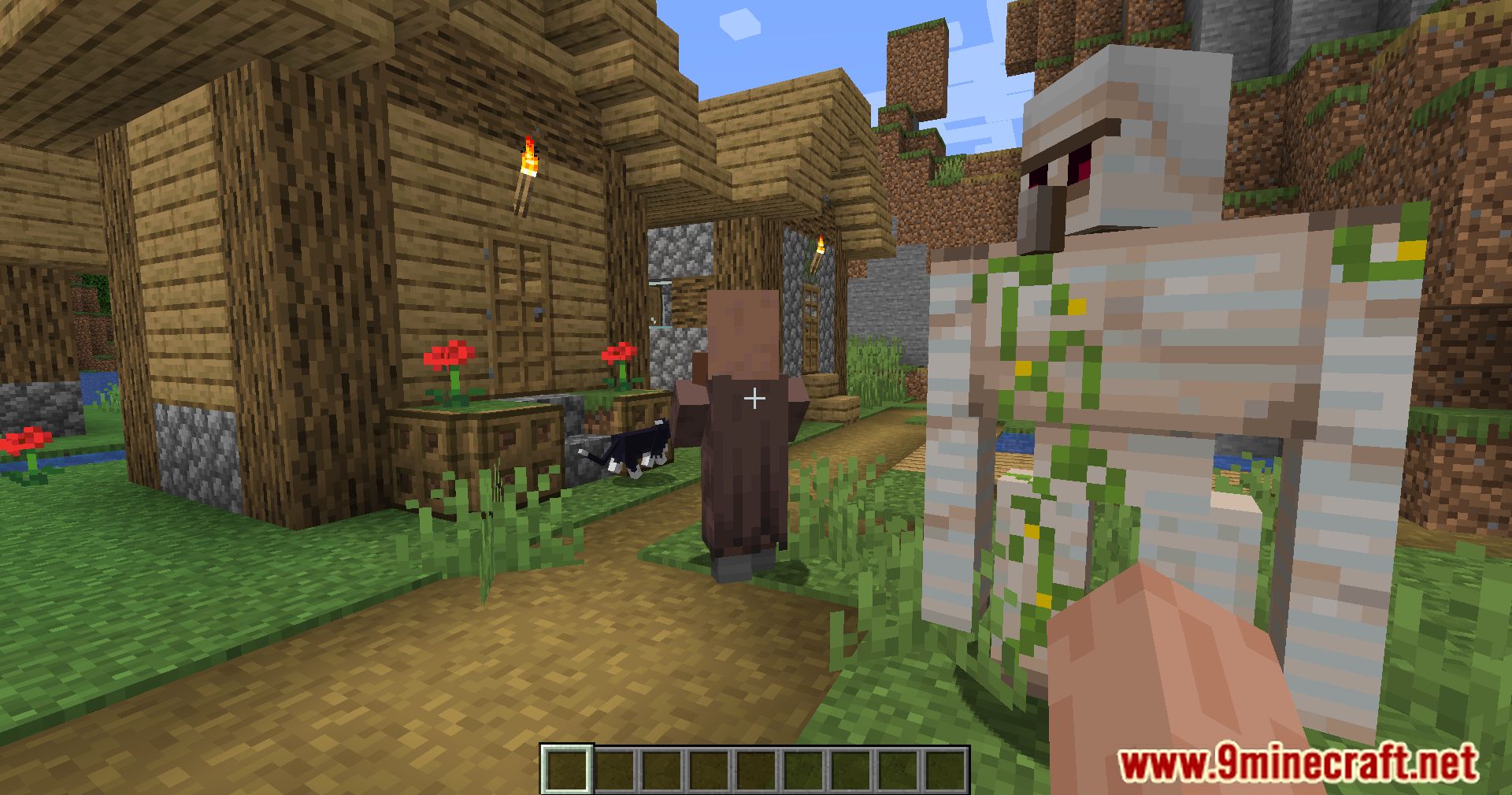
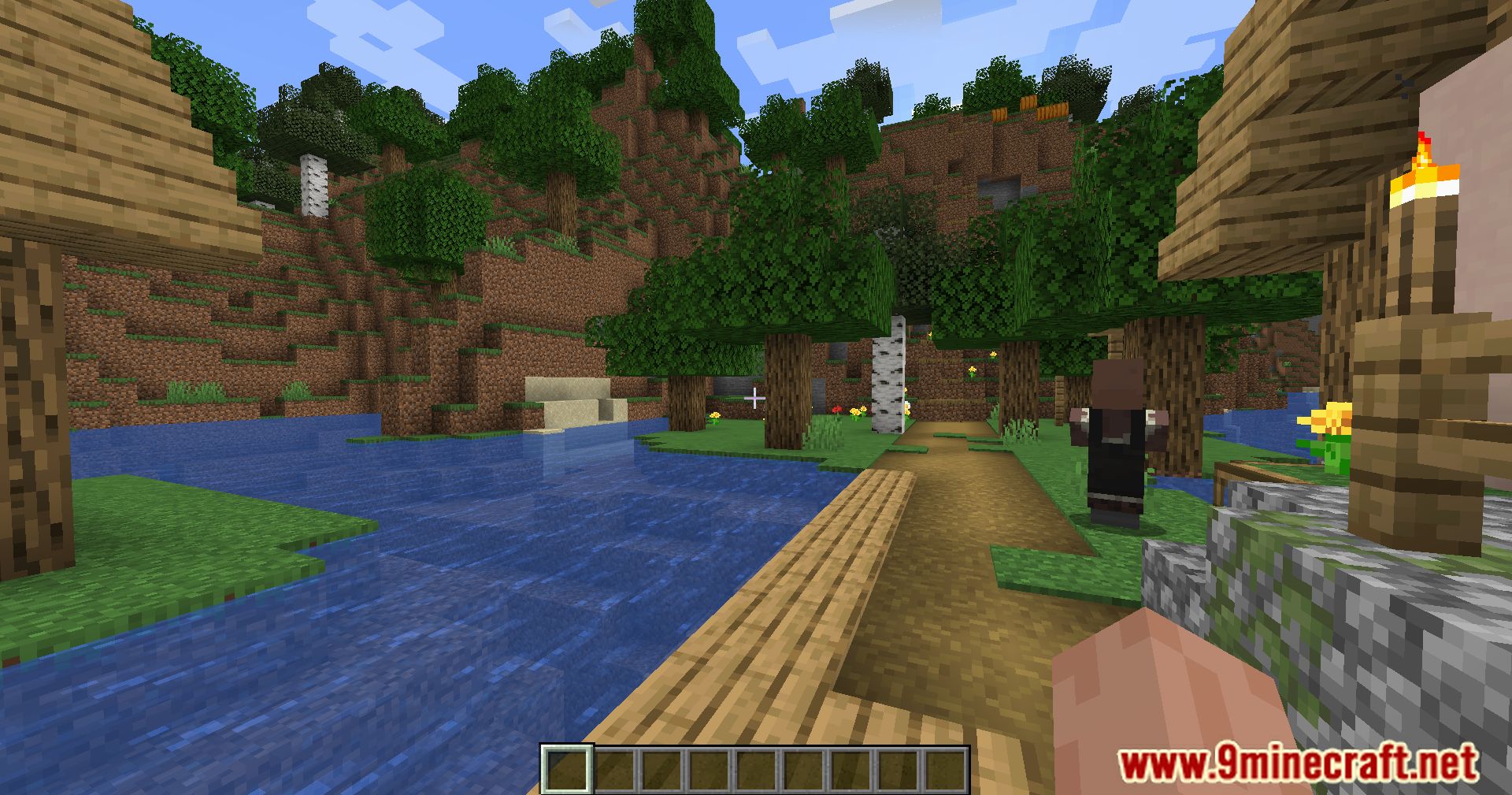
Screenshots:

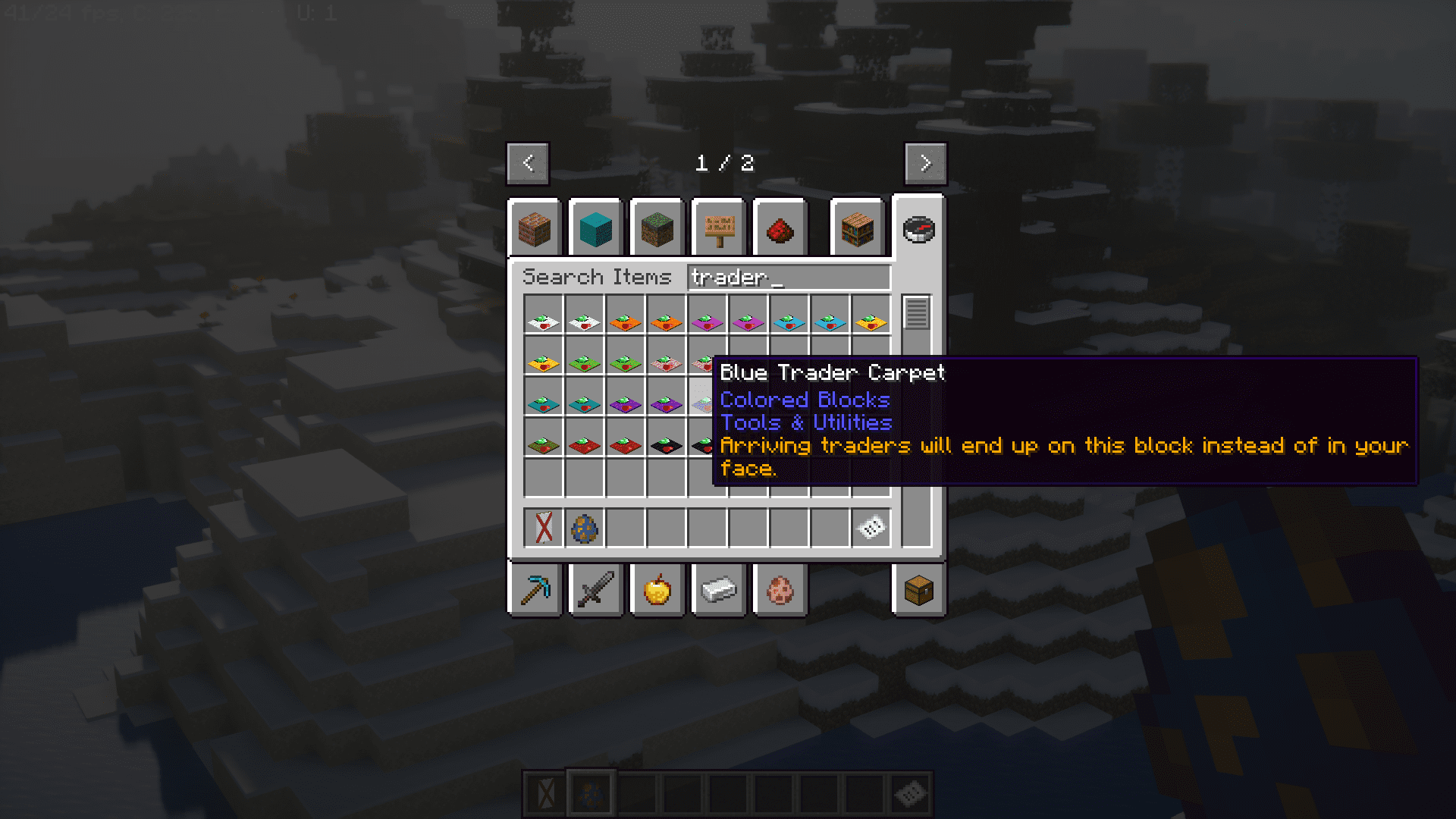
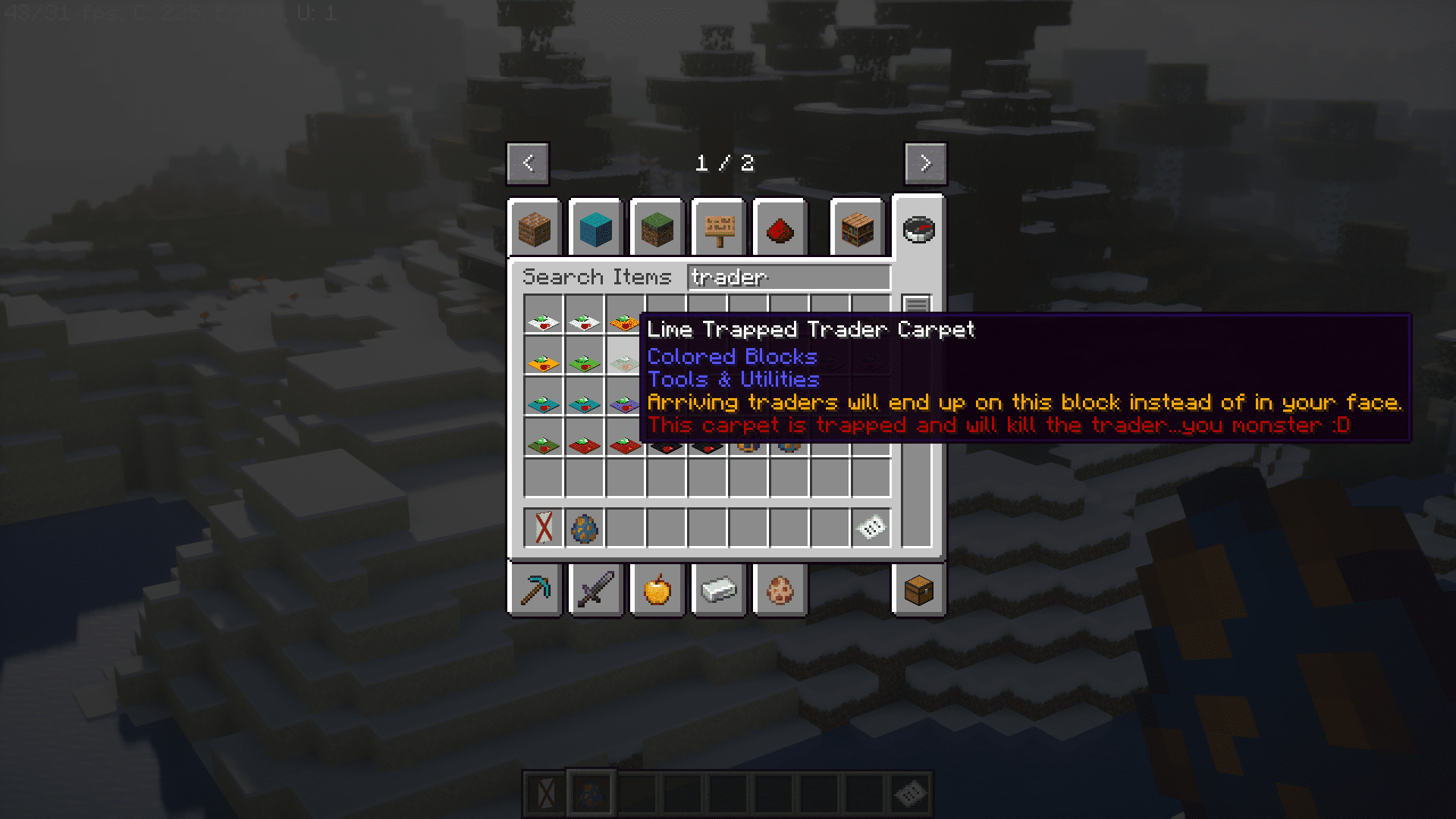

How to Install:
New to Minecraft? Follow our step-by-step guide to install Mods on your PC.View Guide
Requirements:


Utilitarian Mod Download Links
For Minecraft 26.1.2, 26.1.1, 26.1
For Minecraft 1.21.1, 1.21
For Minecraft 1.20.1
Click to rate this post!
[Total: 1 Average: 5]
You May Also Like













This post has no comments yet. Be the first — your comment will appear here.