


Particle Culling Mod (1.12.2) – Stop Lag From Explosions and Farms
 1,335
1,335
 0
0


🌐 Good news — we've translated this article into other languages!
Or pick the one you like:
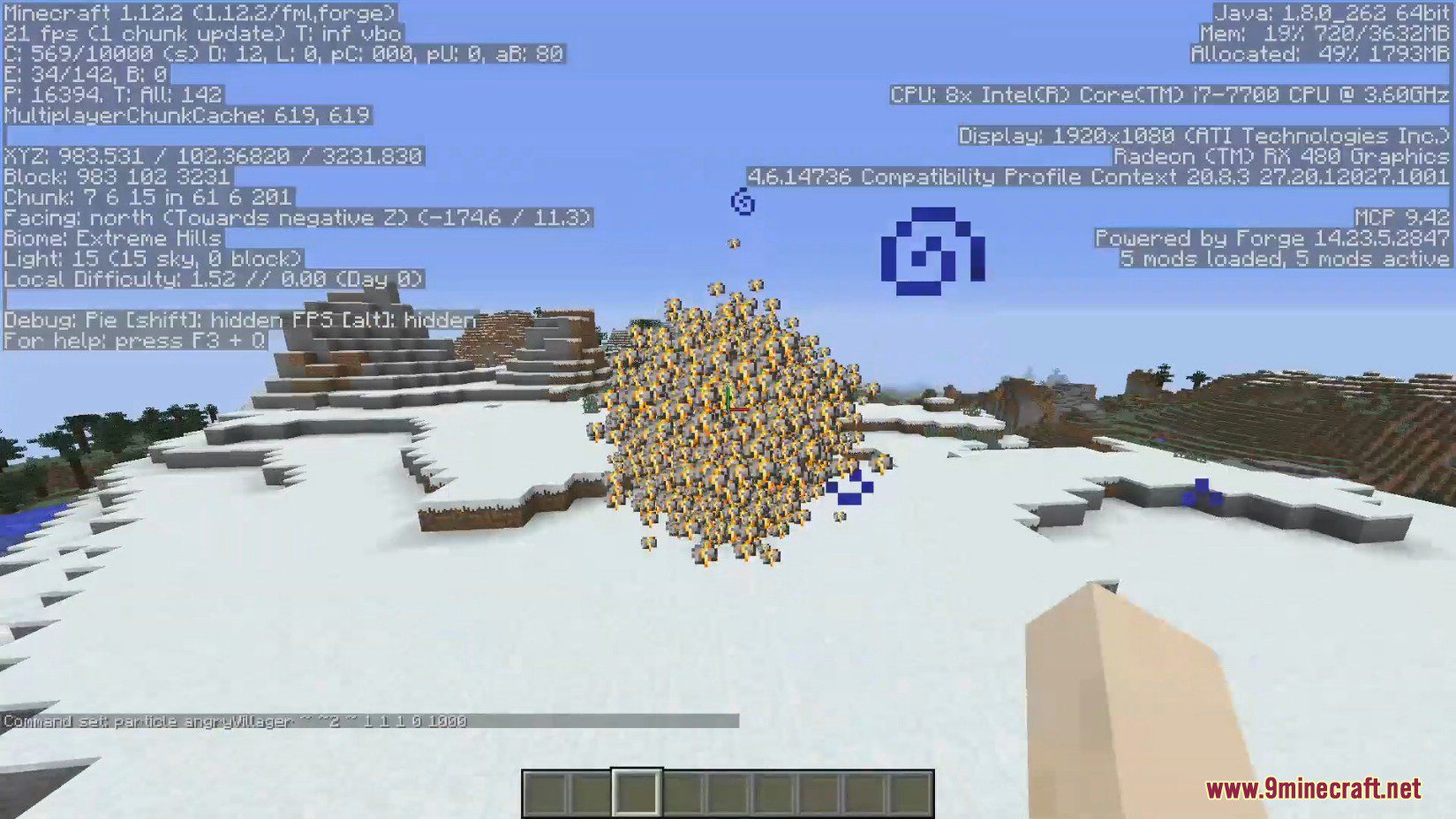
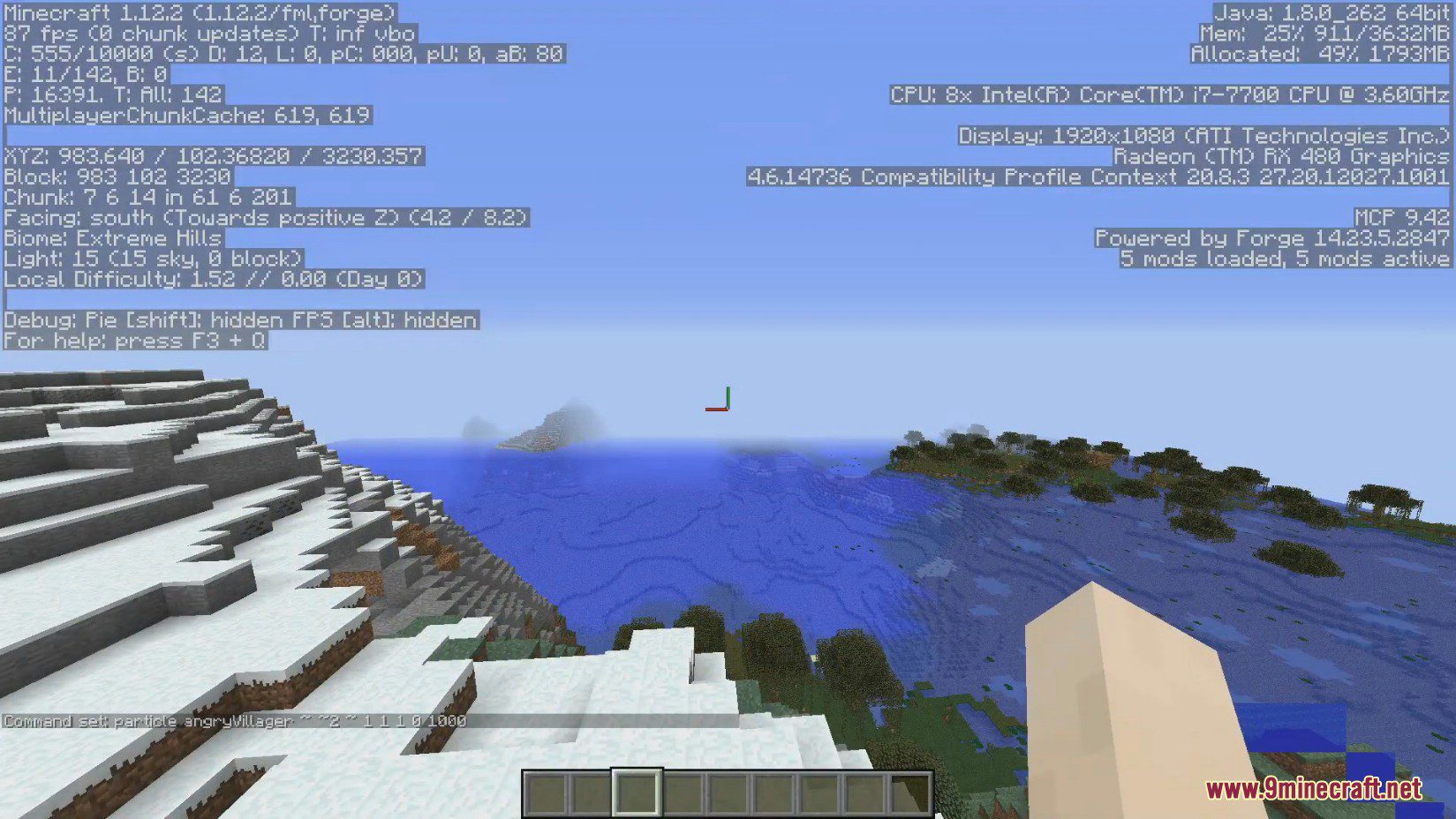
Particle Culling Mod improves your game’s performance by stopping particles from rendering when you can’t see them. This client-side mod can significantly increase your FPS, especially in areas with lots of particle effects, without changing how you play.
Features:
- Improves FPS by stopping the game from rendering particles you cannot see.
- Works on the client-side, so you can use it on servers without the server needing it.
- Customize how particles are culled through various configuration options.
- Choose to hide or show particles that are behind solid blocks.
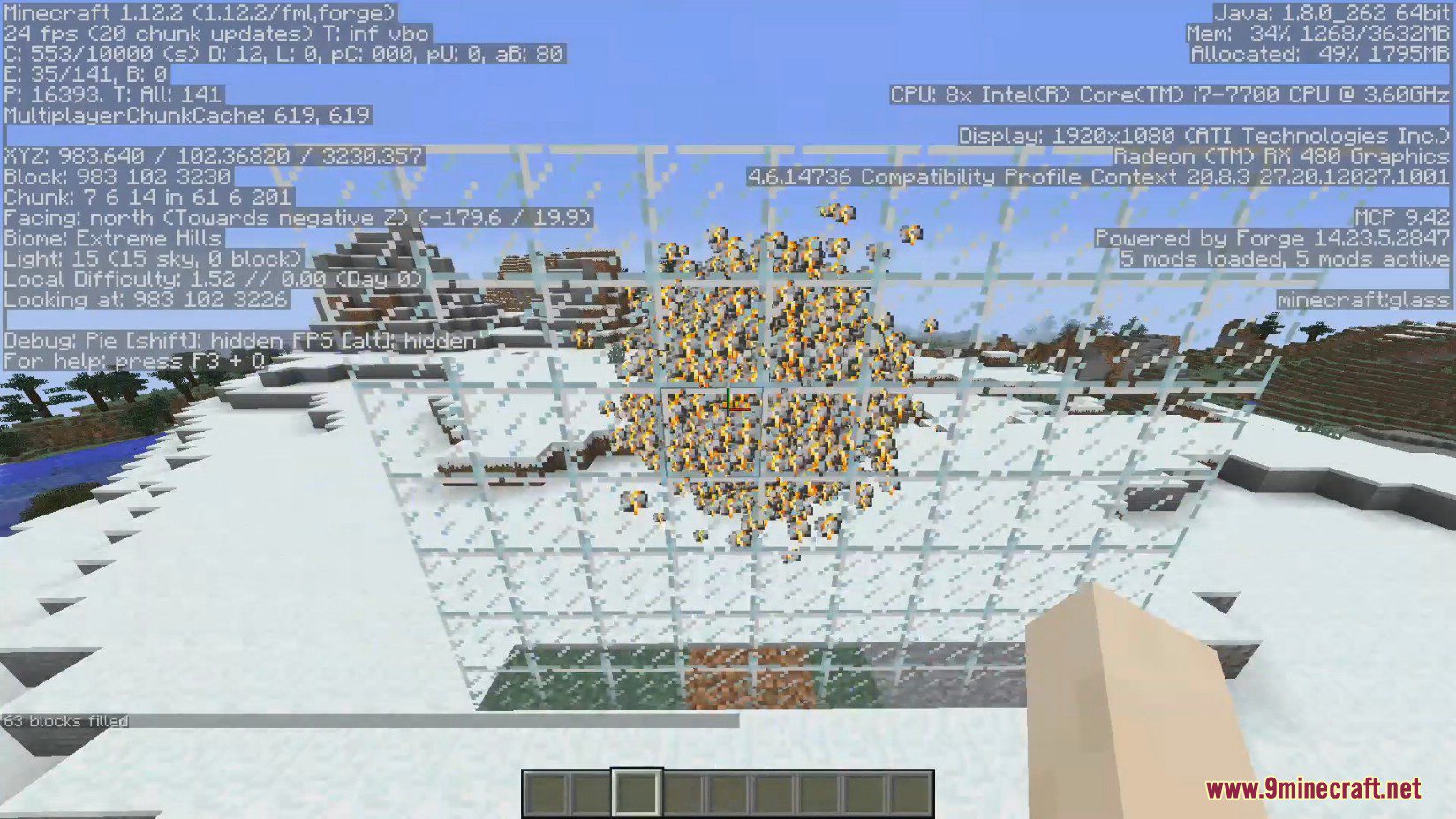
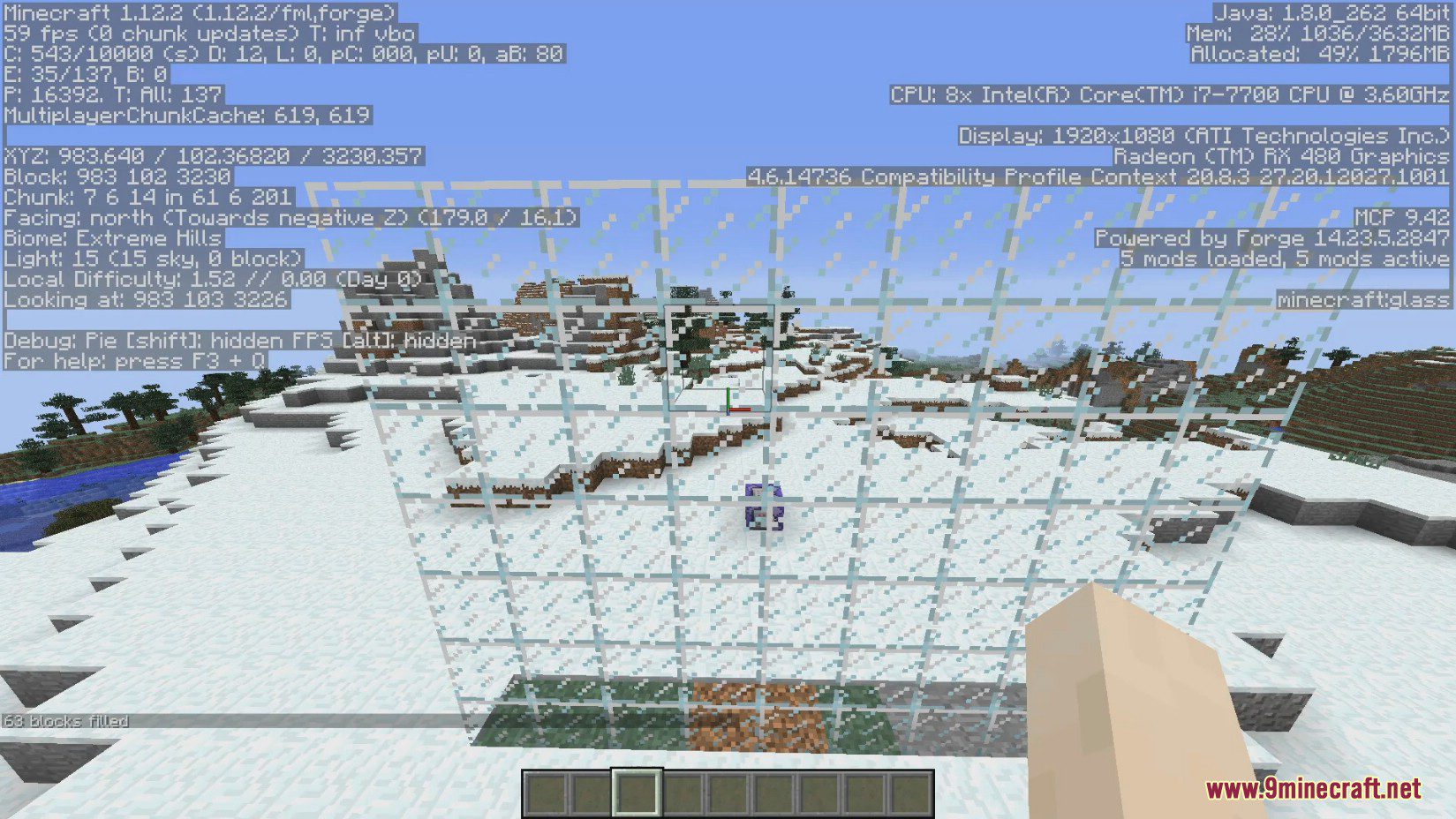
- Optionally hide particles that are behind glass and other transparent blocks.
- Disable culling while in spectator mode to take perfect screenshots.
- Add specific particles to an ignore list for better compatibility with other mods.
Configuration:
- CullingEnabled: Set to false to turn off all features of the mod.
- CullBehindBlocks: If set to false, the mod will not hide particles that are behind solid blocks.
- CullBehindGlass: Set to true to also hide particles behind glass. This requires “cullBehindBlocks” to be enabled.
- CullInSpectator: If set to false, particle culling is disabled in spectator mode, which is useful for screenshots.
- BlockBuffer: The number of blocks that must be between you and a particle before it gets hidden.
- IgnoredParticles: A list where you can add specific particles that the mod should never hide.
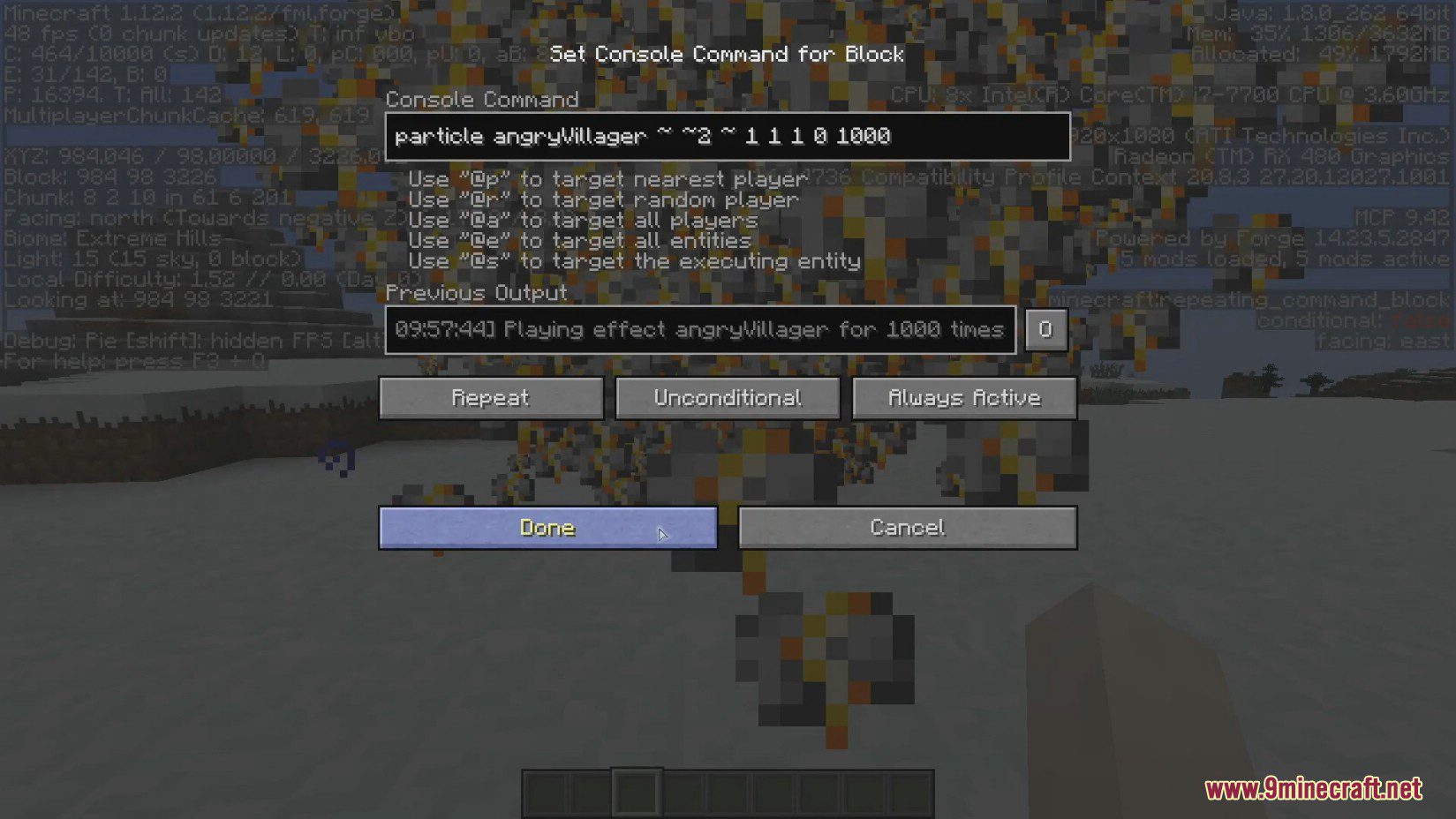
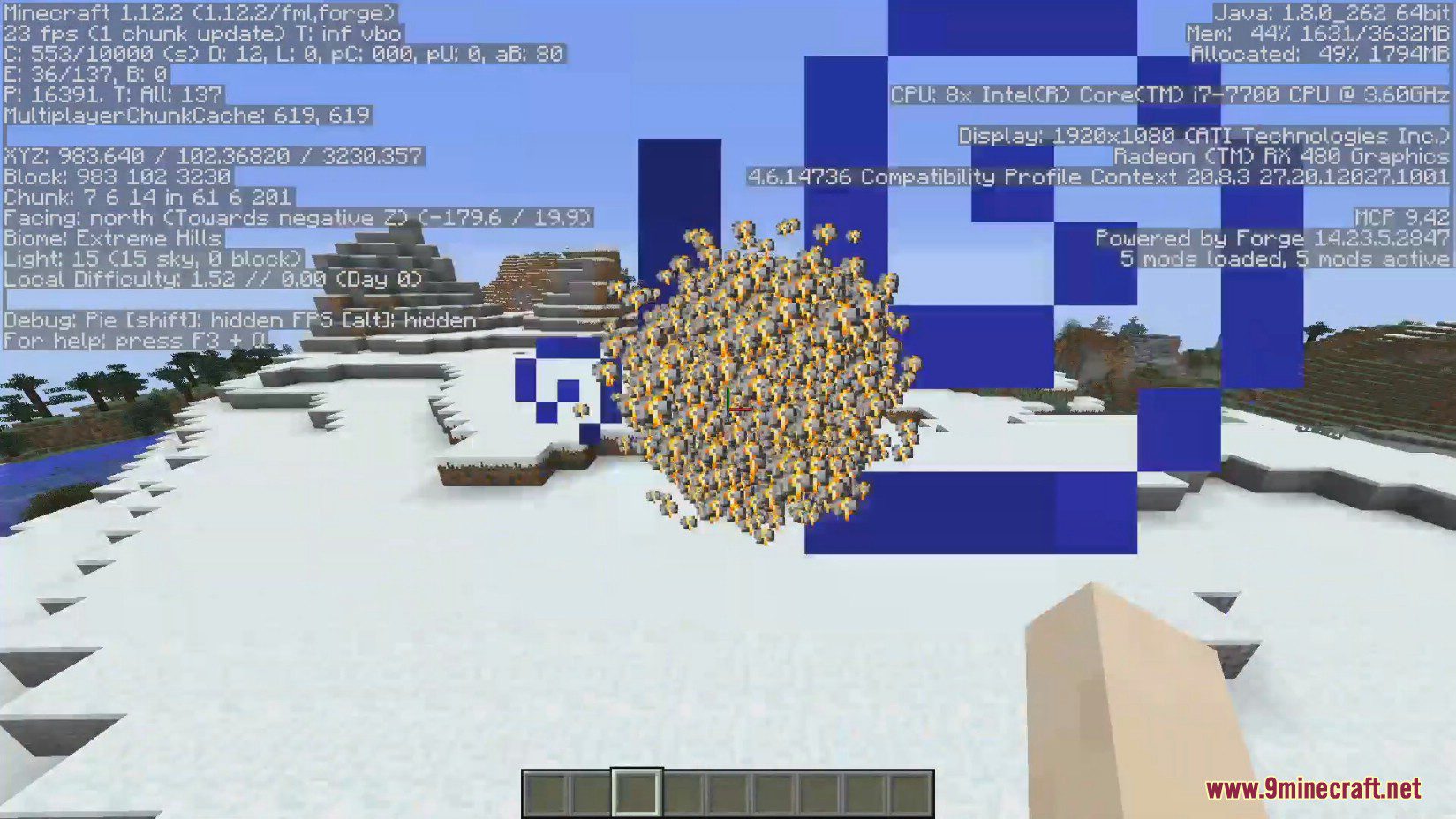
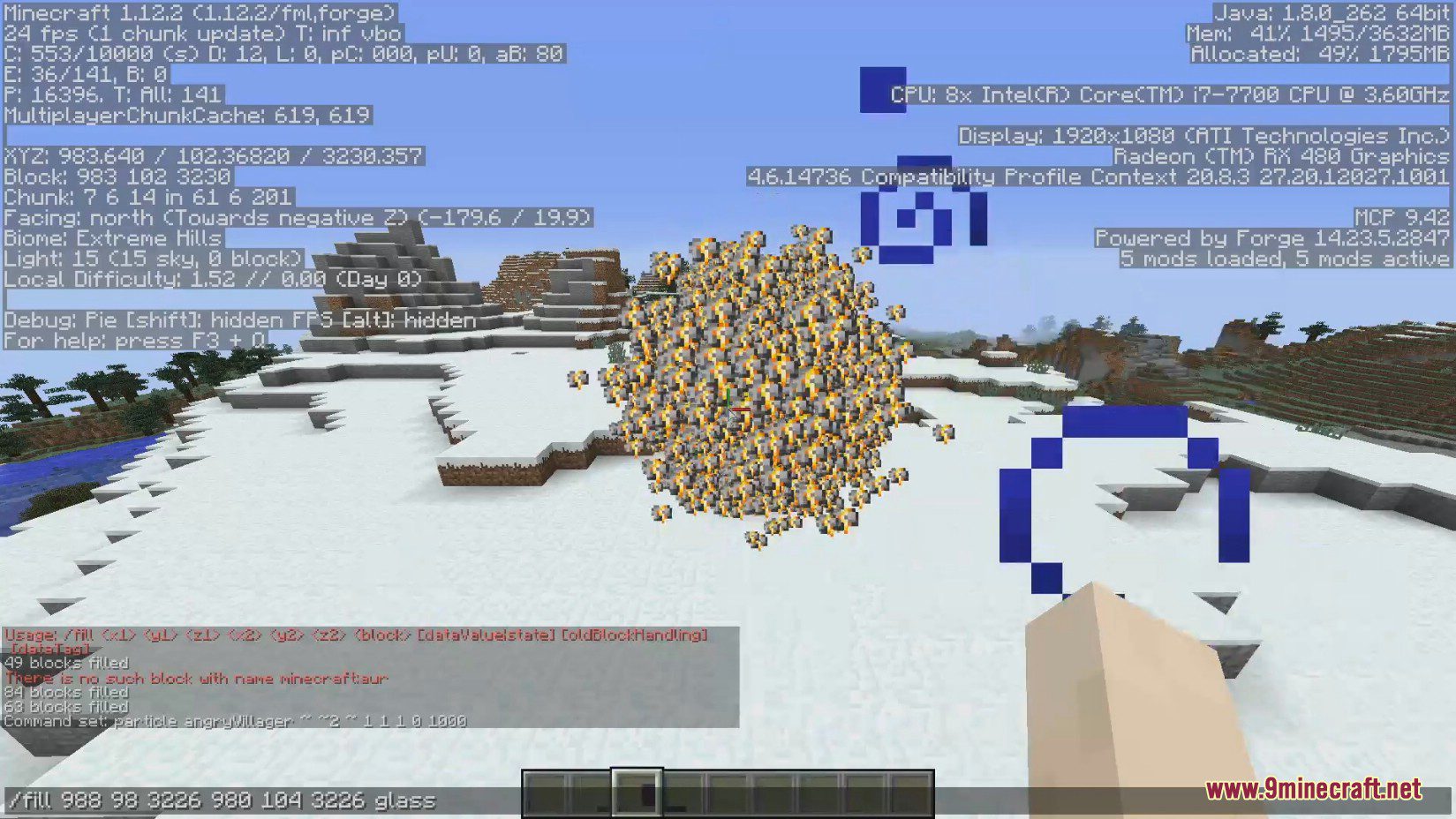
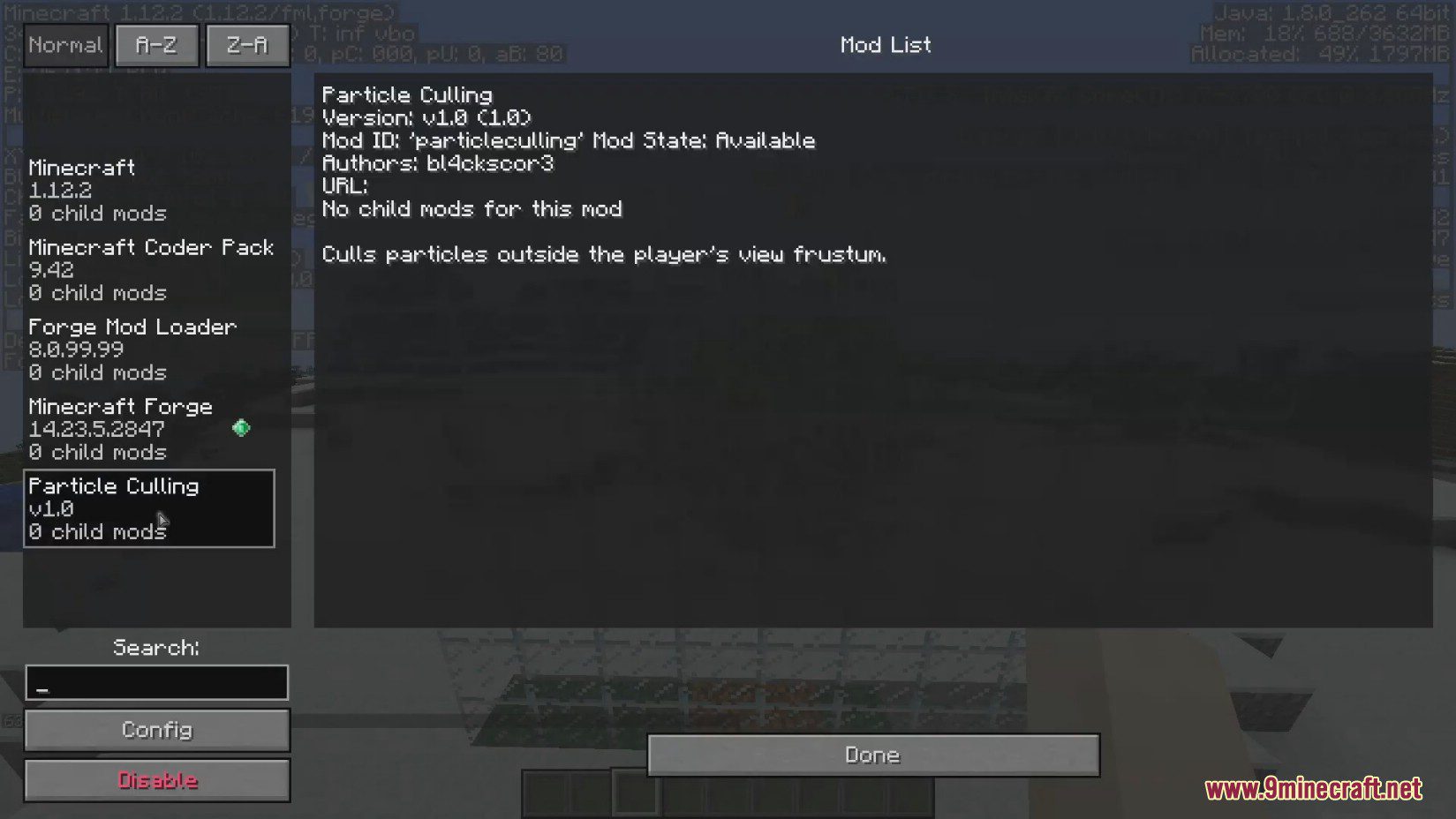
Screenshots:
How to Install:
New to Minecraft? Follow our step-by-step guide to install Mods on your PC.View Guide
Particle Culling Mod Download Links
For Minecraft 1.12.2
Forge version: Download from Server 1 – Download from Server 2
Click to rate this post!
[Total: 0 Average: 0]
You May Also Like











This post has no comments yet. Be the first — your comment will appear here.