
B&W Shaders (26.3, 1.20.1) – Monochrome Visuals with High Contrast

 0


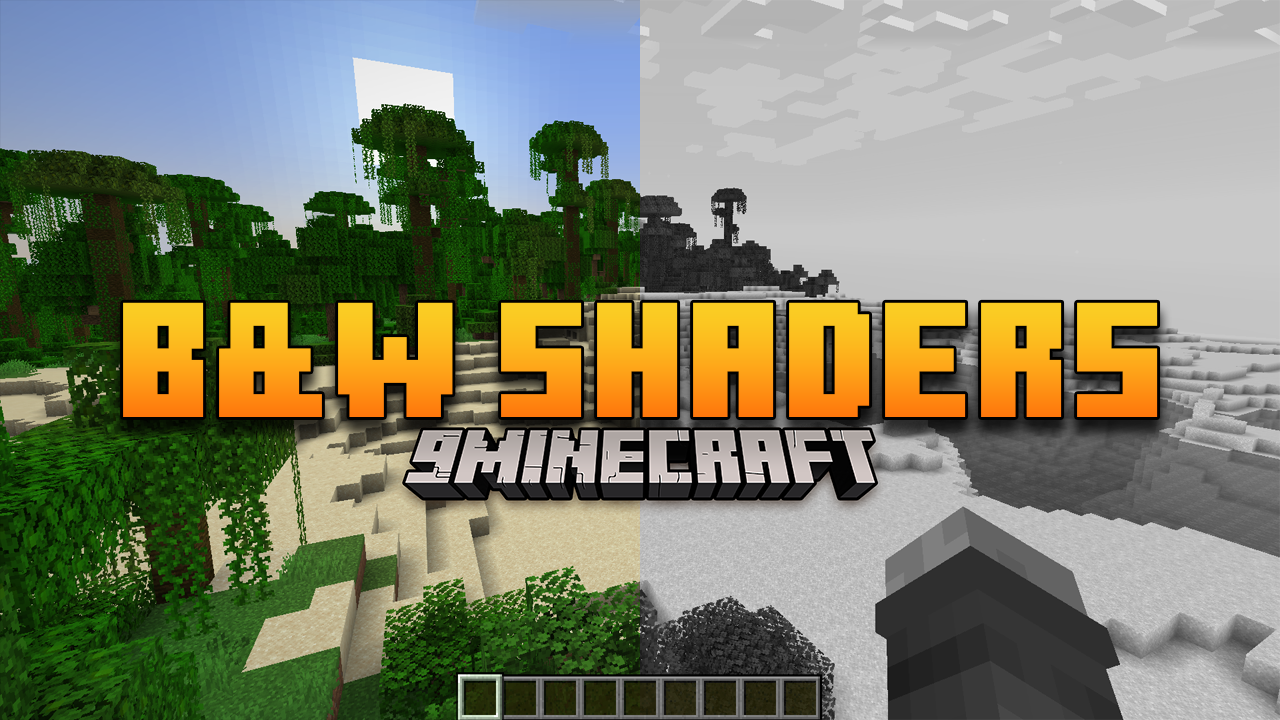
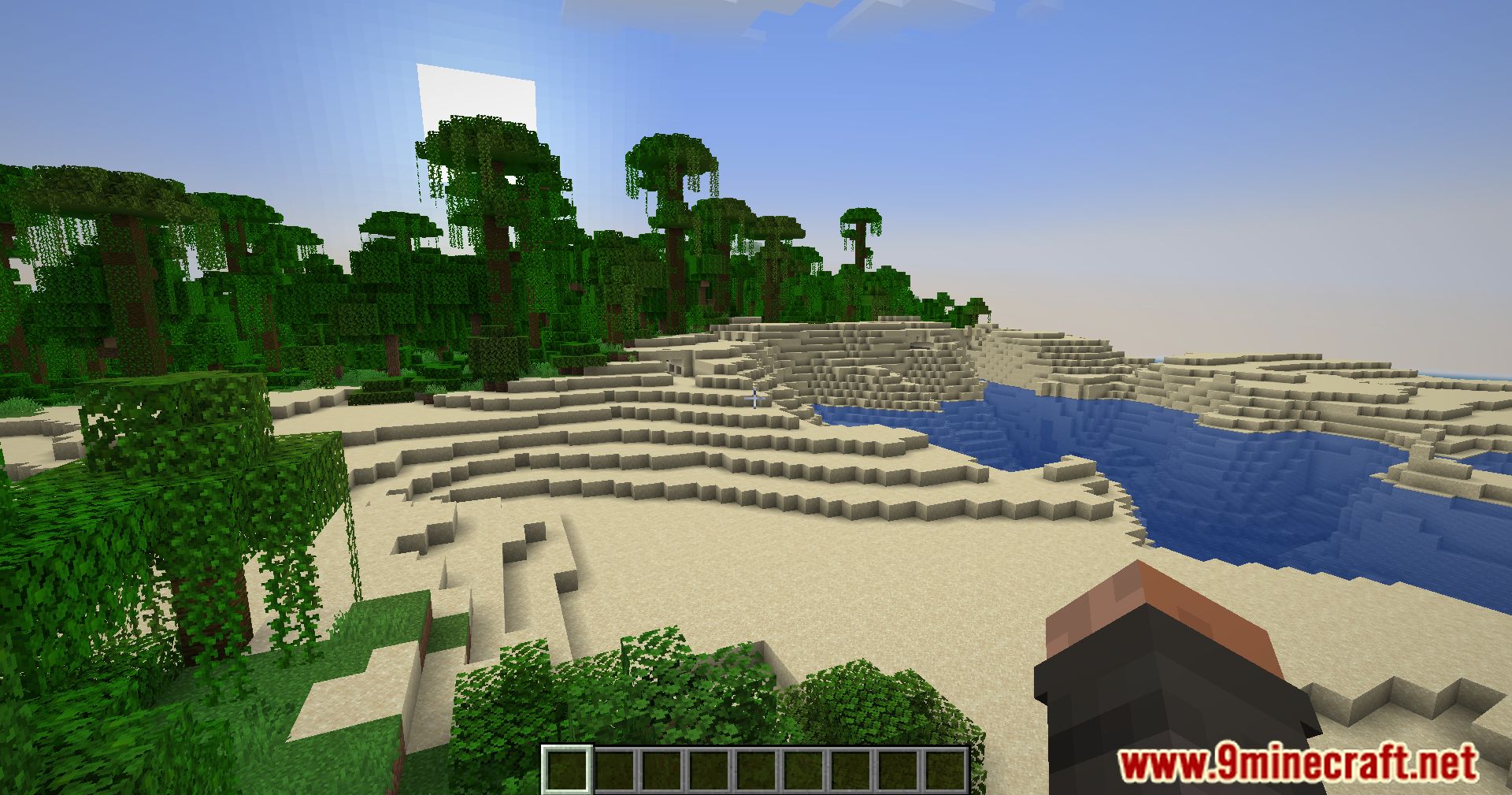
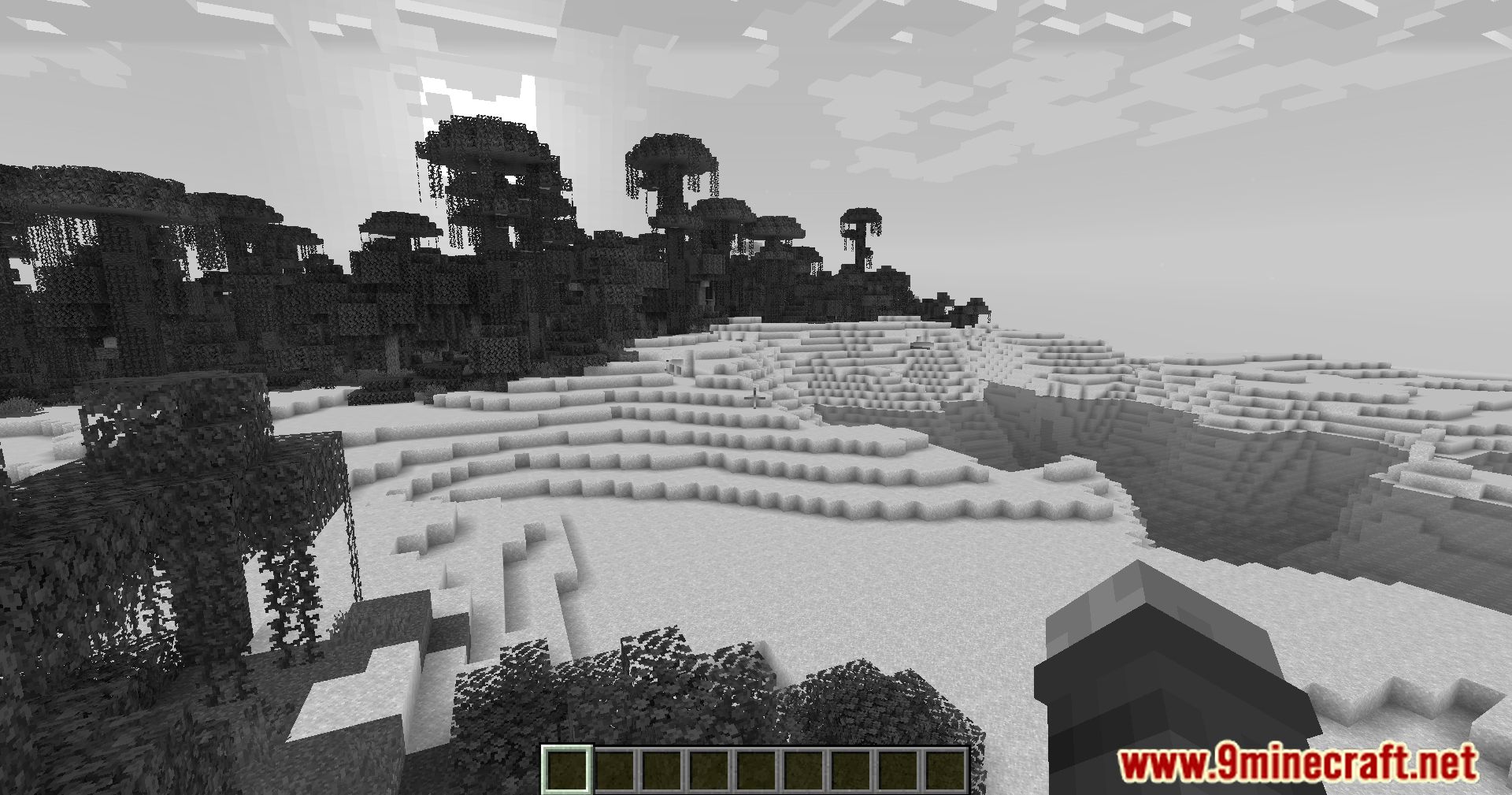
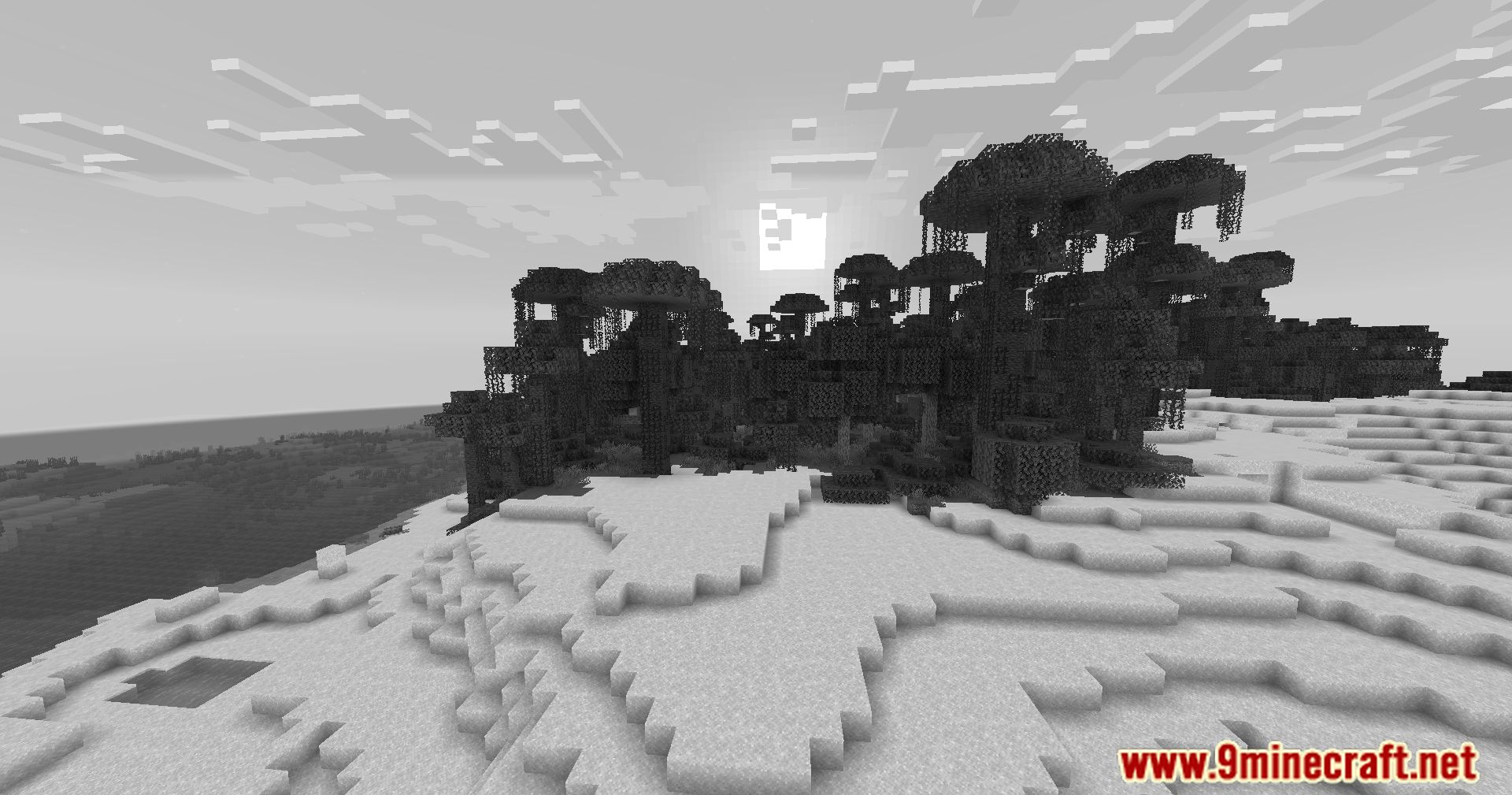
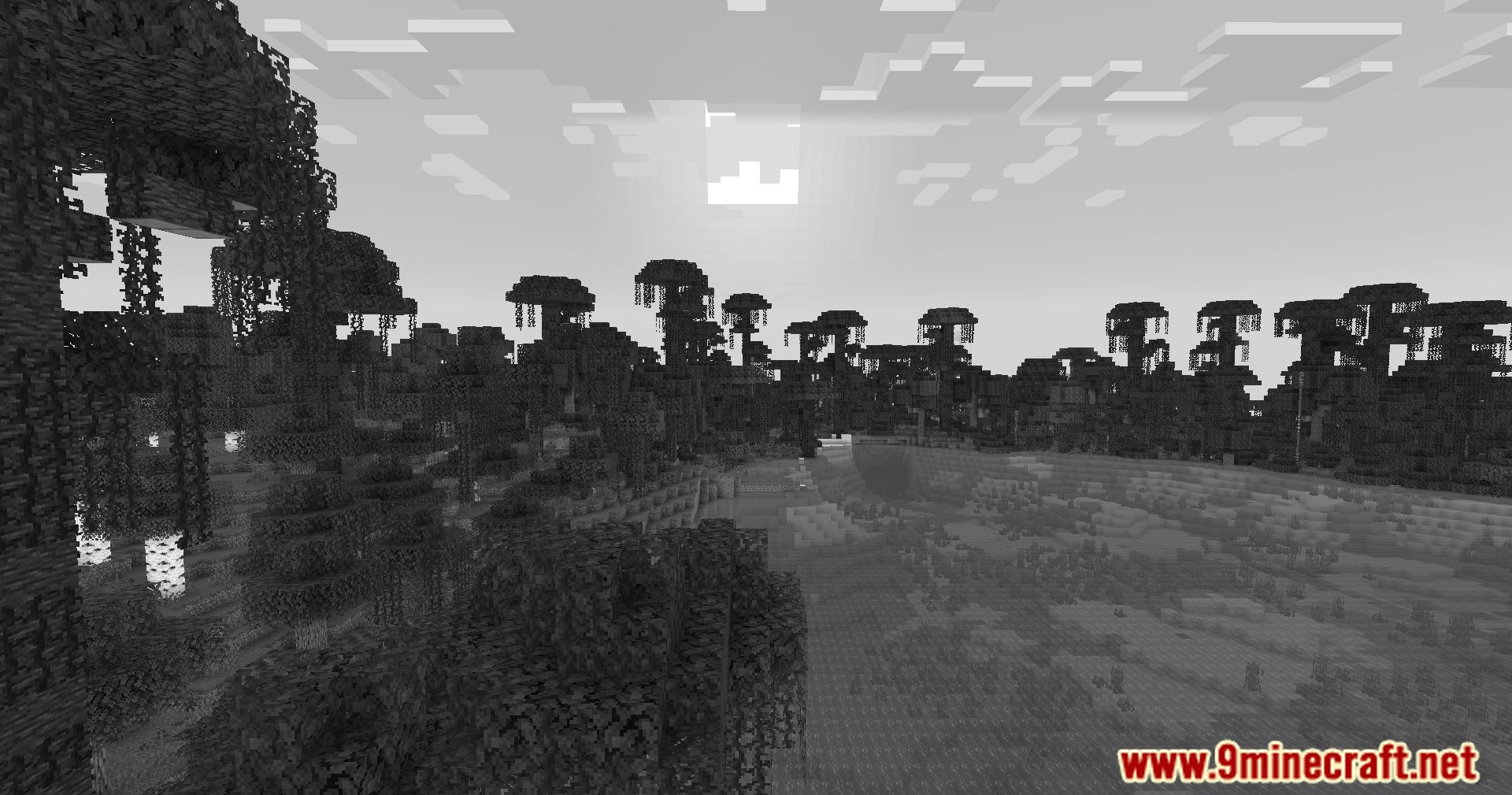
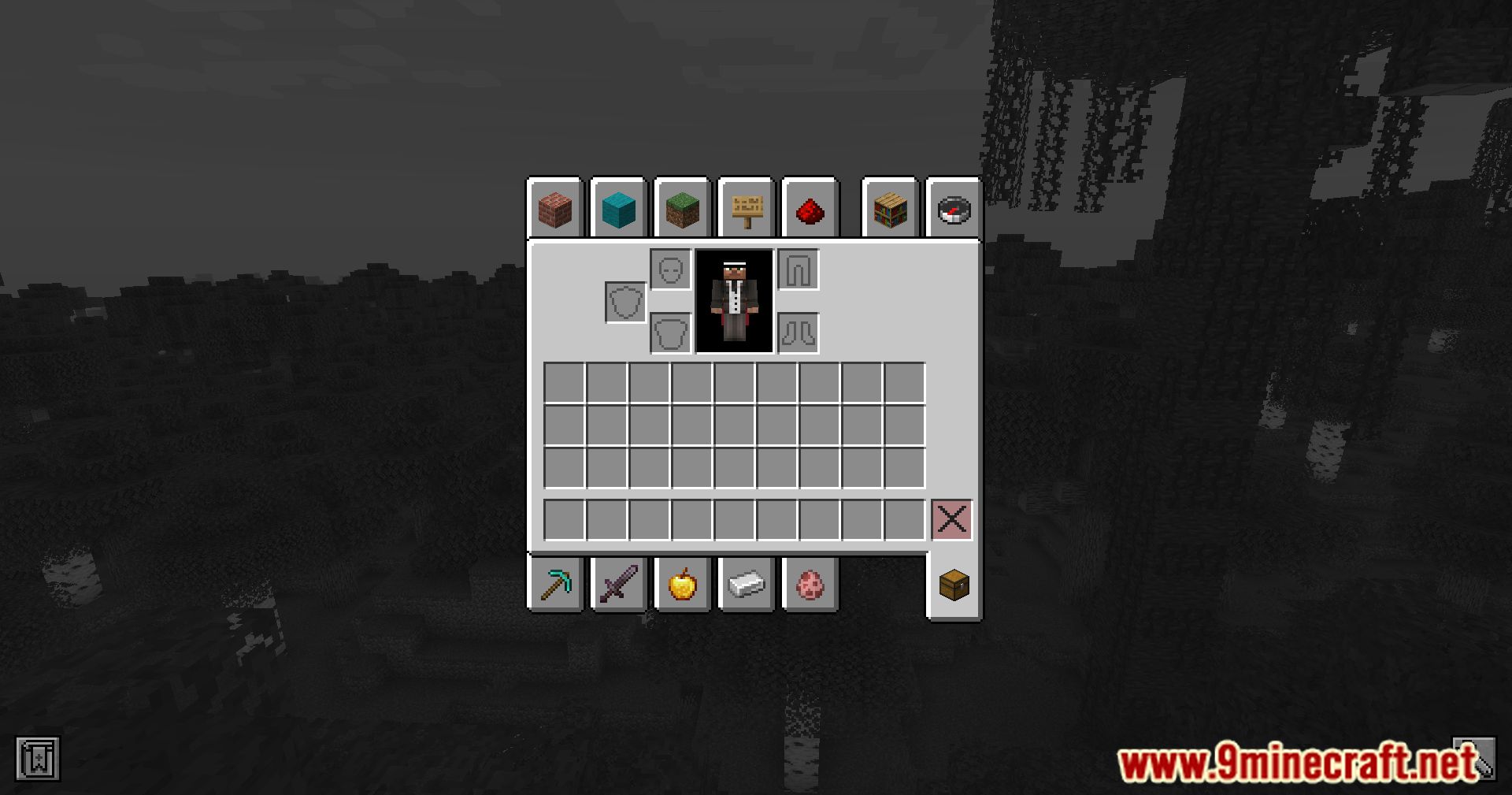
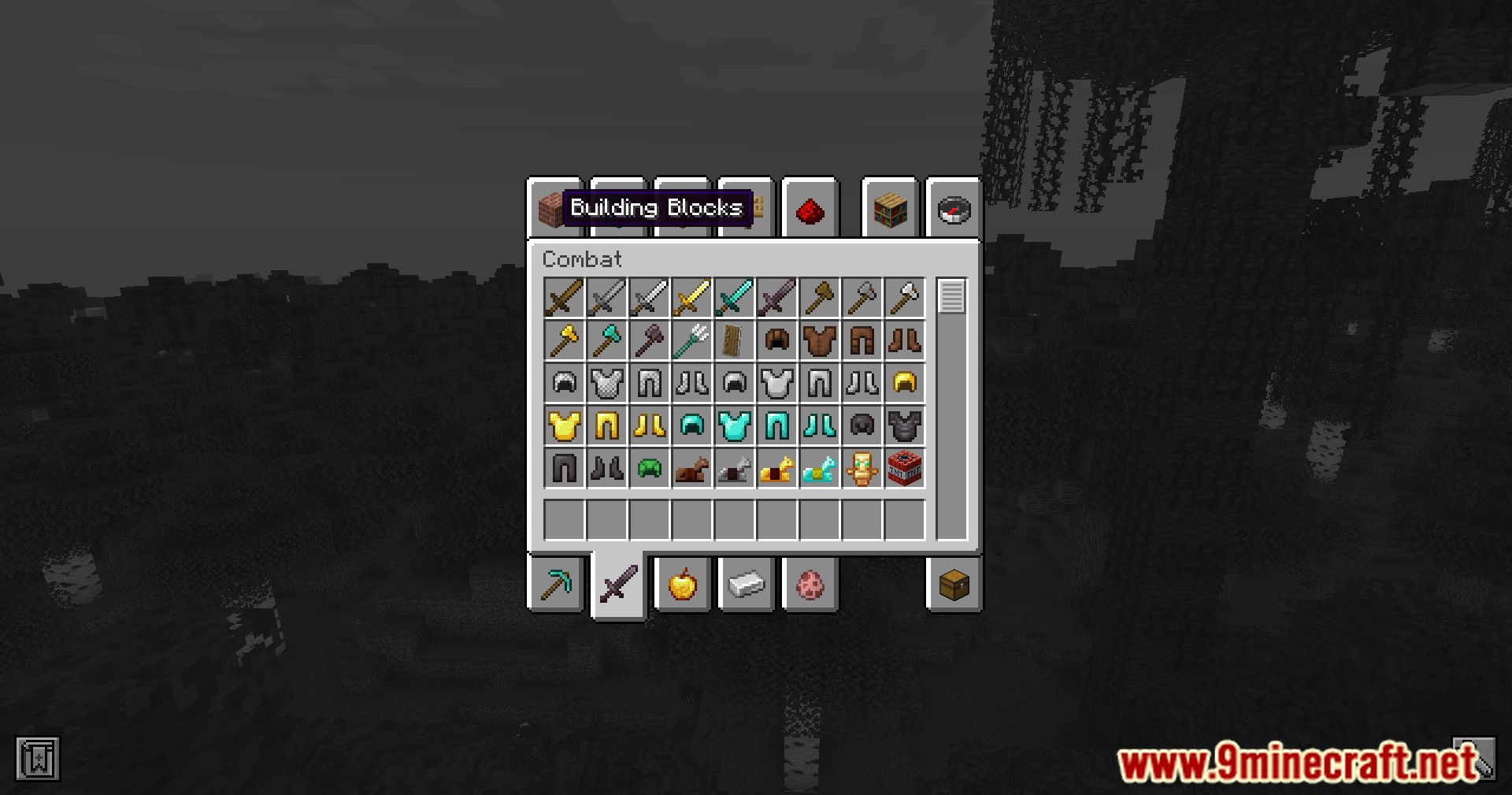
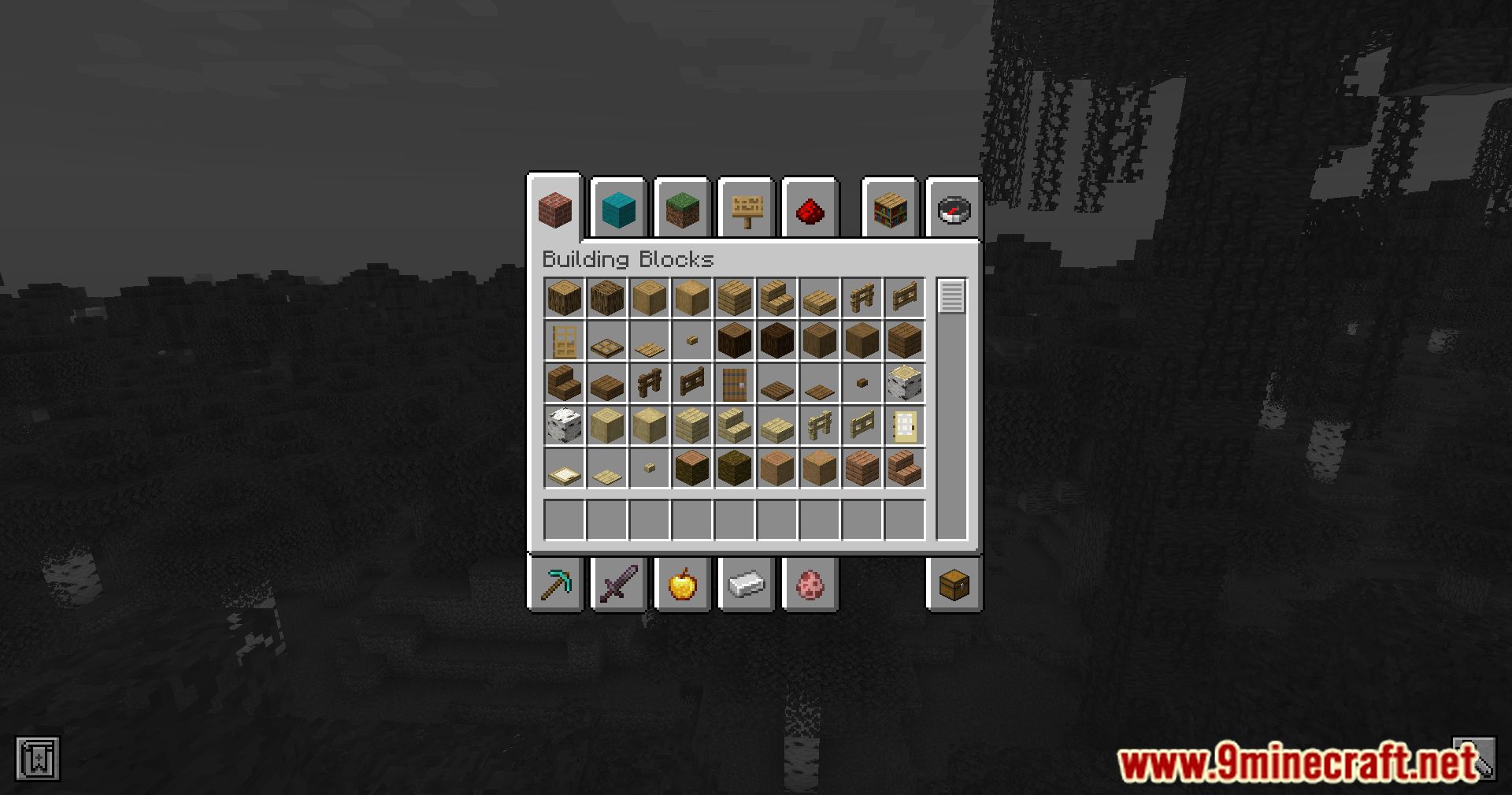
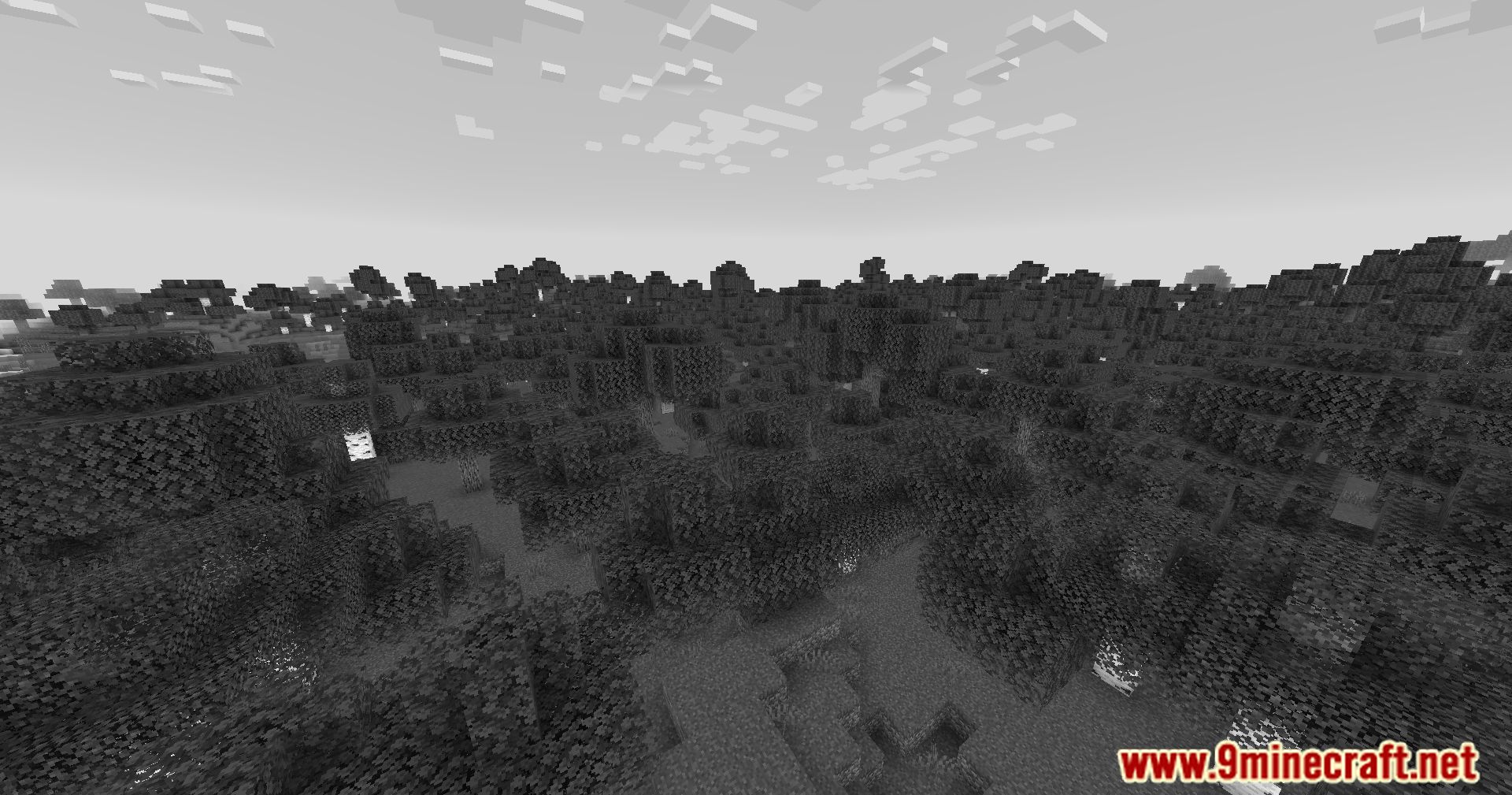
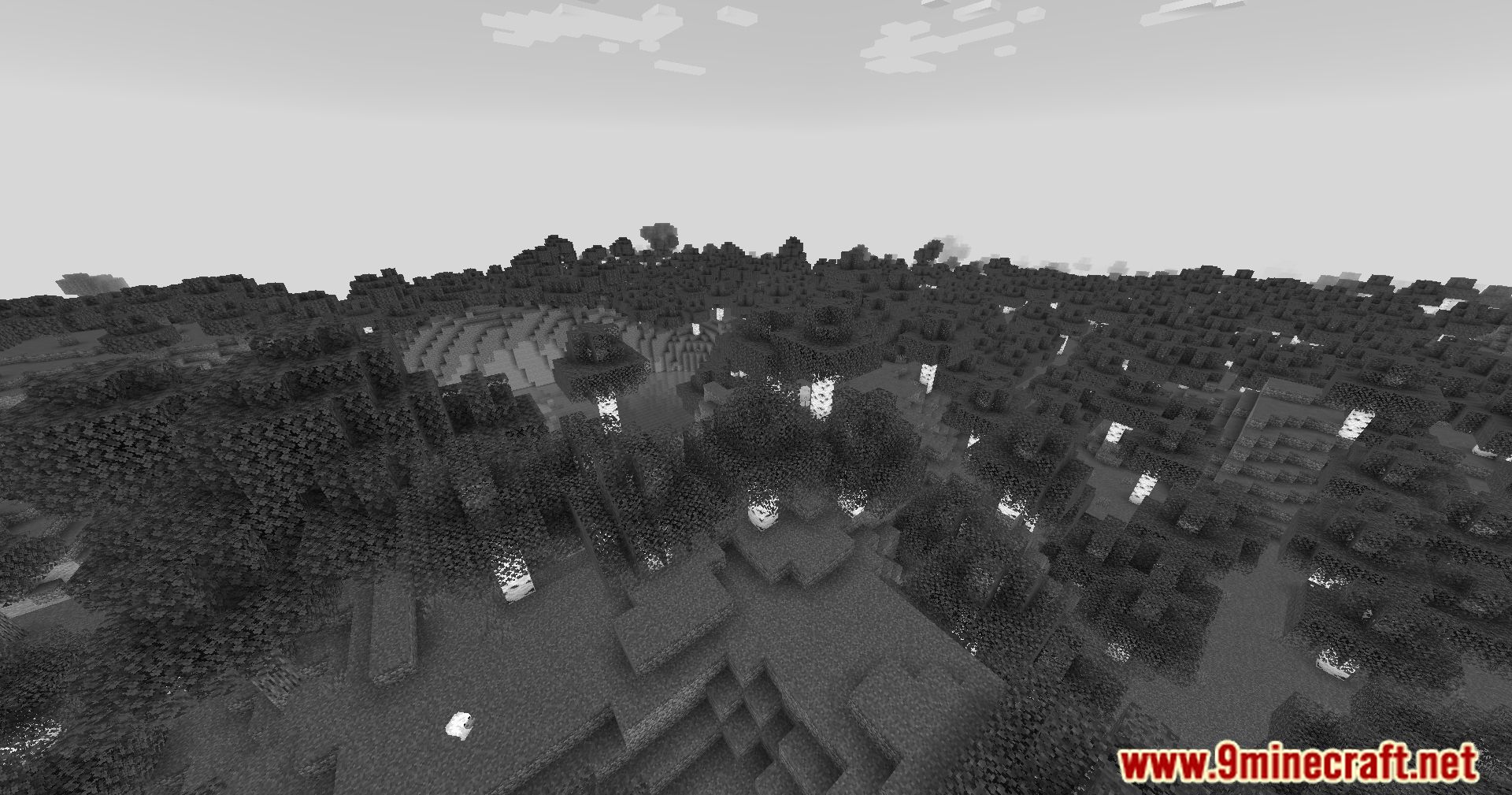
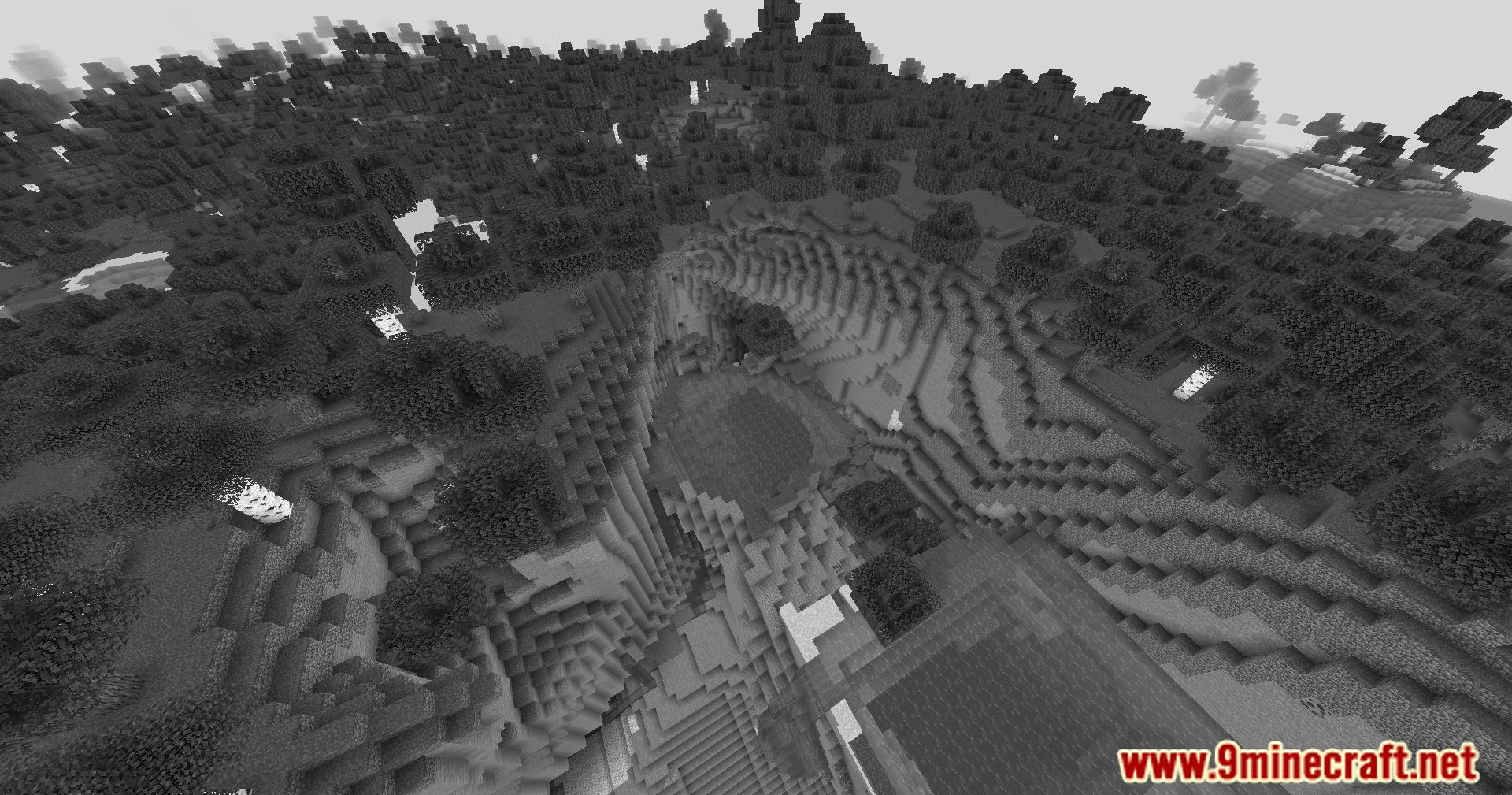
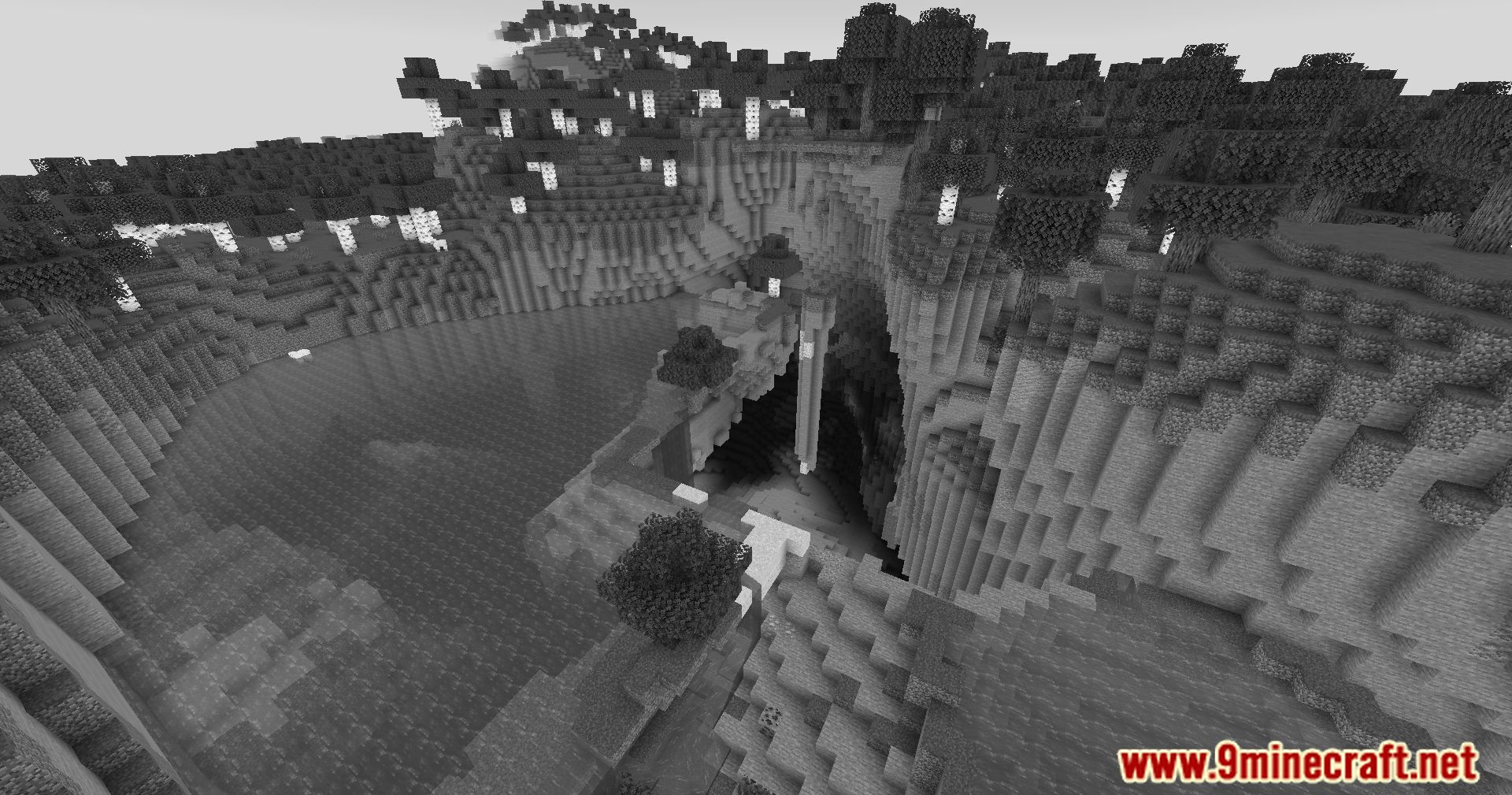
B&W Shaders transforms your game into a completely black-and-white visual experience. This shader strips away all colors to create a monochrome world that highlights contrast and shadows.
Features:
- Turns the entire game world into a black-and-white style.
- Emphasizes high contrast and deep shadows across all landscapes and buildings.
- Maintains standard game performance without slowing down the frame rate.
- Works seamlessly with popular shader loaders like Iris and OptiFine.
Screenshots:
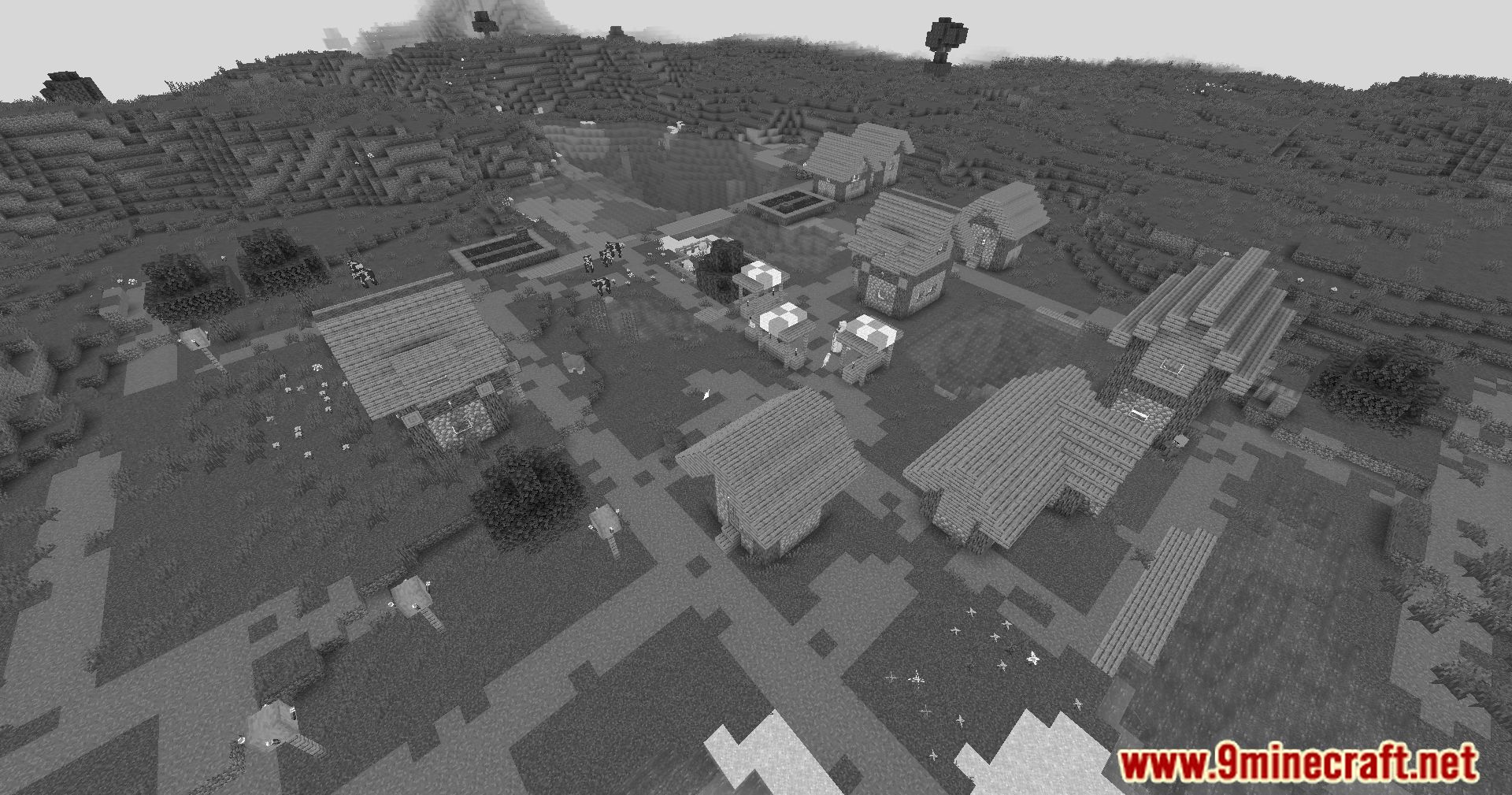
How to Install:
New to Minecraft? Follow our step-by-step guide to install Shaders on your PC.View Guide
B&W Shaders Download Links
Click to rate this post!
[Total: 3 Average: 2.3]
You May Also Like
Picked for this page
 E-LITE Shaders (26.3, 1.20.1) – Fast Style Switching And Adjustable Graphics Features
 Luminara Lite Shaders (26.3, 1.20.1) – Smart Shadows for Low-End PCs
 Nostalgia-Ultra Shaders (26.3, 1.20.1) – Old-School Visuals In Modern Minecraft
 Trailer Shaders (26.3, 1.20.1) – High FPS Bloom and Custom RGB
 Night Vision Fix Shaders (26.3, 1.20.1) – Night Vision Lighting Restoration
 Kute Shaders (26.3, 1.20.1) – Gentle Lighting And Dreamy Atmosphere
 2KS Shaders (26.3, 1.20.1) – Vintage Camera Rendering Style
 Tuvefe Aura Warp Liminal Shaders (26.3, 1.20.1) – Noise-Based World Distortion
 Skylumine Shaders (26.3, 1.20.1) – Lagless Fantasy Lighting and Reflections
 Veyluma TorchLite Shaders (26.3, 1.20.1) – Lagless Lighting for Older GPUs
 Cursed View Shaders (26.3, 1.20.1) – Screen Distortion and Warped Perspective
 Renford Tomlinson Shaders (26.3, 1.20.1) – Cinematic Lighting with Deep Shadows
Most viewed in Shaders over the last 7 days
 OptiFine HD (26.3, 1.20.1) – Run Faster, FPS Boost, Shaders Support
 IterationRP Shaders (26.3, 1.20.1) – Most Realistic Shaders of All Time
 Derivative Shaders (26.3, 1.20.1) – Best Ultra Realistic
 IterationT Shaders (26.3, 1.20.1) – The Best Realistic Graphics in 2025
 Emanrux Shaders (26.3, 1.20.1) – Adds Realistic Skies And Reflections
 Eclipse Shaders (26.3, 1.20.1) – Advanced Sky And Environmental Effects
 Shadow Only Shaders (26.3, 1.20.1) – Dynamic Shadows Shaderpack
 Rethinking Voxels Shaders (26.3, 1.20.1) – Coloured Lights, Sharp Shadows
 SEUS Renewed Shaders (26.3, 1.20.1) – Best Minecraft Shaders
 Lumenite Shaders (26.3, 1.20.1) – Colored Blocklight with Cascaded Shadows
 SEUS PTGI Shaders (26.3, 1.20.1) – Path Tracing, Ray Traced Shaders
 Photon Shaders (26.3, 1.20.1) – Dynamic Clouds and Weather
More from Shaders
 Hyperion Shaders (26.3, 1.20.1) – Soft Shadows and Smooth Water Reflections
 Mystique UltraFast Shaders (26.3, 1.20.1) – Fast Shadows and Water Reflections
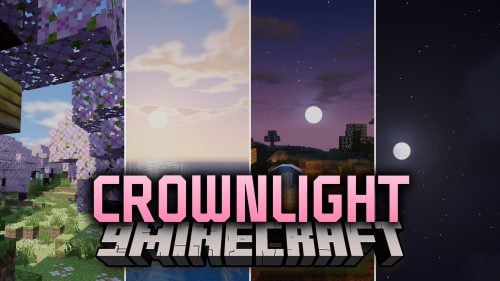 Crownlight Shaders (26.3, 1.20.1) – Glowing Ores and Custom Storms
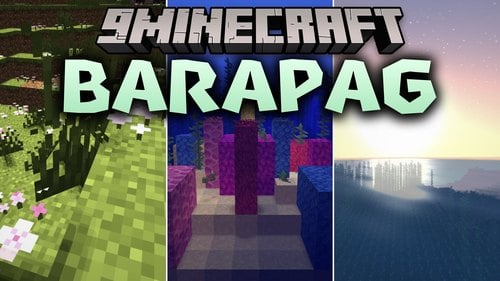 Barapag Shaders (26.3, 1.20.1) – Warm Lighting and Soft Shadows
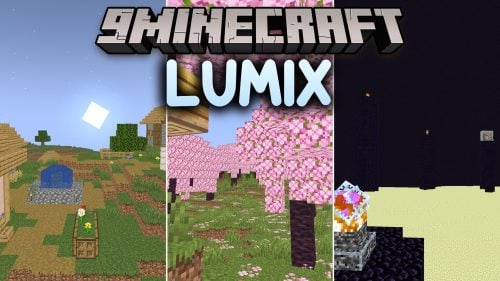 Lumix Shaders (26.3, 1.20.1) – Custom GLSL Lighting and Visual Clarity
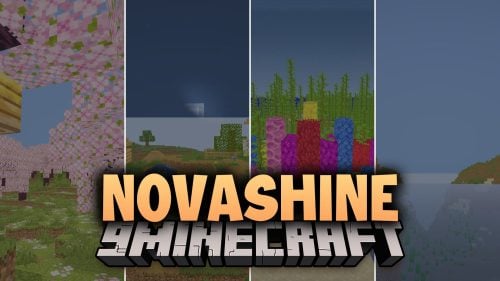 NovaShine Shaders (26.3, 1.20.1) – Soft Shadows and Balanced Lighting
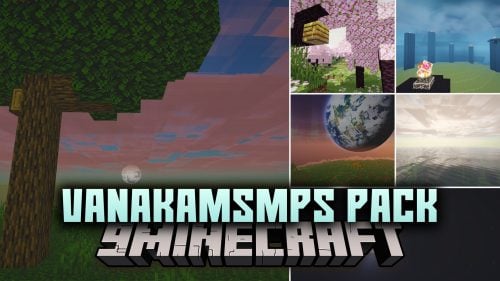 VANAKAMSMPs Pack Shaders (26.3, 1.20.1) – Realistic Waves and Volumetric Clouds
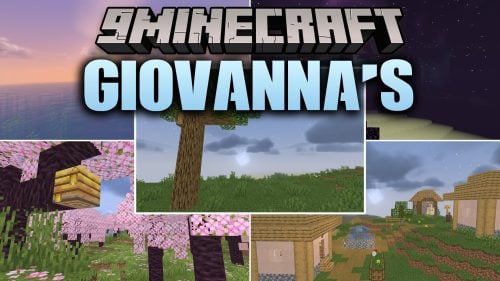 Giovanna’s Shaders (26.3, 1.20.1) – Soft Shadows and Volumetric Clouds
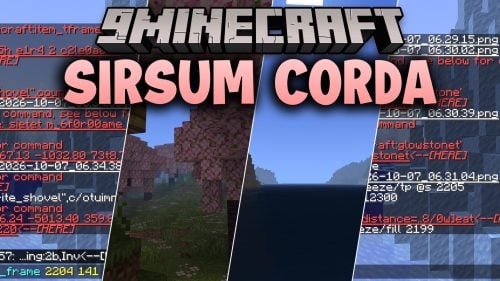 Sirsum Corda Shaders (26.3, 1.20.1) – Soft Shadows and Clear Water
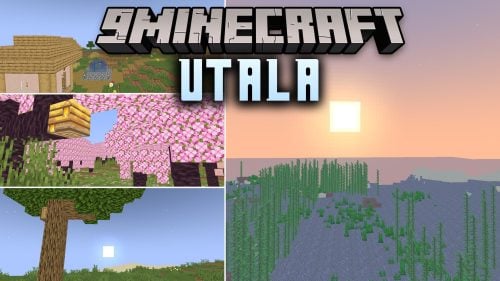 Utala Shaders (26.3, 1.20.1) – Clear Lighting for Competitive PvP Combat
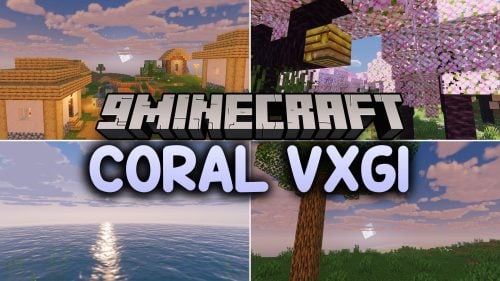 CORAL VXGI Shaders (26.3, 1.20.1) – Real-Time Voxel Global Illumination
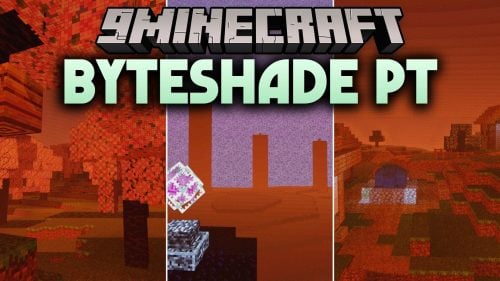 Byteshade Pt Shaders (26.3, 1.20.1) – Path-Traced Lighting and Realistic PBR

This post has no comments yet. Be the first — your comment will appear here.