


Oxygen Store Mod (1.12.2) – Advanced Admin Shop
 679
679
 0
0


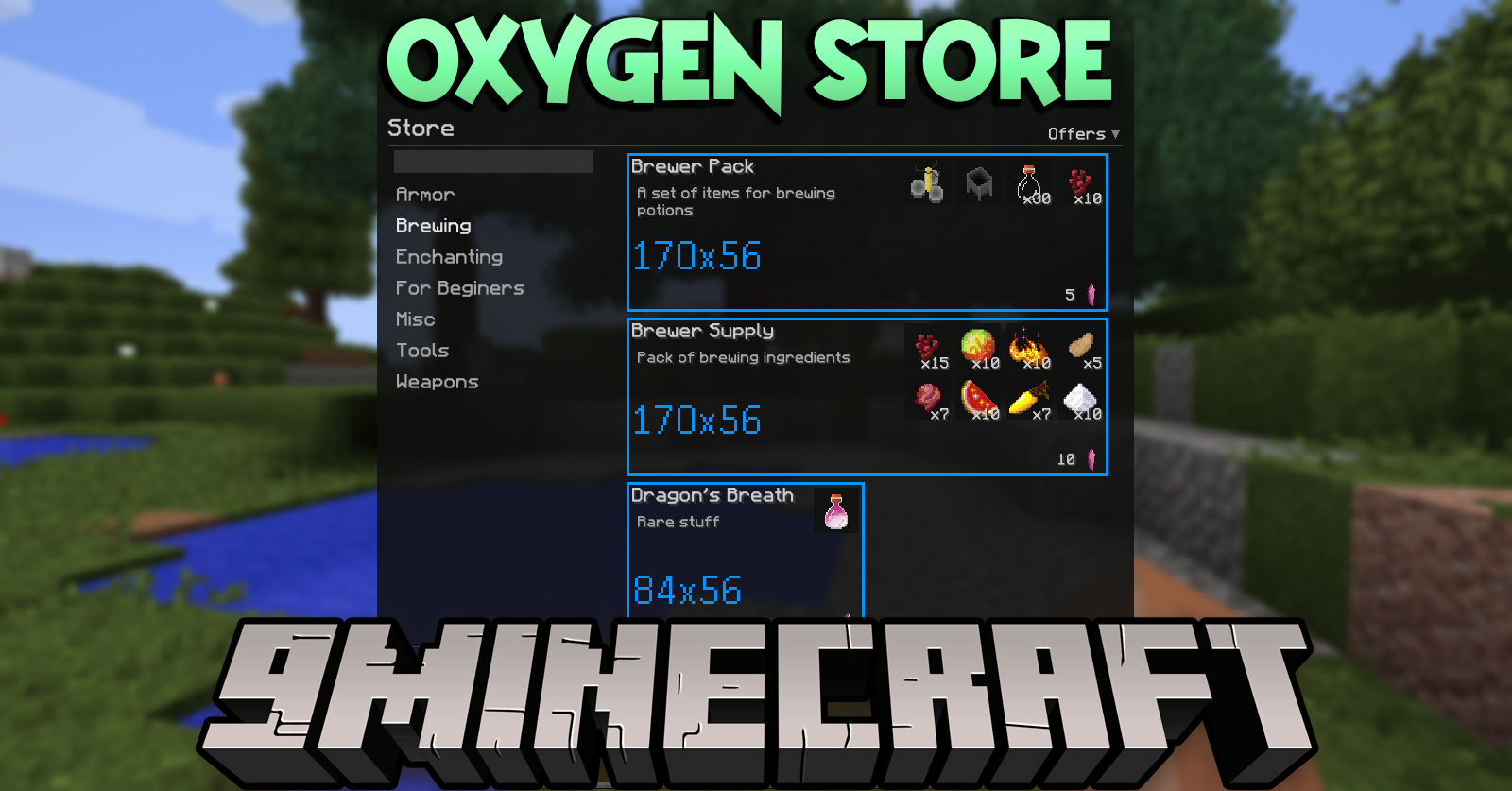
Oxygen Store Mod adds an advanced store with an endless supply of resources, convenient interface and easy configuration through the JSON config. As goods, sets of items, console commands or scripts (TypeScript, JavaScript, Groovy) can be used. Players can buy goods for themselves or as a gift. The store menu is opened with the “/” key. Required on server and client.
Features:
- Using any digital currency supported by Oxygen
- Selling sets of blocks and items
- Selling console commands execution
- Selling scripts commands execution
- Gift system
Screenshots:
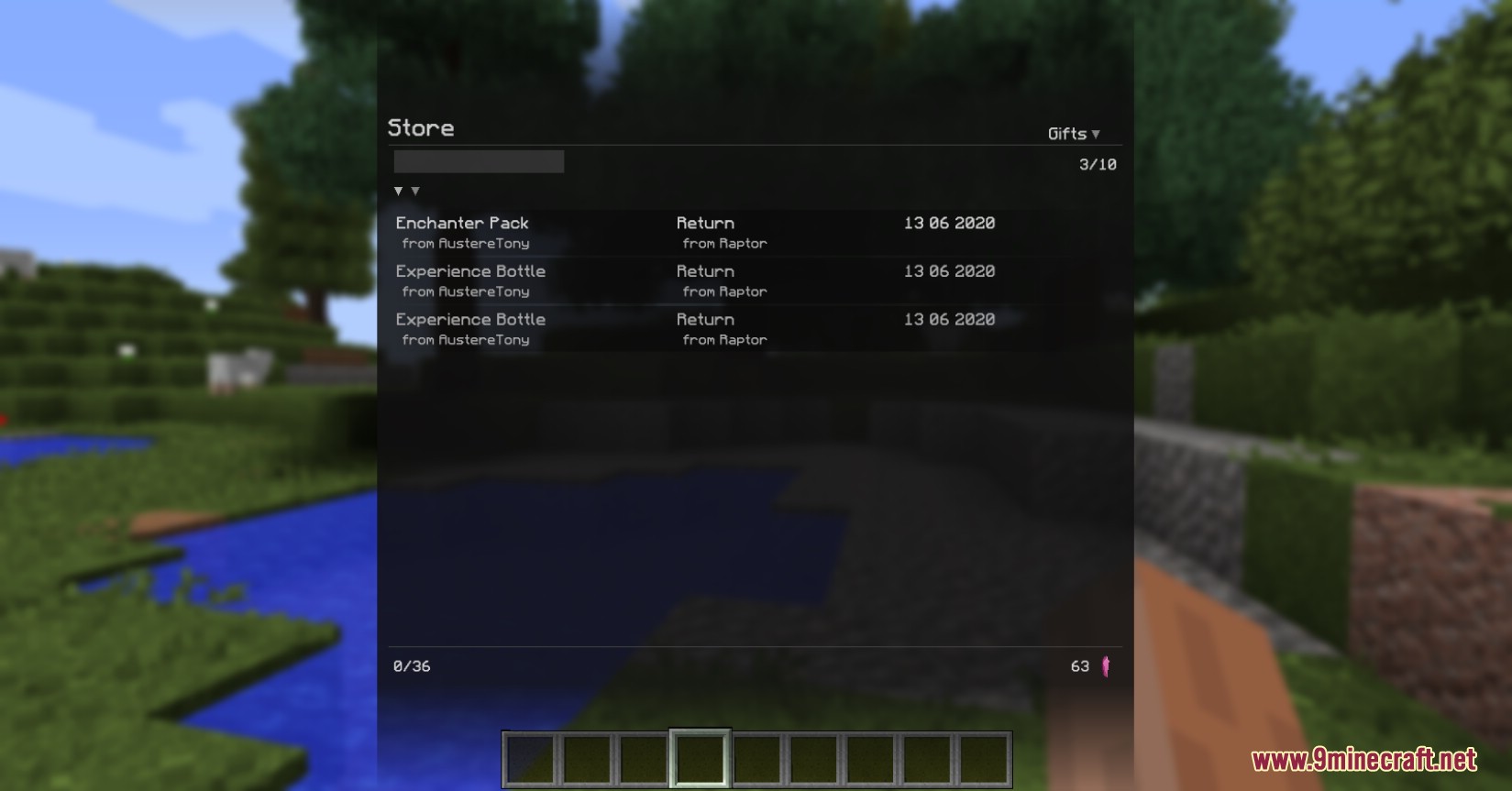
Store: Gifts
Commands:
Module commands are registered as arguments to the Core commands: “/oxygenc”, “/oxygens” and “/oxygenop”.
Server – Operators:
Open the store menu: “/oxygenop store -open-menu {target}”
Available for: console, player
As the target can be used the username or selector (only players, except @a).
Reload store offers: “/oxygenop store -reload-offers”
Available for: console, player
Offers are stored in a JSON file in the folder “.minecraft/config/oxygen/data/server/store/offers/”. The command can be used in case of manual editing of a file to apply changes.
Client:
Open store menu: “/oxygenc store”
Delete cached store data: “/oxygenc store -reset-data”
Data will be reloaded when you open the menu.
How to Install:
New to Minecraft? Follow our step-by-step guide to install Mods on your PC.View Guide
Oxygen Store Mod Download Links
For Minecraft 1.12.2
Forge version: Download from Server 1 – Download from Server 2
You May Also Like

















This post has no comments yet. Be the first — your comment will appear here.