🌐 Good news — we've translated this article into other languages!
Or pick the one you like:

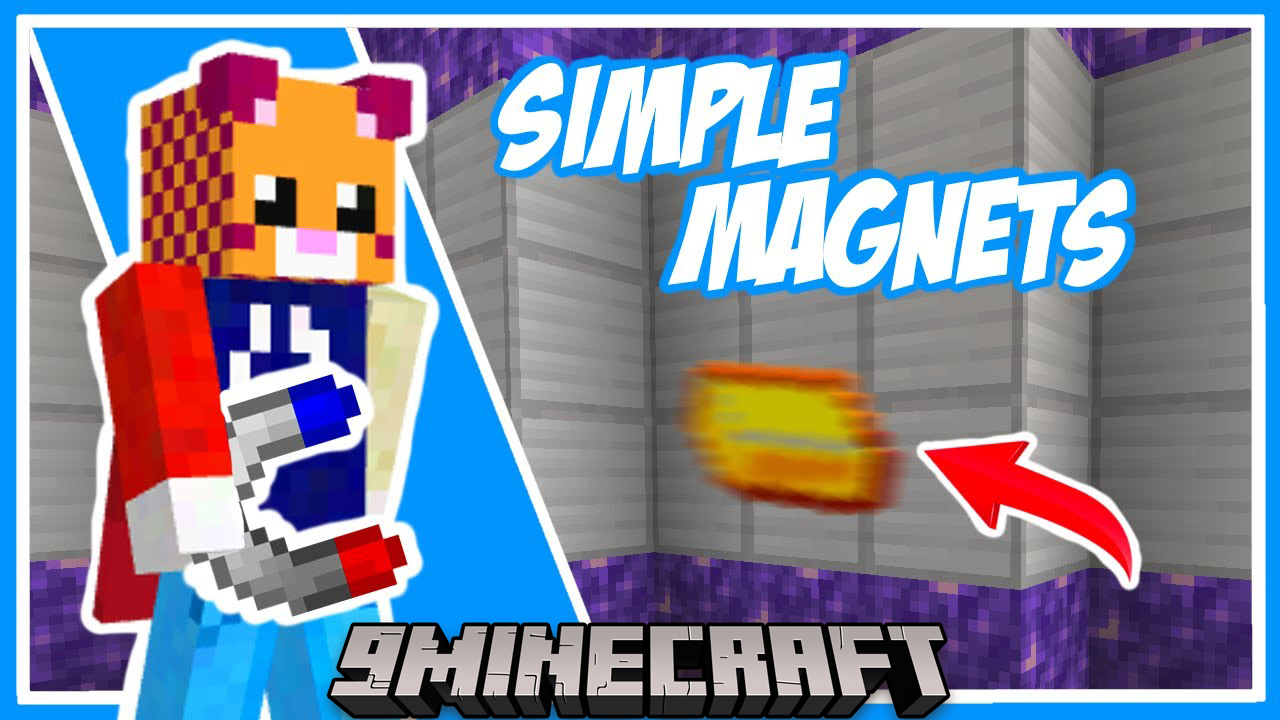
Simple Magnets Mod adds special magnets that automatically pick up items and experience orbs from the ground. You won’t have to walk over every single drop anymore. The mod includes two types of magnets: a basic one and an advanced one. With the advanced magnet, you can set up a whitelist or blacklist to control exactly which items it collects, so your inventory doesn’t fill up with junk. It has a range of up to 11 blocks, making item collection much easier.
Features:

  • Basic Magnet: Automatically picks up items and experience orbs within a 5-block range.
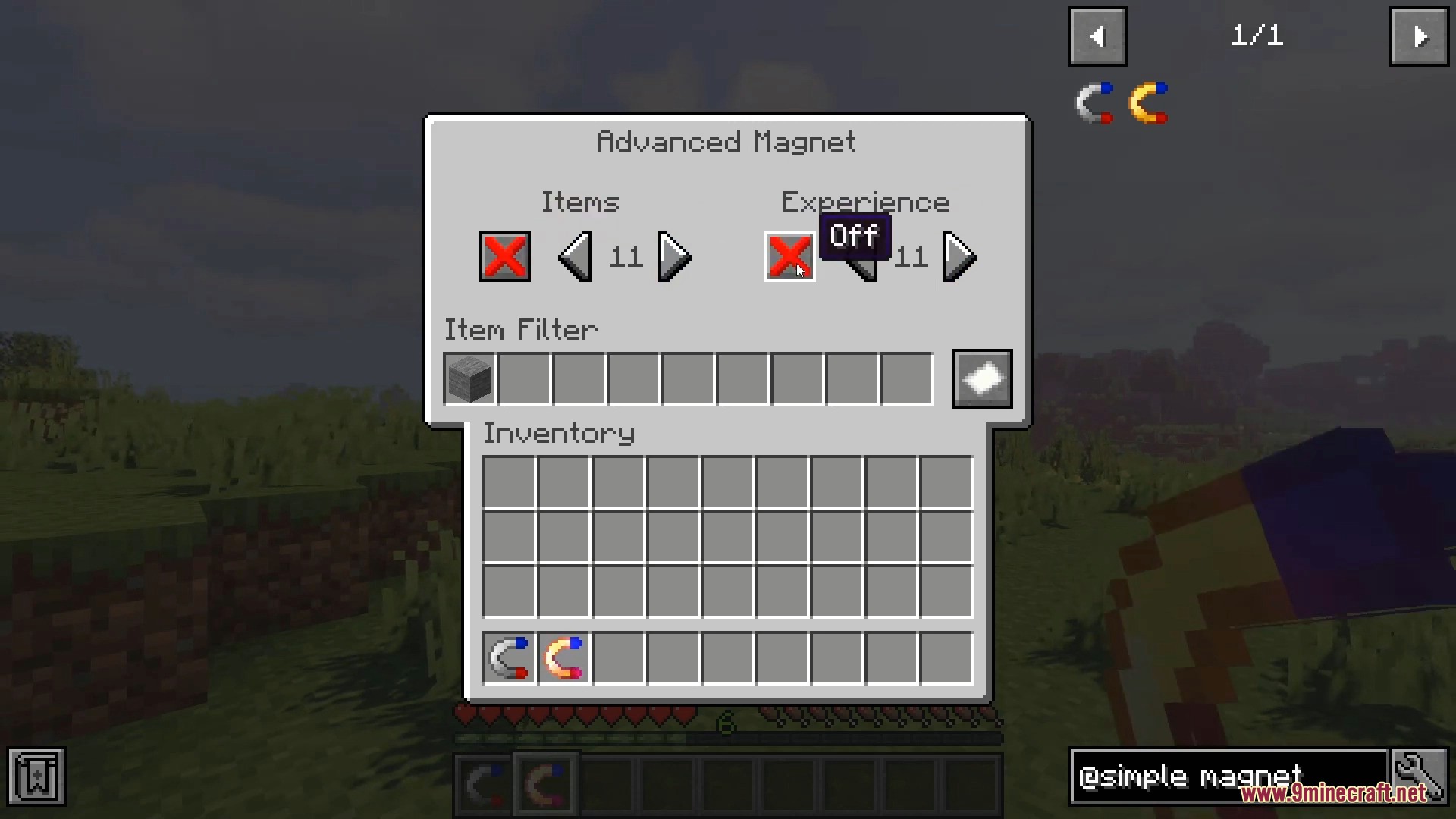
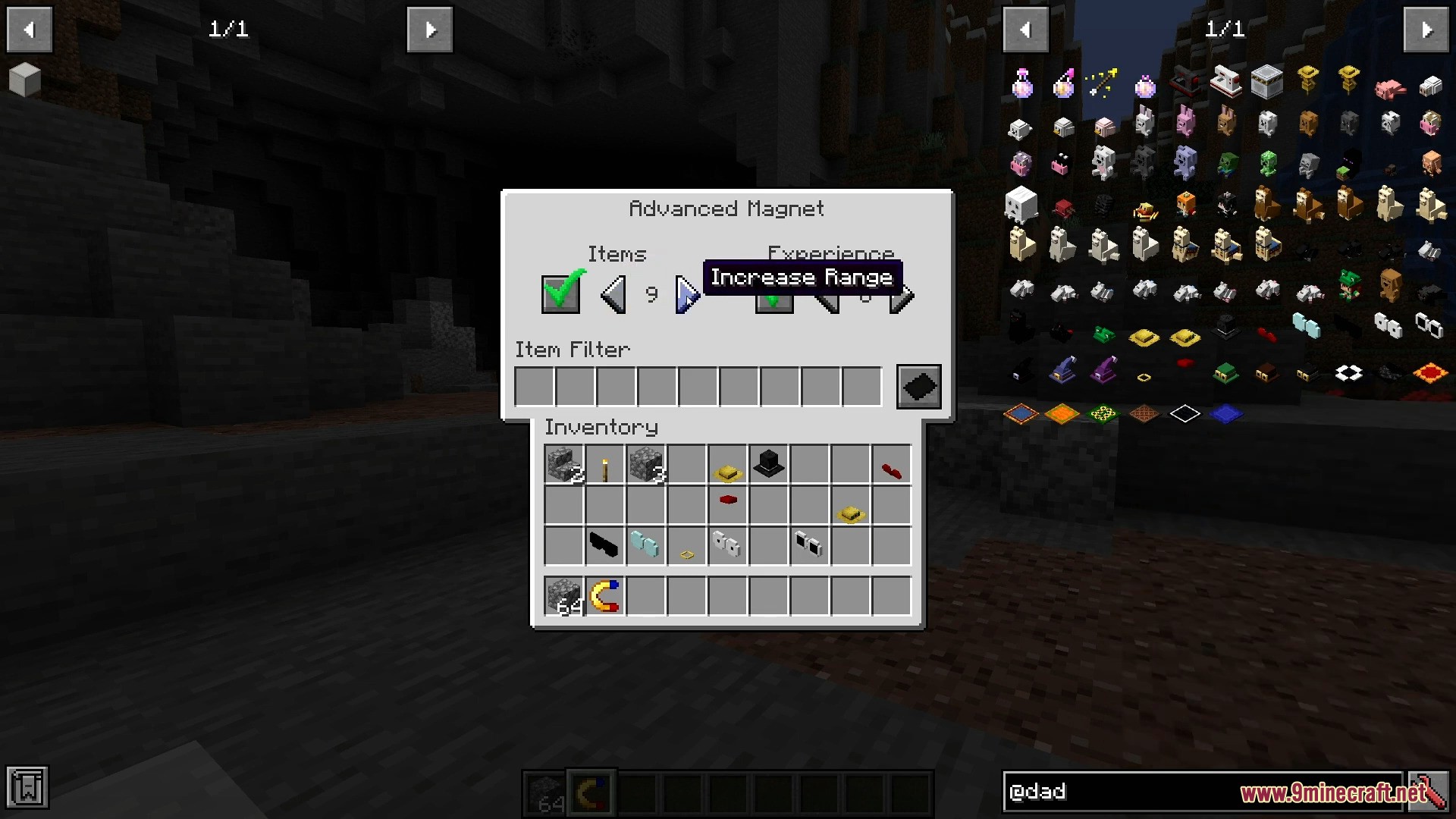
  • Advanced Magnet: Features a configurable range of up to 11 blocks and allows you to filter items using a whitelist or blacklist.
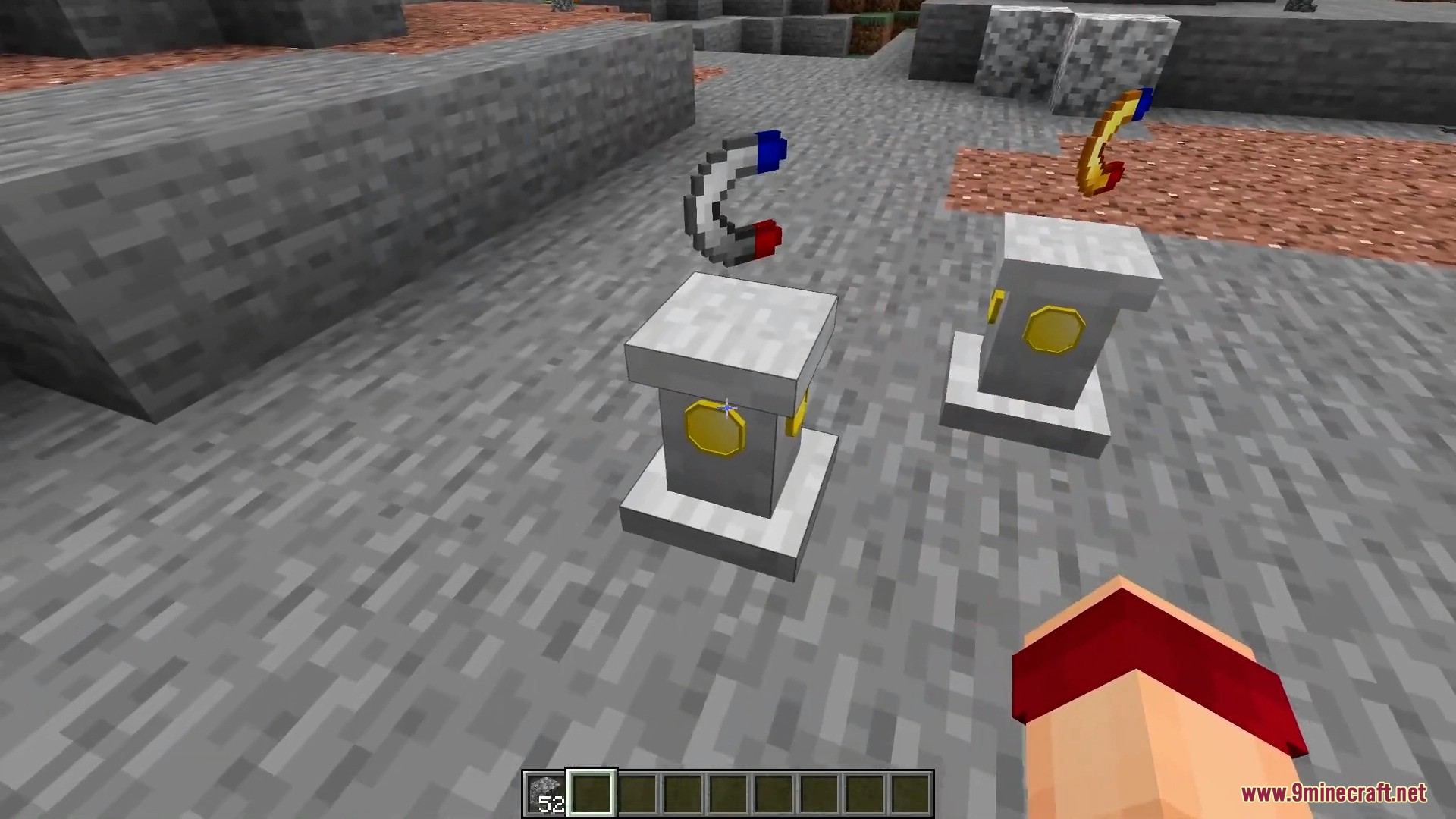
  • Demagnetization Coil: Creates a small area (up to 3 blocks) where magnets will not pick up items.
  • Advanced Demagnetization Coil: Works like the basic coil but has a larger range (up to 5 blocks) and allows item filtering.
  • Use a key bind to easily toggle your magnet on and off.
  • Supports Baubles and Curios, allowing you to equip magnets in their special inventory slots.

How to Use:

Turning a Magnet On or Off

  1. Select the magnet in your hotbar.
  2. Right-click to toggle it.

Configuring the Advanced Magnet

  1. Select the Advanced Magnet in your hotbar.
  2. Hold Shift and Right-click to open its settings menu.

Configuring a Demagnetization Coil

  1. Make sure your main hand is empty.
  2. Look at the Demagnetization Coil block and Right-click it to open the menu.

Screenshots:
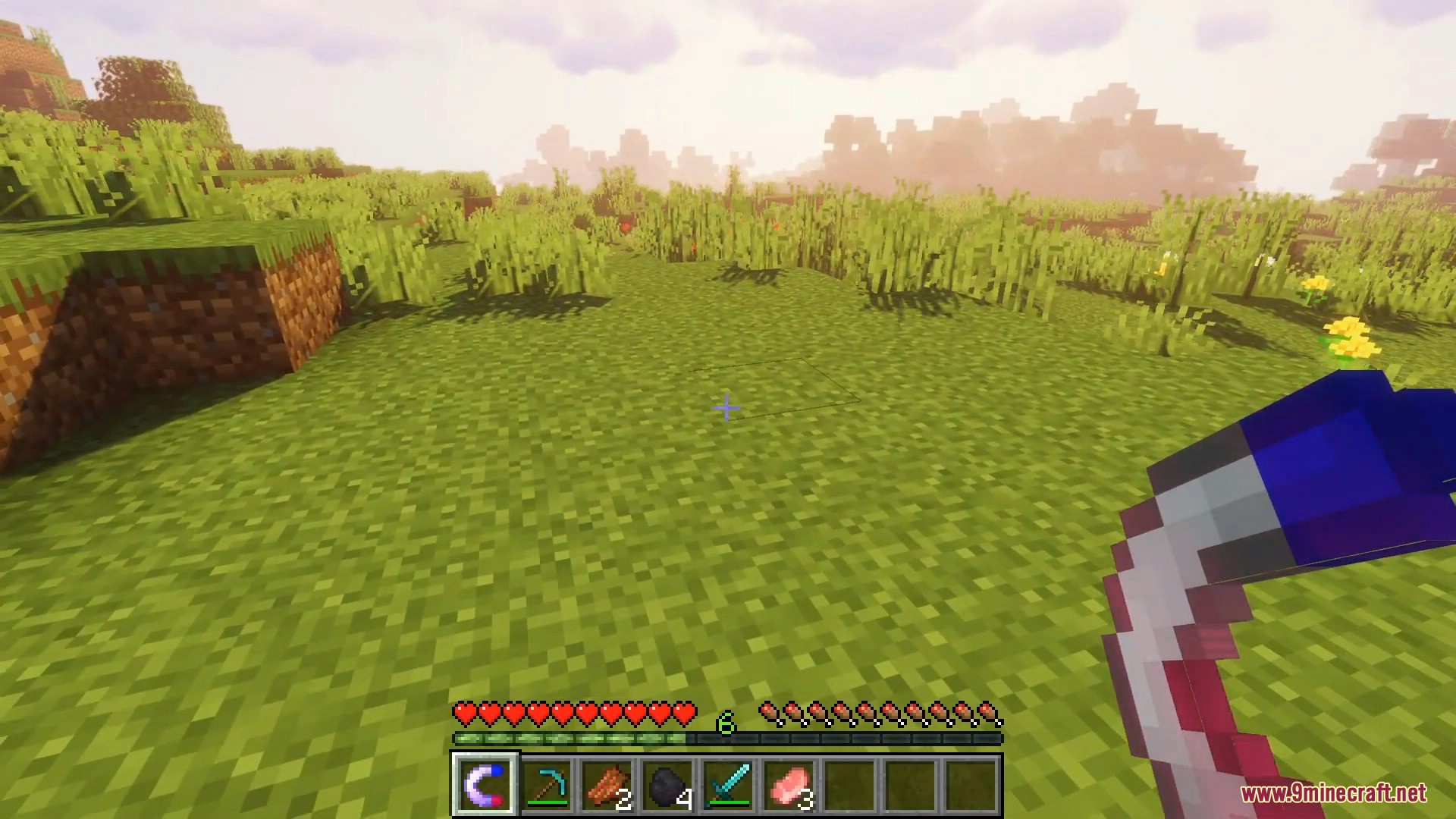
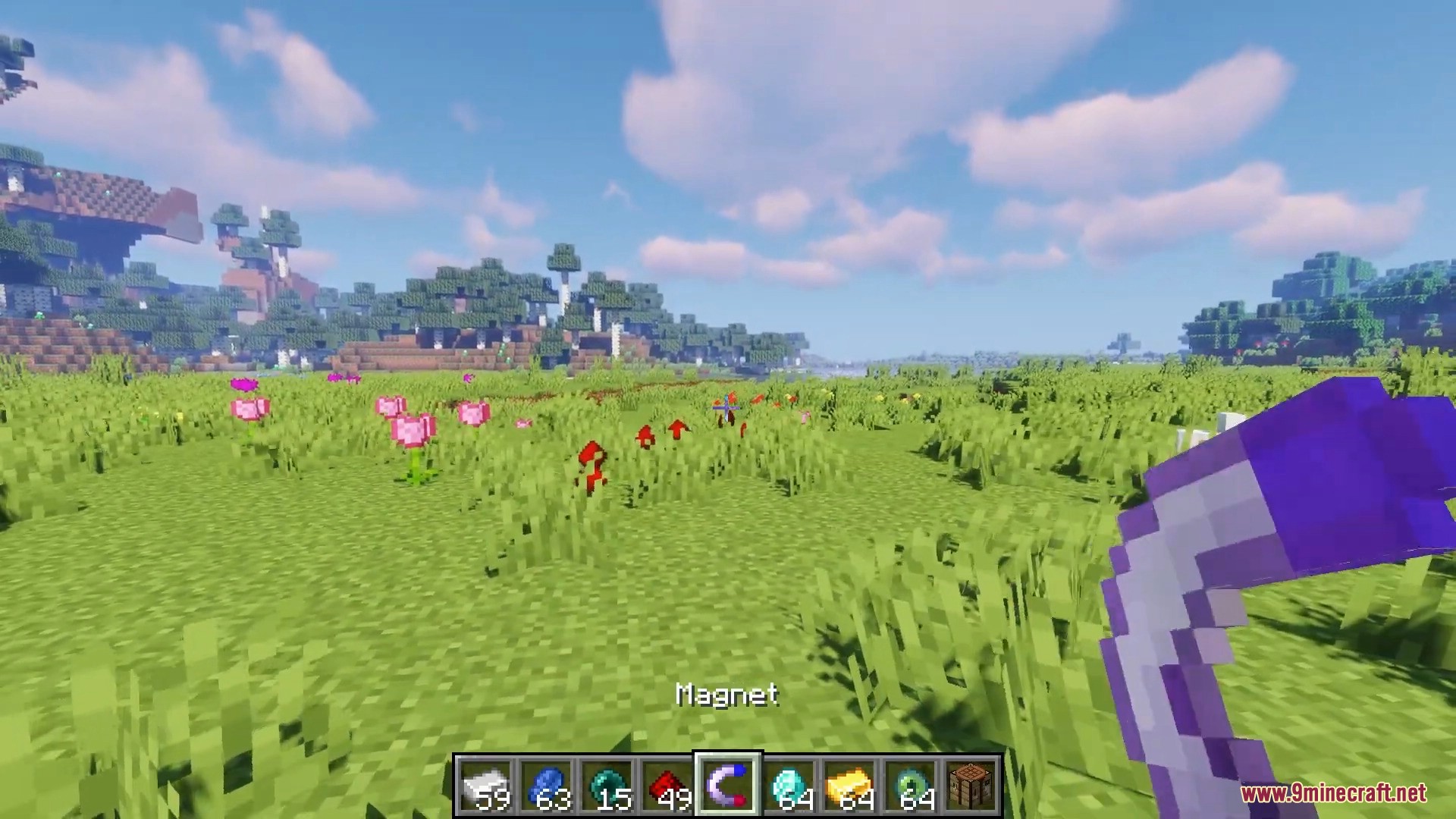
Player holding a magnet item in a grassy Minecraft field with shaders
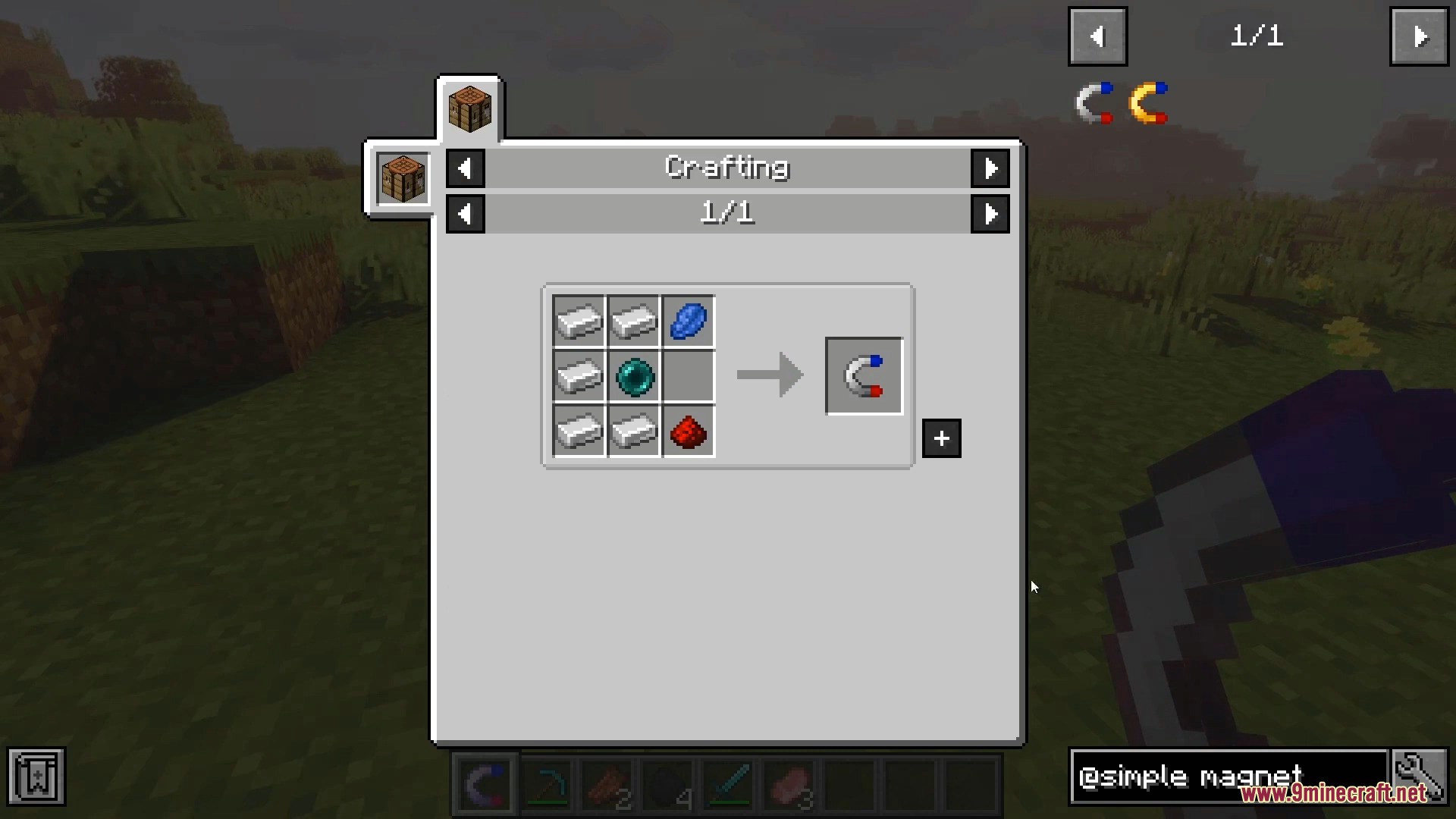
Crafting recipe for a simple magnet in the Simple Magnets Mod
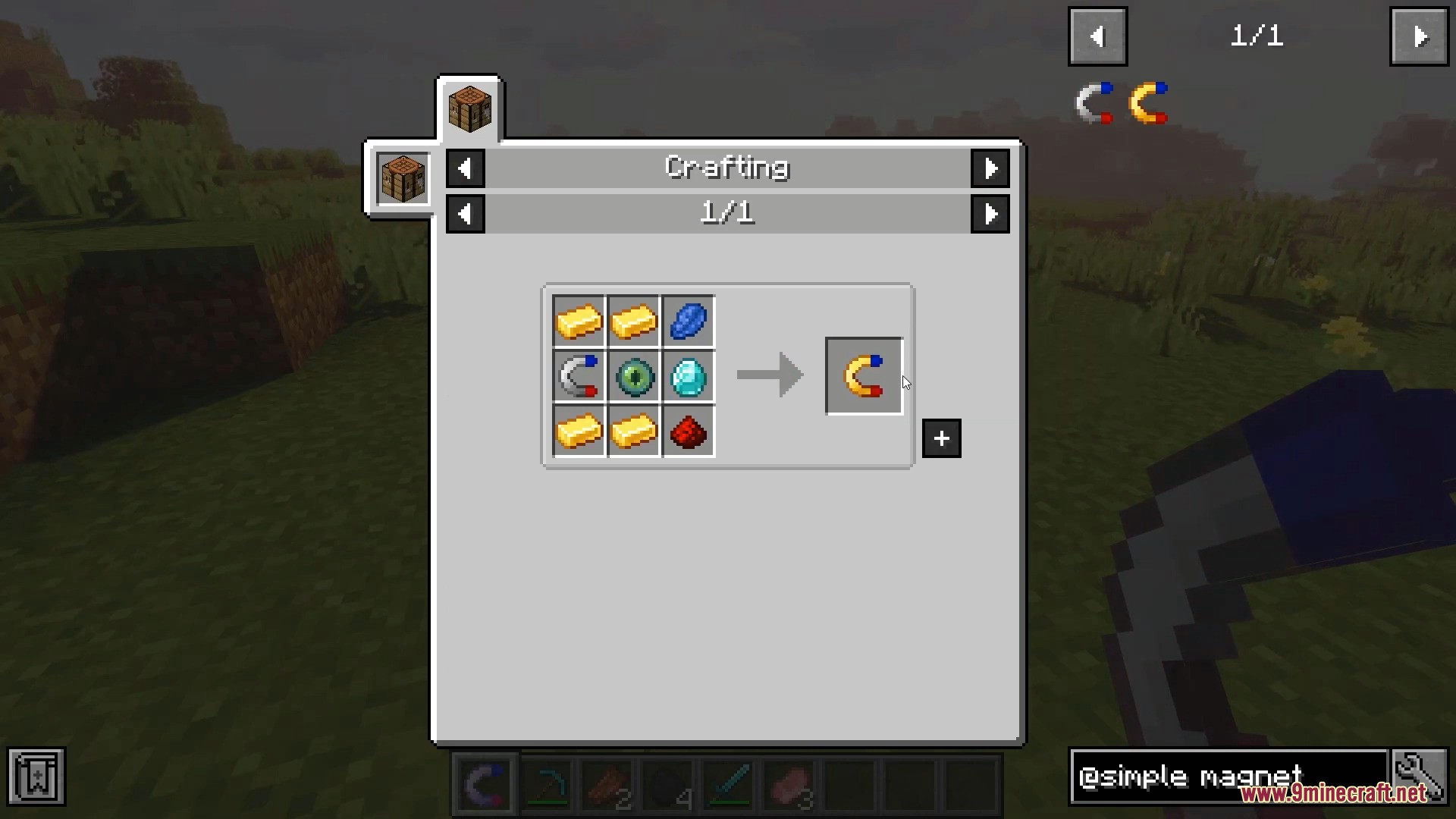
Crafting recipe for an advanced magnet in the Simple Magnets Mod
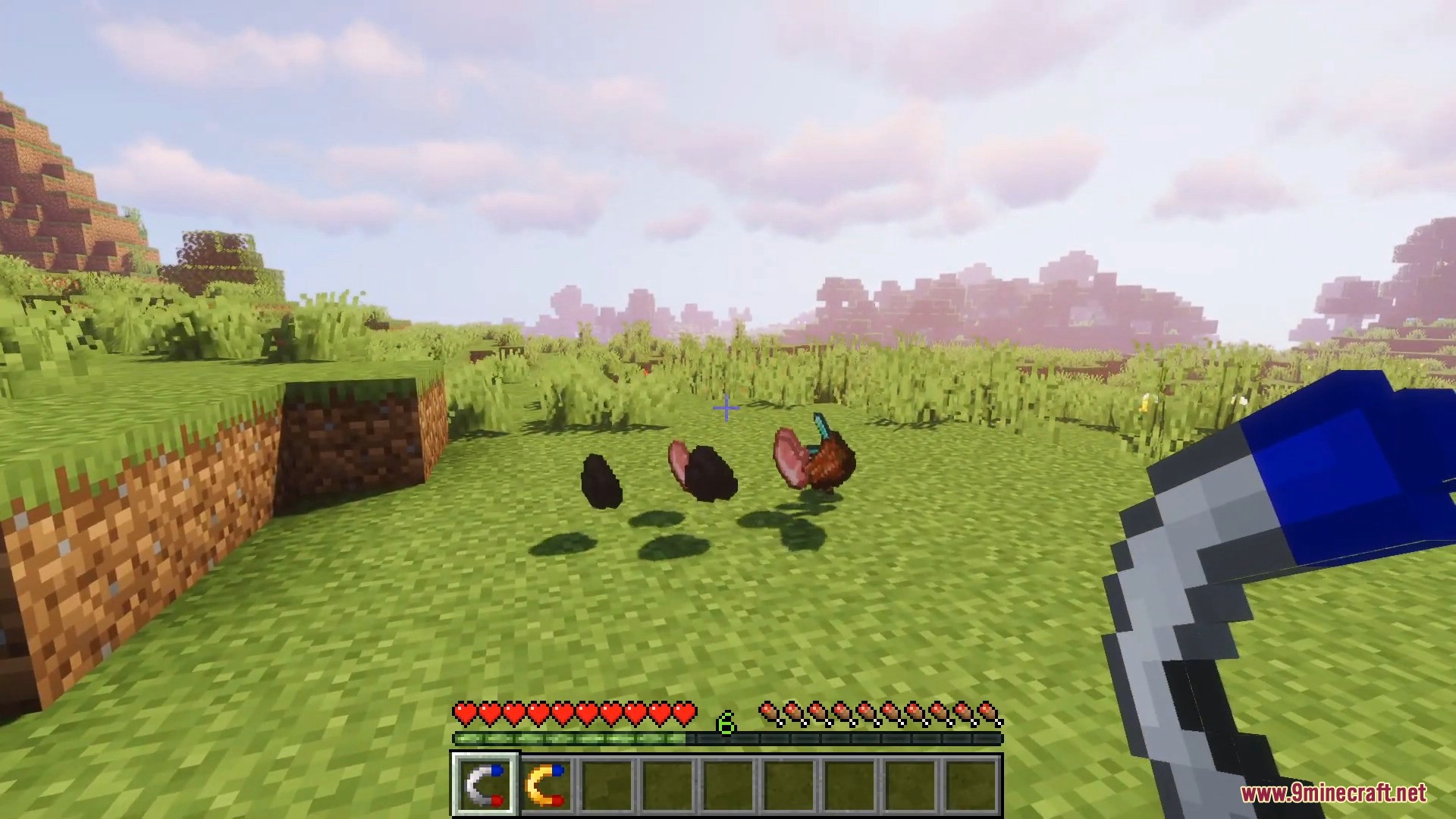
Player holding a magnet to attract dropped items like coal and meat
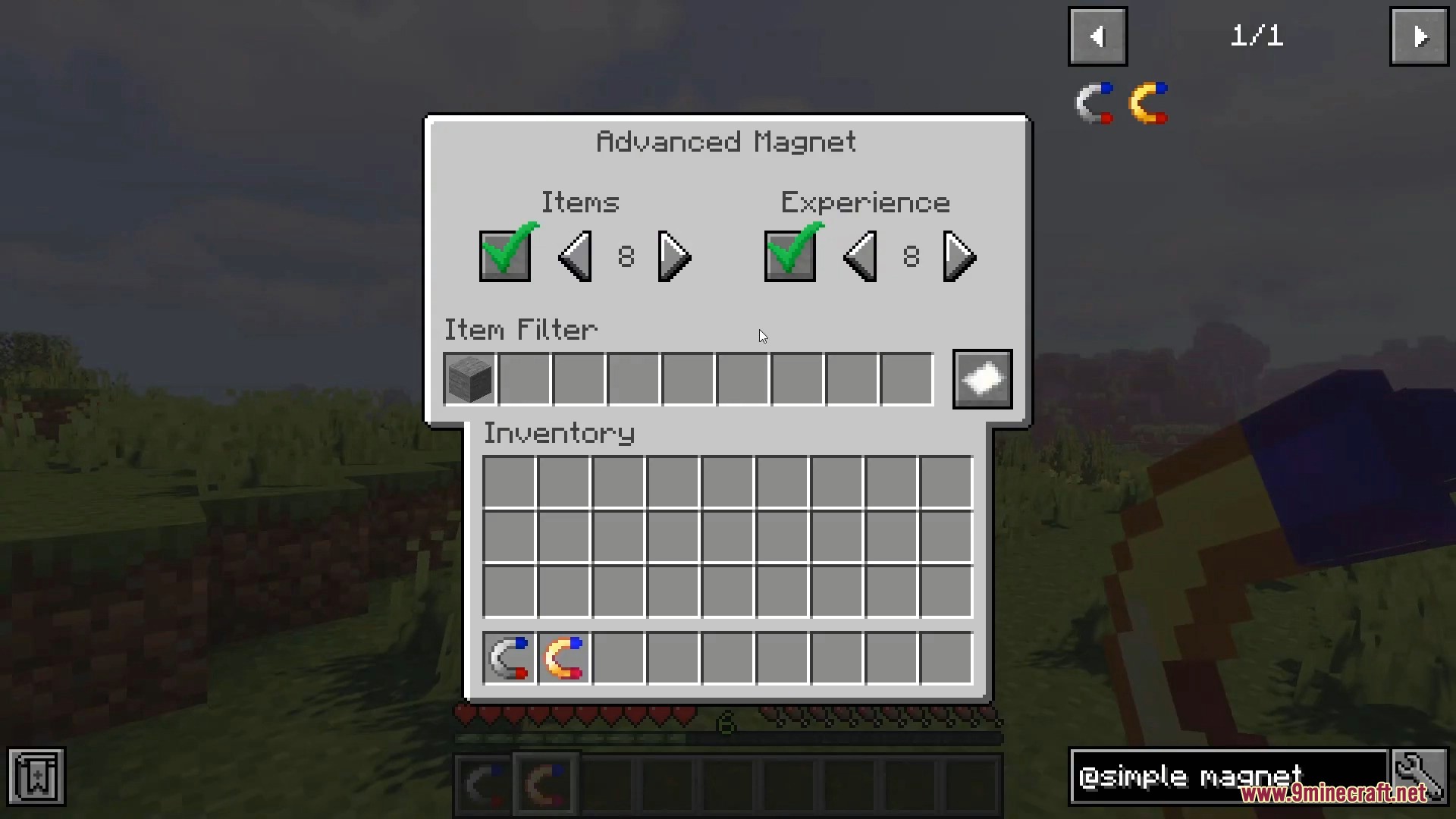
Advanced Magnet interface with item filtering and range settings in Minecraft
Disabling item and experience attraction in the Advanced Magnet menu screen
Player using a magnet to attract redstone items in a green field
Basic and advanced magnets hovering over demagnetization coils in a cave
The advanced magnet interface allows players to configure range and item filters
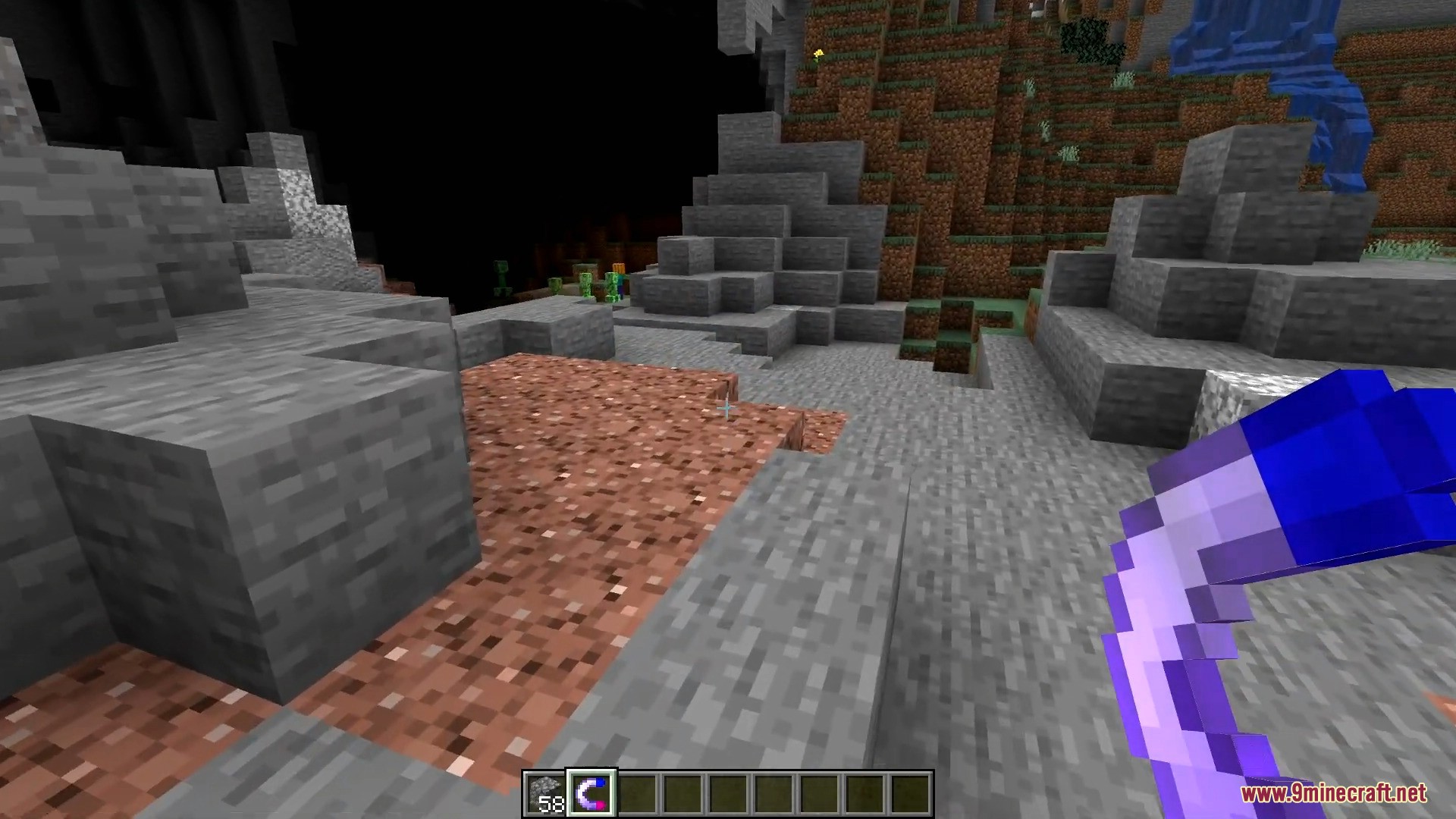
A player holds a purple magnet item while standing in a rocky landscape

Simple Magnets Mod Download Links

For Minecraft 1.12.2

Forge version: Download from Server 1Download from Server 2

For Minecraft 1.14.4

Forge version: Download from Server 1

For Minecraft 1.15.2

Forge version: Download from Server 1

For Minecraft 1.16.5

Forge version: Download from Server 1

For Minecraft 1.17.1

Forge version: Download from Server 1

For Minecraft 1.18.2, 1.18.1

Forge version: Download from Server 1

Fabric version: Download from Server 1

For Minecraft 1.19.2, 1.19.1, 1.19

Forge version: Download from Server 1

Fabric version: Download from Server 1

For Minecraft 1.19.3

Forge version: Download from Server 1

For Minecraft 1.19.4

Forge version: Download from Server 1

Fabric version: Download from Server 1

For Minecraft 1.20.1, 1.20

Forge version: Download from Server 1Download from Server 2

Fabric version: Download from Server 1Download from Server 2

For Minecraft 1.20.2

Forge version: Download from Server 1

Fabric version: Download from Server 1

For Minecraft 1.20.4

NeoForge version: Download from Server 1

Fabric version: Download from Server 1

For Minecraft 1.20.6

NeoForge version: Download from Server 1

Fabric version: Download from Server 1

For Minecraft 1.21.1, 1.21

Forge version: Download from Server 1Download from Server 2

NeoForge version: Download from Server 1Download from Server 2

Fabric version: Download from Server 1Download from Server 2

For Minecraft 1.21.3

Forge version: Download from Server 1Download from Server 2

NeoForge version: Download from Server 1Download from Server 2

Fabric version: Download from Server 1Download from Server 2

For Minecraft 1.21.4

Forge version: Download from Server 1Download from Server 2

NeoForge version: Download from Server 1Download from Server 2

Fabric/Quilt version: Download from Server 1Download from Server 2

For Minecraft 1.21.5

Forge version: Download from Server 1Download from Server 2

NeoForge version: Download from Server 1Download from Server 2

Fabric/Quilt version: Download from Server 1Download from Server 2

For Minecraft 1.21.8, 1.21.7, 1.21.6

Forge version: Download from Server 1Download from Server 2

NeoForge version: Download from Server 1Download from Server 2

Fabric/Quilt version: Download from Server 1Download from Server 2

For Minecraft 1.21.10, 1.21.9

Forge version: Download from Server 1Download from Server 2

NeoForge version: Download from Server 1Download from Server 2

Fabric/Quilt version: Download from Server 1Download from Server 2

For Minecraft 1.21.11

Forge version: Download from Server 1Download from Server 2

NeoForge version: Download from Server 1Download from Server 2

Fabric/Quilt version: Download from Server 1Download from Server 2

Click to rate this post!
[Total: 0 Average: 0]