
Smoother Glowing Shaders (26.3, 1.20.1) – Optimized Glow Effect and Framerate

 0

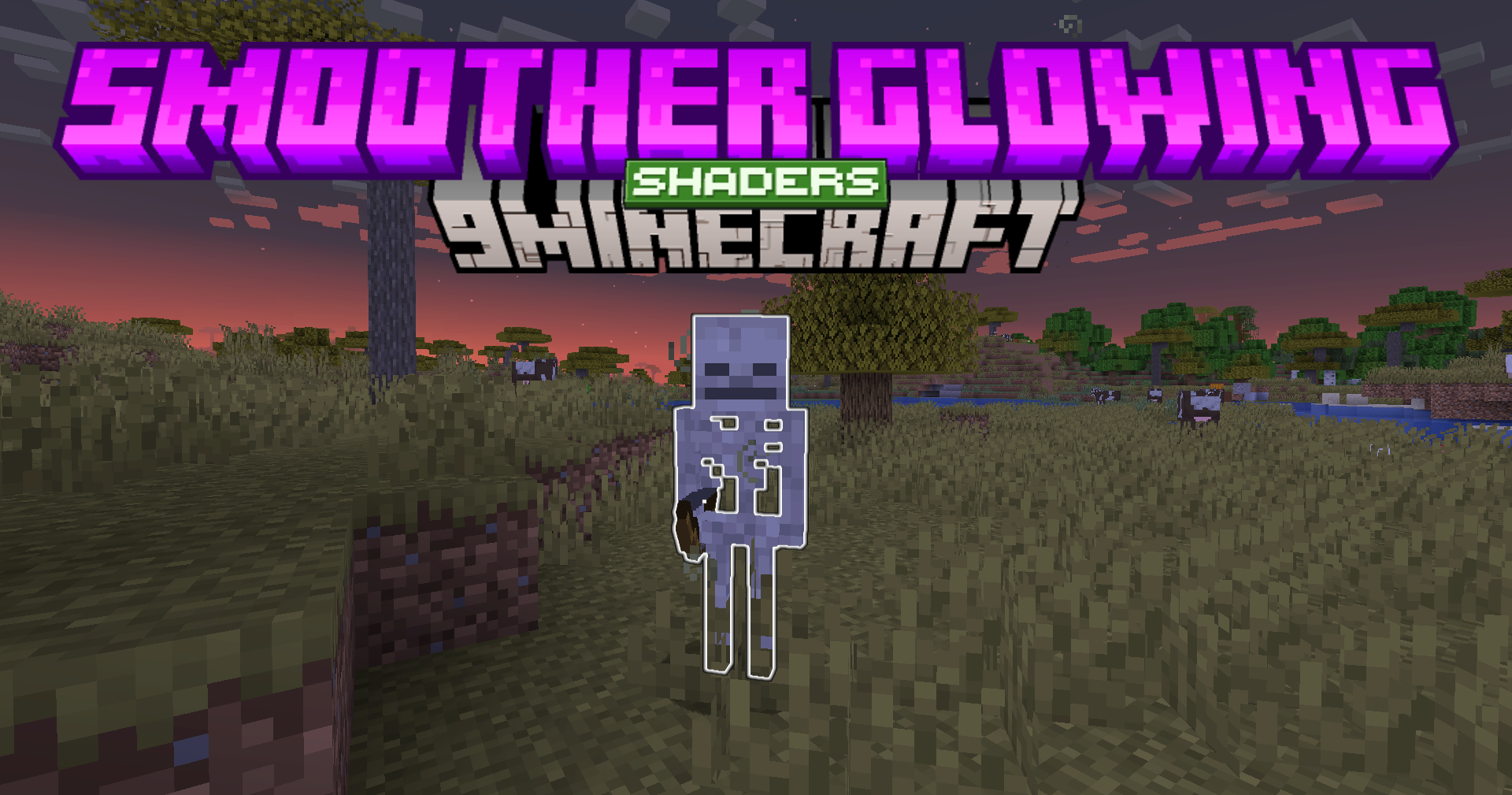
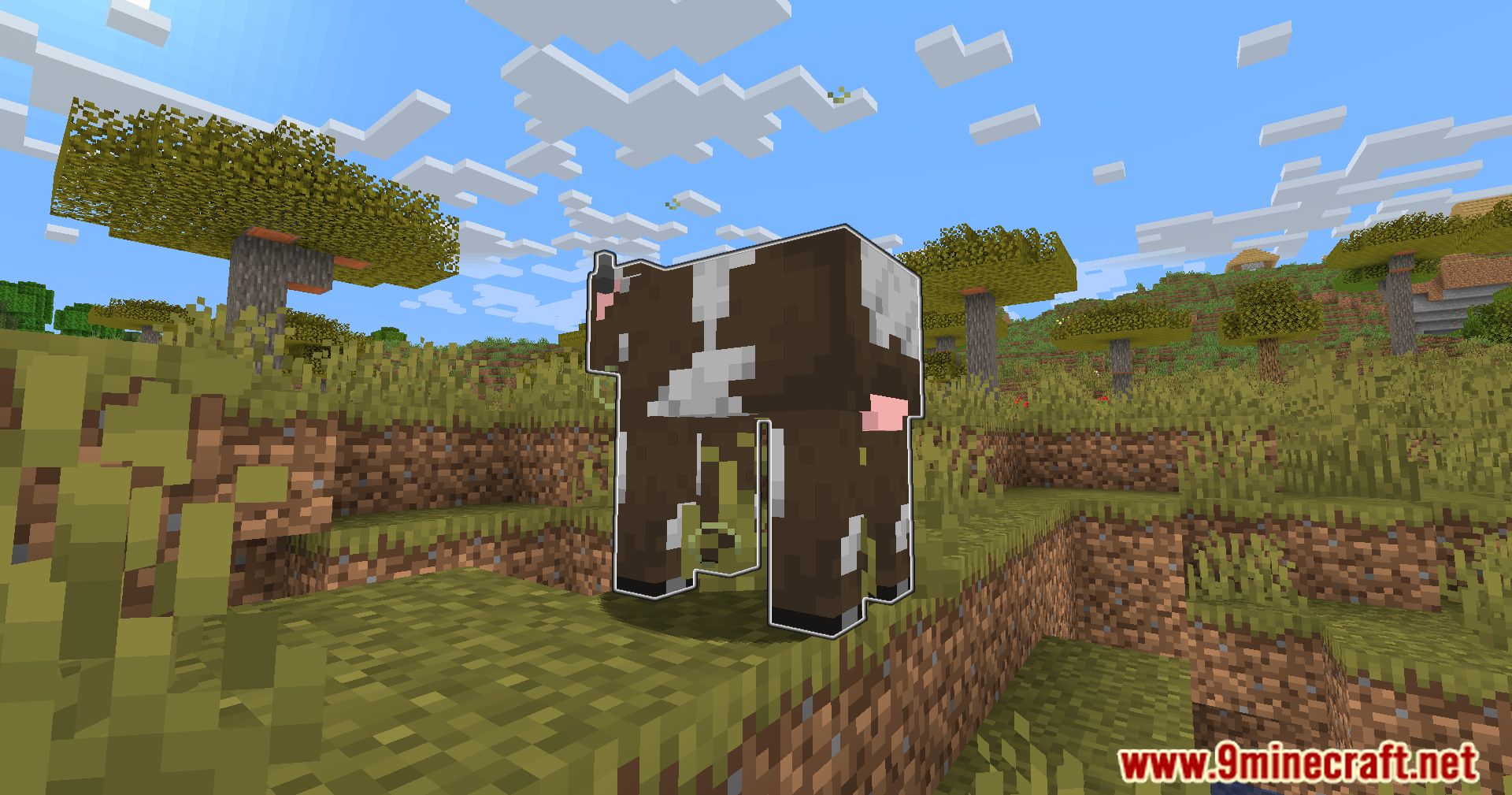
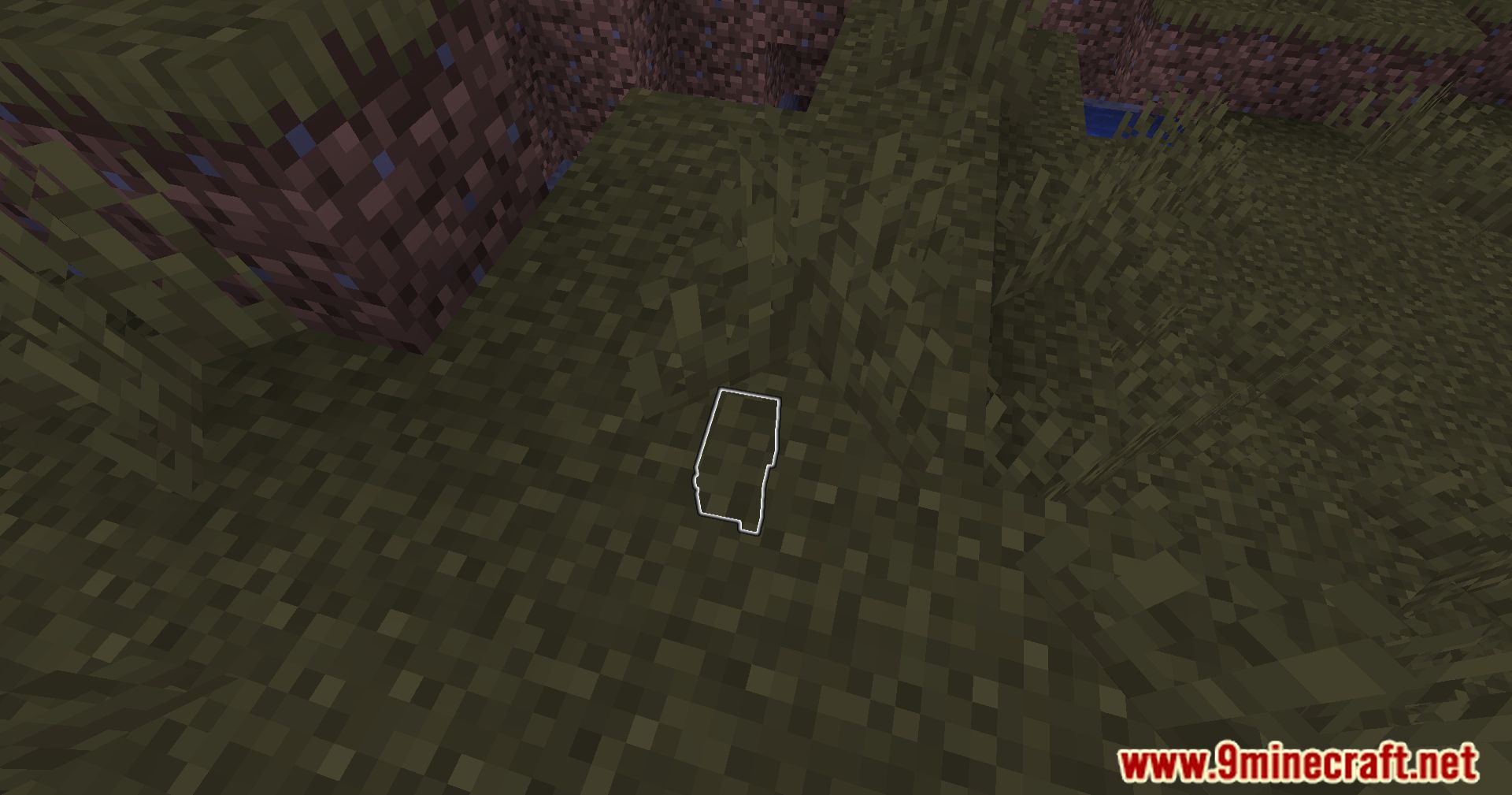
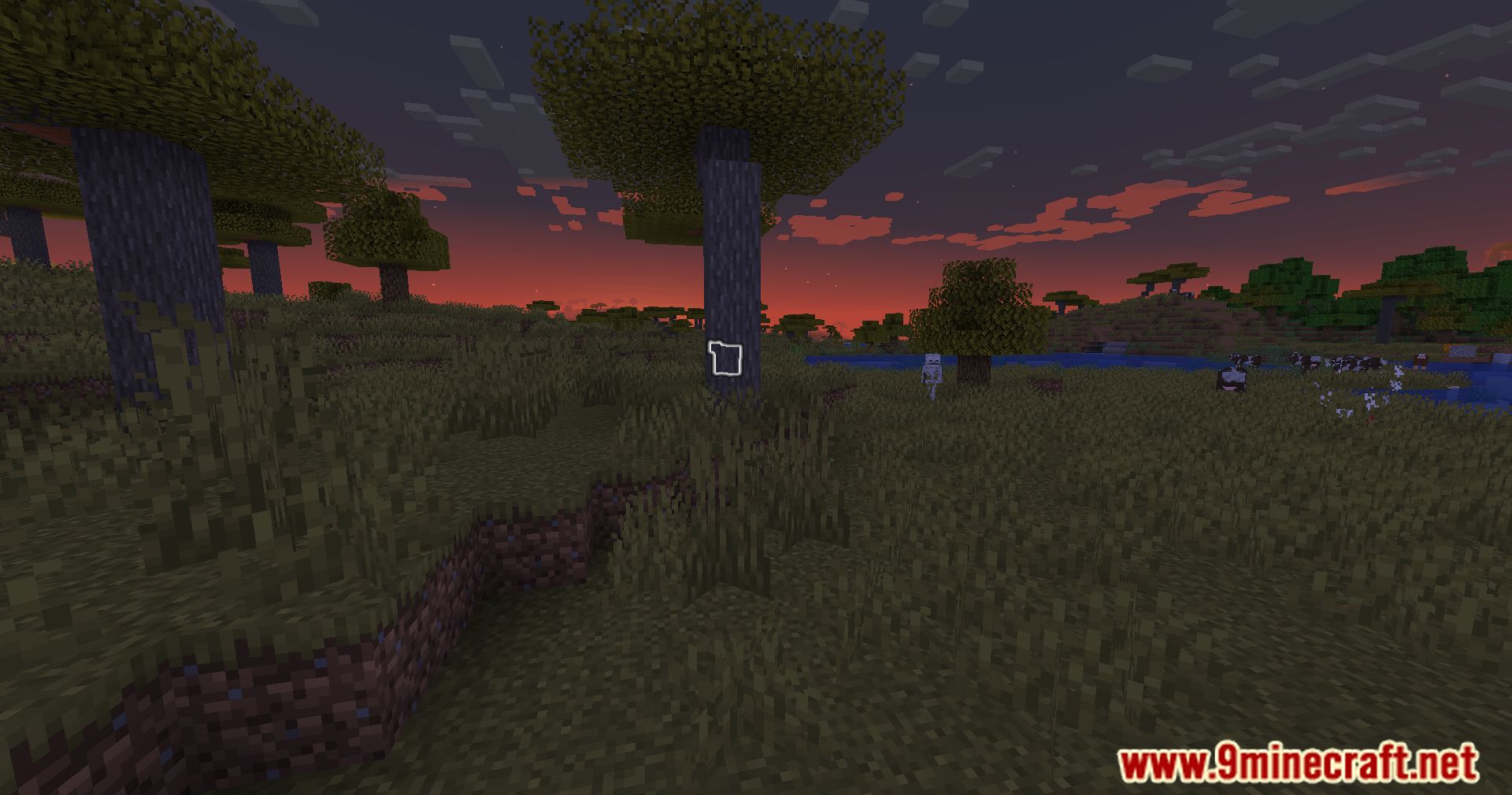
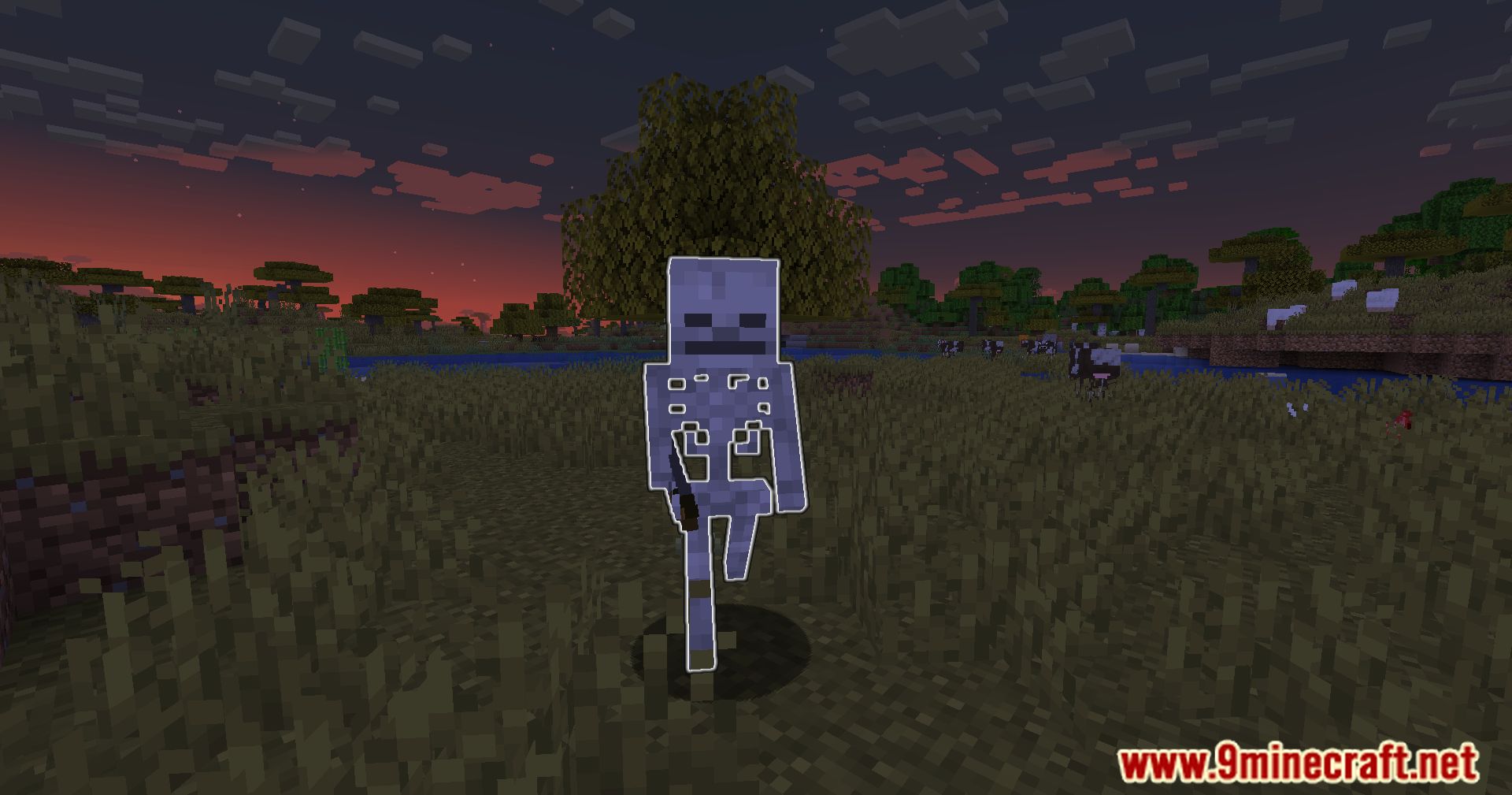
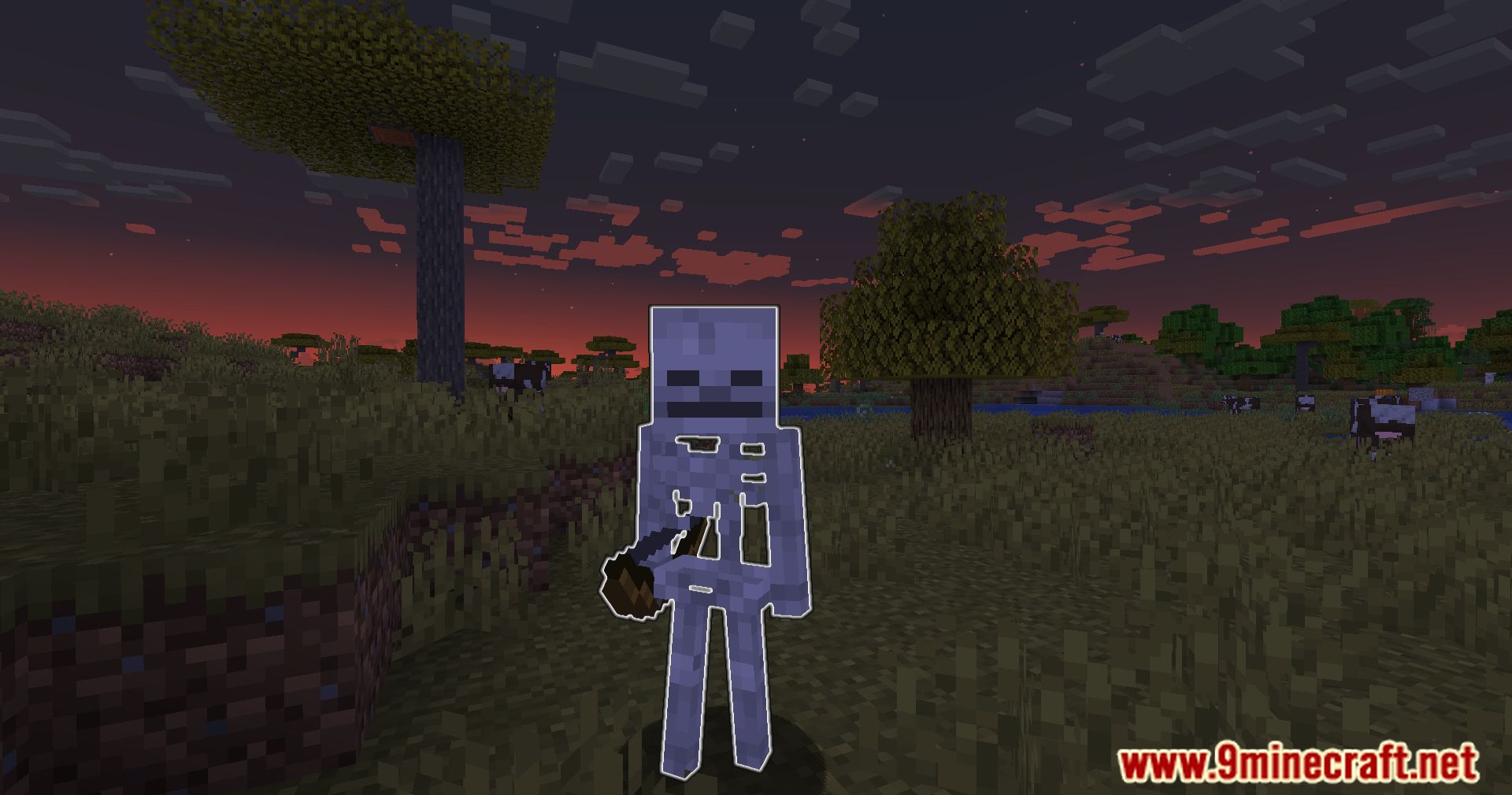
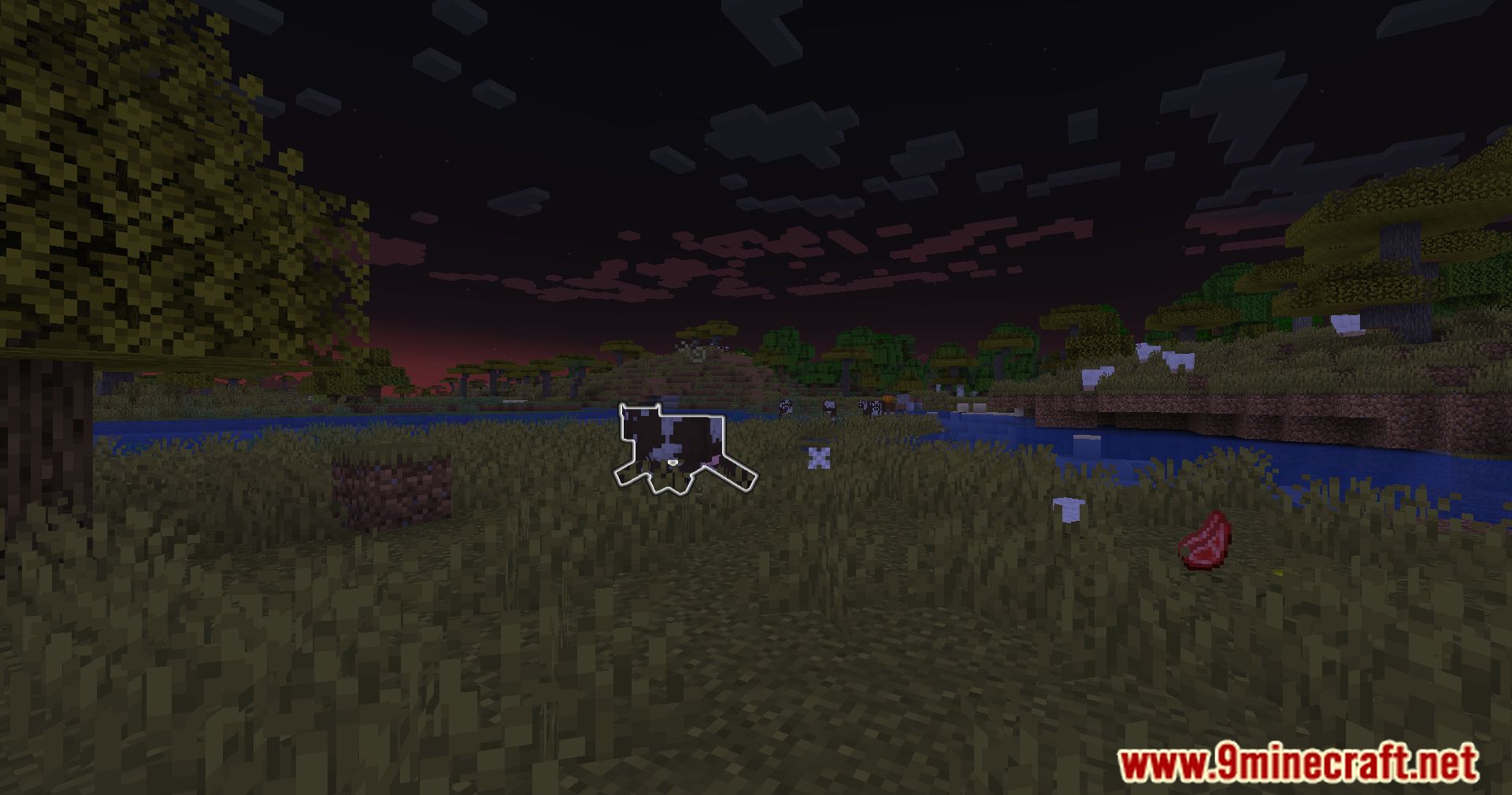
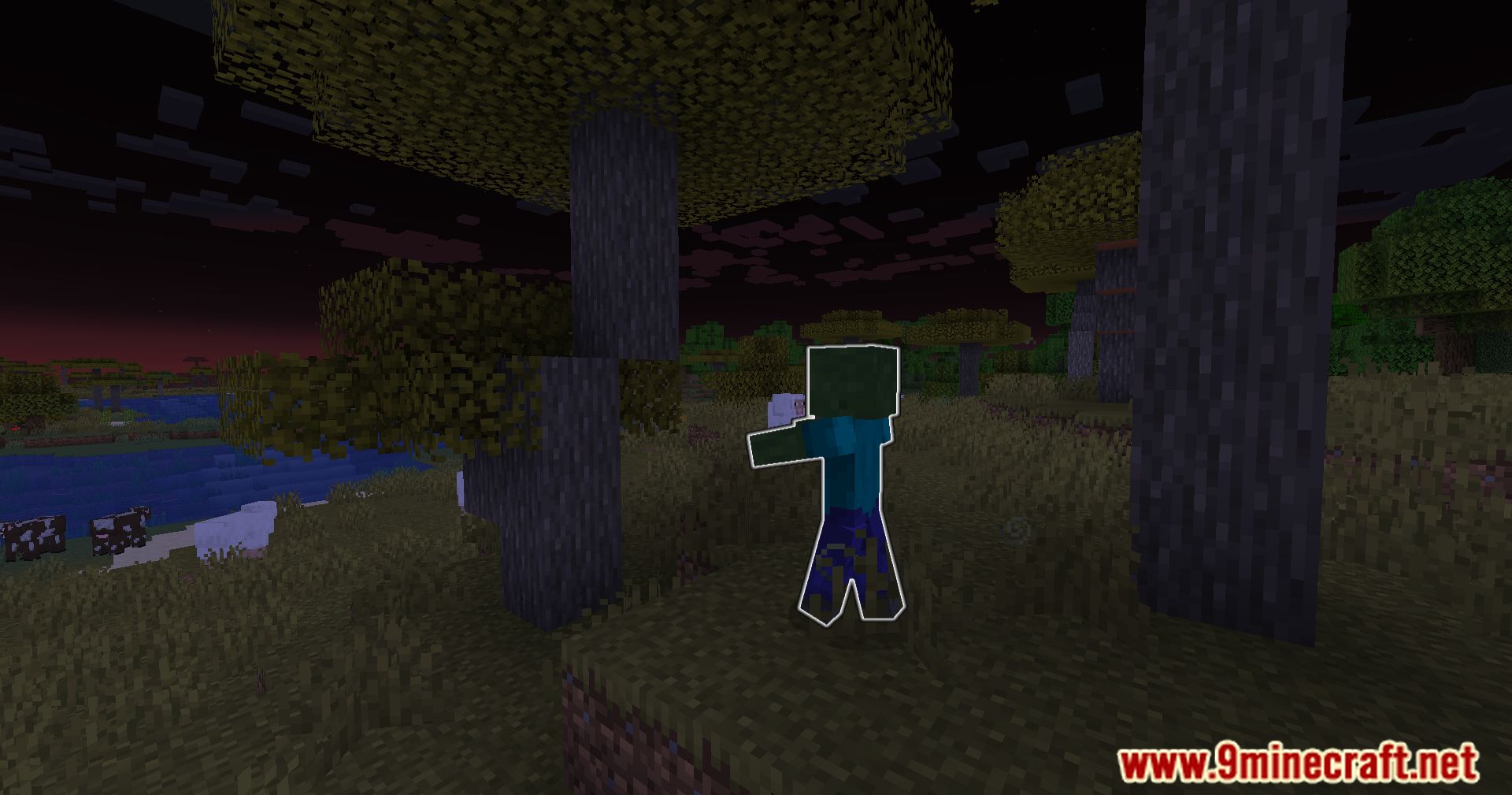
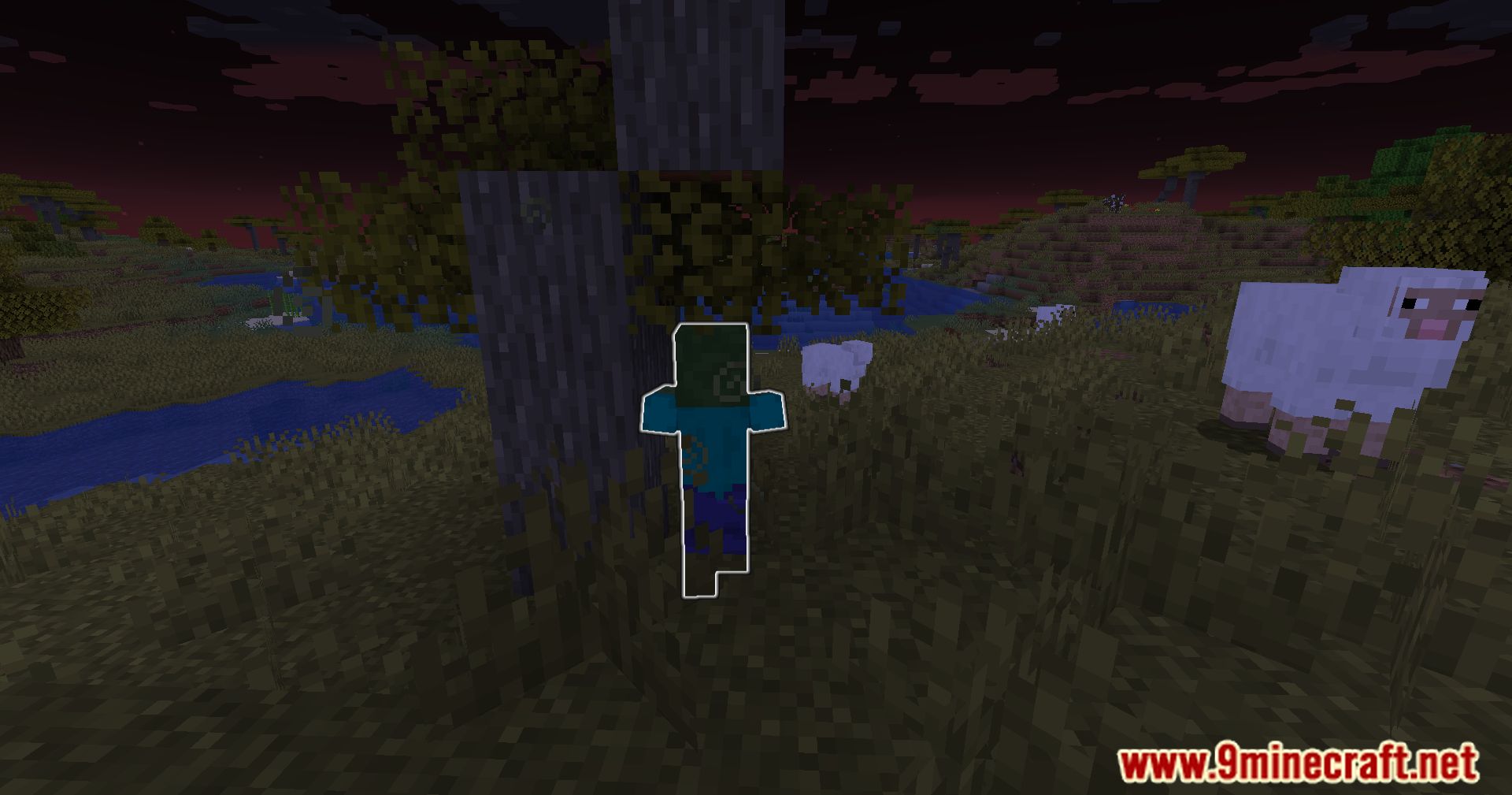
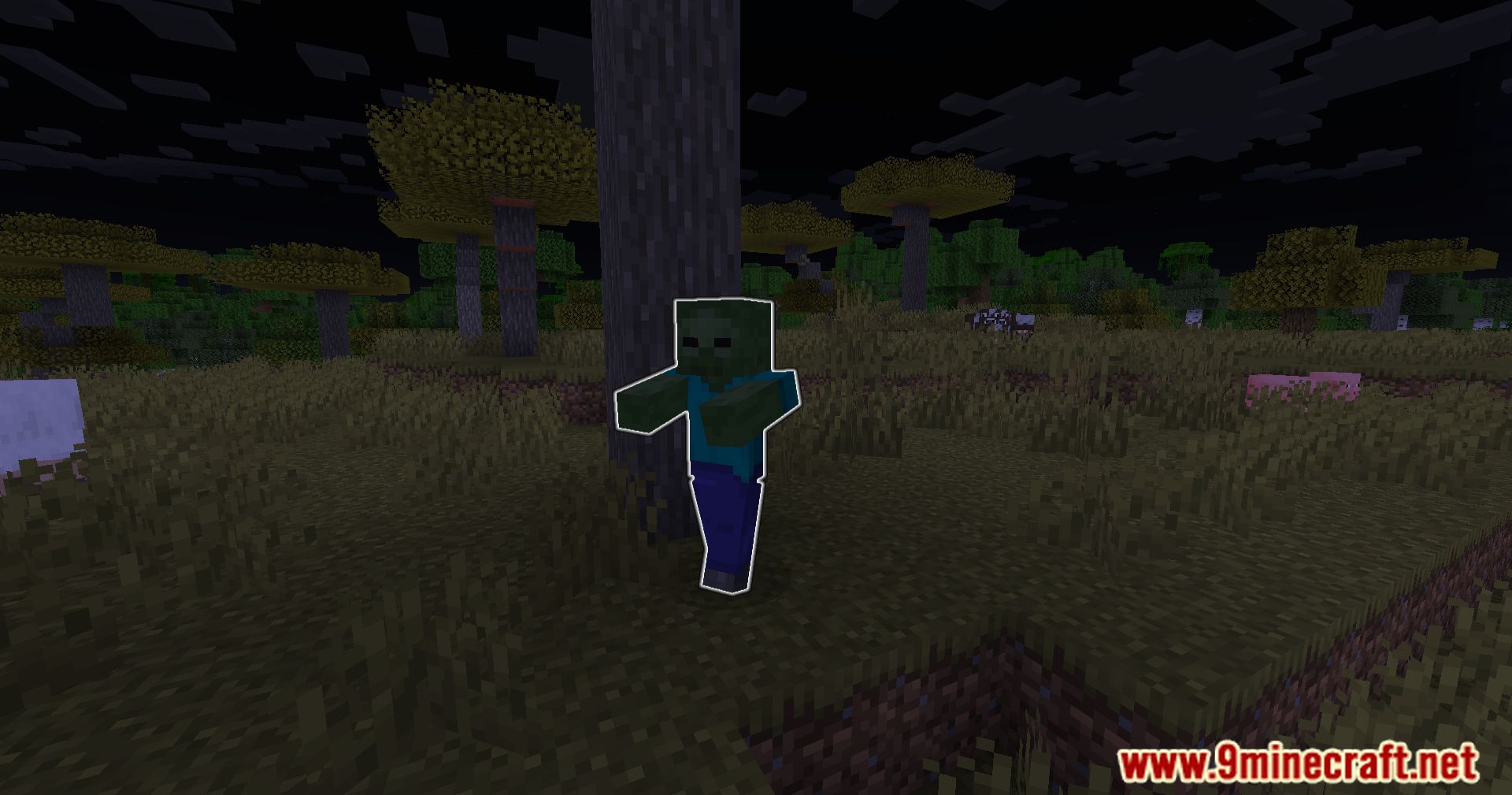
Smoother Glowing Shaders rewrites the glowing post shader to remove the ugly black outline and stop the glow from covering entities completely. This shader pack delivers a cleaner visual style while boosting performance so you experience fewer FPS drops when glowing mobs are in view.
Features:
- Removes the black outline from the default glowing effect to make transparent and smooth edges.
- Stops the glow effect from covering the actual entity so mobs look correct and clear.
- Optimizes performance to reduce lag and improve framerates when glowing entities appear on screen.
- Works as a post shader that installs just like a resource pack.
- Maintains better visual quality compared to default glowing styles.
Screenshots:
How to Install:
New to Minecraft? Follow our step-by-step guide to install Shaders on your PC.View Guide
Smoother Glowing Shaders Download Links
Click to rate this post!
[Total: 2 Average: 3]
You May Also Like
Picked for this page
 Trailer Shaders (26.3, 1.20.1) – High FPS Bloom and Custom RGB
 Night Vision Fix Shaders (26.3, 1.20.1) – Night Vision Lighting Restoration
 Better Stars Shaders (26.3, 1.20.1) – Simple Night Sky Visual Enhancement
 Colorblind Swap Shaders (26.3, 1.20.1) – Lightweight Shader With Timed Color
 The Shader (26.3, 1.20.1) – Realistic Bounced Lighting and Shadows
 Xray Entities Shaders (26.3, 1.20.1) – Reveal Mobs Through Solid Blocks
 BSR Shaders (26.3, 1.20.1) – Vibrant Colors on Complementary Reimagined Base
 Mathematically Unplayable Shaders (26.3, 1.20.1) – Wild Math Visual Distortion
 SMAA Iris Shaders (26.3, 1.20.1) – Edge Smoothing for Low-End PCs
 LiDAR S Shaders (26.3, 1.20.1) – Digital Point Cloud Terrain Scanner
 Lost Signal VHS Shaders (26.3, 1.20.1) – Interlaced Fields and Color Bleed
 Demonic Possession Shaders (26.3, 1.20.1) – Spiral Distortion And Chromatic
Most viewed in Shaders over the last 7 days
 OptiFine HD (26.3, 1.20.1) – Run Faster, FPS Boost, Shaders Support
 IterationRP Shaders (26.3, 1.20.1) – Most Realistic Shaders of All Time
 Derivative Shaders (26.3, 1.20.1) – Best Ultra Realistic
 IterationT Shaders (26.3, 1.20.1) – The Best Realistic Graphics in 2025
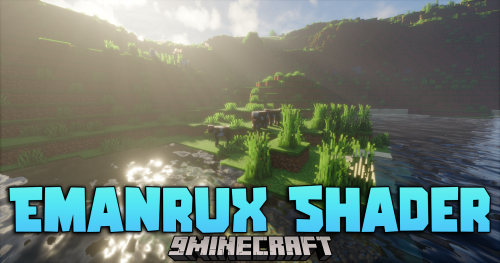 Emanrux Shaders (26.3, 1.20.1) – Adds Realistic Skies And Reflections
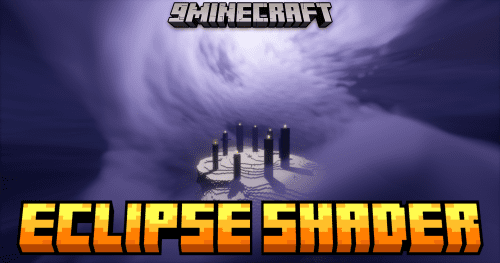 Eclipse Shaders (26.3, 1.20.1) – Advanced Sky And Environmental Effects
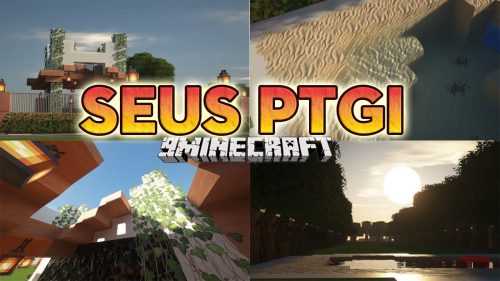 SEUS PTGI Shaders (26.3, 1.20.1) – Path Tracing, Ray Traced Shaders
 SEUS Renewed Shaders (26.3, 1.20.1) – Best Minecraft Shaders
 Shadow Only Shaders (26.3, 1.20.1) – Dynamic Shadows Shaderpack
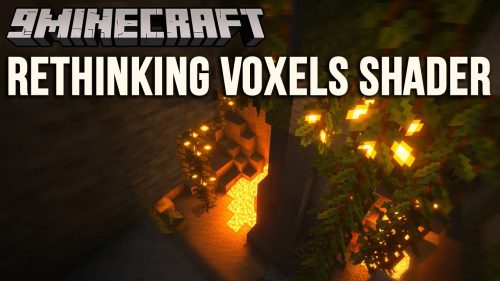 Rethinking Voxels Shaders (26.3, 1.20.1) – Coloured Lights, Sharp Shadows
 Continuum Shaders (26.3, 1.20.1) – Realistic Textures, Ultra Graphics
 Photon Shaders (26.3, 1.20.1) – Dynamic Clouds and Weather
More from Shaders
 Kourin Shaders (26.3, 1.20.1) – Soft Cinematic Lighting on Low-End GPUs
 StalkerEntityShaders (26.3, 1.20.1) – Dark Horror Lighting and Sanity FX
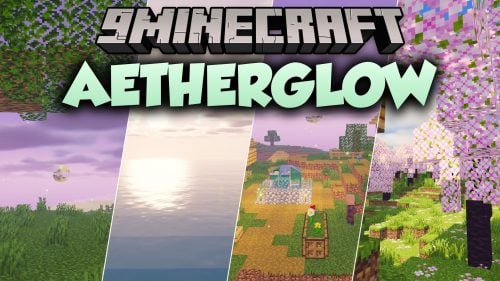 Aetherglow Shaders (26.3, 1.20.1) – Glowing Highlights and Soft Shadows
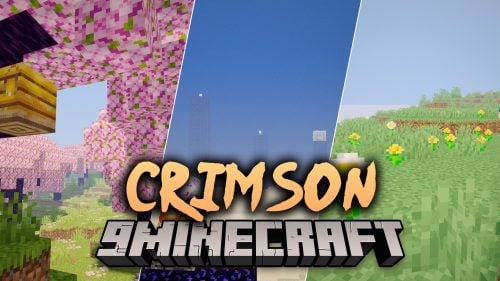 Crimson Shaders (26.3, 1.20.1) – Warm Fantasy Lighting for Budget PCs
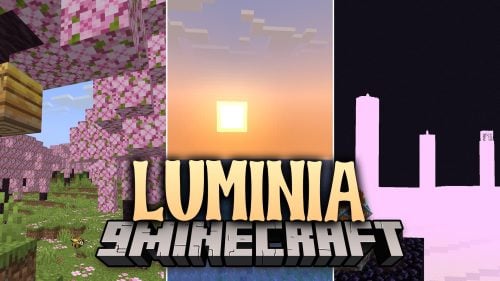 Luminia Shaders (26.3, 1.20.1) – Colored Lighting and Path Tracing
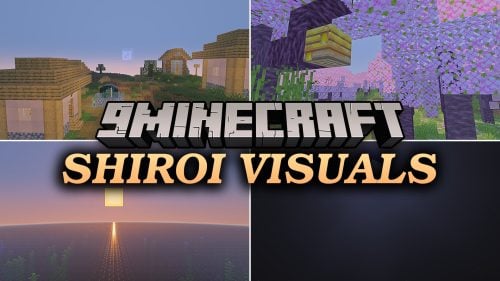 Shiroi Visuals Shaders (26.3, 1.20.1) – Bedrock Lighting with Soft Shadows
 Aetherium PTGI Shaders (26.3, 1.20.1) – Path Traced Lighting and Reflections
 Of Stars Shaders (26.3, 1.20.1) – Soft Shadows for Integrated Graphics
 Delirium Shaders (26.3, 1.20.1) – Creepy Hallucinations and Shadow Figures
 Lavi Bloomz Realistic Shaders (26.3, 1.20.1) – Sunbeams and Water Reflections
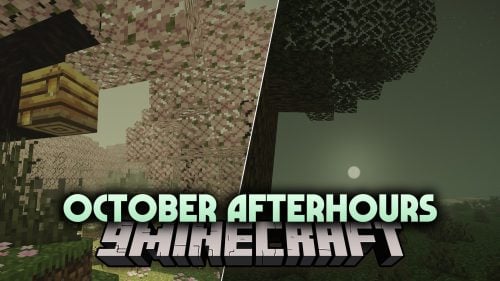 October Afterhours Shaders (26.3, 1.20.1) – Autumn Color Grading and Bloom
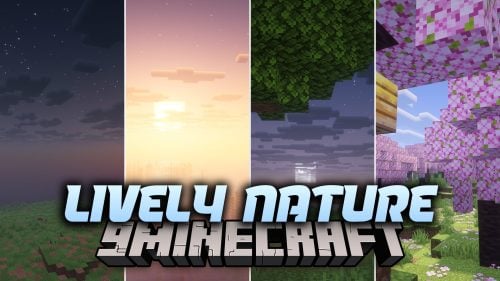 Lively Nature Shaders (26.3, 1.20.1) – Colored Lighting and PBR Materials

This post has no comments yet. Be the first — your comment will appear here.